The phrase headphones wireless microphone covers two unrelated products. One is Bluetooth headphones whose microphone feeds your phone or laptop. The other is a headworn microphone system that sends your voice to a PA and plays nothing back into your ears. Buying across that line is the most common mistake in this category, and the price gap between the two runs into hundreds of dollars.
Two products, one phrase
The ambiguity is not your fault. The phrase describes both things, and the two categories differ in one fundamental way: where your voice goes.
| Bluetooth headphones with a mic | Wireless headset microphone system | |
|---|---|---|
| Your voice goes to | A paired phone, laptop or console | A receiver, then a mixer or PA speaker |
| You hear audio | Yes, that is the main purpose | Usually not; there is no playback driver |
| Wireless link | Bluetooth, or a 2.4 GHz dongle | A dedicated transmitter and receiver pair |
| Made for | Calls, meetings, gaming, voice assistants | Teaching, fitness classes, stage, presenting |
| Typical shape | Earbuds, neckband or over-ear headset | A thin boom arm on a head frame, plus a bodypack |
Headset mics for wireless systems are a stage and classroom tool. They exist to put a capsule two centimetres from your mouth and route it into a sound system you do not control. If you need a room of forty people to hear you, that is the category. If you need one person on a video call to hear you, it is not.
Which category your job belongs in
A short set of questions usually settles it before you compare any models:
- Does the audience hear you through a speaker in the room, or through their own device? A room speaker points to a mic system.
- Do you also need to hear something in your ears? If yes, you want headphones and not a bare mic.
- Are you moving across a stage or a studio floor, well away from the receiver? Bluetooth range is typically the weak point there.
- Is there a mixer, amplifier or PA in the signal chain? A Bluetooth headset generally cannot feed one directly.
- Is the budget under about $60? At that level you are almost certainly shopping for wireless headphones with microphones built into the housing.
EARSOLE only makes the second kind. We sell no headworn mic systems, bodypacks or receivers, and saying so is more useful than pretending our range covers a job it does not cover.
Why you sound worse to everyone else than you do to yourself
This is the complaint behind most microphone disappointment, and it has very little to do with the hardware being bad. When you speak, part of what you hear arrives through the air and part travels through the bone and tissue of your skull straight to the inner ear. That second path adds low-frequency weight that no one else receives. Air-conducted sound alone, which is what the microphone captures and what the listener gets, is thinner and higher than the voice in your head.
Two things compound it. Most true wireless earbuds provide no sidetone, so you get no live feedback about your own volume and tend to under-project. And an in-ear tip that seals the canal traps your bone-conducted voice, making you sound louder to yourself while the microphone hears no change at all. You end up quietly confident and audibly faint.
The practical fix is not a better microphone. It is a recording. Record thirty seconds of yourself in the room where you take calls, then listen back on a speaker instead of in the earbuds. That recording is what other people get. We wrote a fuller procedure in how to test an earbud microphone before a call.
Microphone geometry beats microphone count
Marketing copy counts microphones because counting is easy. What tends to matter more is where the capsule sits relative to your mouth and what stands between the two. Sound pressure falls off with distance, so a few extra centimetres changes the ratio of your voice to the room far more than an extra capsule usually does.
- Headworn boom mic: beside the corner of the mouth. The shortest path there is, and the least affected by room noise.
- Over-ear headset with a boom: on an arm in front of the cheek. Consistent position, but the arm has to stay adjusted.
- Earbud with a stem: at the stem tip, angled downward. Closer to the mouth than a stemless bud, and fixed by the fit.
- Stemless or bean-shaped earbud: on the outer face of the shell. Furthest from the mouth of the in-ear designs, so it leans harder on processing.
- Neckband: often on the inline module or collar. Low and off-axis, and it can pick up clothing rustle and chest movement.
- Over-ear headphones with no boom: inside the ear cup housing. Convenient, but the capsule is behind your jaw and not in front of it.
A stem is not automatically better. It is a fixed, predictable position, which helps the noise processing make consistent assumptions. A stemless bud that stays perfectly seated may outperform a stem that rotates every time you turn your head. Fit stability is part of the geometry.
What ENC, CVC and a four-mic count promise
ENC is environmental noise cancellation applied to the outbound signal, so the caller hears less of your room. CVC is a related voice-processing package. Both work on the same principle as active noise cancellation and share its limits: steady, predictable noise such as a fan or road hum is handled reasonably well, while sudden sounds and nearby speech are much harder.
Three caveats worth carrying into a purchase:
- ENC processes what the microphone already captured. It cannot recover detail that distance and background noise destroyed on the way in.
- Aggressive noise suppression often thins the voice it is protecting. Clipped word endings and a slightly robotic tone are the usual trade.
- Microphone count only helps if the capsules are spaced far enough apart to compare arrival times. On a small earbud shell there is not much room to work with.
One thing spec sheets rarely explain
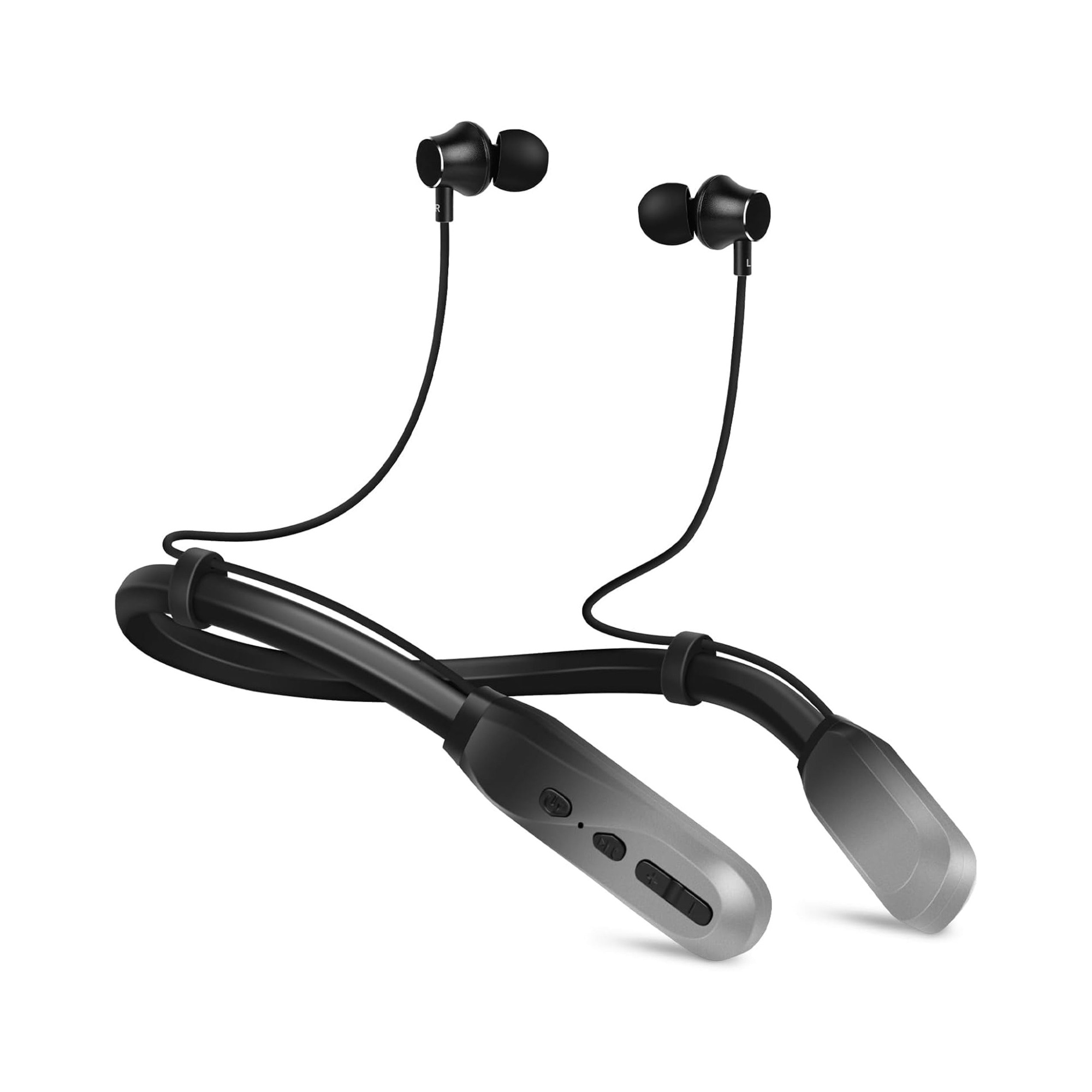
On classic Bluetooth, playback and two-way calls use different profiles. Music runs over A2DP; a call opens the Hands-Free Profile, which is built for voice and carries far less audio detail. The moment an app claims the microphone, playback quality can drop audibly. Our neckband listing is unusually candid about this and names its supported profiles directly: HFP 1.7, HSP 1.2, A2DP 1.3, AVRCP 1.6 and SPP 1.2. The Bluetooth SIG Hands-Free Profile specification is the primary source. We covered the diagnosis in detail in why Bluetooth earbuds sound bad on Windows calls.
One related trap: on many over-ear headphones the 3.5 mm cable carries playback only. Going wired to save battery can silently disable the microphone.
Which of our models states a microphone
Our range sits entirely in the Bluetooth-headset category, at everyday prices, and the microphone claims vary by model.
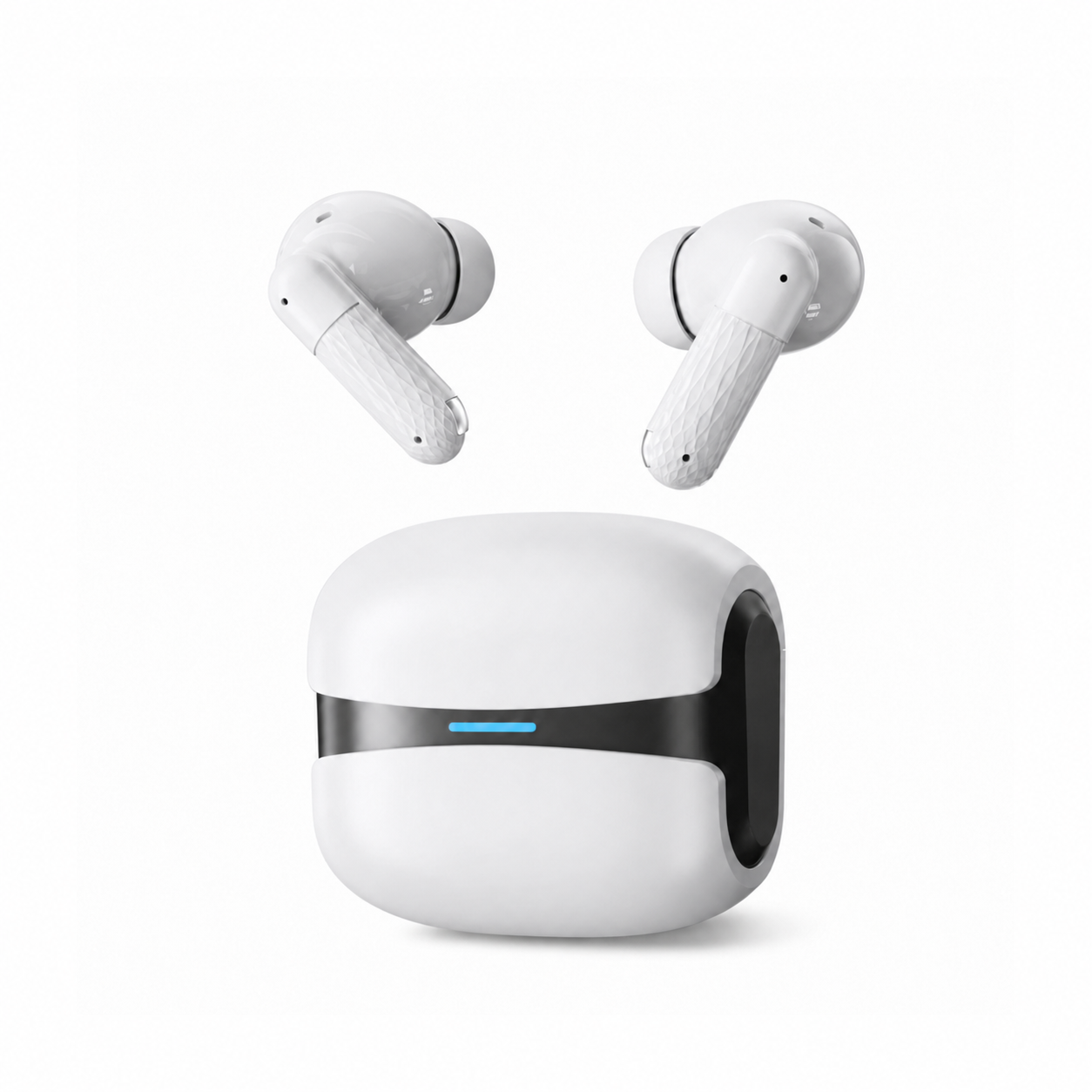
- Cloud White Bluetooth 5.4 Wireless Earbuds with ENC Mic, $25.99 as listed today, list ENC call noise reduction with CVC voice processing, Bluetooth 5.4, IPX5 and a low-latency mode. The stem puts the capsule closer to your mouth than a bean-shaped shell does.
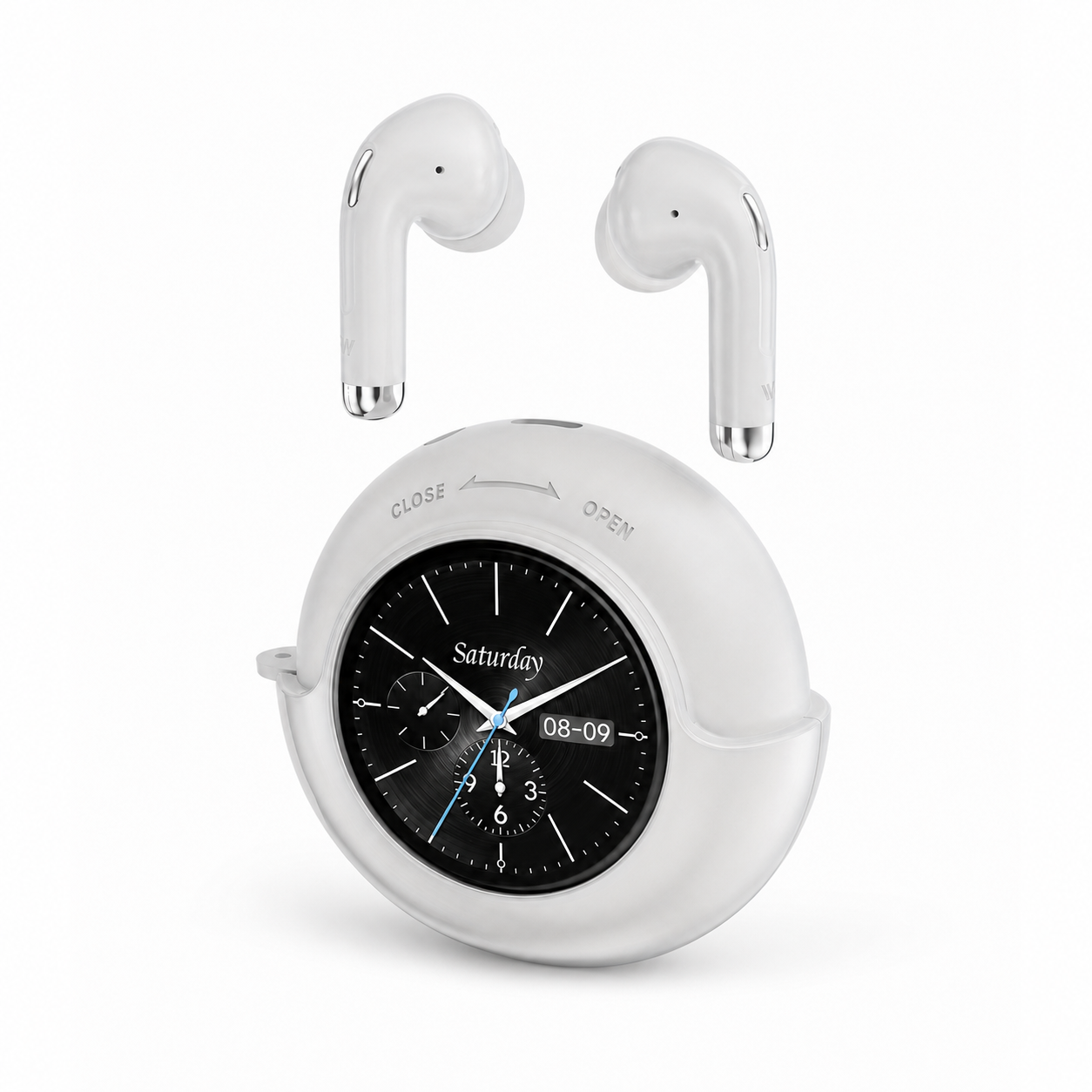
- Smart Touchscreen Wireless Earbuds with Mic, $42.99, list a built-in microphone for calls and up to 40 hours of total playtime. The listing advertises no ANC or ENC, so do not read call processing into it.
- Bluetooth Neckband Wireless Earphones, $24.99, list a built-in microphone for calls and the profile set quoted above.
Two more of ours sit at the edges. The Wireless Gaming Headset Series 186 is an over-ear design listing a built-in microphone for hands-free calling, with no separate boom arm described. The Over-Ear Wireless Headphones Series 127 list Bluetooth plus a 3.5 mm connection and do not specify a microphone at all, so treat call use there as unconfirmed. Browse the everyday wireless earbuds collection for the current range.
Questions about voice quality on wireless earbuds
What should I use to speak to a room through a PA?
A headworn microphone with a bodypack transmitter, not Bluetooth headphones. That is a different product class with its own receivers and setup, and it is not one EARSOLE sells. For speaking on calls instead of to a room, a headset with the capsule in front of your jaw generally outperforms one behind it.
Do all wireless headphones have microphones?
Most do, but not all, and the presence of a microphone tells you nothing about how good it is. Check the specification instead of assuming: some models list a microphone explicitly, some describe ENC or CVC processing, and some, like our Series 127, simply do not state it.
Does a wired cable keep the microphone working?
Often it does not. On many over-ear headphones the 3.5 mm cable carries playback in one direction only, so plugging in to save battery leaves the caller hearing your laptop's own mic instead. If you plan to take calls over the cable, check whether the listing describes an inline microphone.
Why does my music get worse the moment a call starts?
Because the connection changed profile. Playback runs over A2DP, and opening the microphone switches the link to the Hands-Free Profile, which was designed for speech and carries much less audio detail. The drop is the protocol, not a fault, and it reverses when the call ends.
Get the category right first
Work out which product you are shopping for, since the same phrase returns both Bluetooth headsets and PA microphone systems. Once you are in the right category, judge candidates on where the capsule sits and not on how many capsules there are. Expect to sound thinner to others than you do to yourself, because part of your own voice never travels through the air. Then record yourself and let the recording decide.