Bluetooth headphones sound bad on PC Windows 11 most often during calls because opening the earbud microphone can switch Classic Bluetooth from high-quality A2DP playback to the two-way Hands-Free Profile. Test music with every microphone app closed, then open the mic deliberately. If quality drops at that moment, routing and profile behavior—not the speaker driver—is the lead cause.
This guide covers bluetooth headphones sound bad on pc windows 11 alongside Windows 11 Bluetooth audio quality.
Quick answer
| State | Expected profile behavior |
|---|---|
| Music only; earbud mic closed | A2DP high-quality output is normally available |
| Call/recording; earbud mic open | HFP supports two-way voice with lower playback bandwidth |
| LE Audio-capable PC and earbuds | Newer audio path may improve voice-call flexibility |
| One app sounds bad with mic closed | Check app format, enhancements, output, and driver |
Understand the A2DP–HFP trade-off
Microsoft’s Bluetooth Classic Audio documentation says A2DP supports output to the audio device, while microphone capture requires HFP. Windows selects HFP when an app opens the Bluetooth input or creates a communications stream, and it can resample other playback to the HFP rate. That is why joining a meeting can make background music sound narrow or muffled even though the earbuds remain connected.
Run the Microphone-Open A/B test
If quality stays high with the laptop mic but falls with the earbud mic, the Bluetooth two-way profile is the trade-off. That is not the same as a defective speaker.
- Close meeting, recorder, browser, game-chat, and voice-assistant apps.
- Play a downloaded reference track through the selected earbud output.
- Open Windows Settings > System > Sound and verify the intended output.
- Start the built-in microphone test using the earbud input while music continues.
- Stop the microphone test and wait for playback to return to the media state.
- Repeat using the laptop microphone as input while the earbuds remain output.
Choose the right call configuration
Microsoft’s LE Audio guide says both Windows device and earbuds need compatible LE Audio hardware, codec, and drivers, and the “Use LE Audio when available” setting must be present. A Bluetooth LE logo by itself is not enough.
| Priority | Configuration to test |
|---|---|
| Best media playback during call | Earbuds as output, laptop/USB mic as input |
| Wireless freedom | Earbud input and output; accept profile limits |
| Newer two-way audio | Verify LE Audio support on PC, driver, codec, and earbuds |
| Troubleshooting | Disable enhancements and test another format/driver |
Fix non-profile quality problems separately
Microsoft Support recommends verifying the correct output, default playback device, volume, enhancements, and troubleshooting tools. For crackle or distortion, its audio-quality guide adds default format, driver update/reinstall, and audio-service checks. Change one setting at a time and restore it if the result does not improve.
Where an EARSOLE model fits
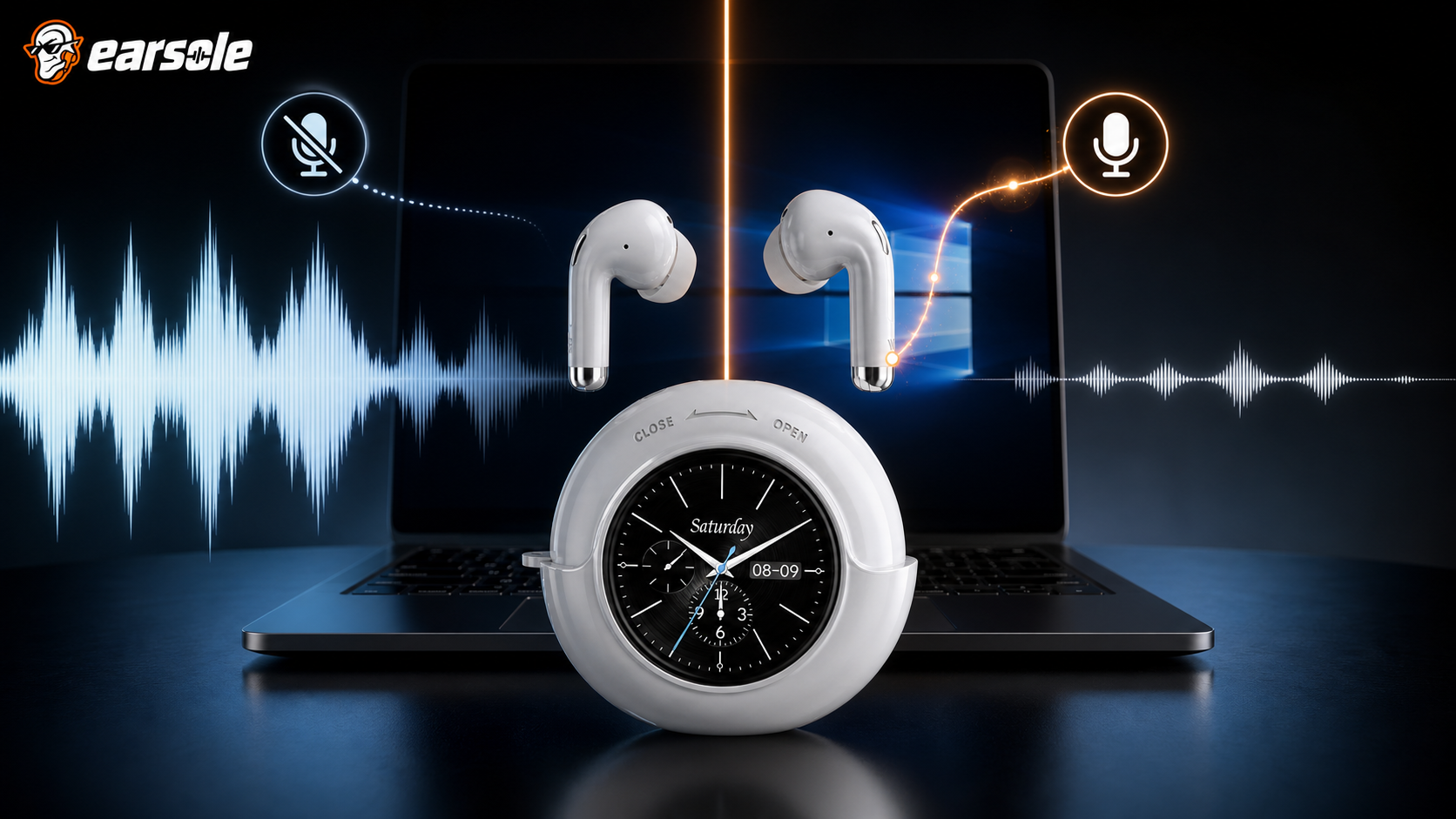
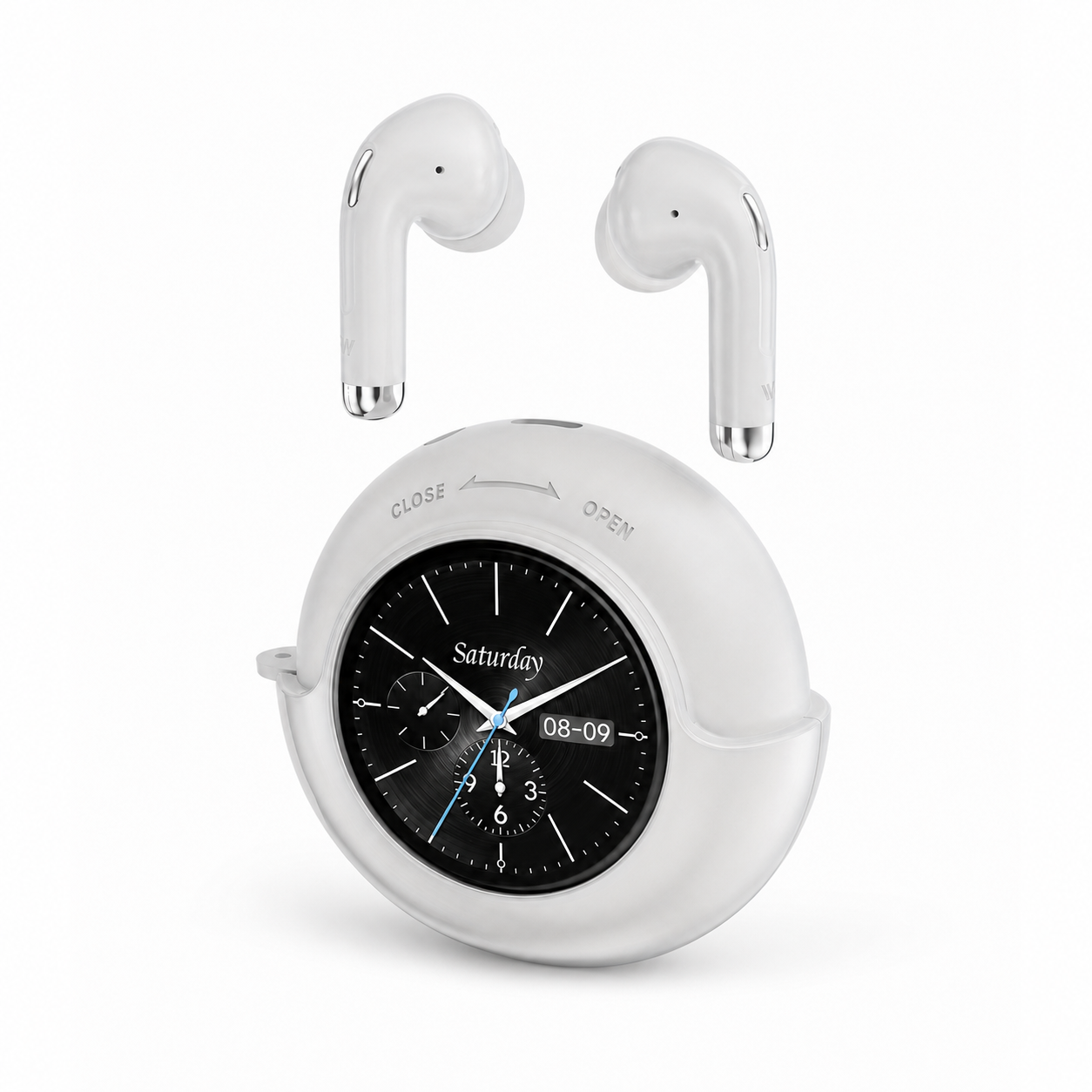
EARSOLE Smart Touchscreen Wireless Earbuds with Mic documents Bluetooth 5.4, stereo in-ear playback, a built-in microphone, compatibility with laptops, tablets and phones, a round touchscreen case, and up to 40 hours total playtime with the case. It does not publish LE Audio/TMAP support, so Bluetooth 5.4 alone should not be read as proof of the newer Windows LE Audio path.
The product link is included as a fit example, not proof that one design works for every ear or situation. Match the physical design and documented specifications to the decision rules above.
Frequently asked questions
Why do my earbuds sound fine until I open Discord or Zoom?
Those apps can open the Bluetooth microphone, causing Windows Classic Audio to select the two-way HFP path and reduce playback bandwidth.
Can I disable hands-free mode?
You can choose another microphone or adjust device/services, but disabling hands-free capability also removes the earbud mic for calls. Document settings before changing them.
Does Bluetooth 5.4 mean LE Audio works on my PC?
No. Microsoft requires compatible Windows version, Bluetooth radio, audio codec, drivers, and an LE Audio/TMAP-capable headset. Check the actual setting and specifications.
Bottom line
Prove whether quality drops exactly when the microphone opens. If it does, choose between wireless two-way voice and higher-quality playback, or use a separate mic; if it does not, troubleshoot Windows output, enhancements, format, and drivers.
Sources and review notes
- Microsoft Bluetooth Classic Audio profile documentation
- Microsoft Windows 11 LE Audio compatibility guidance
- Microsoft Windows audio troubleshooting guidance
- Microsoft distorted and crackling audio troubleshooting
Written and reviewed by the EARSOLE Editorial Team on July 14, 2026. This is educational buying and troubleshooting guidance, not medical advice. Stop using earbuds and seek qualified care for persistent pain, discharge, sudden hearing change, severe dizziness, or other concerning symptoms.