Earbuds audio delay can come from the video file, streaming app, operating-system compensation, Bluetooth codec and buffering, radio retransmissions, or a game’s input path. Test the same earbuds with a local talking-head clip and a streaming clip. A constant offset, a delay that drifts, and game-input lag point to different layers.
This guide covers earbuds audio delay alongside Bluetooth audio delay.
Quick answer
| Pattern | Most useful next test |
|---|---|
| Constant lip-sync offset everywhere | Host audio-delay control, mode, codec, or earbud path |
| Only one app delays | App cache, player sync setting, or stream |
| Delay grows over time | App/player clock drift or buffering |
| Video looks synced; games feel late | Interactive pipeline and low-latency mode |
Run the Four-Clip Sync Test
- Download a short talking-head clip with visible consonants and a hand clap.
- Play it in the default local player with other audio apps closed.
- Play a comparable streaming clip in the usual app.
- Test a rhythm or action game where sound follows your tap; do not compare it to passive video only.
- Test a local recorder/call separately because microphone profiles can change the path.
- Record whether delay is constant, app-specific, drifting, or interaction-specific.
Why Bluetooth version is not a latency number
A Bluetooth version labels a specification generation, not an end-to-end delay guarantee. Codec frame size is only one component; source buffering, encoding, radio scheduling, decoding, OS mixing, and app compensation all add time. Bluetooth SIG’s LE Audio specifications describe LC3 and 7.5/10 ms frame intervals, but that does not mean a complete consumer system has only that delay.
Fix the layer that failed
| Failed layer | Action |
|---|---|
| Local and stream both offset | Enable documented low-latency mode; re-pair; update host and earbuds |
| Only one stream/app | Clear cache, update app, test another player, use sync control |
| Drifting delay | Restart stream/player; test downloaded file; check frame-rate conversion |
| Only games | Use low-latency mode or wired audio when timing is critical |
| Only calls | Check Bluetooth communications profile and input routing |
Do not confuse crackle with delay
Dropouts and crackle point to audio quality or radio stability rather than a clean fixed offset. On Windows, Microsoft documents profile switching when the microphone opens, and Microsoft Support recommends testing enhancements, default format, drivers, and audio services for distortion. Solve signal integrity first; measuring sync on a broken stream is meaningless.
Where an EARSOLE model fits
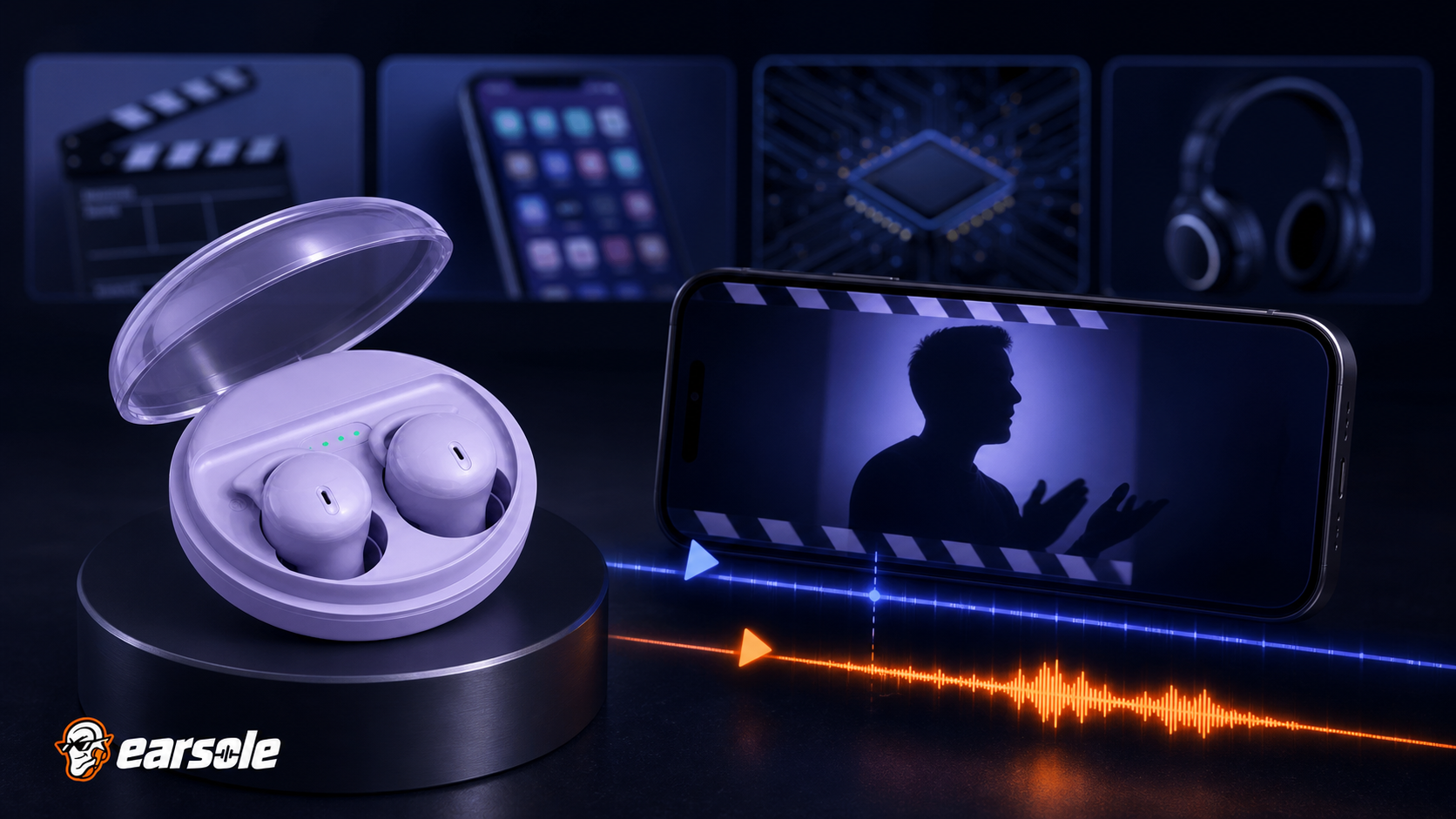
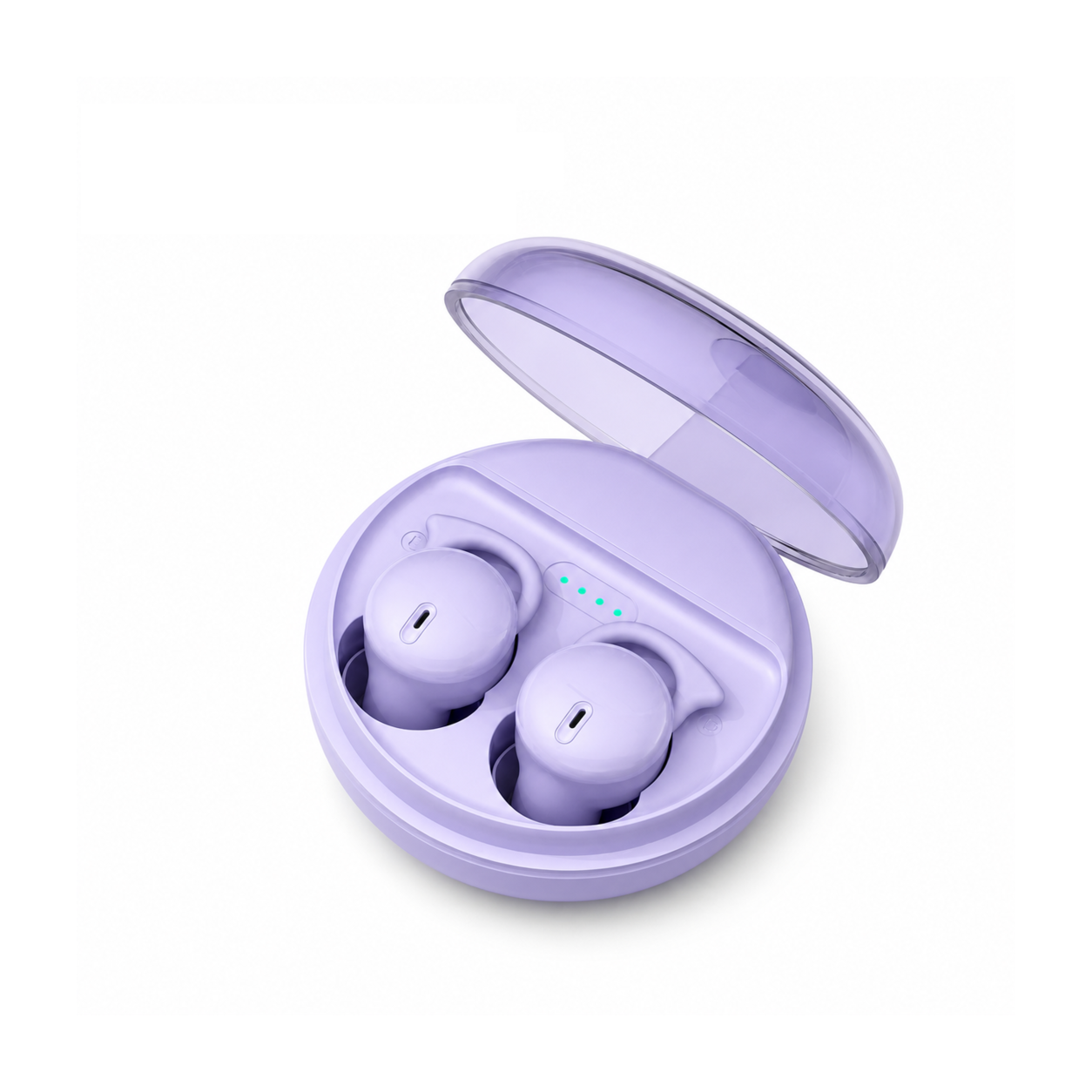
EARSOLE Q26 Bluetooth 5.3 Sleeping Earbuds for Side Sleepers documents Bluetooth 5.3 and a low-latency mode in a compact rounded sleep-earbud form, plus passive sound isolation and up to 20 hours total playtime with the case. No millisecond figure is claimed. Treat low-latency mode as a sync aid and run the Four-Clip Test on your device and app.
The product link is included as a fit example, not proof that one design works for every ear or situation. Match the physical design and documented specifications to the decision rules above.
Frequently asked questions
Can Bluetooth delay be completely removed?
Not in every wireless chain. Many video apps compensate automatically, but interactive games expose remaining end-to-end delay. Wired audio is the reference when timing is critical.
Why is YouTube synced but my game is not?
Video players can buffer video to match known audio delay. A game must respond to your input in real time and has less room for that compensation.
Does a low-latency mode reduce sound quality?
It may change buffering, codec, stability, or battery trade-offs depending on the product. Use the documented mode and compare sync, dropouts, and sound rather than assuming.
Bottom line
Describe the delay pattern before chasing codecs. Local-versus-streaming, constant-versus-drifting, and passive-video-versus-game tests identify the layer; then use the app’s sync control, low-latency mode, updates, or wired audio as appropriate.
Sources and review notes
- Bluetooth SIG LE Audio specifications
- Microsoft Bluetooth Classic Audio profile documentation
- Microsoft distorted and crackling audio troubleshooting
Written and reviewed by the EARSOLE Editorial Team on July 14, 2026. This is educational buying and troubleshooting guidance, not medical advice. Stop using earbuds and seek qualified care for persistent pain, discharge, sudden hearing change, severe dizziness, or other concerning symptoms.