The best earbuds for phone calls are the pair you have tested on the exact device, app, room, and network you will use. Five minutes before an important call, verify the active microphone, record a fixed phrase, make a second-device test call, check battery and background noise, and prepare the phone or laptop mic as backup.
This guide covers earbuds for phone calls alongside how to test earbud microphone.
Quick answer
| Minute | Check |
|---|---|
| 1 | Charge and connect; close competing audio apps |
| 2 | Select the earbud input explicitly |
| 3 | Record and replay a fixed phrase |
| 4 | Make a second-device call in the real room |
| 5 | Set backup input and place phone safely |
Use the Pre-Call Flight Check
- Confirm both earbuds and case have enough charge for the call plus margin.
- Open the call app and select the earbud microphone and output—not “default” if multiple devices exist.
- Record: “Today is [date]. My test number is 5-8-2-9. Please confirm every word is clear.”
- Play it through another speaker and listen for clipping, pumping, missing consonants, and background dominance.
- Call a second device or consenting colleague and test normal voice, soft voice, and a brief pause.
- Prepare the host microphone as one-click fallback before the real meeting begins.
Use local tools to remove the network variable
Apple’s iPhone guidance uses Voice Memos and playback to check microphone clarity. Microsoft provides a built-in microphone meter and record/play test under Sound input settings in Windows Support. A local pass plus a call failure points toward the app, network, permissions, or call processing rather than immediate hardware failure.
Test the room the other person will hear
ENC can reduce some competing sound, but no processing makes every room identical. Judge intelligibility on the receiver’s recording, not how quiet your own earbuds feel.
| Noise source | Test |
|---|---|
| Keyboard | Type one sentence while speaking |
| Fan/HVAC | Move away or change microphone angle |
| Other voices | Close door or choose quieter position |
| Wind | Turn out of airflow; do not cover ports with fingers |
| Room echo | Move closer to soft furnishings and away from bare walls |
Know the Windows call-quality trade-off
Microsoft’s Classic Bluetooth documentation explains that opening the earbud microphone selects the two-way HFP path rather than output-only A2DP. If media sounds narrower during a call, that may be expected profile behavior. For a presentation with high-quality playback, test using the laptop or USB microphone while keeping earbuds as output.
Where an EARSOLE model fits
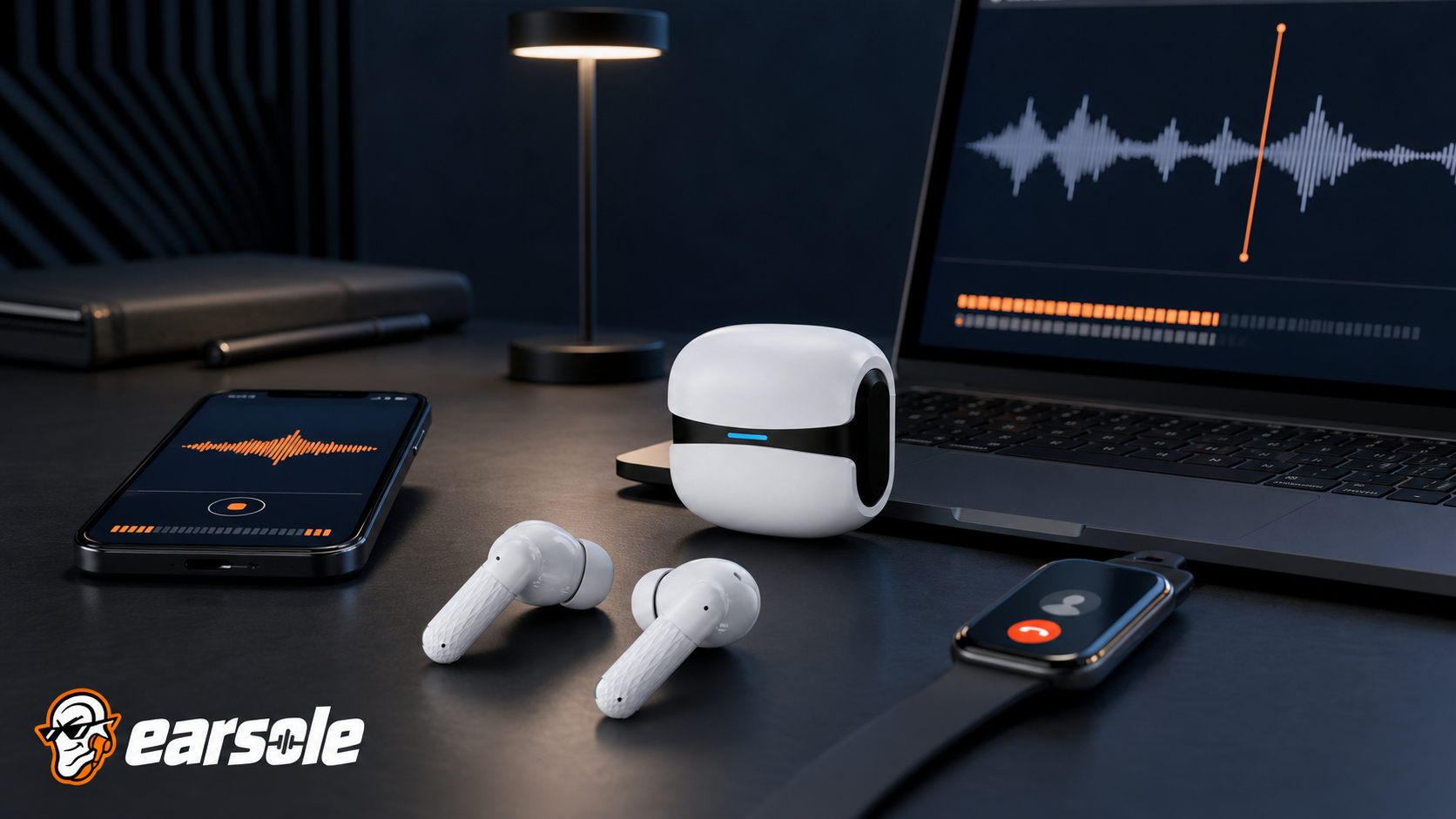
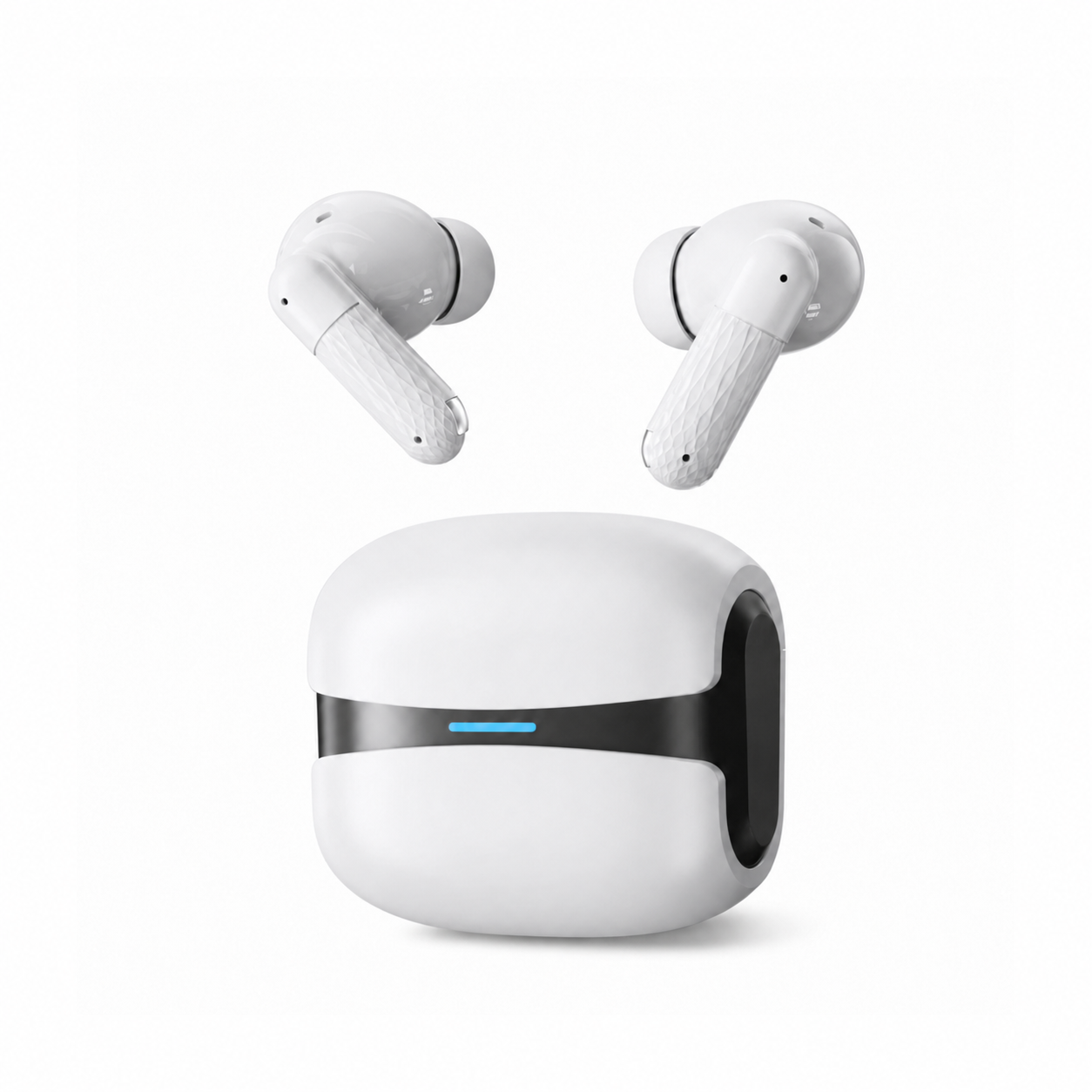
EARSOLE Cloud White Bluetooth 5.4 Wireless Earbuds with ENC Mic documents Bluetooth 5.4, built-in ENC call noise reduction with CVC voice processing, touch controls, USB-C charging, low-latency mode, an ergonomic in-ear fit, and IPX5 protection for sweat and light splashes. Those features make it relevant to calls, but no lab call score is claimed; test your environment.
The product link is included as a fit example, not proof that one design works for every ear or situation. Match the physical design and documented specifications to the decision rules above.
Frequently asked questions
Why does the microphone work in one app but not another?
Apps can have separate input selection and permissions. A local recorder pass proves the microphone route can work; then inspect the failing app.
Should I test with music playing?
First test the microphone alone. Then add the real multitasking condition if the call includes shared media, because Windows profile switching can change playback.
What is the fastest backup?
Keep the phone or laptop’s built-in microphone selected in a known menu and have a charged wired or speakerphone option available if the call is high stakes.
Bottom line
A five-minute local recording and second-device call are more predictive than a review score. Verify routing, room noise, receiver intelligibility, battery, and fallback while there is still time to change the setup.
Sources and review notes
- Apple microphone troubleshooting and Voice Memos test
- Microsoft microphone setup and test guidance
- Microsoft Bluetooth Classic Audio profile documentation
Written and reviewed by the EARSOLE Editorial Team on July 14, 2026. This is educational buying and troubleshooting guidance, not medical advice. Stop using earbuds and seek qualified care for persistent pain, discharge, sudden hearing change, severe dizziness, or other concerning symptoms.