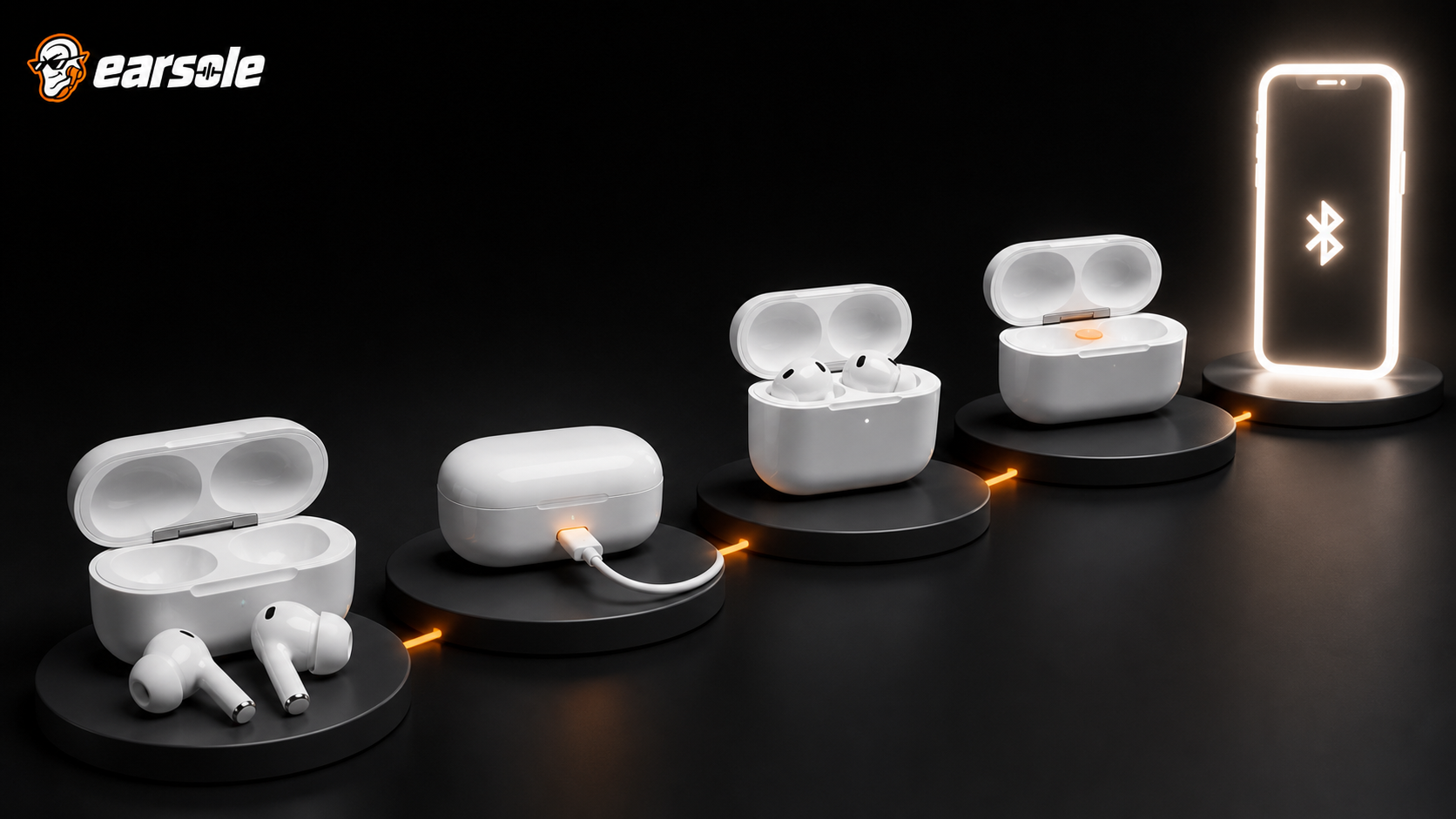
When earbuds are not pairing, climb a reset ladder instead of holding random buttons: charge everything, isolate one host, confirm pairing mode, clear the stale phone record, reboot Bluetooth, re-pair, and only then use the exact model’s factory-reset procedure. Each rung preserves evidence and prevents a simple host problem from becoming a full reset.
This guide covers earbuds not pairing alongside how to reset Bluetooth earbuds.
Quick answer
| Rung | Success condition |
|---|---|
| 1. Power | Both buds and case show expected charge behavior |
| 2. Isolation | Only one phone/tablet/laptop has Bluetooth active nearby |
| 3. Pairing mode | The model shows its documented discoverable indicator |
| 4. Host cleanup | Old device entry is removed and Bluetooth restarted |
| 5. Re-pair | One fresh device name appears and connects |
| 6. Factory reset | Used only with the exact model instructions |
First identify which pairing problem you have
“Not pairing” can mean the phone cannot see the name, sees it but rejects connection, connects only one side, or reconnects to another host. Those are different faults. Write down the exact message and indicator pattern before changing anything. If one side is silent but the phone says connected, run an audio/balance check rather than assuming discovery failed.
| Symptom | Start here |
|---|---|
| Name never appears | Power, case seating, and documented pairing mode |
| Name appears but connection fails | Remove stale record and reboot host Bluetooth |
| Only one bud works | Charge/contact check and model-specific bud synchronization |
| Connects to wrong device | Disable nearby remembered hosts during setup |
Climb the least-destructive Reset Ladder
- Charge the case and both earbuds; clean only with the maker-approved dry method and confirm each bud seats correctly.
- Turn off Bluetooth on every nearby remembered host except the one you are testing.
- Enter pairing mode using the exact model indicator or manual.
- On the host, remove/forget every stale entry for that model, then turn Bluetooth off for ten seconds and back on.
- Restart the host, attempt one fresh pairing, and wait for the documented confirmation.
- If it still fails, update the host OS/driver and test a second compatible host.
- Use the documented factory reset only after both hosts fail.
Follow platform guidance without inventing gestures
Microsoft Support recommends checking pairing mode and range, removing and re-adding the device, confirming charge, cycling Bluetooth, updating Windows, and restarting. Google’s Pixel Buds troubleshooting likewise begins with charge, firmware, range, pairing, and a Bluetooth restart. The menu names and reset gestures are product-specific, but the diagnostic order is consistent.
Use the two-host cross-test
Pair the earbuds with a second current phone or computer after removing them from the first host. If they pair there, the original host is the likely layer. If they fail on both after the correct reset, hardware, charging contacts, or undocumented compatibility becomes more likely. Bluetooth systems share the 2.4 GHz band and manage real radio conditions, as the Bluetooth SIG reliability guide explains; perform the cross-test close to the host in a simple environment.
Where an EARSOLE model fits
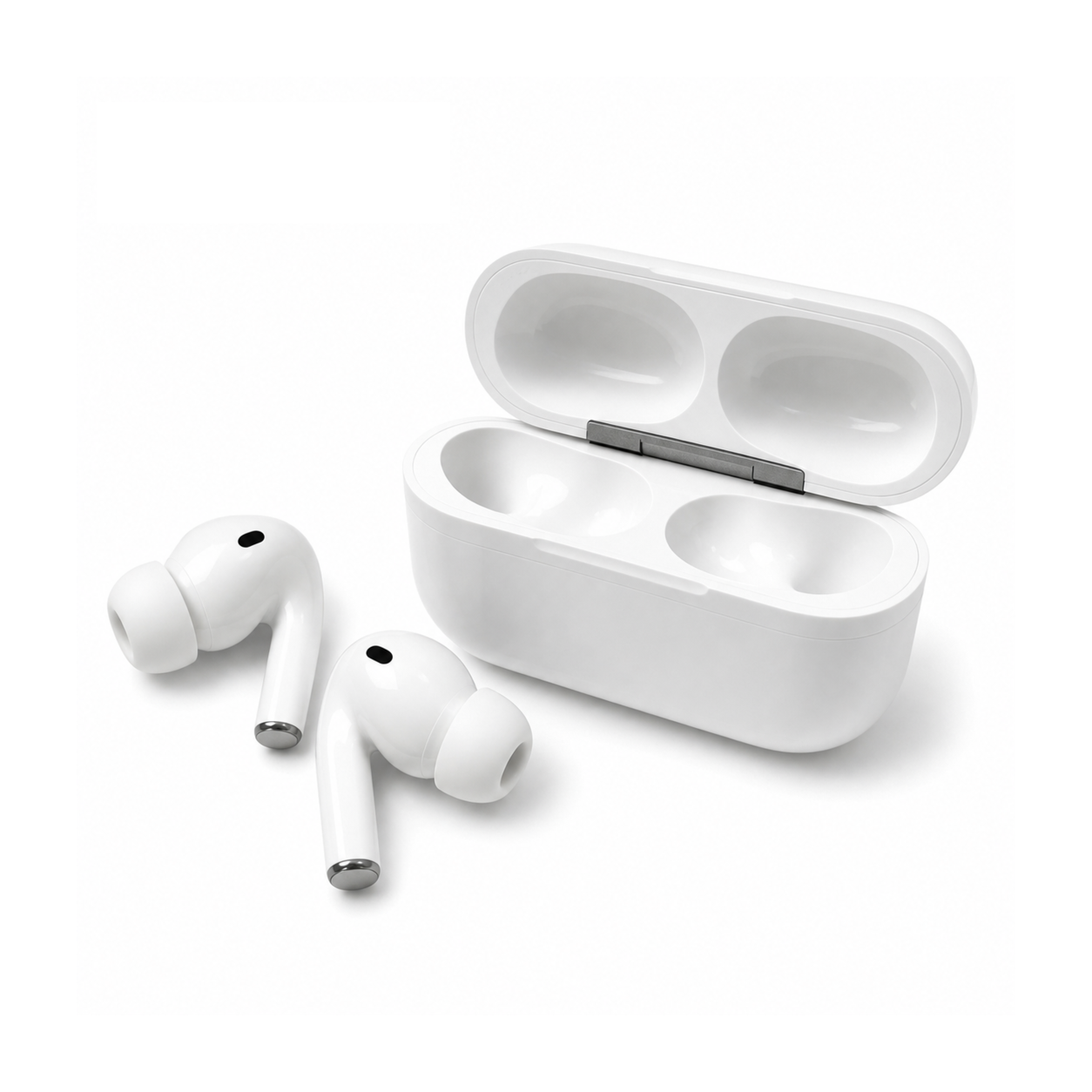
EARSOLE Core White In-Ear Wireless Earbuds with Charging Case has a compact white in-ear design with soft silicone tips and a matching charging case. Its catalog does not publish a universal reset button sequence. Pair and reset only with instructions for the exact unit rather than copying a gesture from another brand or model.
The product link is included as a fit example, not proof that one design works for every ear or situation. Match the physical design and documented specifications to the decision rules above.
Frequently asked questions
How do I force earbuds into pairing mode?
Use the exact model instructions. Some enter pairing mode when removed from the case; others use a case button or touch gesture. There is no safe universal sequence.
Why does only one earbud pair?
One bud may not be charged or seated, the pair may need model-specific synchronization, or the host may hold a stale record. Start with contacts and power before reset.
When should I contact support?
After a full charge, correct pairing mode, fresh host record, current software, correct reset, and failure on two compatible hosts, document the indicators and request model-specific support.
Bottom line
A reset is the final rung, not the first. Prove power, isolate the host, enter real pairing mode, clear stale records, and cross-test; then reset with the correct manual so the evidence still points somewhere.
Sources and review notes
- Microsoft Bluetooth connection troubleshooting
- Google Pixel Buds audio troubleshooting guidance
- Bluetooth SIG guide to wireless reliability
Written and reviewed by the EARSOLE Editorial Team on July 14, 2026. This is educational buying and troubleshooting guidance, not medical advice. Stop using earbuds and seek qualified care for persistent pain, discharge, sudden hearing change, severe dizziness, or other concerning symptoms.