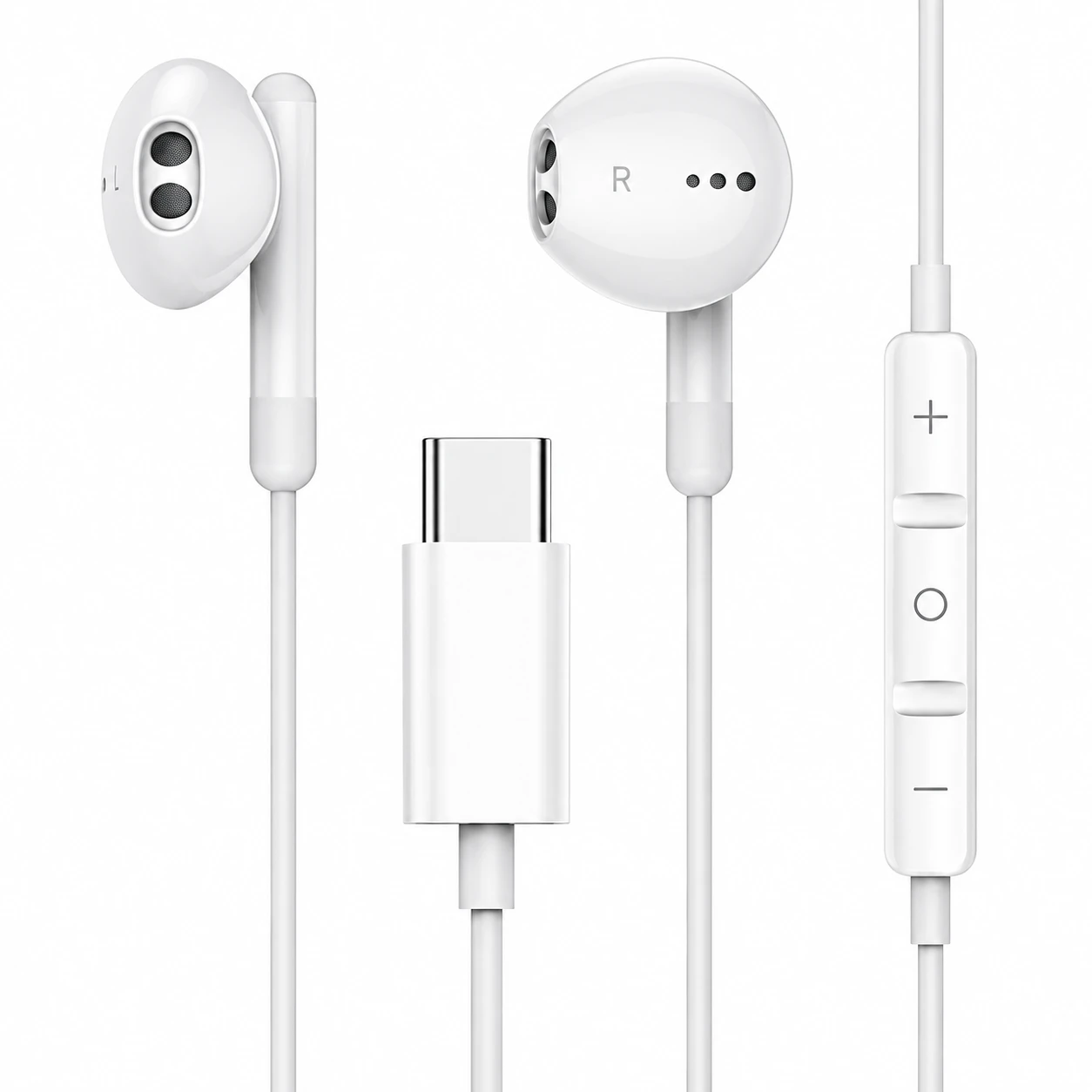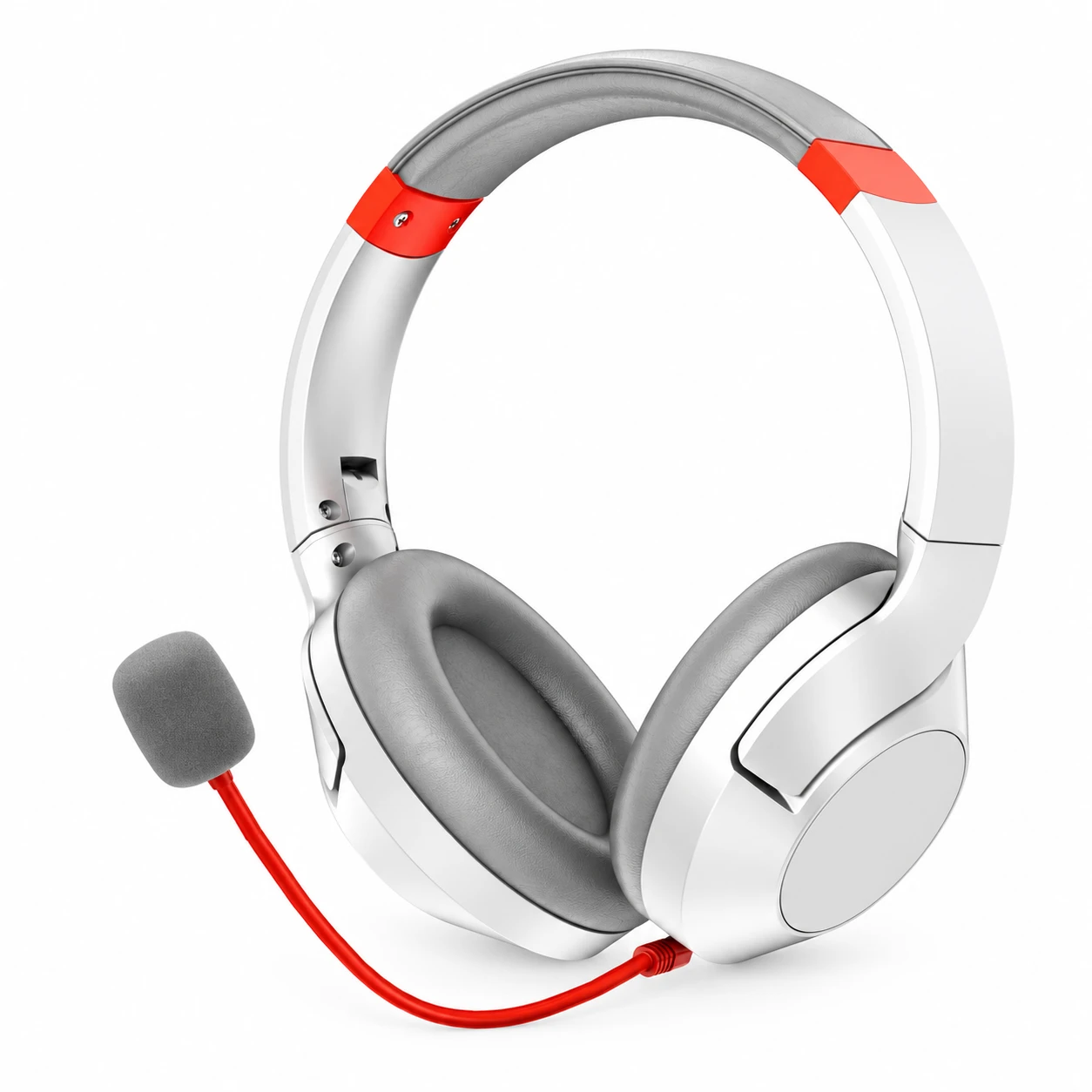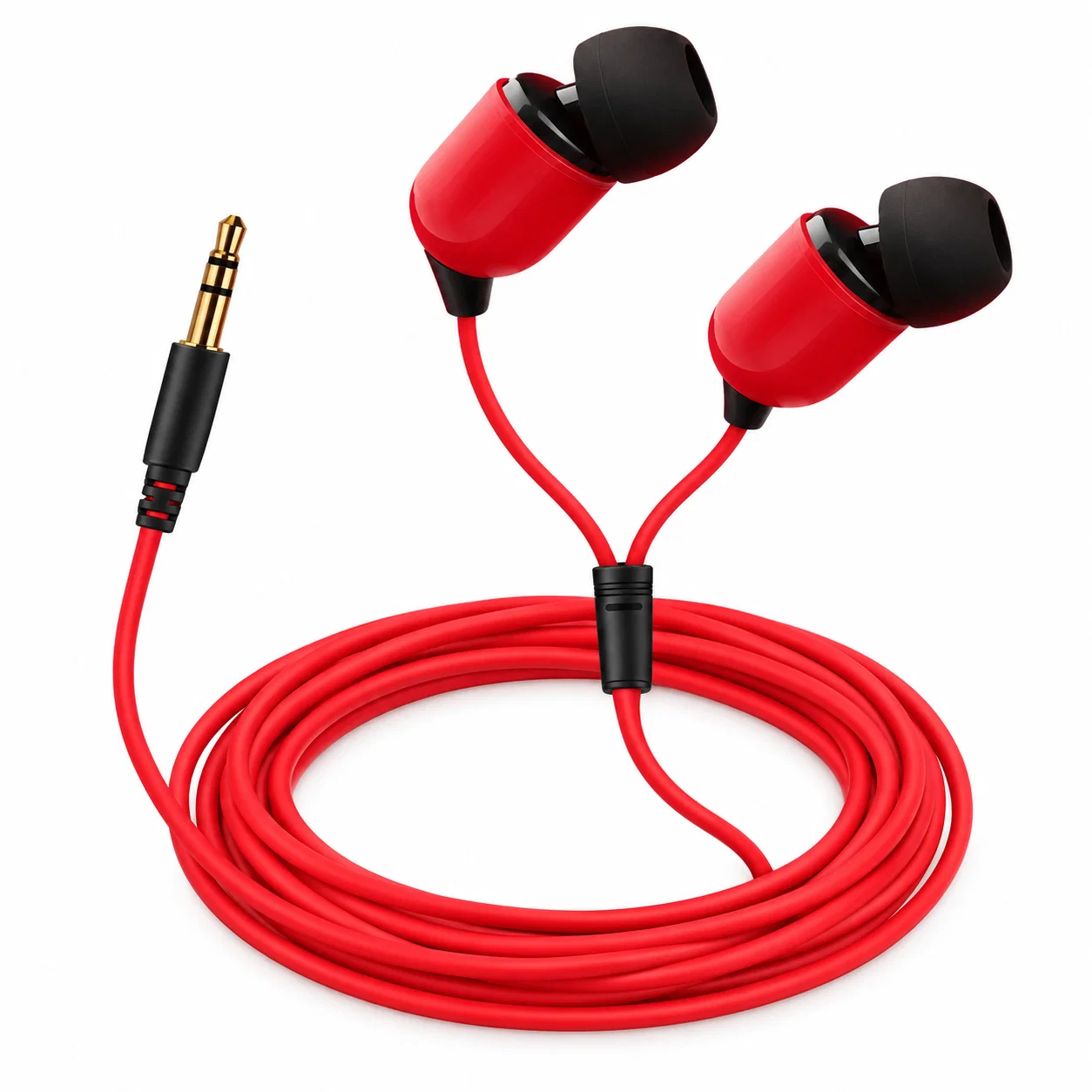
If your earbuds microphone is not working, first prove which input the phone or computer is using. Record a local memo, move the host away, watch the input meter, and select the earbud microphone explicitly. Then check app permission and Bluetooth profile behavior. Resetting before routing tests can erase the clue without fixing the cause.
This guide covers earbuds microphone not working alongside earbud mic not working.
Quick answer
| Symptom | Likely layer to test |
|---|---|
| No input meter movement | Wrong device, mute, permission, or hardware |
| Local memo works; one app fails | App permission or app input selection |
| Calls fail; recorder works | Call profile, app processing, or network |
| Works on phone; fails on PC | Windows input selection, profile, or driver |
Run the Input-Proof Test
- Connect the earbuds and move the phone or laptop at least an arm’s length away.
- Open a local recorder or operating-system microphone test—not a call app.
- Select the earbud input explicitly if the interface offers a list.
- Speak the same short phrase, then cover the host microphone lightly and repeat.
- Play the sample back on a separate speaker or device and note level, dropouts, and background.
- If the earbud input never appears, re-pair and update the host before a factory reset.
Use the platform’s own microphone tools
Apple’s iPhone microphone guide uses Voice Memos playback as a clarity check and tells users to review microphone permission for a failing app. Microsoft’s Windows guide exposes connected inputs under Settings > System > Sound and provides Start test, Stop test, and Play controls. These local tools remove call-network variables.
Understand why Windows sound may change when the mic opens
Classic Bluetooth uses different profiles for high-quality media playback and two-way communication. Microsoft’s driver documentation says A2DP is output-only, while HFP is used when an application opens the Bluetooth microphone; Windows can resample playback to the HFP rate during that state. A “bad sound plus working mic” event may therefore be profile behavior, not a broken speaker.
| Test state | Meaning |
|---|---|
| Recorder meter moves and playback is clear | Microphone hardware/routing works locally |
| Meter uses laptop mic | Select earbud input or check profile availability |
| Only one app fails | Review that app’s input setting and OS permission |
| Second host also has no earbud input | Earbud firmware/hardware/support becomes more likely |
Check the physical path last—but do check it
Inspect microphone openings for debris without inserting pins, liquids, or compressed air unless the manufacturer permits it. Confirm that hair, a hat, scarf, or hand is not covering the port. Test quiet and moderate noise separately. If the microphone works only at a certain shell angle, document that pattern for support rather than repeatedly twisting the device while worn.
Where an EARSOLE model fits
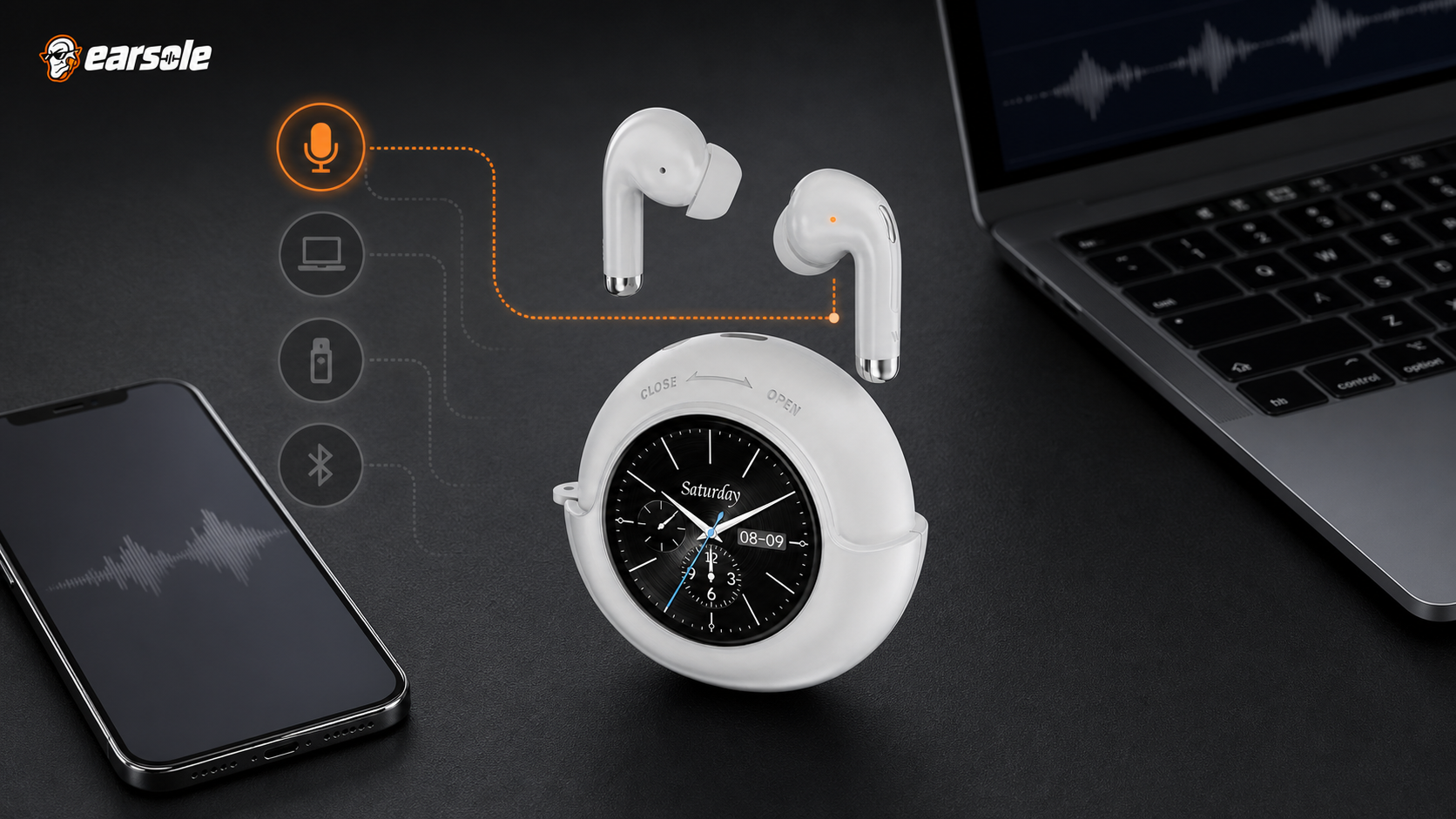
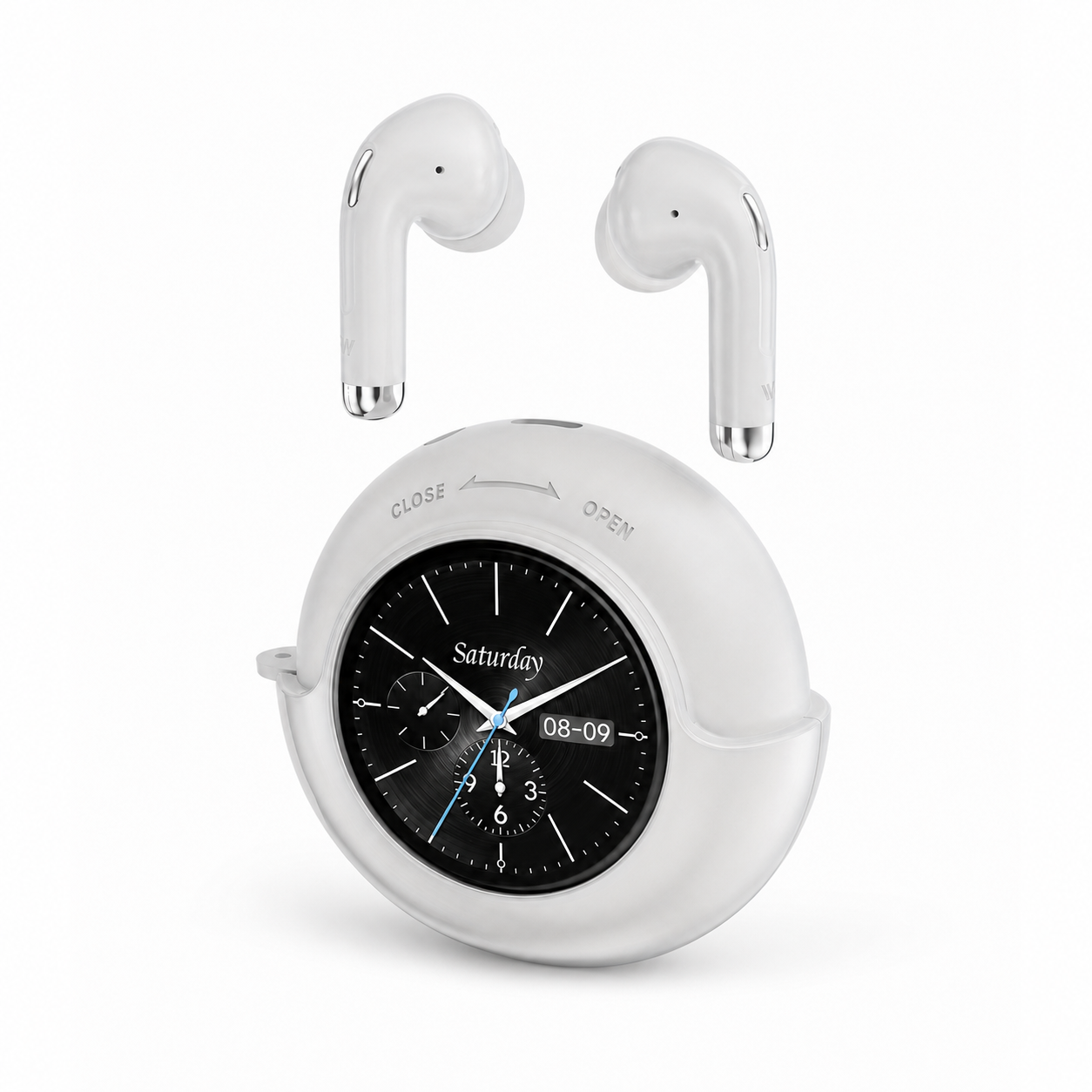
EARSOLE Smart Touchscreen Wireless Earbuds with Mic documents a built-in microphone, Bluetooth 5.4, stereo in-ear listening, a round touchscreen charging case, and up to 40 hours total playtime with the case. It does not claim ANC or ENC. The built-in mic fact does not prove that every app has selected it as the active input.
The product link is included as a fit example, not proof that one design works for every ear or situation. Match the physical design and documented specifications to the decision rules above.
Frequently asked questions
Why can I hear calls but nobody hears me?
Output and input are separate routes. The app may play to the earbuds while using a muted, denied, or different microphone. Select and test input explicitly.
Why does music quality drop when I join a call?
On Classic Bluetooth, opening the microphone can switch the connection from high-quality media playback to a two-way hands-free profile with lower playback bandwidth.
Should I factory-reset the earbuds?
Only after local input selection, permission, profile, host restart/update, re-pairing, and a second-host test fail. Use the exact model procedure.
Bottom line
Prove the active input before touching reset. A local recording plus host-distance test separates microphone hardware from routing; app and profile checks then explain most “connected but unheard” failures.
Sources and review notes
- Apple microphone troubleshooting and Voice Memos test
- Microsoft microphone setup and test guidance
- Microsoft Bluetooth Classic Audio profile documentation
Written and reviewed by the EARSOLE Editorial Team on July 14, 2026. This is educational buying and troubleshooting guidance, not medical advice. Stop using earbuds and seek qualified care for persistent pain, discharge, sudden hearing change, severe dizziness, or other concerning symptoms.