Bluetooth headphones cutting out only when the phone enters a pocket often points to a weaker radio path, not broken audio. Your body, phone orientation, pocket side, nearby 2.4 GHz traffic, and the earbud acting as the main receiver can all matter. Test a downloaded track in four fixed phone positions before resetting anything.
This guide covers bluetooth headphones cutting out alongside Bluetooth cutting out in pocket.
Quick answer
| Position | What it tests |
|---|---|
| Phone in hand, screen up | Close-range baseline |
| Front pocket same side as main bud | Shorter body path |
| Front pocket opposite side | More body obstruction |
| Bag/back pocket | Orientation, distance, and extra material |
Why a pocket changes the link
Bluetooth uses the crowded 2.4 GHz ISM band. A pocket adds body tissue, clothing, phone-case material, orientation changes, and motion between antennas. The Bluetooth SIG reliability guide explains that reliability depends on propagation, interference, channel use, and coexistence. A newer version number can add capabilities, but it cannot guarantee identical performance in every body position.
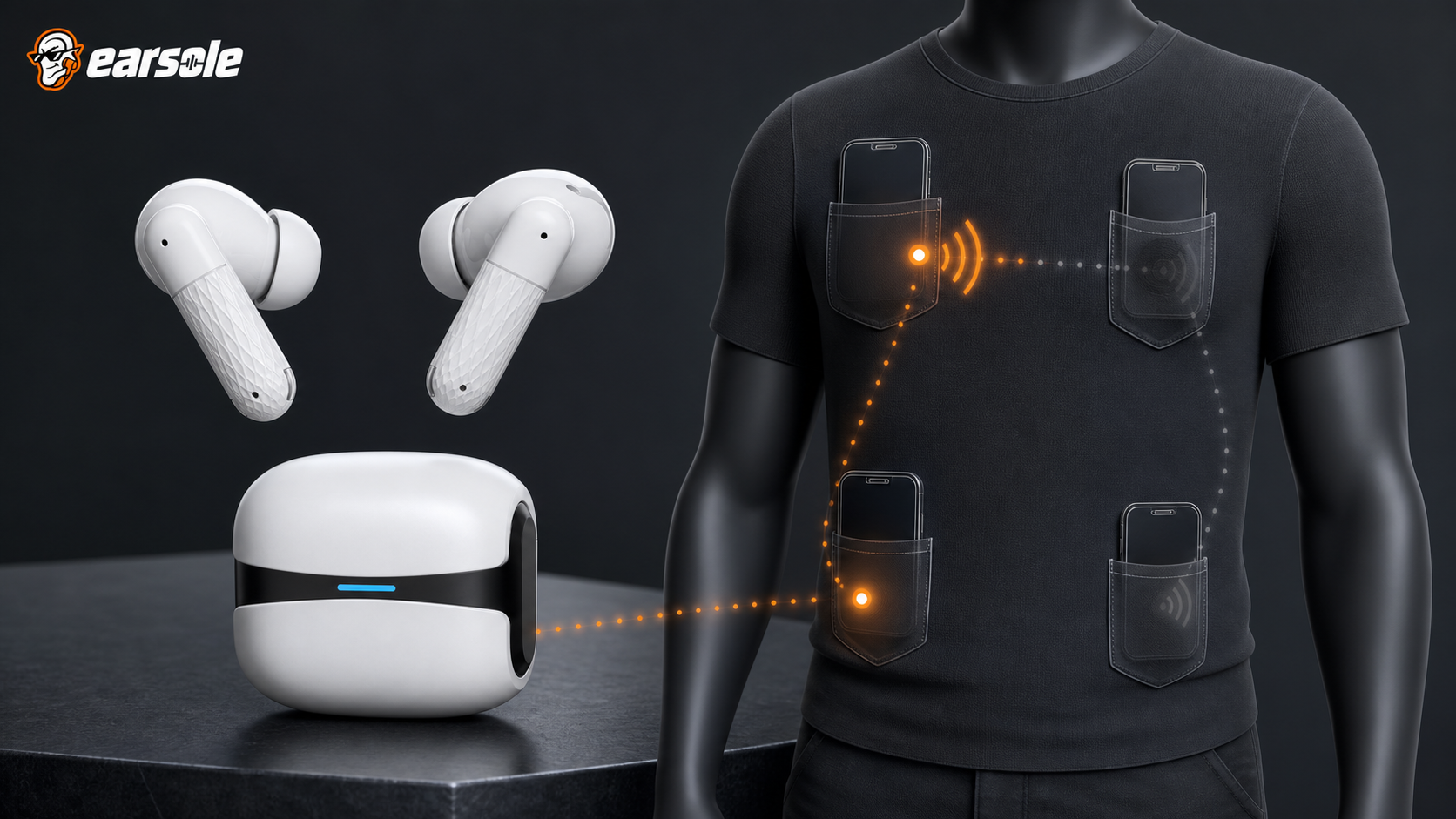
Run the Pocket Quadrant Test
- Download one track so cellular or Wi-Fi buffering is removed.
- Charge both earbuds and disable Bluetooth on nearby remembered devices.
- Play for two minutes with the phone in hand and screen locked.
- Repeat in left front pocket, right front pocket, then bag or back pocket using the same walking route.
- Record which side cuts, whether the track timer continues, and the exact phone position.
- Repeat once with the phone case removed only if safe and practical; do not handle the phone while crossing streets.
Interpret the four outcomes
| Result | Likely next step |
|---|---|
| Hand baseline also fails | Power, pairing, host, interference, or hardware—not pocket only |
| Opposite pocket fails | Use same-side pocket and keep antenna path clearer |
| All pockets fail; desk works | Orientation/body attenuation or marginal link |
| Only streams fail | Investigate network/app buffering rather than Bluetooth |
Fix the path before resetting the pair
Use a closer same-side pocket, keep the phone upright rather than buried under dense items, move away from obvious high-traffic radio zones, and disconnect competing hosts. Microsoft and Google both start Bluetooth troubleshooting with charge, range, pairing, software, and a Bluetooth restart. Reset only after the controlled local-file test fails across positions and hosts.
Where an EARSOLE model fits
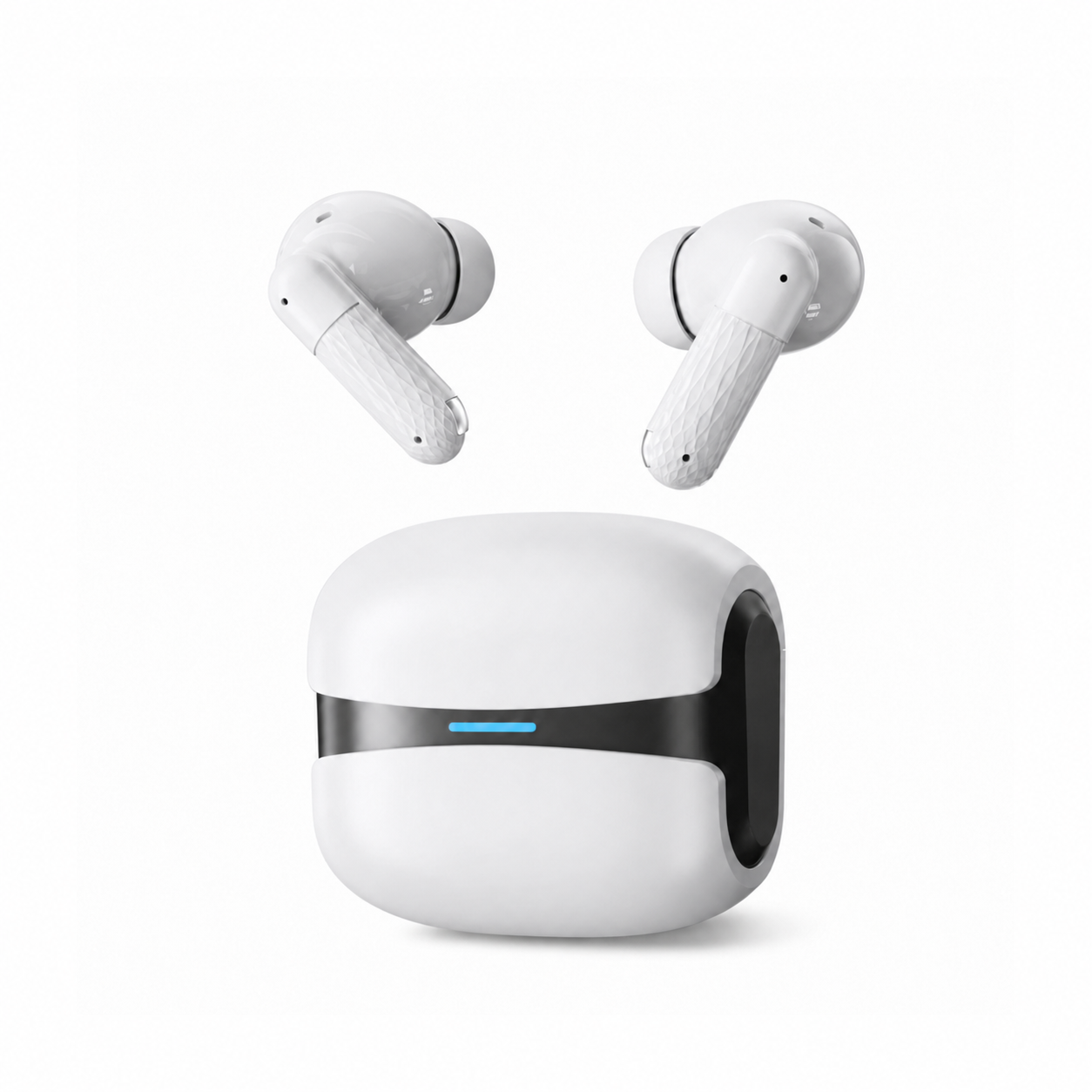
EARSOLE Cloud White Bluetooth 5.4 Wireless Earbuds with ENC Mic documents Bluetooth 5.4, ENC/CVC microphone processing, a low-latency mode, touch controls, USB-C charging, an ergonomic in-ear fit, and IPX5 protection for sweat and light splashes. Bluetooth 5.4 is not a promise that every pocket position will be dropout-free; run the same-side test on your phone.
The product link is included as a fit example, not proof that one design works for every ear or situation. Match the physical design and documented specifications to the decision rules above.
Frequently asked questions
Which pocket should I use?
Start with the pocket on the same side as the earbud that maintains the primary host link, if the model documents one. Otherwise compare left and right empirically.
Does a phone case block Bluetooth?
Most ordinary cases still allow Bluetooth, but thickness, material, orientation, and marginal signal can contribute. Compare with and without the case only as a controlled test.
Why does music stop but Bluetooth still says connected?
The app or network may have paused, the output route may have changed, or packets may be disrupted without full disconnection. A downloaded track separates network buffering.
Bottom line
A pocket-specific cutout is a geometry problem until testing proves otherwise. Use a local file, compare four positions, keep the phone on the clearer same-side path, and preserve reset as a later step.
Sources and review notes
- Bluetooth SIG guide to wireless reliability
- Microsoft Bluetooth connection troubleshooting
- Google Pixel Buds audio troubleshooting guidance
Written and reviewed by the EARSOLE Editorial Team on July 14, 2026. This is educational buying and troubleshooting guidance, not medical advice. Stop using earbuds and seek qualified care for persistent pain, discharge, sudden hearing change, severe dizziness, or other concerning symptoms.