



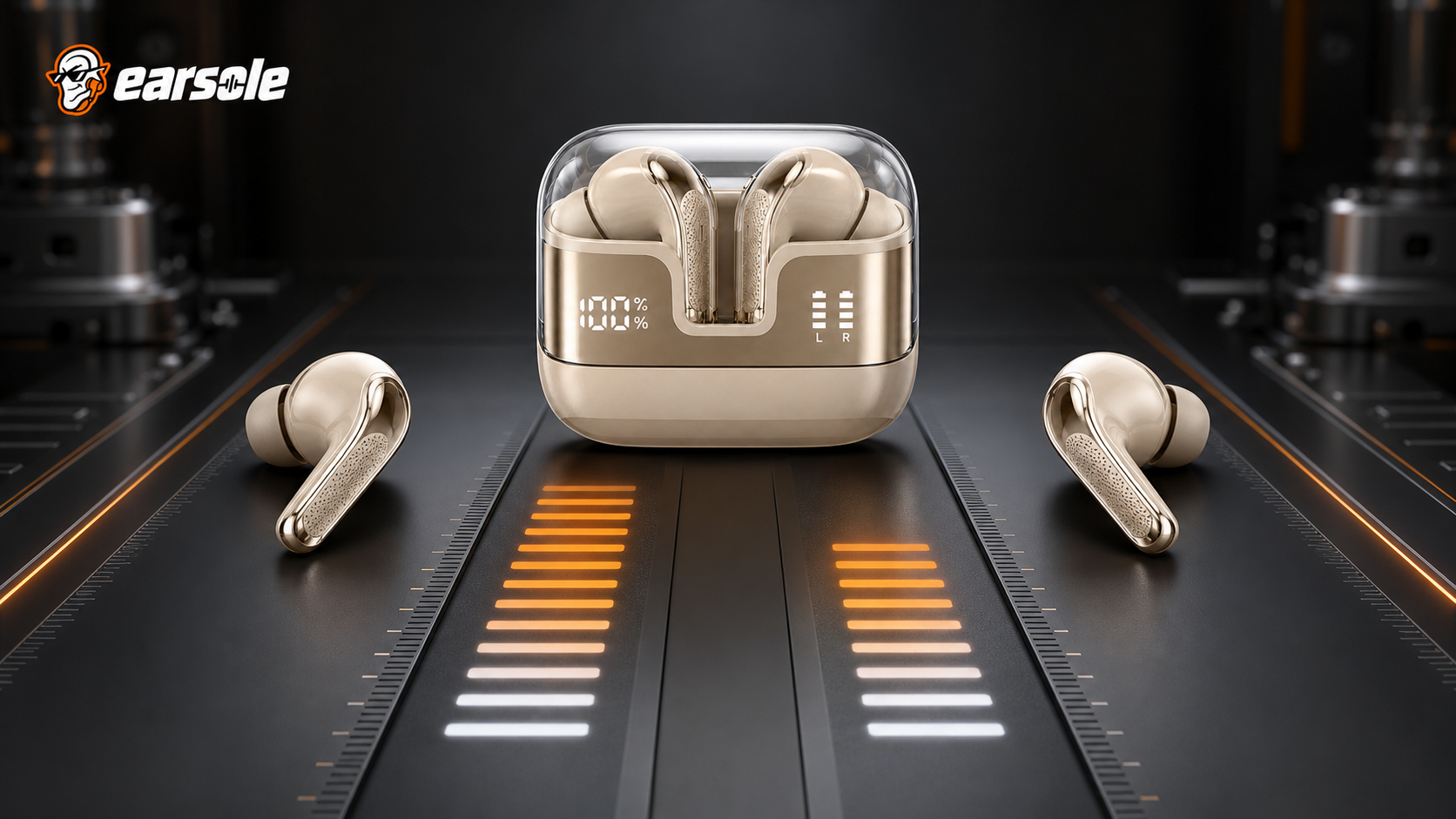
When one earbud battery drains faster, the usual cause is role, not damage: in most true wireless pairs a single bud carries the link to the phone and relays audio to its partner, so it works harder all day. Manufacturer support guidance puts a difference of up to 20% in the normal band. One side lasting half as long as the other is the line where it stops being normal.
How big a gap counts as normal
Two published support answers give you a usable band. A manufacturer troubleshooting note for one true wireless range states that "a difference of up to 20% in battery usage between the two earbuds is normal". Another, from a different maker, describes the extreme case instead: if "one earbud lasts only half as long as the other", the advice is to contact support. Between those two figures you have a rule of thumb that beats staring at a percentage readout.
Arithmetic helps as well. People often ask whether losing 1% every three minutes is normal. At that rate a full bud lasts 300 minutes, or five hours, which sits inside the single-charge runtime many small buds are sold with. The rate only becomes evidence when one side is doing it and the other is not.
| What you see | Most likely reading |
|---|---|
| Gap under about 20%, both finish close together | Role and reporting difference, no action needed |
| Same side starts below full every time | Charging contact or seating problem in the case |
| Gap only appears on calls | Microphone duty is falling on one side |
| Same side runs half as long across three cycles | Cell wear or a fault; time to contact support |
Why the busier bud is the one that dies first
A published support note states the mechanism in one quotable sentence: "one earbud often acts as the primary connection to the phone and transmits data to the other earbud. This primary earbud uses more power, causing it to drain faster." On many designs the right bud takes that job by default, which is why people search for right-side drain more often than left. The same note lists microphone and call usage, Bluetooth signal duties including multipoint, and ordinary battery ageing as the other contributors.
Some pairs rotate the role, some fix it, and some hand it over whenever you use a single bud on its own. That is why the direction of the gap matters as much as its size: a gap that swaps sides between charges is a role artefact, while a gap that never moves is a property of one piece of hardware.
Five checks, in order
- Reseat both buds in the case, wipe the contacts and the case pockets with a dry cloth, and confirm both indicators reach full before you judge anything. A bud that never started full only looks like a fast drainer. If this fixed it, stop here.
- Charge to full, then play one downloaded stereo track at a fixed moderate volume with the phone stationary nearby, using no calls, no assistant and no single-bud listening. Note both readings every 30 minutes. If the gap disappears under matched use, your usage was asymmetric, and if this fixed it, stop here.
- Update the firmware through the maker's app and reconnect. Reporting bugs are common and cost nothing to rule out. If this fixed it, stop here.
- Forget the pair on the phone, reset the buds by the documented procedure for your model, and pair again. This clears stale connection state that can pin the primary role to one side. If this fixed it, stop here.
- Repeat the matched cycle three times, alternating which bud you take out first. Record time to first shutdown and what the other side has left. Bring those three numbers to support instead of a screenshot.
Fixes that help, and the one that does not
Cleaning contacts, updating firmware, repairing and evening out how you use the two sides all address real causes. Battery calibration does not. There is no consumer procedure that recalibrates an earbud cell; draining a bud flat and refilling it can at most refresh what the case or phone reports, and it cannot return capacity that ageing has taken. If a full reset and a firmware update leave the same side dying half an hour early, the honest conclusion is hardware.
Habits that stretch both sides are simpler than any ritual: lower listening volume, fewer reconnections, and returning both buds to a charged case rather than leaving one loose in a pocket where it stays awake hunting for the phone. If the case itself is the suspect, our guide to earbuds not charging in the case works through that separately.
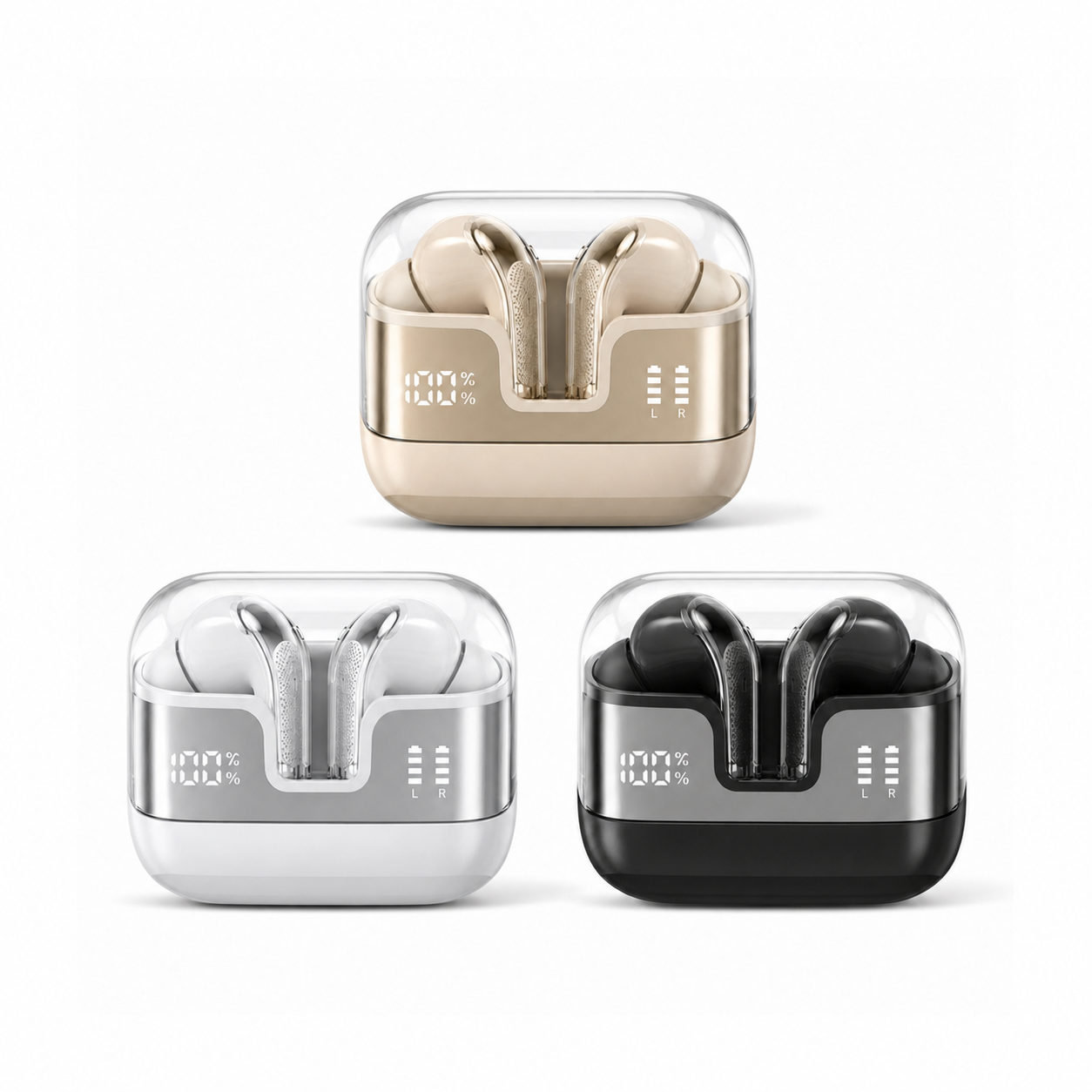
A case that reports each side separately makes all of this less guesswork. Our EARSOLE Spatial Audio Wireless Earbuds with Digital Display Case shows case percentage plus separate left and right indicators under a clear lid, in a semi-in-ear short-stem shape, at $37.99 at the time of writing. Its listing states no water-resistance rating and gives no laboratory runtime figure, so the display tells you what each side is doing without telling you anything about cell health. More models with readable cases sit in the everyday wireless earbuds collection.
Battery questions from our inbox
Can dirty charging contacts really look like fast drain?
Yes, and it is the most common false alarm we hear about. A bud that seats poorly may charge to 80% while its partner reaches full, then appear to lose battery faster because it started lower. Clean both sets of contacts, reseat until the indicator confirms charging, and only then compare runtimes.
Will a reset restore a worn battery?
No. A reset clears pairing and software state, which can fix a reporting error or a stuck primary role, but lost cell capacity is chemistry and does not come back. Reset once, early in the ladder above, then judge the result over three matched cycles before spending money on a replacement.
When to stop testing and contact support
Stop when the same side has shut down materially earlier across three matched cycles, after clean contacts, a firmware update and a reset. At that point you are no longer diagnosing usage; you are reporting a fault, and three recorded cycles make a far stronger warranty case than a percentage on a screen.
