If you ask why do my earbuds keep disconnecting, troubleshoot five layers in order: power, pairing state, radio path, host-device settings, and hardware. Start close to one fully charged device, forget competing connections, and reproduce the drop with a downloaded track. Reset only after simpler layers fail, because reset erases useful evidence.
This guide covers why do my earbuds keep disconnecting alongside earbuds disconnecting fix.
Quick answer
| Layer | Fast test |
|---|---|
| Power | Charge buds and case; clean dry contacts |
| Pairing state | Use one host and remove stale duplicate entries |
| Radio path | Keep phone close and on the same side of the body |
| Host | Restart Bluetooth, update system/drivers, test a downloaded file |
| Hardware | Cross-test another phone and another earbud set |
Use the Five-Layer Disconnect Test
The order matters because each layer can mimic the next. A low earbud battery looks like bad radio; a streaming pause looks like Bluetooth; a second paired laptop can steal the connection; a driver issue looks like failed earbuds.
- Power: fully charge both earbuds and the case, then check that each bud actually touches clean, dry charging contacts.
- Pairing: disconnect or disable Bluetooth on nearby remembered hosts and remove duplicate device entries on the test phone.
- Radio path: place the phone within one meter with a clear path; test with it in hand, then pocket.
- Host: restart Bluetooth and the device, install current system or manufacturer driver updates, and test local audio.
- Hardware: pair the earbuds to a second phone, then test a known-good headset on the first phone.
Reproduce before you reset
Use a downloaded track so Wi-Fi or cellular buffering cannot masquerade as an audio drop. Note exact time, phone position, which ear fails, whether controls still respond, and whether the Bluetooth icon shows connected. Repeat once with the phone still on a desk and once in the usual pocket. A pattern is more valuable than “random.”
| Observation | Most useful next test |
|---|---|
| Both sides stop but track timer continues | Radio path or audio-output routing |
| Track timer pauses | App/stream/host behavior |
| One side drops | Inter-bud link, battery, contact, or individual hardware |
| Drop near one location | Local 2.4 GHz interference or obstruction |
| Only one phone fails | Host settings, OS, or Bluetooth adapter |
Follow platform steps before destructive resets
Microsoft Support recommends confirming pairing mode and range, removing and re-adding the device, checking charge, cycling Bluetooth, updating Windows, and restarting. Those steps generalize into a sensible order on other platforms, though menu names differ. The Bluetooth SIG reliability guide explains that 2.4 GHz systems manage interference and propagation rather than operating in an empty channel. Distance, walls, bodies, and busy radio environments can therefore change a marginal link.
Reset only with the correct model procedure
There is no universal earbud reset gesture. Use the manual for the exact model and record what pairing names should appear afterward. A guessed long-press can change another mode or do nothing. After reset, pair to one host only and repeat the downloaded-track baseline before reconnecting laptops, tablets, or watches. Keep playback volume reasonable during repeated testing; the WHO recommends exposure control even when troubleshooting.
Where an EARSOLE model fits
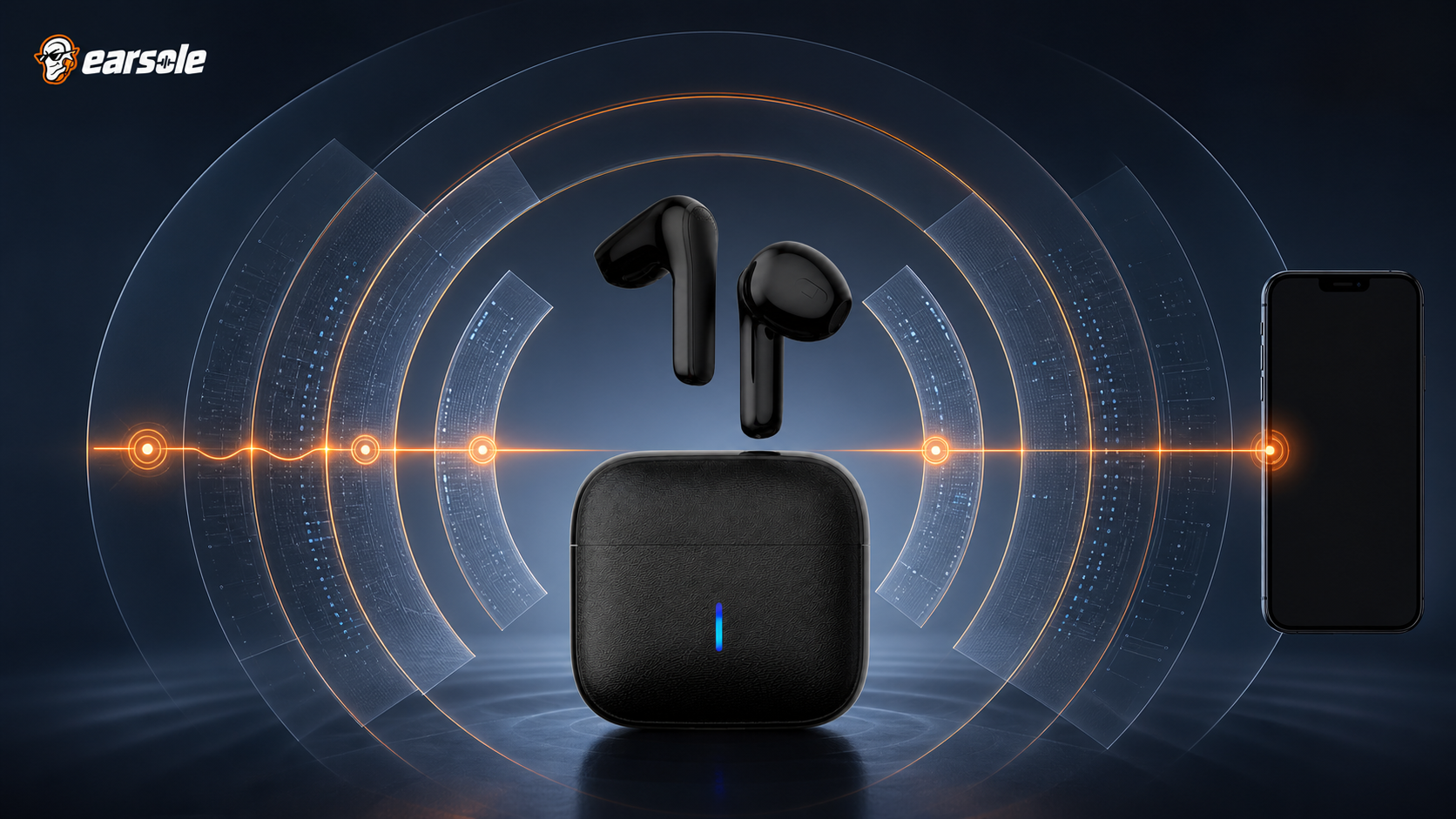
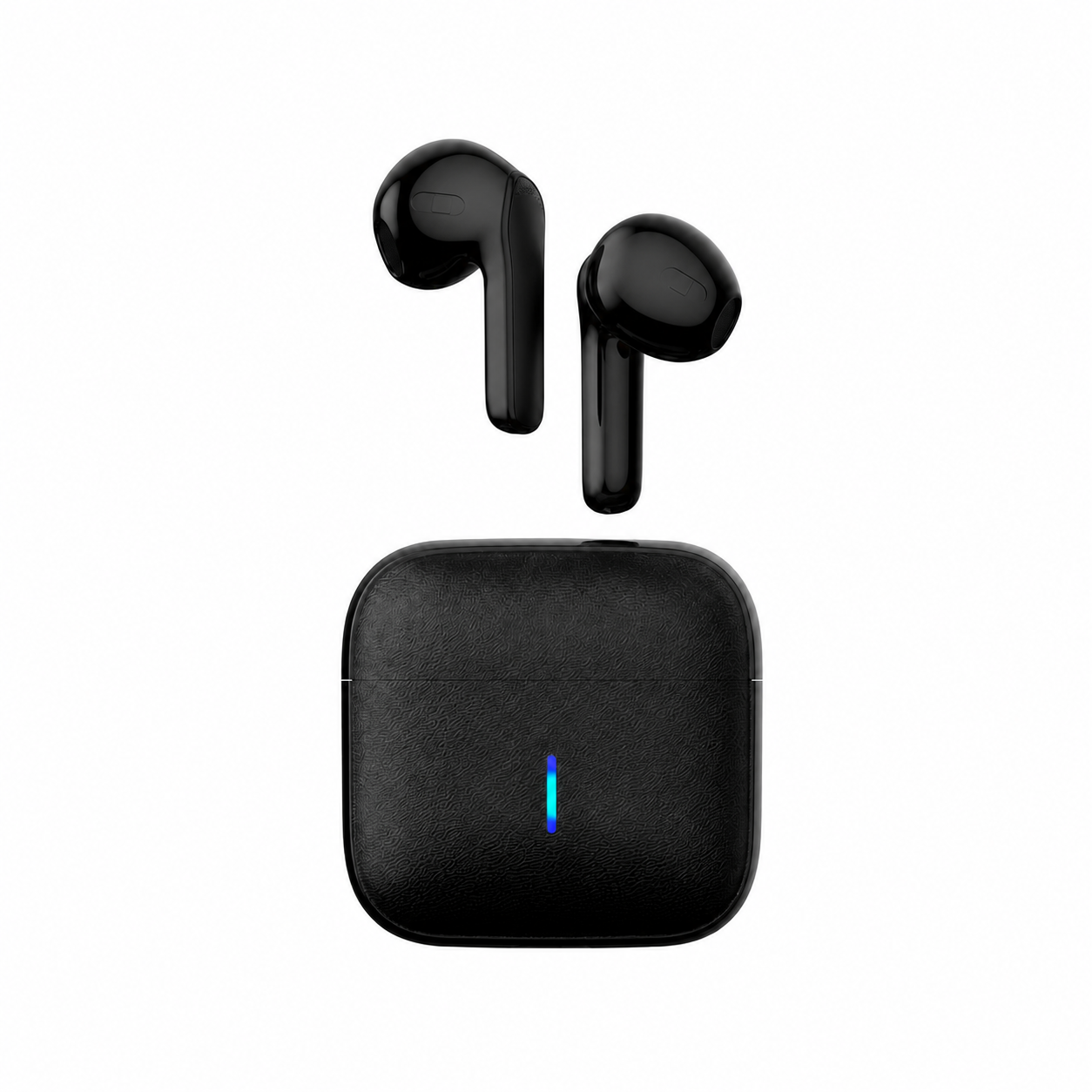
EARSOLE Wireless Earbuds – Semi-In-Ear Bluetooth Earbuds with Charging Case uses a lightweight semi-in-ear Bluetooth design with a compact charging case, built-in microphone, and iPhone/Android compatibility. Its catalog does not publish a universal reset gesture, Bluetooth-version promise, or water rating. Troubleshoot the specific unit without inventing button sequences.
The product link is included as a fit example, not proof that one design works for every ear or situation. Match the physical design and documented specifications to the decision rules above.
Frequently asked questions
Why do earbuds disconnect in my pocket but not in my hand?
The body and pocket position can obstruct a marginal 2.4 GHz path. Test the opposite pocket and keep the phone on the same side as the primary receiving earbud if the model uses one.
Should I factory-reset first?
No. Charge, isolate one host, test range and local audio, cycle Bluetooth, and update the host first. Reset later with the exact model instructions.
How do I know if the earbuds are faulty?
Cross-test. If the same earbuds fail on two current devices under a clear close-range baseline while another headset works, hardware becomes more likely. Document the pattern for support.
Bottom line
Treat disconnects as a five-layer system, not a reset button. A charged, single-host, close-range, downloaded-track baseline tells you where to look; cross-testing then separates host behavior from earbud hardware.
Sources and review notes
- Microsoft Bluetooth connection troubleshooting
- Bluetooth SIG guide to wireless reliability
- World Health Organization safe-listening guidance
Written and reviewed by the EARSOLE Editorial Team on July 14, 2026. This is educational buying and troubleshooting guidance, not medical advice. Stop using earbuds and seek qualified care for persistent pain, discharge, sudden hearing change, severe dizziness, or other concerning symptoms.