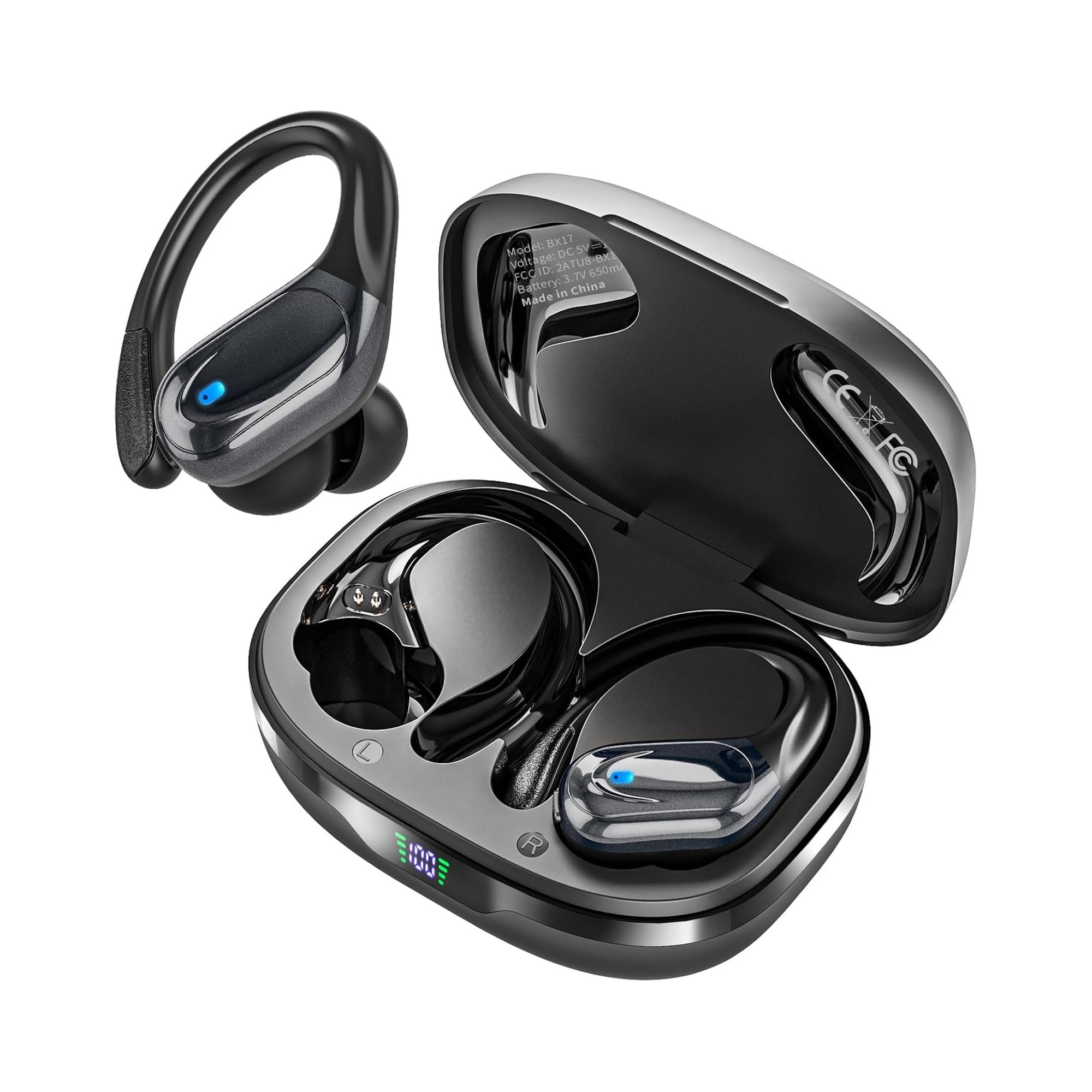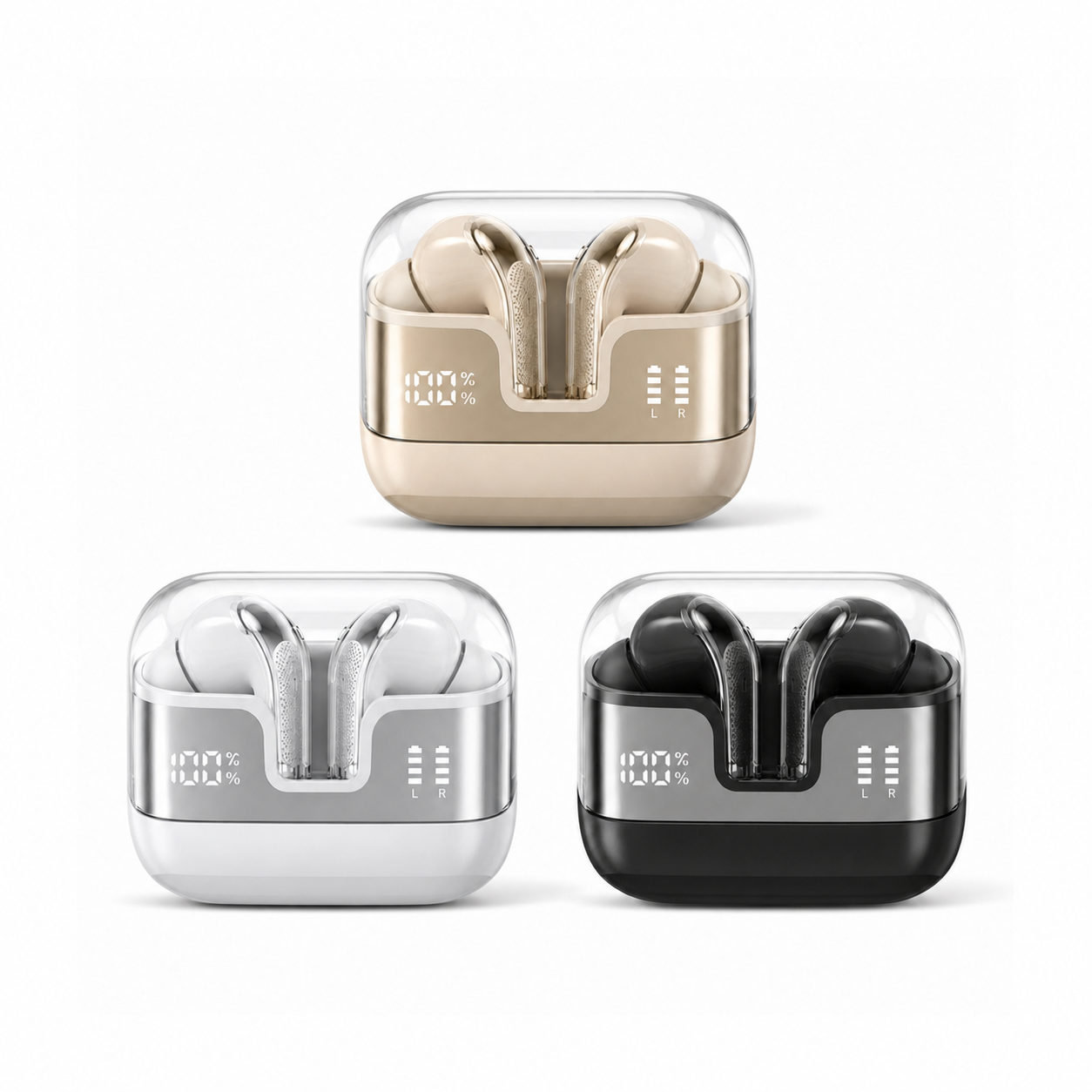
Two of our product pages describe a case display that tells the left and right earbuds apart; three describe a light that counts from 1 to 100; fifty-six describe a readout that covers the case and the buds together; five describe one that covers the case alone. If you are shopping for earbuds with digital display, the phrase is hiding at least four different promises, and the sentence on the page is the only place the difference shows.
Four readouts, and two screens that are not readouts
We read every product description we publish for any mention of a display, screen, light or indicator on the case, and sorted the pages by what the text says the display reports. The sorting used the page's own words: a display "shows the remaining battery of each" earbud is a different promise from one that "shows the remaining battery in real-time" with no mention of the buds.
| What the page says the display reports | Pages | Example line, as printed |
|---|---|---|
| Case level and earbud level together | 56 | "shows you the charge level of the case as well as the wireless earphones" (12 pages share this wording) |
| Case level only | 5 | "The charging case has a built-in LED Power Display that shows the remaining battery in real-time." |
| Left and right earbuds separately | 2 | "separate indicators for the left and right earbuds" |
| A display is mentioned, but what it reports is not stated | 9 | "The built-in LED power indicator lets you check battery status at a glance" |
| No readout described at all | 162 | Includes the 6 touchscreen pages, whose screen is for control, and 80 pages with no display sentence |
The last row is the one to hold onto. Of 235 pages, 162 give you no statement of what any light or screen on the case reports. That includes pages with a screen: the LCD touchscreen case is described as a place to "Manage music, adjust volume, handle incoming calls, and navigate settings directly from the case", not as a battery readout. And one page rules its own display out explicitly — the Mood Spinner's rotating face panel "does not display battery levels or notifications, so think of it as personality for the case rather than a functional readout."
Case plus buds: the common promise, in two wordings
The most frequent readout is a case-and-buds one, and it arrives in supplier text in two main forms. Fifteen pages say the case has "an improved LED display that shows the remaining battery of each" earbud; twelve say the display "shows you the charge level of the case as well as the wireless earphones". The EARSOLE True Wireless Earbuds Series 111 page is the most specific of the group: its "dual LED digital display" is one "that highlights the remaining power in the charging case and the charging status of the earbuds" — a level for the case, a status for the buds, which is not quite the same as a level for both.
The EARSOLE True Wireless Earbuds Series 216 page adds a condition the others leave out: "the dual LED display shows real-time battery levels when opened or closed." That is a claim about when you can read it, and it is the only page in the group that makes one. On the rest, whether the lid has to be open is not stated, so do not assume a closed case will show you anything.
Case only, and a count that is not a level
Five pages describe a readout that covers the case and stops. Two of them, the Series 161 and 162 sleep earbuds, put it plainly: "The charging case has a built-in LED Power Display that shows the remaining battery in real-time." Nothing on those pages says the display reports the buds. If your question is "did the left earbud charge overnight", a case-only display cannot answer it; you find out when you put the bud in your ear.
Three further pages describe something that looks like a percentage but is a charging animation: "When charging for the case, the LED light will start to flash from 1 to 100." That line tells you the case is taking a charge from the cable. It does not say the same numbers appear when the case is discharging, so treat it as a charging indicator rather than a fuel gauge unless the page says otherwise — it doesn't.
Left and right separately: two pages, and what the difference buys you
Only two pages in our range describe a display that tells the two earbuds apart. The Open-Ear Clip-On page: "The case has a front LED display with separate indicators for the left and right earbuds, so you can tell at a glance how each side is doing instead of guessing from a single mystery light." The EARSOLE Spatial Audio Wireless Earbuds with Digital Display Case page: "a front digital display shows the case charge percentage plus separate indicators for the left and right earbuds, all visible under a clear lid."
The second of those is the only page in the range that combines a percentage for the case with a per-bud indicator, and the page says who it is for: "this model fits people who like knowing the numbers". A per-side readout is the only kind that can answer the question a case-and-buds display cannot — which bud is the one that is low — and that is the question behind most "one earbud died first" complaints. If that is your complaint, the other fifty-four pages in the case-and-buds group will not help you, however digital their display is.
Lights that are not displays
Several pages describe a light without describing a readout. The Q26 sleep page lists a "Charging case with battery indicator lights"; the Beetle and Spatial gaming pages each have a "Green status indicator"; the Cloud White case has a "blue status light". None of these pages says what the colour or the count means. A status light can be genuinely useful — it is how the charging troubleshooting guide tells a case that is charging from one that is not — but it is not the thing the phrase "digital display" describes, and a page that lists one is not promising you a number.
Matching the readout to the question you actually ask
Decide what you check the case for, then look for the sentence that covers it. If you only ever want to know whether the case has charge left for the week, a case-only display is enough and the five pages that describe one are not a compromise. If you want to know the buds are charged before you leave, you need the case-and-buds wording, and you should also look for the Series 216 line about reading it "when opened or closed", because it is the only page that says when the readout is available. If your recurring problem is one bud running out first, only the two per-side pages describe a display that can show you that, and the rest of the range — 162 pages that describe no readout, plus 56 that pool the buds into one reading — will leave you guessing exactly as before.
The pairs quoted here sit in everyday wireless earbuds; there is no separate collection for display cases, so the sentence on each page is the filter. For what to do when a display shows something unexpected, the charging guide takes over from here.