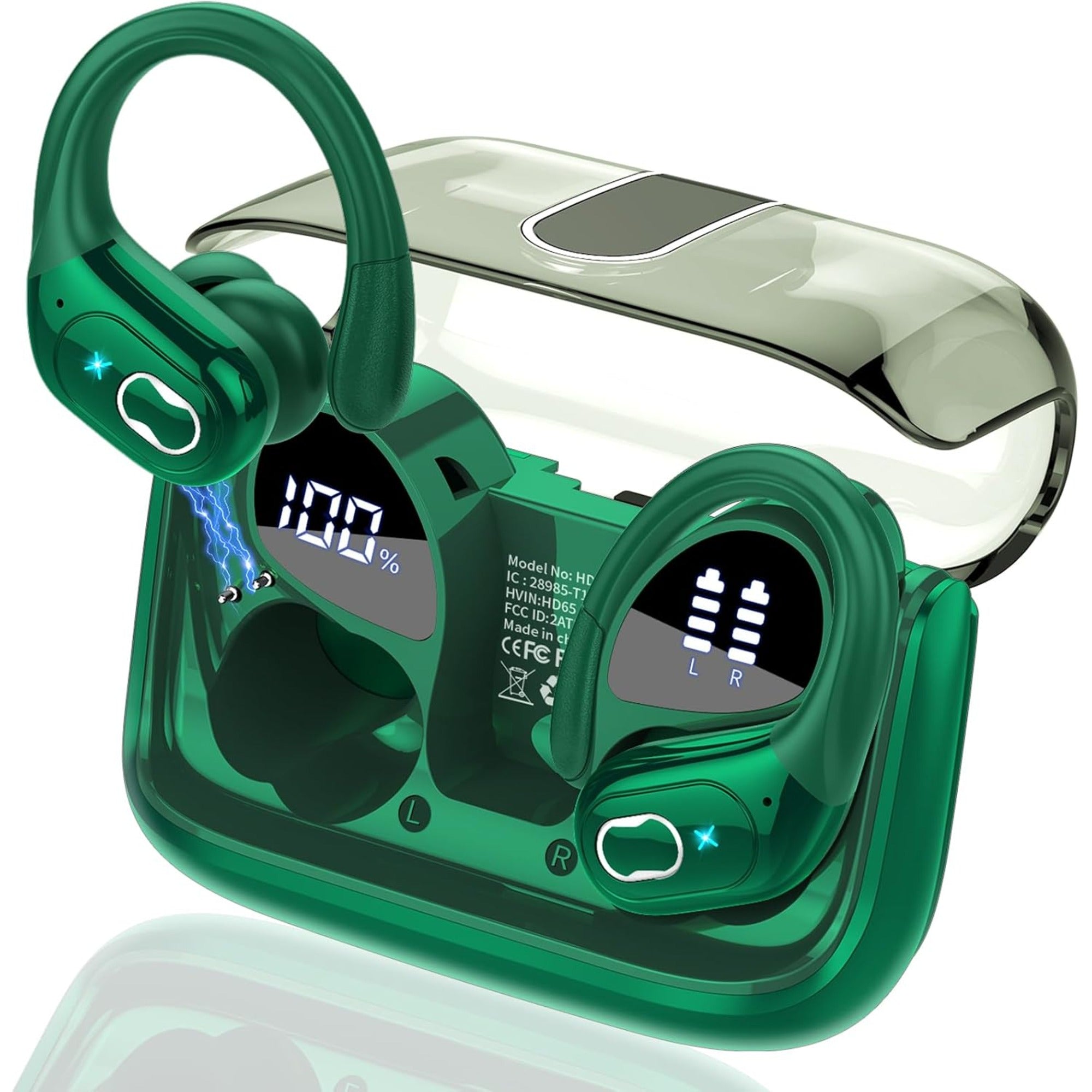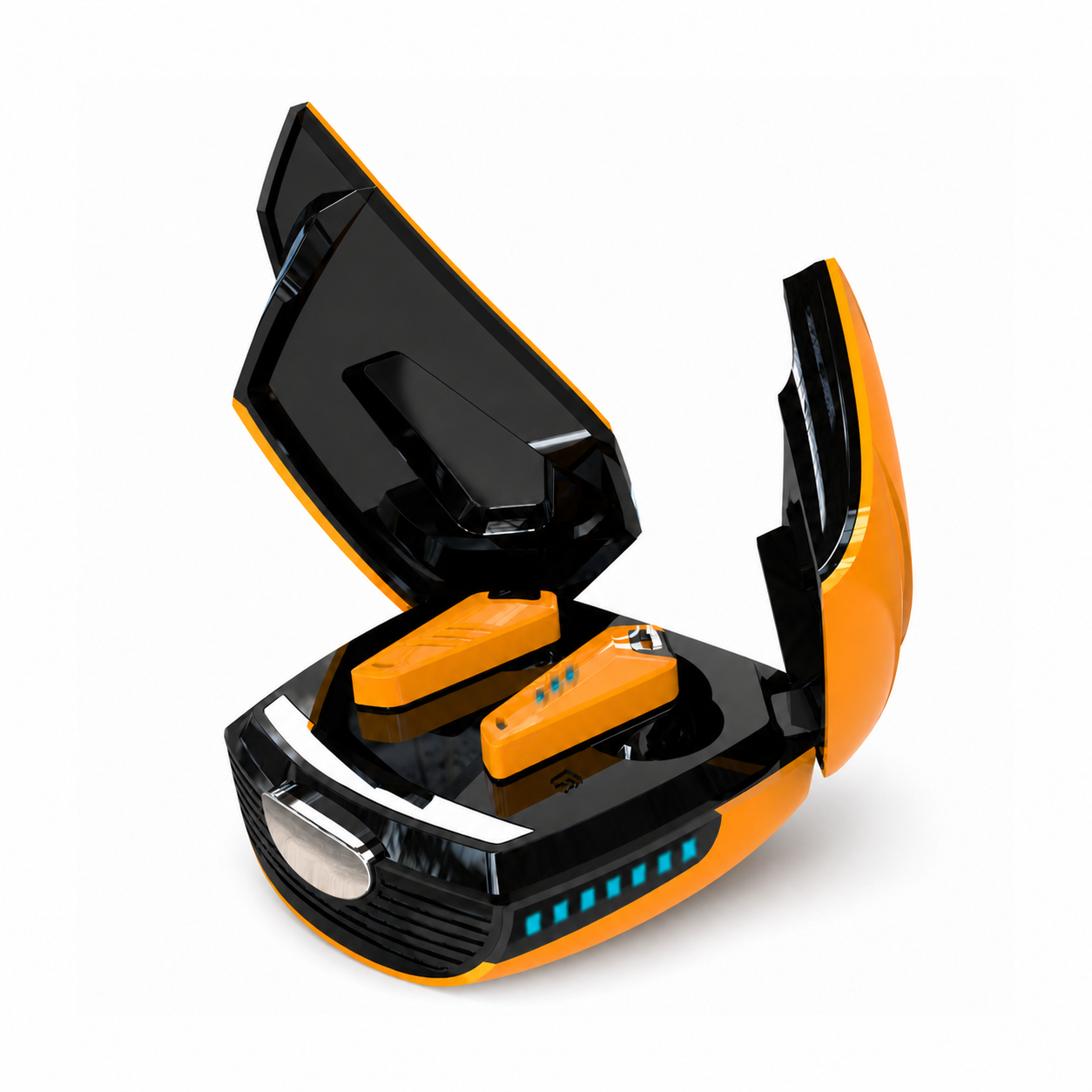
Start with what a working charge looks like on your own pair. One of our product pages puts it in a single line: "When charging for the case, the LED light will start to flash from 1 to 100." Another says a dual LED display shows "the charging progress" of the earbuds. If you have earbuds not charging in case, those two sentences are the reference — the pages describe the normal state, never the failure, and the normal state is what tells you where the failure sits.
Two charges are happening, and the pages report them separately
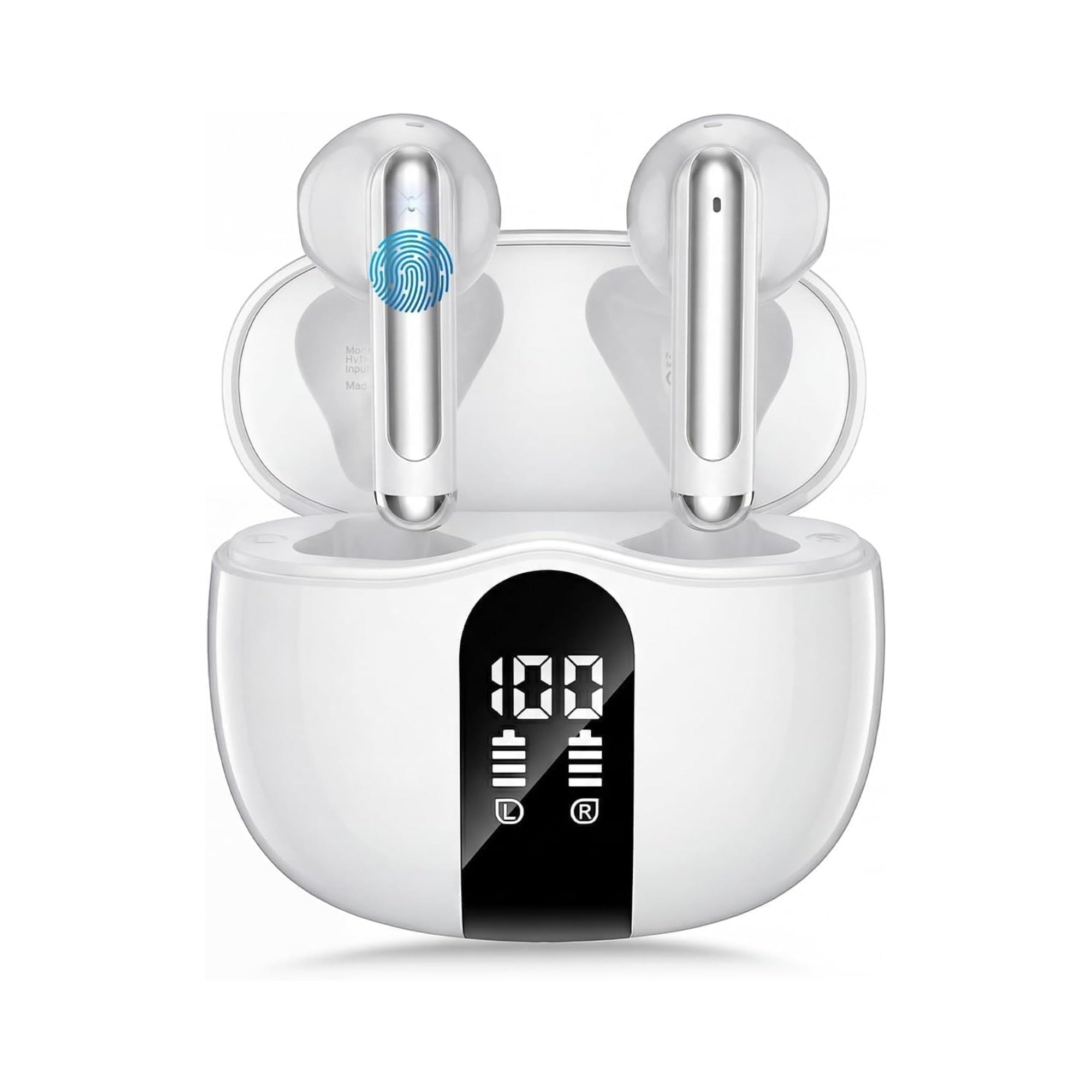
A charging case does two jobs: it takes a charge from a cable, and it gives a charge to the buds sitting in it. Our pages keep these apart. The EARSOLE True Wireless Earbuds Series 219 page says its "Dual digital LED power display outside of the case is to show the power level for charging case and earbuds" — two readings, not one. Twelve of our pages carry a near-identical line saying the display "shows you the charge level of the case as well as the wireless earphones."
So "not charging" is already two different complaints. Either the case is not filling up from the wall, or the buds are not filling up from the case. Every step below depends on which one you have, and the display is built to tell you.
The flash from 1 to 100 is the case's own test
Three of our pages state, word for word: "When charging for the case, the LED light will start to flash from 1 to 100." That is the case reporting on itself. Plug the cable in with the buds out of the case, and on those pairs the light should start counting. If it does nothing, the buds are not part of the problem yet — the fault is upstream of them, in the cable, the port or the power source.
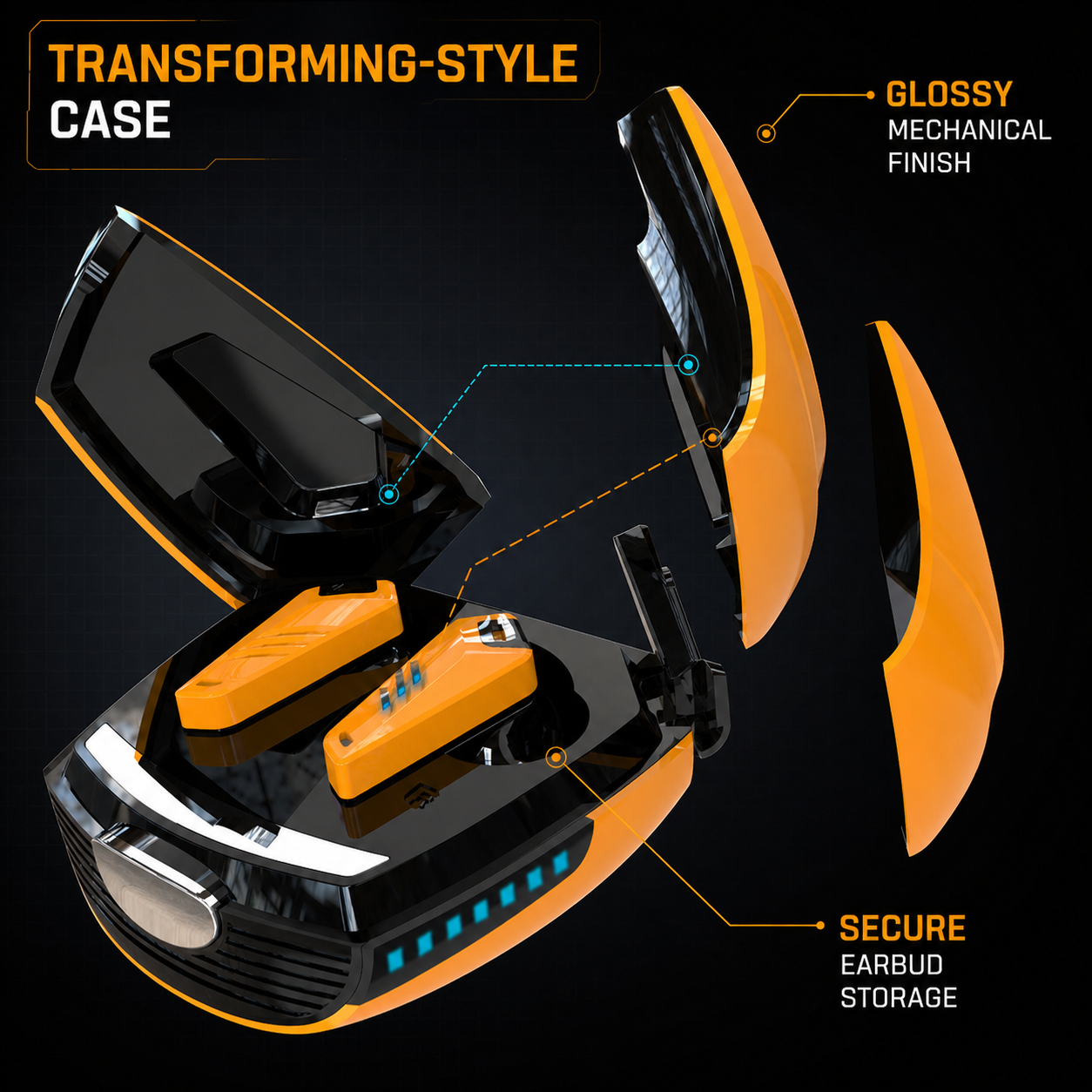
The pages are specific about the source without being specific about a brand. The EARSOLE Beetle Mechanical Wireless Gaming Earbuds with Noise Isolation page says: "Charge over USB-C with any standard charger you already own," and separately, "Charger not included; use a compatible USB-C power source" Read the second line as a condition, not a disclaimer: the case is only promised to charge from a source that matches its port. A cable that fits but was never a data-and-power cable, or a port that has picked up pocket lint, both fail this first test before anything touches the buds.
The Wireless Gaming Earbuds with Spatial Audio page describes the same idea with a different indicator — "a green front status indicator, so a glance tells you what the case is doing." Not every case has a number to count; but every one of our pages that mentions a display or a light presents it as a reading of the case's state, and a case with no reading at all while plugged in is the clearest signal you will get.
"Put them in and they start charging" is the whole instruction
Once the case has a charge of its own, the second job begins, and the Series 219 page describes it in one sentence: "When you put wireless Bluetooth earbuds into the case, then the Bluetooth earbuds will start charging." There is no second sentence. None of our pages describes what a bud that is not sitting properly looks like, and the word "seating" only appears on our pages in the sense of how a tip sits in your ear, never how a bud sits in its bay.
That gap is worth knowing, because the check the page leaves out is the one that matters most. The EARSOLE True Wireless Earbuds Series 202B page gives you the confirmation to look for: "The dual LED display on earphones accurately display the remaining power of charging case and the charging progress of Wireless ear buds." On that pair, a bud dropped into the case should produce a visible change in the buds' reading. If the case reading is fine and the buds' reading does not move, the second job has failed even though the first one succeeded — and that is a different problem from an empty case.
The Beetle page adds the only maintenance line in the whole range that names the part: "Wipe the earbuds with a soft, dry cloth and keep the charging contacts on both buds and case clean." Twelve of our pages say to wipe the buds or the case with a soft, dry cloth; only this one says why. Contacts are the bridge between the two jobs, and they are the one place where the second job can fail on a case that passed the first test.
Opening the lid tells you something, but not about charging
Fifteen of our pages share this sentence: "just open the lid of the charging case to auto-reconnect to your Bluetooth-enabled devices." The Series 219 page explains the mechanism: "Equipped with a high-sensitivity antenna and a Hall switch, wireless Bluetooth headphones auto-pair as soon as you open the charging case."
Read those two lines together and you get a cheap test that no troubleshooting list offers — our reading of the two lines, not a test either page describes. Opening the lid is a Bluetooth event, not a charging event — but a bud that reconnects to your phone the moment the lid opens has power in it, which means it charged at some point. If your buds reconnect on lid-open and still show as flat an hour later, the problem is not that the case never charges them; it is that something is drawing them down or the charge is not holding. If they never reconnect at all and never show a charging reading, the buds are not being charged in the first place. Same symptom on the phone screen, two different faults, separated by a line the pages wrote for a different reason.
The totals on the page are not the number to watch
The big figures on our pages are totals. The Series 219 page: "The 470mAh battery capacity charging case can provide extra 4 times full charging for both earbuds; each earbud can last 6H on a single charge." The Series 202 page: the "portable charging case can charge the earbuds for 5-6 times, giving 75 hours of a total playtime." Neither of those numbers helps with a charging fault. They describe how many refills a full case holds, which is a reserve, not a rate.
The reading that matters for a fault is the small one: the case level going up while plugged in, then the buds' level going up while docked. A case showing a full reserve while the buds stay flat is not a contradiction — it is the display doing exactly what the Series 219 page says it does, reporting the case and the buds as two separate levels. The reserve is there; the transfer is not happening.
An order to work in, and which parts of it are ours
The first three steps come straight from the pages. The last two do not appear on any of our product pages — they are general experience, and we are labelling them as such rather than dressing them up as product facts.
| Step | What you are checking | Where it comes from |
|---|---|---|
| 1. Cable in, buds out | The case's own light or number starts moving ("flash from 1 to 100"). | Series 219 and two sibling pages. |
| 2. Buds in | The buds' reading changes ("the charging progress of Wireless ear buds"). | Series 202 page. |
| 3. Lid open | Do the buds reconnect to your phone? If yes, they have held a charge before. | Fifteen pages, plus the Hall-switch line on Series 219. |
| 4. Contacts | Wipe the metal points on buds and case with a dry cloth. | Named only on the Beetle page; the reason it matters is ours. |
| 5. Everything else | A different cable, a different power source, a long uninterrupted spell in a case you have confirmed is charging. | General practice, not on our pages. |
If step 1 fails, stop there: nothing about the buds is in question. If step 1 passes and step 2 fails, the fault is between the case and the buds — contacts, or the buds themselves. If both pass and the buds still run flat, the case is not the place to look at all.
Three questions people bring to this page
How do you reset a charging case? None of our product pages publishes a reset sequence for a case — the word does not appear on any of them — so we are not going to invent a button-and-timing routine and attach a model name to it. A case, as our pages describe it, is a battery, a display and a lid switch. If a pair you own came with a printed sequence, that sheet outranks anything here.
How do you revive earbuds that seem dead? The pages offer no revival procedure. What they do offer is the test above: a case that is confirmed charging (step 1) and a bud left in it long enough for the display to report a change (step 2). Checking after a few seconds and calling the bud finished skips step 2 entirely; that reading of the pages is ours, not an instruction any of them prints.
Is the case waterproof? The ratings on our pages describe the buds; we have written separately about why the rating does not extend to the case. A case that went through a wash is a different fault from any of the above and is outside what a display reading can tell you.
For the fuller list of what to read on a spec sheet before you buy, the wireless earbuds buying guide covers the battery lines in context; the pairs quoted here sit in everyday wireless earbuds.