Earbuds Case Not Charging With No Light
An earbuds case not charging no light search starts with the case itself. The lid stays dark, the cable is already plugged in, and the buds never get a turn. That is the earbuds case not charging problem: the case is the part that should show a light and take power. Buds that stay empty while a case light is already on are a later check.
Key takeaways
- A dark case is a cable, port, and case-power check.
- A case that already shows its light, with buds that stay empty, is a different fault.
- Earsole sells two different working lights: a front LED with left and right indicators on the clip-on case, and a blue status light on Cloud White.
- Both product pages describe USB-C recharge. A dark light does not prove the cell is dead, and this page does not ask you to open the case.
This note uses the Earsole product pages for those two in-stock pairs, plus the live Google results for this query on 21 October 2026. It is a reading of those pages. It is not a bench measurement of your case.
A dark case is not earbuds that sit and stay empty
Start by naming what you can see. If the case light never comes on while the cable is attached, you are in the case-power check. If the case light is already on and the buds still will not fill, you are in a different check. People search both, and the live results mix them.
| What you can see | What to treat it as |
|---|---|
| The case light stays off while a cable is attached | Case-power check: cable, port, then the case |
| The case light is on and the buds stay empty | A different fault from a dark case |
| The phrase earbuds charging case not charging | The case-power wording, close to a dark lid |
| One bud fails while the other fills | Outside this page |
Change one cable or port at a time
By the end of this step you know whether a simple power path reaches the case. Use the cable that came with the pair if you still have it. Then change one thing only.
- Seat the plug fully in the case.
- Swap the cable, and leave the wall adapter or computer port as it was.
- If the light is still absent, put the original cable on a different adapter or USB port.
- Look at the port opening. If lint is visible, clear only what you can see without pushing metal into the port.
A light that appears after one of those swaps means the case can still show power. A light that stays absent after a known-good cable and a known-good port means the case itself is the remaining question. It does not, by itself, prove the cell is finished.
Where this page stops
Opening the shell, lifting a board, or swapping parts inside the case is outside this check. One video on the live results demonstrates a board replacement. This page does not recommend that. A missing case is also a different job. If the case is gone, use the steps for finding earbuds that are turned off. A phone that still charges while wired headphones play nothing is the separate page on wired USB-C headphones with no audio.
The clip case is sold with a front LED for each side
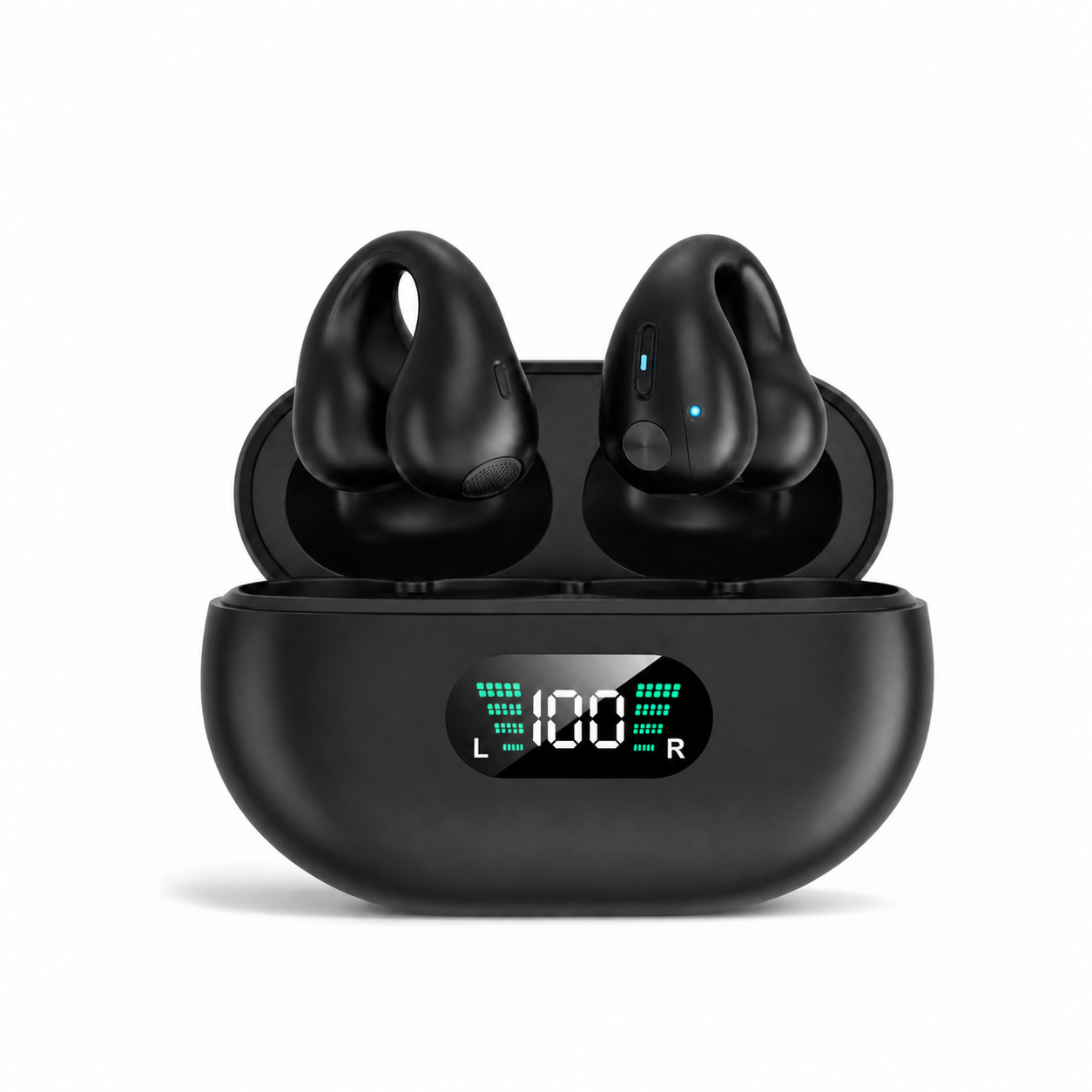
The Earsole open-ear clip-on earbuds are sold with a case display, and the product page states it in one sentence. The case has a front LED display with separate indicators for the left and right earbuds, so you can tell at a glance how each side is doing instead of guessing from a single mystery light.
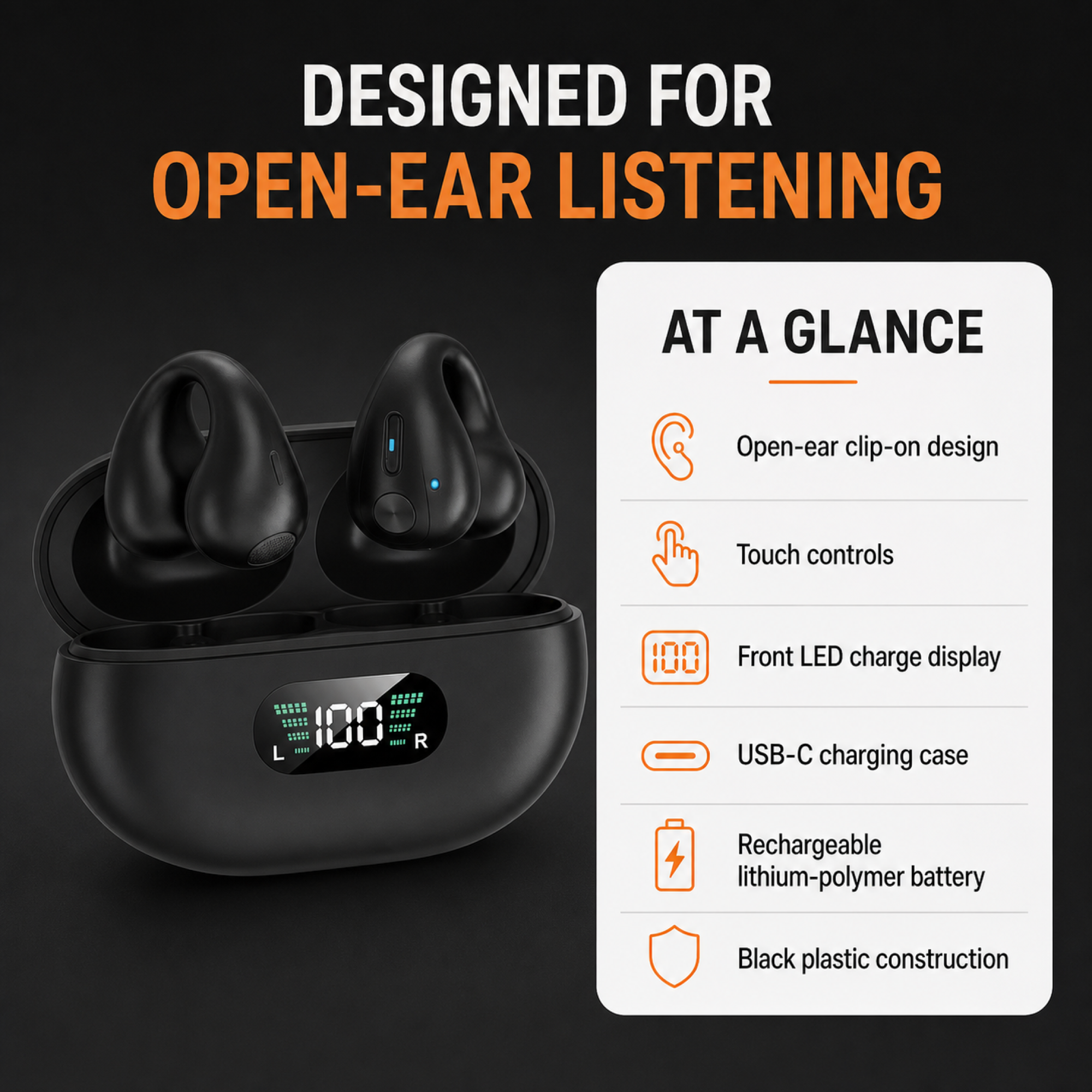
The same page states the recharge path. It recharges over USB-C and runs on a lithium-polymer battery. That sentence describes the port and the cell chemistry the merchant lists. It does not say the LED stays on for the whole time a cable is attached, and it does not report a charge rate.
The merchant spec image shows that front LED with separate L and R marks. The figure printed on the graphic is the merchant’s example display, so it is not a reading from your case.
Please note: this product is non-water-resistant. A dark case light is a separate question from that care line.
Cloud White is sold with a blue status light
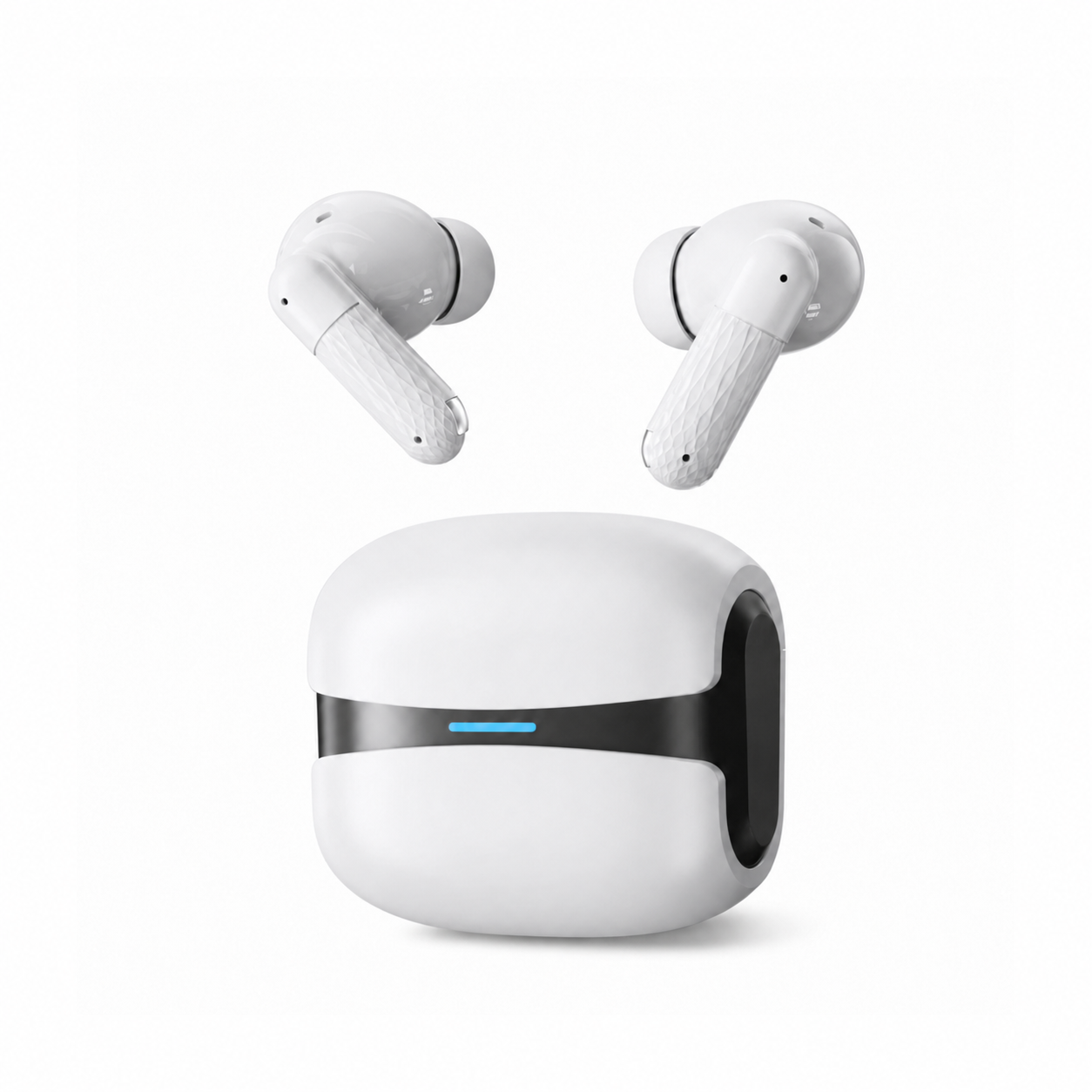
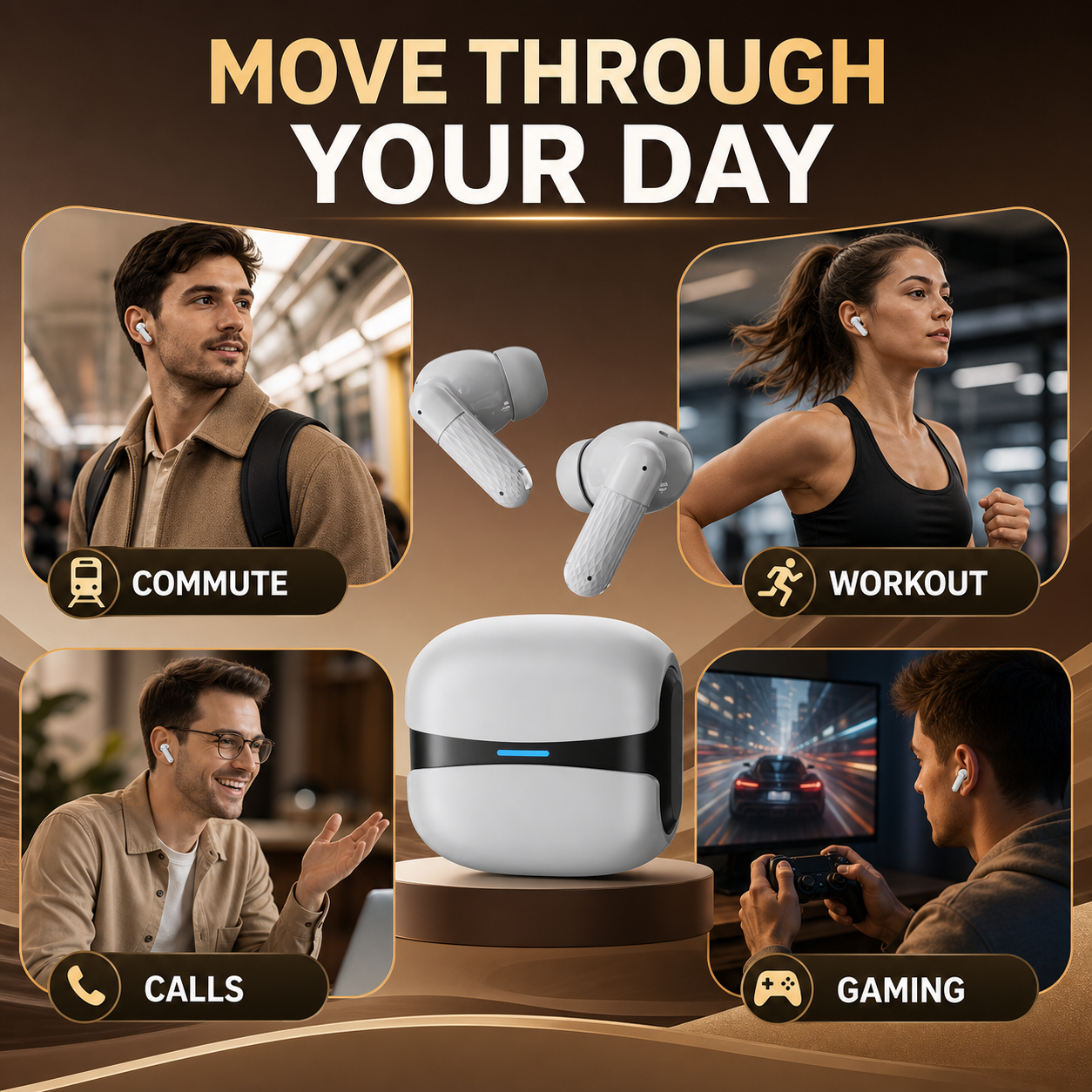
Cloud White uses a different case cue. The sculpted white earbuds sit inside a compact charging case with a clean black accent band and blue status light. The lifestyle photo shows that white case, the black band, and a thin blue light on the front. Scene words printed on the collage are marketing labels.
Recharge through the USB-C port when the case needs power. That is the charging sentence on the page. Read beside the clip-on page, the blue status light and the front LED with left and right indicators are two merchant descriptions of a working light.
IPX5 water resistance helps protect the earbuds from sweat and light splashes. The sentence names the earbuds, sweat, and light splashes.
An iPhone battery widget is a different reading. The widget page explains how an iPhone shows earbud battery. It does not tell you why a case lid stays dark on the desk.
What the live page and other owners actually show
The Google results for this query, retrieved for the United States in English on 21 October 2026, are mostly other brands and general repair pages. They are a map of the question. They are not test notes for these two Earsole cases.
The page opens with an AI overview and a video pack. Video titles cover AirPods, Galaxy, and generic earbuds that will not charge in a case. A later YouTube result from Dream Finder shows a TP4056 board swap on a dead case. Treat that as someone else’s repair video. Leave your Earsole case closed.
A Sparexo repair guide is titled “Earbud Charging Case Not Charging or Showing No Light.” Its visible snippet says the case itself will not take a charge and shows no LED. The full page, read for this article, also separates that fault from a case that charges while the buds do not. That split matches the table above. This article does not copy that guide’s port tools or its estimate of how long a cell lasts.
Other owners on the same results page are talking about other products:
- A Reddit title in r/batteries discusses an earbuds case that will not charge with a new battery. The snippet is about a temperature sensor in that case.
- A Samsung community post says “There is no LED light at all anymore” about Galaxy Buds.
- A Quora thread is about a Skullcandy case that does not light up.
- Nothing’s support page talks about dirt on charging pins, which is a bud-contact issue.
- A Reddit search for the same wording returned other brands. One title is “Charging case has no LED and it is not charging.” Another owner writes that the earbuds are fully charged while the case is still at 0%. A third title, “Earphones not charging but case is,” is the opposite pattern. A left-bud title in that search is a one-sided fault, which this page leaves alone.
None of those posts are Earsole defects. The same search did not surface wear, sound, or connection complaints, so this page does not invent them.
A boundary for buds that stay empty
The wording earbuds not charging in case belongs to buds that sit in the case and stay empty. Use it when the case already has a light or some other sign of power. Related searches such as “One earbud not charging in case” and “Why is my left wireless earbud not charging” are that neighboring problem. Cleaning acoustic mesh is also a different task, covered in cleaning earbud mesh, and it does not restore a dark case.
People Also Ask on the same results page includes “Is it safe to charge an earbuds case without earbuds?” The Earsole pages do not report a safety test for an empty case, so this article gives no yes or no. “How to reset HD65 earbuds?” is a different model and stays out.
Where a working light leaves you
If a known-good cable and port bring the sold light back, the case can still show power. On the clip-on pair, that sold light is the front LED with separate left and right indicators. On Cloud White, it is the blue status light on the white case with the black band. If the light stays absent after that cable and port swap, contact the seller with the case closed. A dark light is a reason to stop and ask. It is a poor substitute for a measurement that the cell is dead.
Questions readers bring from the results page
Why is there no light on my AirPod case when charging?
That question names an AirPods case. For the Earsole clip-on case, the product page says: The case has a front LED display with separate indicators for the left and right earbuds, so you can tell at a glance how each side is doing instead of guessing from a single mystery light. For Cloud White, the product page says: The sculpted white earbuds sit inside a compact charging case with a clean black accent band and blue status light. A missing light on either of those cases is still the case-power check above.
What to do if earbuds are not charging?
Confirm whether the case light is dark. On the clip-on page: It recharges over USB-C and runs on a lithium-polymer battery. On the Cloud White page: Recharge through the USB-C port when the case needs power. Swap one cable, then one port, and stop before you open the case.
Why are my earbuds not charging in the case?
The measured wording is why are my earbuds not charging in the case. Read the case light first. The clip-on page ties that light to each bud: The case has a front LED display with separate indicators for the left and right earbuds, so you can tell at a glance how each side is doing instead of guessing from a single mystery light. When that light, or Cloud White’s blue status light, is already on and the buds stay empty, the dark-case check is finished and a different fault remains.