Few things are more confusing than plugging in wired earphones and finding your usb-c headphones not working—even though the exact same USB-C port still charges your phone every night without a hitch. Instead of routing music to your ears, your Samsung Galaxy, Google Pixel, or Android phone plays audio straight out of the bottom loudspeaker as if nothing were plugged in.
Before you assume your phone’s charging port board needs to be replaced—or before you throw away a working pair of earbuds—it helps to understand why USB-C charging and USB-C audio use completely different pins inside the connector, and then walk through the three rapid fixes verified by Samsung Galaxy owners.
How USB-C Receptacles Route Digital Audio and Detect Liquid or Corrosion (Wikipedia USB-C)
Why can a smartphone charge normally at 15W or 25W while refusing to recognize samsung usb c headphones not working? The answer lies in the 24-pin layout of the USB Type-C tongue inside your phone.
According to Wikipedia’s USB-C specification reference, the 24-pin reversible USB-C receptacle uses separate pins for power (VBUS and GND), configuration channel detection (CC1 and CC2), and USB 2.0 differential data (D+ and D−), includes Liquid Corrosion Mitigation Mode to protect pins from moisture, and notes that the USB-IF deprecated passive Analog Audio Adapter Accessory Mode in favor of digital USB audio accessories.
Here is what happens behind the scenes when you plug in USB-C earphones:
- Power Pins vs Data Pins: Charging mainly relies on the outer VBUS and GND contacts, accompanied by a basic resistor check on the CC pin. Digital USB-C headphones, however, must complete a full USB 2.0 data enumeration handshake across the tiny central D+ / D− and CC1 / CC2 pins so Android can load its USB Audio Class driver.
- Microscopic Oxidation on Data Contacts: If a tiny speck of pocket lint or a thin film of humidity corrosion coats just one of the D+ or D− contacts on the phone’s inner USB-C tongue, your charger will still push current over VBUS—but the USB-C headset will never enumerate.
- Passive Analog vs Active Digital USB-C Cords: Most modern phones (including recent Samsung Galaxy S/A-series, Google Pixel, and iPhone 15/16 models) require USB-C earbuds or adapters with a built-in digital-to-analog converter (DAC) chip rather than an older passive analog USB-C cord.
| Symptom When Plugging In USB-C Earbuds | Most Likely Root Cause | First Troubleshooting Step |
|---|---|---|
| Nothing happens; audio plays from phone speaker | Oxidized/dirty D+/D- data pins or hung USB settings system state | Scrub powered-off USB-C port with 90%+ isopropyl alcohol & clear USB settings app cache |
| Headset icon briefly appears, or USB accessory shows connected, but no sound | Disable USB audio routing accidentally toggled on in Android Developer Options | Open Settings > Developer options and turn off Disable USB audio routing |
| Phone warns “USB device not supported” | Passive analog USB-C cord plugged into a phone that requires an active USB-C DAC | Test the earbuds in a USB-C laptop; use digital USB-C earbuds with built-in DAC |
3 Proven Fixes When USB-C Headphones Stop Working on Samsung Galaxy & Android (r/samsunggalaxy)
When a pair of USB-C headphones that used to work on your phone suddenly stops registering, Samsung Galaxy and Android users have narrowed the culprit down to three specific checks—covering physical pin oxidation, a stuck system USB daemon, and an easy-to-forget Developer Options toggle.
In r/samsunggalaxy (thread 1woblkj, “USB C headphones no longer working”), a Galaxy A17 owner reports that their phone no longer recognizes headphones connected directly via USB-C or through an adapter, and the top hardware reply advises: “try using some 90%+ isopropyl alcohol on a toothbrush or similar and scrub the inside. sometimes corrosion can cause data pins to not work. otherwise i’d say it needs a new charging port.”
In the same r/samsunggalaxy thread (1woblkj), two additional software fixes are shared by commenters: first, “Clear the cache and data for USB settings by going to Settings > Apps > Menu (three horizontal lines) > Show system apps > OK > USB settings > Storage. After that, restart your device,” and second, “Make sure you didn’t disable audio routing from developer options.”
Step 1: Power Off & Scrub the USB-C Data Pins With 90%+ Isopropyl Alcohol
- Shut down your phone completely first. Never use water or low-concentration rubbing alcohol (70% alcohol contains 30% water).
- Lightly dampen the bristles of a clean, dry soft toothbrush (or a lint-free foam swab) with 90% to 99% isopropyl alcohol.
- Gently brush both sides of the flat central USB-C tongue inside the phone’s port—and wipe the inside of the headphone’s male USB-C plug—to dissolve invisible skin oil and oxidation on the
D+,D−, andCCpins. - Let the port air-dry for at least 5–10 minutes before turning the phone back on.
Step 2: Clear the Hidden “USB Settings” System App Cache & Reboot
On Samsung One UI and many Android builds, the background service that negotiates USB host/accessory roles can get stuck in a “charge-only” state after a moisture warning or abrupt cable pull:
- Open Settings > Apps.
- Tap the Filter and sort icon (the three horizontal lines with a small arrow next to “Your apps”).
- Toggle on Show system apps and tap OK.
- Search for USBSettings (or USB settings), open it, and tap Storage.
- Tap Clear cache and Clear data, then Restart your phone before plugging the USB-C headphones back in.
Step 3: Check “Disable USB Audio Routing” in Developer Options
If you ever enabled Developer options on your Android phone to tweak animations or USB debugging, scroll down to the Media section inside Settings > Developer options and verify that Disable USB audio routing is toggled OFF. When that switch is turned on, Android recognizes the USB-C accessory physically but blocks the audio mixer from sending sound to it.
Replacing a Faulty Cord vs Switching to Bluetooth Earbuds If the USB-C Port Needs Repair
How do you tell whether the phone port or the headphone wire itself has failed? Plug your USB-C earbuds into a second device—such as a MacBook, Windows laptop USB-C port, or tablet.
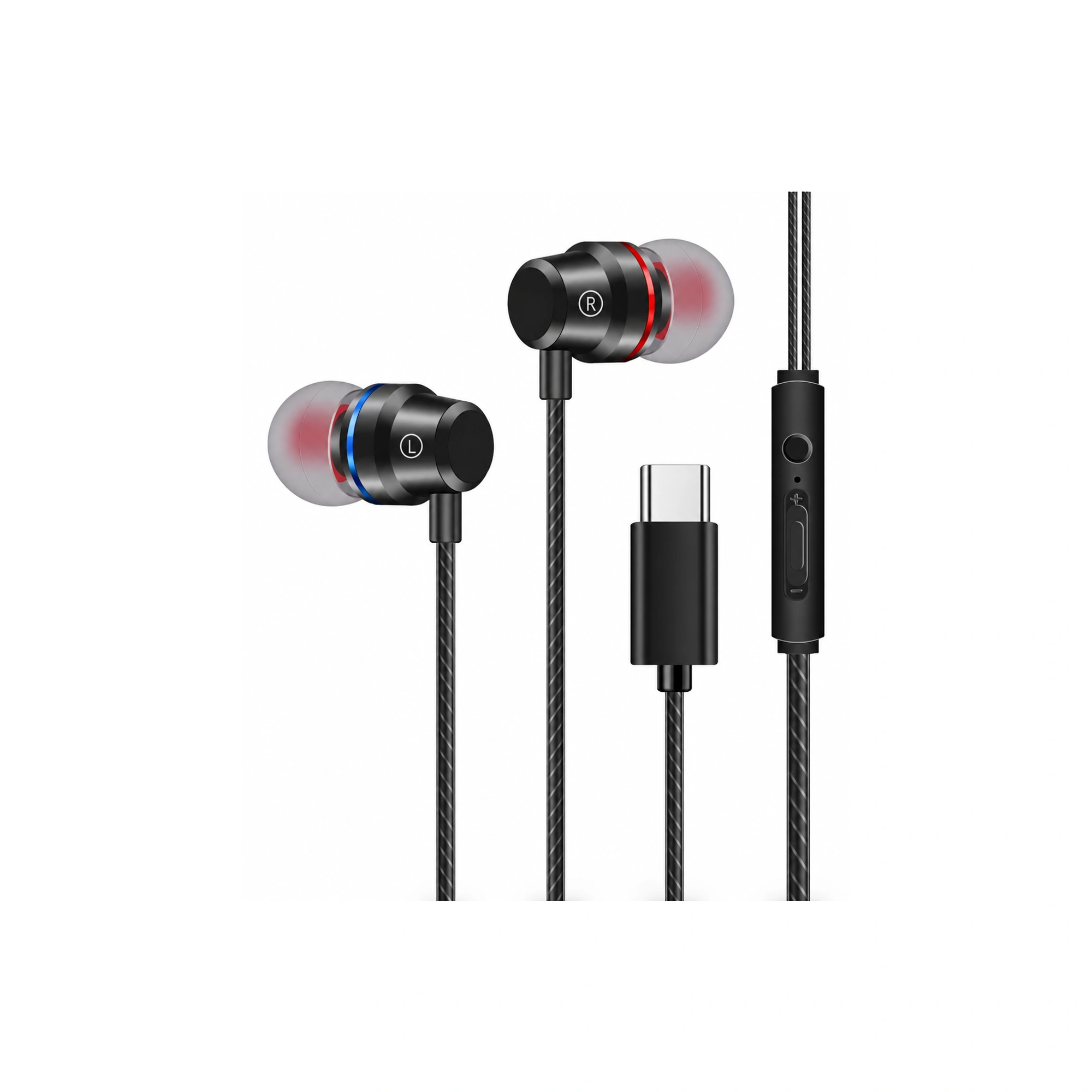
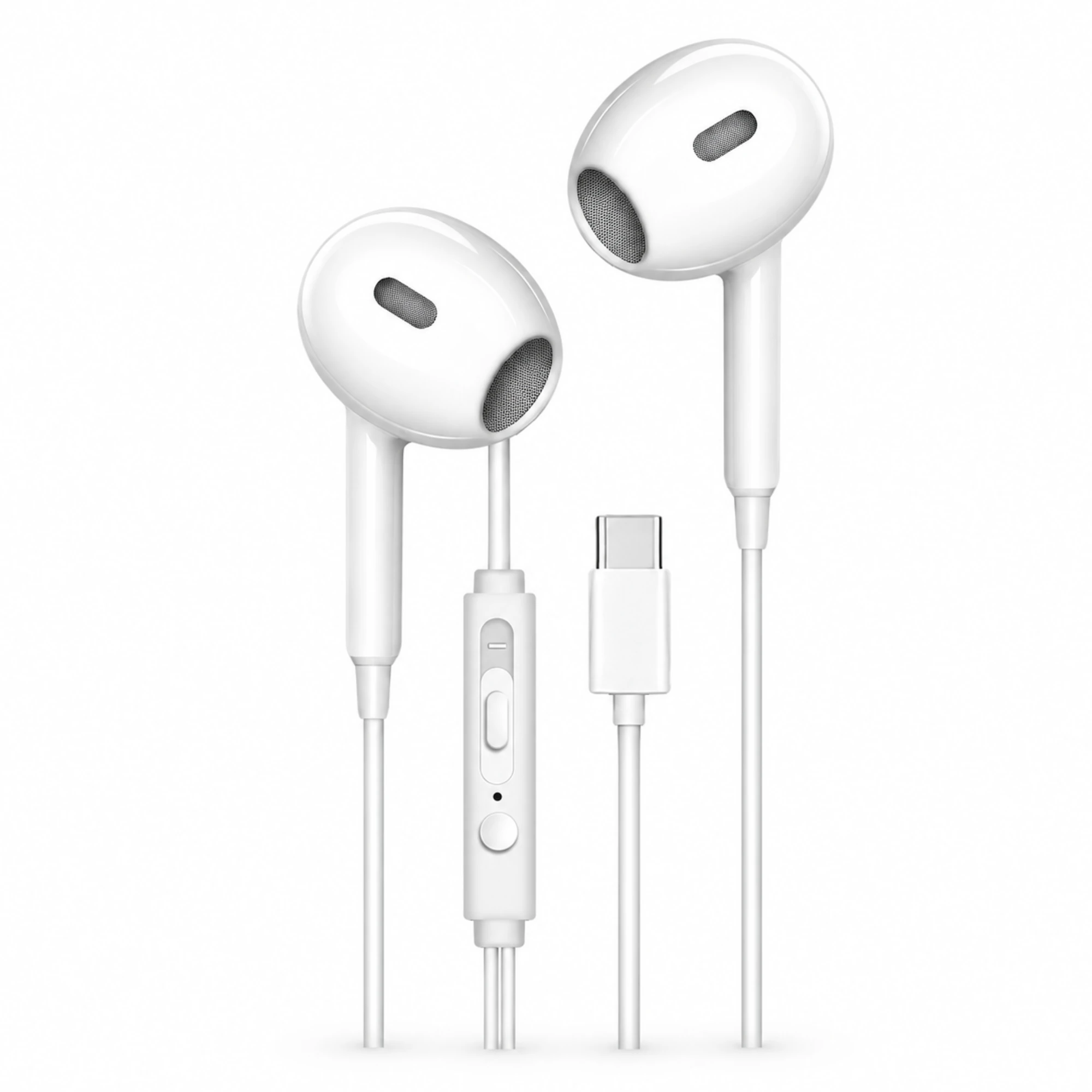
- If the Old Earbuds Fail on Every Device (Cable/Plug Failure): Replacing the worn cord with a fresh pair of USB-C earbuds is an inexpensive fix. According to the EARSOLE product catalog, the EARSOLE White USB-C Earbuds with Inline Controls ($5.26) feature a semi-in-ear shell, a 3-button inline remote pod, and a straight USB-C connector, while the EARSOLE Black Red-and-Blue Ring USB-C Earbuds ($5.36) pair a matte-black ergonomic shell with red/blue channel accent rings, an inline 3-button remote, and a straight USB-C plug (with internal DAC chip details noted as unverified in both listings).
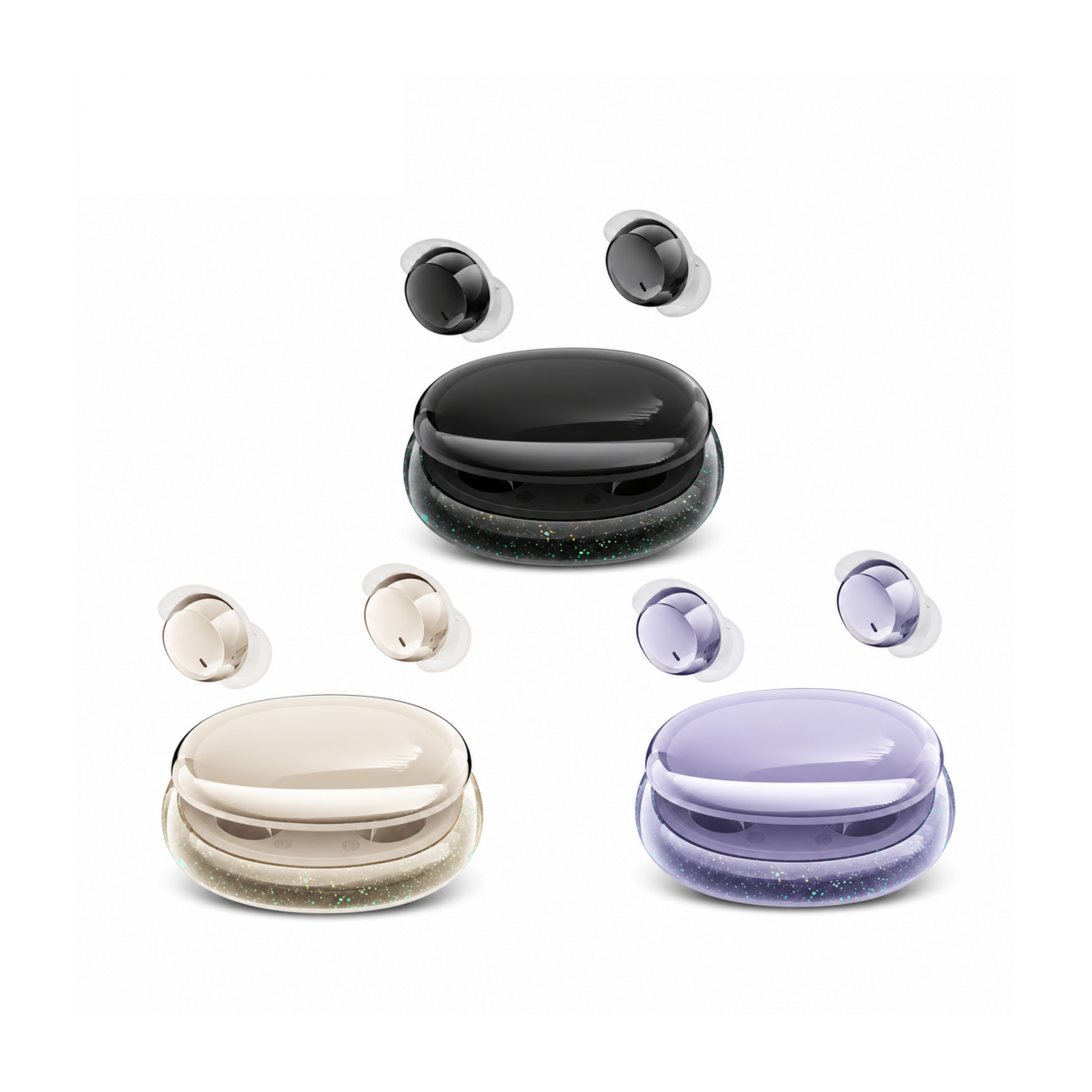
- If Your Phone’s USB-C Data Pins Are Physically Damaged: According to the EARSOLE product catalog, if a phone’s USB-C data pins are physically worn out and awaiting repair, wireless alternatives like the EARSOLE Invisible Mini Sleep Earbuds – Series 159 ($22.38, Bluetooth 5.3, ~3g per bud) and the EARSOLE Low-Profile Sleeping Earbuds for Side Sleepers ($20.66, Bluetooth 5.3, LED display charging case) stream audio over Bluetooth without relying on the phone’s USB-C port.
If you also use USB-C wired earphones across Apple devices, see our companion troubleshooting guide on USB-C headphones for iPhone 16.
Frequently Asked Questions
Why does my phone still charge through USB-C when USB-C headphones stop working?
Charging uses the heavy-duty VBUS and GND power pins inside the 24-pin USB-C port, whereas digital USB-C headphones require clean D+/D− data pins and CC1/CC2 configuration pins to enumerate as a USB audio device. Light corrosion or pocket lint on the data pins will block audio while leaving charging unaffected.
How do you clear the USB settings cache on a Samsung Galaxy phone?
As shared in r/samsunggalaxy (thread 1woblkj), open Settings > Apps, tap the filter menu icon next to “Your apps,” turn on Show system apps, tap OK, open USB settings > Storage, tap Clear cache and Clear data, and restart your phone.
Which Android Developer Options setting can block USB-C headphones from working?
Inside Settings > Developer options (under the Media section), the toggle labeled Disable USB audio routing blocks Android from sending sound to USB-C headphones and DACs. Make sure it is turned off.