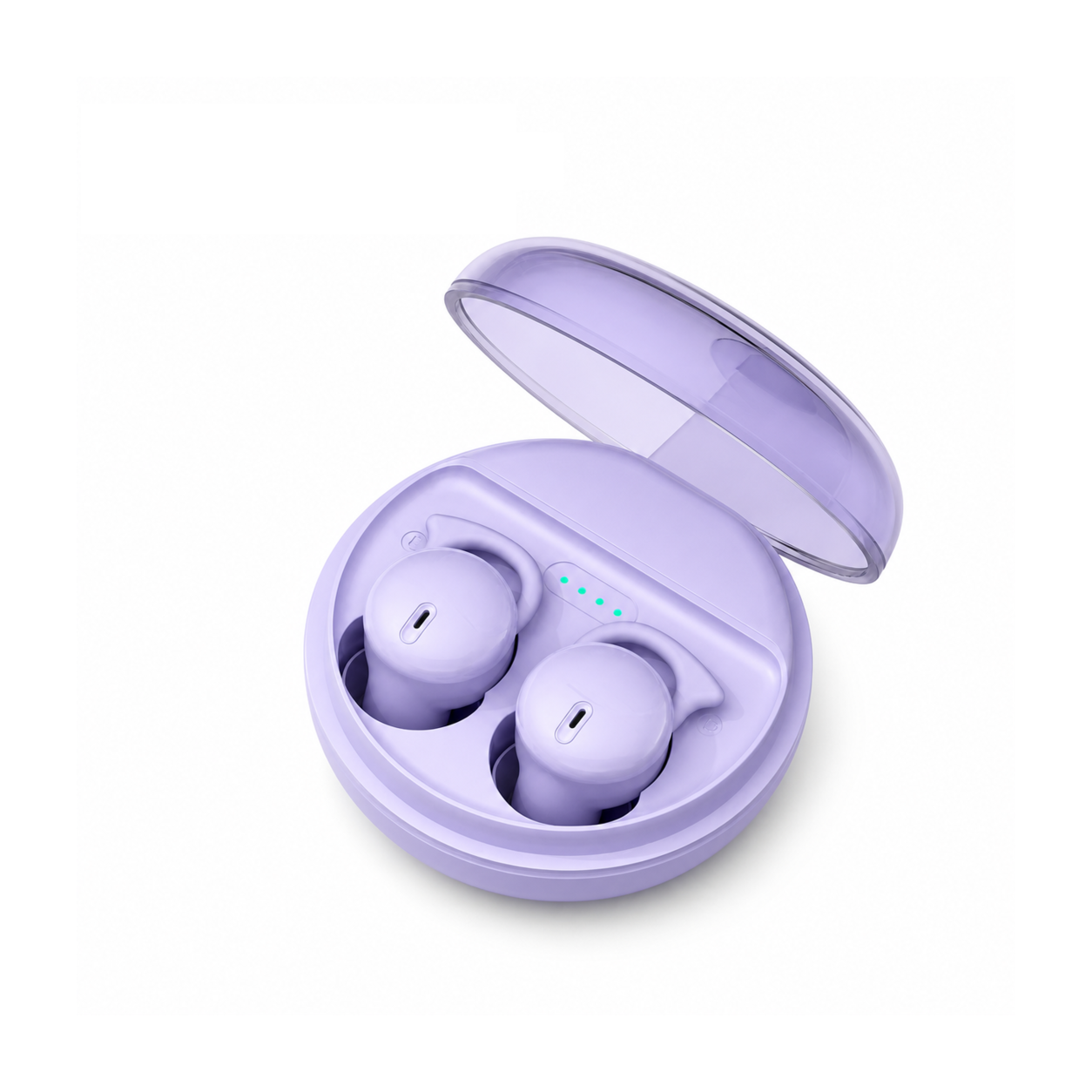
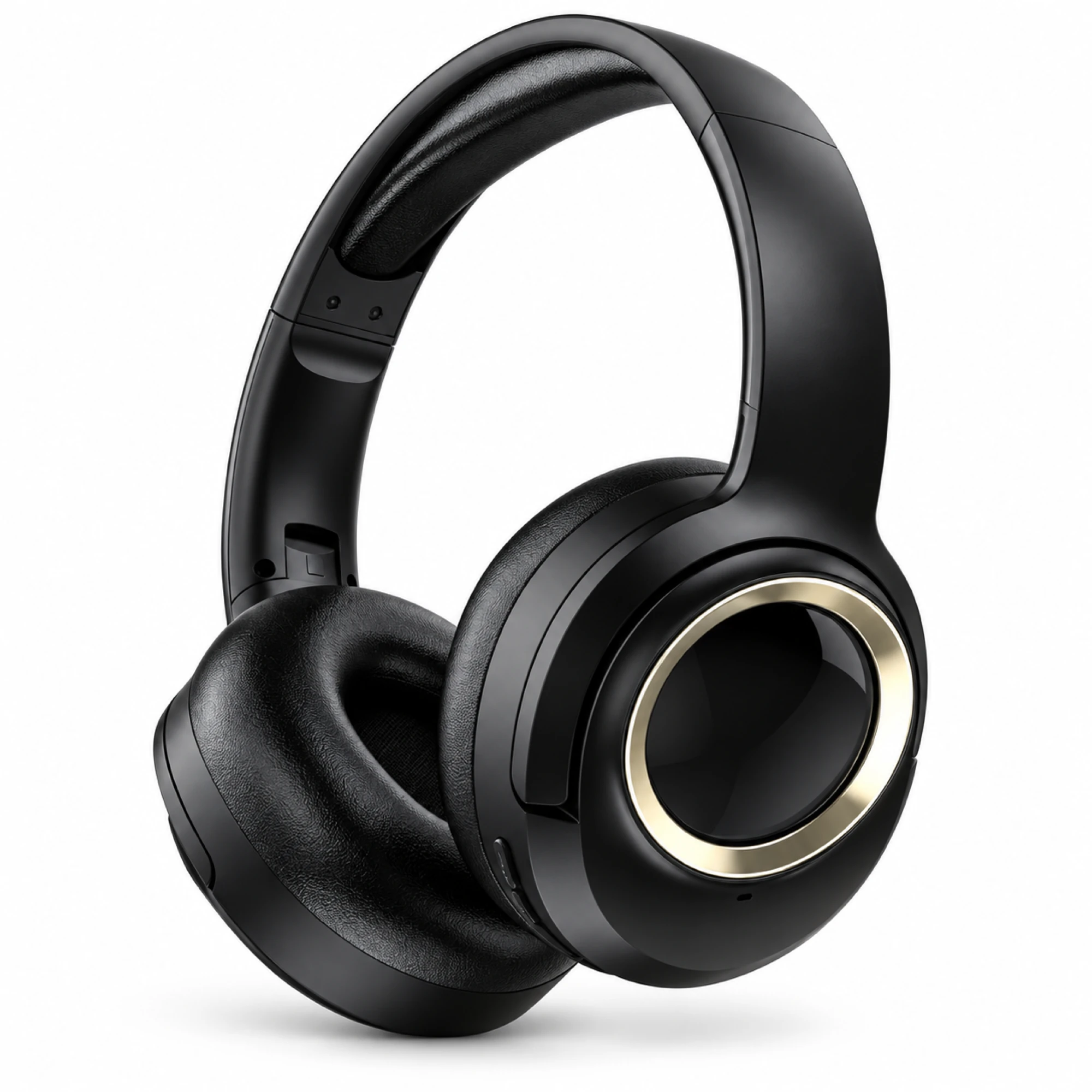
 MX-21 Black and Gold Wireless Headphones
 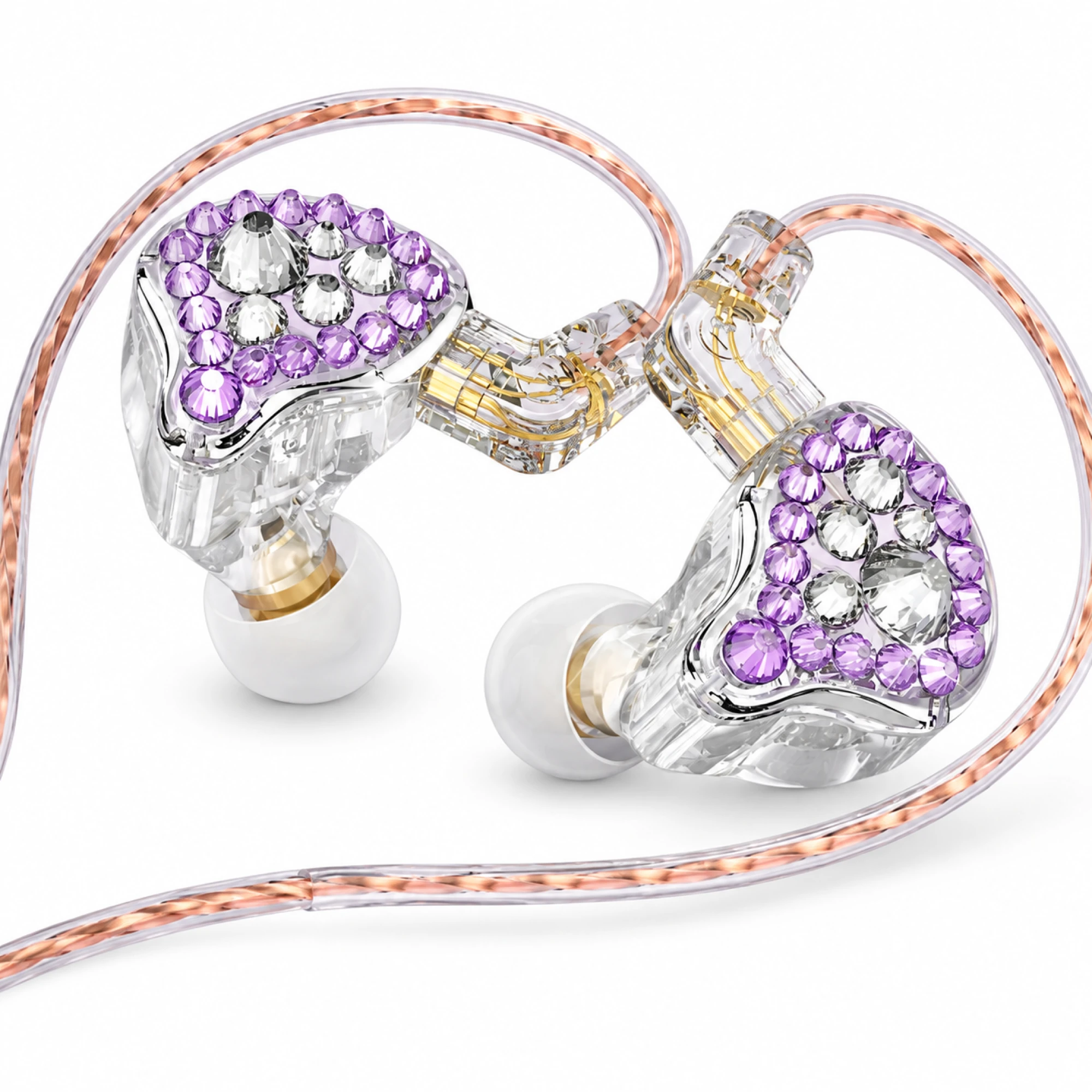 Q2 Pro Purple Crystal In-Ear Monitors
 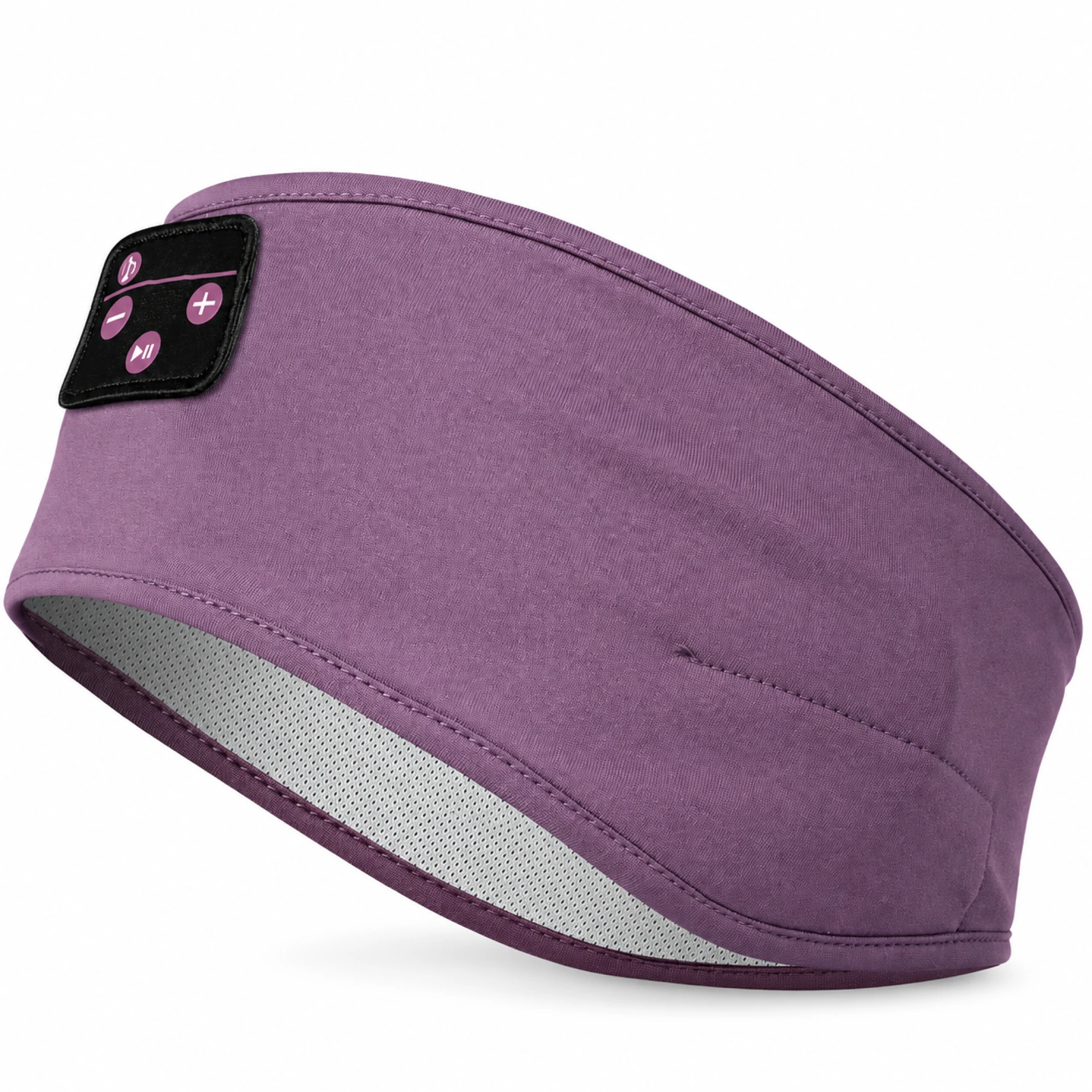 Purple Sleep Headband Headphones with Triangle Controls
 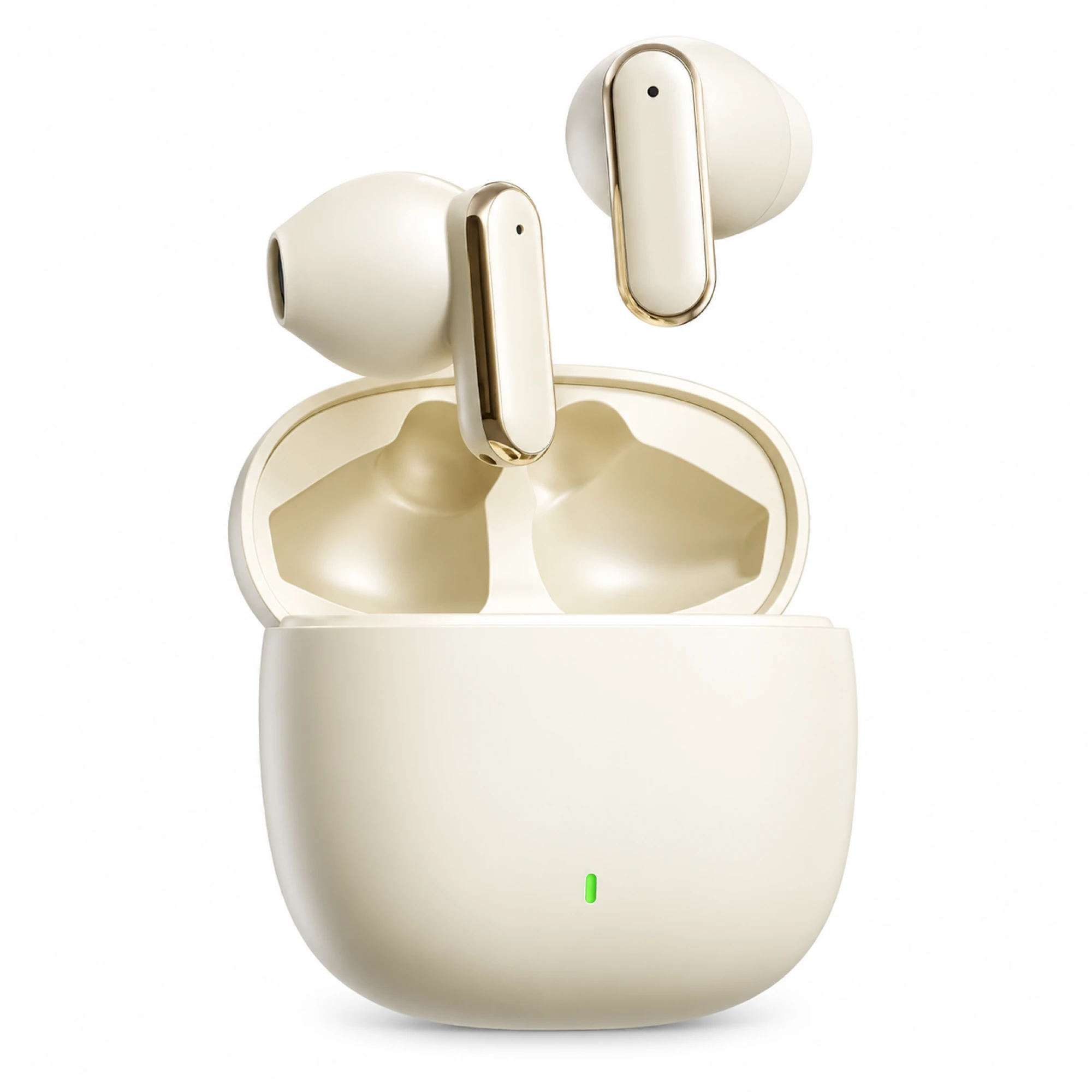 Cream Reflective-Stem Wireless Earbuds
  IN-01 White ANC Earbuds with Pale Blue Case Interior
 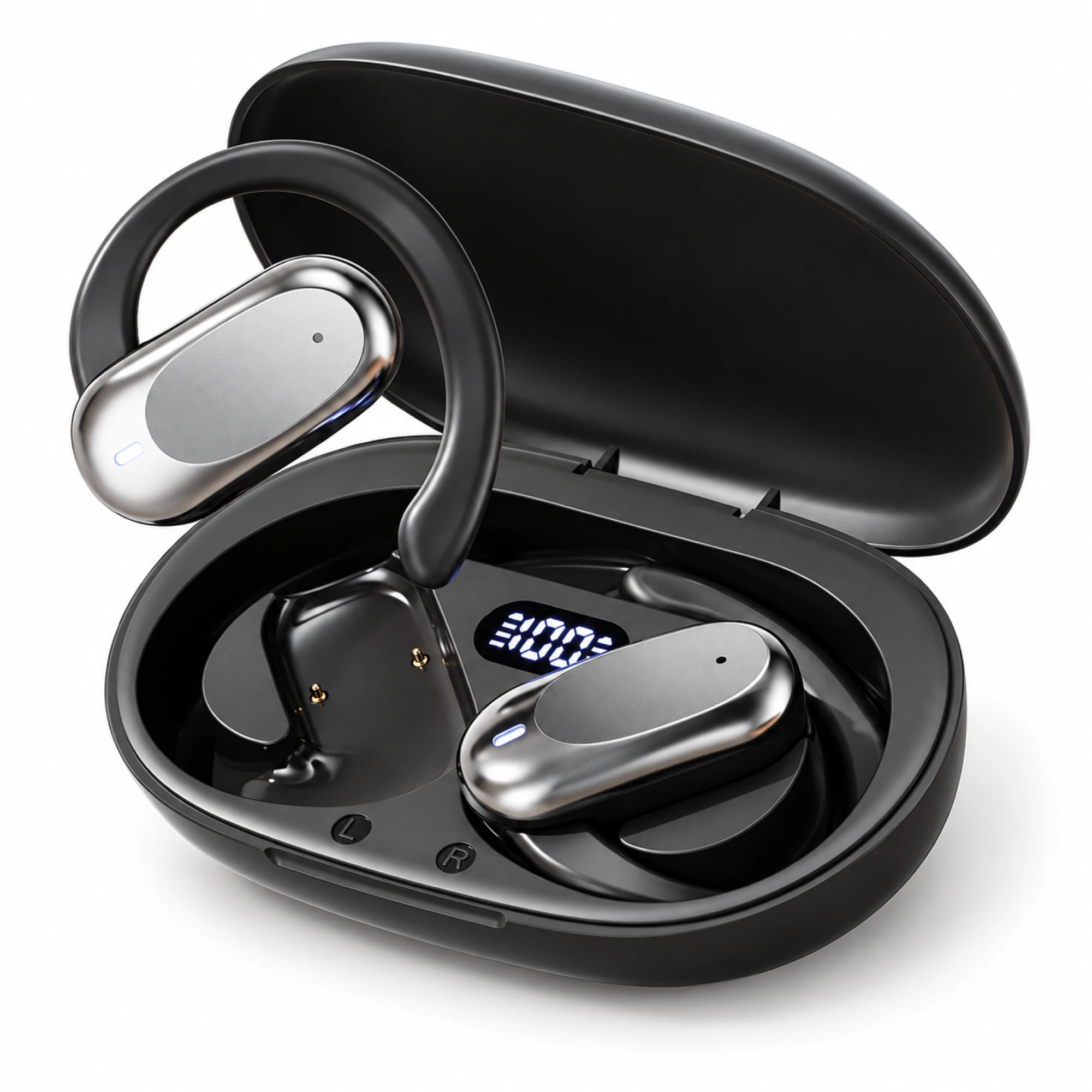 Silver Capsule Open-Ear Earbuds
 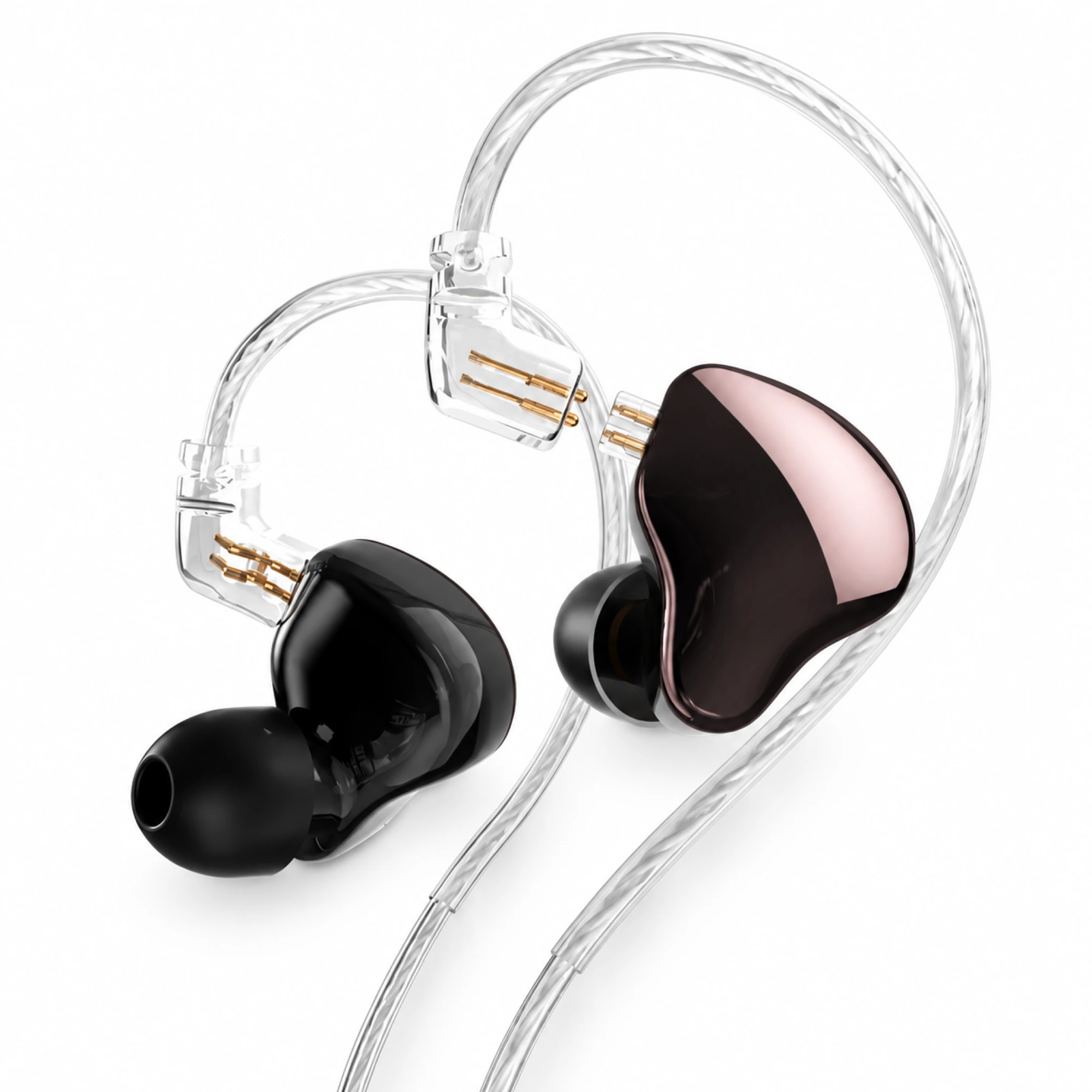 MN Rose-Metallic Detachable In-Ear Monitors
 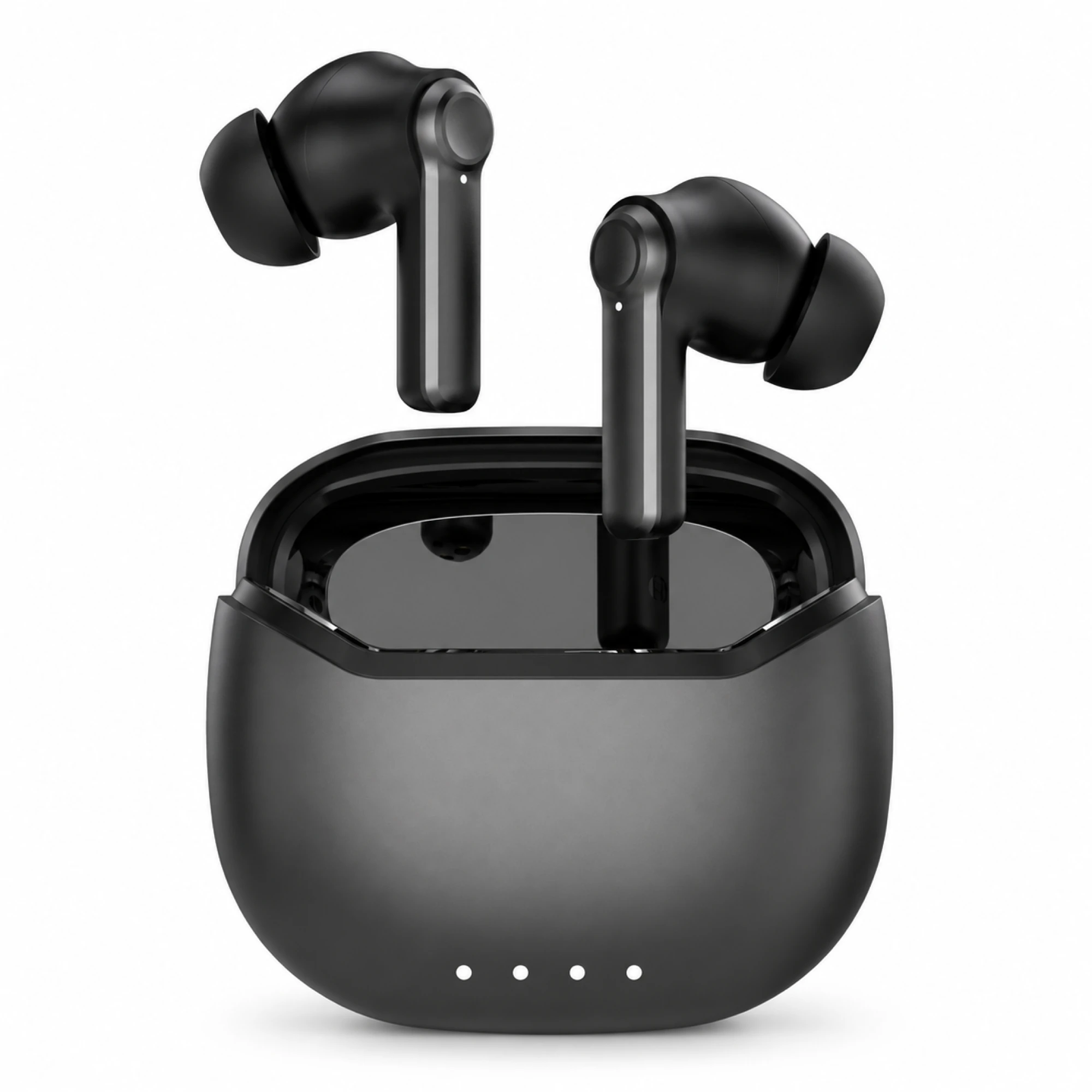 Black ANC Earbuds with Four-Indicator Case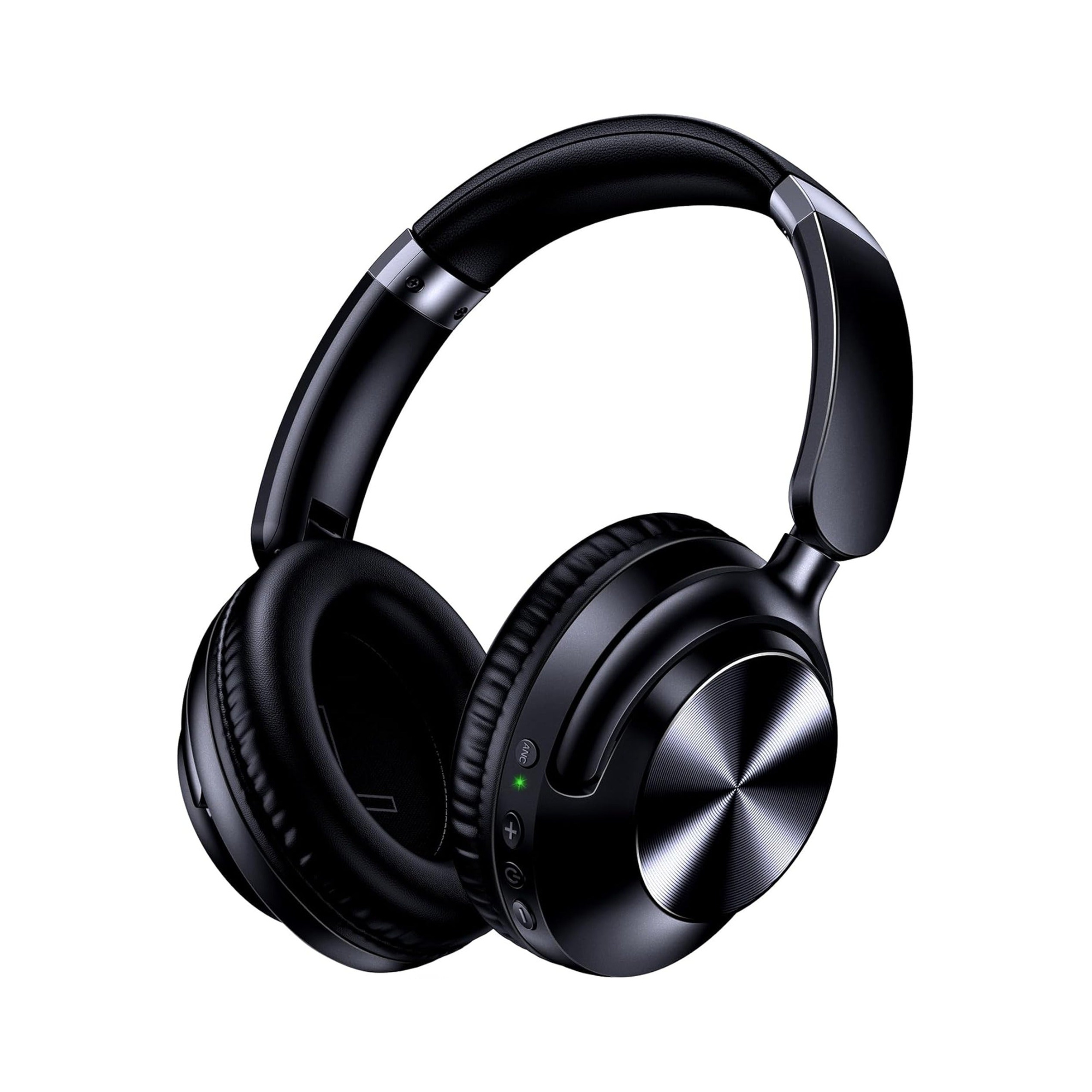
Most lip-sync trouble with wireless headphones on TV comes from the connection path, not the headphones. A television's built-in Bluetooth usually adds the most delay and gives you the least control over it. A transmitter on the optical output, a streaming box, or a plain 3.5 mm cable each behave differently, and only some of them let the TV speakers keep playing.
Five ways to get TV sound into headphones
The route sets the delay ceiling and decides whether anyone else in the room can still hear, which makes it a more useful comparison than any list of models.
| Route | Delay behaviour | TV speakers stay on? | What you need |
|---|---|---|---|
| The TV's own Bluetooth | Worst and least adjustable; fixed in firmware | Usually no | Nothing extra |
| Transmitter on the optical (TOSLINK) output | Set by the codec both ends agree on | Often yes | Optical transmitter; TV output set to PCM |
| Transmitter on the 3.5 mm or RCA output | Same as above | Often no | Analogue transmitter |
| Pair to a streaming stick or box instead of the TV | Handled by the box; often better managed | Usually no | Apple TV, Fire TV, Roku or similar |
| A 3.5 mm cable into the headphone jack | Effectively none | Often no | Headphones with a wired mode, plus an extension |
Two rows surprise people. Connecting wireless headphones to a TV over its own Bluetooth is normally the worst option for sync, even though it is the one the set advertises. And a transmitter on the optical port often leaves the internal speakers running, which is the whole point in a shared living room.
Why Bluetooth on a television lags more than Bluetooth on a phone
Phones and laptops have spent years tuning audio-video compensation; a phone knows roughly how late its Bluetooth path is and shifts the picture to match. Televisions are less consistent, and the compensation they apply is a fixed guess in firmware instead of anything negotiated with the headphones.
The codec has to match at both ends
This is the most common reason a low-latency purchase disappoints. A codec is used only if both ends support it. Buy an aptX Low Latency transmitter, pair it with earbuds that speak only SBC and AAC, and the link quietly falls back to SBC, so a feature you paid for never engages. The same applies in reverse.
Treat any latency number on a box as a best case for one tested pairing, measured on hardware you do not own. Encoding, radio scheduling, decoding and mixing all sit on top of whatever the codec itself contributes, and a television adds its own processing after that. Our walkthrough on diagnosing earbud audio delay covers telling a constant offset from a drifting one, and what a Bluetooth version number leaves out explains why a higher number on the box changes less than it appears to.
How much delay shows on screen
Lip-sync tolerance is asymmetric. Sound arriving slightly after the picture is easier to accept than sound arriving before it, because that is what distance does in the real world. A modest lag on a wide drama shot passes unnoticed; the same lag on a news anchor in close-up does not, which is why a talking head is the right test material.
If your set has an audio delay or AV sync control, check which direction it moves. Many can only push audio later, which cannot repair audio already behind the picture. A few delay the picture instead, and those genuinely fix a Bluetooth offset.
Your TV probably mutes its own speakers
On many televisions, pairing Bluetooth headphones switches the audio output instead of duplicating it. The headphones get sound and the room goes silent. Fine alone; for a household it defeats the purpose.
Behaviour varies by brand and model year, and some sets offer a simultaneous or dual-output mode under sound settings. Where it does not exist, the workaround is to leave the TV's Bluetooth alone and hang a transmitter off the optical output, since digital audio out often runs in parallel with the speakers.
If you go the optical route
- Set the TV's digital audio output to PCM; Bitstream, Auto and Dolby Digital will not do. Most cheap optical transmitters accept two-channel PCM only; a bitstream feed gives silence or harsh noise.
- Compare the transmitter's codec list against the headphones' before buying. If they share nothing but SBC, expect SBC latency.
- Confirm the internal speakers still play once it is connected. On a few sets, enabling digital output mutes them anyway.
- Power the transmitter from the wall; TV USB ports often cut power in standby.
When one person needs it loud and nobody else does
This is the reason many households look for TV headphones at all. Someone cannot follow dialogue at a volume everyone else finds comfortable, so the television creeps up night after night. Three things matter more than the brand:
- Keep the speakers alive. A setup that mutes the room forces the household to pick one listener. Optical-transmitter routes usually avoid that.
- Independent volume. The headphone listener needs a control that does not change what the room hears. Transmitter routes give this by default; the TV's own Bluetooth often ties both to one slider.
- Speech clarity beats loudness. Turning it up raises the score along with the dialogue. Most televisions have a dialogue or clear-voice mode worth trying first, at no cost.
Assistive listening devices are a separate category, and for some households the better answer. The NIDCD notes that a hearing loop can be connected to a public address system, a television, or any other audio source, and lists personal amplifiers for use when watching TV; its overview of assistive devices for hearing, voice, speech or language disorders is the place to start. EARSOLE sells no hearing aids or certified assistive equipment and makes no medical claims.
What our own range covers here
EARSOLE has no purpose-built TV headphone system. No base station, no optical or RCA transmitter, nothing advertised with aptX Low Latency. If your plan needs a transmitter, that part comes from elsewhere. What our range has is several models whose listed features happen to suit watching TV, mostly because they fall back to a cable.
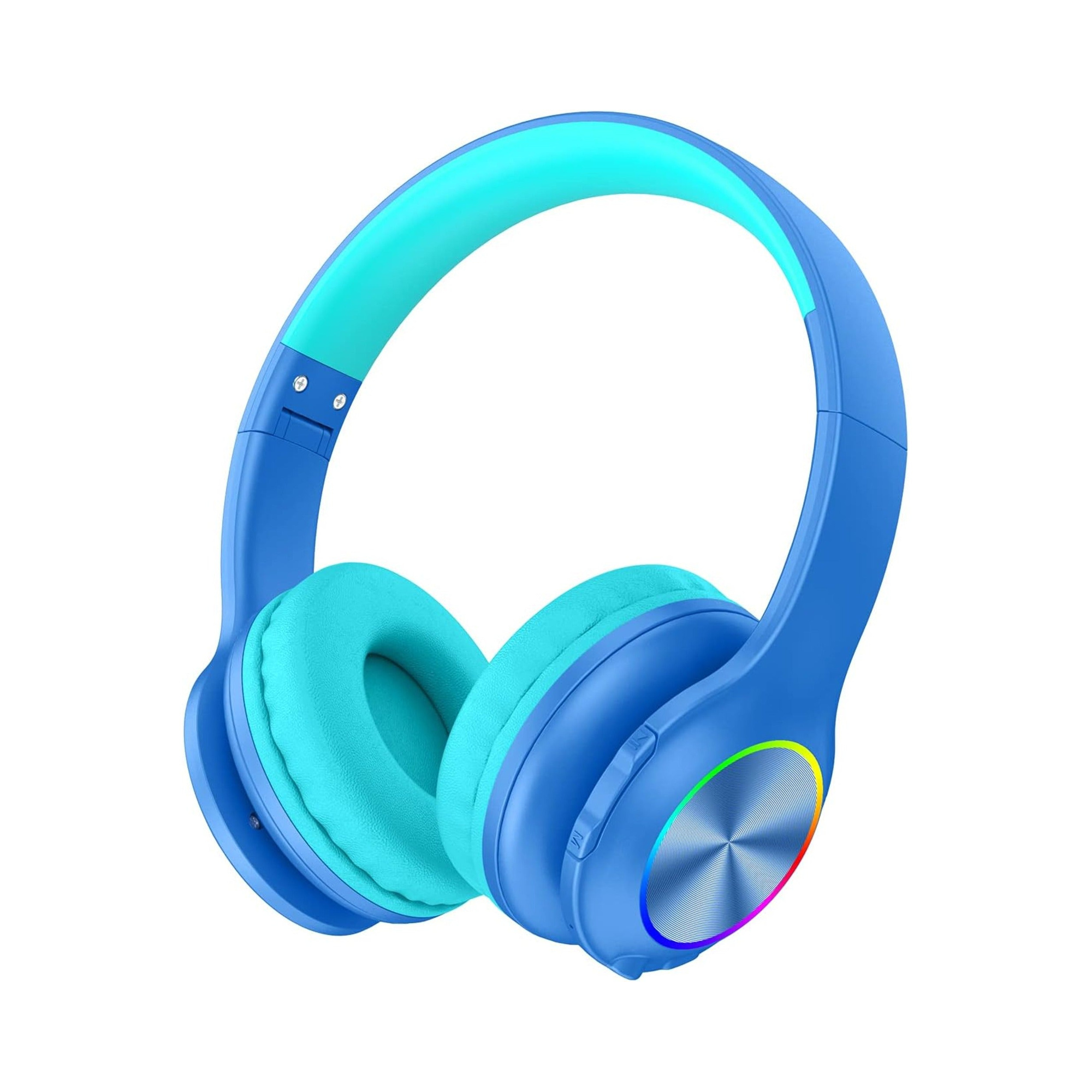
The Over-Ear Wireless Headphones Series 127 at $44.75 list a 3.5 mm wired mode, active noise cancellation and up to 100 hours of playback. The cable is 47.2 inches, under four feet, which is short for a sofa without an extension. The Kids Volume-Limited Wireless Headphones at $22.99 list a 94 dB cap, up to 85 hours and a wired mode; the cap is a listing claim, not a certification we verified, and the fit is sized for children. The Wireless Gaming Headset Series 186 at $33.34 runs over Bluetooth or a 3.5 mm cable with 40 mm drivers, and publishes no latency figure, so the wired mode is the predictable path.
Two others are worth knowing about for the opposite reason. Our neckband earphones carry a large battery but no wired fallback, so they inherit whatever delay the television produces. Our true wireless Series 218 lists aptX Adaptive, which needs the source to support it as well, and most televisions do not. Prices come from current listings and can change; browse the everyday wireless range for what is in stock today.
A setup order that saves money
- Try the television's own Bluetooth first. It costs nothing, and on some recent sets the sync is fine.
- Judge it on a close-up talking head. Dialogue exposes offsets that explosions hide.
- If it lags, find the AV sync or audio delay control and note which direction it moves.
- If sound is fine but the room goes silent, hunt for a simultaneous-output setting before buying anything.
- Still wrong? Add an optical transmitter, set the TV output to PCM, and match codecs at both ends.
- If none of that lands, use a cable. Wired has no codec, no pairing and no drift.
Questions about TV audio and headphone delay
What suits an older listener who needs the TV louder than everyone else?
Pick the route and the controls before the model. A setup that keeps the TV speakers running, gives the headphone listener a separate volume, and uses large physical buttons instead of touch gestures generally beats a pricier headphone on the TV's own Bluetooth. If hearing loss is the underlying issue, an assistive listening device is the more appropriate category.
Will an optical transmitter fix lip-sync on its own?
Only if the codec matches at both ends. A transmitter advertising a low-latency codec falls back to SBC when the headphones do not support the same one, and SBC is where most of the delay lives. Check both specification sheets for a shared codec before you buy either half.
Can I use one pair of headphones on the TV and a phone at once?
Only with multipoint, and most televisions will not share nicely even then. The usual outcome is that whichever device connected last takes the link. If you switch between the two often, expect to disconnect one deliberately rather than relying on the headphones to choose.
Does a soundbar change any of this?
It can. A soundbar with its own Bluetooth output moves the pairing off the television, and it often has a sync control of its own with a wider adjustment range. It also introduces another processing stage, so test with a talking head after every change rather than assuming an improvement.
Route first, headphones second
The headphones are rarely the problem. A television's built-in Bluetooth is normally the highest-latency, least adjustable route, and it commonly silences the room as well. A transmitter on the optical output, fed PCM and codec-matched to the headphones, fixes both complaints more often than a new pair does. A cable fixes them outright. We sell no TV-specific kit, though several of our models carry a wired mode, and that fallback is worth more on a television than any latency badge on a box.