

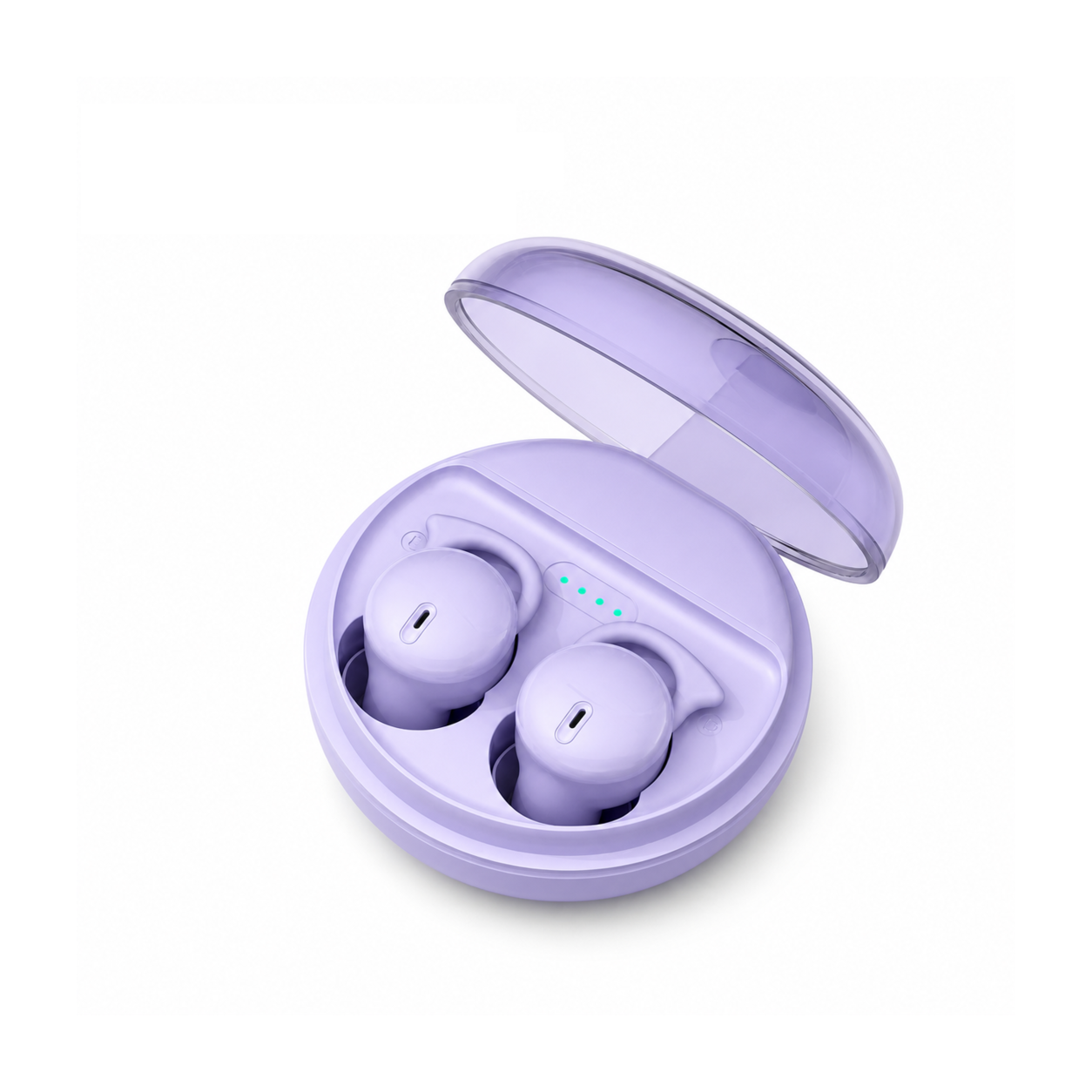
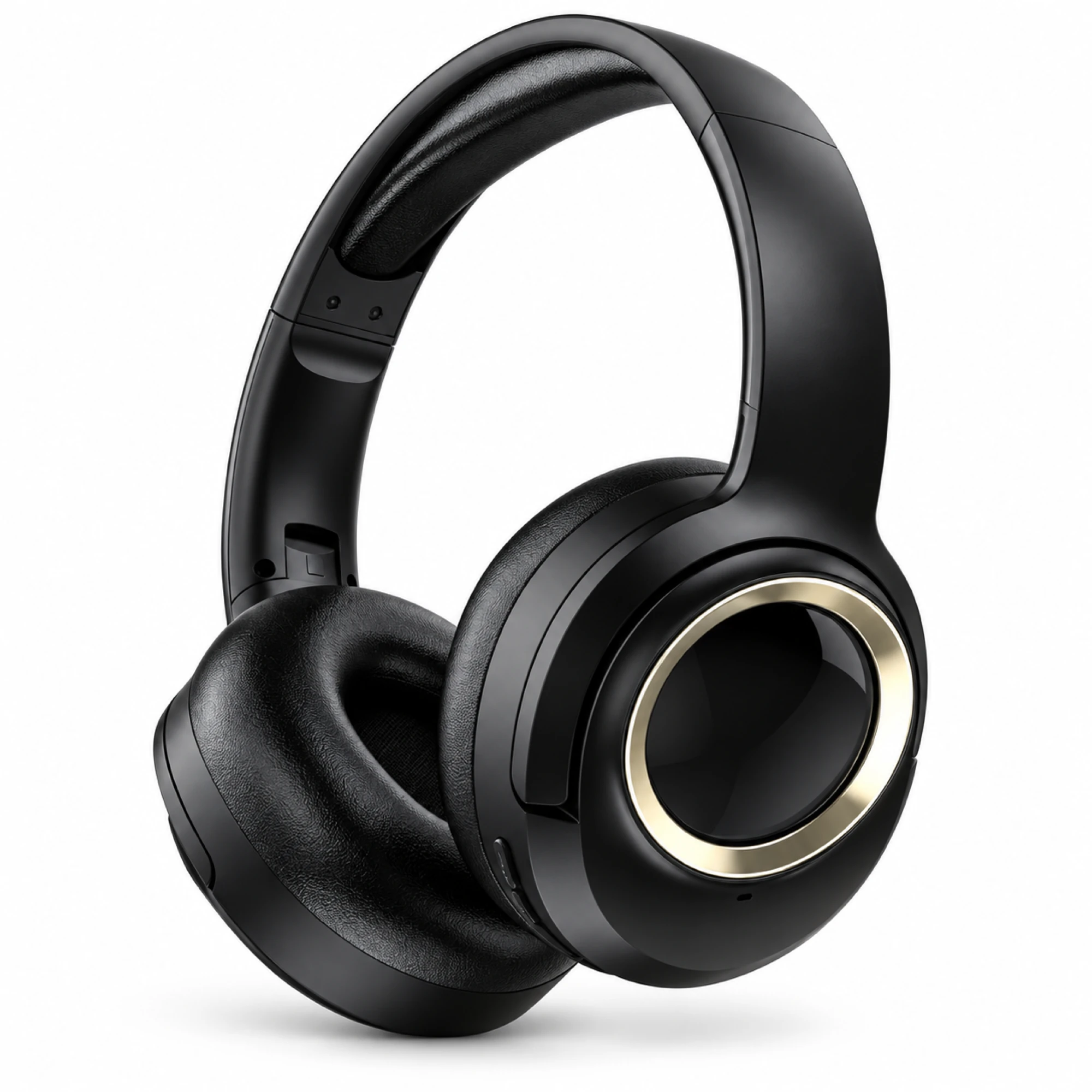
 MX-21 Black and Gold Wireless Headphones
 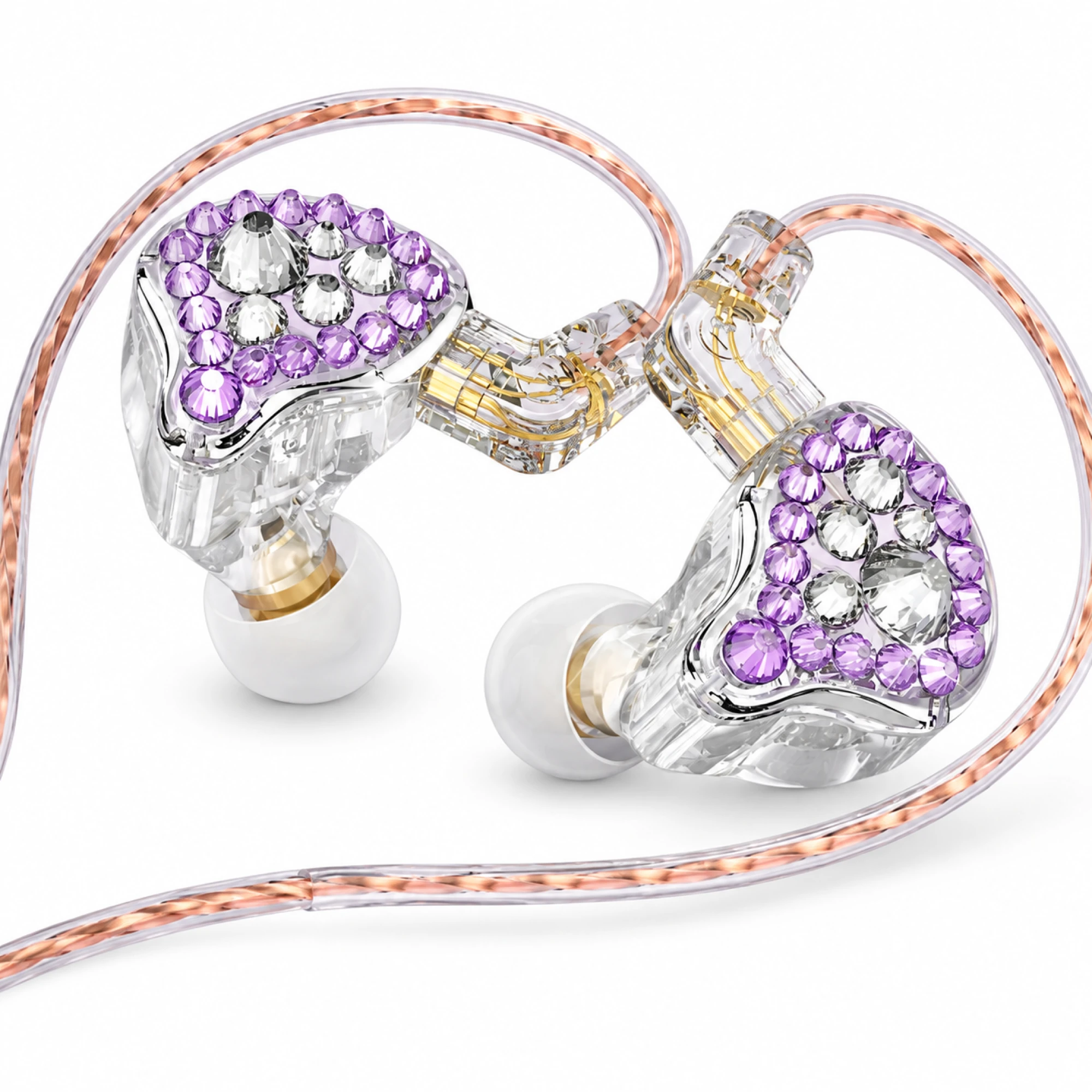 Q2 Pro Purple Crystal In-Ear Monitors
 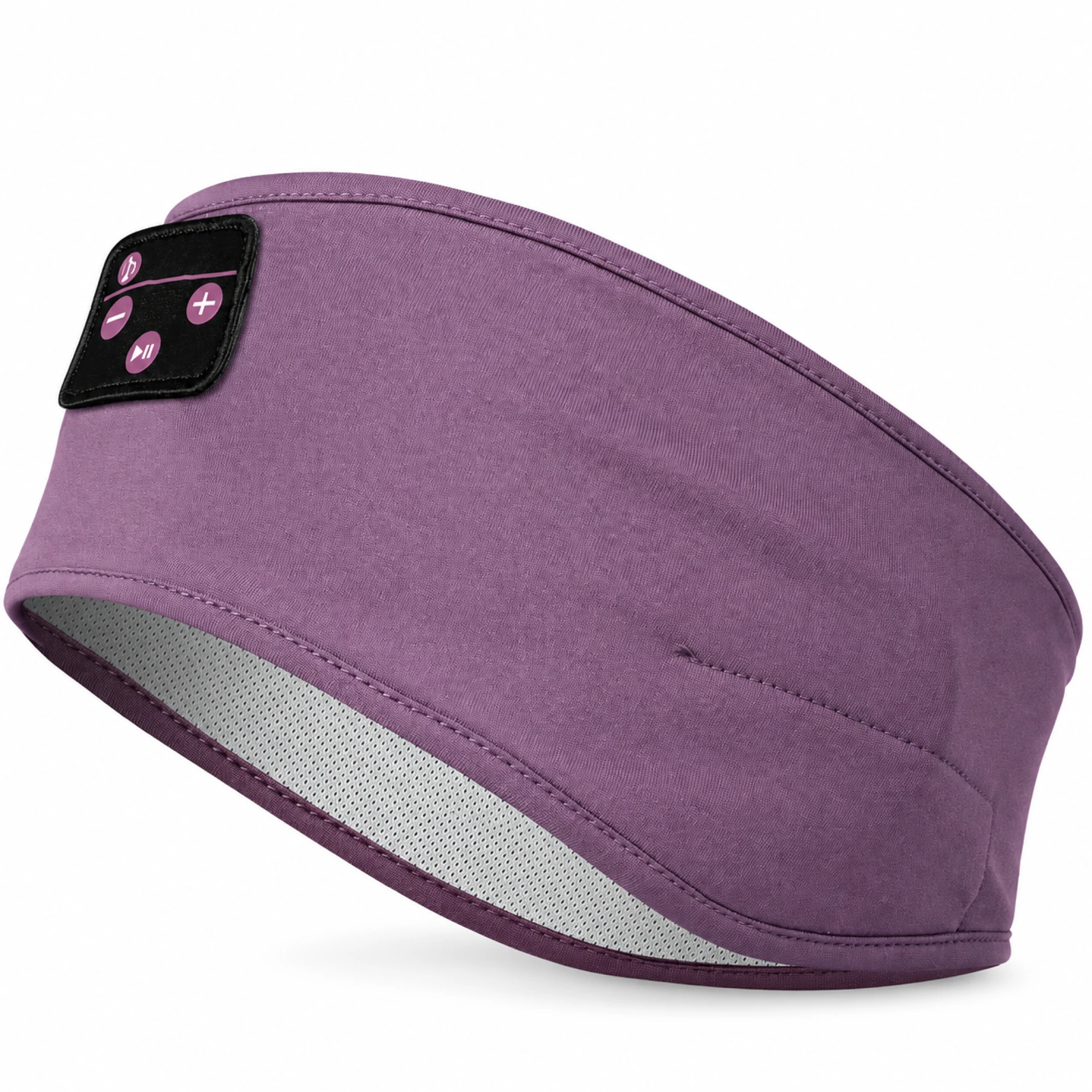 Purple Sleep Headband Headphones with Triangle Controls
 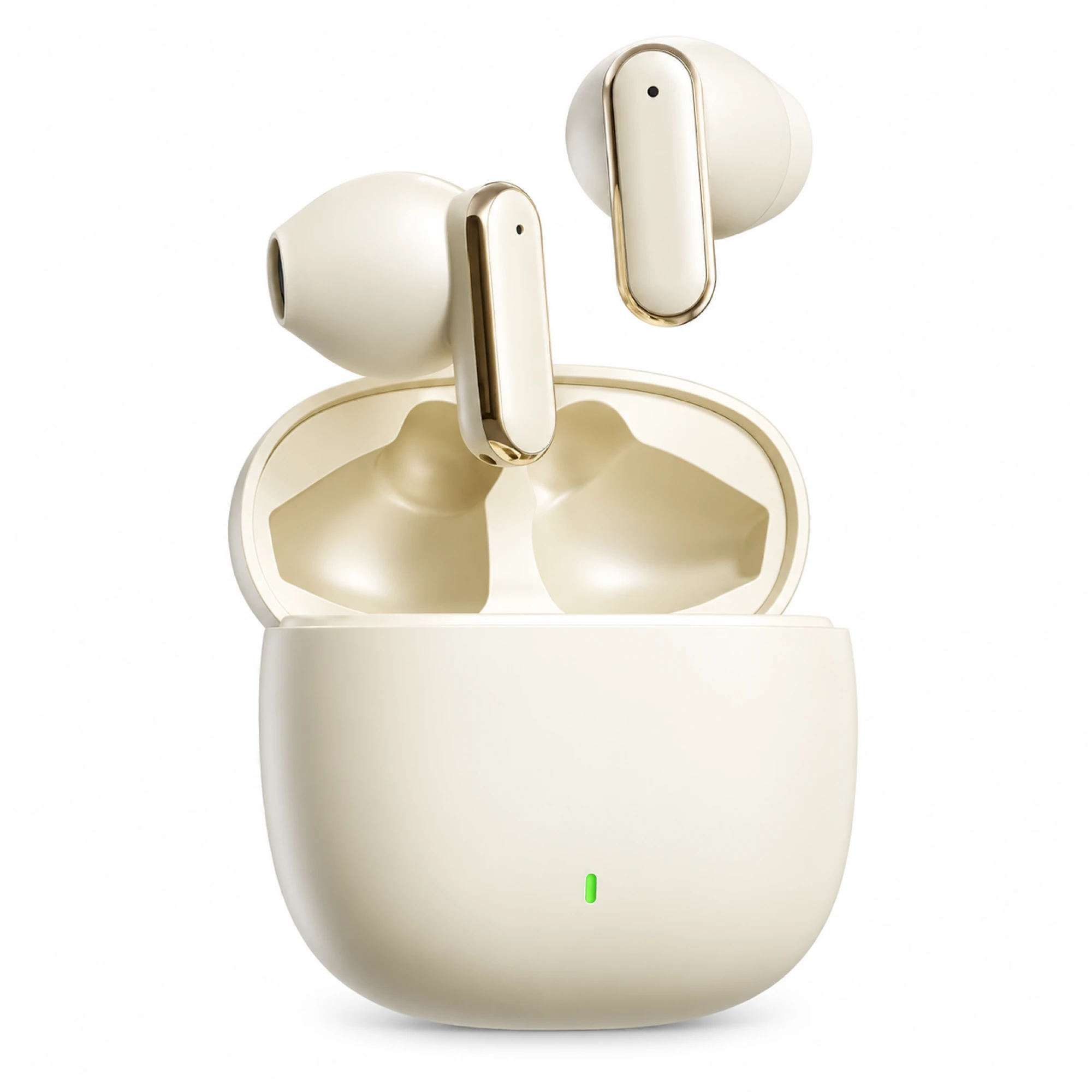 Cream Reflective-Stem Wireless Earbuds
 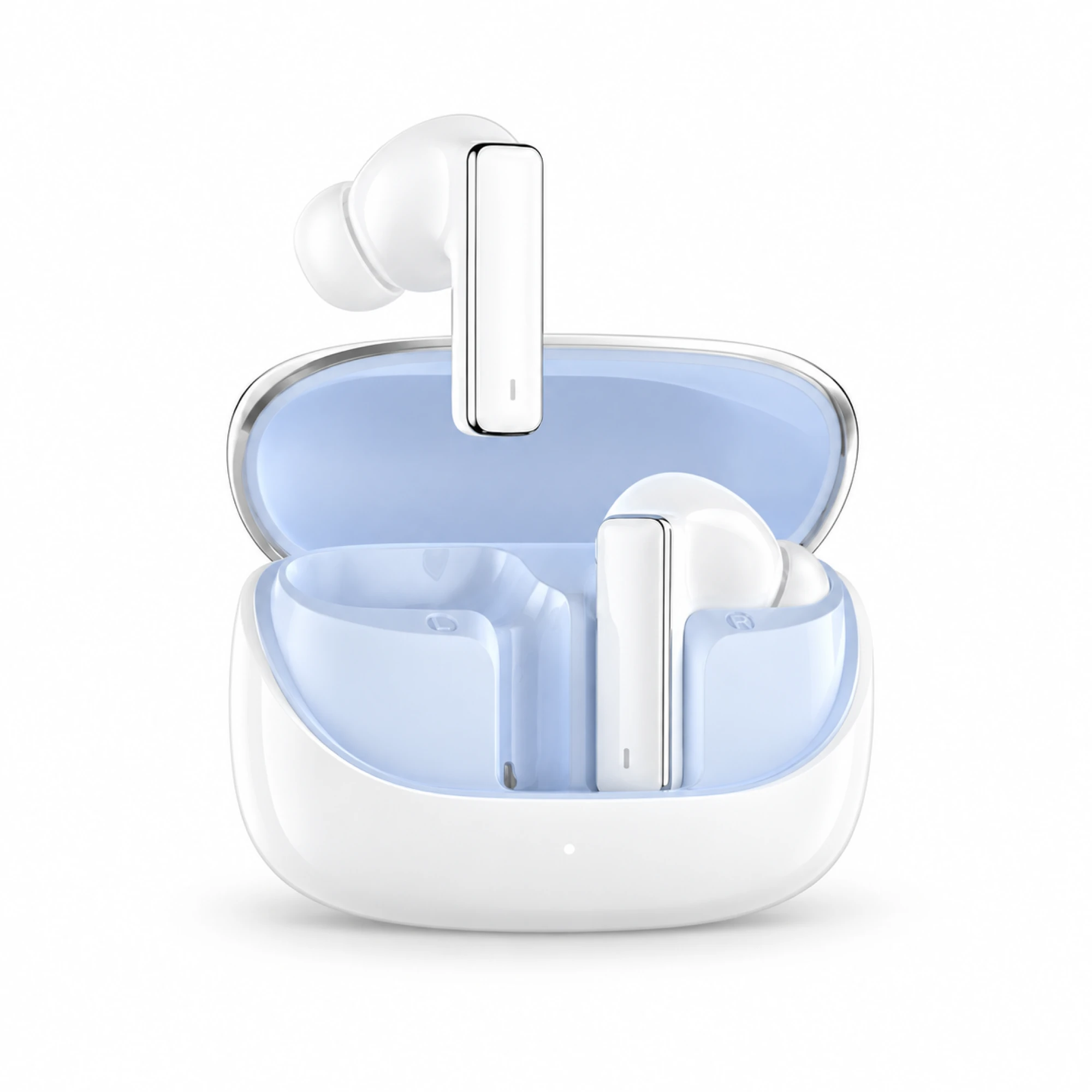 IN-01 White ANC Earbuds with Pale Blue Case Interior
 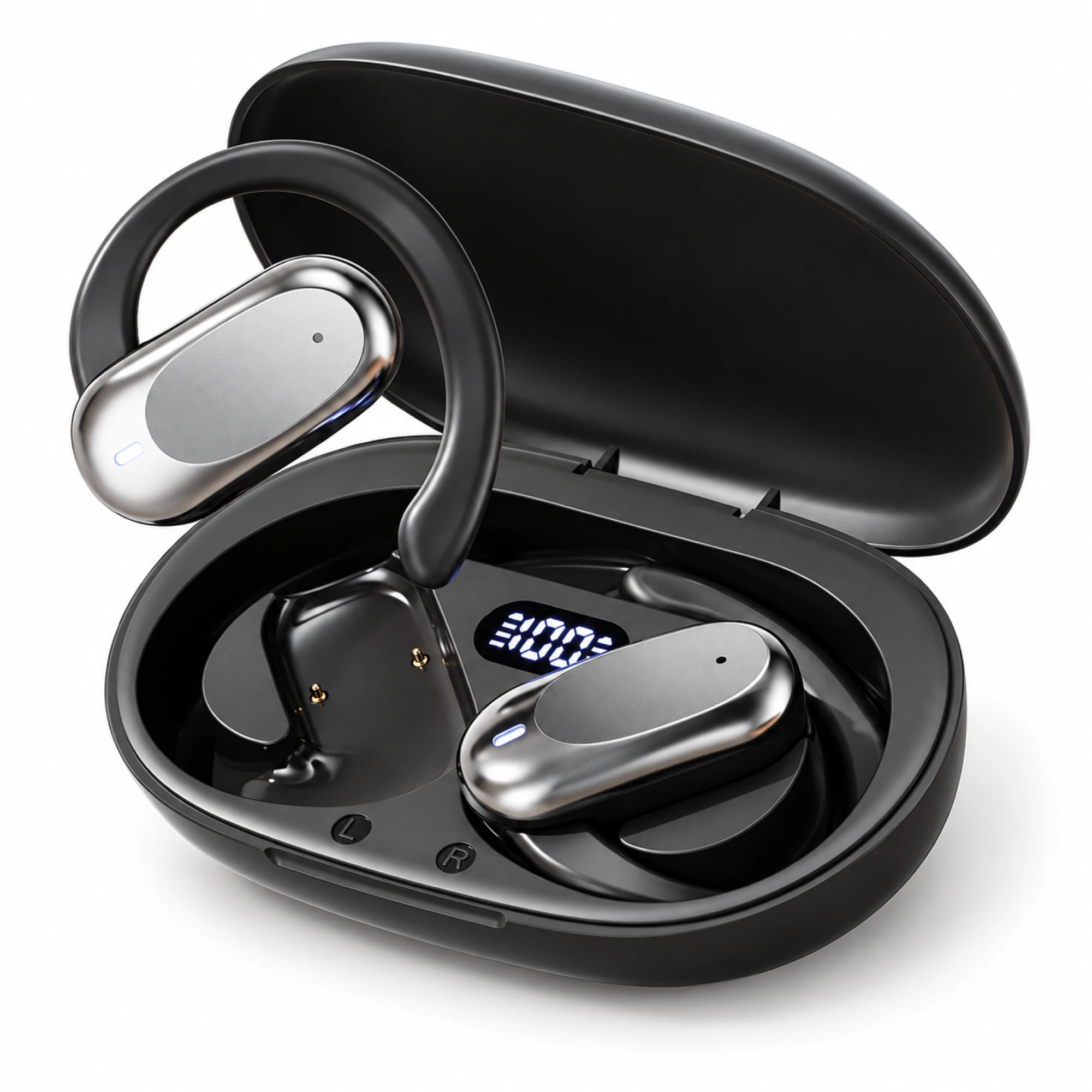 Silver Capsule Open-Ear Earbuds
 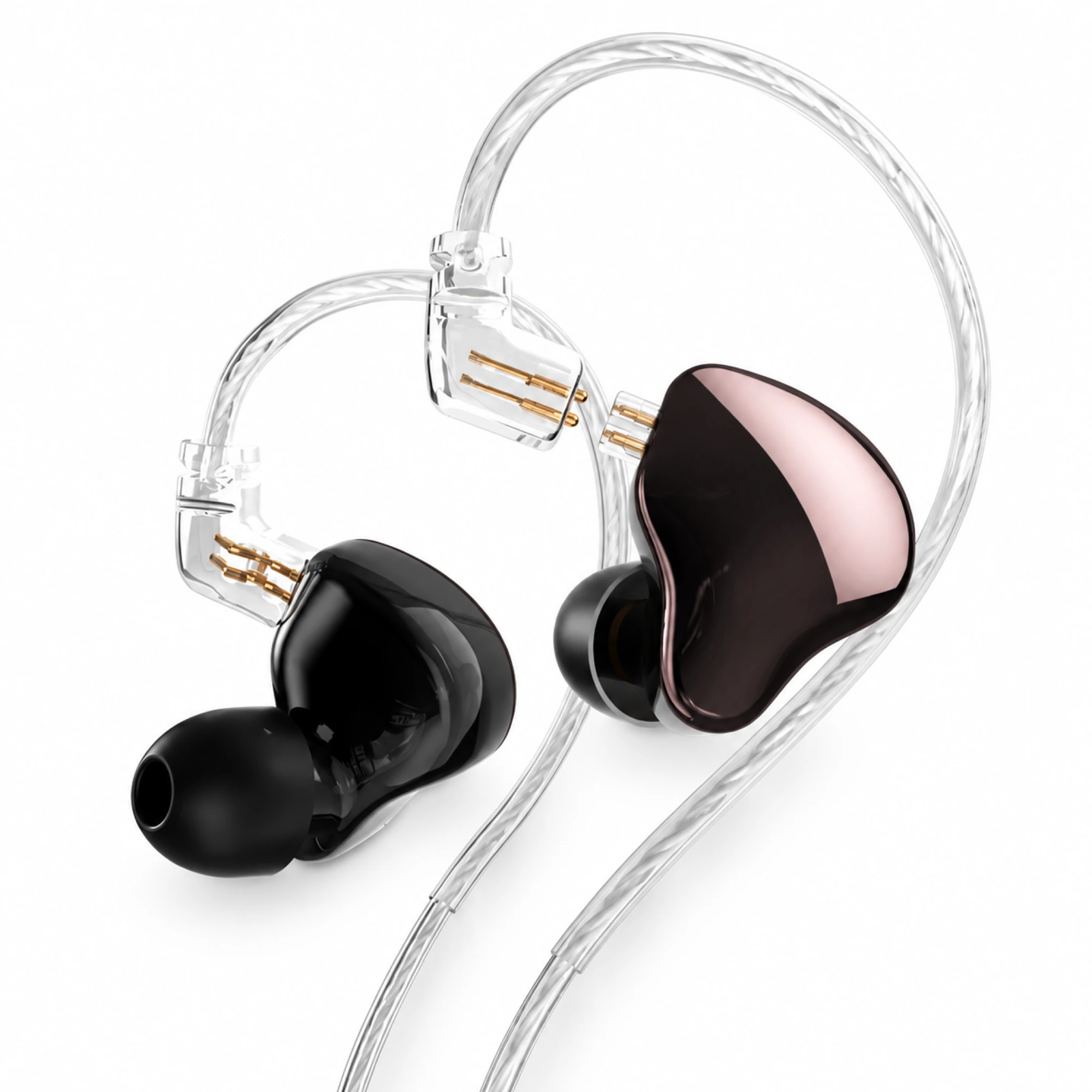 MN Rose-Metallic Detachable In-Ear Monitors
 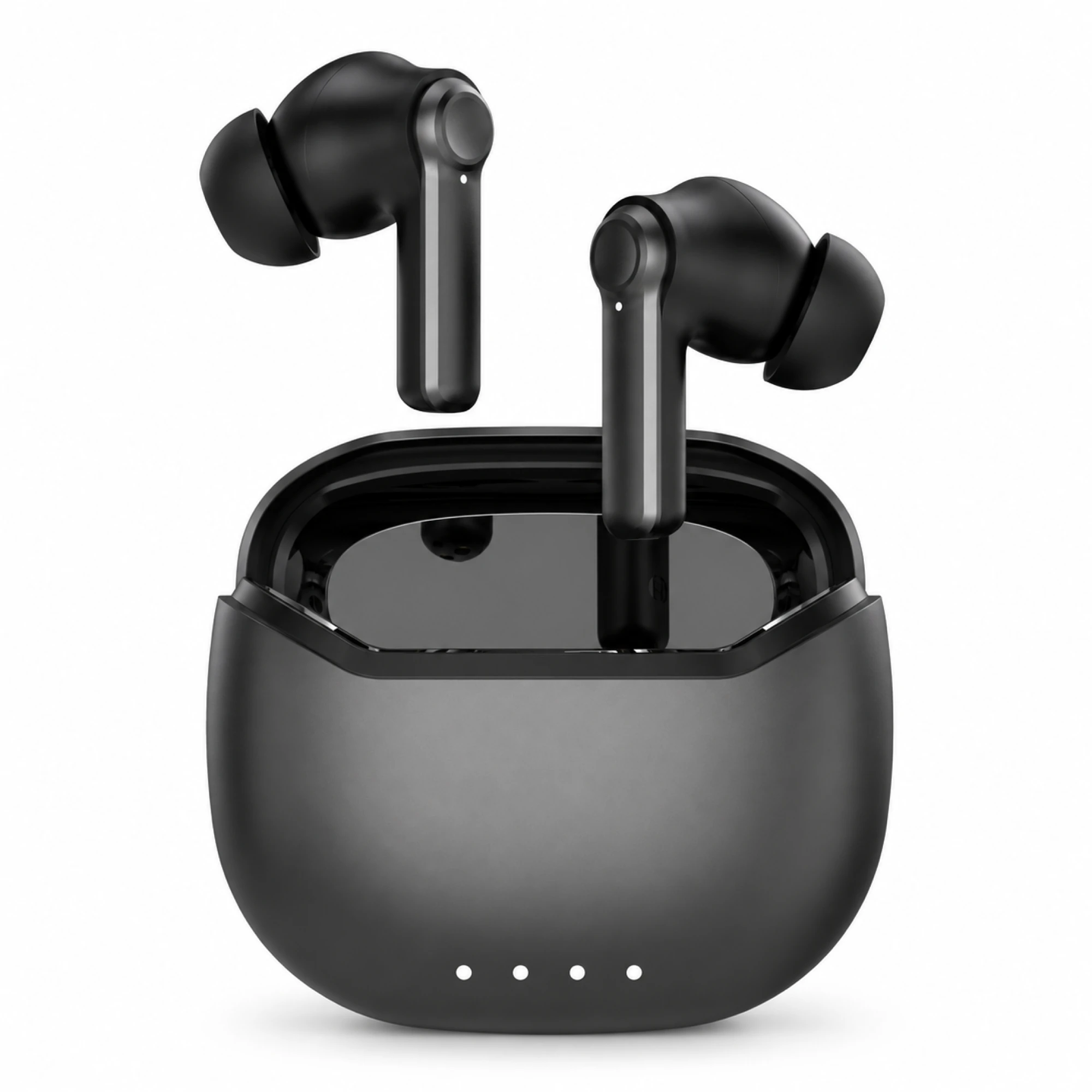 Black ANC Earbuds with Four-Indicator Case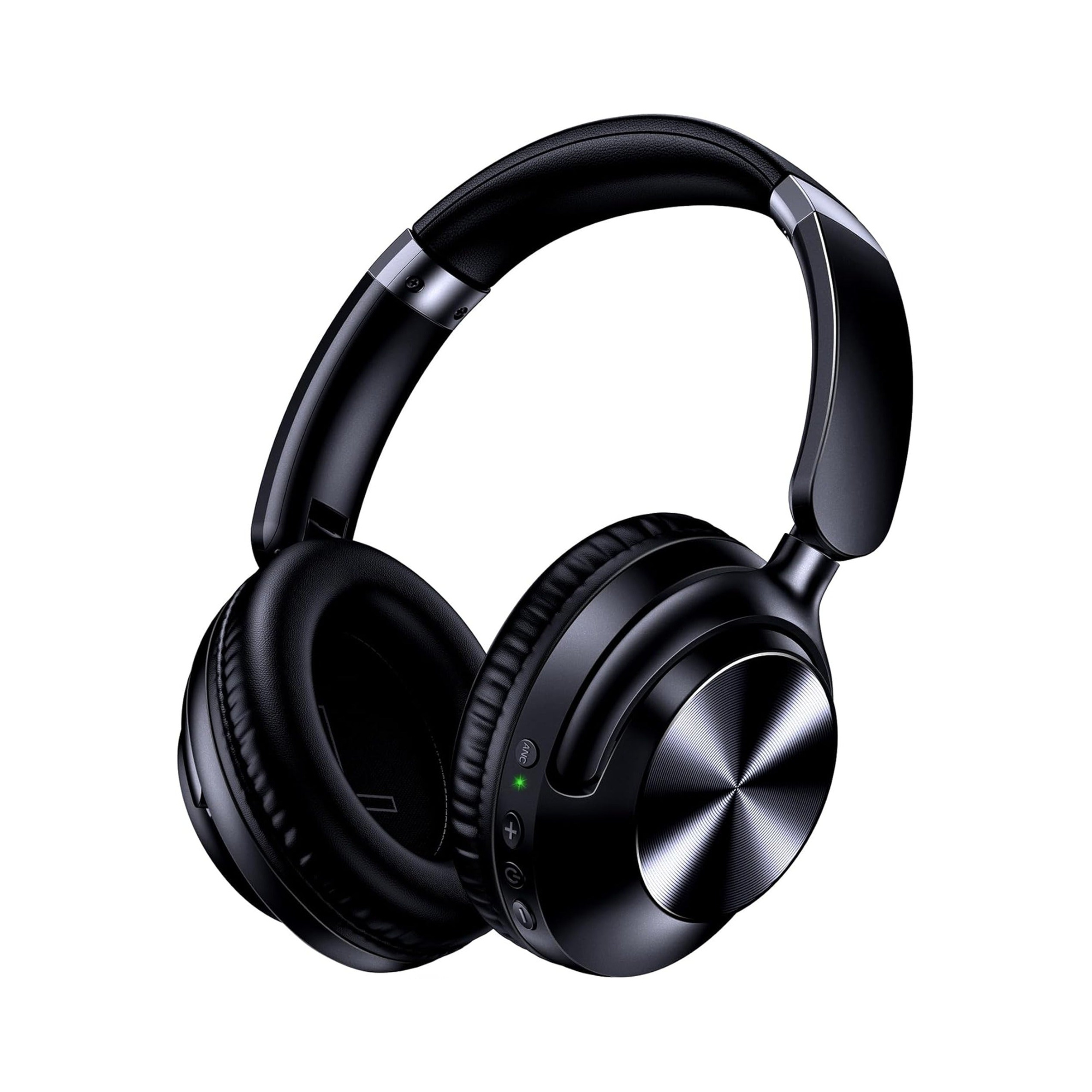
The short answer to how to clean over the ear headphones is to treat them as four materials instead of one product. Pad coating and headband take a barely damp cloth with mild soap. The foam inside takes time, and no liquid. The grille under the pad stays dry. Alcohol and disinfecting wipes belong on the plastic only.
Four materials, four different rules
A single instruction to "wipe them down" hides the fact that the parts differ, and so do their failure modes.
| Zone | What soils it | Reasonable method | What damages it |
|---|---|---|---|
| Pad skin (protein leather, PU, artificial leather) | Skin oils, sweat salt, makeup | Barely damp cloth, mild soap, then dry | Alcohol, disinfecting wipes, solvents, abrasives |
| Foam core inside the pad | Absorbed sweat and the salt left behind | Remove if possible, then open-air drying | Soaking; refitting while damp |
| Headband padding | Scalp oils and product residue | Same damp cloth, angled away from the slider | Liquid tracking into the headband joint |
| Driver grille under the pad | Dust, hair, waxy film nearest the canal | Dry soft brush, cup held face-down | Any liquid; picks and swabs pressing inward |
The hard shell is the exception, and the only zone where a disinfecting wipe belongs. What is safe there is unsafe on the pad.
Why alcohol and disinfecting wipes ruin a protein leather pad
Apple's cleaning page for its own products, updated 24 October 2025, permits disinfecting wipes and then draws a line: with a 70 percent isopropyl alcohol wipe, a 75 percent ethyl alcohol wipe or Clorox Disinfecting Wipes "you may gently wipe the hard, nonporous surfaces of your Apple product", but "don't use on fabric or leather surfaces."
An ear pad is not a hard, nonporous surface: it is a thin polymer skin over open-cell foam. Apple's separate AirPods Max instructions ask for something much milder on the cushions, mixing "1 tsp. (5 mL) of liquid laundry detergent into 1 cup (250 mL) of water", cushions removed from the cups, a lint-free cloth wrung out and rubbed "on the cushions and headband gently for 1 minute each", then a second cloth dampened with fresh water, the headband held upside down "to prevent liquid from flowing into the headband attachment point". Bose lists the same two-tier approach for its over-ear models: dish soap diluted in warm water, with rubbing alcohol kept in the supply list for hard surfaces.
The reason is chemical. Protein leather, PU and "artificial leather" are all polyurethane coatings, and polyurethane degrades by hydrolysis, a slow reaction with water that heat accelerates. A sealed cup is warm and humid by design, so the coating is already losing ground before anything is wiped on it; a solvent attacks a surface that is thinning anyway. The flaking people blame on cheap build is often a coating cleaned to death.
The foam inside is the part you cannot clean
Everything above is surface work. The foam core is where most of the sweat from a warm commute ends up, and you cannot reach it. Two things follow. Smell is usually a foam problem: if the odour returns within an hour of a clean pad going back on a warm head, the surface was never the source. And drying times are longer than they look, which is why Apple asks owners to "lay your AirPods Max flat to dry for at least a day before you reattach the cushions". Moisture between a coated skin and a foam core has nowhere to go. The habit that helps most is not cleaning at all: wipe after a warm session, and store the headphones open instead of folded into a bag.
Settle whether the pads come off before you wet anything
This is the first question, and almost no listing answers it. Three attachments are common:
- Twist or bayonet ring. The pad sits on a ring that rotates a few degrees and lifts off, which is the easiest case to service.
- Friction-fit lip. A stiff lip tucks into a groove. Bose describes it exactly: "remove the earpads by gently pulling the top away from the earcup", noting ten tabs around the inner rim. Work around the circumference; never yank one point.
- Glued. No lip, no ring, no seam that moves. Common at lower prices, and the reason to stop instead of escalating.
Test gently, once, with a fingernail at the top edge. If nothing lifts, assume glued: surface work only, no liquid near the seam. Anything that soaks past the stitching wicks into foam with no drying path, and on a glued cup replacing the pad usually means replacing the headphone. Removal is also the only way to reach the grille: hold the cup face-down and brush dry so debris falls away instead of through, and keep the screen over the driver dry.
Dirty, or finished?
Some pads do not need cleaning; they need replacing. Four checks, no tools:
- Flaking that returns. Specks reappearing within days mean the coating is delaminating, and no cleaning method reverses that.
- Compression set. Press the pad and let go. A healthy one rebounds; a finished one stays dented, costing seal, bass and comfort.
- Cracks on the fold lines. On folding models the coating splits where the cup rotates and the pad creases.
- Odour surviving a clean and a full day of drying. That is saturated foam, and surface work will not reach it.
Pads are a consumable nobody rates, which is why a two-year-old pair can sound flat and feel tight with no fault in any specification. Fail two checks and you are maintaining a part that has already ended.
A routine that matches the materials
- Power off. Remove the pads if they come off; otherwise work on the surface only.
- Brush the grille and cup interior dry, face-down, before any liquid reaches the desk.
- Mix a little dish soap or laundry detergent into a cup of warm water.
- Dampen a lint-free cloth and wring it hard. Work pad and headband for a minute each, holding the headphones upside down for the band.
- Go over both with a second cloth dampened in plain water, then a dry cloth.
- Wipe shell, hinges and buttons, the only zone where a disinfecting wipe is reasonable. Keep it out of the USB-C port.
- Lay everything flat and open, pads detached, for a day. Check the seal before judging the sound.
Our earbud cleaning guide applies the same outward-transfer principle at a smaller scale, and overnight earbud hygiene covers the pairs that soil fastest.
Our two over-ear models, and what their listings state
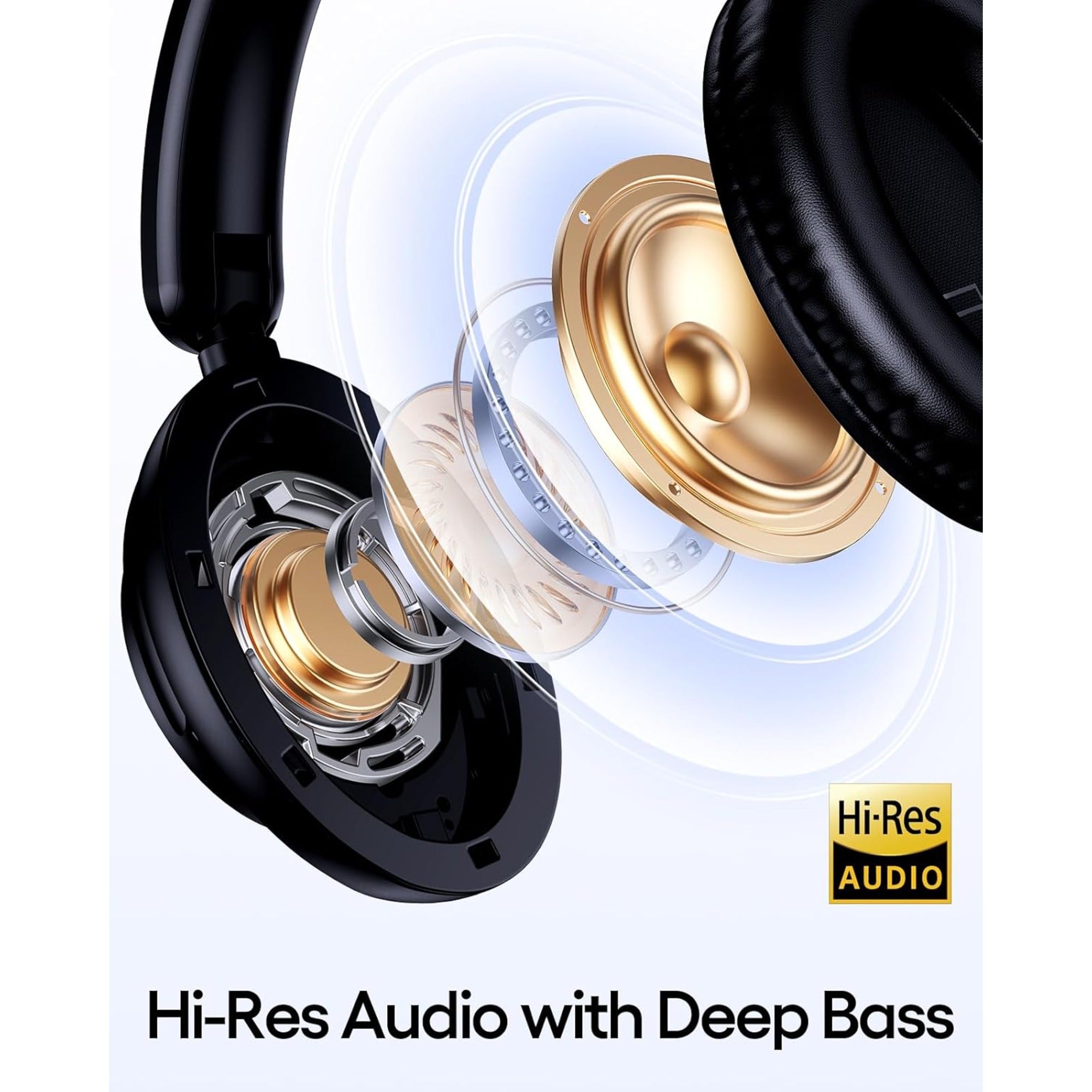
We are an earbud catalogue with one true over-ear model and a group of gaming headsets, and we sell no cleaning kits and no replacement pads. What we can do is quote our listings, including where they are silent. The Over-Ear Wireless Headphones Series 127, $44.75 at the price listed today, describe "ultra-soft protein leather ear cups" on a folding frame, which puts them squarely under the coated-surface rules above; the listing does not say whether the pads are user-replaceable, and we will not guess. The Wireless Gaming Headset Series 186, $33.34, and its sibling models describe cushioned ear muffs "made of artificial leather", the same coating family, on a foldable frame that cracks at the crease first.
Two caveats. The Series 127 gallery shows an exploded render with the cushion clear of the driver, and a render is not a statement of user-serviceability, so treat the pad as glued until you check the product itself. And no EARSOLE headphone carries an IP code, so nothing here is permission to run anything under a tap. The rest of the range sits in everyday wireless earbuds.
If a product causes pain, irritation, ringing or a noticeable hearing change, stop using it and seek qualified care.
Questions about pads, grilles and wipes
How do I clean sweat off my headphones?
Wipe pads and band while they are still warm, before the salt dries onto the coating, then leave the headphones open instead of folded into a bag. Sweat already inside the pad generally cannot be cleaned out, so the goal is removing it from the surface so that less accumulates each session.
How to clean gunk out of headphones?
The waxy film collects on the grille nearest the canal, so remove the pad if it comes off, hold the cup face-down and brush dry so debris falls out instead of through. If the pad is glued, brush what you can reach. Picks, swabs and compressed air only push the deposit further in.
Can I use Clorox wipes on headphones?
On hard, nonporous parts, generally yes. Apple explicitly permits Clorox Disinfecting Wipes and 70 percent isopropyl or 75 percent ethyl alcohol wipes there, while warning against bleach and hydrogen peroxide. On pads and fabric, no: the same guidance ends "don't use on fabric or leather surfaces".