



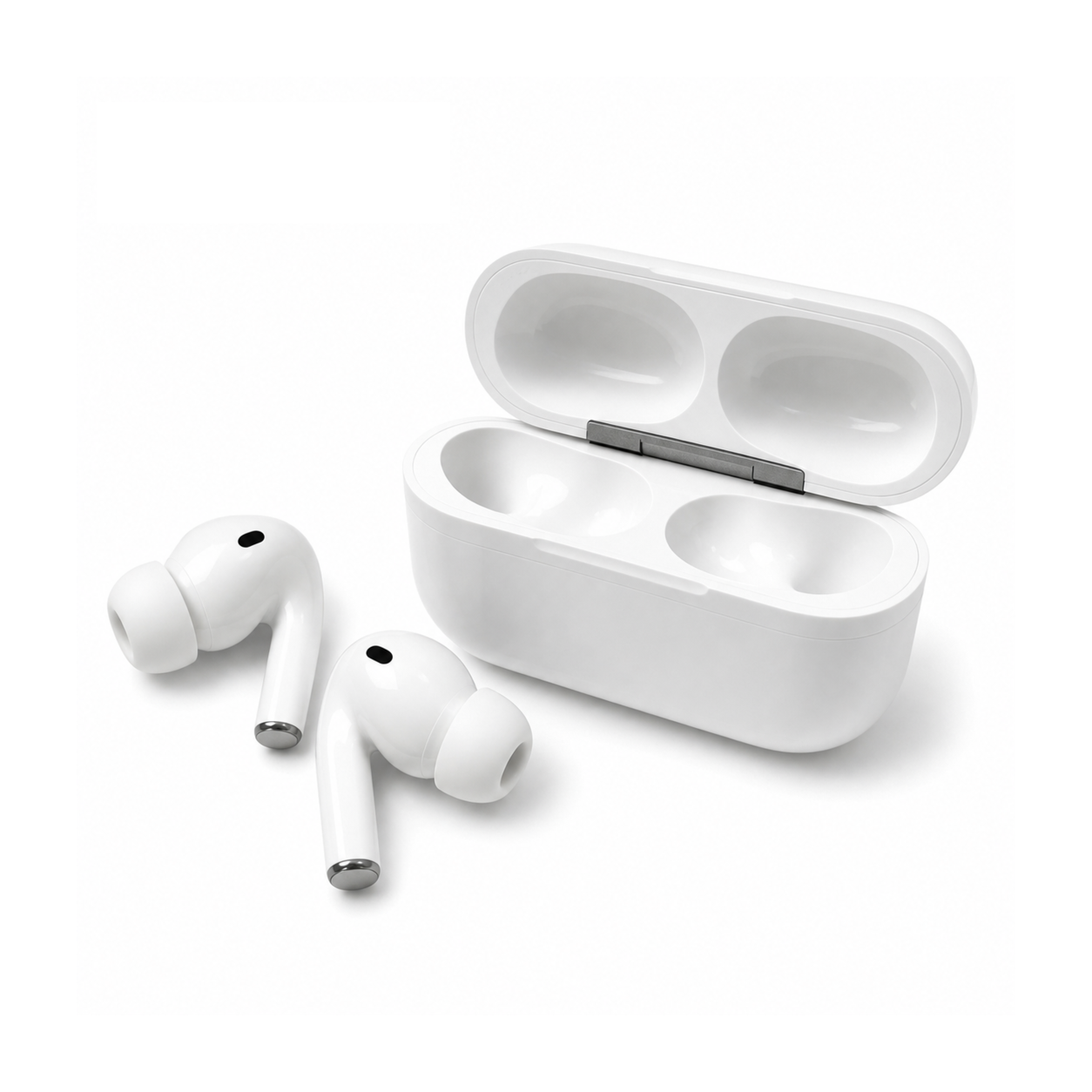
How to find earbuds you’ve lost depends on two things: whether they are still connected to your phone, and whether they are set up in a finder service such as Apple’s Find My or Google’s Find Hub. Work through the sections below in order.
First: are they still connected?
A reply in a Reddit thread about a lost earbud says that if the earbud is still on and connected to your phone, you should “play something very loud and audible and listen very carefully where the sound comes from.”
Another reply in the same thread explains why the connection matters: “A device that’s not connected will go to sleep after some timeout,” and once it is asleep you cannot start a connection to it “without waking the device up on the device itself (eg by pressing a button or opening the case).”
AirPods: use Find My
Apple Support says Find My can show your AirPods on a map, play a sound to help you find them, and help you find their precise location when they’re nearby. Apple’s steps:
- Open the Find My app on your iPhone, tap Devices, then tap the name of your AirPods. If they’re out of the case, you might have to pick the left bud or right bud.
- If they aren’t near you, tap Get Directions to open their location in Maps.
- If you’re nearby, tap Play Sound and listen for the series of beeps.
Apple adds that if you don’t have an iPhone or other Apple device, you can use iCloud.com/find, but the experience might be different and some functionality might not be available.
If you still can’t find them, Apple says to choose your AirPods in Find My and tap Lost Mode or Show Contact Info, which allows someone to contact you if they find your AirPods.
Android: check Find Hub
Google’s Android Help says Find Hub works for phones, tablets, Wear OS watches, Android XR devices, headphones and items with a tracker tag attached. Google says you can locate a device at android.com/find, and that for best results you should find items through the network with the Find Hub mobile app.
The same Google page describes two ways to add headphones to Find Hub:
- When you connect headphones with Fast Pair, you get a prompt on your device to add them to Find Hub; tap Add.
- For previously connected headphones, open Settings, tap Connected devices, select the device, then tap Find when disconnected and Add.
Google notes that some of these steps only work on Android 14 and up.
Earbuds outside any finder service
For a plain Bluetooth connection, the Reddit reply quoted above about sleep timeouts was blunt: “There is no way to “locate” a Bluetooth device remotely.”
Bluetooth signal-strength apps are what other users in that thread reported using. One user said a Bluetooth locator app on iOS found their lost headphones using signal strength, adding that the device “must be on and still has a charge.”
A reply to that comment said they had searched a garden for two hours, then downloaded the app and found the missing earbud in five minutes.
Another commenter, who said they developed one of these apps, wrote that if the device is still powered on, you can walk the area using “Hot-Cold style guidance.”
These are individual reports, and each one depends on the earbud still having power.
If the battery is dead or they’re out of range
For AirPods, Apple says that if they are out of range or need to charge, you might see their last known location, or “Offline” or “No location found.” You might be able to get directions to their last known location, but you won’t be able to play a sound or use Find Nearby. Apple says you get a notification on your iPhone if they come back online.
Make them easier to find next time
- AirPods: Apple says Notify When Left Behind lets your iPhone or Apple Watch alert you when you leave supported AirPods at an unknown location.
- Android: add your headphones to Find Hub with the steps above while you still have them.
- Any pair: check your earbuds’ manual or app to see whether they work with Find My, Find Hub or a brand app.
- Keep both buds in the case: EARSOLE’s Core White In-Ear Wireless Earbuds listing says to place both earbuds inside the case for storage and charging, and that future sessions start by opening the case near your device and waiting a moment for the reconnect.
Once you have them back, our guide on how to pair earbuds explains reconnecting and the role of the case.
Will AirPods show up on Find My if they are dead?
Apple says that if AirPods are out of range or need to charge, you might see their last known location, or “Offline” or “No location found,” and you won’t be able to play a sound to them.
Can my phone locate my earbuds?
Apple says Find My can show AirPods on a map, and Google says Find Hub works for headphones. For other earbuds, a Reddit reply suggests playing something very loud while the earbud is still on and connected, then listening for where the sound comes from.
