LED-Light Gaming Headsets and Why USB-A Power Tails Separate Illumination From Audio
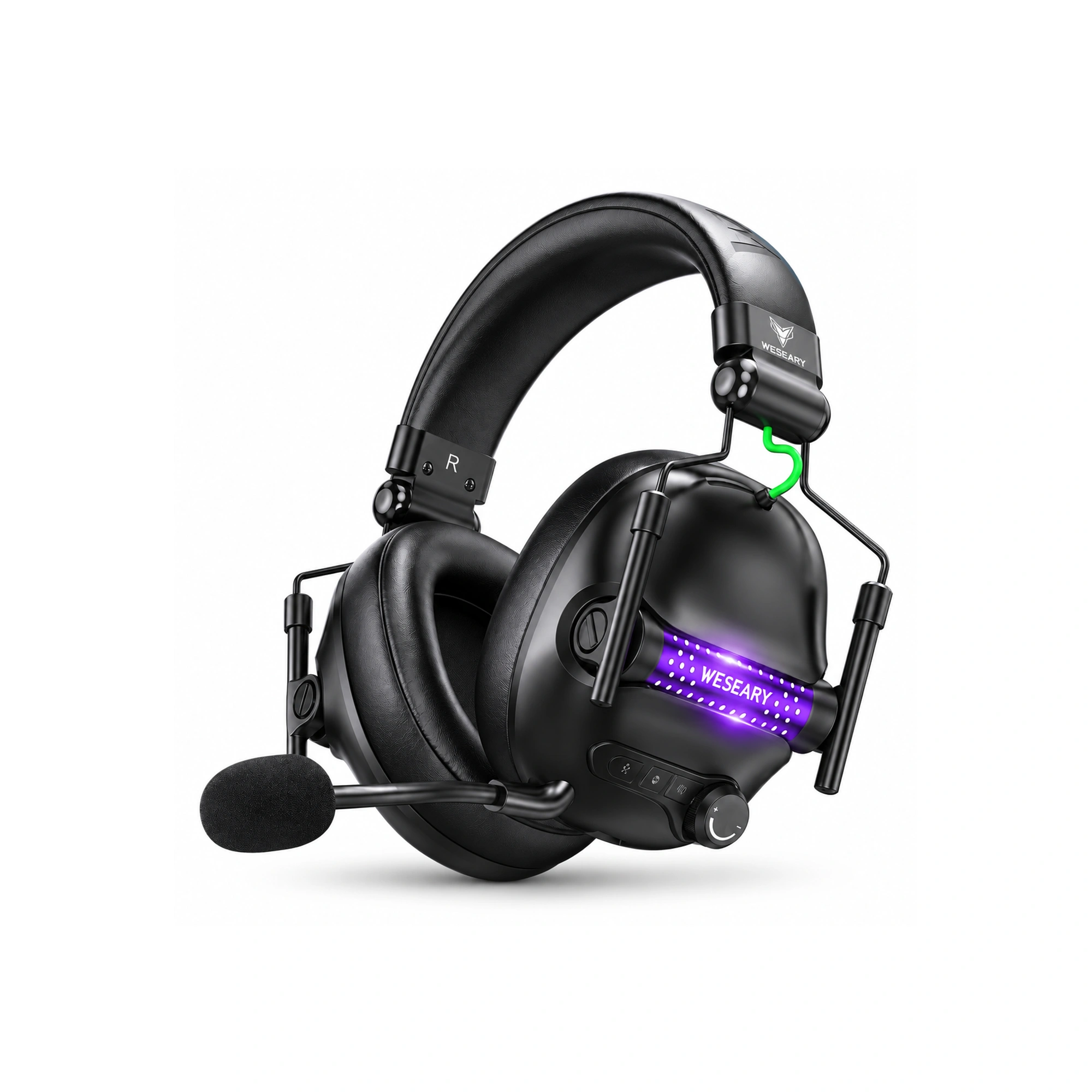
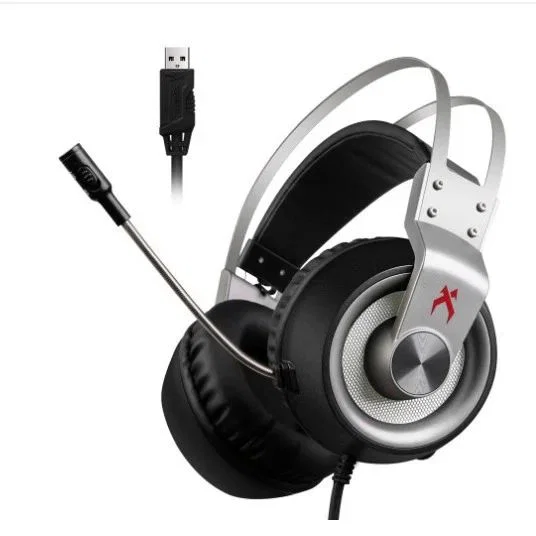
Many budget and mid-tier gaming headsets feature an unwieldy dual-cable termination consisting of a standard 3.5 mm analog audio plug alongside an awkward USB-A power pigtail. Gamers frequently wonder why the USB connection does not transmit digital game sound directly or why the 3.5 mm cable cannot power the glowing earcup LEDs independently. The explanation lies in analog electrical engineering, electrical isolation, and the fundamental limitations of passive copper wiring.
A standard 3.5 mm TRRS jack carries strictly low-voltage analog alternating current designed to oscillate miniature magnetic voice coils without supplying external direct current. Powering multicolor RGB lighting circuits requires a steady five-volt direct current rail that analog headphone outputs cannot provide. Splitting illumination current onto a dedicated USB lead prevents catastrophic ground loop hum from bleeding into microphone lines and acoustic drivers.
Electrical Ground Loops and Pulse-Width Modulation Interference
When illuminated gaming headsets attempt to share a common electrical ground plane between bright LED diodes and microvolt audio signals, electromagnetic interference ensues. Modern RGB light modules regulate color spectrums and luminosity through high-frequency pulse-width modulation chips operating at several kilohertz. Rapid switching spikes generate ripple voltages that easily radiate into neighboring analog audio conductors within tightly bound cable sheaths.
If direct current return paths intersect analog microphone return traces, players experience persistent high-pitched buzzing and sixty-hertz ground loop whine over voice channels. Separating the USB power tail isolates the dirty five-volt chassis power loop from clean analog headphone circuits. However, tethering users to bulky multi-pronged cables introduces noticeable mechanical drag, tugging against the player’s skull and creating irritating cable-rubbing microphonics.
| Headset Hardware Configuration | Power Source Interface | Audio Signal Transmission | Ground Loop Whine Risk | Ergonomic Cable Torsional Weight |
|---|---|---|---|---|
| Dual 3.5mm + USB-A Pigtail | Dedicated 5V USB-A rail | Passive 3.5mm analog jack | Severe if USB sharing bus | Heavy braided split tether |
| Pure USB Digital Headset | Integrated 5V USB bus | Internal DAC/Amp chipset | Low (Internal ground shield) | Moderately stiff digital cord |
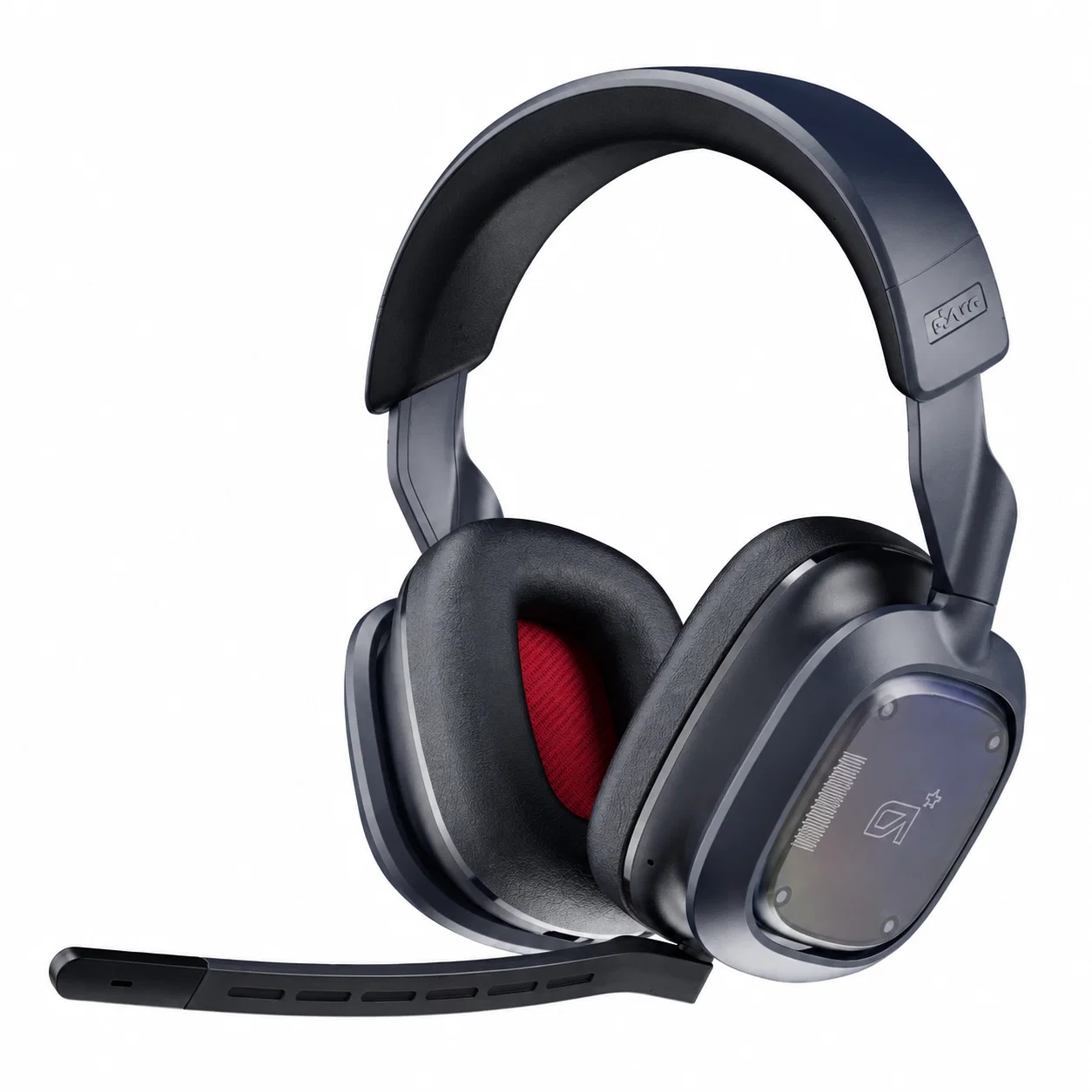
| Wireless Headset With LEDs | Internal lithium battery | 2.4 GHz RF or Bluetooth | Negligible (Isolated PCB) | Noticeable internal battery mass |
| Passive In-Ear Monitors | Completely unpowered | Direct 3.5mm analog stereo | Zero (No lighting circuits) | Ultra-featherweight flexible cable |
The Ergonomic Advantage of Unpowered In-Ear Transducers
Competitive tournament athletes overwhelmingly discard flashy peripheral illumination in favor of unpowered, minimalist in-ear monitors. Because high-performance audio earphones omit power-hungry microcontrollers, diffuse acrylic light diffusers, and secondary copper conductors, their connection cables remain remarkably supple and lightweight. A pure analog audio connection requires zero supplemental power tails, allowing effortless mobility across console controllers, PCs, and portable handhelds.
Furthermore, removing heavy LED lighting arrays reduces physical clamping torque and earcup thermal buildup during grueling competition blocks. Standard circumaural gaming headsets trap body heat against temporal bones, while glowing diodes slowly radiate warmth into acoustic chambers. In contrast, featherweight earphones couple directly with the ear canal, delivering pristine transient response without generating electrical noise or accumulating excess neck strain.
Mitigating Photopic Retinal Fatigue and Sensory Overload Post-Match
Enduring hours of high-contrast esports competition under pulsating peripheral RGB illumination subjects optic pathways to severe photopic fatigue. Flickering LED diodes situated mere centimeters from the peripheral vision field trigger subconscious visual processing strain, suppressing natural melatonin synthesis. Stepping away from flashing desktop hardware into dim, serene acoustic environments allows overstimulated retinal and auditory circuits to reset naturally before sleep.
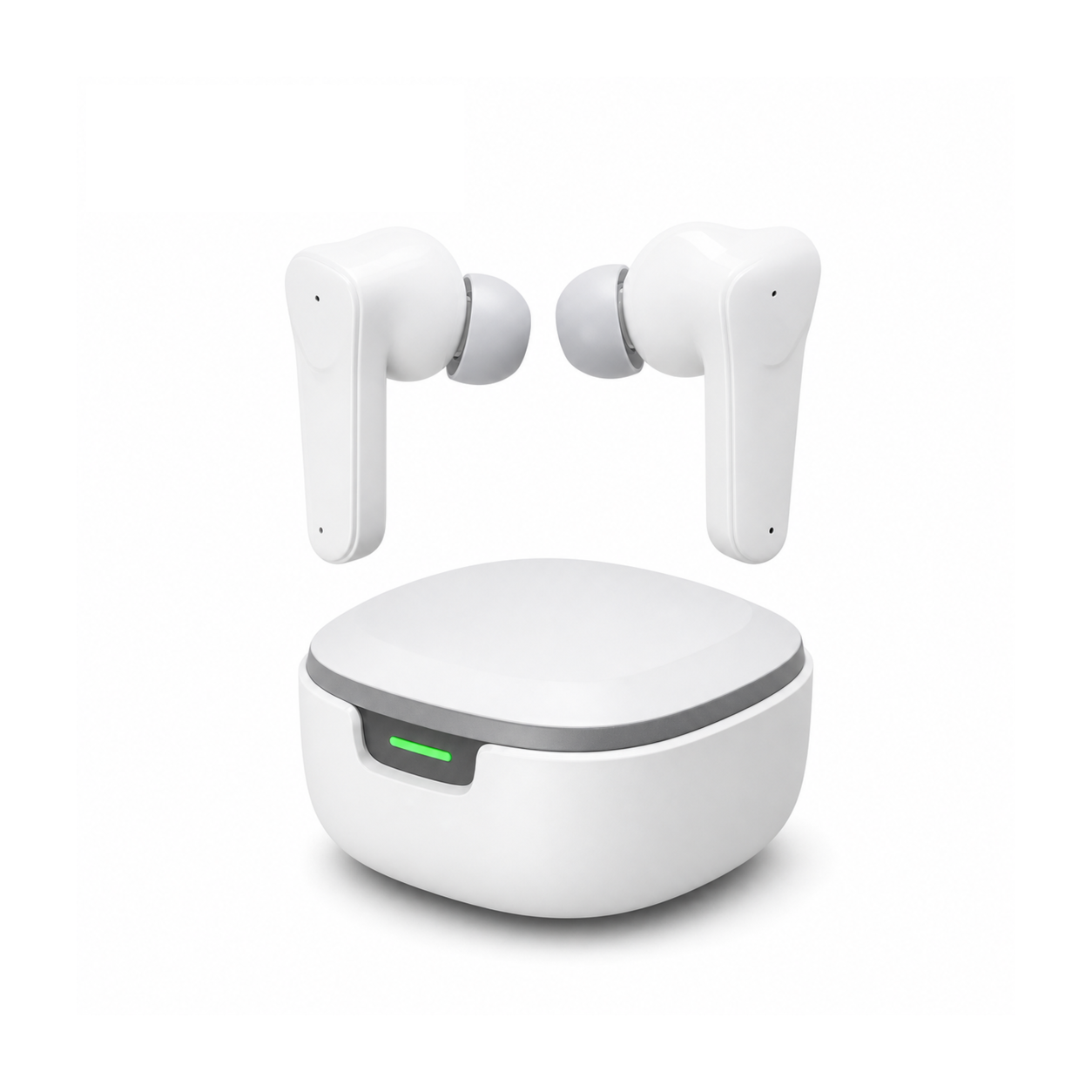
Flat, stemless earbuds for sleeping on your side, with a dynamic sleep-support mode and a starlight glow charging case. See the three colors at EARSOLE.
Adopting smooth, unlit sleeping earbuds shields sensory receptors from late-night electronic glare while offering gentle concha basin comfort. The miniature stemless casing nests entirely within the outer ear, preventing snagging against pillow fabric when resting sideways. Rather than radiating unnecessary LED illumination into dark bedrooms, the companion charging case emits a subtle starlight luminescence that guides bedtime storage without disrupting the brain’s circadian rest cycle.
Diagnostic Protocol for Eliminating Headset Electrical Buzz
If your dual-plug gaming headset produces an annoying electrical whine whenever its USB illumination connector is plugged in, follow this methodical troubleshooting sequence. First, connect the USB power tail to an independent USB wall charger or external power bank rather than your computer’s motherboard rear panel, breaking the shared electrical ground loop instantly.
Next, verify that your 3.5 mm analog audio cables are routed at right angles across power supply bricks to avoid electromagnetic induction coupling. If buzzing persists across Discord communications, consider migrating entirely to a passive, unpowered in-ear listening setup that operates without supplementary voltage rails, guaranteeing a dead-silent noise floor during quiet tactical reconnaissance.
Frequently Asked Questions
Will my gaming headset still produce sound if I leave the USB plug disconnected?
Yes, the 3.5 mm auxiliary plug handles all headphone audio output and microphone input independently; leaving the USB cable disconnected simply leaves the aesthetic earcup LEDs powered off.
Does turning off headset RGB lights extend battery life on wireless models?
Yes, turning off wireless gaming headset LEDs typically doubles or triples active battery longevity, extending playtime from fifteen hours up to forty hours on a single charge cycle.