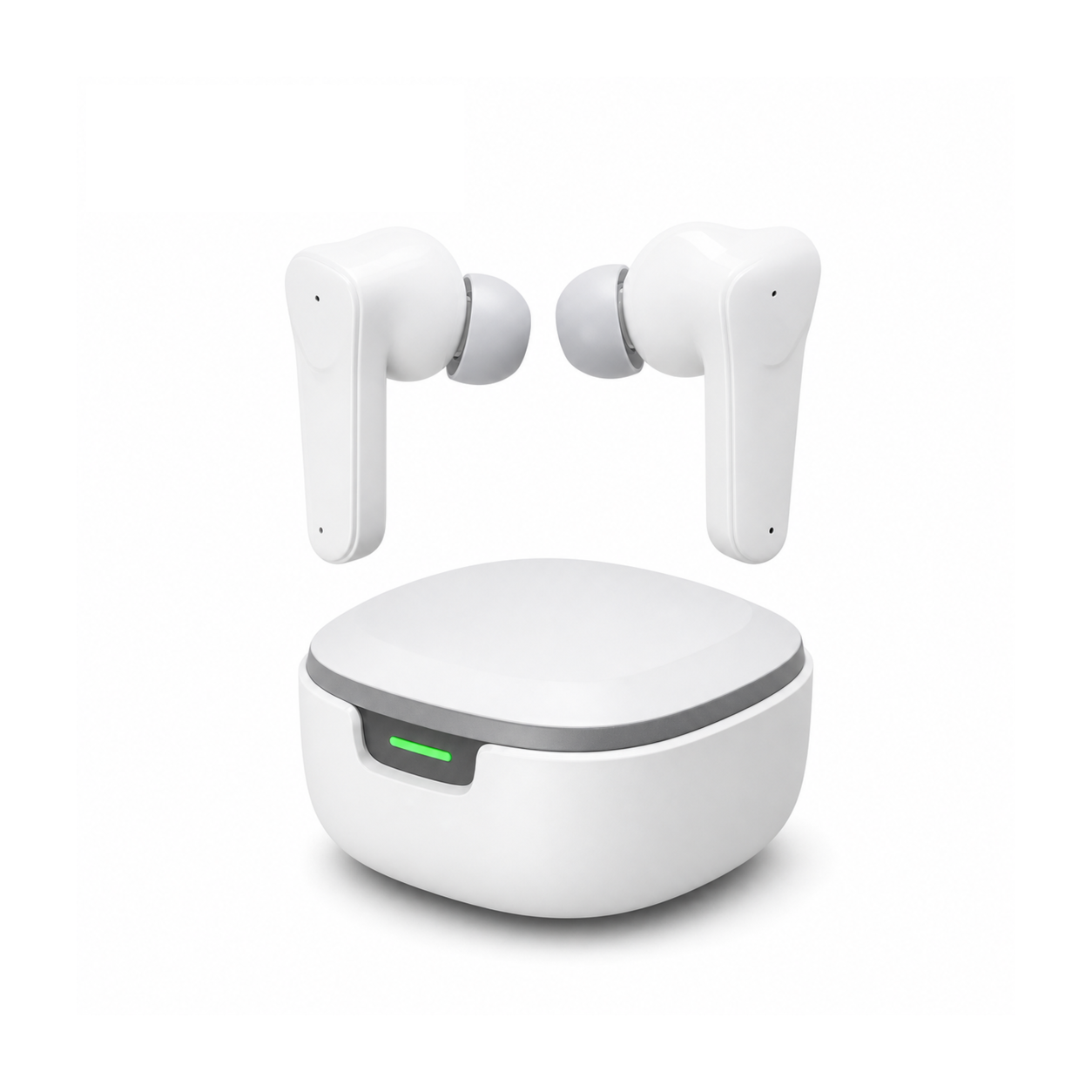
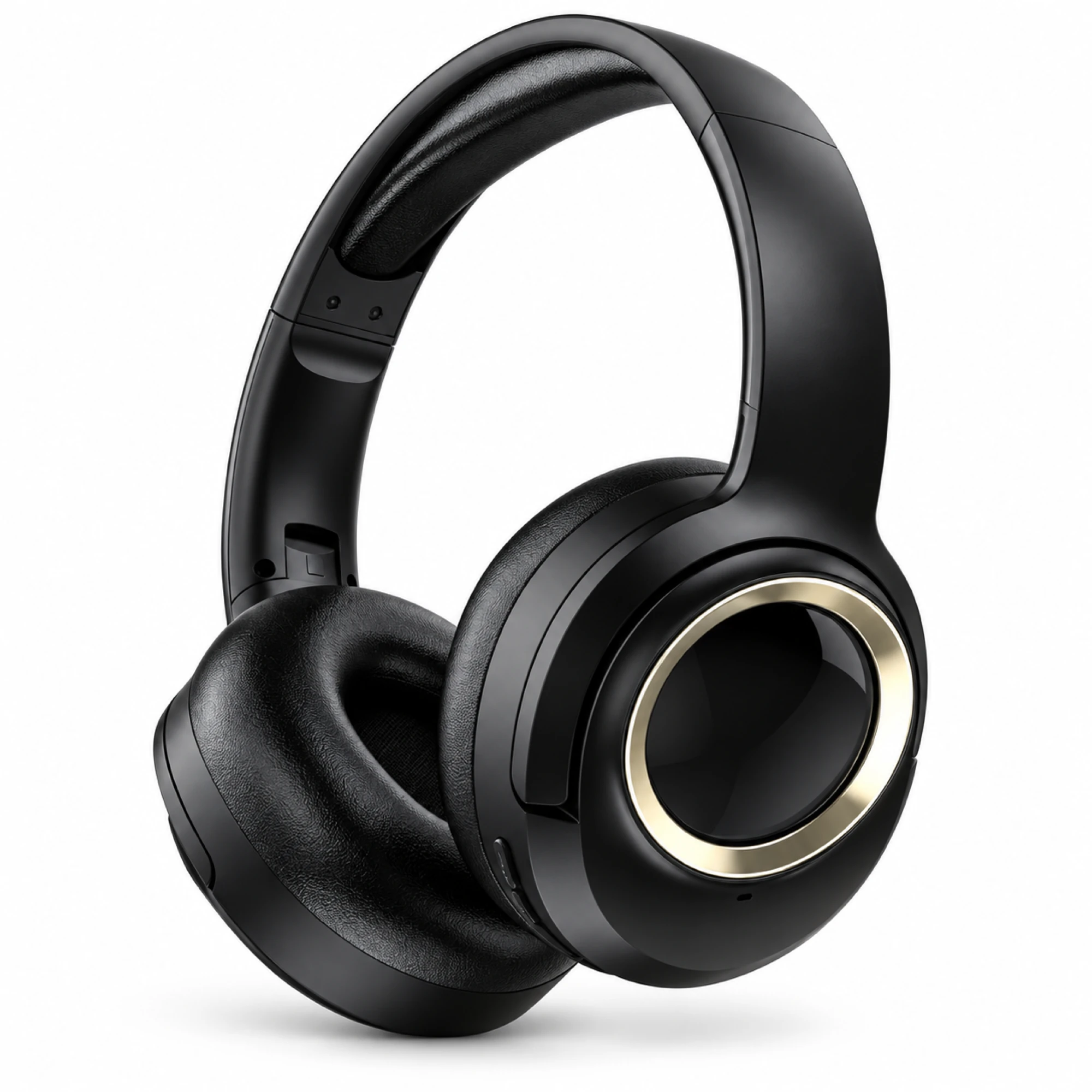
 MX-21 Black and Gold Wireless Headphones
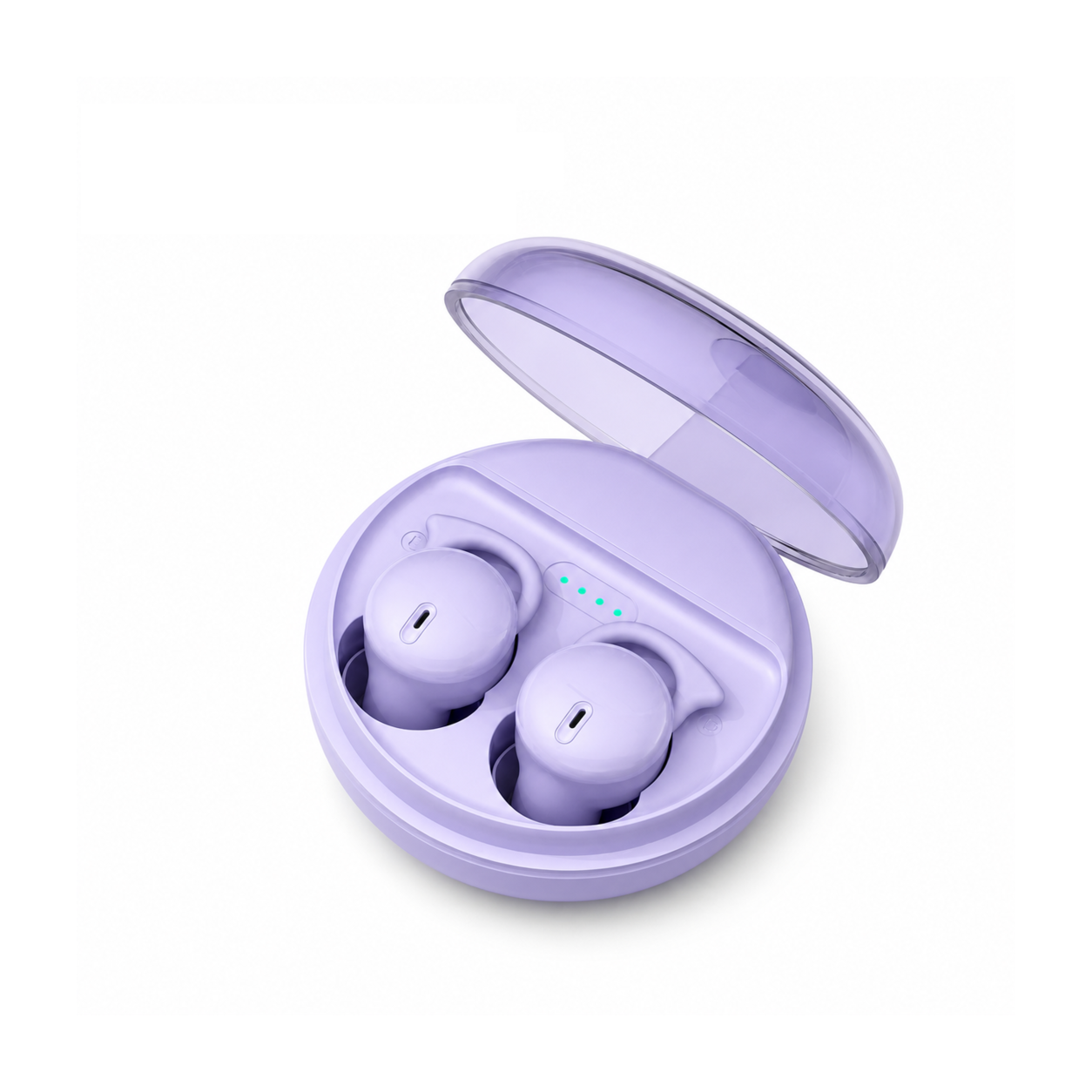
 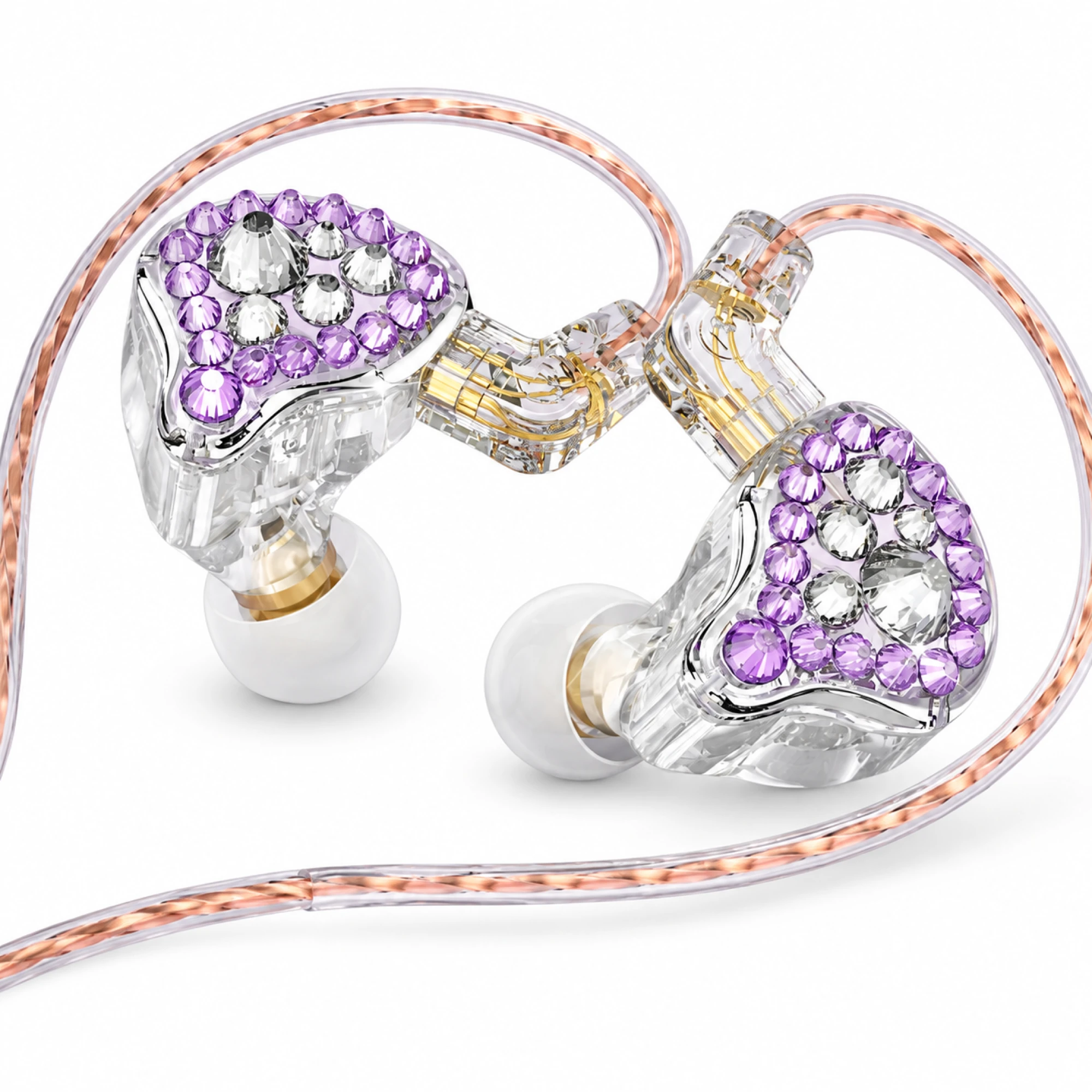 Q2 Pro Purple Crystal In-Ear Monitors
 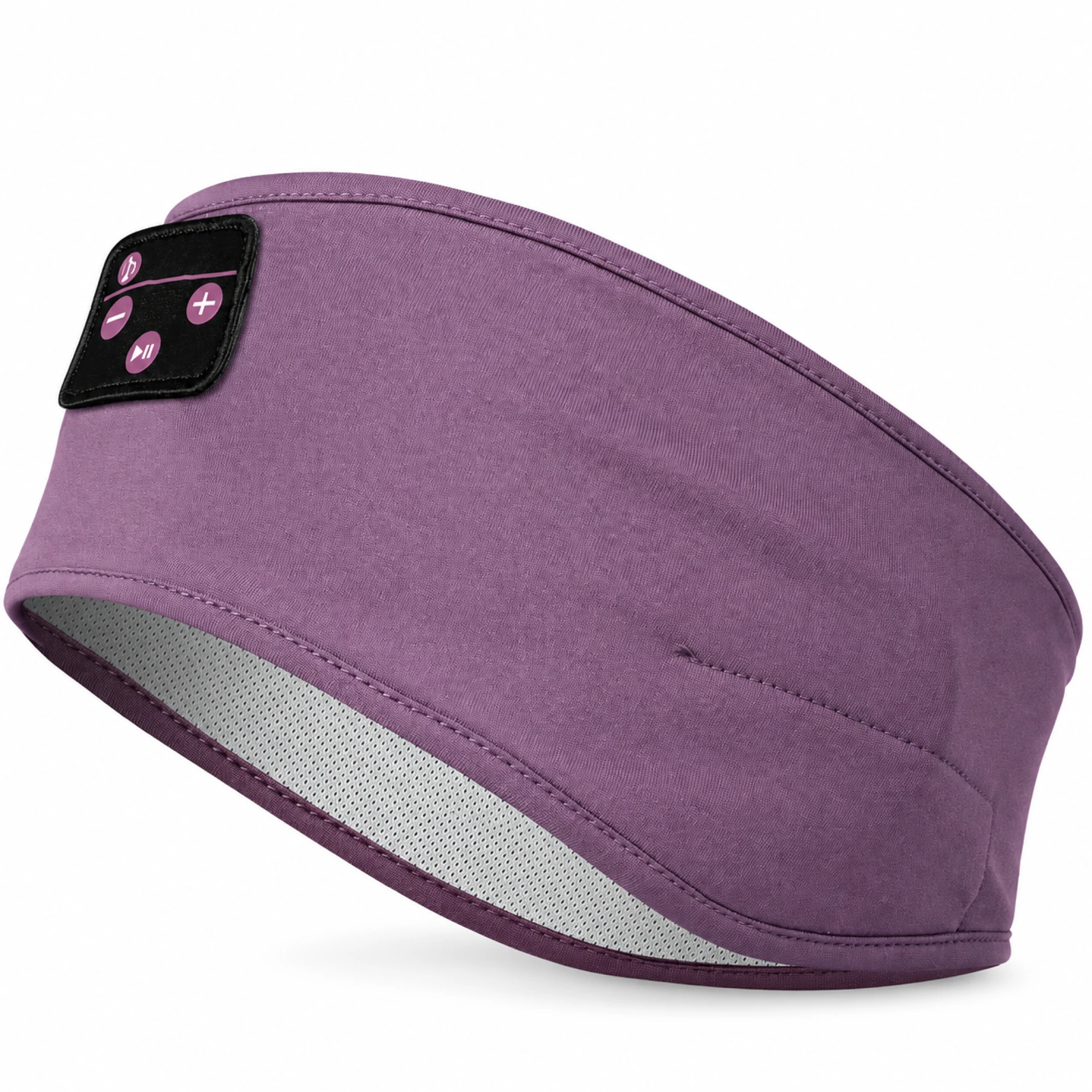 Purple Sleep Headband Headphones with Triangle Controls
 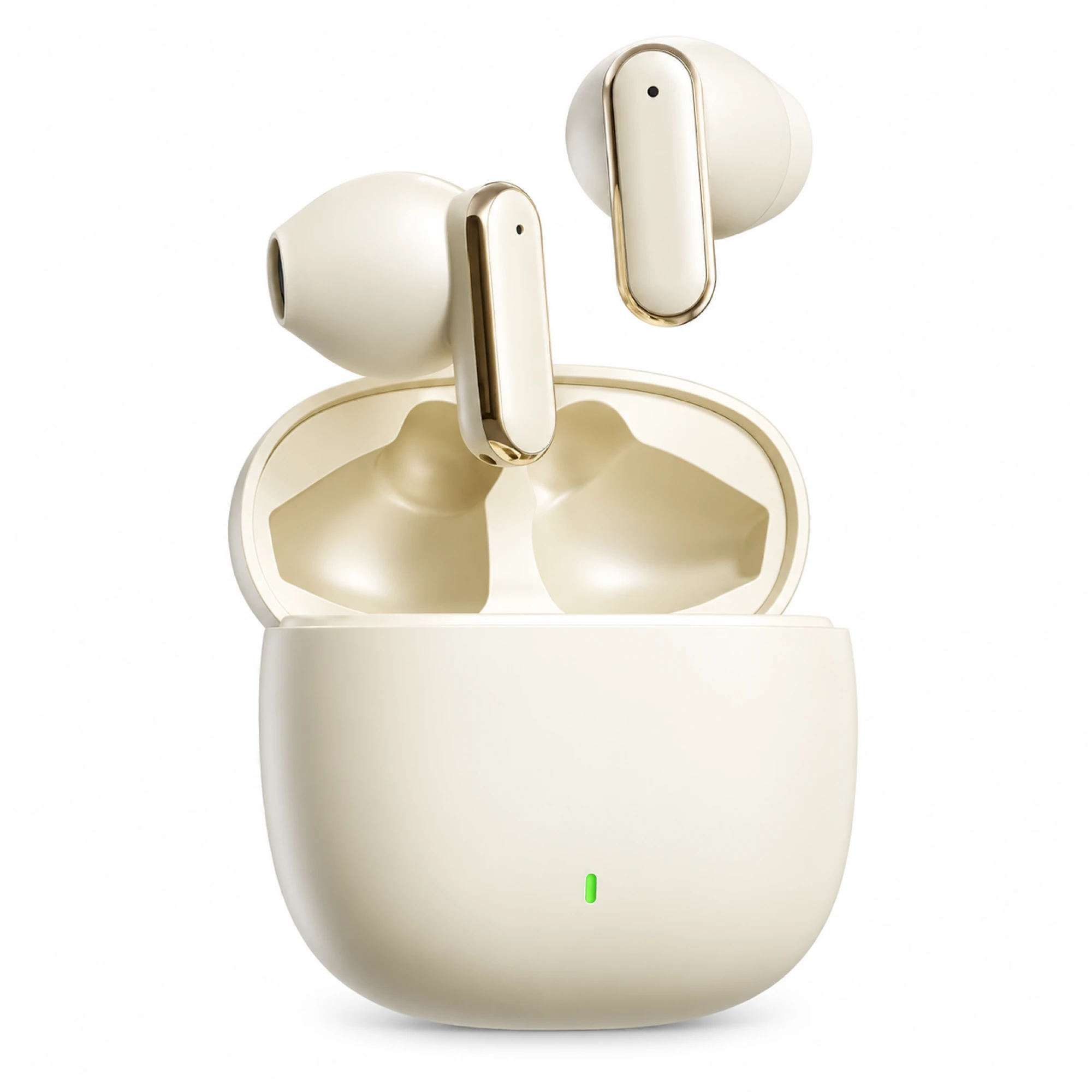 Cream Reflective-Stem Wireless Earbuds
 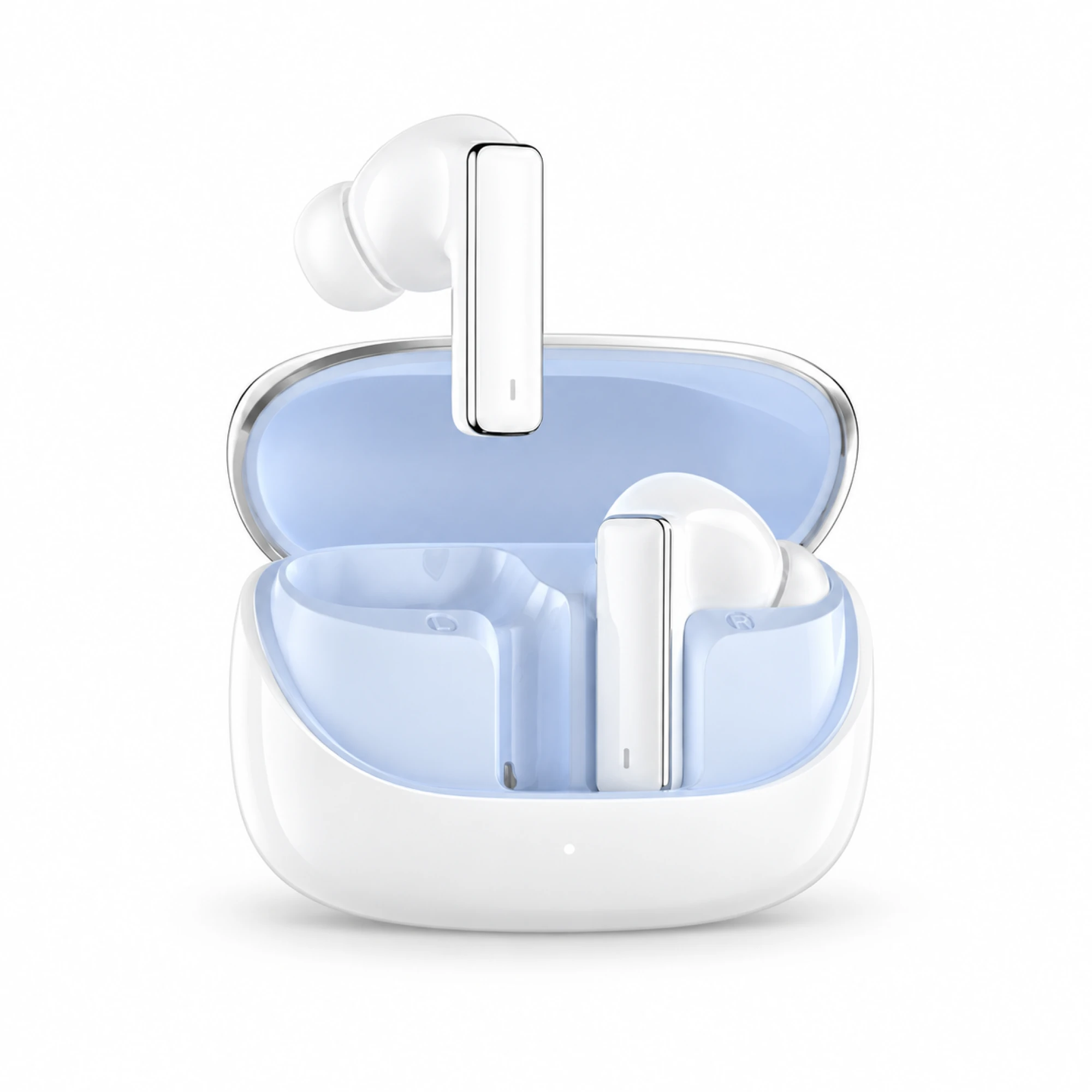 IN-01 White ANC Earbuds with Pale Blue Case Interior
 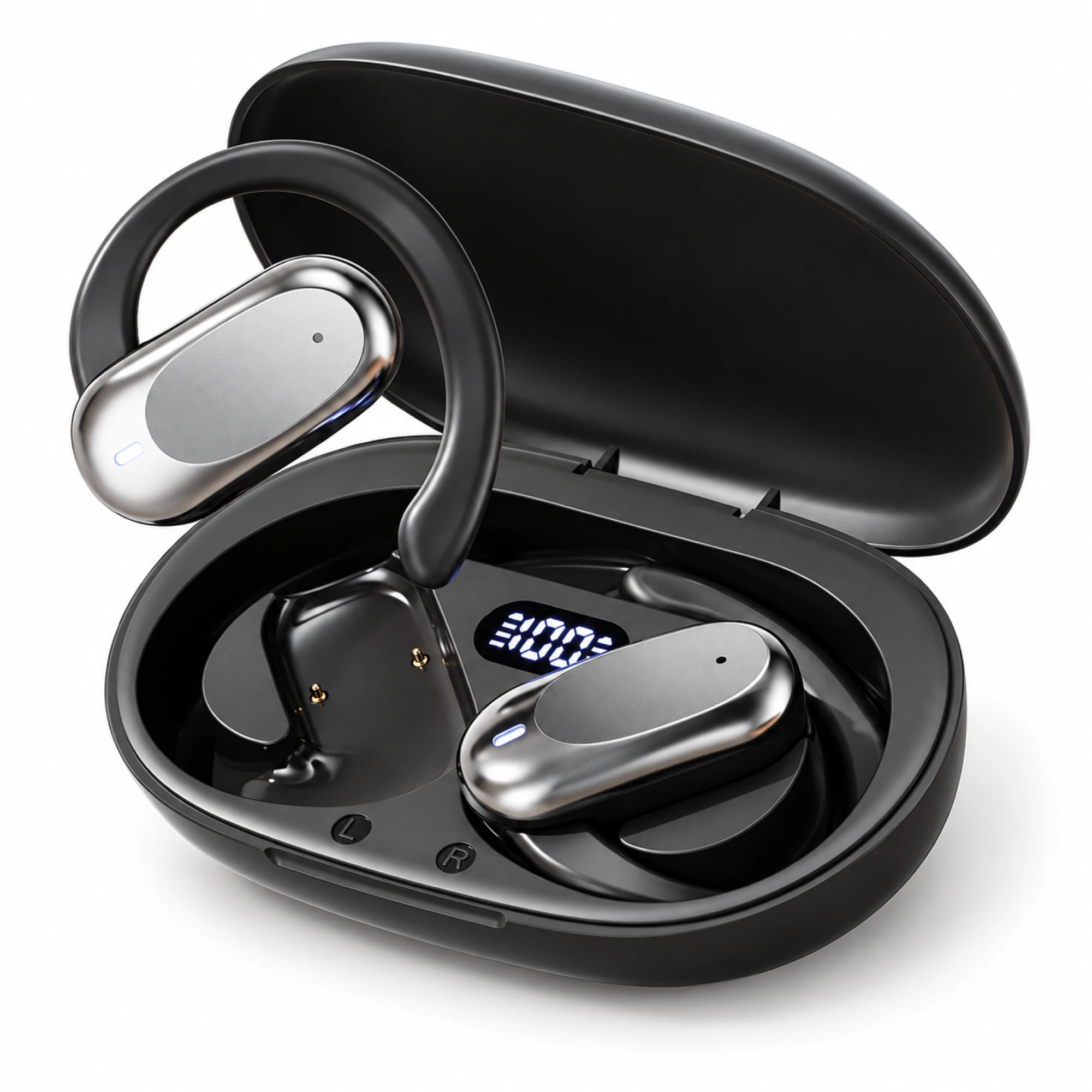 Silver Capsule Open-Ear Earbuds
 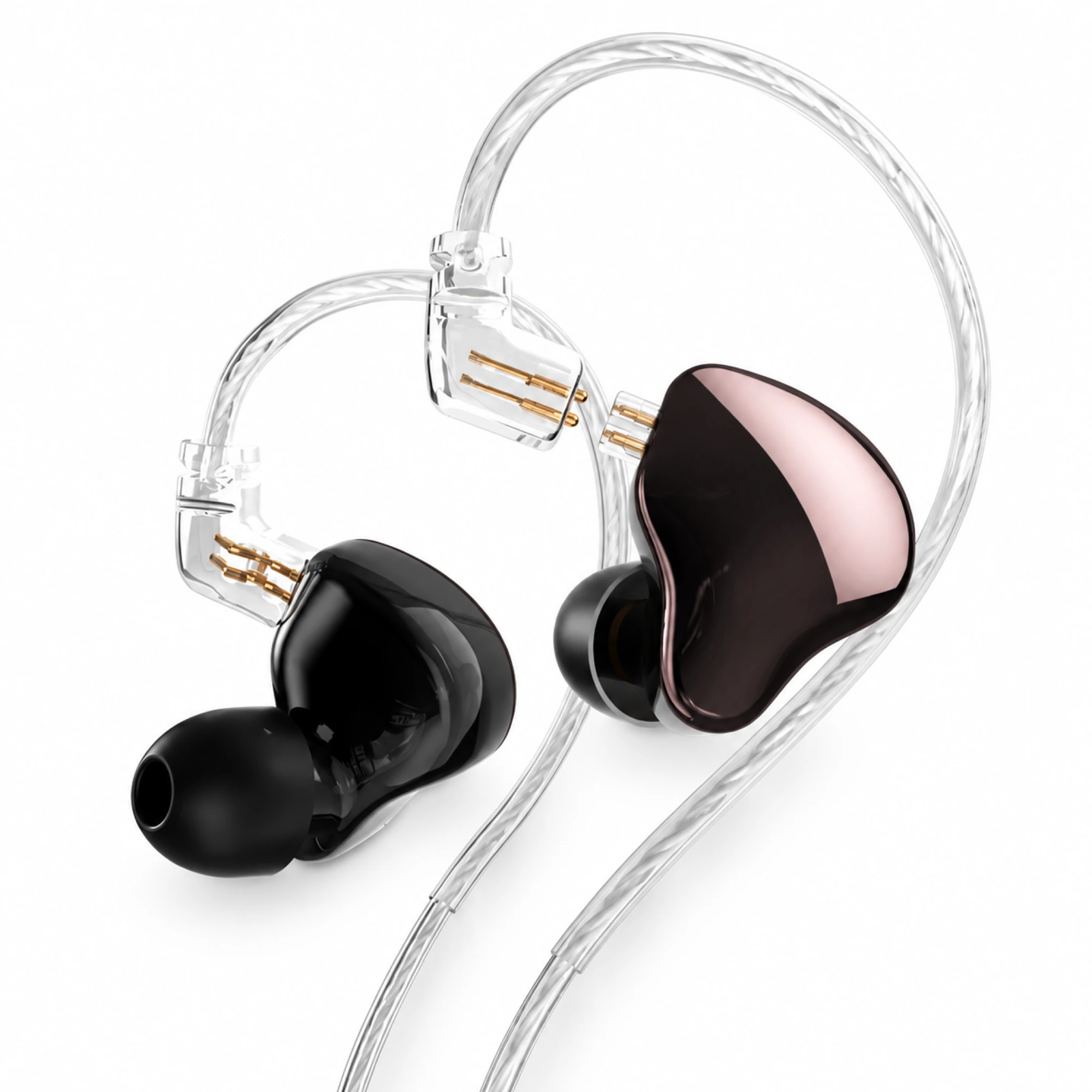 MN Rose-Metallic Detachable In-Ear Monitors
 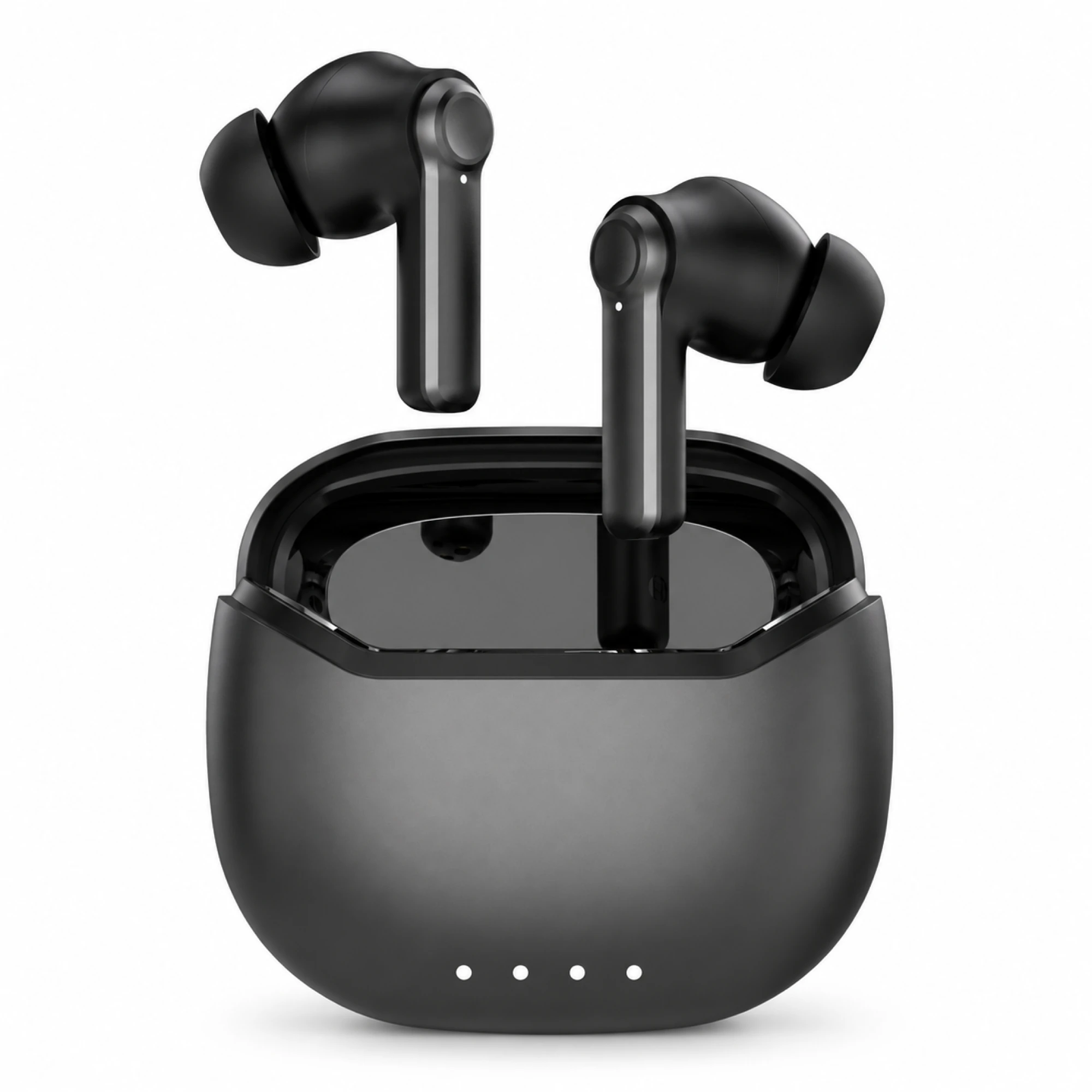 Black ANC Earbuds with Four-Indicator Case
Teammates never hear the capsule on game headphones with microphone hardware directly. They hear whatever survives the voice-chat system carrying your words: which app it is, whether you are on open mic or push-to-talk, and how the chat balance is set. Those three settings usually change how you sound more than the microphone itself does.
Three voice paths, and your headphones only own one of them
Work out which system is carrying your voice. Most players never chose; they joined whatever the group defaulted to. Each path reads the input device from a different screen.
| Voice path | What picks your microphone | What it means for you |
|---|---|---|
| Platform party chat | System audio settings, outside the game | Survives when you change games. Often the only path a console headset is guaranteed to reach. |
| In-game voice chat | The game's own audio menu, which may override the system default | Settings do not carry between titles. A mic that works in one game can be silent in the next. |
| Third-party app, same device | That app's voice settings, independent of both above | Most control over gating and gain, but it competes with the game for the audio device. |
| Third-party app, second device | Your phone's own connection to your earbuds | Keeps game audio at full quality. Costs a second connection to manage. |
The fourth row is the one people find by accident and then keep. It sidesteps the awkward part of using headphones with a microphone for gaming on one machine: on classic Bluetooth, opening the mic generally pulls the whole link onto a voice-oriented profile and narrows game audio with it. See why Bluetooth earbuds sound bad on Windows calls for that profile switch in detail.
Why an expensive boom and a cheap stem converge in chat
A microphone sample recorded for a review is a direct capture, taken off the device before any chat system touches it. Nobody in your party hears that file. What they hear has passed through a voice channel built for low delay and small bandwidth, with its own noise gate, automatic gain and codec. Two sets of gaming headphones and microphone hardware that sound clearly different in a direct capture can land much closer together after the same chat pipeline. That is no reason to ignore the hardware, only to stop treating it as the whole answer.
Voice chat is compressed hard. Discord's developer documentation describes voice traffic as Opus frames, and Opus is built for interactive speech and music transmission over the internet, tuned to arrive quickly and intelligibly ahead of reproducing the texture of a voice. On classic Bluetooth the outbound path is narrower still, because the Hands-Free Profile was written around using a mobile phone through a headset or car kit.
Roughly what reaches the other end:
- Survives well: whether your words are intelligible, how loud you are relative to your room, and whether a fan or keyboard competes with you. Distance and position control all three.
- Survives poorly: the low-end weight and fine detail that make a voice rich as well as clear. That is what a large-capsule boom buys, and it is largely spent before it reaches a party.
- Gets added: gating artefacts, gain pumping and packet loss, none of them properties of your headphones.
This matters when comparing gaming headphones microphone claims across price tiers. If you stream or record, the capsule matters a great deal, because your audience hears an uncompressed path. If your voice only ever enters a party, the returns fall off faster than the price does.
Open mic or push-to-talk: the setting that outperforms an upgrade
Every chat system offers two ways to decide when to transmit. Open mic, also called voice activation, runs a gate that opens when the incoming level crosses a threshold. Push-to-talk transmits only while you hold a key. The gate is where many "my mic is bad" complaints begin.
- Gates clip the front of words. The threshold has to be crossed before transmission starts, so the first syllable is often partly lost. If teammates keep saying "say that again", the gate is a likelier cause than the capsule.
- A distant capsule forces a bad compromise. Voice activation compares your voice to everything else the mic hears. A capsule further from your mouth, on a stemless shell or inside an earcup behind your jaw, arrives quieter, so you lower the threshold. Lower it enough and your keyboard holds the gate open all session. This is where microphone geometry really costs you, and it never shows up in a quiet recording. Our voice-pickup guide goes through capsule position by shell type.
- Push-to-talk removes the problem instead of tuning it. With no gate, threshold and background noise stop mattering except while you speak. That is why push-to-talk flatters inexpensive gamer headphones with a mic more than any hardware feature does.
A reasonable default: push-to-talk in large groups, noisy rooms, or on any earbud without a stem. Open mic in a quiet room with two or three people, and set the threshold with the fan and keyboard already running.
The chat balance that makes you shout
The familiar reason players talk too loudly is sidetone: sealed cups and tips block your own voice, so you under-hear yourself. Our guide to work-call earbuds covers that side.
The second reason is the mix. If teammates arrive quieter than the game, the instinctive fix is to raise game volume until things feel balanced. Now you are speaking over a louder soundfield, and raising vocal effort in noise is involuntary; speech researchers call it the Lombard effect. You end up shouting into a microphone that was never the problem.
Console system menus generally include a balance between game and chat audio, though its name and location differ by platform and by headset. On a PC the equivalent is per-application volume in the sound mixer.
A ten-minute check that costs nothing
Run this before buying anything. It tests the path, not the hardware.
- Identify which voice path you are on tonight. If unsure, it is probably in-game chat.
- Open that system's voice settings and confirm the input device. A mic that is "not working" is very often a mic that is not chosen.
- Switch to push-to-talk for one session and ask the group whether anything changed.
- Ask a teammate to rate you out of five with your usual fan, keyboard and game audio running. Do not test in silence; you do not play in silence.
- Raise chat volume instead of game volume, then notice whether you speak more quietly.
- Only if all five pass and you still sound poor is the capsule your bottleneck. Our microphone test procedure covers that case, including how to hear your own recording before a session.
Mic claims on our gaming pairs, model by model
Read this as disclosure rather than recommendation. Every model in our gaming earbuds collection connects over Bluetooth, and microphone claims differ by model.
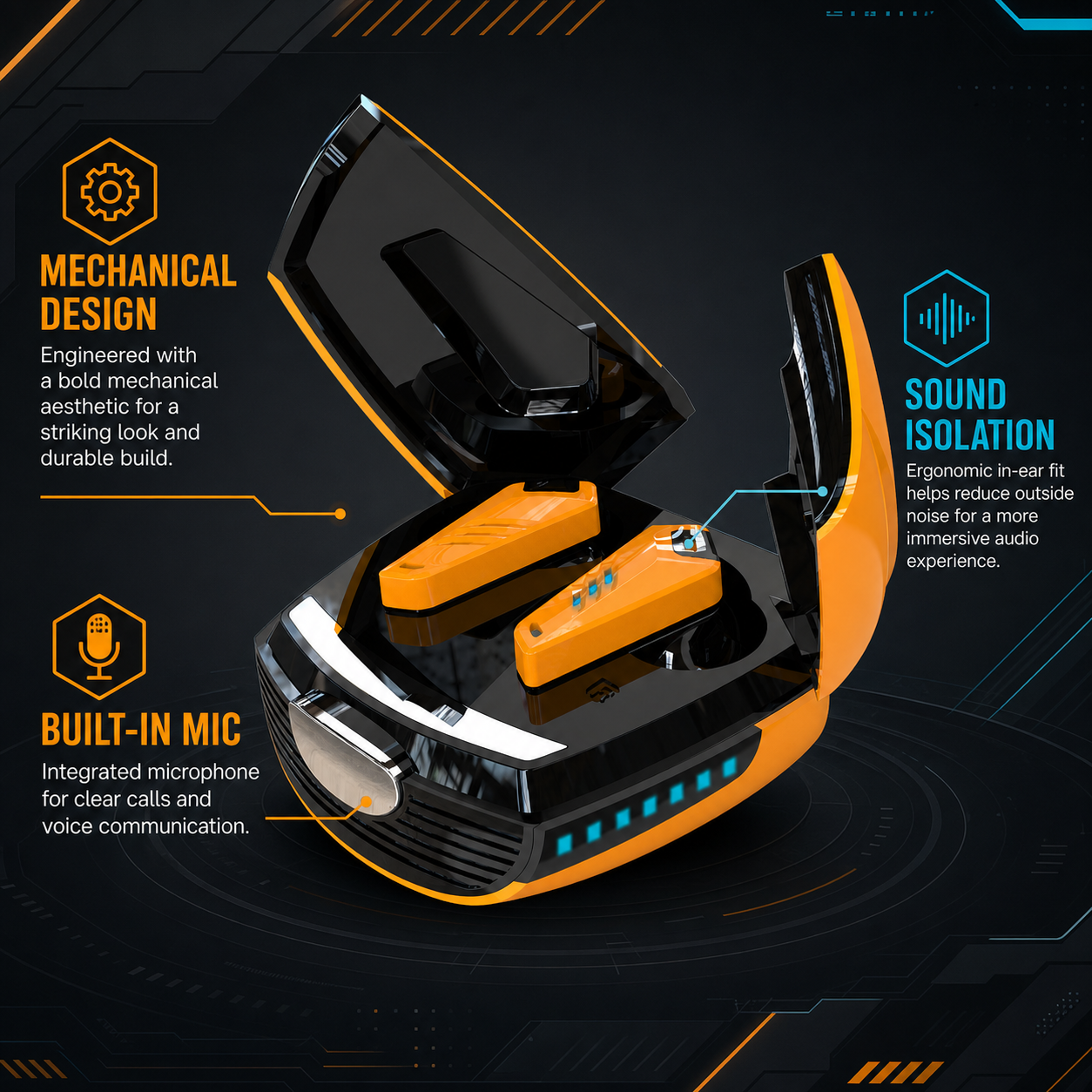
- Beetle Mechanical Wireless Gaming Earbuds, $39.99 as the listing stands. Closed-back in-ear, a built-in condenser microphone, on-earbud controls, a 180 mAh case battery and USB-C charging. The listing names calls and chat as the microphone's use cases.
- Wireless Gaming Earbuds with Spatial Audio, $34.99 as the listing stands. Sealed silicone tips with surround-style processing. The listing does not describe a microphone at all, and it says outright that we do not quote a latency figure.
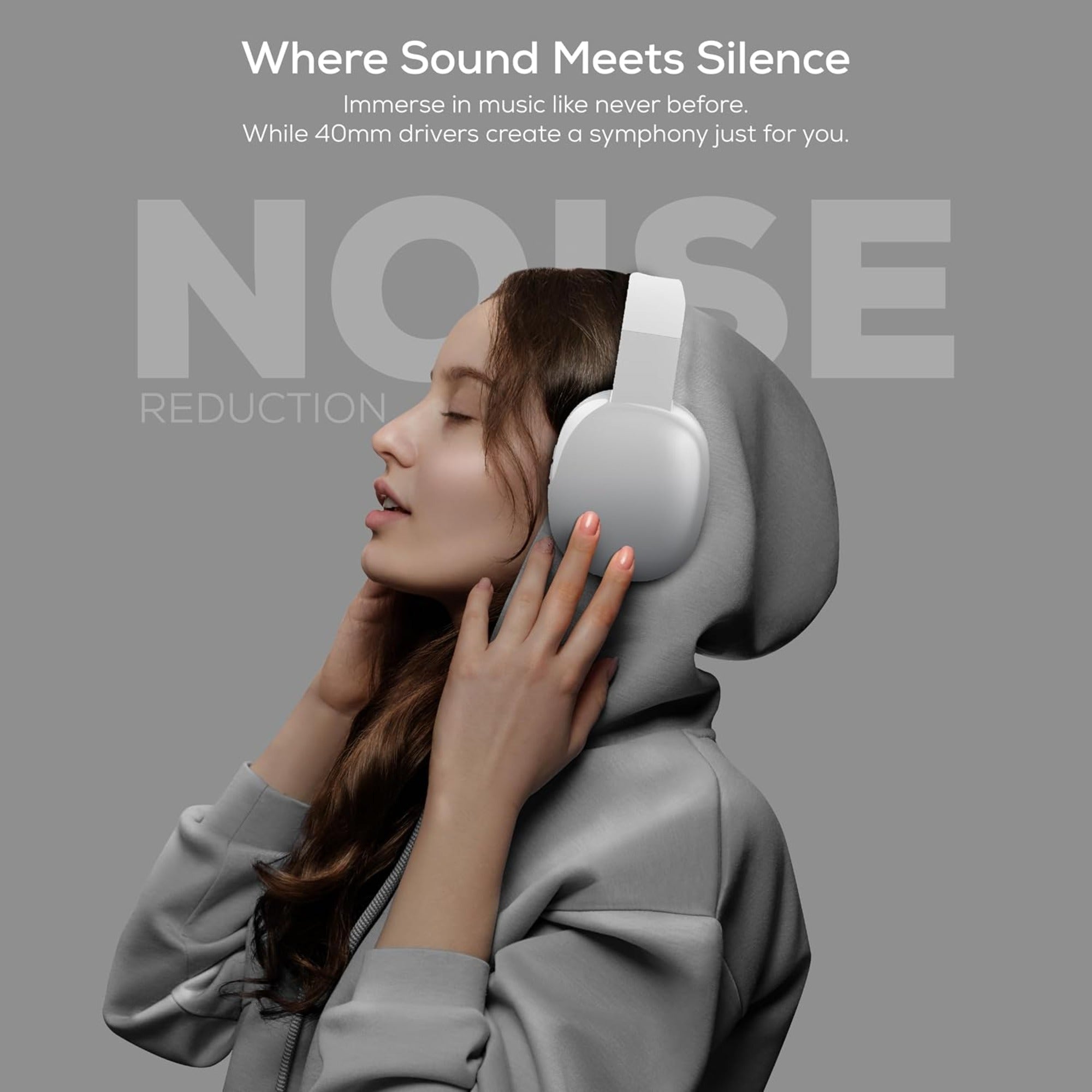
- Wireless Gaming Headset Series 186, $33.34 as the listing stands. Over-ear; the listing states 40 mm drivers, Bluetooth or a 3.5 mm cable, and a built-in microphone.
What none of them claim matters more here. No detachable boom arm, no sidetone, no 2.4 GHz dongle, no push-to-talk button on the earbud. If your decision rests on any of those, a platform-specific headset is the fair recommendation. Where our pairs do work well is the second-device pattern in row four: game on the console or PC, voice from the phone, where comfort over a long session matters more than boom position. One boundary applies either way: World Health Organization safe-listening guidance ties safe listening time to how loud the sound is, and gaming sessions are long by nature.
Questions players ask about mics in party chat
Do I need an expensive microphone for party chat?
No, if your voice only ever reaches a compressed party channel. Judge comfort, fit stability and push-to-talk instead, because the chat codec discards most of what a large capsule adds. For streaming, recording or a very noisy room, a wired or dongle headset with a fixed boom is still the stronger choice, since that audience hears an uncompressed path.
Do all gaming headsets have a built-in microphone?
Almost all of them do, which makes "built-in microphone" a weak filter. The better questions are where the capsule sits relative to your mouth, whether the listing states a microphone at all, since some of ours do not, and whether the connection carries a live mic without narrowing game audio. A stem or boom that holds position beats a stemless shell on voice activation, because a mic that shifts as you turn your head is inconsistent.