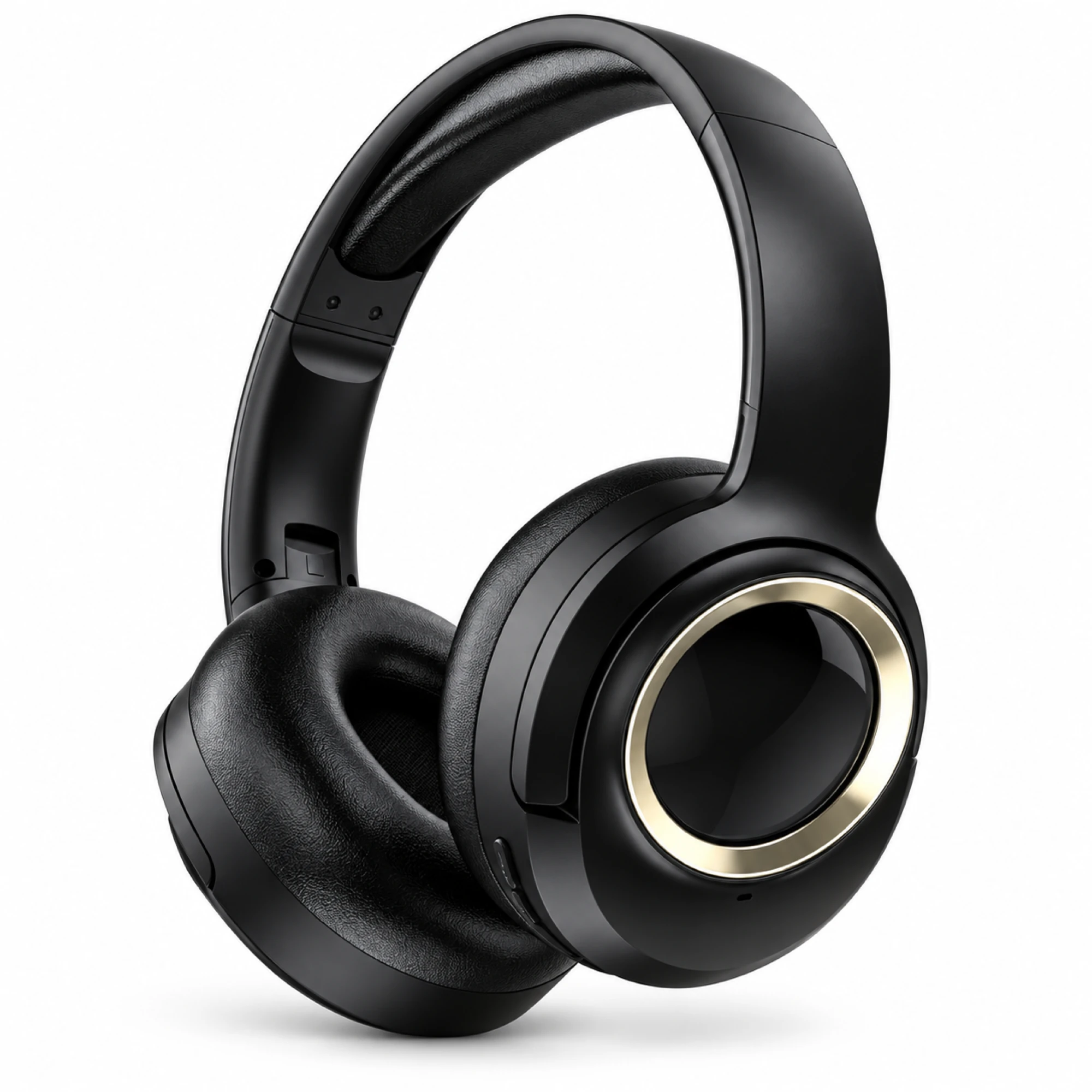
 MX-21 Black and Gold Wireless Headphones
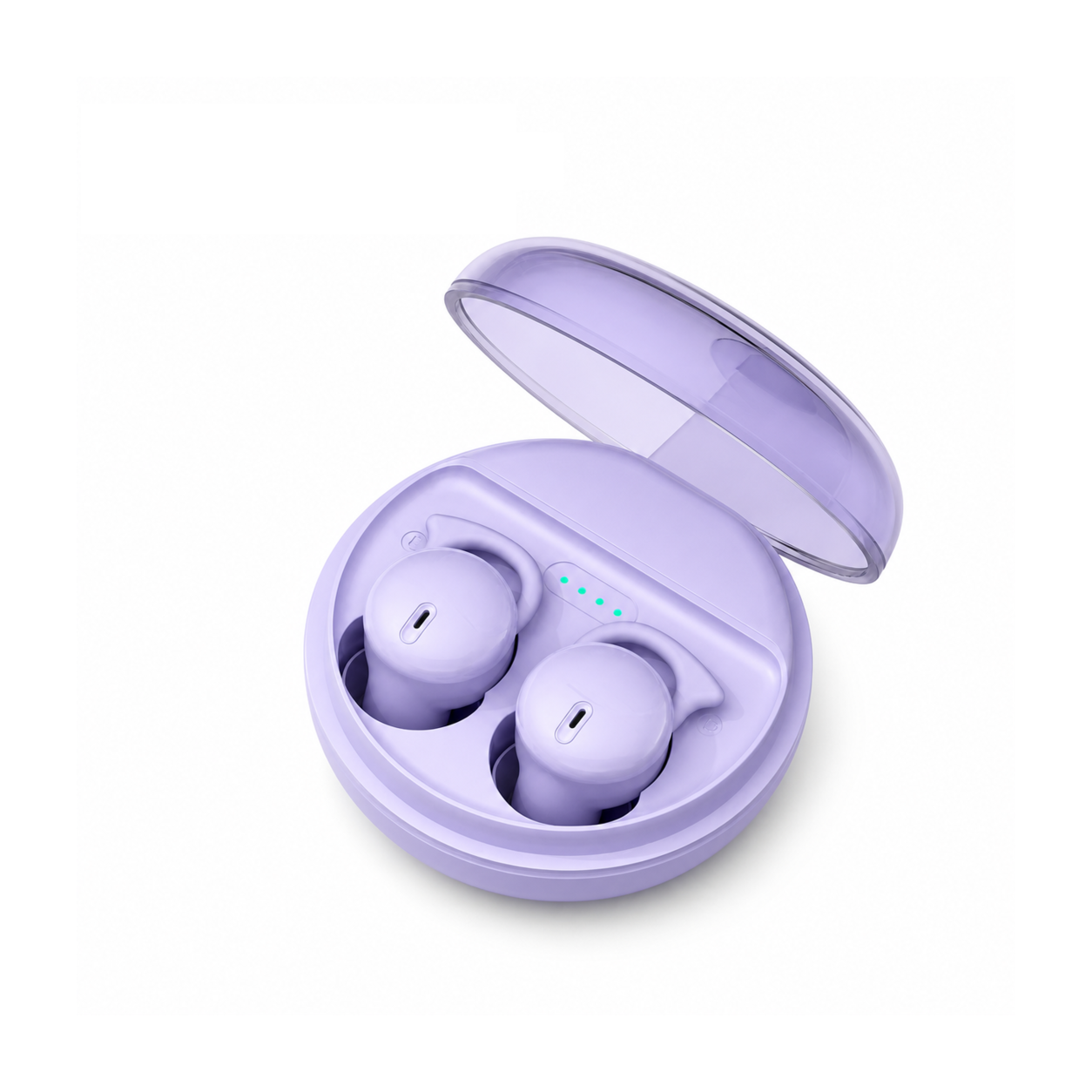
 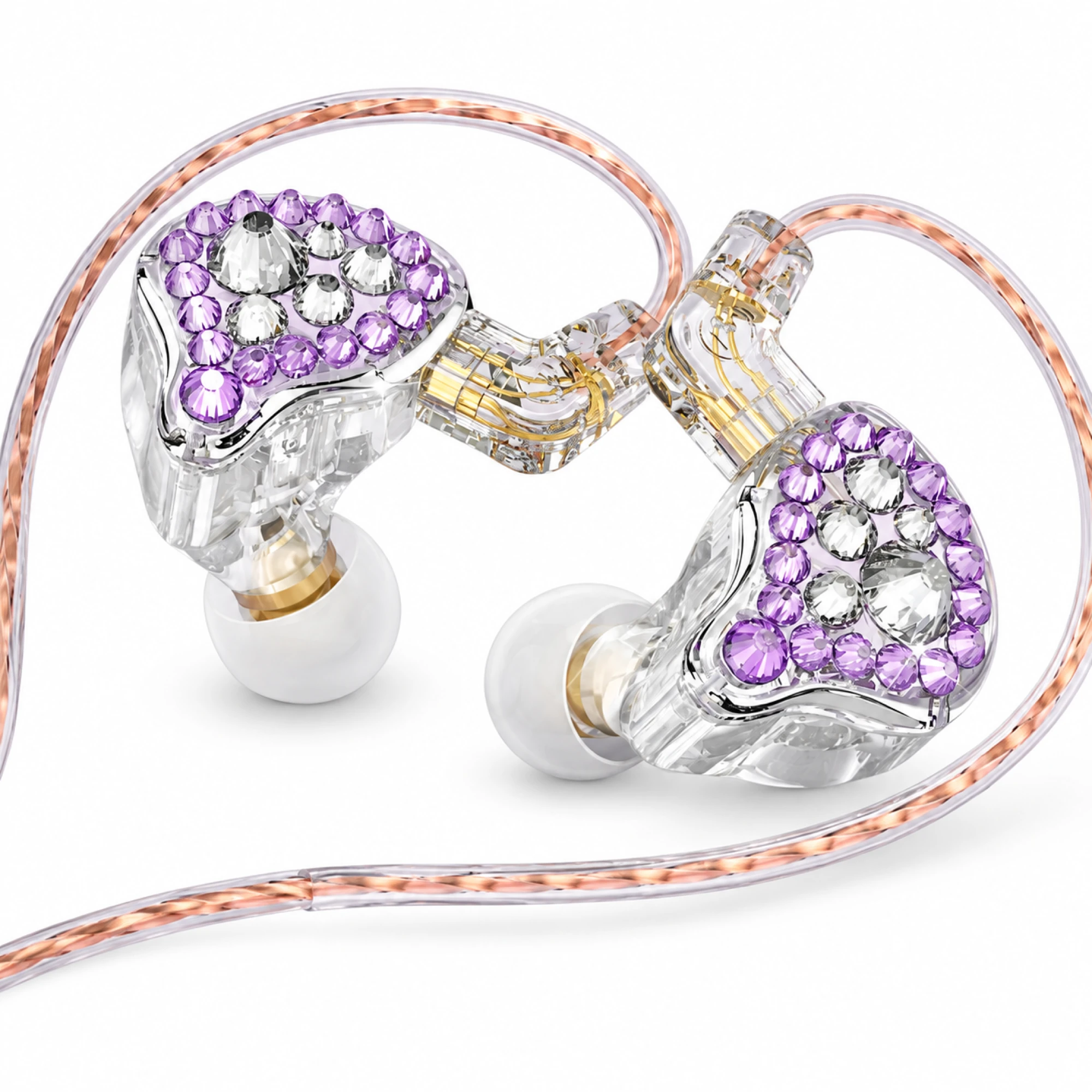 Q2 Pro Purple Crystal In-Ear Monitors
 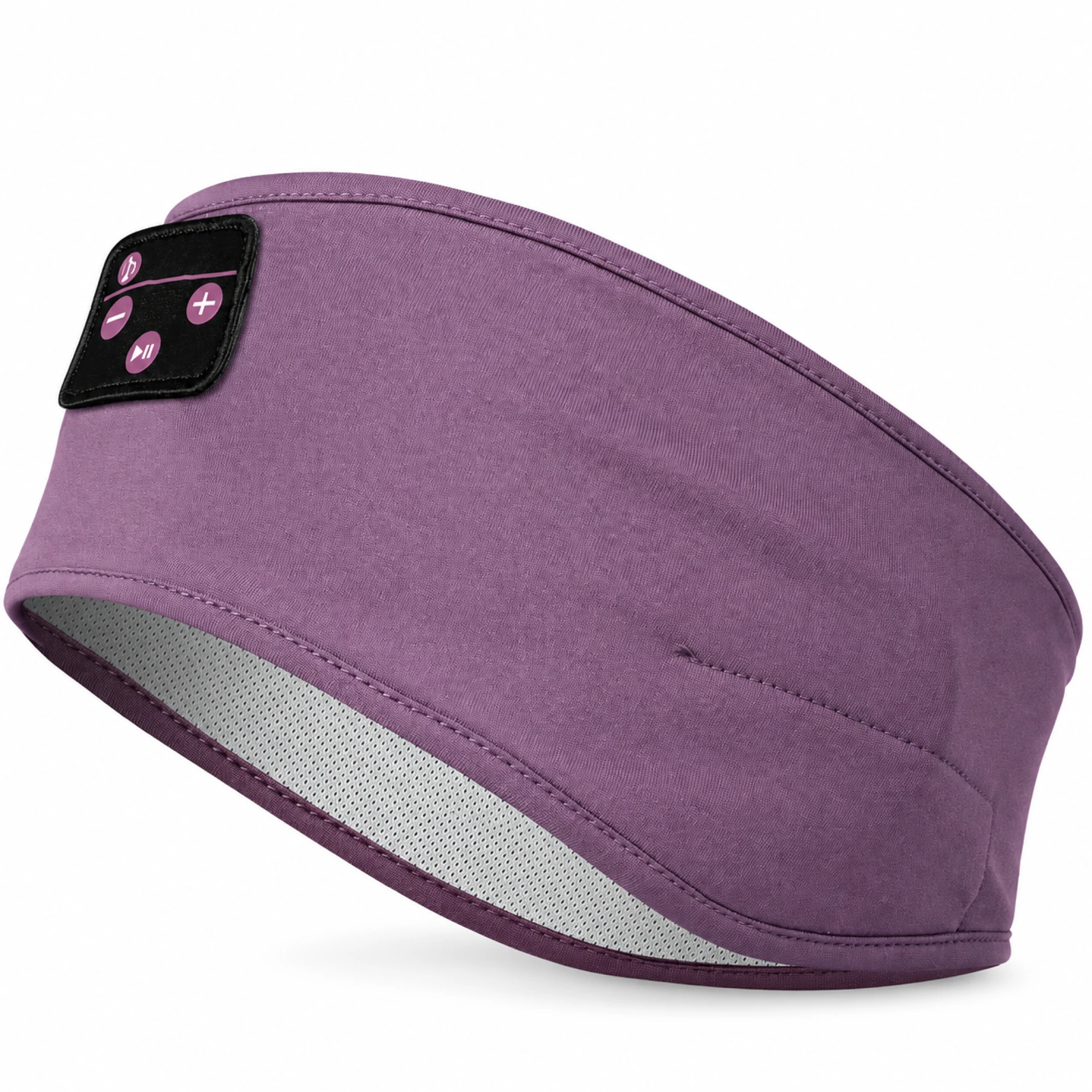 Purple Sleep Headband Headphones with Triangle Controls
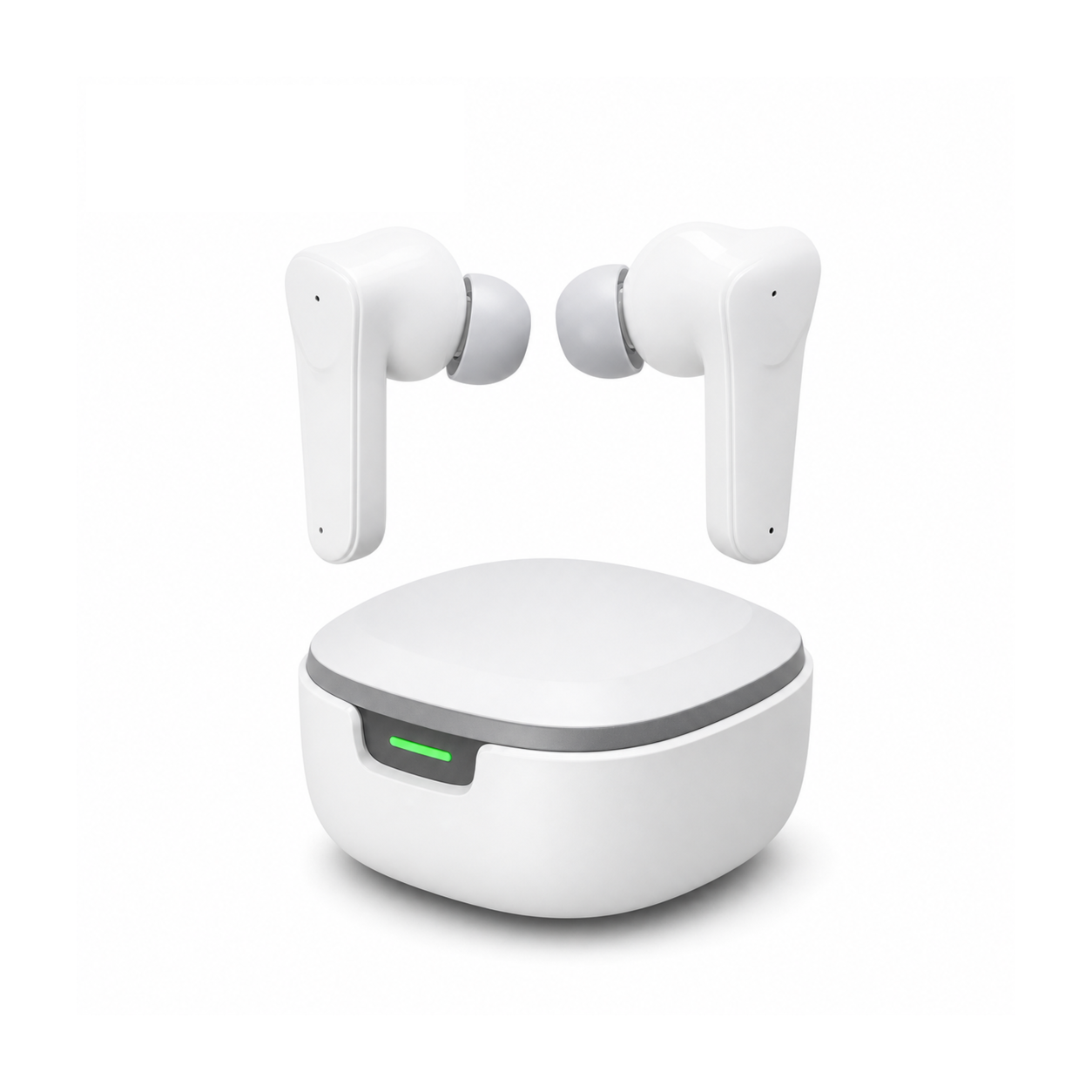
 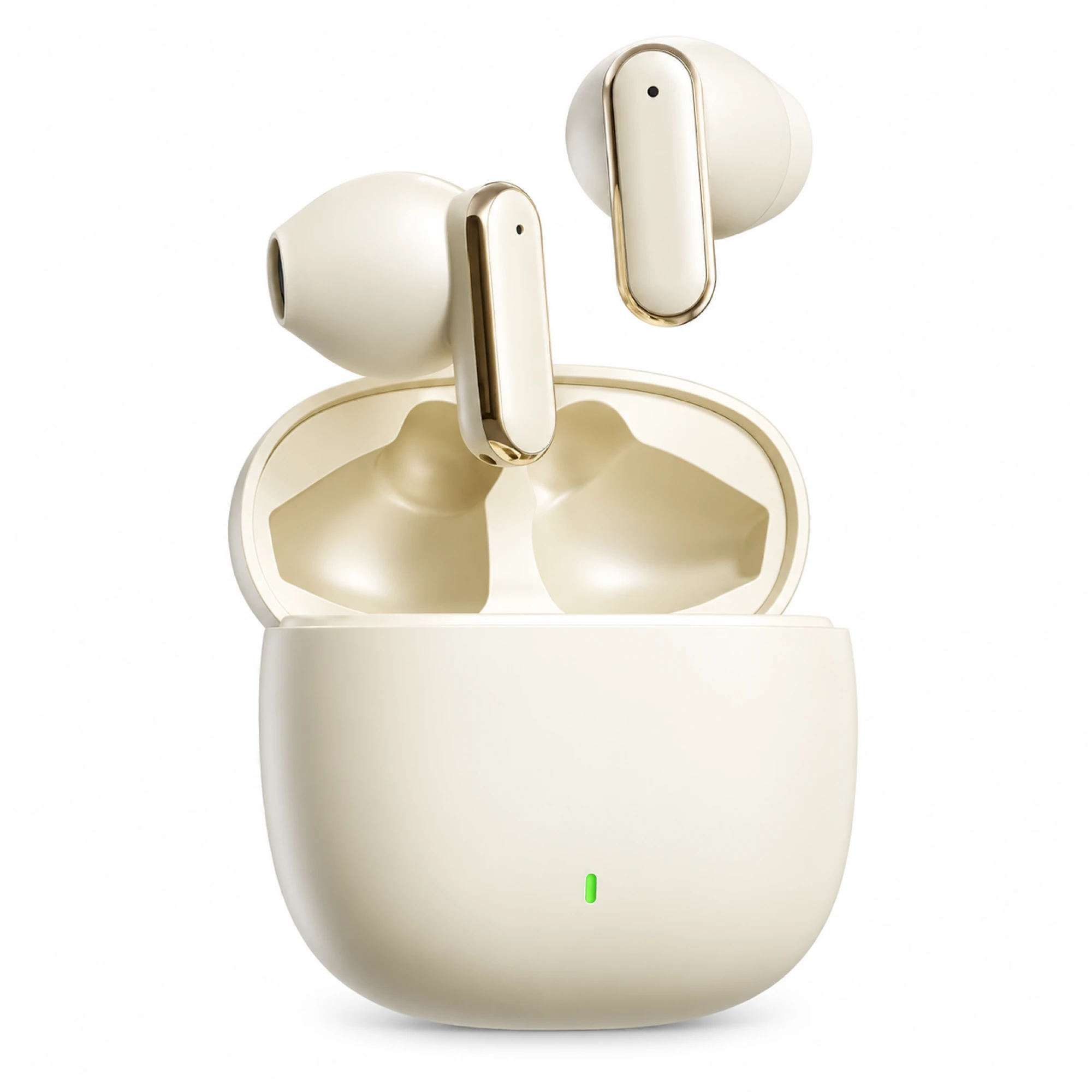 Cream Reflective-Stem Wireless Earbuds
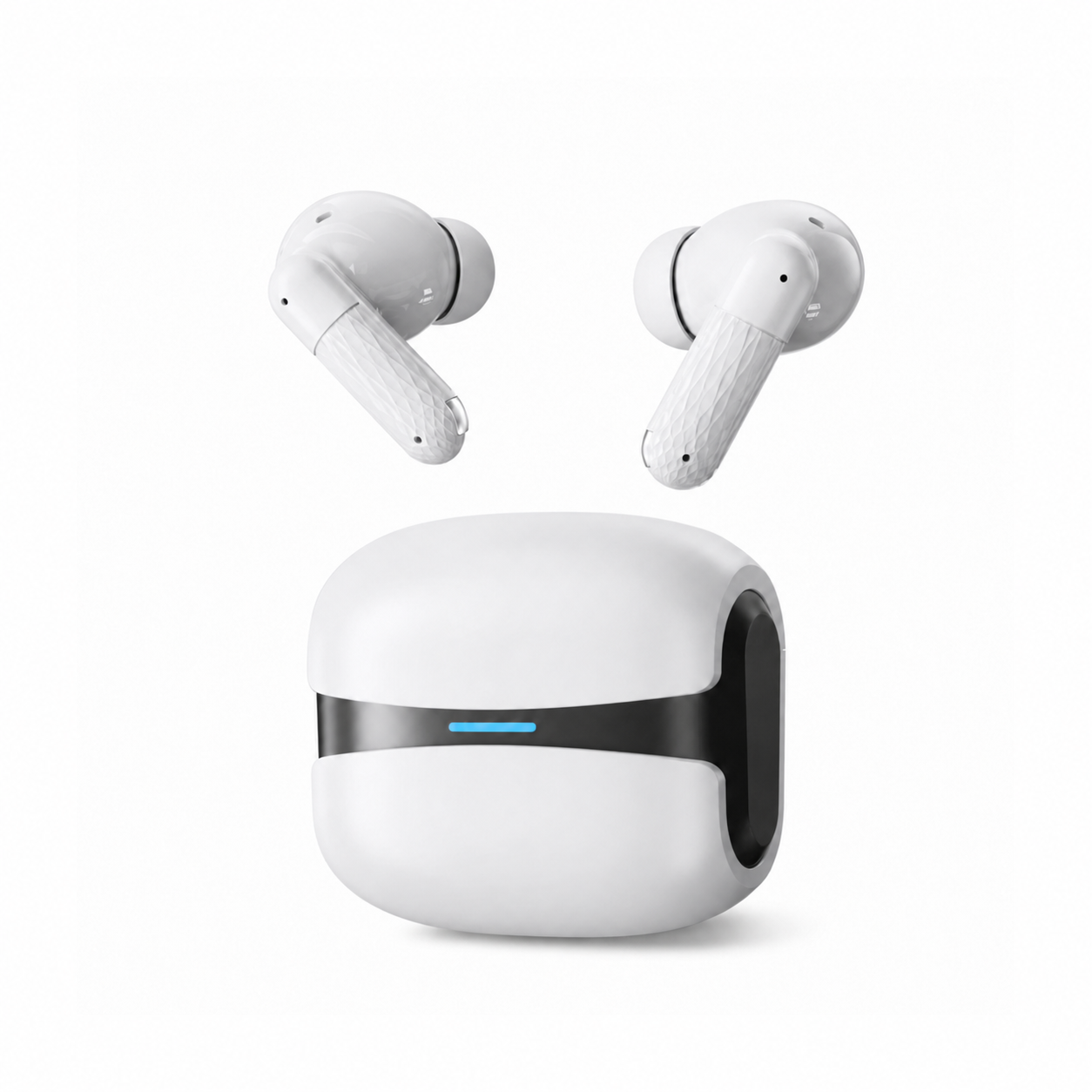
 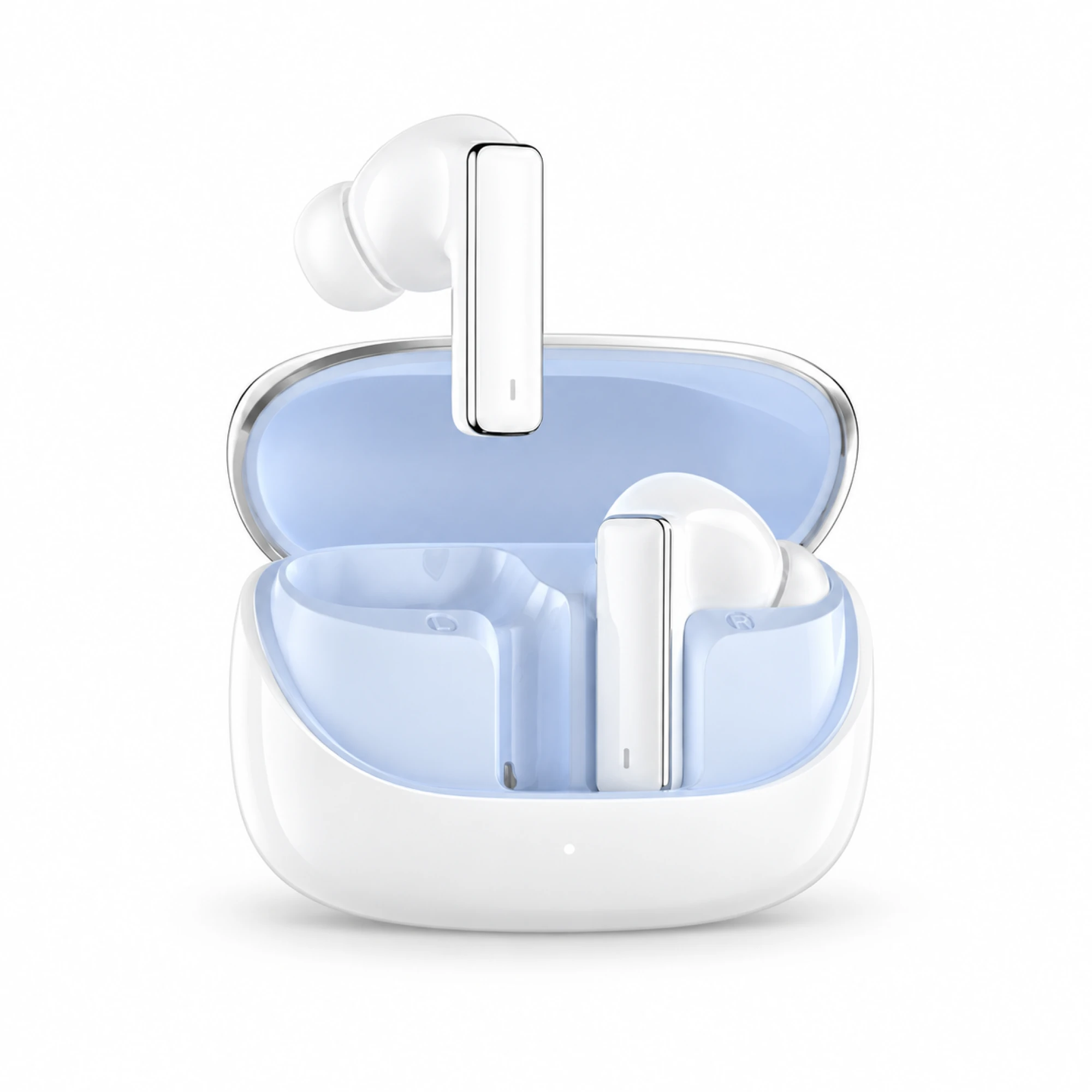 IN-01 White ANC Earbuds with Pale Blue Case Interior
 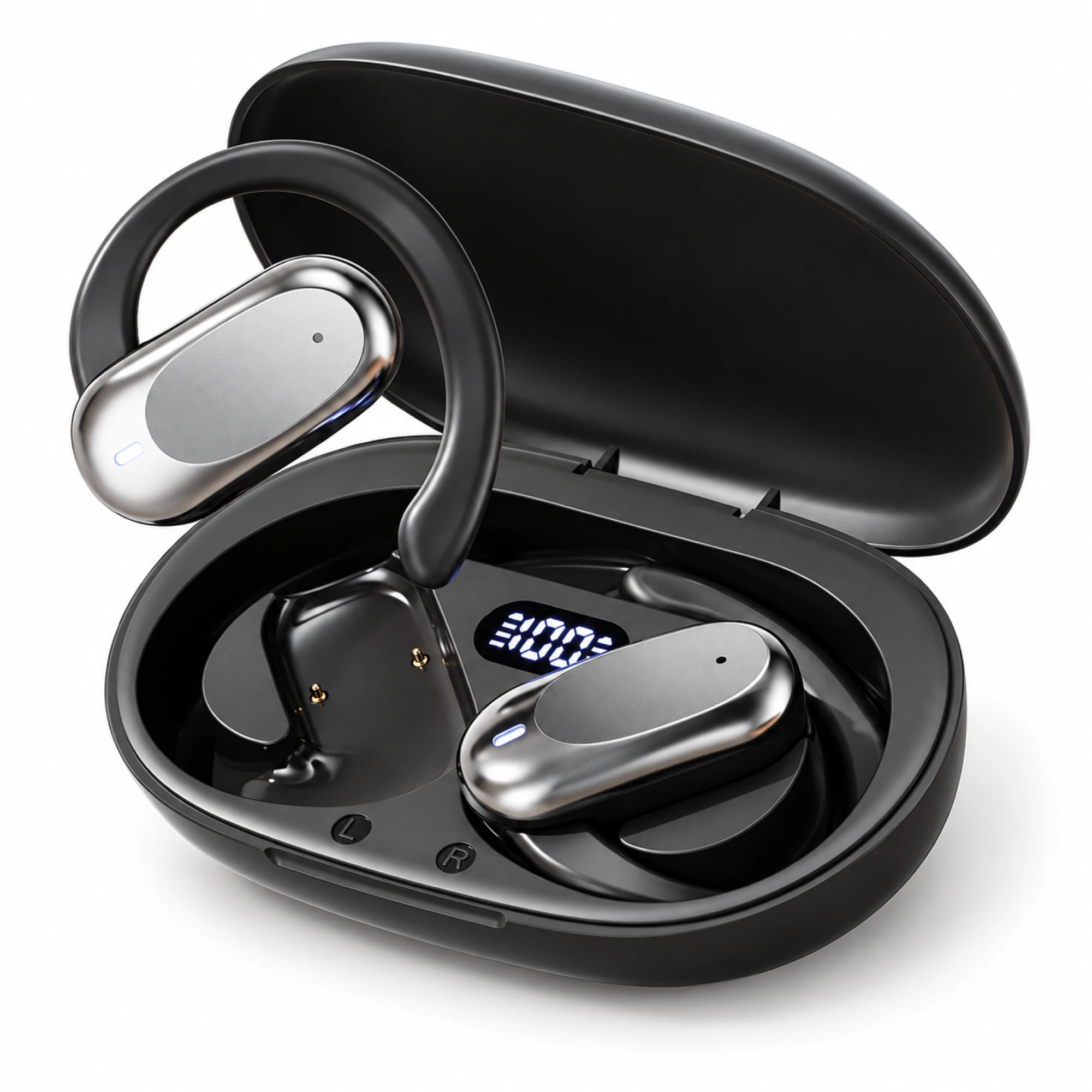 Silver Capsule Open-Ear Earbuds
 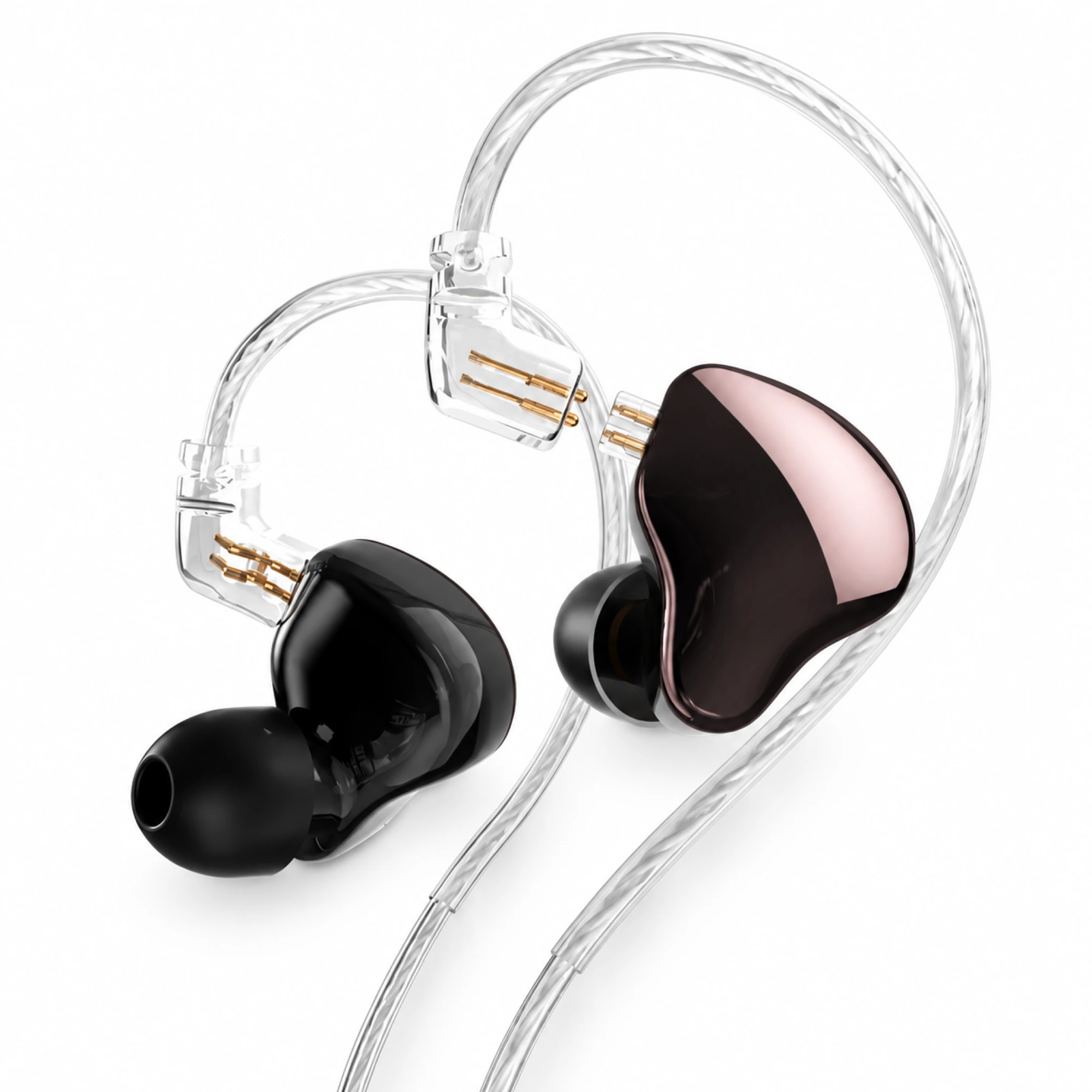 MN Rose-Metallic Detachable In-Ear Monitors
 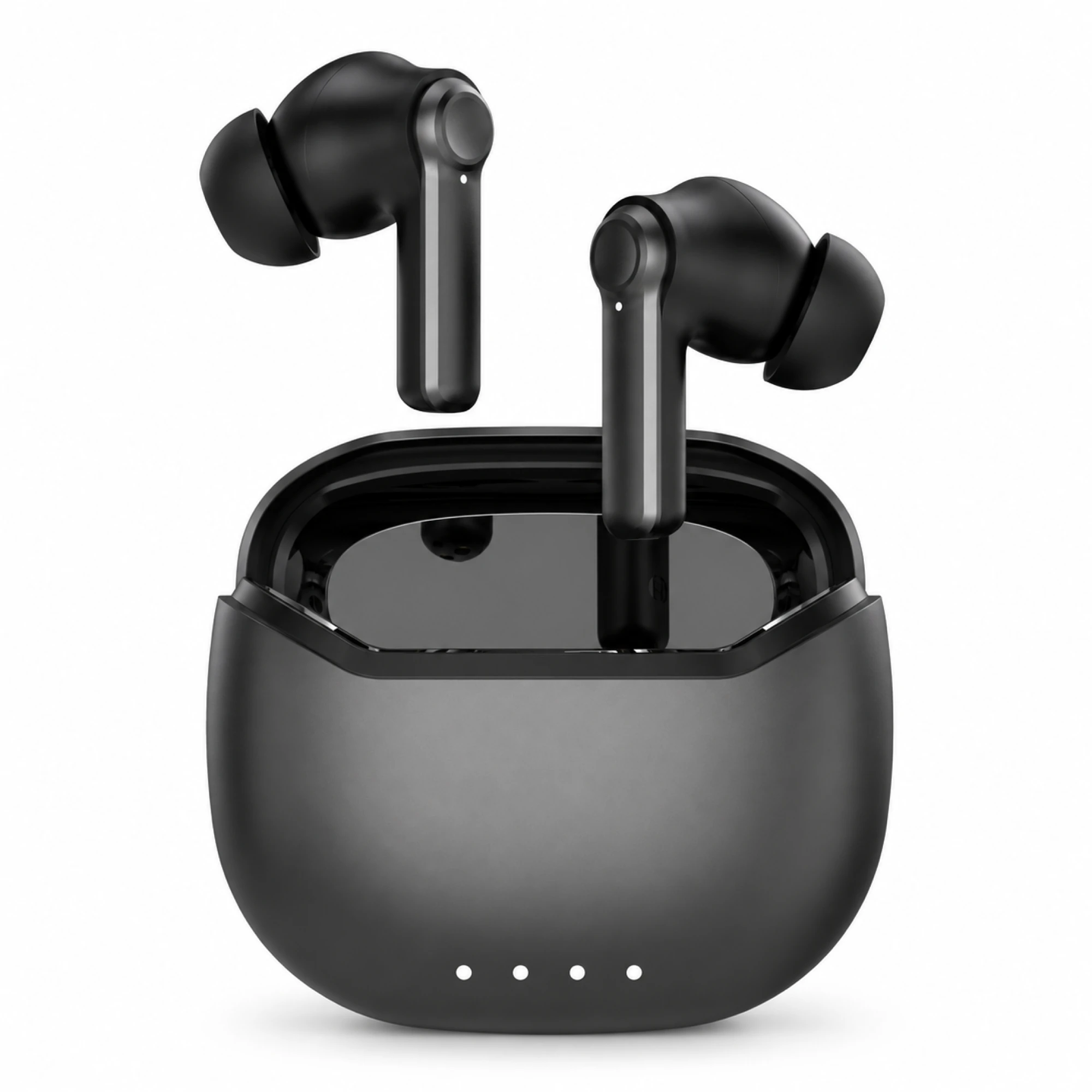 Black ANC Earbuds with Four-Indicator Case
The best pc headphones for gaming are decided by how they connect, not by driver size. On a PC you generally get two of three things: full stereo game audio, a live microphone, and a wireless link. Wired and 2.4 GHz dongle connections give you all three. Classic Bluetooth usually makes you drop one.
Why a dongle comes in the box
Almost every headset sold for PC play ships with a USB cable or a 2.4 GHz wireless dongle, and very few are Bluetooth-first. The reason is a Bluetooth profile limitation, and it is specific to how Windows handles Classic Bluetooth audio.
Microsoft's Bluetooth Classic Audio documentation describes the split: A2DP handles output to the audio device, while capturing the microphone requires the Hands-Free Profile. The Hands-Free Profile specification was designed around voice calls, not stereo playback. When a game, Discord or any communications app opens your earbud mic, Windows typically switches the whole connection to that voice-oriented path, and your game audio narrows with it.
So the useful question for PC players is not which headphones sound best. It is which connection you want, and what you are willing to give up for it. We have covered the sound-quality side of that switch in why Bluetooth earbuds sound bad on Windows calls; this piece is about choosing the connection in the first place.
The four ways to get sound into your ears at a PC
Every option below is a real setup people use daily. None is universally best. The right one depends on whether you talk while you play.
| Connection | Stereo audio and live mic together? | Typical trade-off |
|---|---|---|
| Wired 3.5 mm or USB | Yes | A cable at your desk. Some desktops split headphone and mic into two jacks, so a single-plug headset may need a splitter adapter. |
| 2.4 GHz USB dongle | Yes | You must keep the dongle. Lose it and the headset often becomes a Bluetooth-only device with all the limits below. |
| Classic Bluetooth | Usually not at full quality | Opening the mic generally drops playback to the voice profile. Fine for solo play, awkward for party chat. |
| Split setup: PC for audio, phone for voice | Yes, across two devices | Two things to charge and manage. Costs nothing extra if you already own both. |
Bluetooth LE Audio is slowly changing the third row. Windows has added support for it, and it can carry better two-way audio than the older voice profile. It generally requires both the PC's Bluetooth hardware and the earbuds to support LE Audio, though, so treat it as a bonus you confirm on your own machine instead of a feature you assume.
The Windows setting that breaks most earbud setups
This one causes more "my mic is not detected" reports than faulty hardware does. When you pair one set of Bluetooth earbuds, Windows typically shows them twice in Sound settings: once as a stereo output and once as a hands-free or headset device. They are the same earbuds wearing two hats.
- Open Settings, then System, then Sound, and look at the output list. If you see two entries with the same product name, that is normal.
- Pick the plain stereo output for game audio. Pick the hands-free entry only when you need the built-in mic.
- Set your input separately. If you have a desk mic or a webcam mic, choosing it as the input often leaves your earbuds on the higher-quality output path.
- Use per-app sound settings to route your game to one device and your voice app to another. This is what makes a split setup work.
- If audio disappears after a Windows update, Microsoft's sound troubleshooting guide covers the driver and default-device checks worth running before you blame the earbuds.
If your mic is missing from that list altogether, the cause is often permissions or routing instead of the microphone element. Our walkthrough on testing an earbud microphone that is not working goes through it step by step.
Sidetone, and why you end up shouting
Sealed in-ear earbuds block your own voice. That is the same isolation that keeps a mechanical keyboard and a case fan out of your game, but it has a cost: without hearing yourself, most people raise their voice without noticing. Many dedicated PC headsets solve this with sidetone, sometimes labelled mic monitoring, which feeds a little of your own voice back into the cups.
Most wireless earbuds, including ours, do not advertise sidetone. Windows offers a partial workaround through the "Listen to this device" option in the recording device properties, but it routes your voice through the system audio path and can arrive slightly late, which some people find more distracting than the original problem. The lower-tech answer works better for a lot of players: leave one earbud out during long voice sessions, or use an open or semi-open fit when you talk more than you listen.
Our three gaming pairs are all Bluetooth
We should be direct about this, because it matters more than another round of superlatives. Everything in the EARSOLE gaming earbuds collection is Bluetooth. We do not list a 2.4 GHz dongle model and we do not list a wired gaming headset with a boom mic. That places our products firmly in the third and fourth rows of the table above.
- EARSOLE Beetle Mechanical Wireless Gaming Earbuds, $39.99 as the listing reads today. Closed-back passive isolation, a built-in condenser microphone, on-earbud media controls, a 180 mAh lithium-polymer case charging over USB-C, in Yellow or Silvery. No charger is included.
- EARSOLE Wireless Gaming Earbuds with Spatial Audio, $34.99. A sealed in-ear fit with soft silicone tips and a surround-style spatial effect. The listing quotes no latency figure, because we have not documented one.
- EARSOLE Cloud White Bluetooth 5.4 Earbuds with ENC Mic, $25.99. Bluetooth 5.4, ENC call noise reduction with CVC voice processing, a low-latency mode for gaming and video, touch controls and IPX5 water resistance.
Where these work well: single-player and story-driven games, late-night sessions where a headset band is uncomfortable, a desk you share with other people, and setups where you already run voice chat from your phone. Where they are the wrong tool: competitive shooters where you need positional stereo and party comms at the same moment, on the same device. For that job a dongle or a cable is the correct answer, and no amount of tuning changes it.
A note on the low-latency mode listed for the Cloud White pair. Vendor game modes reduce buffering at the earbud end; they cannot shorten the parts of the chain owned by the game engine, the PC and the codec in use. We break down that whole chain in low-latency gaming earbuds, and it is worth reading before you treat any advertised number as a promise.
Questions PC players ask about earbuds
What are the best earphones for PC gaming?
For a PC specifically, the strongest earphones are usually the ones that arrive with a 2.4 GHz dongle or a cable, because those carry stereo audio and an open microphone at the same time. Bluetooth earbuds are a good match when your voice chat runs on a second device, or when you mostly play alone. Judge fit and isolation after you have settled the connection question.
Can I use earbuds for PC gaming?
Yes, and plenty of people do. The limits are practical: expect the profile switch when you use the earbud microphone on Classic Bluetooth, expect no sidetone, and expect to check which of the two Windows entries you have selected. Wired earbuds through a 3.5 mm jack sidestep all three.
What is the latency of gaming earbuds with a mic?
It varies by device, codec and game, which is why we publish no single figure. A wired connection is effectively instant, a 2.4 GHz dongle is generally low and consistent, and Bluetooth sits above both with more variation between setups. Measuring it on your own PC with your own game is more useful than any advertised number.
What is the ideal latency for Bluetooth headphones when gaming?
Lower is better, but the threshold that matters depends on the genre. In rhythm games and competitive shooters, small delays are noticeable and frustrating; in strategy, story and role-playing games, most players stop noticing entirely. Test with the game you play, since the same earbuds can feel different across titles.
Settle the connection, then shop
Choose the connection first. If you talk while you play on the same machine, buy something with a cable or a dongle and stop reading spec sheets. If you play alone, or run voice chat from your phone, Bluetooth earbuds are a genuinely comfortable option for long sessions, and our gaming pairs are built for that pattern. Before you buy anything, open Windows sound settings and check which of the two entries your earbuds are using; that one step fixes a surprising share of complaints about PC audio.