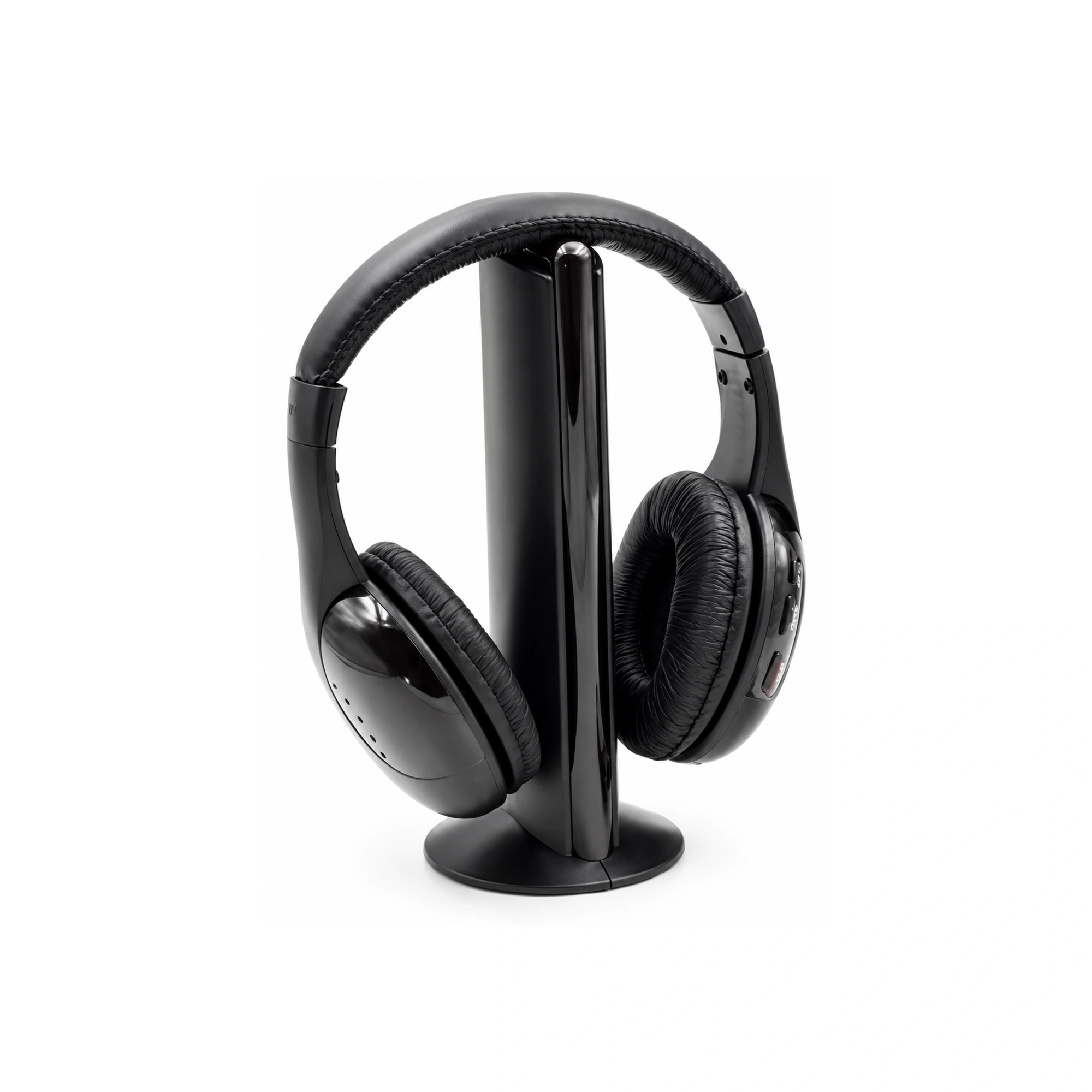
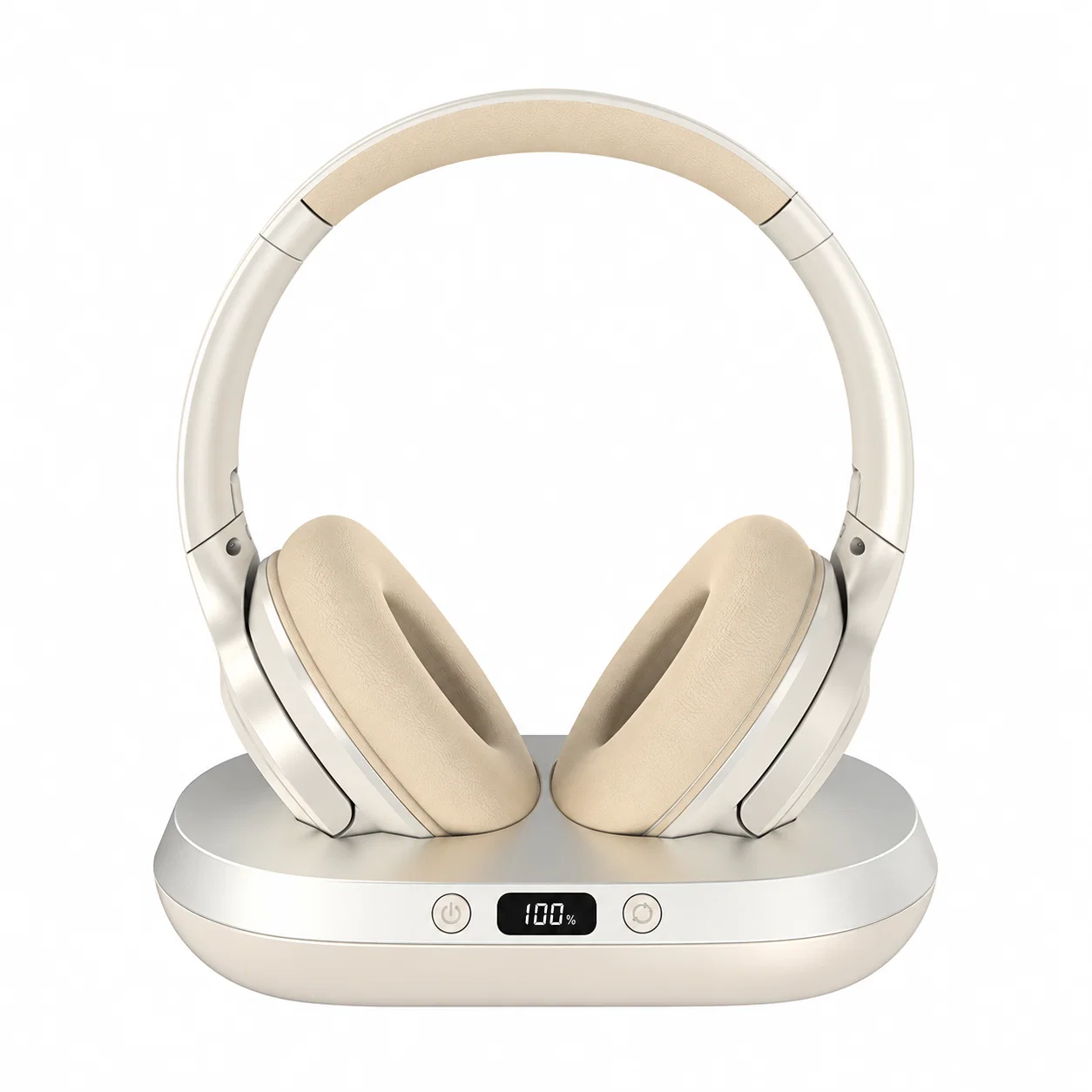
To choose the best wireless TV headphones for your room, start with the connection you need and how everyone will listen. Before ordering a headset with a base, ask for confirmation of the exact TV output it accepts, whether it charges the headphones, and whether your TV can keep its speakers playing. Those answers should decide your shortlist.
Earsole lists two headsets supplied with a base. The Transmitter Base model has the clearer description of its transmitter role; the Display Base model gives more detail about the base’s appearance and labels. The comparison below uses Earsole’s catalog descriptions, plus buying questions from a real home audio discussion. We have not tested either set, so neither receives a latency, sound-quality, or overall-best ranking here.
What each Earsole listing tells you
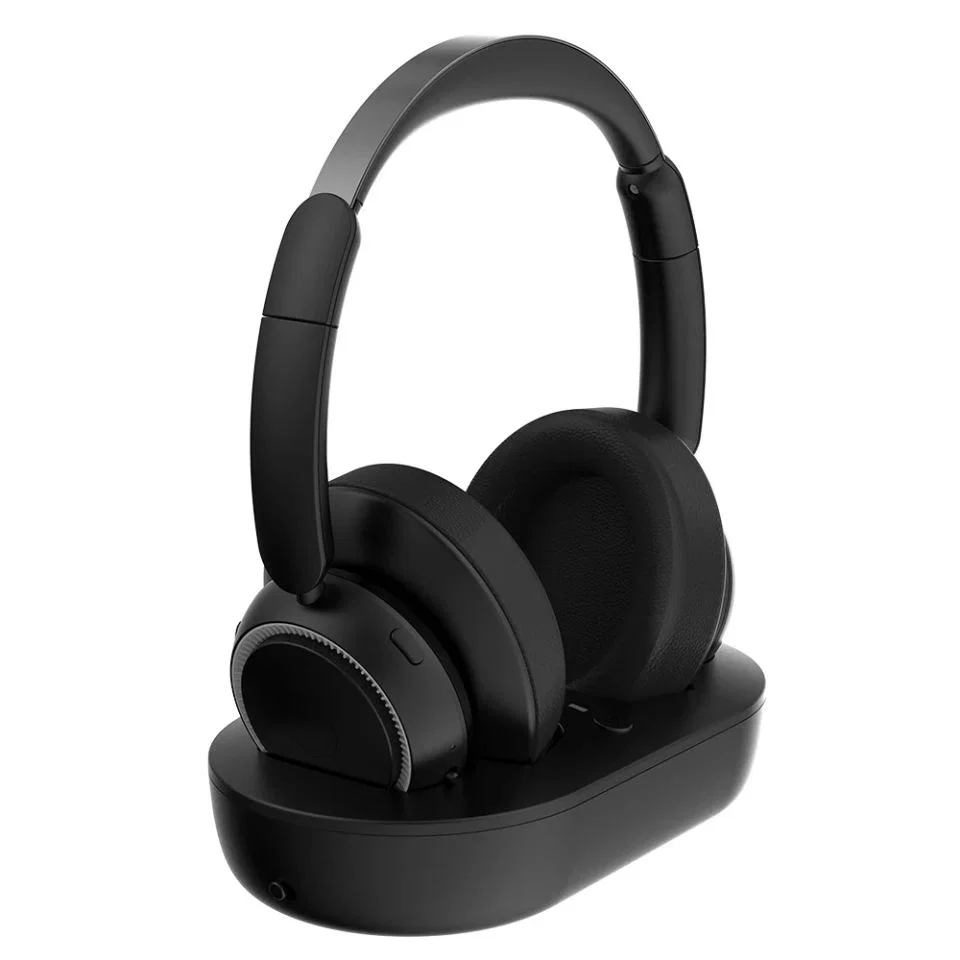
Wireless TV Headphones with Transmitter Base
Earsole describes the Wireless TV Headphones with Transmitter Base as including a transmitter base for wireless TV listening. The catalog describes over-ear cushions and a black finish. Its listed price is $79.99.
Shortlist this model if an included transmitter is your starting requirement. Before buying, request a rear-panel connection diagram and the charging instructions. The description alone does not establish the input sockets, charging method, or radio protocol you need for your setup. A higher price is not a reason to assume better synchronization or longer battery life.
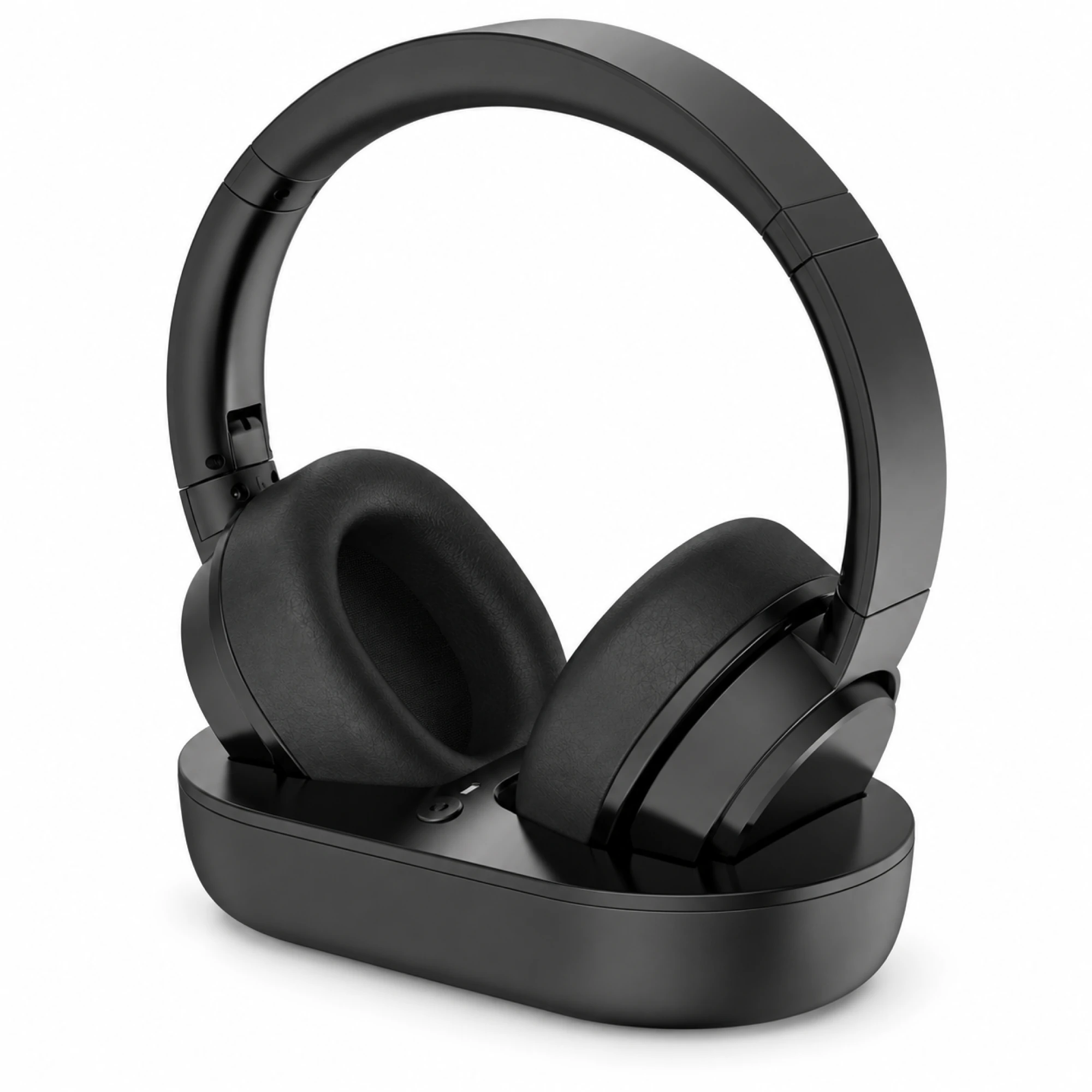
Wireless TV Headphones with Display Base - Black
Earsole describes the Wireless TV Headphones with Display Base - Black as a black wireless TV headphone set with a matching twin-slot base and front display. The catalog lists visible base labels AUX, OPT, COAX, TX, USB and ARC. Its listed price is $39.99. The listing says connection and noise-reduction performance have not been independently verified.
Consider this model if the display layout appeals to you, then request confirmation of the specific input you intend to use. A list of visible labels does not provide enough information to approve a connection. Ask which labels correspond to audio inputs, what the USB connection does, and whether the base charges the supplied headset. Do not infer support for two listeners from the twin-slot description.
Decide how the room should sound
Write down whether you will listen alone or alongside someone using the television speakers. If both will listen, include separate volume adjustment in your requirements and ask about it for your exact TV and headphone combination.
In a Reddit r/audio discussion about TV headphones, contributor ConsciousNoise5690 identified individual volume control, simultaneous TV and headphone audio, and low latency as priorities. Treat these as useful buying criteria, rather than verified features of either Earsole model.
Another participant, pmarges, reported that plugging headphones into their TCL television muted its speakers. That experience is a reason to check your own television’s behavior. It does not establish what every TCL model does, or prove that switching to an optical or ARC connection will preserve speaker audio.
Ask the TV manufacturer which output and menu setting support your desired listening arrangement. Then ask the headphone seller whether the base accepts that output. Keep both answers with your order details so you can check the setup against them when it arrives.
Match a documented input to your TV output
When you ask about compatibility, send the seller your television’s model number, a photograph of its labeled audio outputs, and the name of the headphone set. State whether you need the TV speakers to remain audible.
| Your requirement | Confirmation to request |
|---|---|
| Use an optical output | The base’s documented optical input, required cable and accepted audio format |
| Use an HDMI ARC connection | Explicit ARC support for the exact base and the TV settings required |
| Use coaxial, RCA or a headphone socket | The matching base input and cable, plus the TV’s speaker behavior |
| Listen from your usual seat | Documented range and any placement restrictions |
| Watch dialogue-heavy programs | Latency information for the complete transmitter and headset pair |
| Store and charge the headset on its base | Charging instructions and confirmation that the supplied headset charges there |
These are questions to resolve before selecting a model. The labels on the Display Base should help you phrase an enquiry, but they cannot answer every row. For more on the optical route, see our guide to optical headphones for TV.
Choosing a charging dock or an RF system
If you specifically want wireless headphones for TV with a charging dock, make automatic charging a purchase condition. Ask how the headset sits on the base, how charging is indicated, and whether a separate power supply is included. Check the instructions against the exact item you plan to order.
If your search is for RF wireless headphones for TV, request the radio specification for the transmitter and its paired headset. Neither a base’s appearance nor the word “wireless” is enough to select an RF system. Also ask whether an extra headset can be paired if two people need headphones.
Contributor the_blue_wizard, in the same thread, discussed an RF transmitter dock from another brand with RCA analog, optical and TV headphone inputs. That description belongs to the other product. It does not establish the inputs or multi-headset support of either Earsole set.
Which of these two should you shortlist?
Start with the Transmitter Base model when your first requirement is an explicitly included transmitter. Start with the Display Base model when its visible display and base layout interest you. For either option, make the final choice conditional on documented compatibility, charging behavior and the listening arrangement you need.
If the seller cannot confirm a requirement that matters to your household, keep comparing. You can browse more options in Everyday Wireless Earbuds & Headphones.
What are the best wireless headphones for TVs without Bluetooth?
Shortlist a complete headset and external transmitter system whose documented input matches an audio output on your television. Ask the seller to confirm that the complete system works without using the TV’s Bluetooth menu. For the two Earsole sets above, request that confirmation before ordering, together with the charging instructions and any requirement for simultaneous speaker audio.
When the headphones arrive, check dialogue synchronization from your normal seat and, if needed, test the TV speakers and headphones together. Keep the packaging until you have checked the features on which your purchase depended.