Sleep Earbuds With an In-Ear Alarm Routing That Does Not Wake a Partner
Couples and roommates sharing a bedroom frequently run on mismatched daily schedules. When one person must wake up at 5:00 AM for an early shift while the other sleeps until 7:30 AM, standard smartphone nightstand alarms shatter shared rest. Over weeks of daily disturbance, the resulting sleep debt strains household routines.
Sleep earbuds offer a private wakeup channel directly in the ear canal. However, successfully implementing in-ear alarms requires navigating the default audio fail-safes built into modern mobile operating systems.
The Built-in Fail-Safe: Why Default Phone Alarms Broadcast on Speakers
Both Apple iOS and Google Android treat their stock Clock alarms as emergency fail-safes. Even when Bluetooth headphones or wired earphones remain connected throughout the night, the native system alarm automatically routes audio through the phone’s external loudspeaker as well as the connected earbuds.
Manufacturers designed this behavior deliberately so users would not sleep through vital alarms if an earbud battery died or Bluetooth disconnected overnight. While practical for solitary sleepers, this dual-broadcast behavior defeats the purpose of wearing earbuds to protect a partner’s sleep.
| Wakeup Method | Audio Routing Behavior | Risk to Partner | Battery Dependency | Ideal Use Case |
|---|---|---|---|---|
| Native Smartphone Clock | Dual broadcast (external speakers and earbuds) | High (loudspeaker always sounds) | Phone wall charger | Solitary sleepers needing fail-safe wakeups |
| Third-Party Alarm Apps | Media channel routing (in-ear Bluetooth only) | Zero (external speaker remains silent) | Earbud + phone overnight charge | Couples on mismatched work schedules |
| Smartwatch Silent Haptics | Wrist vibration only (no acoustic output) | Zero (completely silent) | Watch battery | Sleepers comfortable with wrist vibration |
| Low-Profile Sleep Earbuds | In-ear media playback + passive isolation | Zero (acoustic seal keeps sound private) | Combined charging case power | Sleepers wanting bedtime audio + private alarm |
Step-by-Step Configuration: Forcing Alarm Audio Exclusively In-Ear
To ensure your wake-up alarm plays solely inside your earbuds without activating the phone loudspeaker, route your wake-up signal through media audio streams rather than system alarm channels:
- Utilize Dedicated Headphone Alarm Apps: Third-party applications (such as Alarmy, Earphones Alarm, or Bedtime Audio timers) classify alarm sounds as media playback rather than emergency system alerts. When configured to “Headphones Only,” the app routes audio strictly to connected Bluetooth devices.
- Configure Media Volume Separately: On both iOS and Android, system ringer volume and media volume operate on independent sliders. Set your media volume to a comfortable 50% while leaving your system ringer muted or in Do Not Disturb mode.
- Verify Bluetooth Connection Before Sleep: Open your smartphone audio output selector (AirPlay on iOS, Media Output on Android) and confirm that connected sleep earbuds are the active destination before resting your head.
Hardware Architecture: Low-Profile Earbuds Built for Overnight Pillow Comfort
Software configuration is only viable if the physical earbuds remain comfortable and secure throughout six to eight hours of side sleeping. Bulky consumer earbuds feature rigid stems and thick driver housings that lever against the ear concha when pressed against a pillow, causing cartilage inflammation by morning.
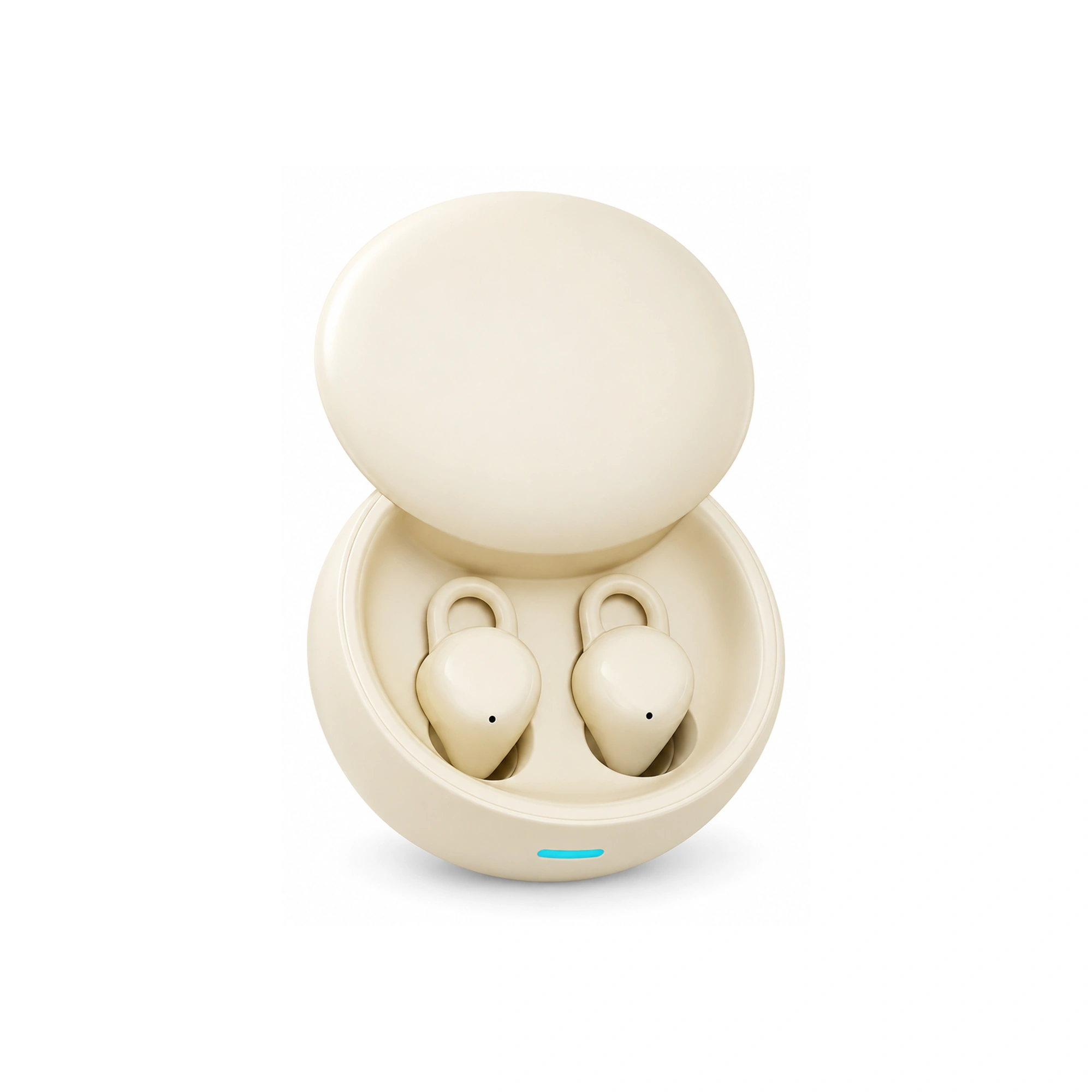
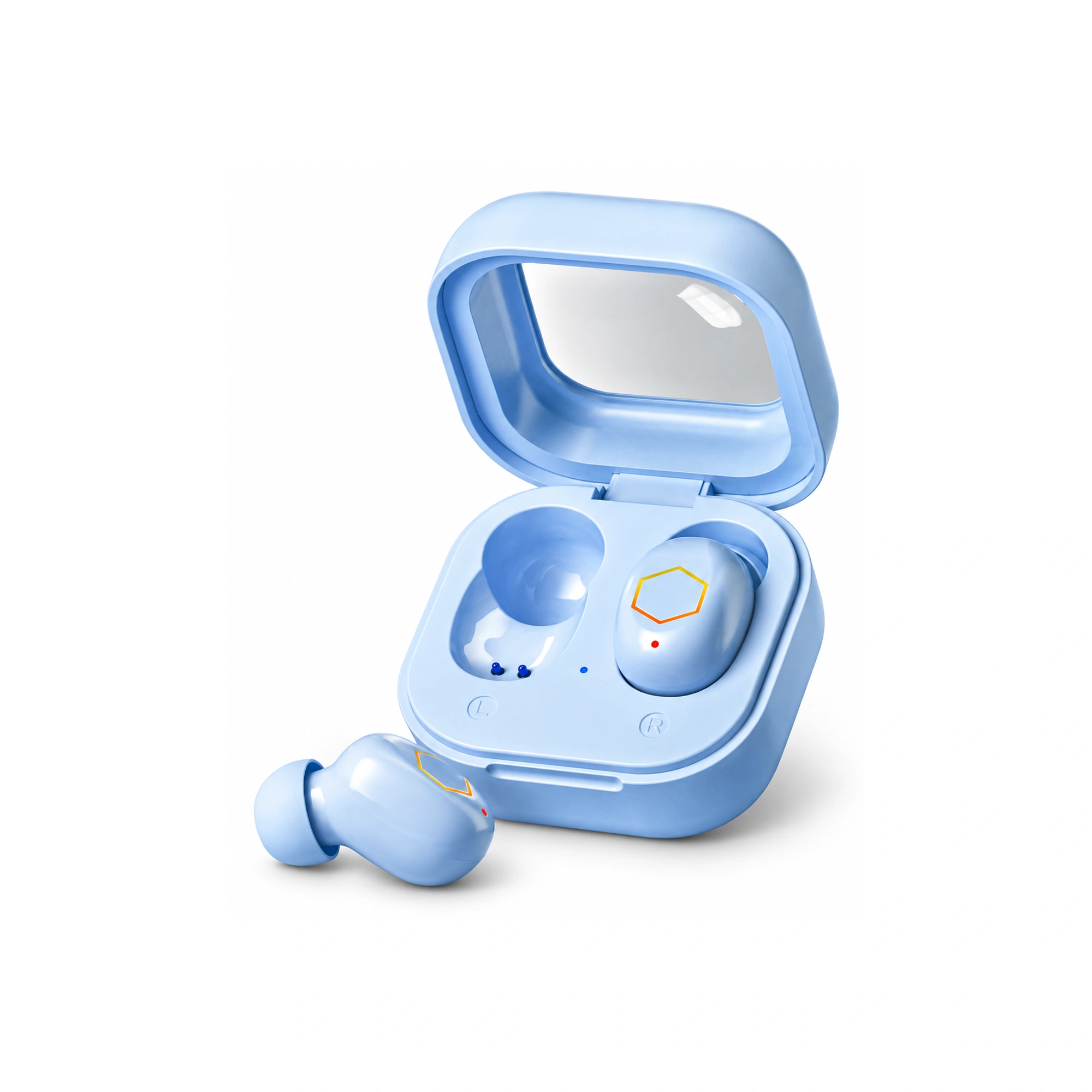
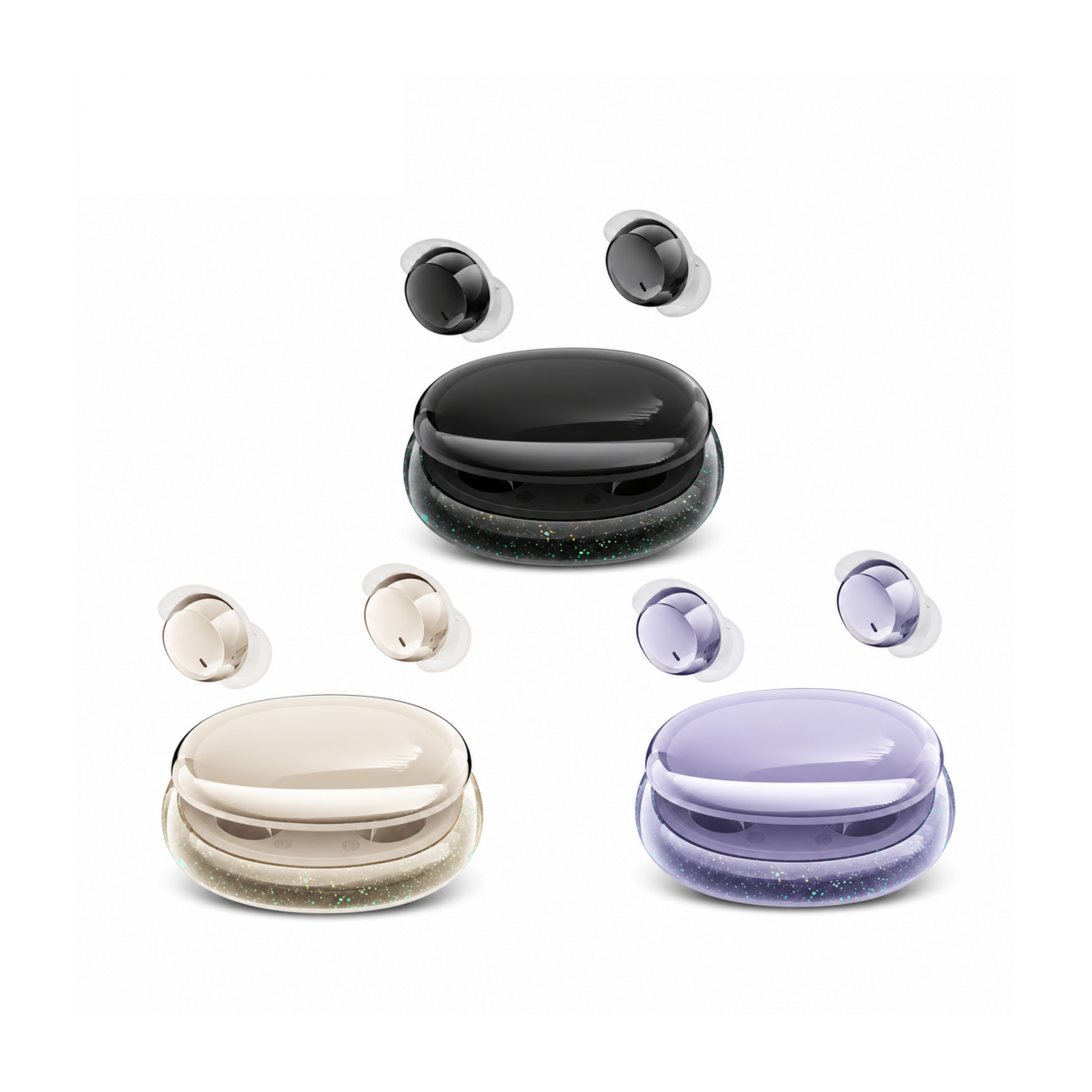
Flat, stemless earbuds for sleeping on your side, with a dynamic sleep-support mode and a starlight glow charging case. See the three colors at EARSOLE.
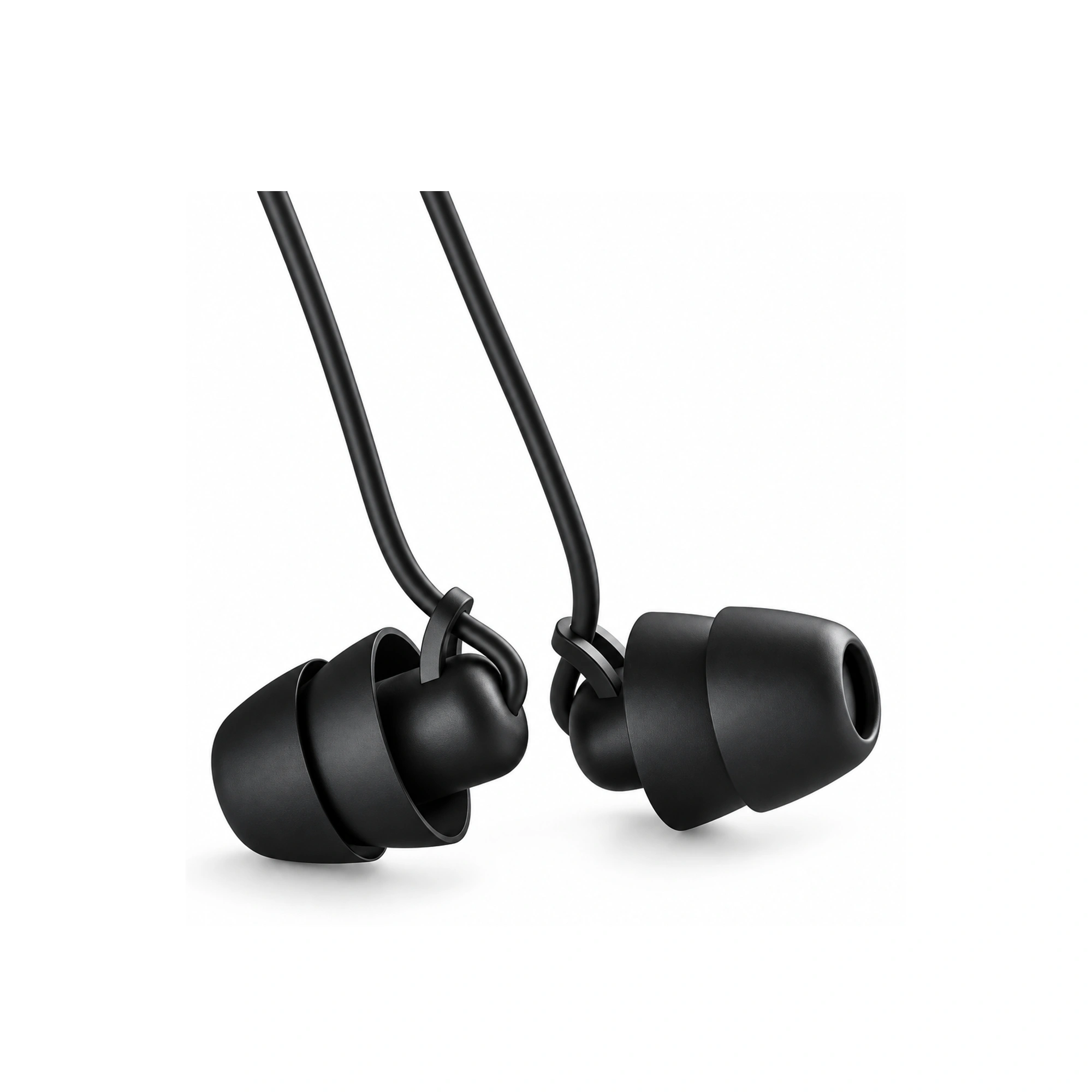
The EARSOLE Low-Profile Sleeping Earbuds resolve the mechanical friction of overnight wear. Their stemless silhouette nests flush within the concha bowl without extending past the tragus, allowing side sleepers to rest their head flat against the pillow without cartilage soreness. The supple silicone ear tips form an airtight acoustic barrier that prevents in-ear alarm chime leakage, keeping your wakeup completely imperceptible to the person sleeping beside you.
Power Management and Overnight Bluetooth Stability
A silent in-ear alarm requires dependable hardware stability throughout the sleep cycle:
- Verify Combined Playtime: Ensure your earbuds offer sufficient continuous runtime to bridge the gap between falling asleep and your morning wake time. The EARSOLE charging case provides extended power reserves to maintain full charges between sleep cycles.
- Disable Aggressive Auto-Sleep Timers: Some media apps automatically disconnect Bluetooth after 30 minutes of silence. If you do not play overnight sound masking, select an alarm application that maintains an active Bluetooth keep-alive beacon.
- Keep the Phone Near the Bed: Place your mobile device on a nightstand within three to four feet of your pillow to eliminate 2.4 GHz packet dropouts caused by body-shadowing RF attenuation.
Frequently Asked Questions
Will the iPhone default clock alarm play only through connected sleep earbuds?
No. The default iOS Clock alarm is hard-coded to sound through the external phone speakers even when Bluetooth earbuds are actively connected. To achieve private in-ear wakeups, you must use a third-party alarm app that routes wake chimes through the media audio stream.
Can side sleepers comfortably wear in-ear alarm earbuds all night without ear soreness?
Side sleepers require stemless, low-profile earbuds that fit entirely inside the ear concha. Standard stemmed earbuds press against the pillow and transfer mechanical pressure directly to ear canal cartilage, whereas flush silicone sleep earbuds distribute contact pressure evenly across the outer ear.