



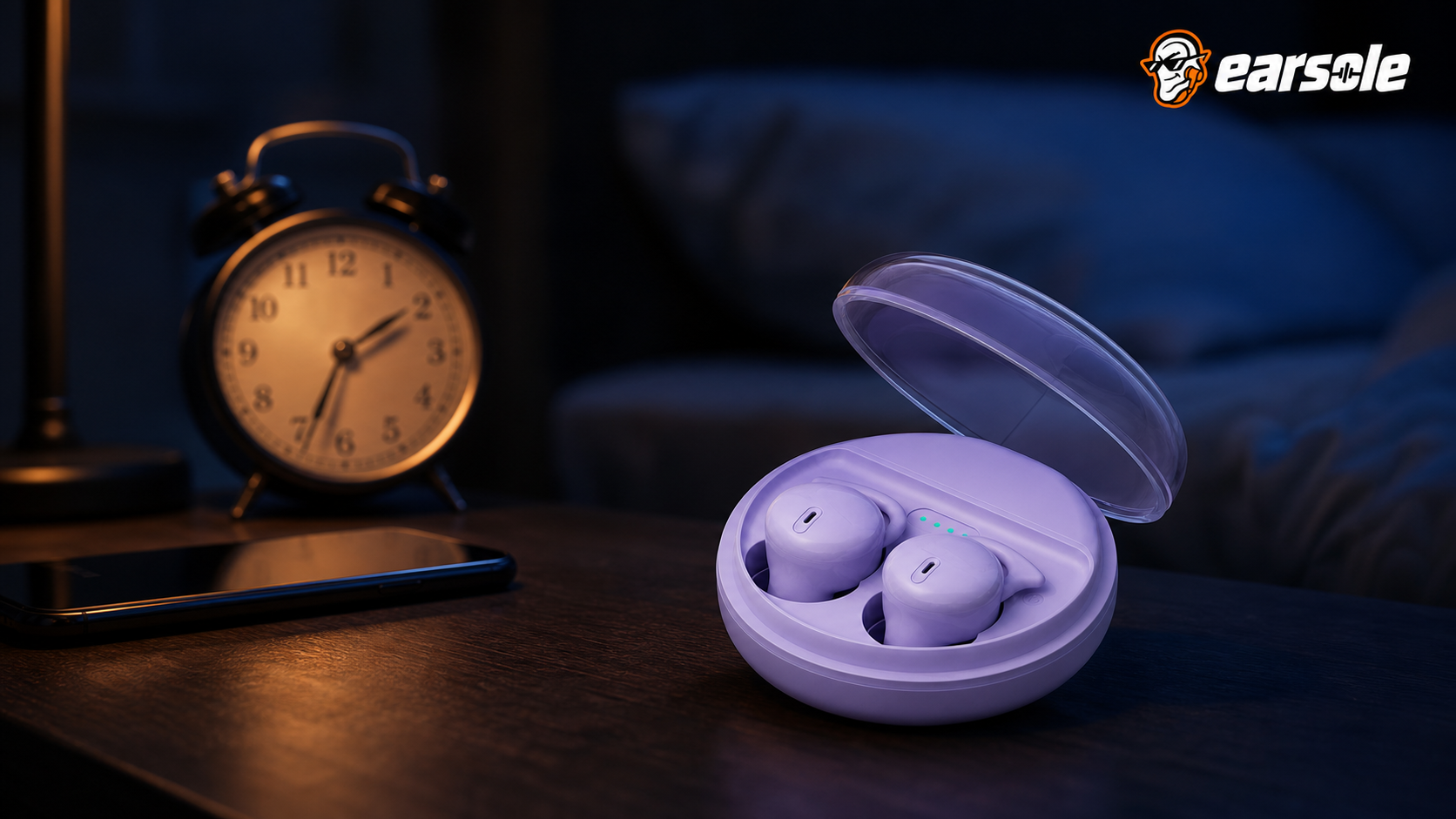
Sleeping with earbuds does not silence your morning alarm on an iPhone: Apple states that with headphones connected the alarm plays through the built-in speakers as well as wired and wireless headphones. Android and Samsung publish no equivalent promise about output, so there the result depends on your clock app, alarm volume and power settings. Rehearse your exact setup once.
What Apple, Google and Samsung put in writing
The three phone platforms most people ask about do not document the same things, and the gaps matter more than the similarities.
| Phone | What the maker documents | What it leaves open |
|---|---|---|
| iPhone, Apple Clock | "If you connect headphones to your iPhone, the alarm plays at a set volume through the built-in speakers on your iPhone as well as wired and wireless headphones." | Third-party alarm and sleep apps set their own rules. |
| Android, Google Clock | Named causes for a missed alarm: Do Not Disturb silencing it, alarm volume below 30%, Battery Saver stopping it. | Which output the alarm uses is not stated. |
| Samsung Galaxy Clock | A per-alarm Alarm sound toggle, a Vibration toggle and an adjustable alarm volume. | The alarm page says nothing about speaker versus Bluetooth output. |
| Any phone plus earbuds | Nothing at all about your buds' charge level at 06:00. | A flat bud is a silent bud, whatever the phone intends. |
Apple's alarm support article is the only one of the three that commits to an output: speakers and headphones together. It also warns that "if your alarm only vibrates, make sure that your alarm sound isn't set to None", and that volume follows the Ringtone and Alerts slider in Sounds & Haptics.
Google's Android alarm help takes the opposite approach: instead of promising an output, it lists the notices your phone can show after a missed alarm, including "Do Not Disturb silenced your alarm", an alarm volume "below 30%", and "Battery Saver may have prevented your alarm from going off". Samsung's own Galaxy alarm page documents the per-alarm Alarm sound and Vibration toggles and says you can adjust the volume, but it does not describe routing to a Bluetooth device at all. On a Galaxy, then, the honest answer is that the behaviour is undocumented and has to be observed rather than assumed.
Earplugs, cancellation and the alarm you have to hear through them
The second half of the question is not routing but audibility. Anything sealed in your ear canal overnight, whether foam earplugs or a silicone sleeping earbud, reduces what reaches your eardrum, and an alarm coming from a phone on the nightstand has to survive that reduction.
Occupational guidance treats this as a real failure mode. The UK Health and Safety Executive's guidance on over-protection states that "protectors that reduce the level at the ear to below 70 dB should be avoided, since this over-protection may cause difficulties with communication and hearing warning signals", and that wearers "may become isolated from their environment, leading to safety risks". That is written for a factory floor, not a bedroom, but the mechanism is identical: a seal deep enough to remove the room also trims the margin on an alarm.
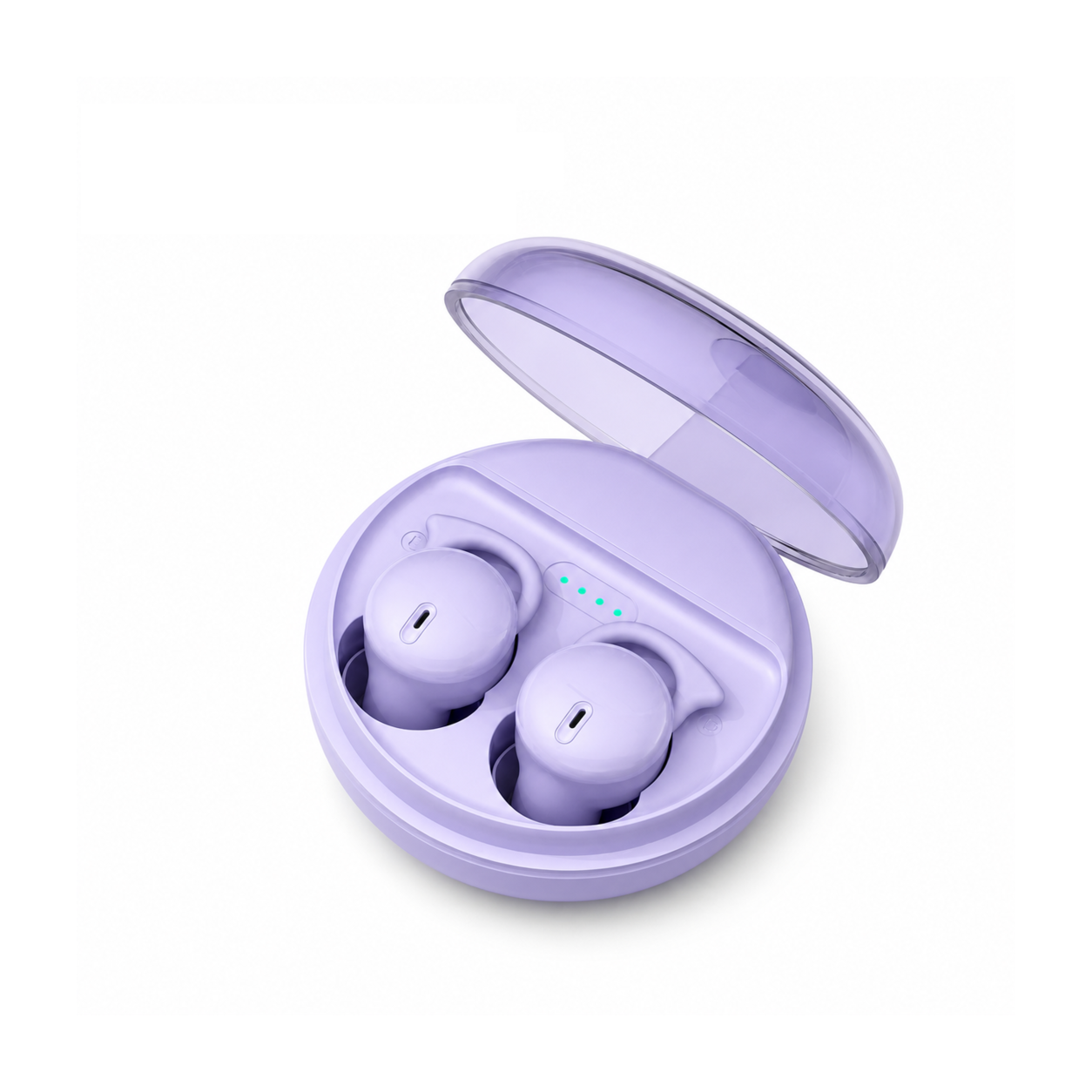
Active noise cancellation adds a second layer, and it does not know which sounds you want. If you sleep with cancellation switched on, run the rehearsal below with cancellation on, at the volume you actually sleep at. Our EARSOLE Q26 Bluetooth 5.3 Sleeping Earbuds for Side Sleepers listing states passive sound isolation and no active noise cancellation, along with Bluetooth 5.3 and up to 20 hours of total playtime with the case, at $29.99 at the time of writing. Passive isolation still attenuates; it simply does so without a circuit you can toggle off at bedtime.
If a product causes pain, irritation, ringing or a noticeable hearing change, stop using it and seek qualified care.
The two-minute alarm rehearsal
Do this whenever you change phones, clock apps, earbuds or a major operating-system version. It tests the route you will actually sleep in.
- Charge the phone and the earbuds, connect them, and start the same audio app you use at night, with any sleep timer you normally set.
- Open the clock app and check the alarm's own sound is a real tone and not None or silent, then set the alarm volume clearly above the level a missed-alarm notice would flag.
- On Android, confirm alarms are allowed under Do Not Disturb and that Battery Saver is either off or your clock app is exempt from it.
- Set an alarm two minutes ahead, lock the screen, put the phone where it will sit all night, and lie down with the buds in and any cancellation set the way you sleep.
- Repeat once with the earbuds back in their case, so you know both routes wake you. If missing the alarm would be serious, add a second device.
Backups for a morning you cannot miss
For an ordinary Tuesday, one rehearsed phone alarm is enough. For a flight, an exam, a medication schedule, caregiving or an early shift, build redundancy: the phone alarm plus vibration, then a second device or a person. Bluetooth is not the weak link here; the weak link is any single battery-powered chain carrying a consequence it was never designed to carry. If you also want the audio itself to stay quiet enough to sleep through, our guide on how loud sleep earbuds should be covers the level side, and the rest of the sleeping earbuds collection shows which shapes stay low against a pillow.
Questions we get about alarms and bedtime audio
Will my alarm go off if I fall asleep with Bluetooth headphones connected?
On an iPhone, yes by Apple's own statement: the alarm plays through the speakers and connected headphones together. On Android, it usually sounds, but no maker documentation guarantees it, and Google lists Do Not Disturb, low alarm volume and Battery Saver as things that can stop it. Rehearse it once with the buds connected and once with them cased.
Will my alarm play out loud on a Samsung phone with earbuds in?
Samsung's alarm documentation does not say. It covers the per-alarm Alarm sound toggle, the Vibration toggle and the volume control, and stops there. Because the routing is undocumented, treat a Galaxy as untested until you have set a two-minute alarm, connected the buds and heard where the sound came from.
Will I still hear my alarm with earplugs in?
Often, but with less margin than you think. Occupational guidance warns that cutting the level at the ear too far makes warning signals harder to hear, and a nightly plug is doing exactly that. If you use plugs, raise the alarm volume, keep the phone close, and add vibration or a second alarm rather than trusting one quiet tone through a seal.
If you only change one thing tonight
Stop asking whether alarms work with earbuds in general and start asking whether yours did, on this phone, at this volume, with these buds in your ears. Two minutes of rehearsal settles a question no manufacturer page can answer for your particular combination.
- Apple: how to set and change alarms on your iPhone
- Google: set, cancel and troubleshoot Android alarms
- Samsung: set and manage alarms on your Galaxy
- Health and Safety Executive: over-protection from hearing protectors
- World Health Organization safe-listening guidance
- Cleveland Clinic guidance on sleeping with headphones
