Watching Television With Headphones While Keeping Room Speakers Active
Setting up a television with headphones so one person can hear dialogue clearly while everyone else in the living room listens through the main speakers comes down to how your TV handles audio output switching. On many sets, plugging into a standard analog headphone jack or pairing a single Bluetooth headset automatically mutes the built-in television speakers. To keep both audio paths active at independent volume levels, you must either enable a built-in multi-audio output menu or feed your headset transmitter from an independent line-out or digital optical passthrough port.
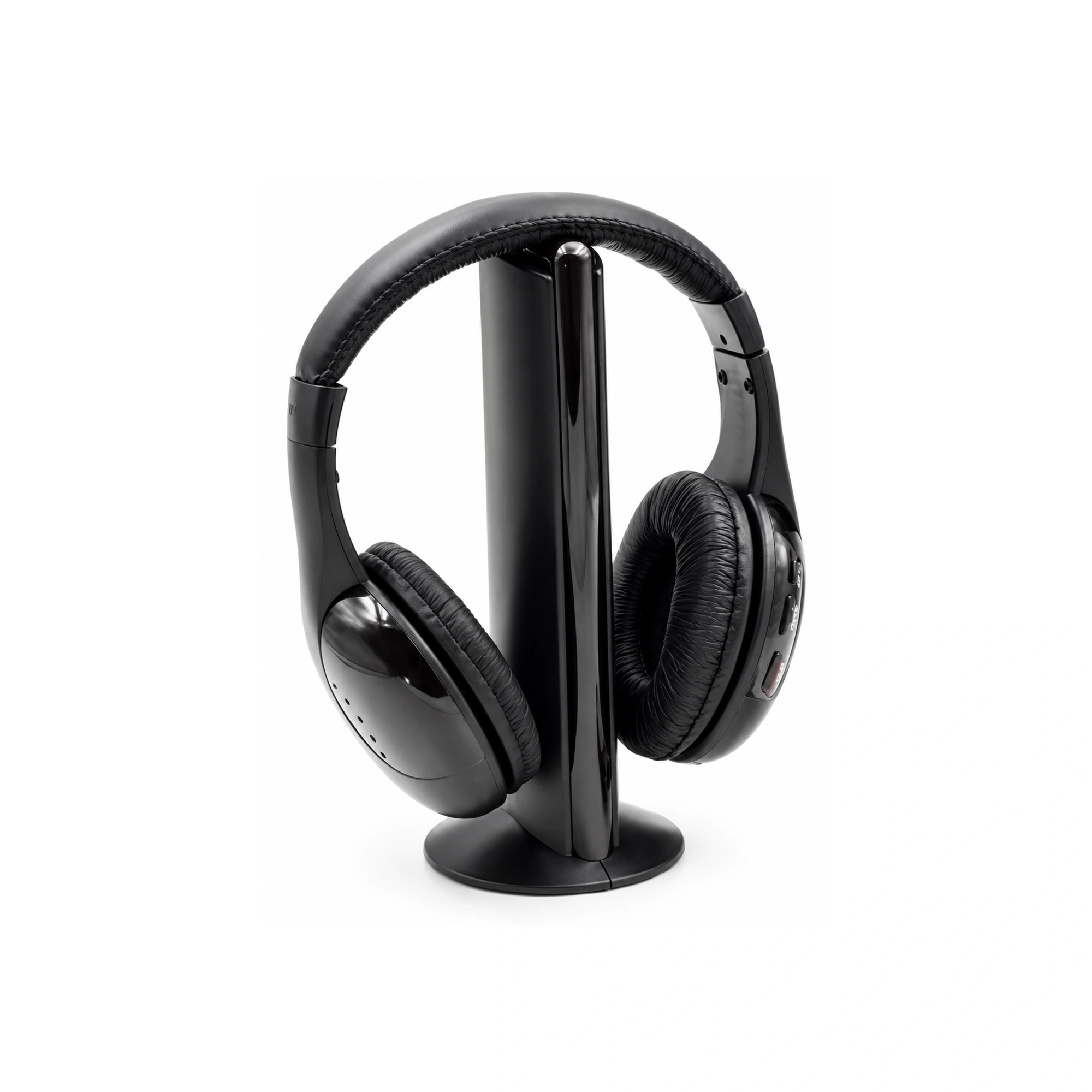
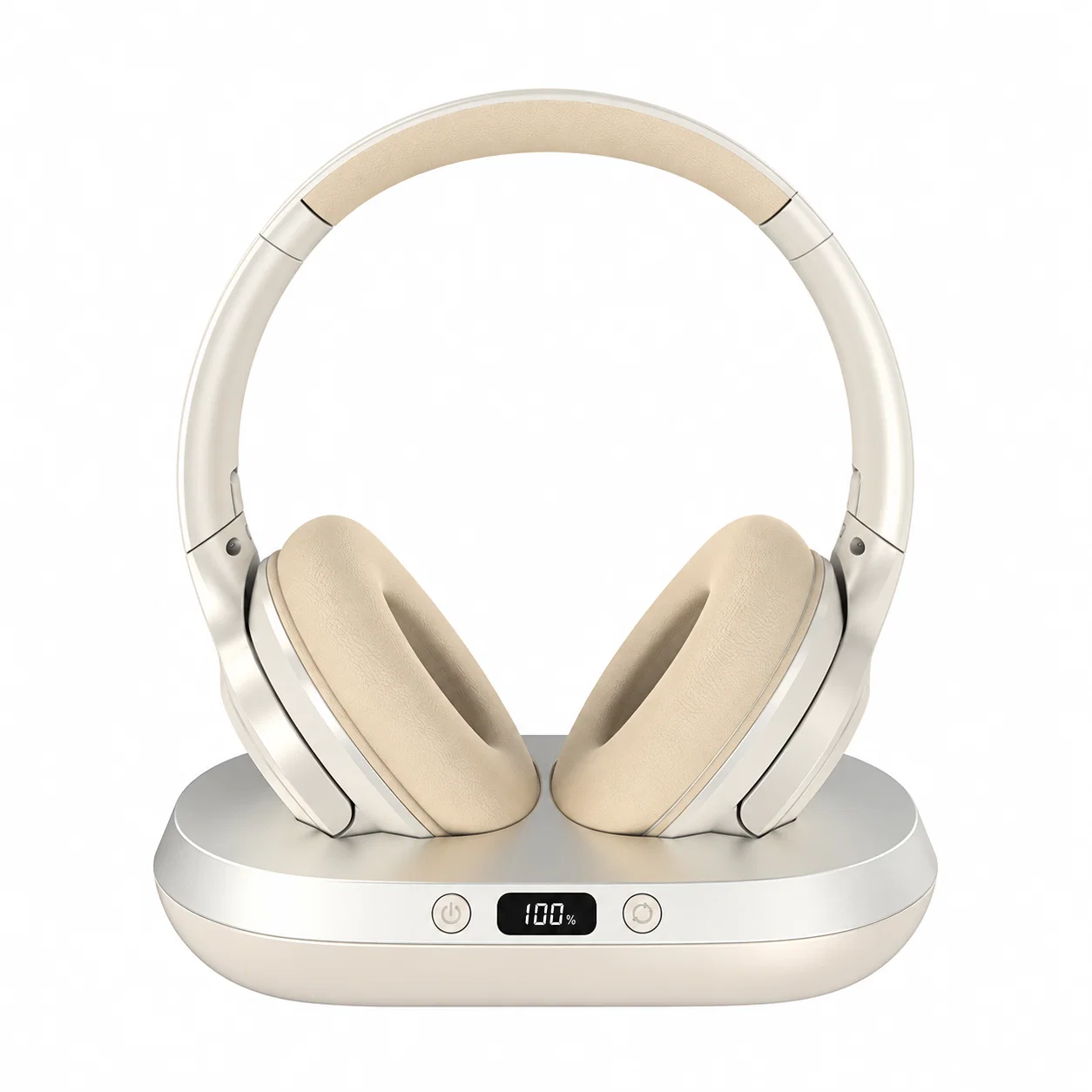
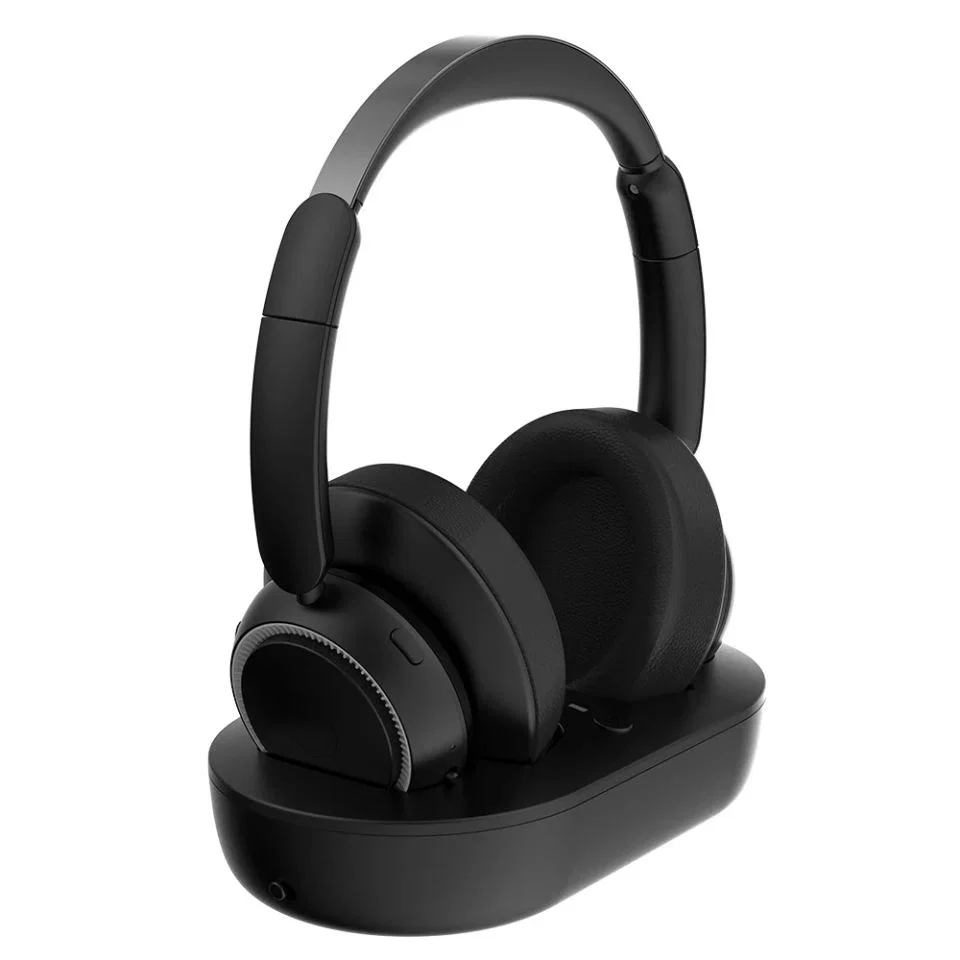
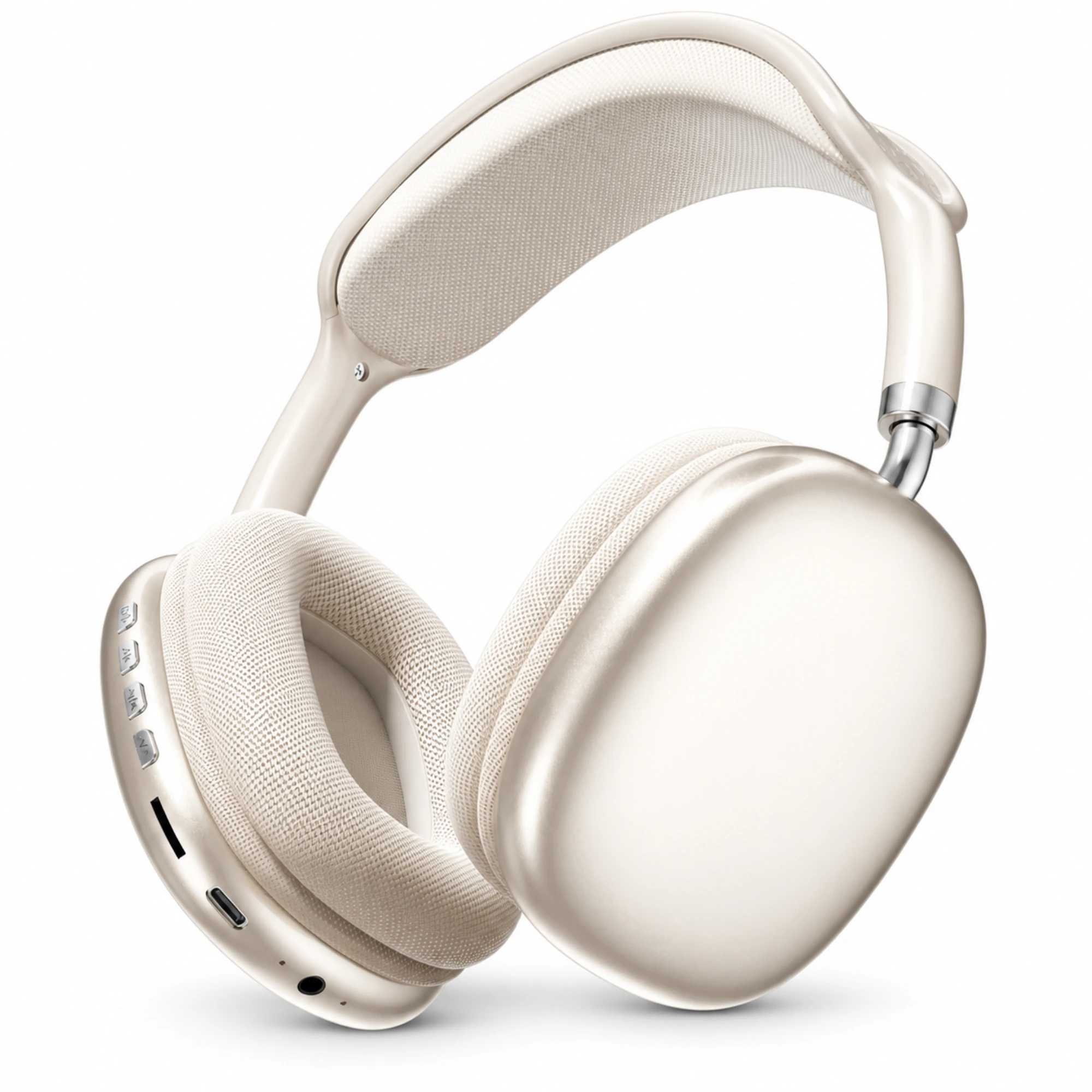
Depending on which ports sit on the back of your television, two different headset architectures solve the shared-room problem. The Wireless Neckband Monitor and Transmitter Set - One-to-One Configuration ($39.99) pairs a lightweight neckband receiver and two wired earpieces with a matching short-cable 3.5 mm transmitter that plugs directly into an analog output or DAC adapter. If you prefer full-cup ear coverage that pairs directly to a smart TV menu and keeps a physical cord in reserve, the Champagne Over-Ear Wireless Headphones ($29.99) combine wireless listening, a wired listening option, and on-earcup controls. You can also browse more living-room and daily listening gear in our Everyday Wireless Earbuds & Headphones hub.
How Television With Headphones Routing Works When Room Speakers Stay Active
Most frustration when pairing a television with headphones happens because TVs treat headphone jacks and line outputs differently. According to Sonos’s technical guide on connecting headphones to a TV, most mid-range and newer televisions dating back to 2015 support Bluetooth headphone pairing under Settings > Bluetooth, Sound, or Connected Devices, while the traditional 3.5 mm audio jack has served as the standard wired headphone port since the 1980s. However, Sonos notes that many newer television models have eliminated the 3.5 mm port in favor of wireless links, leaving digital optical or RCA ports that require an external adapter.
When two people share a couch and need different listening volumes, port behavior matters more than headset brand. In Reddit’s r/AskTechnology community, user u/Sans_culottez asked how to output television sound through room speakers and cordless headphones simultaneously at separate volumes, and commenter u/pmjm pointed out the critical diagnostic check: confirming whether the TV has an audio passthrough or line-out that operates independently of speaker volume, or whether inserting a 2.5 mm or 3.5 mm plug automatically mutes the internal TV speakers. In the same thread, u/Sans_culottez noted that select Samsung televisions include a native multi-audio output option in software, whereas single-output sets like standard Roku TVs require tapping an unmuted passthrough port.
Meanwhile, viewers who watch alone or late at night often choose headphones purely for clarity and immersion. In Reddit’s r/headphones forum, user u/DragonVivant shared that watching television with headphones feels far more immersive than room speakers, while commenter u/paulymeatblls noted that feeding a dedicated wireless transmitter from the TV’s optical output delivers clean sound without wireless lag.
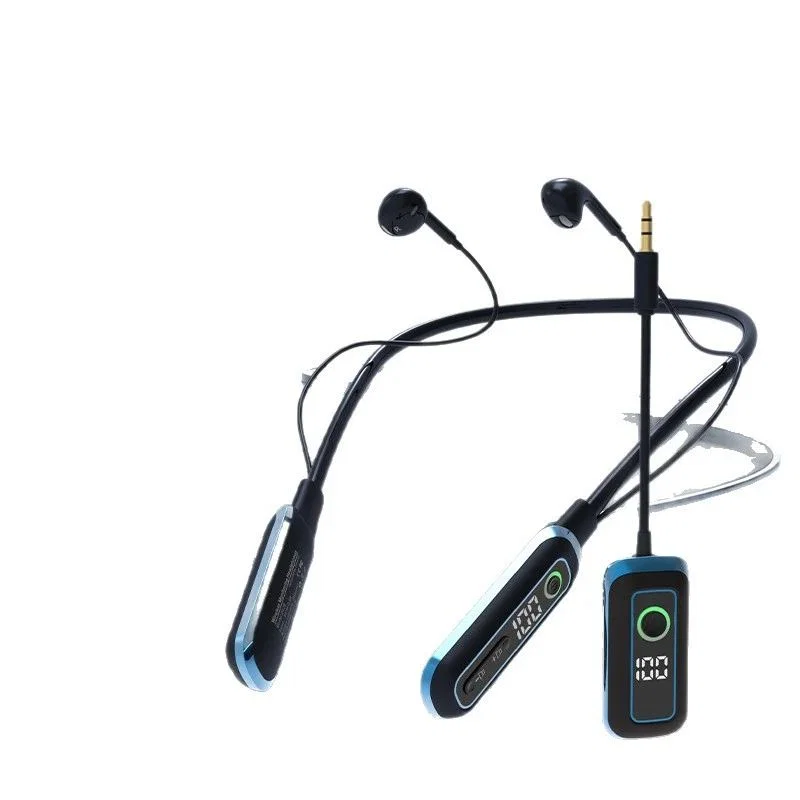
Comparing a 3.5mm Wireless Neckband Transmitter Set and Dual-Mode Over-Ear Headphones
Choosing between a transmitter-based neckband monitor and a standalone over-ear wireless headphone depends on whether you want a dedicated plug-in radio link at the television or an all-in-one headset that pairs directly to your TV’s Bluetooth menu.
| Feature / Attribute | Wireless Neckband Monitor and Transmitter Set - One-to-One Configuration | Champagne Over-Ear Wireless Headphones |
|---|---|---|
| Catalog Price | $39.99 | $29.99 |
| Form Factor | Neckband monitoring receiver with two wired earpieces | Over-ear headphones with oval earcups, woven ear cushions, and a mesh headband |
| TV Connection Method | Matching short-cable transmitter with a 3.5 mm straight plug | Wireless listening (via TV Bluetooth menu) plus a wired listening option |
| Driver / Hardware Details | 13 mm speaker drivers listed in catalog technical attributes; one-to-one configuration | On-earcup controls for direct adjustments |
| Verification Scope | Merchant catalog technical attributes; compatibility, latency, and wireless performance are not independently verified | Merchant catalog assertion; battery runtime and codec specifications are not independently verified |
The Wireless Neckband Monitor and Transmitter Set - One-to-One Configuration ($39.99) is built around a dedicated two-piece link: a neckband monitoring receiver with two wired earpieces and one matching short-cable transmitter. In the catalog technical attributes for this listing, the transmitter uses a 3.5 mm straight plug and the earpieces house 13 mm speaker drivers in the selected one-to-one configuration. Because the transmitter plugs into a 3.5 mm audio socket (or into the 3.5 mm output of an optical-to-analog DAC), you do not have to open television Bluetooth menus at all, though catalog notes specify that compatibility, latency, and wireless performance have not been independently verified.
By contrast, the Champagne Over-Ear Wireless Headphones ($29.99) use an over-ear design with oval earcups, woven ear cushions, and a mesh headband. This model offers wireless listening for pairing straight to a smart TV’s Bluetooth menu, a wired listening option for zero-latency cable runs, and controls on the earcup.
Step-by-Step Port Diagnostic: Bluetooth Menu Pairing vs 3.5mm and Optical Adapters
Before routing cables behind your media stand, run this three-step check on your television to lock in either simultaneous speaker-and-headphone output or private listening:
- Test the 3.5 mm or 2.5 mm analog jack for speaker muting: If your television still has an analog audio out port, plug a standard 3.5 mm cable or the 3.5 mm straight plug of the Wireless Neckband Monitor and Transmitter Set into the socket while a program is playing. As
r/AskTechnologycommenteru/pmjmexplains, check immediately whether the internal TV speakers stay active or mute; if the jack acts as an unmuted line-out passthrough, you can leave the TV speaker volume at a comfortable room level and adjust your headset independently. - Bridge missing headphone jacks through Digital Optical or RCA: When newer televisions remove the 3.5 mm jack, Sonos’s connectivity guide and
r/headphonescommenteru/blargh4point to the television’s digital optical or coaxial output connected to a compact external DAC or RCA adapter. Because optical audio outputs typically remain active alongside internal TV speakers, plugging a 3.5 mm transmitter or wired headphone cord into an optical DAC is one of the most reliable ways to keep room speakers playing. - Check TV Settings for Bluetooth and Multi-Audio Output: If you are pairing the Champagne Over-Ear Wireless Headphones wirelessly, open your television’s Settings menu and select Bluetooth, Sound, or Connected Devices to put the TV and headset into pairing mode. On televisions with multi-audio output support, select the dual-output option so the TV sends wireless audio to your headphones without silencing the living-room speakers.
Frequently Asked Questions
How can you watch television with headphones while keeping the room speakers active at a separate volume level?
In Reddit r/AskTechnology discussions, users note that simultaneous TV speaker and headphone playback requires either a television with built-in multi-audio output (such as select Samsung models) or an audio passthrough/optical/line-out port that does not automatically mute the internal TV speakers when a plug is inserted.
Do modern televisions still have 3.5mm headphone jacks, and how do you connect a 3.5mm transmitter or wired cable if the port is missing?
While many newer televisions have removed the 3.5mm analog headphone jack, viewers can pair Bluetooth headphones directly to the TV menu or use a digital optical or RCA adapter/DAC to feed a 3.5mm wired headphone cable or 3.5mm wireless transmitter.