

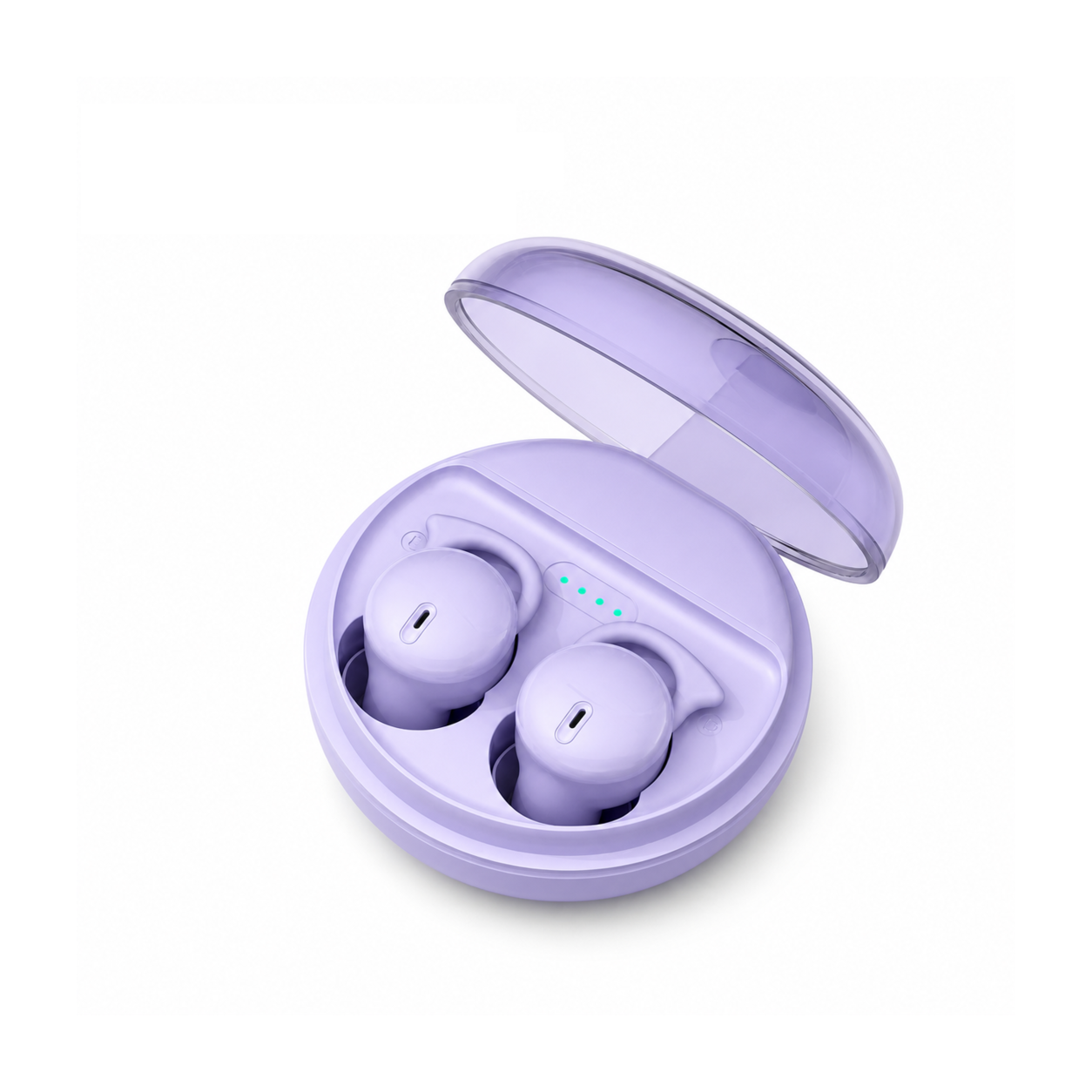
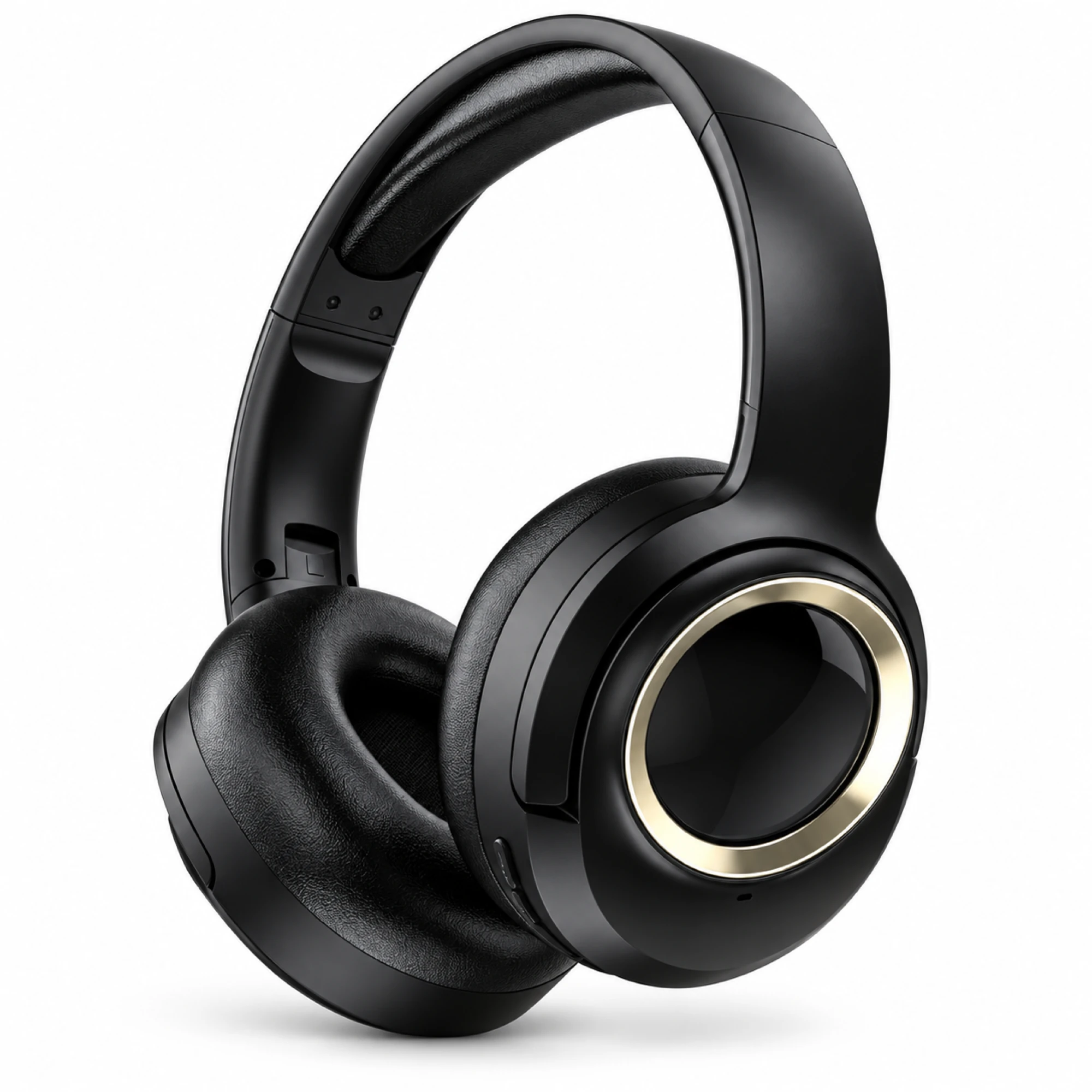
 MX-21 Black and Gold Wireless Headphones
 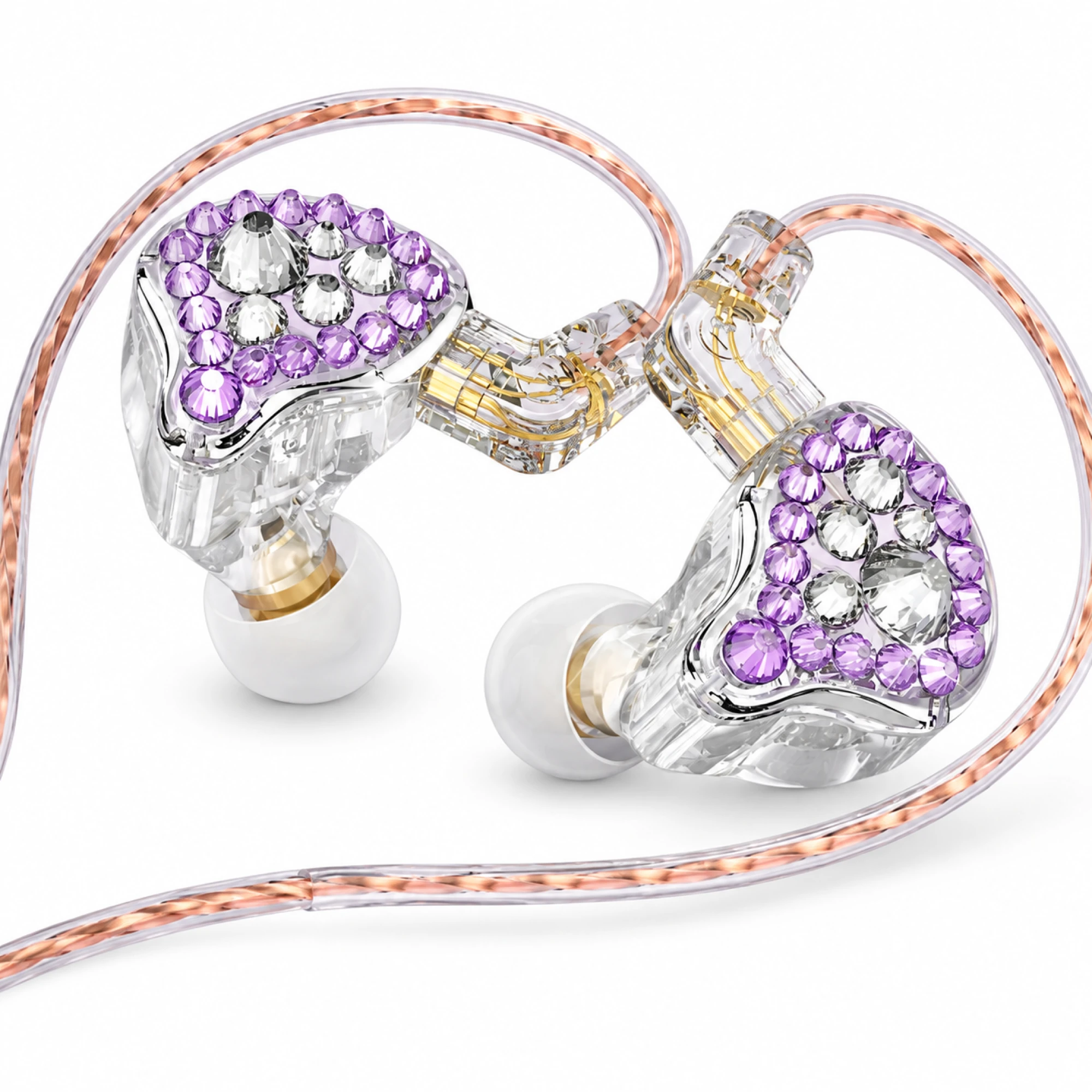 Q2 Pro Purple Crystal In-Ear Monitors
 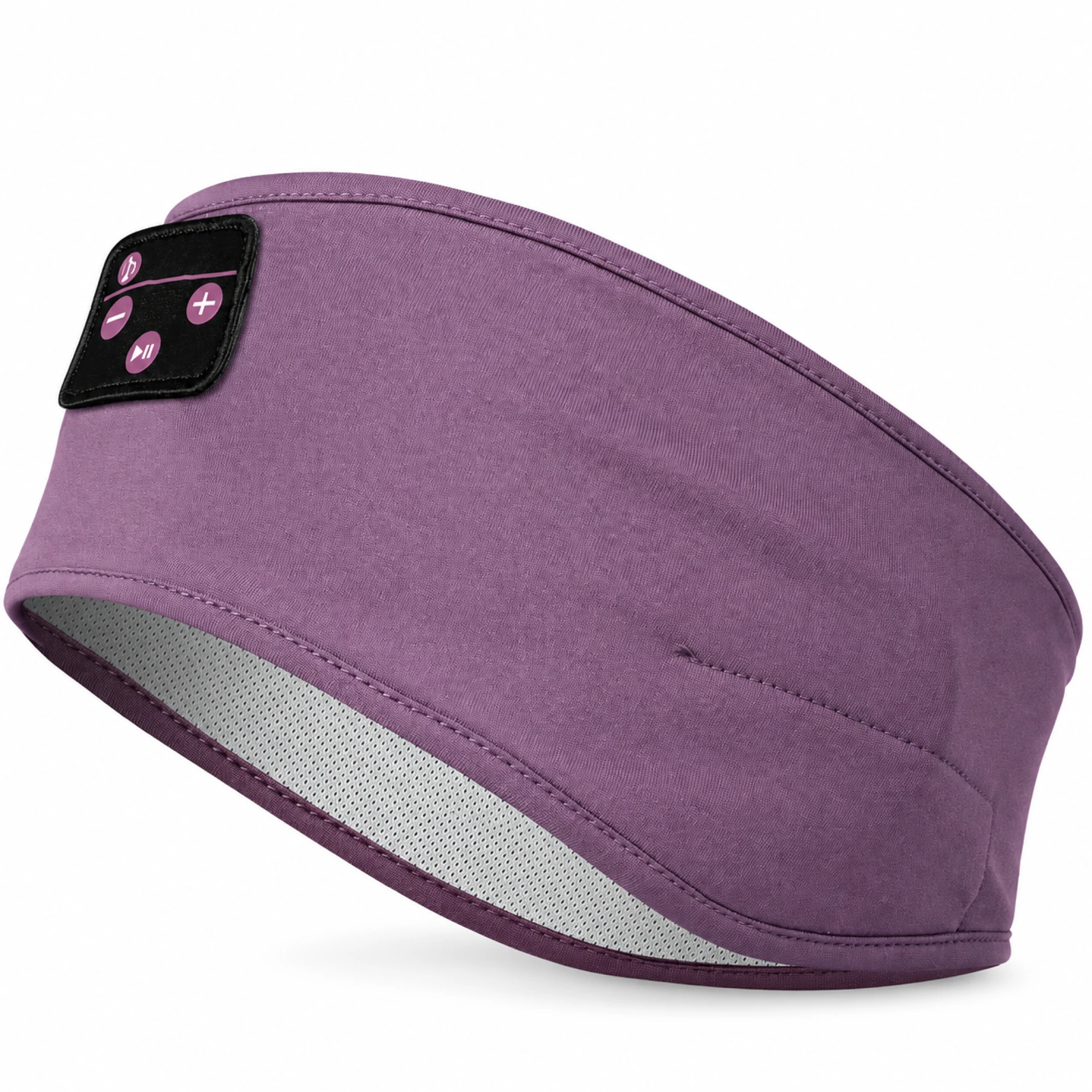 Purple Sleep Headband Headphones with Triangle Controls
 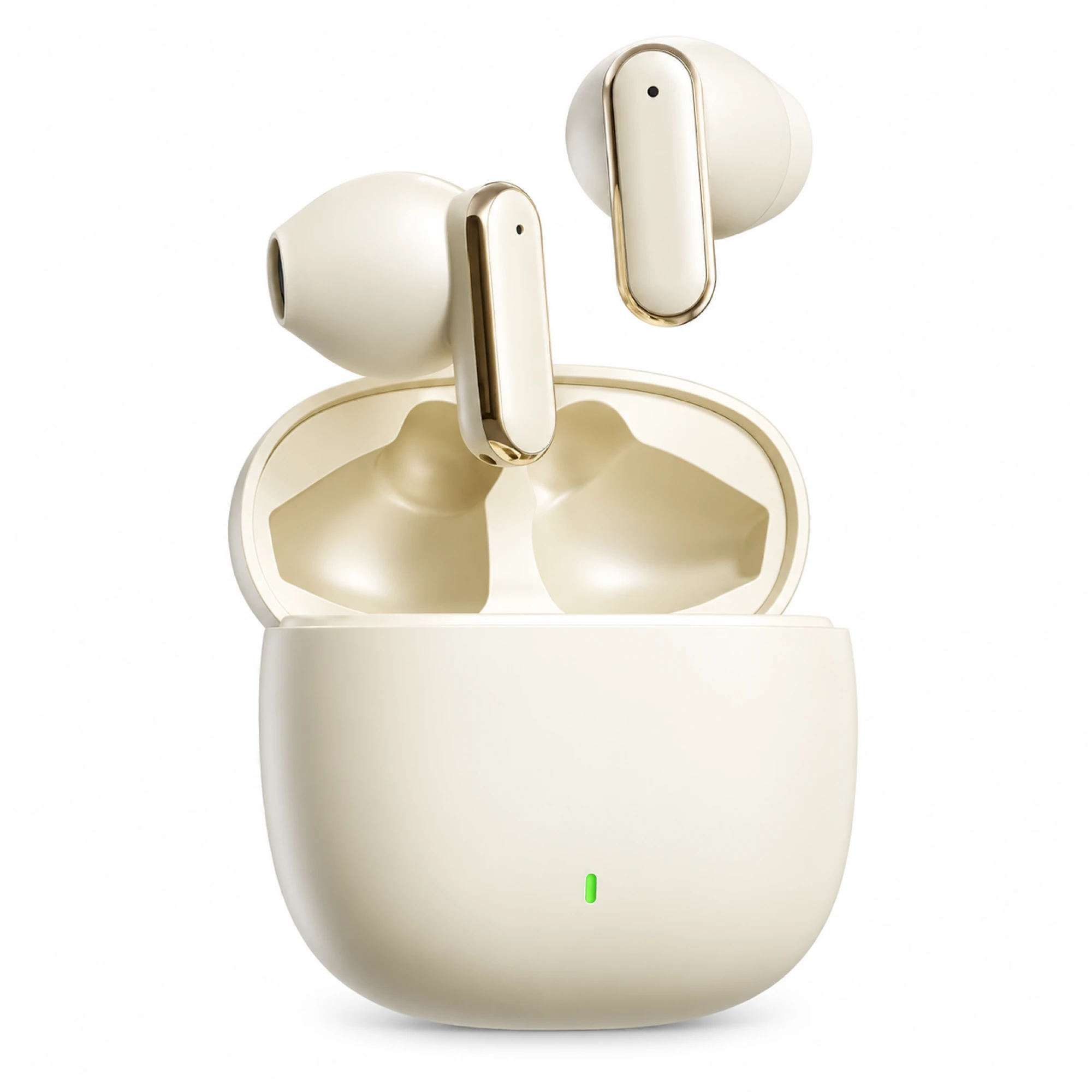 Cream Reflective-Stem Wireless Earbuds
 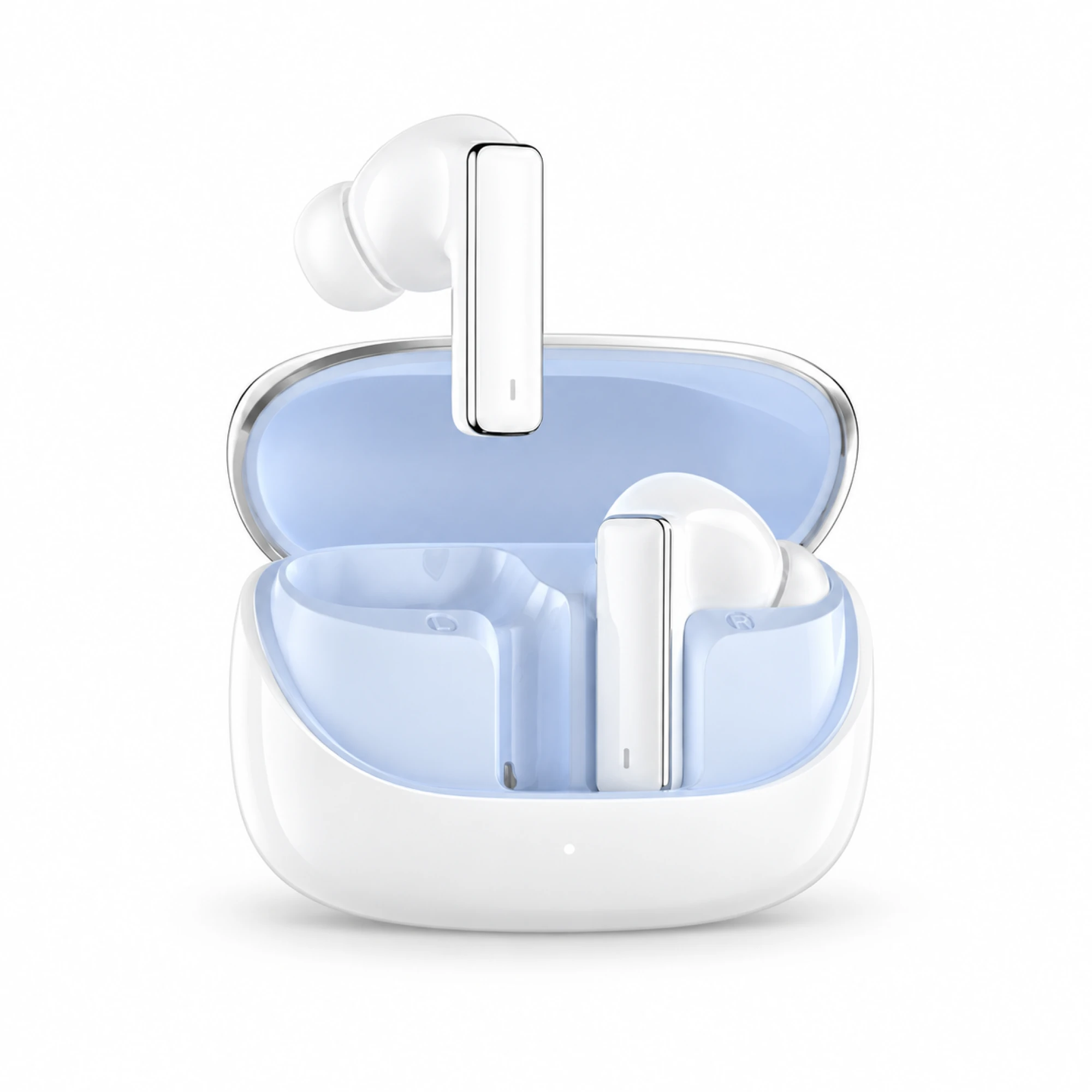 IN-01 White ANC Earbuds with Pale Blue Case Interior
 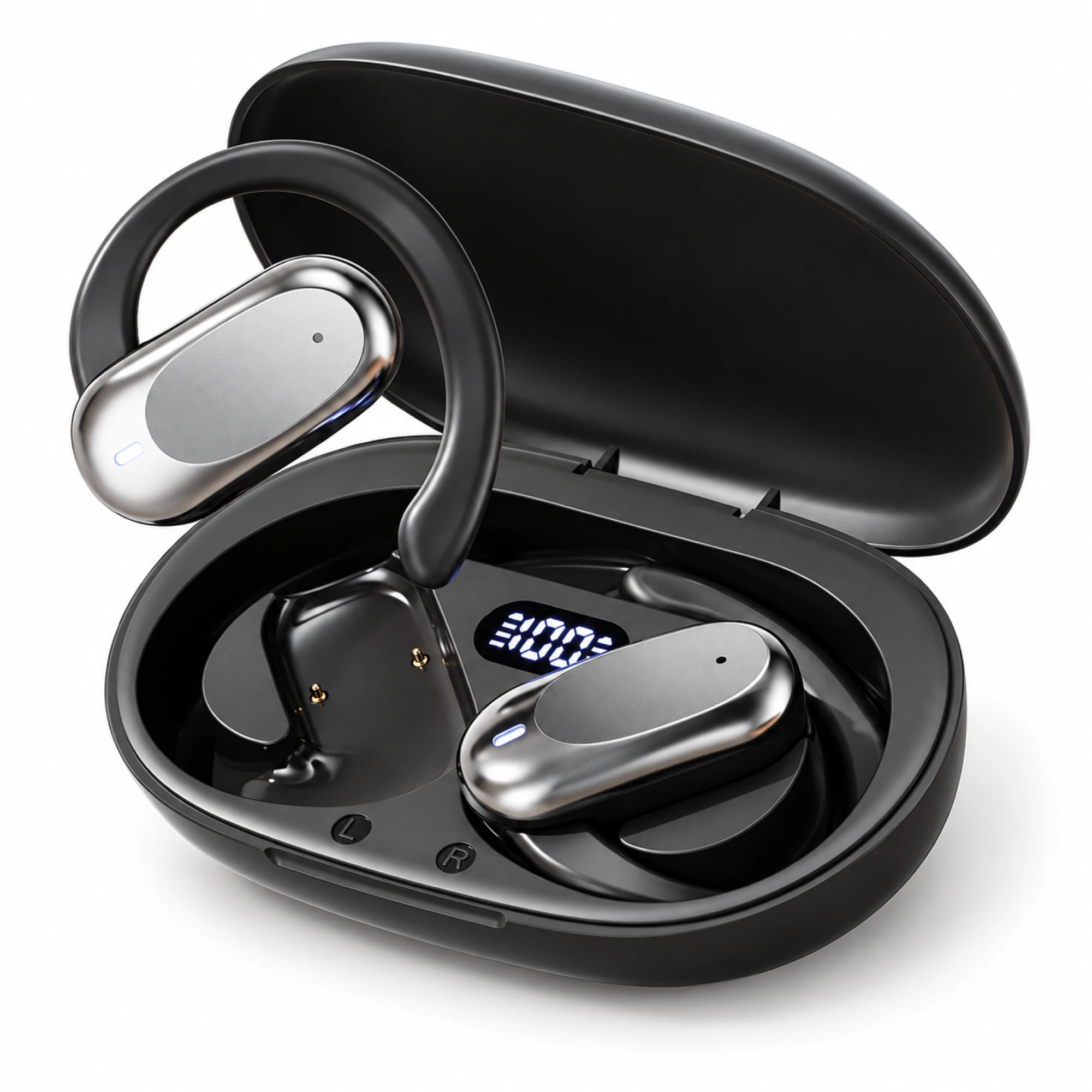 Silver Capsule Open-Ear Earbuds
 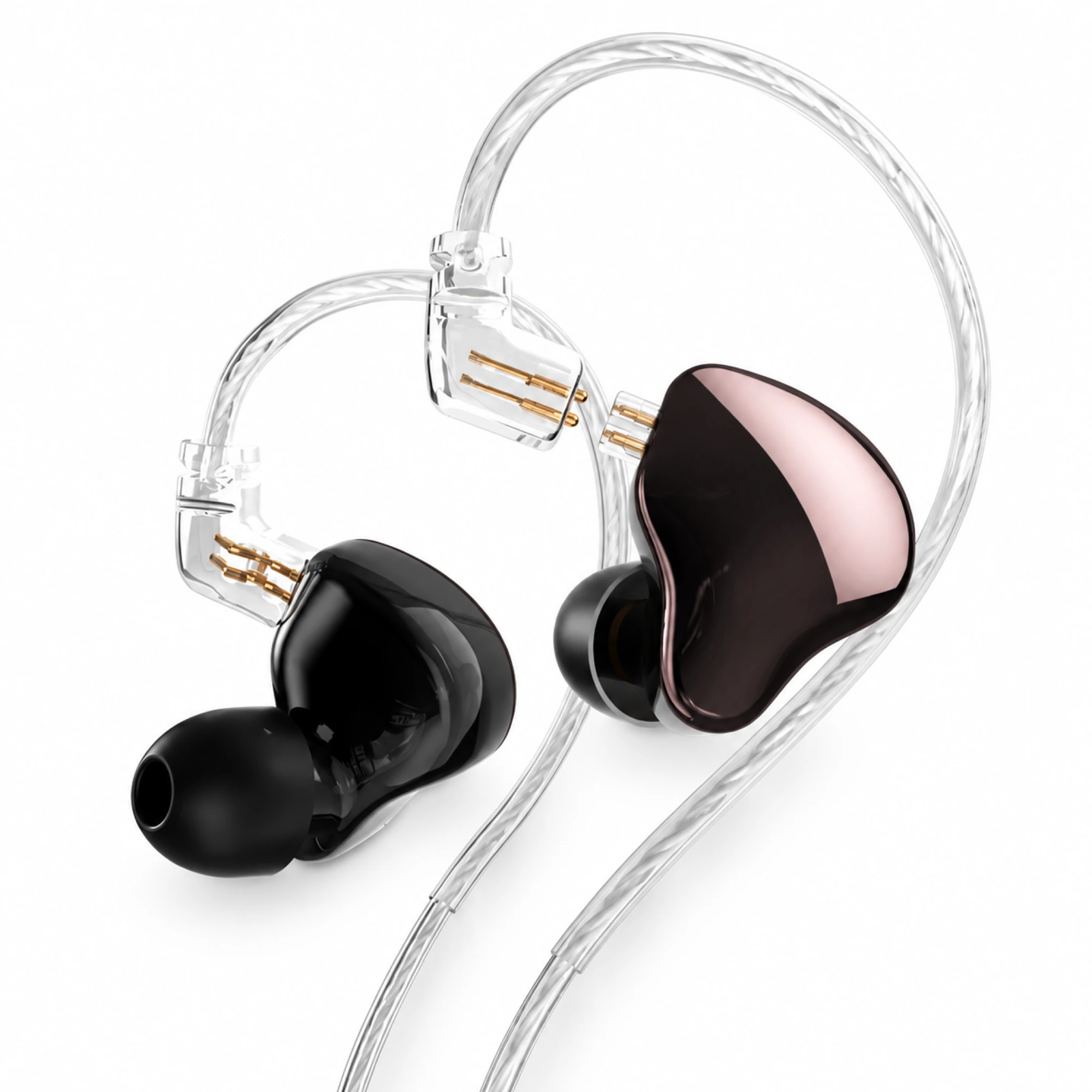 MN Rose-Metallic Detachable In-Ear Monitors
 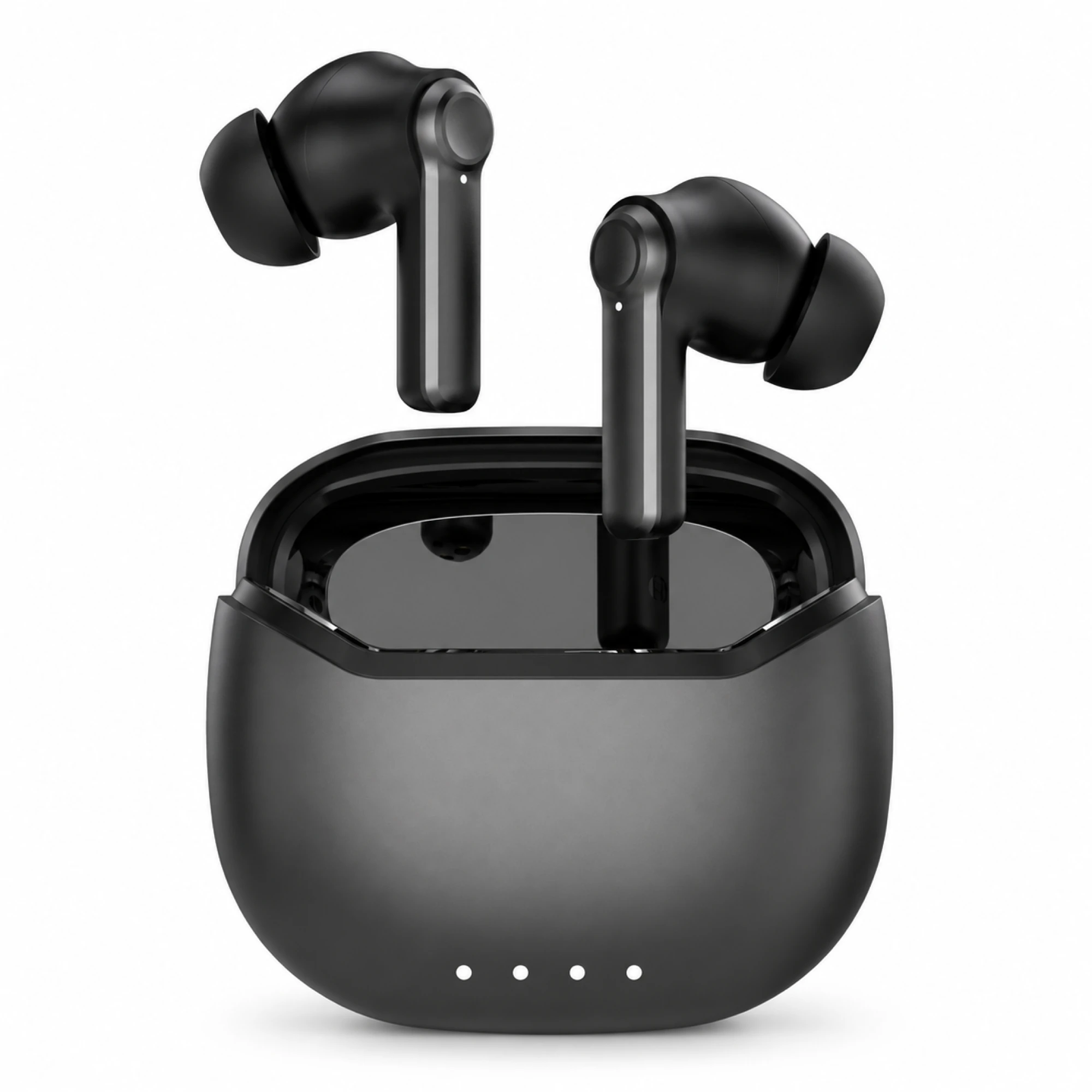 Black ANC Earbuds with Four-Indicator Case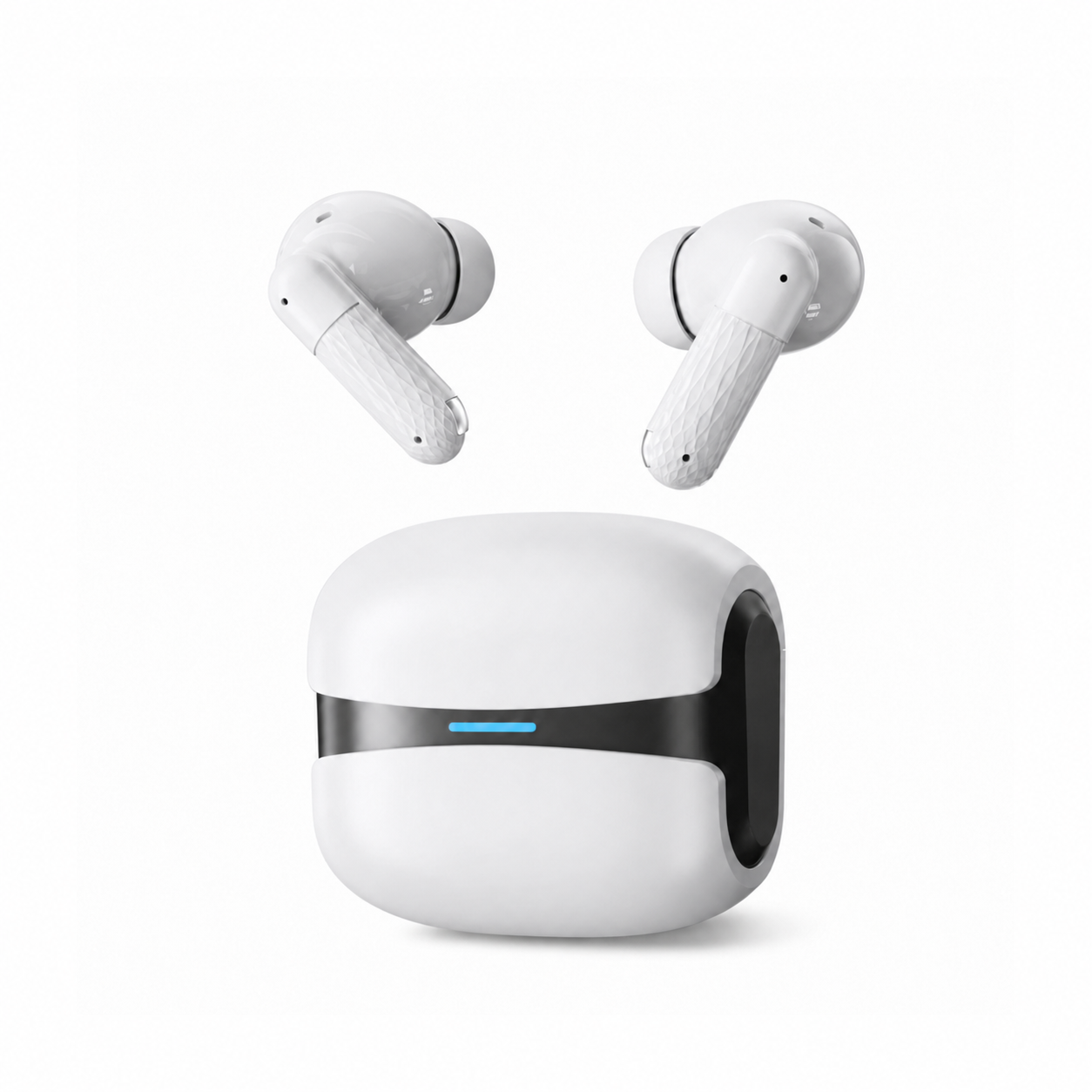
Third-party iPhone earbuds keep almost everything you touch in a day: music, calls, video, volume from the phone, and the iOS exposure counter that watches for 80 dB of media audio across 40 hours a week. What you give up is the convenience layer Apple built on top of Bluetooth, which is the pop-up pairing card, switching between your own Apple devices, and Find My.
What a non-Apple pair keeps, and what it loses
Picking the best earbuds for iPhone matters less than knowing which line of the feature list survives the switch. Stereo audio over Bluetooth runs on a profile the Bluetooth SIG calls the Advanced Audio Distribution Profile, defined as the requirements for high-quality audio distribution, and iOS speaks it to every brand the same way. The features that disappear sit above that layer, and every one of them is a convenience: none of them changes how the earbuds sound.
| On your iPhone | With a standard Bluetooth pair | What that means in practice |
|---|---|---|
| Music, video, games, calls | Works | Standard Bluetooth audio and hands-free profiles; no Apple chip involved |
| Volume, play, pause, skip from the phone | Works | Handled by iOS at the phone end, whoever made the earbuds |
| Siri | Works when you raise it from the phone | The earbud mic carries your voice; neither of our listings states an assistant gesture on the bud |
| Headphone Safety and headphone notifications | Works | Apple applies the exposure limit to headphones connected over Bluetooth |
| The pop-up pairing card | Not available | You pair from Settings, then Bluetooth, the same as any accessory |
| Automatic switching between your Apple devices | Not available | Disconnect on one device and connect on the other, or buy a pair that states multipoint; neither of ours does |
| Find My for the buds or the case | Not available | Apple's accessory program runs through MFi enrollment, and neither listing claims it |
| A per-headphone panel in Settings | Not available | You get a plain Bluetooth entry you can rename or forget, with no firmware page or fit test |
| Head-tracked spatial audio | Not stated on either listing | Expect ordinary stereo; treat any unstated feature as absent |
One row deserves expanding, because it is the row that should occasionally stop a sale. Find My tracking for a case or a bud is not something a manufacturer can switch on in firmware: Apple's Find My network accessory program requires enrollment in the MFi Program to get the specifications at all, so a pair that skipped it will never show up in the Items tab. If leaving earbuds in a rideshare or a seat pocket is your recurring failure mode, that gap is the strongest argument there is for paying first-party prices.
Pairing is a Settings screen, not a pop-up card
Apple's published steps for a third-party accessory are short: open Settings, tap Bluetooth and turn it on, look under My Devices for the accessory, then tap its name and enter a PIN if one is requested. The Cloud White listing describes that same first connection in the phone's Bluetooth menu and states that no companion app is required on either iPhone or Android. Both listings describe the buds reconnecting on their own shortly after the case opens.
What you do not get is the animated card sliding up from the bottom of the screen, or a settings panel of your own with firmware updates and an ear tip fit test. If the reconnect stops behaving, our reset ladder for earbuds that will not pair is the order worth working through before you assume the hardware failed.
Calls, Siri and the limits of ENC
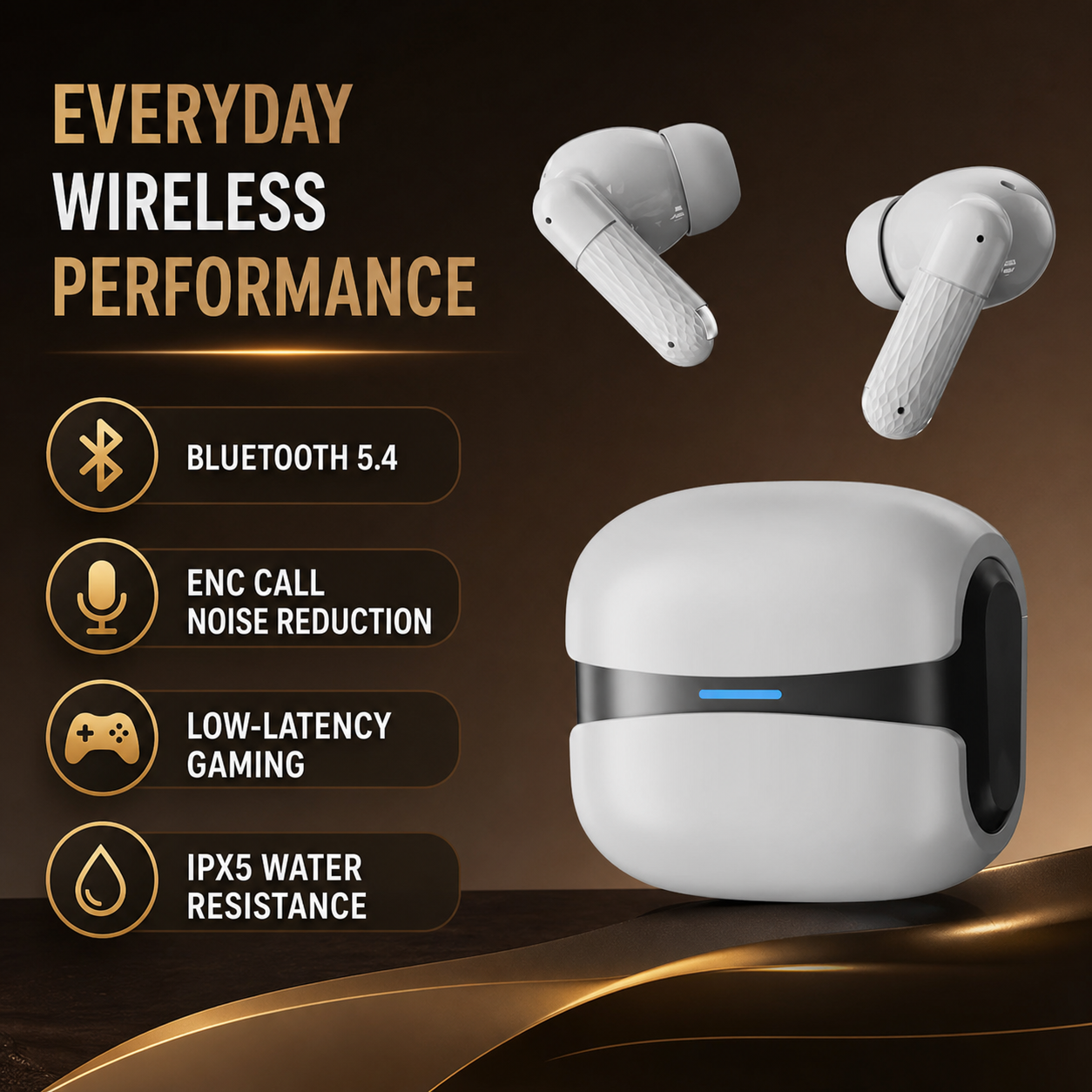
The Cloud White listing states ENC call noise reduction with CVC voice processing, and its own FAQ is unusually direct about what that does: the processing works on the microphone side, cleaning up your voice so the caller hears less of your street, and it does not quiet anything in your ears. Any calm you notice while wearing them comes from the silicone tip sealing the canal. That is the whole difference between ENC and ANC, and it is worth reading our longer piece on ANC and ENC as separate jobs before you buy on the strength of a three-letter badge.
Siri behaves the way any hands-free headset does. Raise it from the phone with the side button or your voice, and the connected mic carries the request. Neither listing states a dedicated assistant gesture on the bud itself, so do not plan around a triple tap that may not exist; the Cloud White states touch controls for everyday playback, and that is what it states.
The 80 dB clock iOS runs in the background
Here is the iOS feature that survives the switch and that most buyers do not know they own. Apple's headphone notifications count media audio above 80 decibels, and when you reach 40 hours of it within the last seven days, the phone tells you to turn it down. The controls sit in Settings under Headphone Safety, alongside Reduce Loud Audio. Two details matter: after a notification, the next time you connect headphones over Bluetooth the volume is set to a lower level for you, and the seven-day limit applies only to media audio.
Work that through with a normal week. Forty hours spread evenly is five hours and 43 minutes a day at 80 dB. A 45-minute commute each way, five days a week, spends 7.5 hours of that budget. Add five hours of desk listening on five working days and you are at 32.5 hours, still inside. Add four hours on each weekend day and you cross 40, and the phone starts nudging you. Meanwhile the calls you took with the ENC mic contributed nothing to the count, because calls are not media audio, which is the part people find surprising when they bought a pair mainly to talk on.
iOS applies that counter to any iPhone headphones connected over Bluetooth, so it is one of the few places where the cheap pair and the expensive pair are treated identically. Both of our listings describe ordinary volume behavior and neither claims a hardware volume limit, so the software limit is the one doing the work.
If a product causes pain, irritation, ringing or a noticeable hearing change, stop using it and seek qualified care.
What these two listings state, and what they leave out
The EARSOLE Cloud White lists at $25.99 at the time of writing and states Bluetooth 5.4 with fast pairing, ENC with CVC, a low-latency mode for games and video, touch controls, IPX5 water resistance for sweat and light splashes, and a USB-C charging case. That last one is quietly convenient now that iPhone 15 and later models charge over USB-C: one cable covers the phone and the case, and a small pouch is one item lighter. The listing does not state a codec, a battery capacity in mAh, multipoint, or any active cancellation, so treat all four as absent.
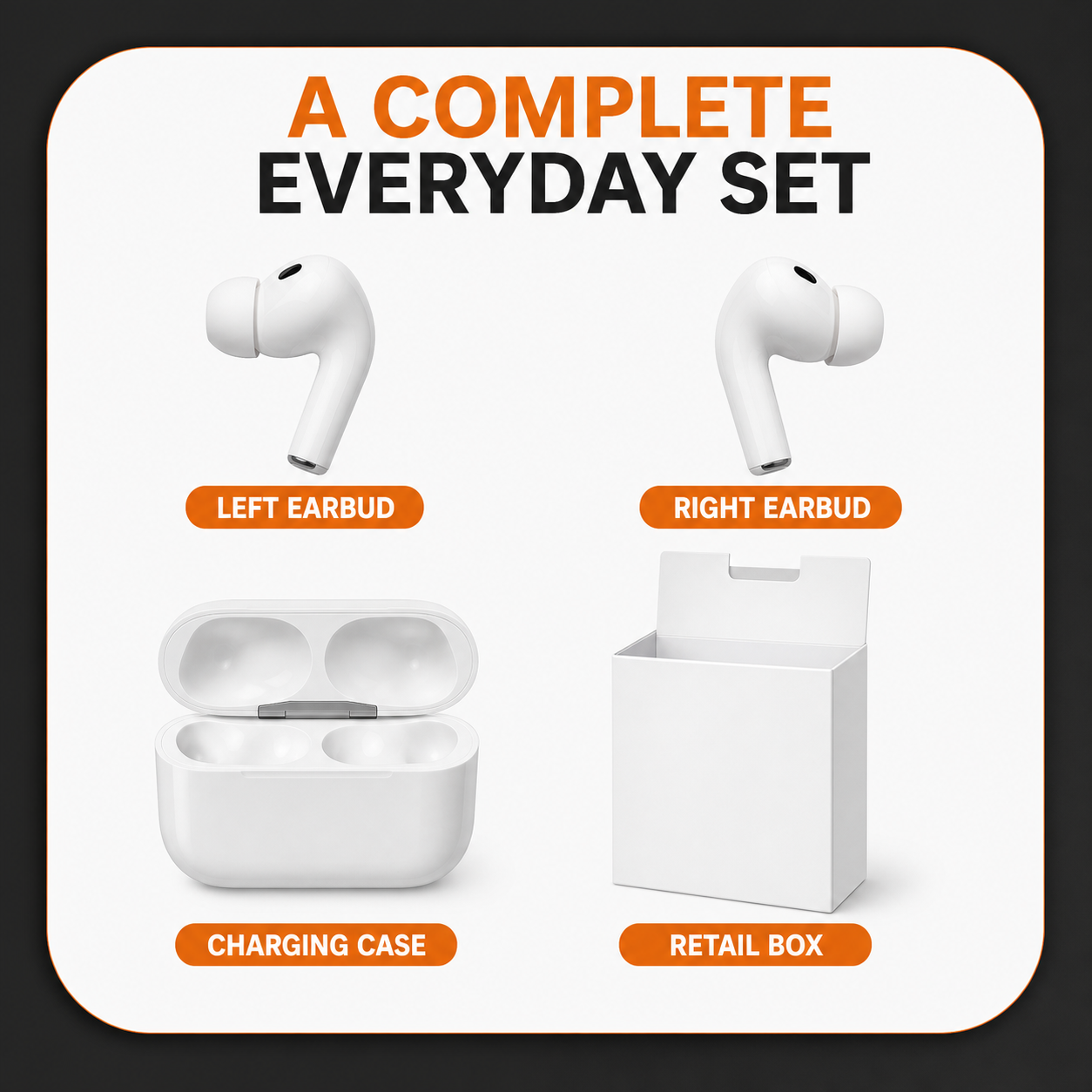
The EARSOLE Core White lists at $22.99 at the time of writing and is the simpler proposition: soft silicone tips, a stem shape, a hinged case and a retail box. Its listing states no electronic noise cancellation and no water rating at all, and it does not state a Bluetooth version. If you sweat in yours or run in the rain, that missing rating is the deciding fact rather than anything about iOS, and the Cloud White is the one with a stated figure.
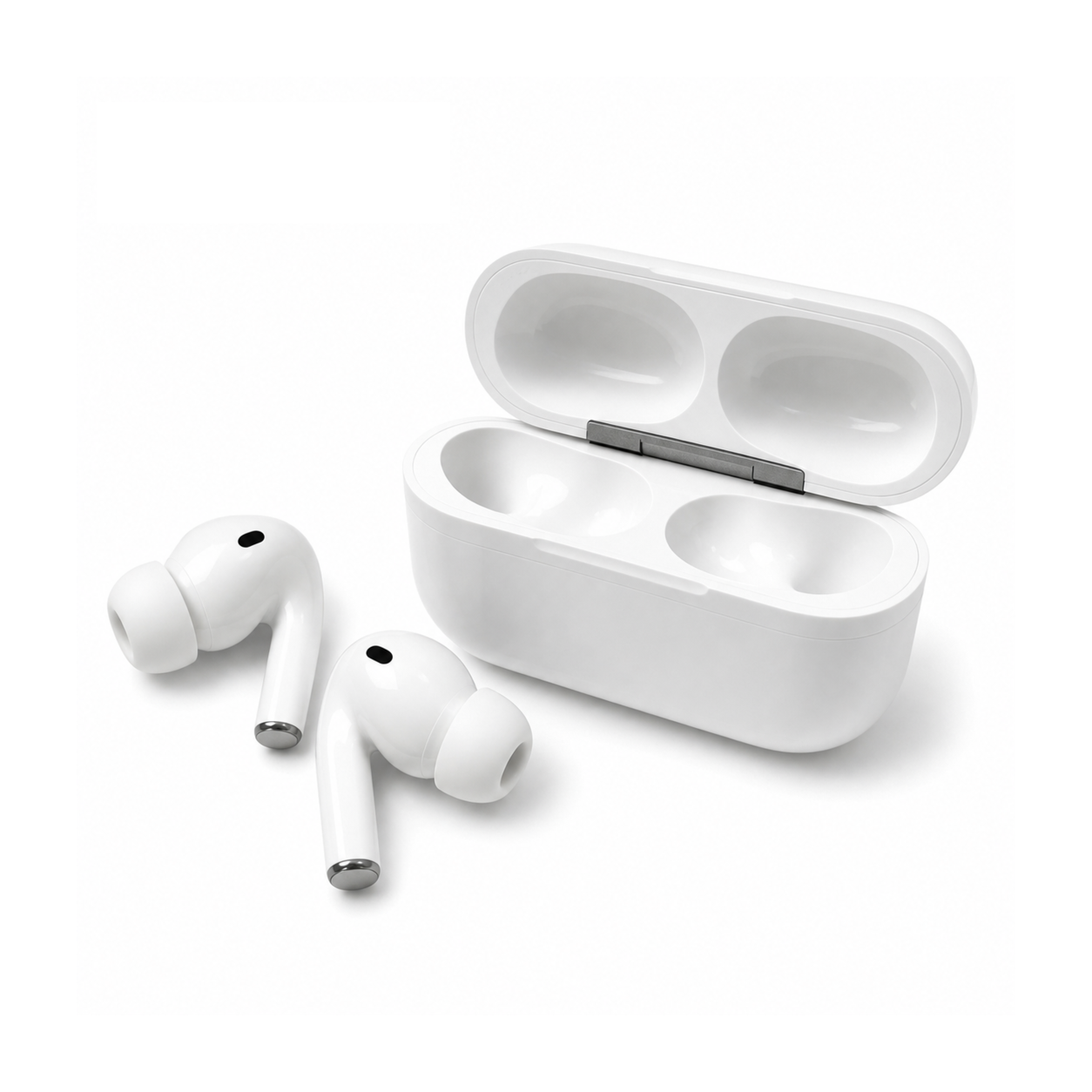
About codecs, since spec sheets love them. Apple's own documentation says its wireless headphones use the AAC Bluetooth codec and that Bluetooth connections are not lossless either way, and iOS gives you no codec picker to argue with. Neither of our listings names a codec. So the badges that swing a decision on an Android phone do not swing one here, and what is left to judge is seal, tip size and mic behavior. If you are shopping for earbuds for iPhone on a budget, our note on choosing an ear tip size without guessing will change your listening more than any codec name will.
What makes good earbuds for iPhone, then, is mostly what makes good earbuds anywhere: a tip that seals, a microphone that survives wind, a case you do not resent carrying. The iOS-specific question is narrower than it looks, and it comes down to whether the pairing card, device switching and Find My are worth the difference in price to you. If they are, buy the first-party pair with a clear conscience. If they are not, the rest of the everyday range sits in our everyday wireless earbuds collection, and the same feature table applies to all of it.
- Apple Support: Headphone notifications on your iPhone, iPad, or Apple Watch
- Apple Support: Connect a third-party Bluetooth accessory to your iPhone or iPad
- Apple Support: Charge and connect with the USB-C connector on your iPhone
- Apple Support: About lossless audio in Apple Music
- Apple Developer: Find My network accessory program
- Bluetooth SIG: Advanced Audio Distribution Profile 1.4