Running an audio latency check (or an audio latency test) on your headphones reveals two very different realities depending on what you are doing. When you watch a pre-recorded YouTube or Netflix video over Bluetooth earbuds, your phone or browser automatically delays the video frames by a fraction of a second so the actor’s lips look perfectly in sync. Yet the moment you tap a drum pad, fire a shot in a game, or monitor your own guitar in recording software like Audacity, that hidden wireless delay becomes impossible to ignore.
Below, we explain every stage of the audio signal chain that adds millisecond delay, examine why recording engineers in r/audacity warn that software latency compensation cannot fix live Bluetooth monitoring, and show how to switch between everyday wireless listening on the EARSOLE Wireless Earbuds – Semi-In-Ear Bluetooth Earbuds with Charging Case and zero-encoding wired monitoring on dual-mode headsets like the EARSOLE Noise Cancelling Over-Ear Headphones – Series 127 or EARSOLE Wireless Gaming Headset with Boom Microphone—alongside our step-by-step Bluetooth earbuds audio delay fix guide.
What Is Audio Latency Across Calls, Computer Audio, and Live Monitoring? (Wikipedia Overview)
Why is there always a gap between a sound event and what reaches your eardrums? According to Wikipedia’s Latency (audio) reference, latency is the short period of delay (usually measured in milliseconds) between when an audio signal enters a system and when it emerges, with potential contributors including analog-to-digital conversion, buffering, digital signal processing, transmission time, and digital-to-analog conversion.
In an analog 3.5mm wired headphone cable, electrical signals travel near the speed of light, so the headphone cable itself adds virtually zero latency—your only delay is the computer’s internal audio buffer. With wireless Bluetooth earbuds, however, the signal must pass through several additional stages:
- OS Audio Buffer & Mixing: Your phone or PC collects a block of audio samples.
- Bluetooth Codec Compression: The host encodes the stereo stream into packets (such as SBC, AAC, aptX, or LDAC).
- Radio Transmission & Jitter Buffer: The earbuds hold incoming radio packets in a small buffer so brief wireless interference does not cause clicks or dropouts.
- Decoding & DAC: The earbud chip decodes the compressed packet back into an analog waveform for the speaker driver.
Why Latency Compensation Fixes Overdub Alignment—But Cannot Fix Live Bluetooth Monitoring (r/audacity)
Many home musicians try to fix wireless headphone lag by tweaking the “Latency compensation” number inside their Digital Audio Workstation (DAW). In r/audacity (thread 1ww6ccb, “Latency with Bluetooth earbuds”), a home guitarist asks: “Even though Audacity 3 and 4 allow you to compensate for latency in Edit | Preferences by entering an appropriate negative integer value, this doesn’t seem to work when I am monitoring while recording myself playing guitar and listening through my Sony Bluetooth earbuds. (No problem with wired headphones, but they get to be a tangled pain in the ass after a while.)”
Contributors in r/audacity (thread 1ww6ccb) explain why software settings cannot eliminate live wireless monitoring delay: one commenter notes, “Bluetooth has inherant, unfixable latency. Nothing you can do about it,” and another clarifies, “Latency compensation Audacity is not s real-time thing. It corrects for unavoidable playthrough delay so overdubs are in-sync.”
Here is the crucial distinction between post-recording track alignment and real-time live monitoring:
| Audio Scenario | Can Software Compensate for Bluetooth Delay? | Why It Works (or Doesn’t Work) | Best Headphone Mode |
|---|---|---|---|
| Streaming Video (YouTube, Netflix, Movies) | Yes (Automatic A/V Sync) | The video player knows the future frames and delays the picture to match the Bluetooth audio buffer | Any Bluetooth earbuds or headphones (EARSOLE Semi-In-Ear Wireless Earbuds) |
| DAW Overdub Alignment After Recording (Audacity) | Yes (Post-Take Shift) | Audacity shifts the newly recorded waveform backward on the timeline by your negative millisecond offset after you hit Stop | Works for playback review, not live playthrough |
| Live Instrument / Vocal Monitoring & Rhythm Games | No (Cannot Predict the Future) | Your computer cannot send your guitar strum to your Bluetooth earbuds before you pluck the string | 3.5mm Wired Mode (EARSOLE Series 127 or Wireless Gaming Headset) |
How to Run an Audio Latency Check—and When to Use 3.5mm Wired Mode vs Wireless Earbuds
You can run a practical audio latency check on your computer or phone in under 60 seconds using two simple tests:
Test 1: The Visual Metronome / Pendulum Lip-Sync Test (Tests Playback Compensation)
Open a 60-fps audio-sync pendulum or metronome test video in your browser.
- If the beep lands exactly when the pendulum crosses the center mark, your browser and operating system are successfully applying A/V lip-sync compensation for video watching.
Test 2: The Live Tap or Mic Loopback Test (Tests True Real-Time Input-to-Output Latency)
Open a free virtual piano keyboard webpage, a drum-pad app, or Audacity’s microphone playthrough, and tap a key or clap near your microphone:
- With Bluetooth earbuds: You will hear a distinct slapback echo between the physical tap of your finger and the sound in your ears.
- With a 3.5mm wired cable: The sound lands virtually instantaneously with your finger tap.
Matching Your Headphones to the Task (Wireless Convenience vs 3.5mm Zero-Encoding Mode)
Instead of owning two completely separate headsets—or wrestling with tangled wires when you are just listening to music—dual-mode headphones let you unplug the cord as soon as you finish recording:
- Dual-Mode Over-Ear Headphones (Bluetooth + 47.2-Inch 3.5mm Cable): According to the EARSOLE Noise Cancelling Over-Ear Headphones, Wireless & Wired – Series 127 listing, the headphones let you switch between wireless Bluetooth connectivity and a 3.5 mm AUX wired connection using the included 47.2-inch audio cable, while offering Active Noise Cancellation and up to 100 hours of wireless playtime. When recording guitar or vocals in Audacity (as in r/audacity thread 1ww6ccb), plug in the 47.2-inch 3.5mm cord on the EARSOLE Series 127 Over-Ear Headphones for instant wired monitoring, then unplug it to enjoy wireless Bluetooth for the rest of the day.
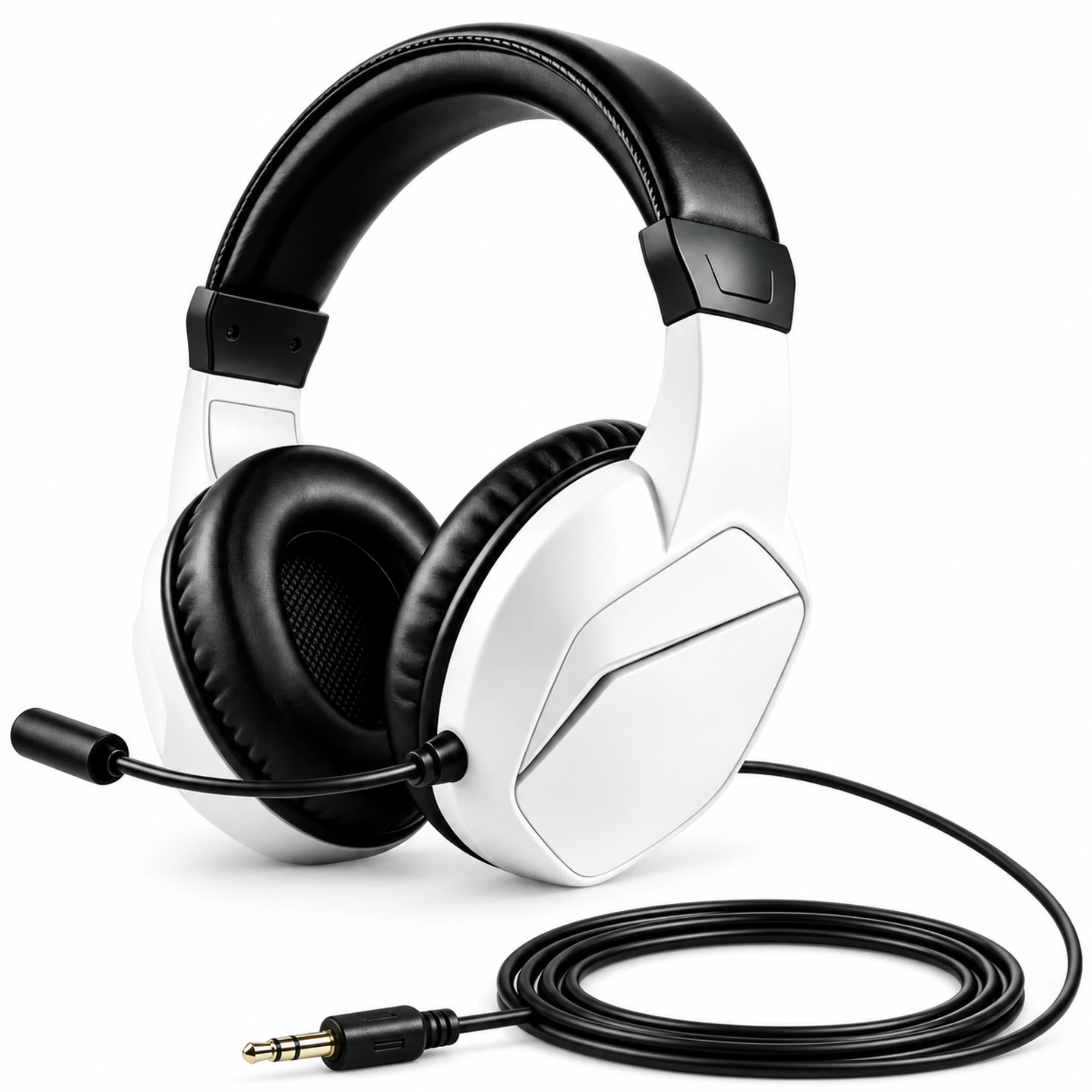
- Dual-Mode Gaming Headset (Bluetooth + 3.5mm Plug): According to the EARSOLE Wireless Gaming Headset with Boom Microphone listing, the white and black gaming headset includes a boom microphone and padded earcups, with both Bluetooth and wired listening options using a 3.5 mm plug cable. The EARSOLE Wireless Gaming Headset with Boom Microphone lets PC gamers use the 3.5mm cable for competitive matches and Bluetooth for casual mobile listening.
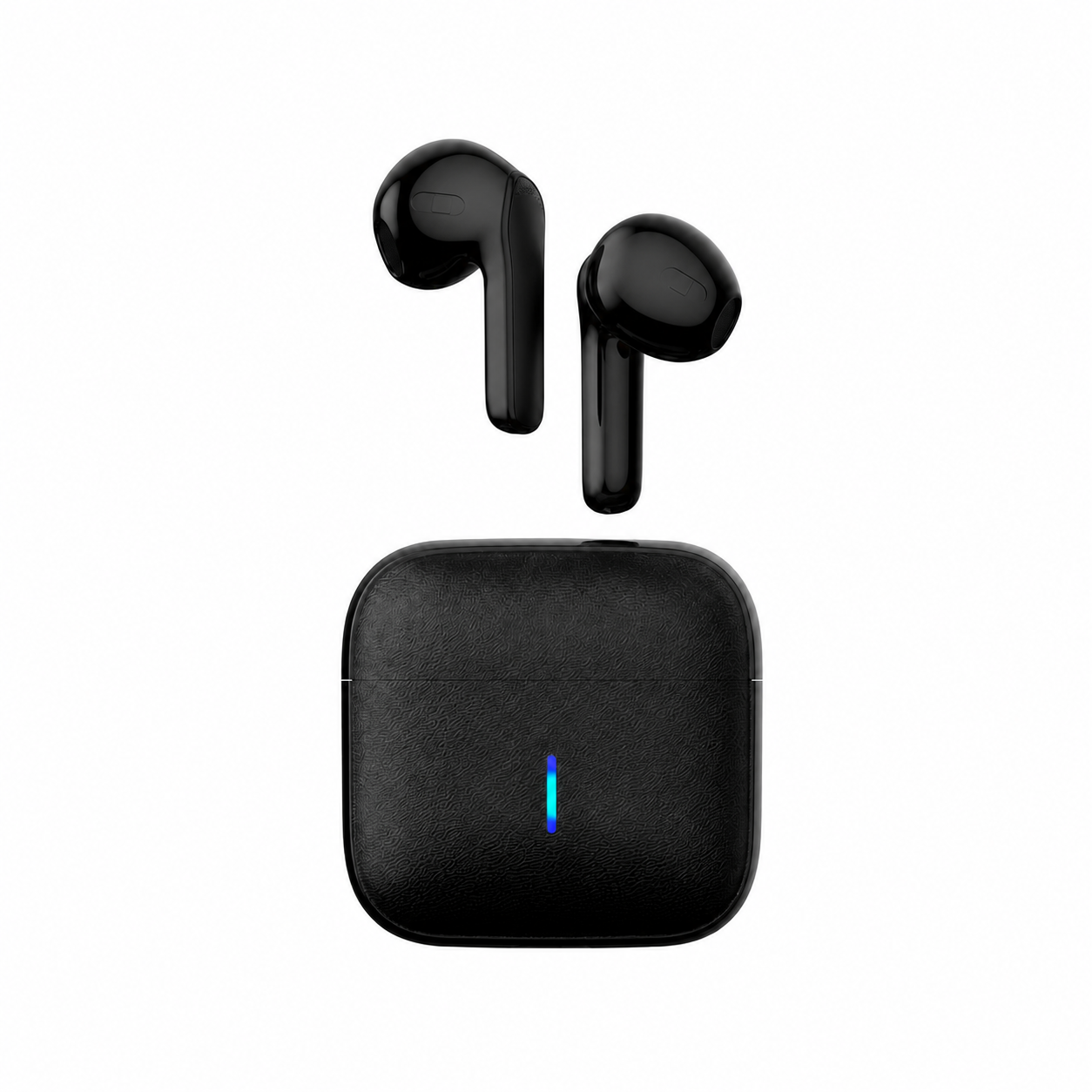
- Everyday Wireless Earbuds for Music, Podcasts & Video: According to the EARSOLE Wireless Earbuds – Semi-In-Ear Bluetooth Earbuds with Charging Case listing (Model: EAR-TWS-BLK-01), these true wireless earbuds combine a lightweight semi-in-ear fit without a deep in-ear seal, stereo sound, a built-in voice pickup mic, and a compact charging case for iPhone and Android over standard Bluetooth. For streaming video, calls, and daily playlists where A/V sync handles buffering automatically, the EARSOLE Semi-In-Ear Bluetooth Earbuds keep your setup completely wire-free.
Frequently Asked Questions
Why doesn’t Audacity latency compensation fix delay in Bluetooth earbuds while recording?
As audio contributors in r/audacity (thread 1ww6ccb) explain, Audacity’s latency compensation is not a real-time feature—it simply shifts your newly recorded overdub track backward on the timeline after you record so it lines up with your backing track. While you are actively playing guitar or singing, your audio still has to travel through the Bluetooth encoding and buffering chain (Wikipedia Latency (audio)), which creates unavoidable live monitoring delay.
How can you test audio latency on wireless earbuds without special equipment?
To test video playback sync, play an audio/video pendulum test clip to see if your device delays the video to match your earbuds. To test true real-time latency, tap a virtual drum pad or piano key on your screen (or clap into a live mic loopback) and listen for the gap between your physical finger tap and the sound in your earbuds.
What is the easiest way to eliminate headphone delay when recording guitar or vocals?
Switch from Bluetooth to a 3.5mm wired connection during tracking. On dual-mode headsets like the EARSOLE Series 127 Over-Ear Headphones or the EARSOLE Wireless Gaming Headset with Boom Microphone, plugging in the 3.5mm audio cable bypasses Bluetooth codec compression and wireless buffering completely, then lets you return to wireless Bluetooth once recording is done.