



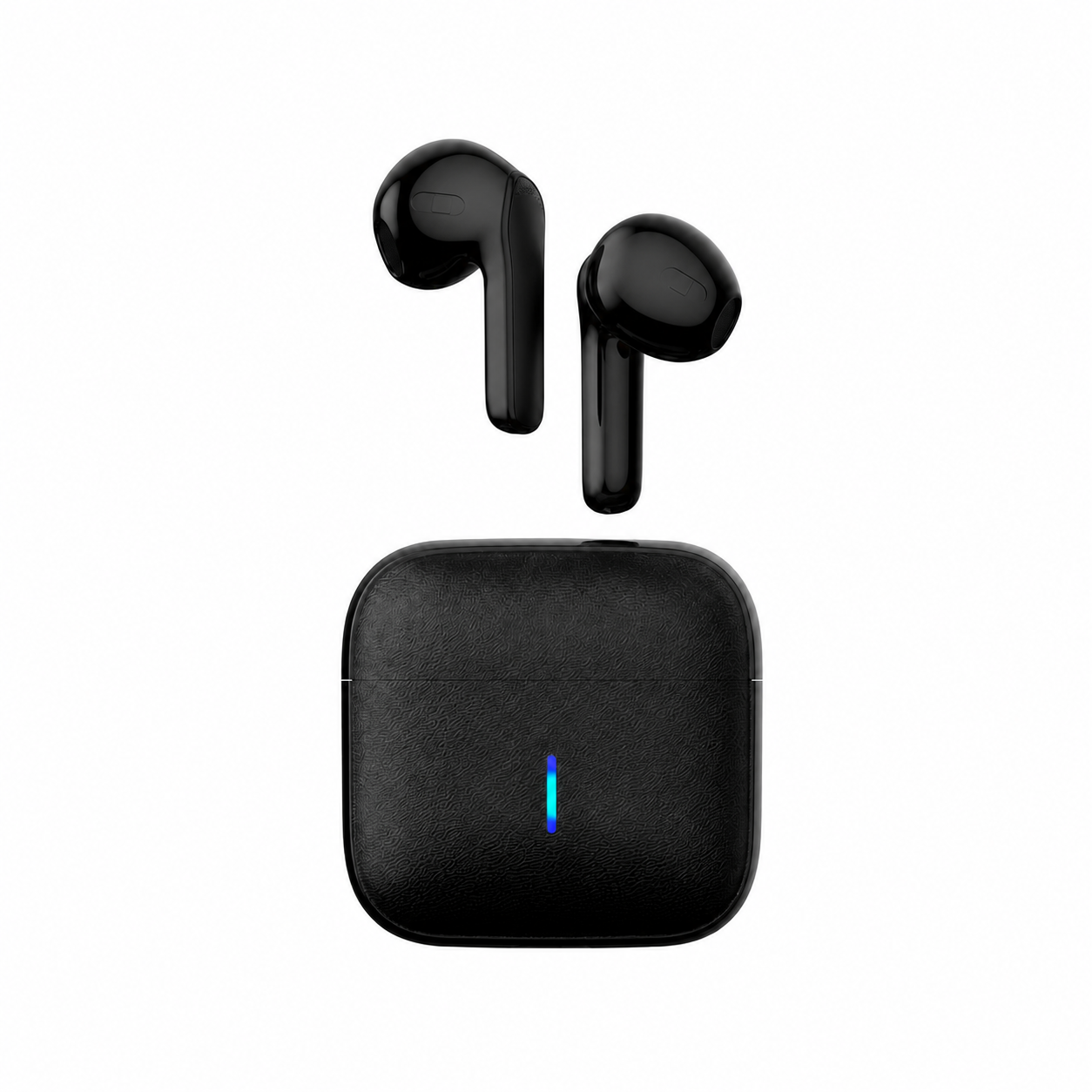
Mono audio routes a single combined audio channel to every speaker or earbud so both ears receive the exact same signal, whereas stereo audio uses two independent channels—left and right—to place instruments and vocals across a wider soundstage. For everyday music, movies, and gaming with both earbuds in, stereo is the standard because it preserves directional separation. Switching a phone or computer to mono audio makes sense when you listen with only one earbud in, play music through a single speaker, or have single-sided hearing, so hard-panned instruments on the missing channel do not disappear.
Mono vs Stereo Audio: The Channel Routing Difference
According to Tranya’s guide to mono and stereo sound, mono sound uses a single channel of audio, while a stereo system uses two channels (left and right), each carrying its own unique signal that combines to create the illusion of three-dimensional width.
The Sound of Vinyl explains what that routing means at the earpiece or speaker:
- In mono playback, the identical signal plays from every output regardless of how many speakers or earpieces you connect. If you use a single speaker or wear one earbud, you still hear everything recorded on the track.
- In stereo playback, one output handles the left channel and the other handles the right channel, and each channel plays a different part that forms the complete song only when heard together.
| Feature | Mono Audio | Stereo Audio |
|---|---|---|
| Audio Channels | 1 summed channel | 2 independent channels (Left + Right) |
| Signal Sent to Left & Right Earbuds | Identical full mix in both ears | Distinct left-channel and right-channel signals |
| Soundstage & Directional Cues | Centered; no left-to-right panning | Wide soundstage with left/right instrument placement |
| Wearing Only One Earbud | Full mix remains audible in the active earbud | Sounds panned strictly to the other earbud drop out |
| Primary Everyday Use | Single-earbud listening, single speakers, mix checks | Standard two-earbud music, movies, and gaming |
When Mono Audio Makes Sense (One Earbud, Single Speakers, and Mix Checks)
Why do listeners toggle mono audio on a device that already supports stereo? It comes down to how stereo mixes split instruments across channels.
When a song is mixed with rhythm guitar panned hard left and backing vocals panned hard right, wearing both earbuds lets your brain blend both channels into a complete stage. If you leave the left earbud in the charging case while your phone stays in stereo mode, the left channel is still routed to the inactive bud—meaning the hard-panned guitar is missing from the right earbud you are wearing. Turning on your phone or computer’s Mono Audio accessibility setting sums the left and right channels together before sending the signal out, so a single earbud plays the entire mix. As we cover in our guide to sleeping with one earbud and mono listening, that OS-level toggle is what keeps one-earbud listening from losing half the stereo field.
In music production, mono serves a different diagnostic role. In an r/musicproduction discussion on mono vs stereo, commenters summarize the studio rule as “Make it in stereo, check it in mono.” As commenter BeefRepeater notes, finished music tracks are produced in stereo, not mono, because listeners expect stereo width—but producers periodically switch their monitor output to mono to verify that summing the left and right channels together does not cause phase cancellation or cause instruments to drop out when a song is played through a single-speaker setup or club subwoofers.
How In-Ear and Semi-In-Ear Earbuds Behave in Mono vs Stereo Listening
Mono vs stereo is a channel-routing setting in your audio track or device operating system rather than a change in Bluetooth codec bitrate or driver hardware. However, the physical fit of your earbuds changes how stereo separation and one-ear mono listening feel in daily use:
- EARSOLE Core White In-Ear Wireless Earbuds: The product listing describes soft silicone ear tips that sit inside the ear canal for a light physical seal, a stem-style housing, and a hinged charging case. Pairing starts by opening the case and choosing the earbuds from your phone’s Bluetooth menu, and your phone remembers the pairing for automatic reconnects when you open the case. There is no electronic noise cancellation or water-resistance rating listed. Because the silicone tip seals the ear canal, wearing both earbuds keeps ambient room noise lower so left/right stereo panning is easier to hear; if you wear only one bud to keep your other ear open, enabling mono audio on your phone ensures you still hear both channels in the sealed ear.
- EARSOLE Wireless Earbuds (Semi-In-Ear): The product listing describes a smooth, lightweight shell that rests at the ear entrance without a deep in-ear silicone seal, a built-in voice pickup mic, and automatic Bluetooth reconnection when the case is opened, with no active noise cancellation or water-resistance rating stated. Because the semi-in-ear shell does not plug the ear canal, you can keep both earbuds in for full two-channel stereo separation while still hearing some room ambience around you.
| Model | Ear Fit Style | Noise Isolation | Pairing & Reconnection | Stated Mono Auto-Summing in Hardware? |
|---|---|---|---|---|
| EARSOLE Core White In-Ear Wireless Earbuds | In-ear soft silicone tips (light canal seal) | Passive seal only; no electronic ANC listed | Open hinged case, select in phone Bluetooth menu; auto-reconnects | Not stated on product page; use phone OS Mono Audio setting when wearing one earbud |
| EARSOLE Wireless Earbuds (Semi-In-Ear) | Semi-in-ear shell (rests at ear without deep seal) | Open ear-canal entrance; no ANC listed | Standard Bluetooth pairing; reconnects when case opens | Not stated on product page; allows two-bud stereo while letting room sound in |
Neither EARSOLE listing states whether placing one earbud back in the charging case automatically sums stereo channels to mono inside the earbud firmware. If you listen with a single earbud on either pair, switching on Mono Audio in your phone or computer settings guarantees that both left and right channels play through the active earbud.
Frequently Asked Questions About Mono and Stereo Audio
Does mono audio sound worse?
When you wear both earbuds or sit between two speakers, mono audio sounds narrower and flatter than stereo because Tranya notes that stereo uses two distinct left and right signals to create the illusion of three-dimensional space. Mono does not lower the bitrate of your audio file, but summing both channels removes left-to-right instrument separation—which is why r/musicproduction commenters note that finished music is produced in stereo and mono is used only for mix-compatibility checks or single-output playback.
Why do people prefer mono?
As The Sound of Vinyl explains, a mono signal sends the complete recording to every output, so a single speaker or single earbud plays every part of the track. Listeners prefer enabling mono audio when wearing just one earbud at work or on a walk, when listening with single-sided hearing, or when playing music through a single portable speaker so panned vocals or instruments on the other stereo channel are never cut off.
