


Android smartphones power billions of users worldwide across a diverse spectrum of hardware, from affordable Motorola handsets to flagship Samsung Galaxy and Google Pixel devices. Unlike closed hardware ecosystems that favor proprietary accessories, the Android Bluetooth audio subsystem offers broad compatibility, open codec choices, and deep audio customization.
However, getting the cleanest sound and lowest latency from your Android device requires understanding how Bluetooth codecs operate and how to configure your phone audio settings for optimal performance.
How Android Handles Bluetooth Audio: Codecs and Architecture
When your Android phone streams music to wireless earbuds, the operating system compresses digital audio using a specific Bluetooth codec before broadcasting the data packets over 2.4 GHz radio waves. The receiving earbud receives the compressed stream and decodes it back into analog sound waves through its speaker driver.
Android supports a wide range of codecs natively within the Android Open Source Project (AOSP) framework. Depending on your phone chipset and earbud capabilities, your device negotiates between standard baseline formats and advanced high-resolution codecs automatically.
AAC vs SBC on Android: What Your Phone Actually Transmits
The two most common audio codecs encountered in everyday wireless earbuds are SBC and AAC:
- SBC (Subband Codec): SBC is the universal mandatory baseline codec supported by every Bluetooth audio device on earth. While early SBC implementations had modest bitrates, modern Android versions encode SBC at maximum bitrates (up to 328 kbps), delivering solid, reliable sound with very low processor overhead.
- AAC (Advanced Audio Coding): AAC is a sophisticated perceptual audio compression algorithm. On Android phones powered by modern Qualcomm Snapdragon or MediaTek Dimensity processors, AAC delivers pristine audio fidelity with crisp treble resolution and wide dynamic range.
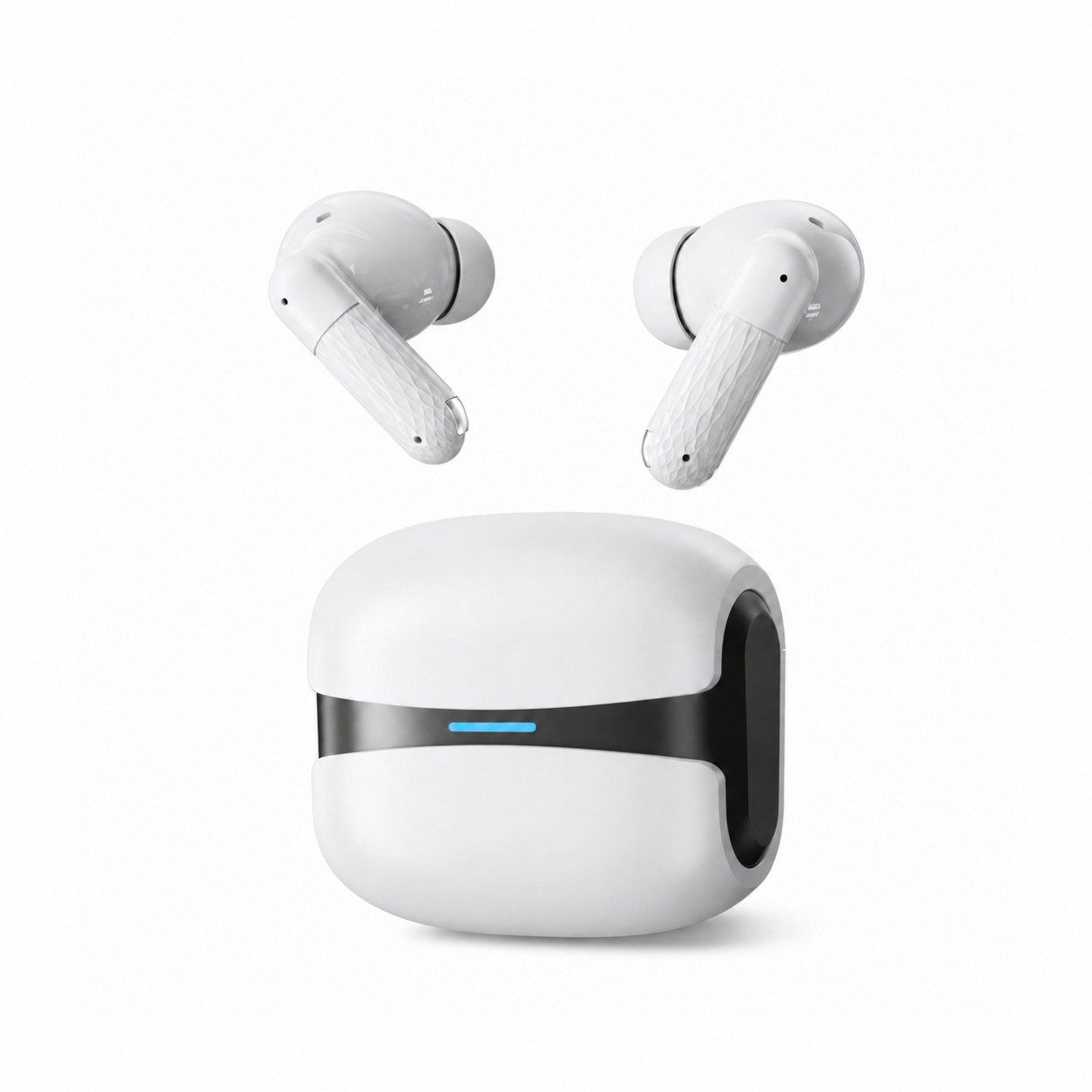
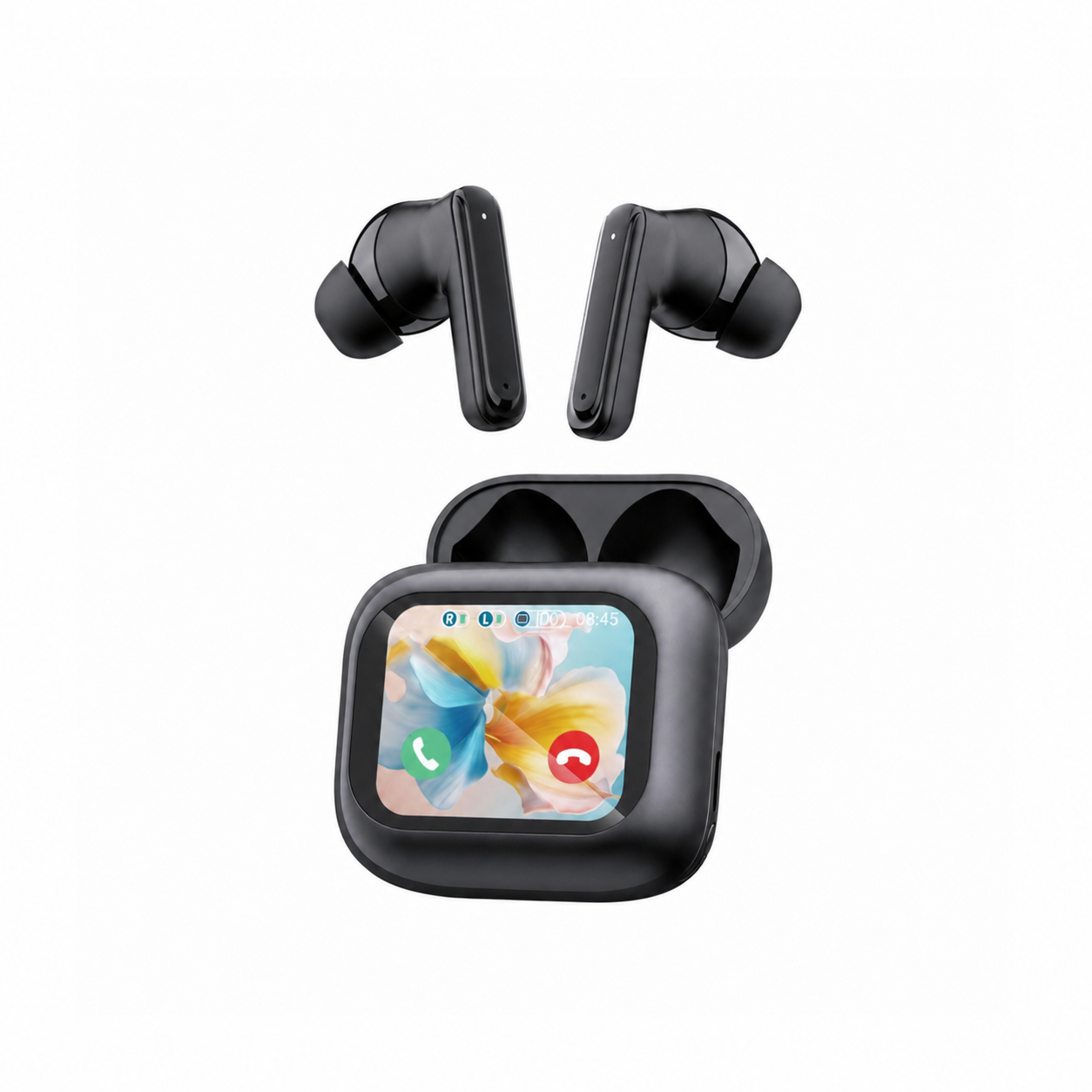
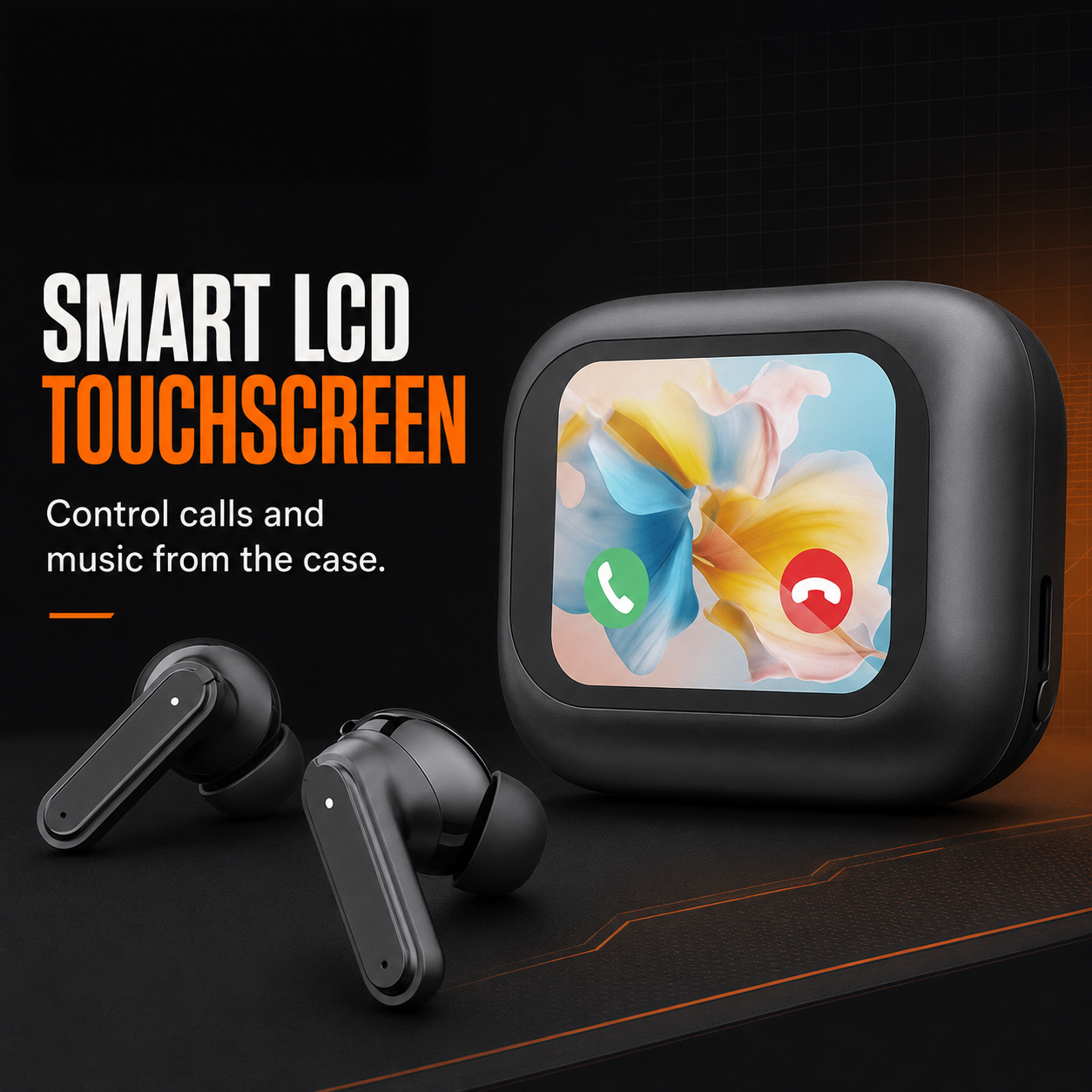
Pairs like the EARSOLE Cloud White Earbuds and EARSOLE Smart Touchscreen Earbuds negotiate clean AAC connections on all modern Android devices.
Driver-Free Reliability: Enjoying Full Audio Without Bloatware Apps
Many big-brand audio manufacturers force Android users to download bloated 150 MB companion apps. These apps often require account registration, persistent background battery drainage, and unnecessary location tracking permissions just to toggle equalizer presets.
Standard-compliant Bluetooth earbuds work completely driver-free. You pair directly through the native Android Bluetooth menu, control volume and playback through standard system controls, and enjoy full stereo fidelity without installing third-party bloatware on your phone.
Optimizing Audio Settings in Android Developer Options
Android power users can unlock deeper control over wireless audio through the Developer Options menu. To access it, go to Settings, tap About Phone, and tap Build Number seven times. Inside Developer Options, you can inspect:
- Bluetooth Audio Codec: Verify whether your device is currently streaming over AAC or SBC.
- Bluetooth Audio Sample Rate: Toggle between 44.1 kHz (standard for CD and streaming audio) and 48 kHz to match video formats.
- Bluetooth Audio Bits Per Sample: Ensure 16-bit or 24-bit depth is actively negotiated.
In standard settings, you can also enable system-wide Dolby Atmos or Sound Alive profiles on Samsung and Motorola devices to enhance vocal presence.
Selecting the Best Earbud Design for Your Galaxy, Pixel, or Motorola
Choose an earbud form factor that matches how you use your Android smartphone throughout the day. If you take frequent business calls, look for dual Environmental Noise Cancellation (ENC) microphones. If you commute through noisy transit, select sealed silicone tips for passive acoustic isolation.
Explore our complete range of everyday wireless earbuds for balanced, hassle-free pairing with all Android devices.
Related Guides
Continue reading with these related Earsole audio guides: