How to Disconnect Bluetooth Earbuds Without the Paired Phone Nearby
Trying to connect your wireless earbuds to a laptop or tablet only to realize they are still locked onto a smartphone left upstairs—or paired to a family member’s iPad across the house—is a classic Bluetooth headache. Because standard single-point earbuds automatically reconnect to their last known host within two seconds of leaving the charging case, they stop broadcasting discoverable advertising packets to any new device.
You do not have to walk across the building or hunt down the previously paired phone just to sever that active radio link. Every modern pair of true wireless earbuds builds hardware-level overrides into the charging case pogo pins and capacitive touch sensors that drop the active connection and force a fresh pairing state on the spot.
Five Hardware Overrides That Sever an Active Bluetooth Link
Bluetooth 5.3 Class 2 transceivers maintain a stable 2.4 GHz link across 10 to 15 meters indoors (and up to 30 meters down an open hallway), so simply stepping into the next room rarely breaks the connection. Instead, you have to trigger a local state transition on the earbud microcontroller itself—either by forcing a new pairing window, powering the radio off and booting straight into discovery mode, or blocking the RF signal physically during boot.
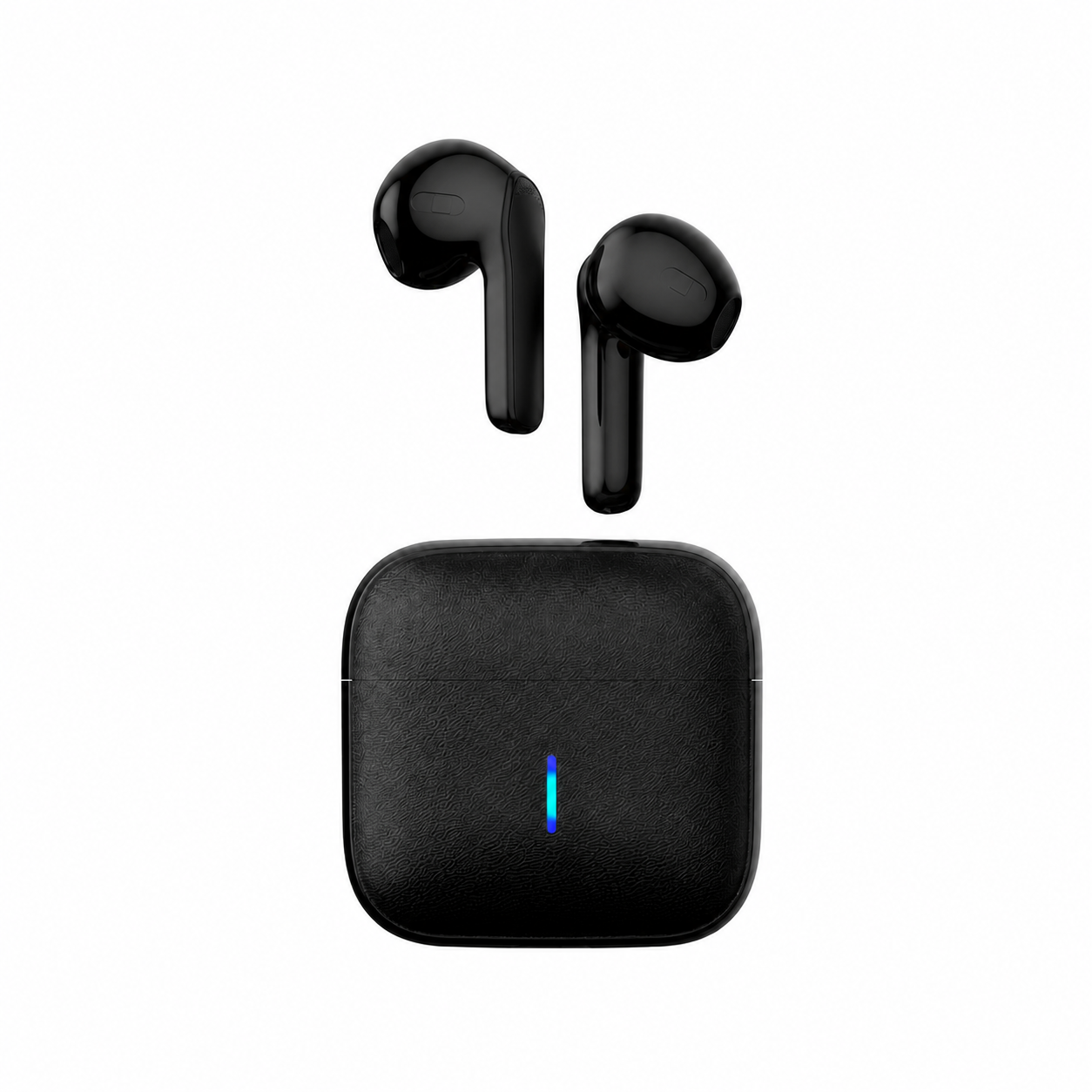
The fastest override on charging-case models with a physical button is keeping both earpieces seated inside the open cradle and holding the case button for three to five seconds. That command instructs the earbud SoC to terminate its active ACL (Asynchronous Connection-Oriented Logical) link with the distant phone and open a 60-second discoverable window for the laptop right in front of you.
| Disconnect Method | Hardware Action Required | Time Needed | Clears Saved Devices? | Best Scenario |
|---|---|---|---|---|
| Force Pairing via Case Button | Buds in open case → hold case button 3–5 sec | 5 seconds | No (adds new host to list) | Switching to a laptop when phone is in another room |
| Capacitive Power-Off & Hold | Hold stems 5 sec to power off → hold 7 sec from off | 12 seconds | No (overrides auto-reconnect) | Models without a physical button on the charging case |
| Microwave / Foil Faraday Boot | Boot buds inside closed unpowered microwave or foil | 10 seconds | No (blocks distant phone RF) | Stubborn auto-connect when phone is 5 meters away |
| Full 12-Second NVRAM Reset | Hold both touch pads (or case button) 12–15 sec | 15 seconds | Yes (wipes all link keys) | Borrowing or buying earbuds paired to someone else’s phone |
Using the Power-Off Boot Override on Buttonless Cases
If your charging case lacks an exterior pairing button, pulling the earbuds out of the case immediately triggers their 1.5-second auto-reconnect timer to the distant phone. To bypass that behavior, leave the earbuds in your ears (or hold them in your fingers) and press both capacitive touch zones continuously for five to six seconds until you hear the descending “Power Off” chime.
Wait two full seconds after the units shut down, then press and hold both touch sensors again—this time keeping your fingers planted past the “Power On” chime for a full seven seconds until you hear the double-beep “Pairing” prompt or see rapid alternating LED flashes. Entering pairing mode directly from the powered-off state skips the last-host reconnection check completely.
Switching to Standalone Sleep Mode Without Any Phone Connection
Many people search for ways to disconnect their earbuds from their smartphone at 11:00 PM because they want to block out bedroom noise without receiving late-night Slack pings, WhatsApp alerts, or battery-draining Bluetooth radio polling. Standard commuter earbuds either shut down after ten minutes of Bluetooth inactivity or force you to keep your phone radio active on the nightstand.
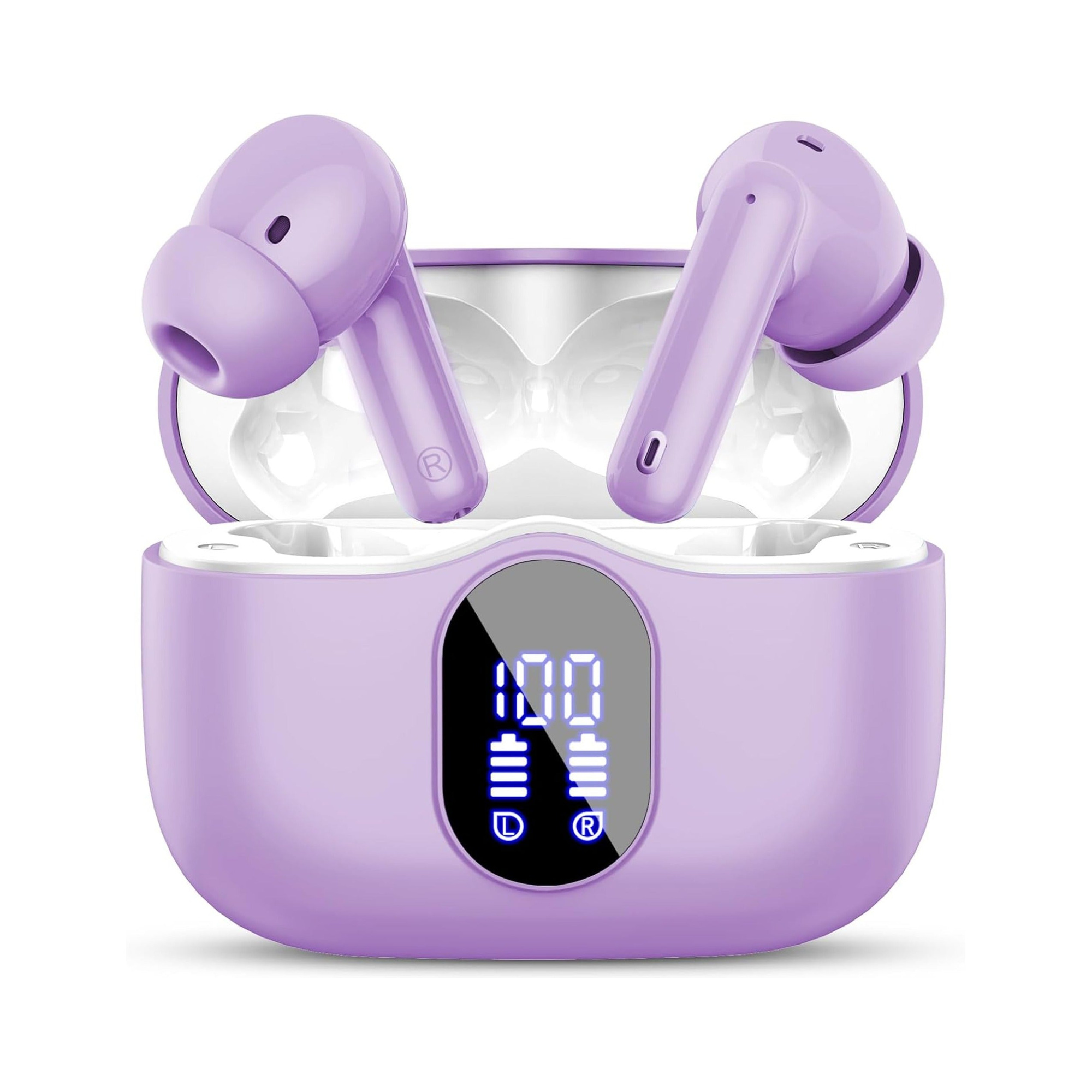
Flat, stemless earbuds for sleeping on your side, with a dynamic sleep-support mode and a starlight glow charging case. See the three colors at EARSOLE.
With a dedicated sleep earbud featuring an onboard dynamic sleep-support mode, you can sever the smartphone Bluetooth connection completely and still enjoy soothing acoustic masking all night. The flush, stemless silicone shell sits flat inside your outer ear so side sleepers never feel housing pressure against the pillow.
The Faraday Shield Trick When a Nearby Phone Won’t Let Go
Occasionally, an aggressive host device—such as a MacBook or Android tablet sitting in a locked drawer three meters away—will snatch the Bluetooth connection back within milliseconds every time you try to enter pairing mode. When you cannot unlock that host device to turn off its Bluetooth radio, use a simple household Faraday shield during the three-second boot window.
Wrap the charging case loosely in a sheet of kitchen aluminum foil (or place the case inside a completely unplugged, turned-off microwave oven cage), pop the earbuds out so their 3-second auto-reconnect search fails against the metal shield, and immediately click “Connect” on your new device the moment you bring them out. If the two earbuds ever desynchronize from each other during forced resets, follow our guide on how to reset wireless earbuds when left and right broadcast as two names.
Frequently Asked Questions
Does closing the charging case lid always disconnect Bluetooth earbuds?
Yes, provided the charging case still has battery charge and the gold pogo pins are clean; when the lid closes, the case applies a 5 V sense signal to the earbud contacts that immediately shuts down the Bluetooth radio.
Why do my earbuds keep reconnecting to my phone even while sitting inside the closed charging case?
Either the charging case battery is completely dead (0% charge) so it cannot send the 5 V sleep signal, or earwax and skin oil on the metal contacts are preventing one earbud from touching the pogo pins.