True Wireless Gaming Earbuds and the Frame-Latency Gap Between Bluetooth and 2.4 GHz
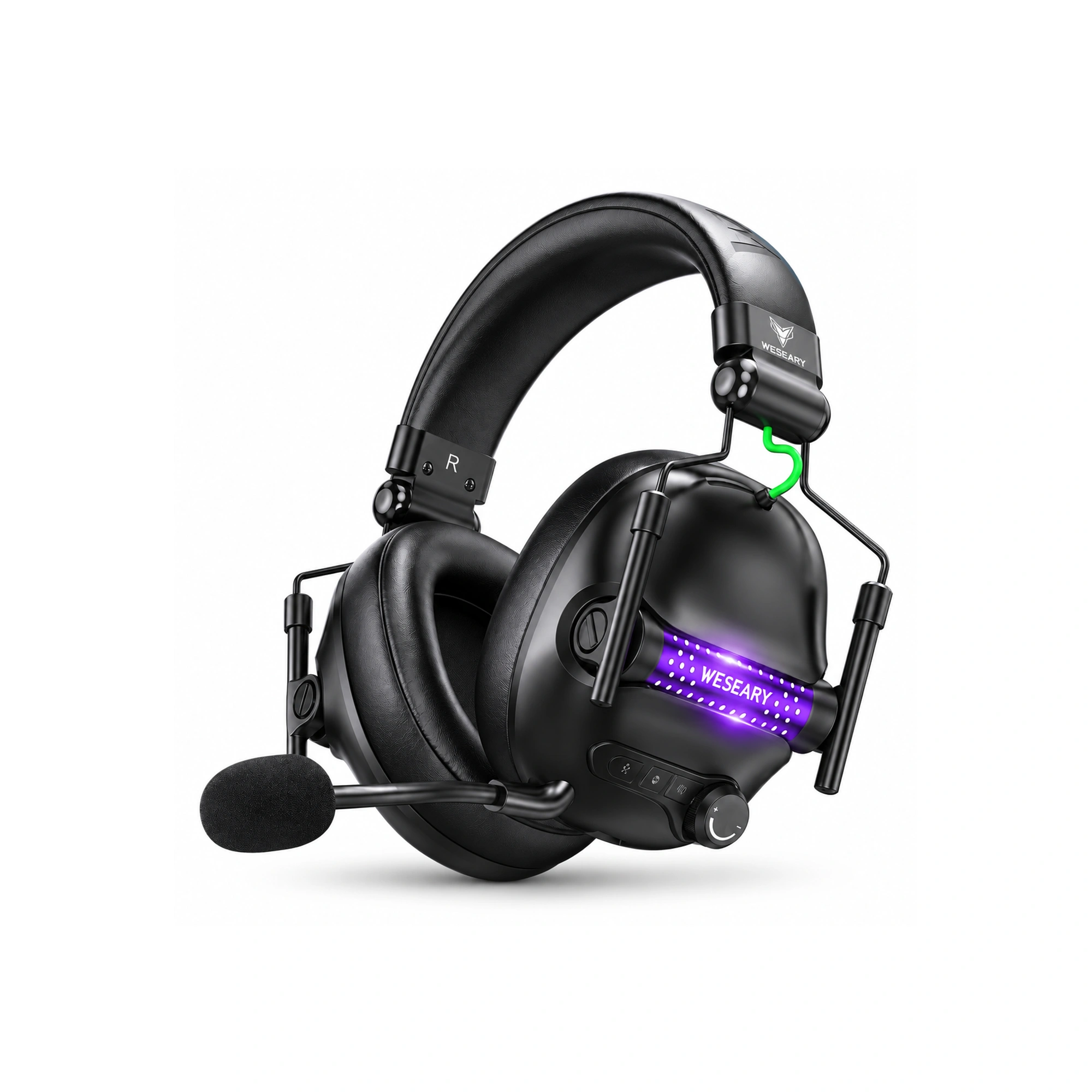
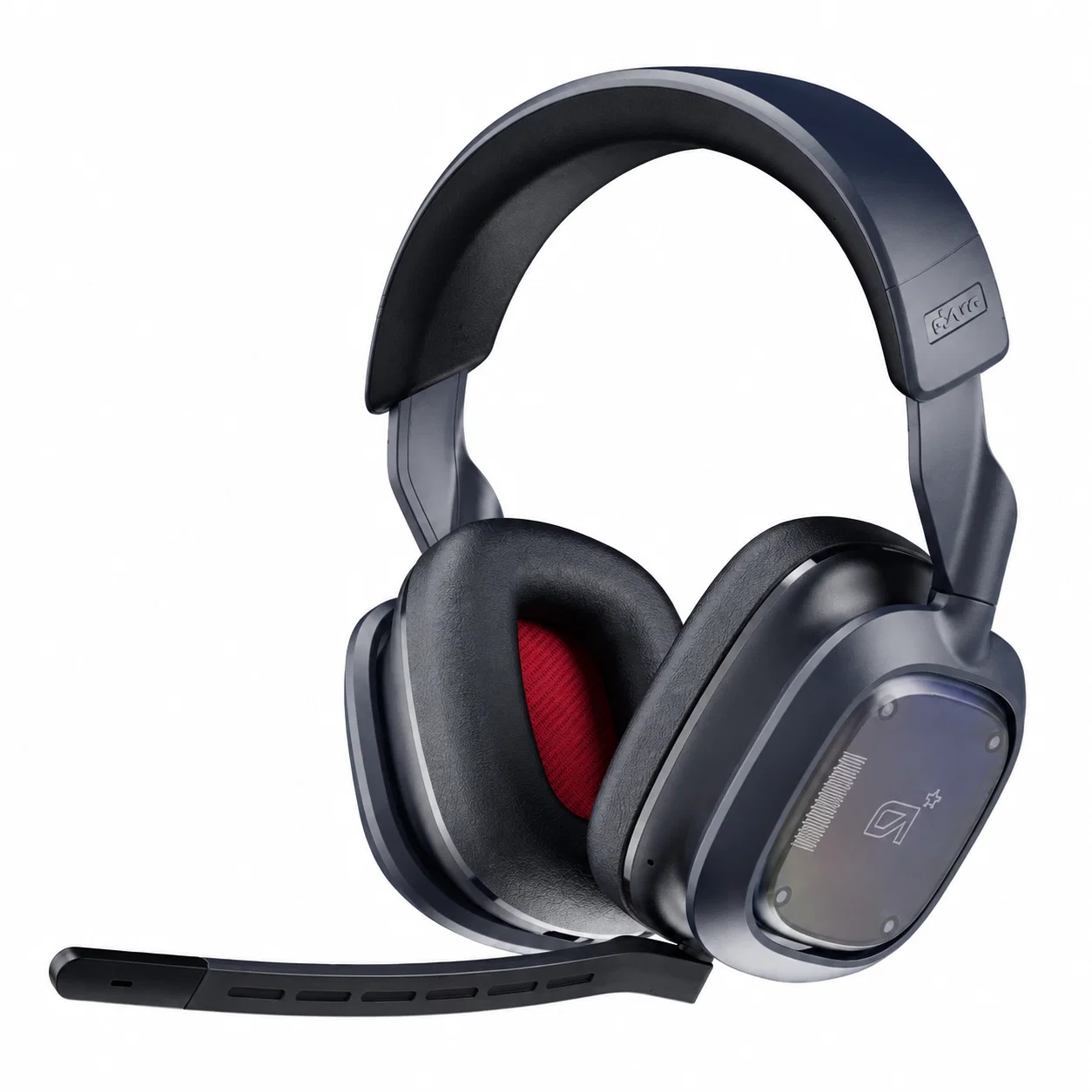
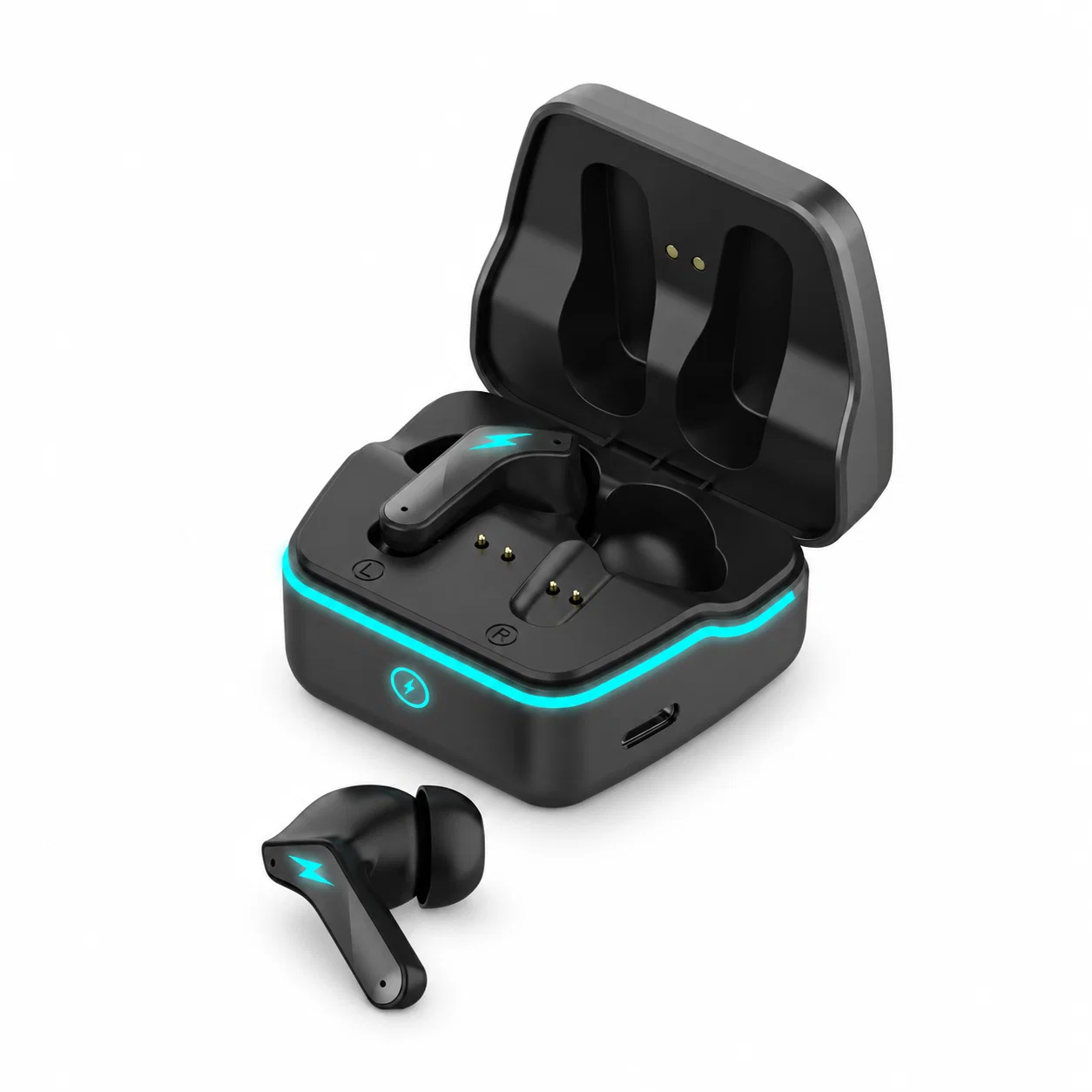
Competitive multiplayer gameplay demands immediate acoustic feedback to align auditory cues with high-refresh visual frame rates. When tracking fast-moving opponents in competitive first-person shooters, hearing gunfire or footstep transients even eighty milliseconds late destroys reactive timing. Traditional Bluetooth audio links struggle under these demands because standard protocol stacks introduce substantial encoding delays and packet retransmission buffers. True wireless gaming earbuds bridge this critical latency gap by replacing standard Bluetooth profiles with dedicated 2.4 GHz radio frequency transceivers.
At visual rendering speeds of one hundred and forty-four hertz, an entire video frame renders in approximately seven milliseconds. Standard Bluetooth SBC and AAC audio codecs introduce round-trip audio latencies ranging between one hundred and twenty and two hundred milliseconds, representing an unacceptable lag of fifteen to thirty frames. Bridging this disconnect requires proprietary frequency-hopping radio protocols and direct hardware endpoints that bypass heavy operating system driver queuing.
Radio Frequency Bandwidth and Packet Buffer Differences
The fundamental performance gap between standard Bluetooth and proprietary 2.4 GHz transmission stems from how each protocol manages radio packet queues and error handling. Standard Bluetooth allocates radio bandwidth across shared time slots while maintaining large FIFO jitter buffers to guarantee uninterrupted playback through radio interference. This conservative buffering architecture preserves background audio playback during packet loss but inevitably accumulates severe latency penalties incompatible with twitch gaming reactions.
In contrast, custom 2.4 GHz wireless gaming adapters operate over dedicated RF dongles utilizing uncompressed or lightweight low-complexity subband audio streaming. By stripping away multi-point negotiation overhead and shortening error recovery windows, dedicated dongles transmit audio packets with deterministic delay curves well under twenty-five milliseconds. This instantaneous transmission ensures that hitmarker sounds strike the ear canal in direct synchronicity with on-screen muzzle flashes.
| Protocol Connection | Typical Latency Window | Video Frame Desync (144 Hz) | Hardware Requirement | Chat Microphone Impact |
|---|---|---|---|---|
| Standard Bluetooth AAC/SBC | 120ms - 200ms | 17 to 29 Frames | Native Bluetooth Chip | Hands-Free Profile drops audio to 16kHz mono |
| Low-Latency Bluetooth (LC3/aptX) | 50ms - 80ms | 7 to 12 Frames | Supported Phone/OS | Dual-channel streaming maintains stereo audio |
| Dedicated 2.4 GHz USB Dongle | 15ms - 25ms | 2 to 4 Frames | USB-C Transmitter Dongle | Simultaneous uncompressed 48kHz voice & audio |
| Direct Wired 3.5mm Analog | < 5ms | Zero Frame Lag | Controller / Motherboard Jack | Zero latency, direct unbuffered analog feed |
Operating System Driver Stacks and Codec Transmission Bottlenecks
Wireless gaming latency is not determined by airborne radio wave speeds alone, but by the sequential software processing layers running inside the host computer. When an in-game event triggers a sound effect, the operating system mixer processes the PCM audio buffer before passing it through the third-party audio driver and Bluetooth audio stack. Each digital stage adds serialization delay, creating noticeable lag long before audio packets reach the wireless transmitting antenna.
Hardware-level 2.4 GHz wireless transceivers avoid software mixer bottlenecks by presenting themselves to the host machine as class-compliant USB audio endpoints. This direct driver interface lets game rendering engines bypass heavy audio processing filters, outputting uncompressed PCM streams straight to dedicated hardware DSPs. Eliminating intermediary software translation layers prevents buffer bloat and maintains stable synchronization during chaotic team fights.
Auditory Fatigue from Intense Spatial Cues and Nighttime Recovery
Enduring multi-hour competitive gaming sessions subjects the auditory system to continuous high-SPL acoustic spikes from explosive gunfire and loud directional sound cues. Concentrating intently on subtle footsteps amid chaotic gunfire exhausts the middle ear tensor tympani muscle and taxes auditory processing centers in the brain. Giving the eardrum and surrounding cartilaginous ear canals total relief after marathon gaming sessions prevents persistent auditory fatigue and tension headaches.
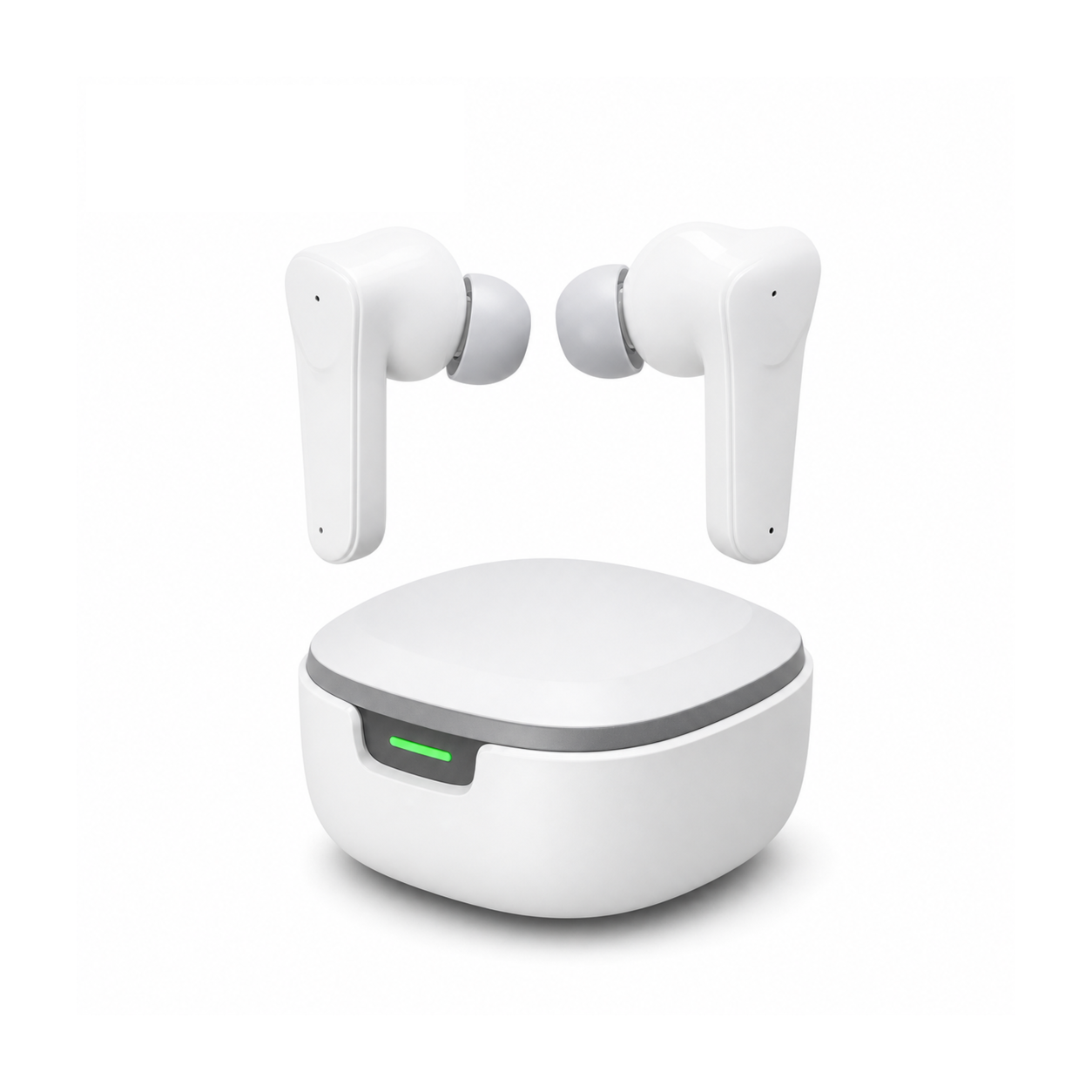
Flat, stemless earbuds for sleeping on your side, with a dynamic sleep-support mode and a starlight glow charging case. See the three colors at EARSOLE.
Transitioning to soft, ergonomic sleeping earbuds after powering down gaming rigs lets tired ears decompress in total comfort without rigid nozzle pressure. The smooth outer profile rests flush against pillows without putting mechanical leverage on tender tragus cartilage, allowing players to drift off peacefully to relaxing ambient rain or calming delta waves.
Competitive Audio Setup Checklist for Low-Latency Gaming
Optimizing wireless earbuds for competitive gameplay requires systematic verification of both software settings and physical radio transceivers. Begin by inserting the dedicated 2.4 GHz USB-C adapter directly into the primary motherboard port rather than an unpowered front-panel hub to minimize electrical packet jitter. If connecting over low-latency Bluetooth on mobile devices, always verify that Game Mode is explicitly toggled on within the companion configuration app.
Next, configure in-game audio output sample rates to match your transmitter hardware specifications, avoiding live dynamic sample rate conversions that introduce latency spikes. Finally, store a backup wired 3.5mm connection cable alongside your travel case to ensure competition readiness during strict offline tournament play. Methodical configuration safeguards visual-auditory alignment and guarantees instantaneous acoustic reaction times across every match.
Frequently Asked Questions
Why do standard Bluetooth earbuds lag during competitive gaming?
Standard Bluetooth stacks rely on large jitter buffers to prevent audio dropouts, introducing over one hundred milliseconds of transmission lag that delays critical sound cues by multiple visual frames.
Does using a 2.4 GHz USB-C adapter improve microphone quality?
Yes, dedicated 2.4 GHz transceivers possess sufficient RF bandwidth to transmit full-bandwidth stereo audio and uncompressed voice chat simultaneously, preventing Bluetooth fallback to low-bitrate mono voice profiles.