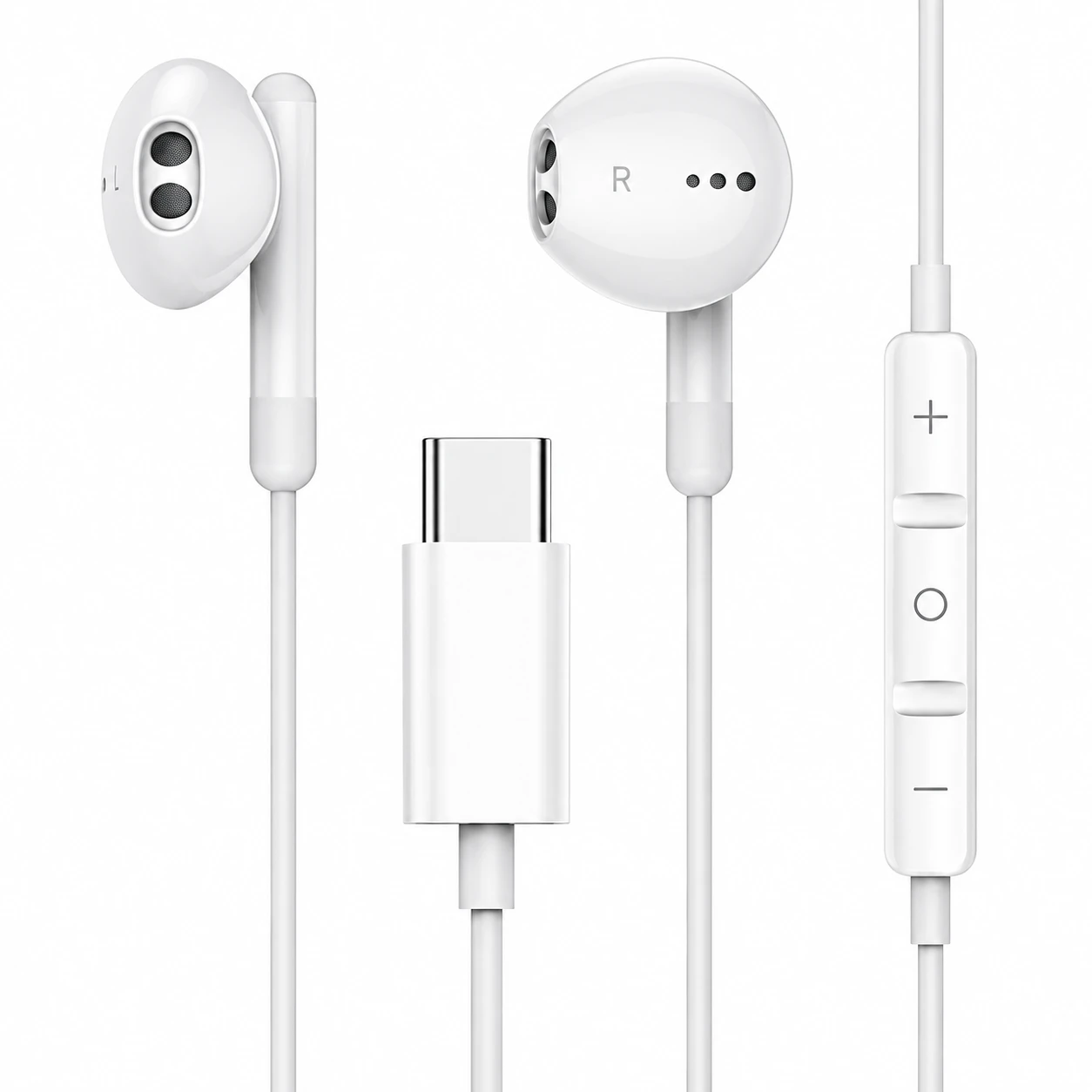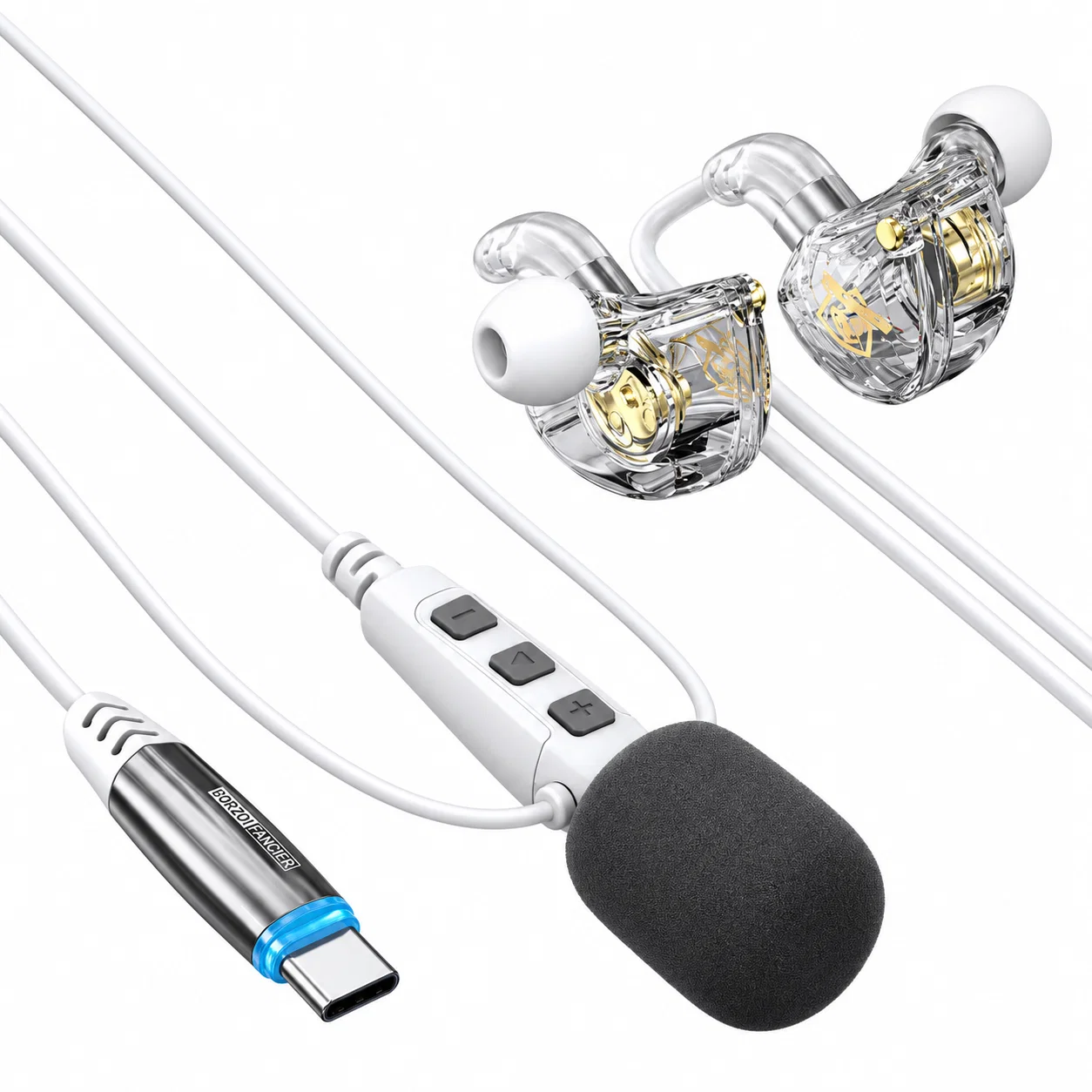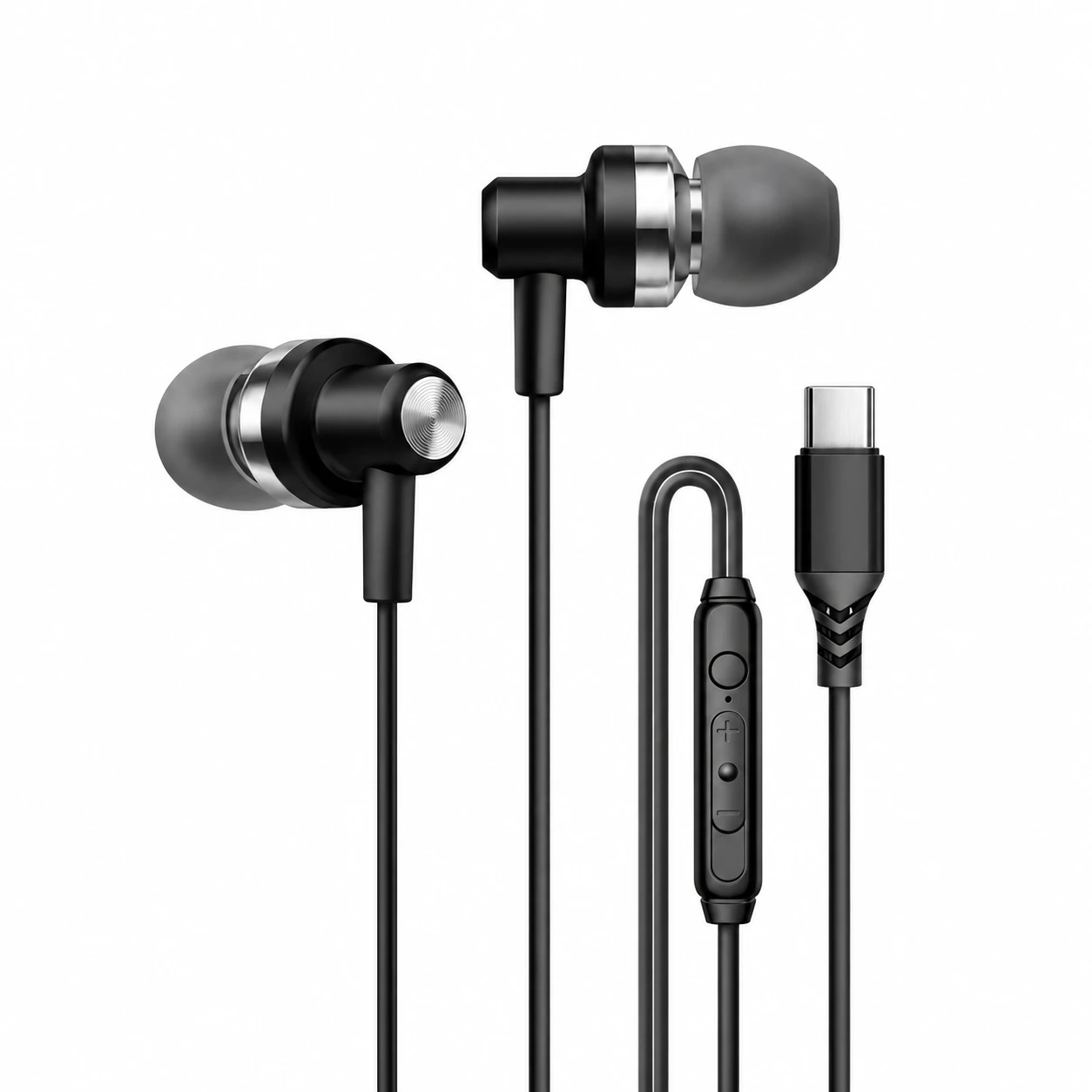
USB-C Wired Headphones With an Inline Microphone for Uncompressed Video Calls
Anyone who has joined a Zoom, Teams, or Discord call with standard Bluetooth earbuds knows the sudden audio quality drop that happens the moment the microphone activates. Because classic Bluetooth switches from the high-bitrate A2DP media profile to the narrowband Hands-Free Profile (HFP) whenever bidirectional voice is needed, stereo playback collapses into muffled 16 kHz mono. USB-C wired headphones with an inline microphone bypass that wireless bandwidth bottleneck completely.
Over a wired USB 2.0 connection, the integrated USB Audio Class (UAC) codec runs simultaneous 48 kHz/24-bit stereo output and dedicated 48 kHz/16-bit mono microphone input on independent isochronous endpoints. Your colleagues hear uncompressed vocal clarity while your incoming presentation audio or background music stays in full-resolution stereo.
How USB Isochronous Endpoints Separate Mic Input From Stereo Output
Inside the USB-C plug housing, a tiny digital audio bridge—Containing both a stereo DAC for the earpieces and a dedicated ADC for the inline MEMS microphone—communicates directly with your computer or phone over the D+ and D- differential data lines. Unlike old 3.5 mm TRRS plugs where shared ground return paths often leaked speaker audio back into the microphone line (crosstalk), USB-C digitizes the microphone signal inside the inline remote or plug shell.
Because USB 2.0 Full-Speed provides 12 Mbps of raw bandwidth—roughly six times the throughput of Bluetooth Classic—there is zero contention between the upstream voice pipe and the downstream stereo pipe. Additionally, the inline three-button remote sends standardized USB Human Interface Device (HID) consumer control codes to adjust operating system volume or trigger hardware mute states.
| Audio Metric | USB-C Wired Inline Mic | Bluetooth Classic (HFP Mode) | 3.5 mm Analog TRRS Headset | Video Call Impact |
|---|---|---|---|---|
| Stereo Playback During Call | Full 48 kHz / 24-bit Stereo | Drops to 8–16 kHz Mono | Full Analog Stereo | Screen-share audio stays crisp on USB-C |
| Microphone Capture Bandwidth | 48 kHz / 16-bit Linear PCM | Compressed mSBC / CVSD (8–16 kHz) | Depends on host motherboard ADC | Natural vocal sibilance without metallic artifacts |
| Round-Trip Audio Latency | < 3 milliseconds | 120 – 220 milliseconds | < 1 millisecond | Zero talking-over-colleagues delay |
| Echo & Crosstalk Isolation | Separate digital USB endpoints | DSP echo cancellation required | Shared common-ground return risk | Colleagues never hear their own voice echo |
Positioning the Inline Capsule to Avoid Shirt-Collar Scratching
The primary acoustic weakness of an inline microphone is physical friction against clothing. Most manufacturers place the MEMS capsule and three-button remote along the right earbud drop wire, roughly 12 to 15 centimeters below the jawline, right where a collared shirt, hoodie drawstring, or lanyard rubs whenever you turn your head.
To prevent scratchy rustling noises during a client presentation, use a small shirt clip two centimeters below the inline remote pod so the microphone hangs slightly forward in free air rather than resting flat against your lapel. On Windows 11 and macOS, set the USB-C headset input gain between 75% and 85% in system sound settings so sudden laughter does not clip the onboard ADC preamp.
Giving Your Ears a Break After Back-to-Back Desktop Calls
Spending six hours tethered to a laptop on back-to-back video calls leaves your ear canals fatigued from continuous vocal frequencies and mechanical cord pull. When you shut your computer lid for the evening and head to bed, rigid daytime earbud shells and dangling wires are impossible to wear comfortably on a pillow.
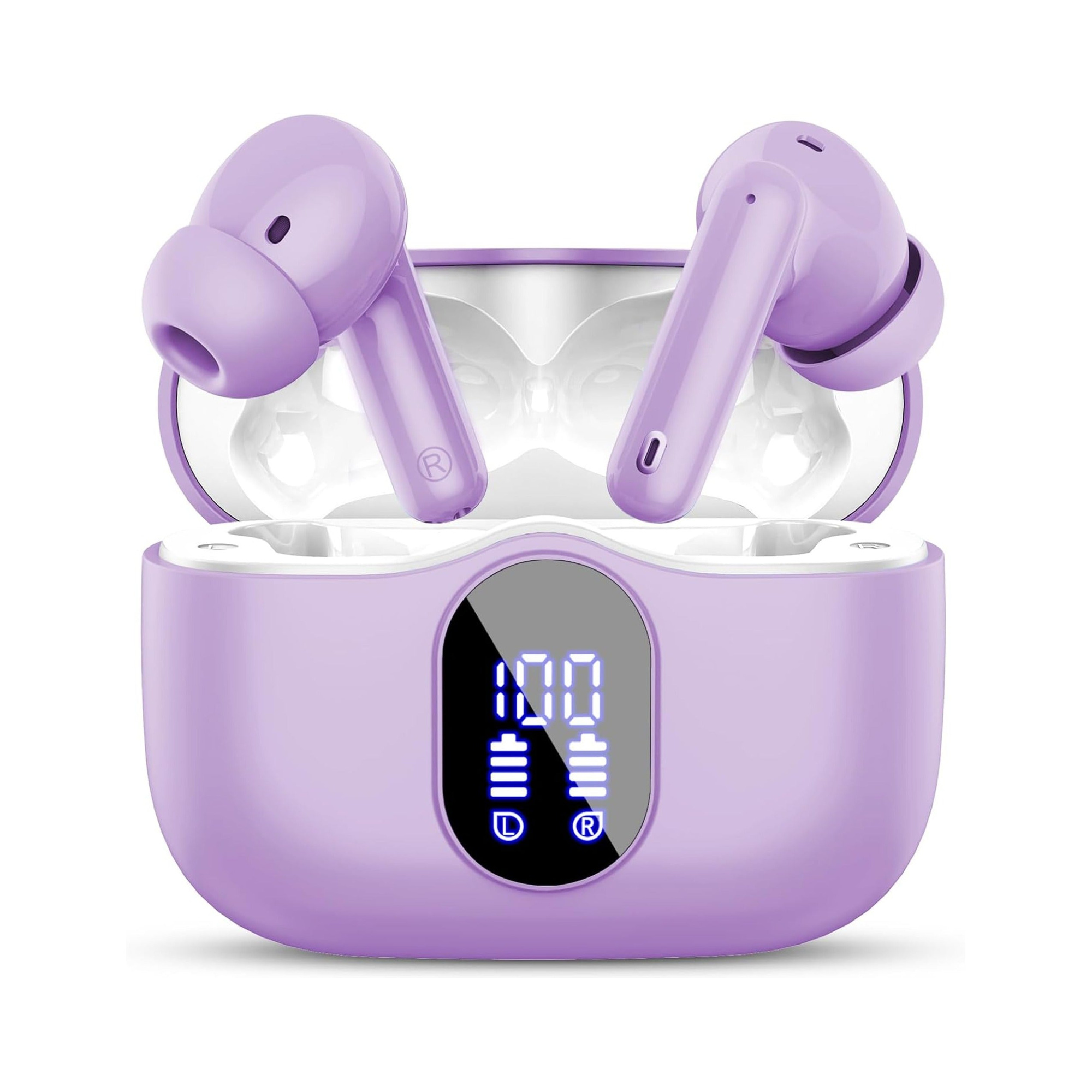
Flat, stemless earbuds for sleeping on your side, with a dynamic sleep-support mode and a starlight glow charging case. See the three colors at EARSOLE.
Trading your desktop USB-C headset for a wireless, flush-profile sleep earbud removes every trace of cord drag and lateral tragus pressure when lying on your side. Soft ambient masking helps quiet mental chatter after a day of intense meetings so you drift off effortlessly.
Troubleshooting Inline Remote Buttons and Host Recognition
If your microphone works on an Android phone or iPad Pro but fails to register on a desktop PC front-panel USB-C port, check whether your headset uses a digital DAC/ADC chip or passive analog pin routing. Desktop USB-C ports almost never wire analog audio pins to the motherboard sound card, so only digital USB Audio Class headsets will enumerate properly across both laptops and phones.
For users who also want active low-frequency hum reduction during travel calls, compare these specs with our breakdown of USB-C wired earbuds with noise cancelling powered directly from the host VBUS rail.
Frequently Asked Questions
Why does my voice sound clearer on a cheap USB-C wired mic than on expensive Bluetooth earbuds?
Bluetooth earbuds must compress your voice into a narrowband Hands-Free Profile (8 kHz or 16 kHz) to share wireless radio time with speaker audio, whereas a wired USB-C microphone transmits uncompressed 48 kHz digital PCM audio over a dedicated data line.
Do the inline volume and mute buttons on USB-C headphones control Zoom or Teams directly?
The inline volume rockers send standard USB HID media commands that adjust your operating system’s master output level, while hardware mute switches physically cut the microphone ADC signal before it reaches Zoom or Teams.