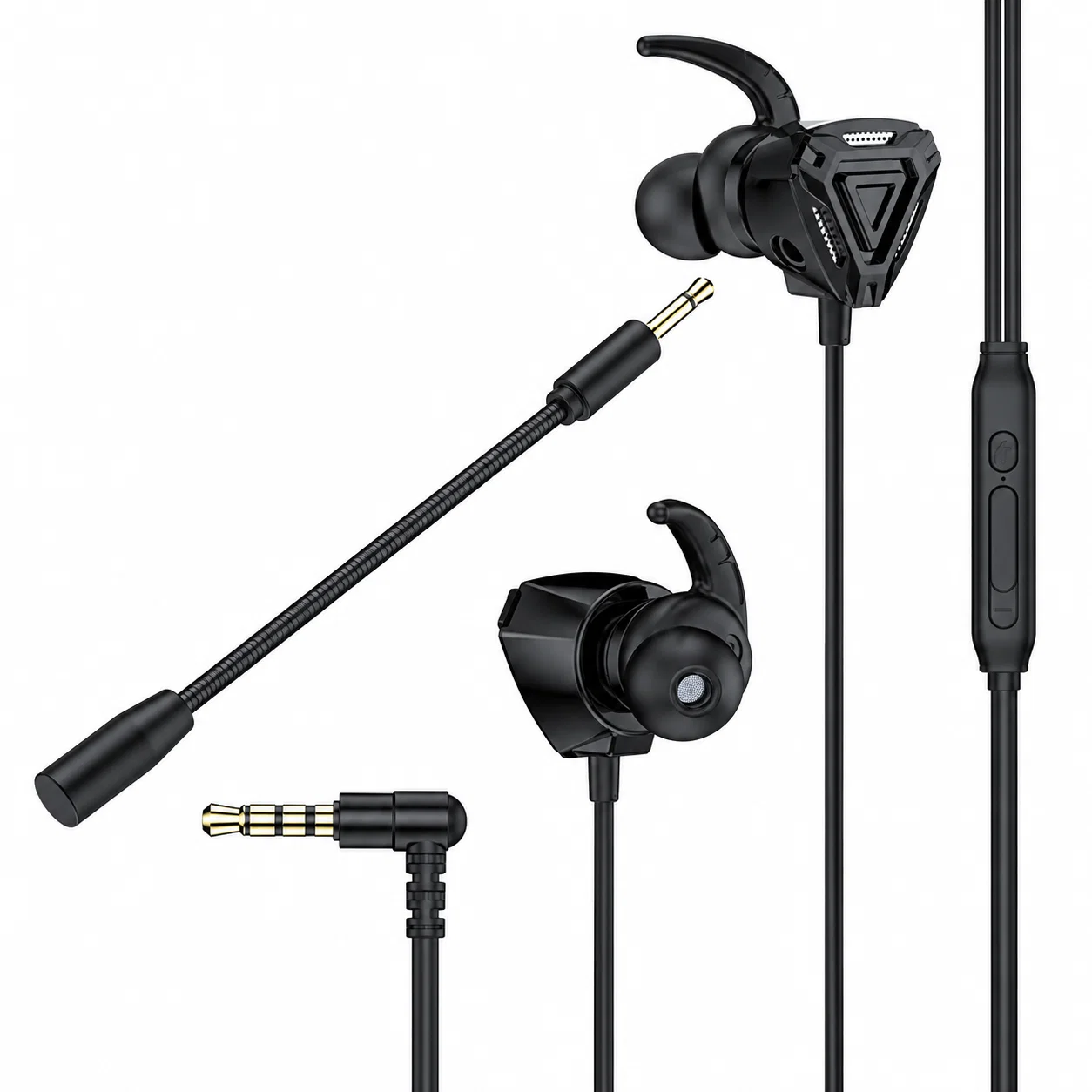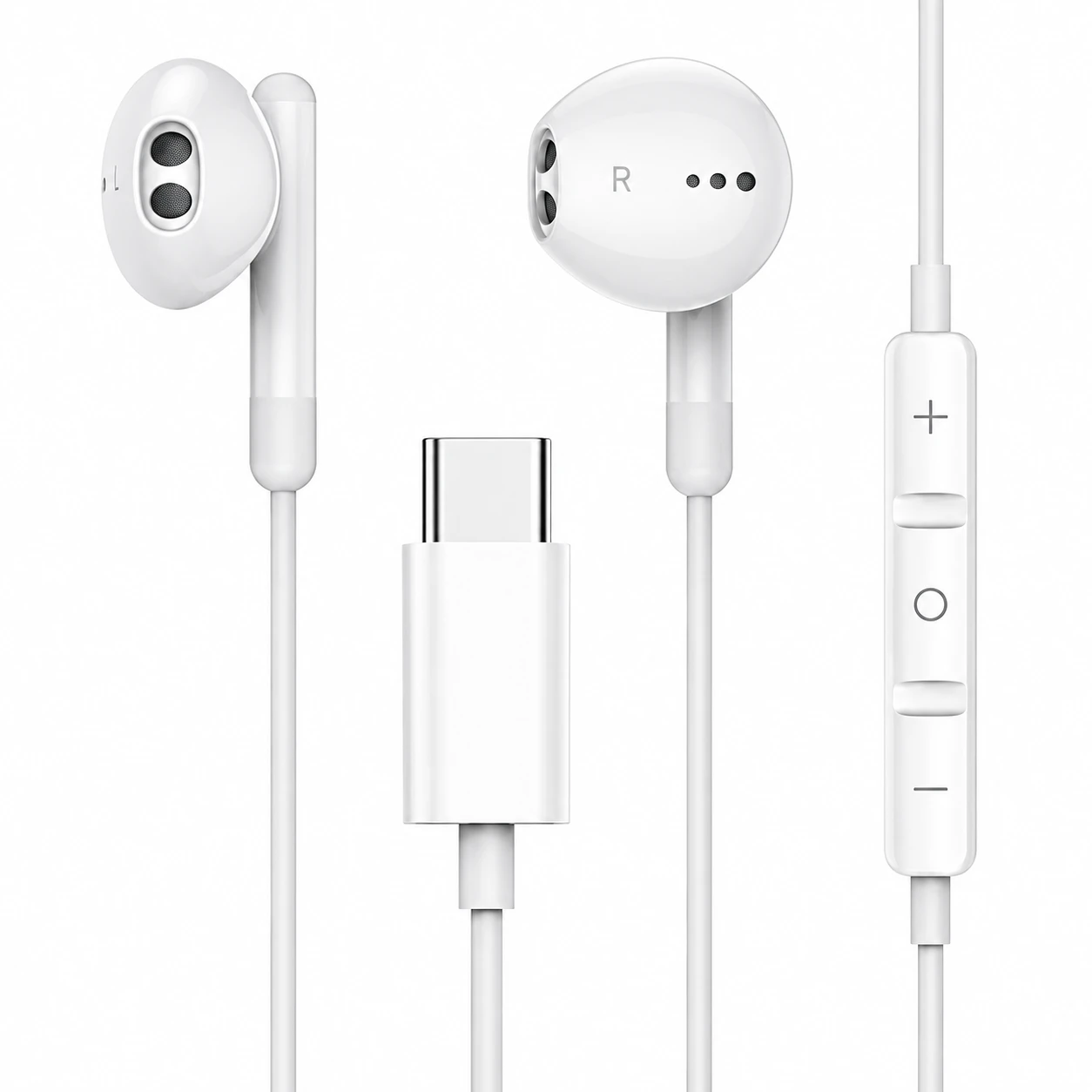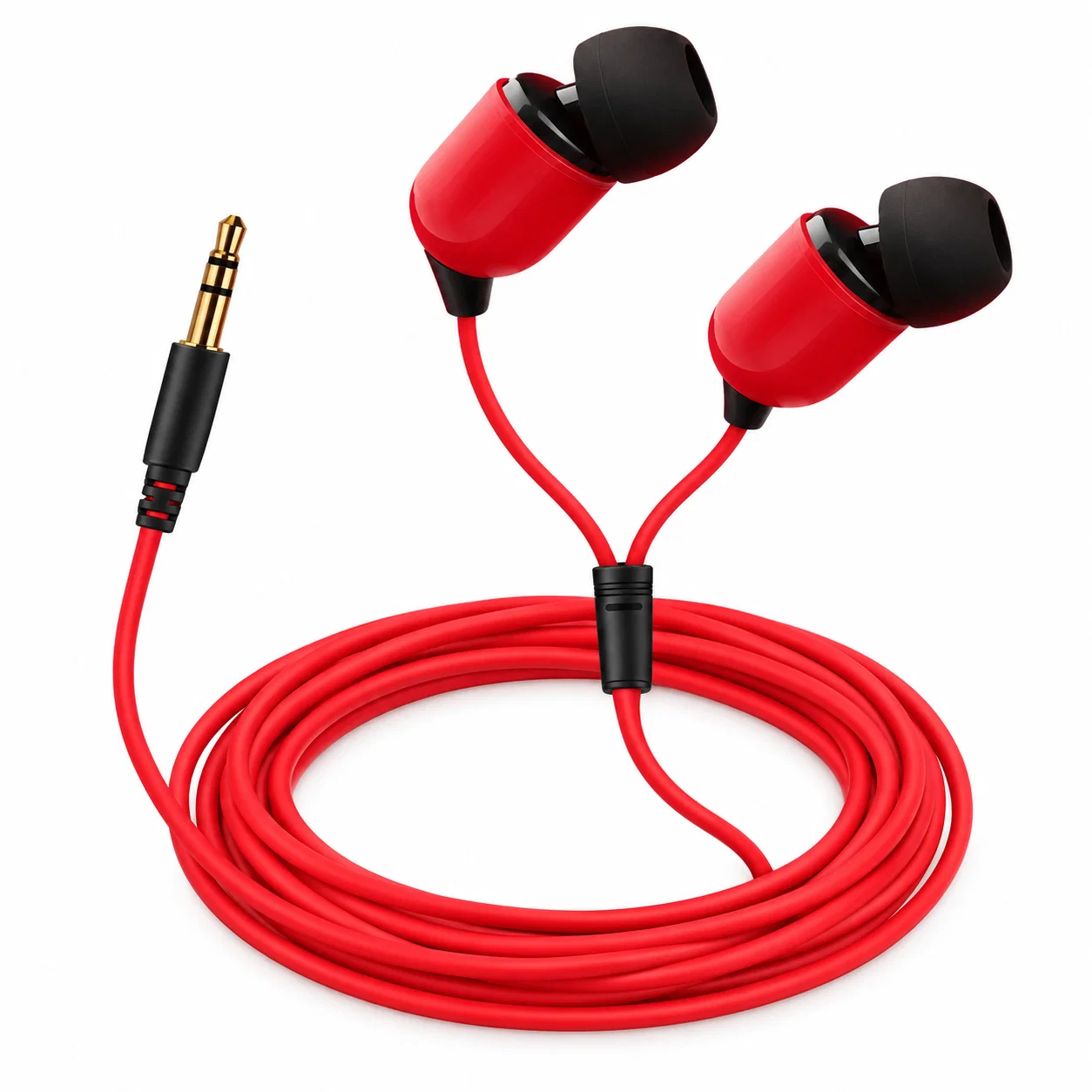
Wired Gaming Earbuds With a Microphone Plugged Into Dual-Sense and Xbox Controllers
Console multiplayer gamers frequently encounter frustrating audio latency and headset clamp discomfort when connecting wireless audio gear to modern gaming consoles. Both PlayStation 5 DualSense and Xbox Wireless controllers integrate direct 3.5-millimeter audio jacks designed to stream high-fidelity game sound and clear voice chat simultaneously. Connecting dedicated wired gaming earbuds directly into wireless gamepad headphone ports eliminates complex pairing sequences while completely bypassing the wireless codec latency penalties inherent to console Bluetooth systems.
Because console operating systems restrict direct Bluetooth audio headset connections, the controller audio jack represents the most reliable interface for uncompressed voice communication. However, delivering pristine party chat and balanced game sound requires understanding the electrical wiring standards of four-pole TRRS plugs. Selecting wired earbuds with proper impedance ratings and isolated microphone grounding prevents common buzzing artifacts and keeps in-game communication crystal clear.
CTIA vs OMTP 3.5mm TRRS Connector Pinout Compatibility
The primary technical hurdle when plugging wired gaming earbuds into modern console controllers involves the physical wiring assignment of the four-conductor TRRS barrel plug. The modern gaming industry universally follows the Cellular Telecommunications Industry Association standard, which places the microphone line on the sleeve ring and electrical ground on the second ring. In contrast, older legacy equipment utilized the Open Mobile Terminal Platform configuration, which swaps the ground and microphone contact positions.
Plugging an OMTP-wired earphone directly into a DualSense or Xbox controller creates an immediate ground loop failure, causing game audio to sound hollow and muting the microphone entirely. Contemporary gaming earbuds feature integrated CTIA-compliant cables with gold-plated contacts to ensure precise mechanical contact with internal gamepad jack spring terminals. Verifying CTIA compliance ensures full bidirectional compatibility across both PlayStation and Xbox controller families without requiring bulky third-party adapter dongles.
| Controller Platform | Native Jack Standard | Recommended Earbud Impedance | Microphone Bias Voltage | Chat Monitoring Sidetone |
|---|---|---|---|---|
| PlayStation DualSense (PS5) | CTIA 3.5mm TRRS | 16 to 32 Ohms | 2.0V DC Electret Bias | Integrated software mic level adjustment |
| Xbox Wireless Controller | CTIA 3.5mm TRRS | 16 to 32 Ohms | 1.8V to 2.2V DC Bias | Hardware mic monitoring slider in Xbox guide |
| DualShock 4 (PS4) | CTIA 3.5mm TRRS | 16 to 32 Ohms | 1.8V DC Electret Bias | Basic volume control via quick menu |
| Nintendo Switch Handheld | CTIA 3.5mm TRRS | 16 to 32 Ohms | 2.0V DC Electret Bias | In-game party chat support varies by game |
Controller Digital-to-Analog Converters and Microphone Crosstalk
Modern wireless gamepads transmit compressed 2.4 GHz digital audio packets from the console base station to an onboard digital-to-analog converter inside the controller housing. Because controller audio amplifiers operate on strict battery power budgets, pairing them with high-impedance studio monitors results in quiet, compressed sound reproduction. Efficient gaming earbuds with sensitivities exceeding one hundred decibels per milliwatt extract full dynamic range from low-power controller DAC stages without draining gamepad batteries.
Microphone crosstalk represents another critical engineering consideration when sharing a single cable for simultaneous speaker output and voice input. In cheap unshielded cables, high-amplitude bass transients can capacitively bleed into the adjacent analog microphone conductor, broadcasting game explosions directly into party chat. Quality gaming earbuds utilize independent copper spiral shielding around the microphone lead, preventing electrical signal contamination and ensuring clean vocal pickup.
Outer Ear Cartilage Fatigue and Nighttime Acoustic Rest
Engaging in extended competitive console gaming sessions with tight over-ear headsets creates persistent mechanical clamp pressure across the temporal bones. While lightweight wired earbuds relieve headband pressure during heated console matches, the continuous barrage of loud explosions and voice chat over-stimulates delicate eardrums. Decompressing the ear canal and allowing tender concha cartilage to relax overnight is essential for restoring auditory comfort after gaming marathons.
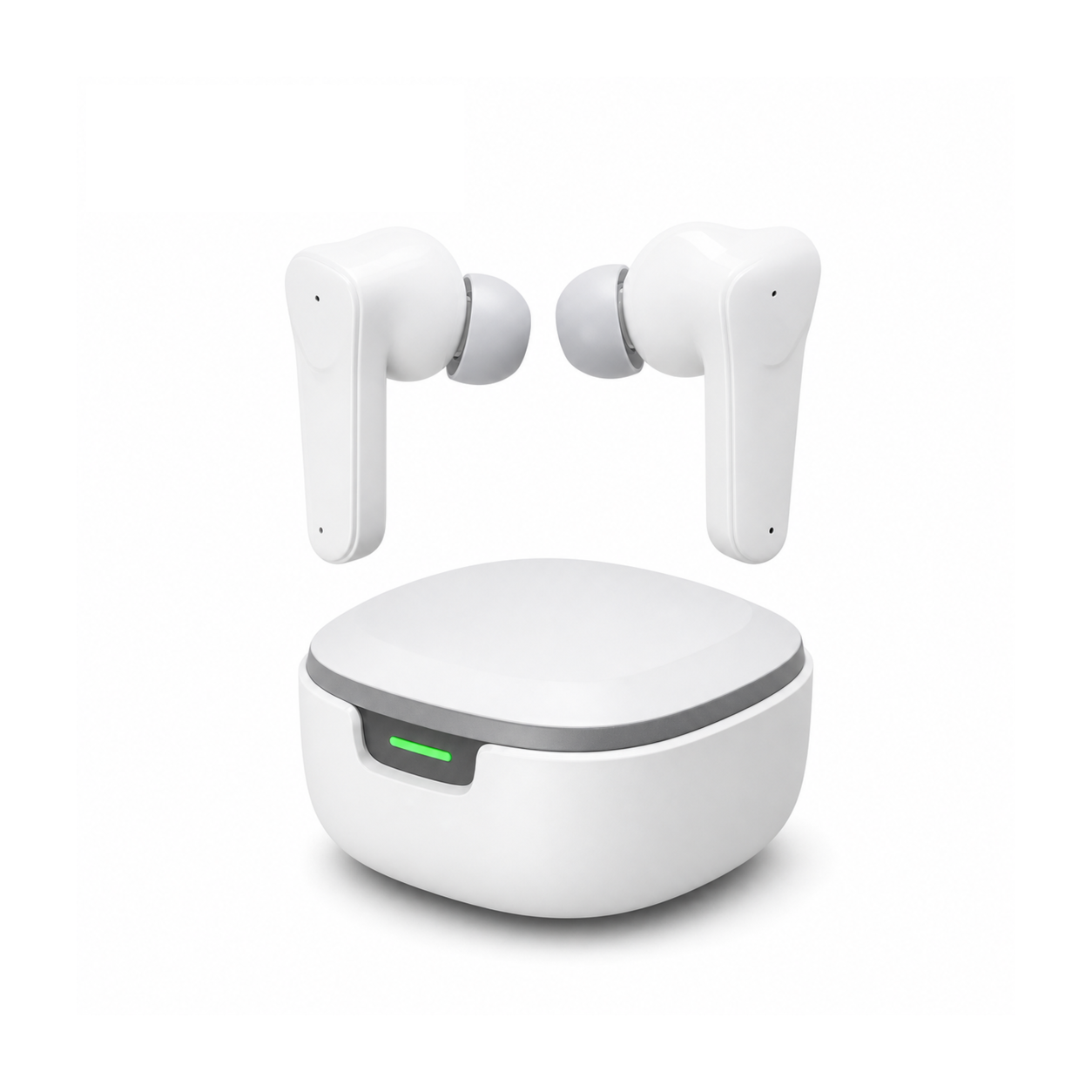
Flat, stemless earbuds for sleeping on your side, with a dynamic sleep-support mode and a starlight glow charging case. See the three colors at EARSOLE.
Switching to low-profile ergonomic earbuds during bedtime enables gamers to unwind without intrusive plastic nozzles pressing against their ears. The flush ergonomic exterior contours smoothly against pillows, enabling side-sleepers to drift off naturally to tranquil rain sounds or white noise without experiencing mechanical ear tenderness the next morning.
Console Headset Calibration Checklist for PS5 and Xbox
Achieving optimal acoustic balance and microphone clarity when plugging wired earbuds into wireless controllers requires proper console menu calibration. First, insert the 3.5mm plug firmly into the controller jack until you hear a solid mechanical click, ensuring all four TRRS poles align with internal contact pins. Second, open the console audio settings menu and set output format to uncompressed stereo, letting console spatial audio algorithms calculate accurate directional 3D cues.
Finally, calibrate the microphone input sensitivity slider while speaking at normal conversational volume to prevent clipping and background breath distortion in party chat. Keep a clean microfiber cloth in your console setup to wipe perspiration and dust from gold-plated plug contacts before plugging in. Proper electrical connection and console software calibration guarantee crystal-clear tactical audio and dependable voice communication during every multiplayer match.
Frequently Asked Questions
Why does a gaming headset microphone buzz when connected to a console controller?
Microphone buzzing typically occurs when using an incompatible OMTP-wired plug in a CTIA port, or when charging the controller with a wall adapter that introduces electrical ground loop interference.
Do wired gaming earbuds draw significant battery power from wireless controllers?
Standard low-impedance gaming earbuds draw negligible electrical current from controller audio amplifiers, resulting in only a minor ten-to-fifteen-minute reduction in total gamepad battery life per charge cycle.