



When wired headphones go silent, the fault sits either in the headphones or in the phone or computer they plug into. One swap test tells you which, and then you only need the checks for that end.
Start with the swap test
Samsung’s support page on wired headphones says that if you have another device to connect the headphones to, you should try testing them with that device. It also suggests plugging spare headphones into the phone to see if they work.
Moon Audio’s troubleshooting guide uses the same test to work out whether the issue is with your headphones or your device. Moon Audio sells headphone cables, so weigh its cable advice with that in mind.
| What happens | Where to look next |
|---|---|
| Your headphones work on another device | The phone or PC you started with |
| Another pair works in your phone or PC | Your headphones |
In a Reddit r/techsupport thread about wired headphones on a PC, one reply asked whether the headphones work with any other device. The original poster replied that they did, so something must be wrong with their machine.
If the phone or PC is the problem
- Push the plug all the way in. Samsung says that if the plug is not fully inserted, the headphones may not be recognized and sound may play through the device speakers. It adds that a case or stickers on the device may stop the plug going fully in.
- Clear the jack. Moon Audio suggests inspecting the headphone jack for lint, dust or debris and clearing it with a can of compressed air or a dry cotton swab.
- Check the volume. Moon Audio says to make sure the volume is turned up on both your device and your headphones, if they have inline volume controls.
- Look inside the jack. Samsung suggests shining a light into the headphone jack and says a bent pin needs service.
On a Windows PC, a few more checks apply. In a Microsoft Q&A thread, a moderator from Microsoft’s external support staff suggested these steps for wired headphones that suddenly stopped working:
- Open mmsys.cpl, go to the Playback tab and enable Show Disabled Devices; if the headphones appear, enable them and set them as the default device.
- Restart the Windows Audio and Windows Audio Endpoint Builder services from services.msc.
- Install the latest audio driver from your PC or motherboard maker.
That is a forum answer rather than official documentation. The Reddit reply above also suggested trying the green / middle 3.5mm audio port on the motherboard. For how Windows decides which device plays sound, see our guide to setting up a PC headset in Windows.
If the headphones are the problem
Samsung says that if the plug is bent or broken, or the cable is damaged or exposed, you may not hear audio from your headphones.
Moon Audio suggests gently wiggling the cable along its length while audio plays; if the sound cuts in and out, it says the wire is probably damaged. The guide adds that audio that stops, cuts out or plays in only one ear when you move the cable is usually a sign of a loose connection or internal cable damage.
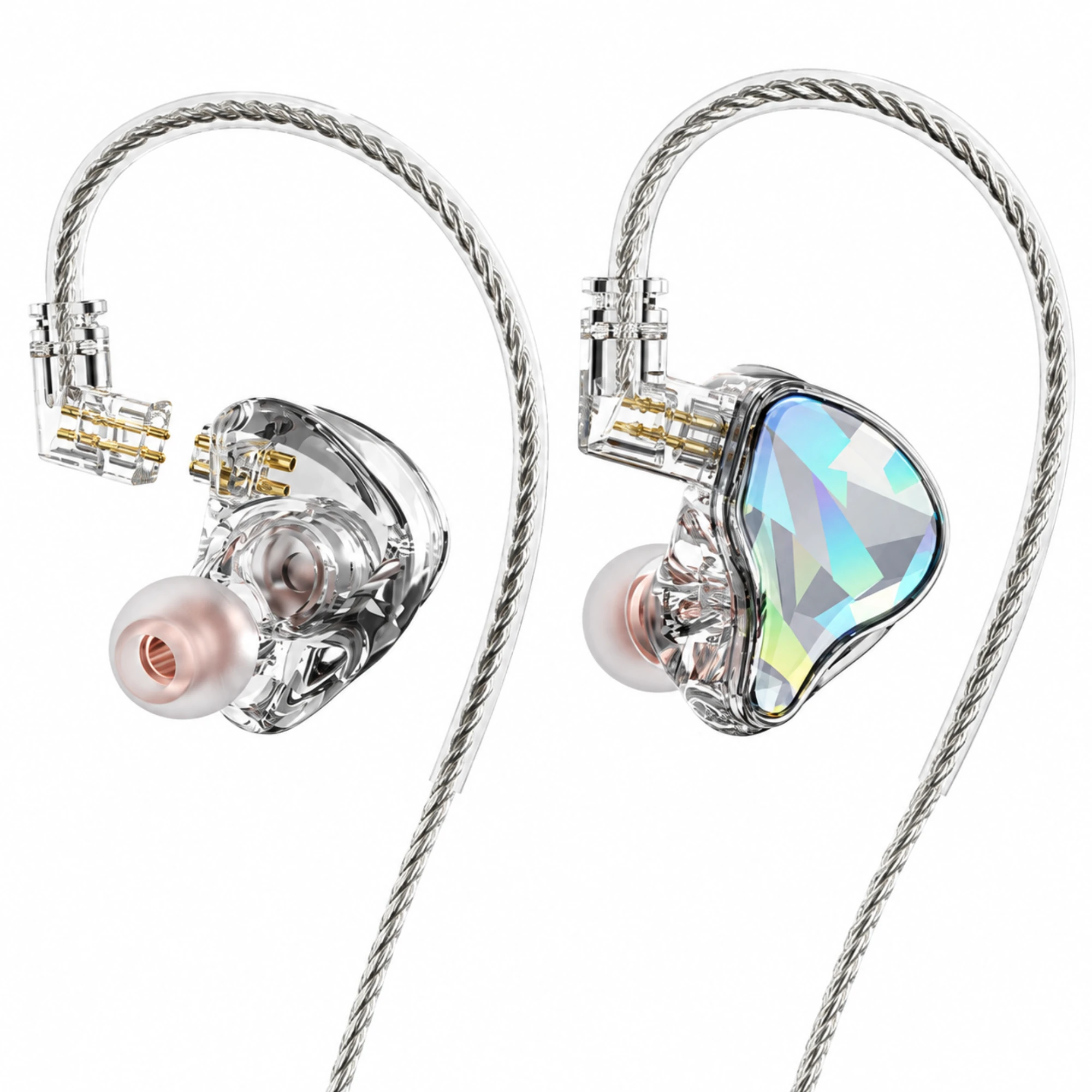
Moon Audio also notes that with detachable cables you can replace just the cable instead of the whole pair. As an example of what to look for, EARSOLE’s Faceted In-Ear Monitors with Detachable Braided Cable listing says its display image shows a detachable two-pin connection, and that connector size, acoustic measurements and device compatibility have not been verified.
If the cable is fixed in place, our guide to what is worth repairing on a pair of headphones helps you decide whether to fix or replace them.
Why are my headphones plugged in but no sound?
Samsung’s support page says a plug that is not fully inserted may not be recognized, with sound playing through the device speakers instead, and that a phone case can stop the plug going fully in. Samsung also suggests testing the headphones on another device.
