

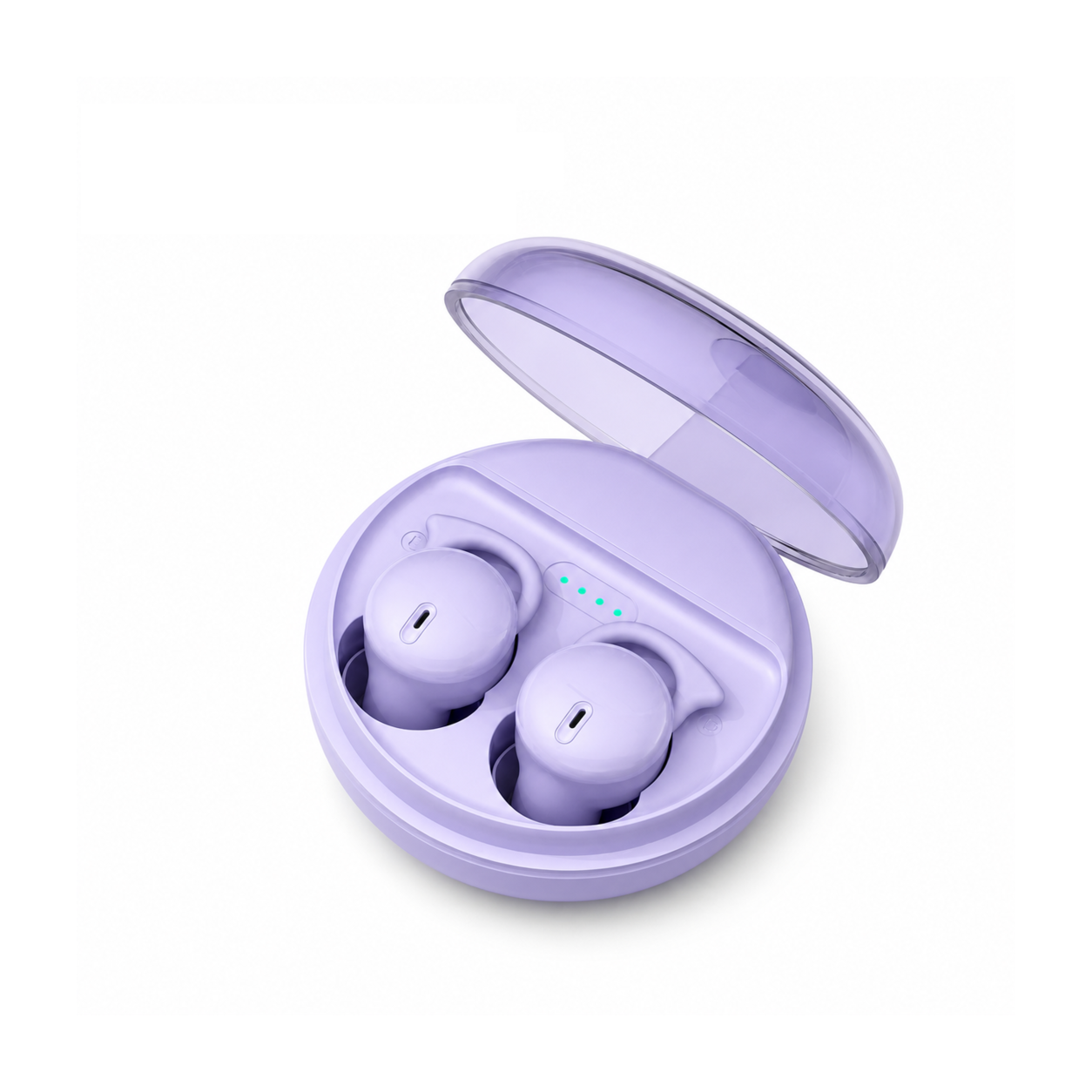
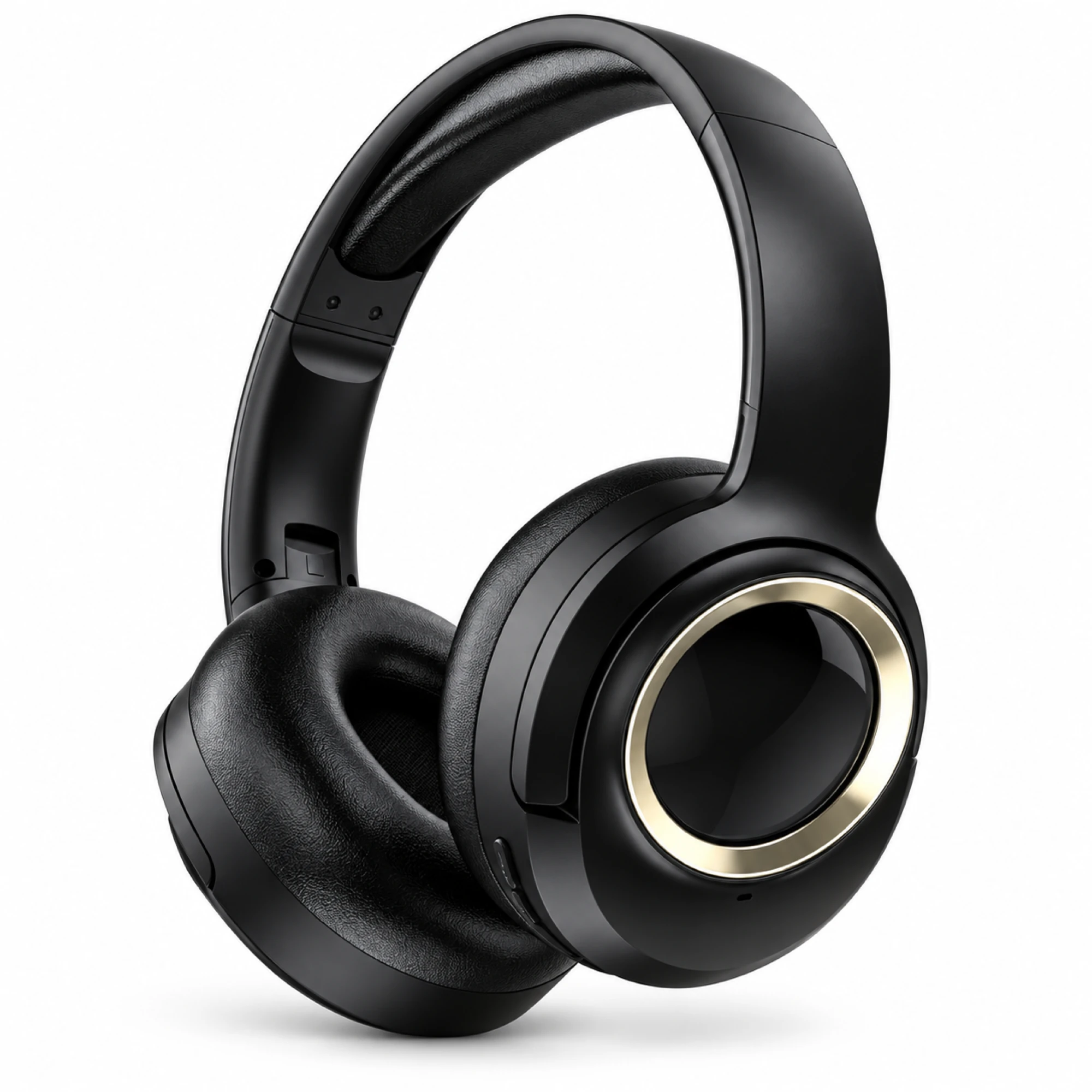
 MX-21 Black and Gold Wireless Headphones
 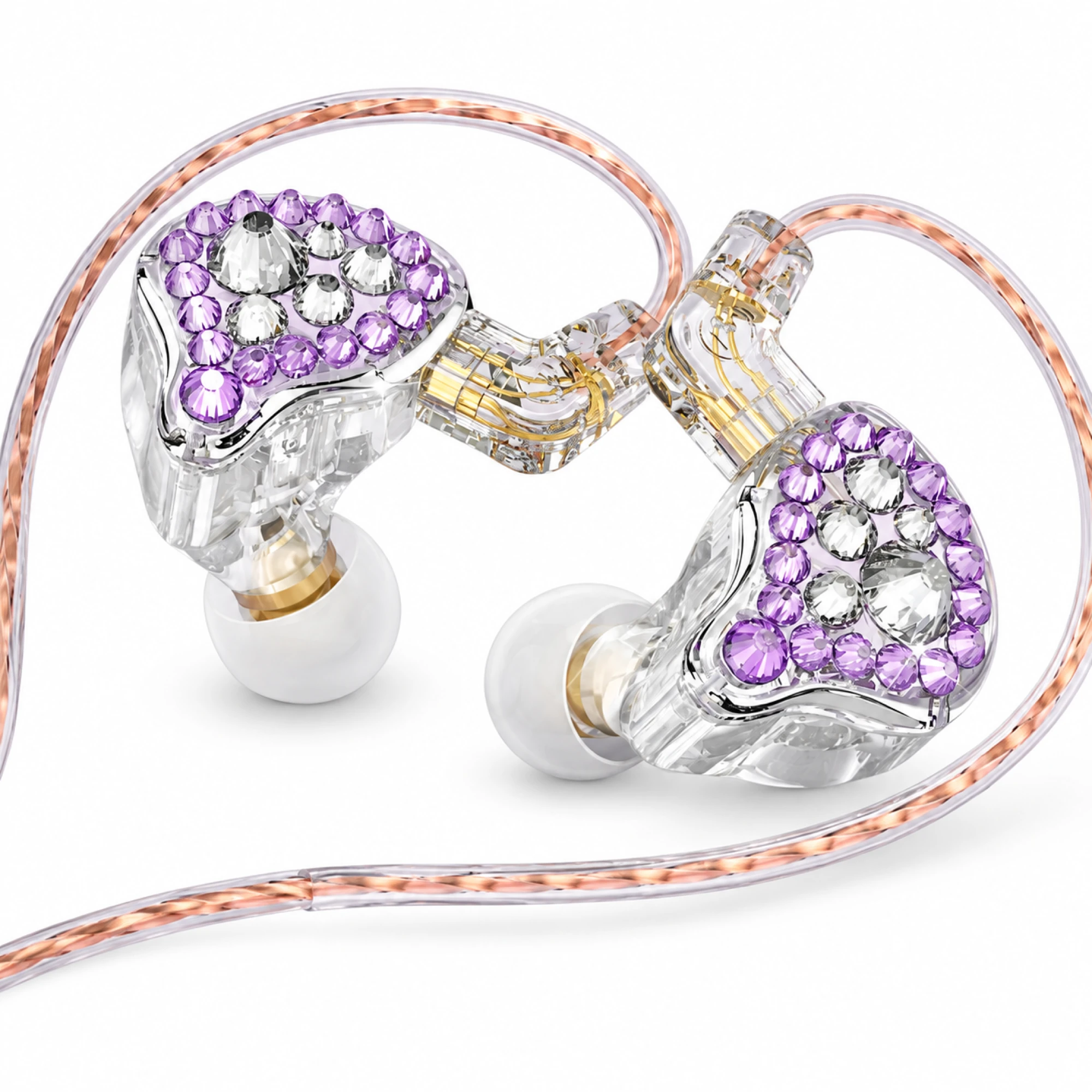 Q2 Pro Purple Crystal In-Ear Monitors
 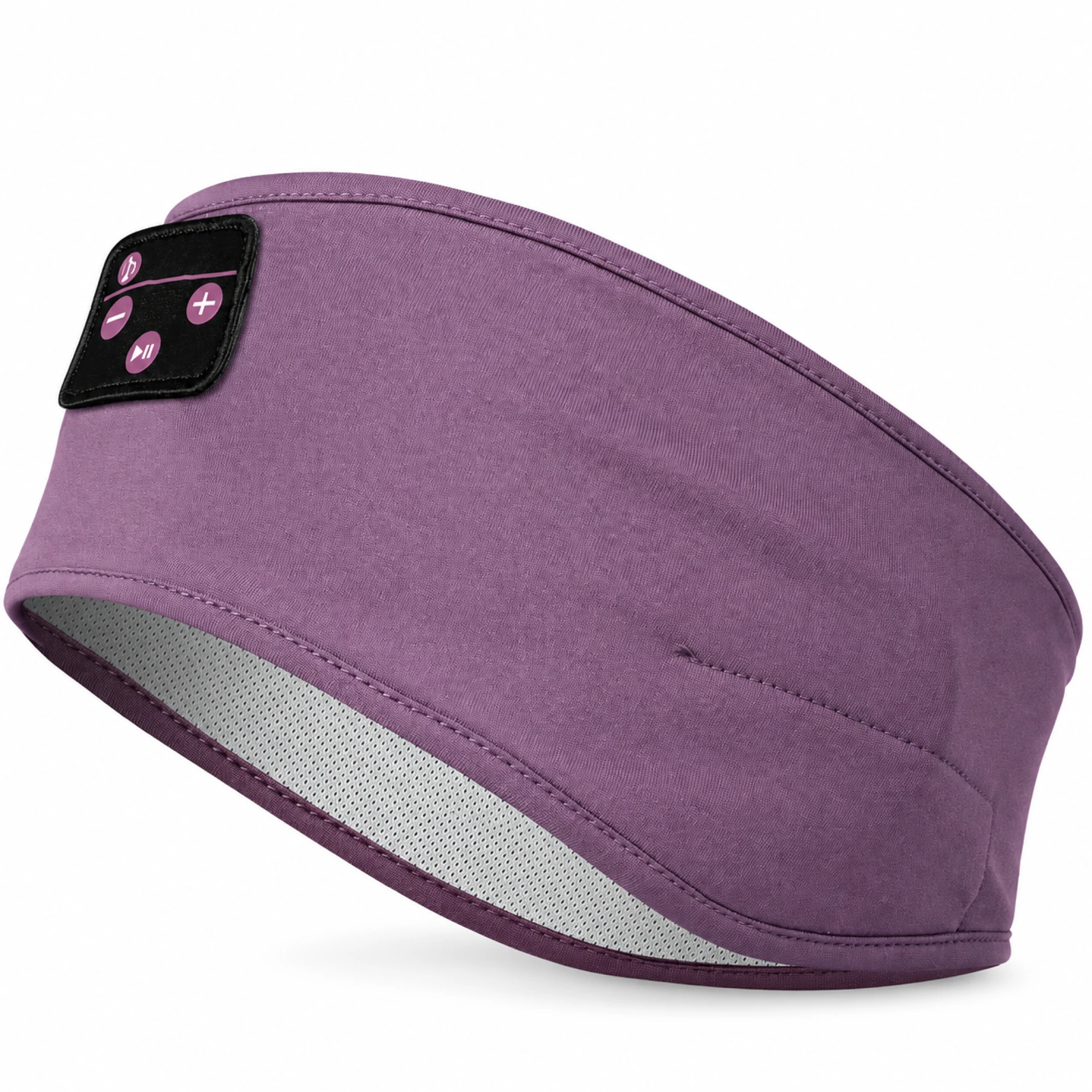 Purple Sleep Headband Headphones with Triangle Controls
 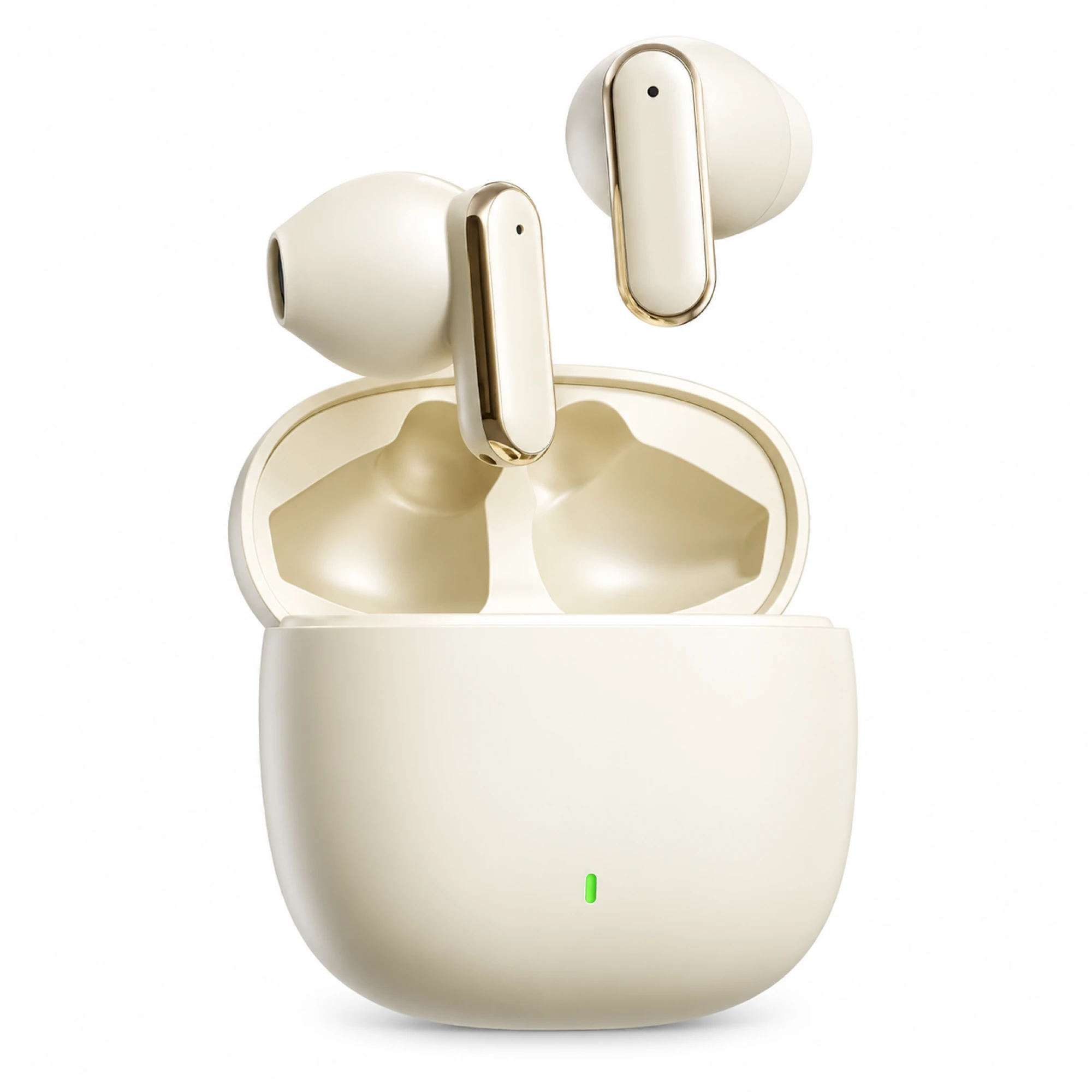 Cream Reflective-Stem Wireless Earbuds
 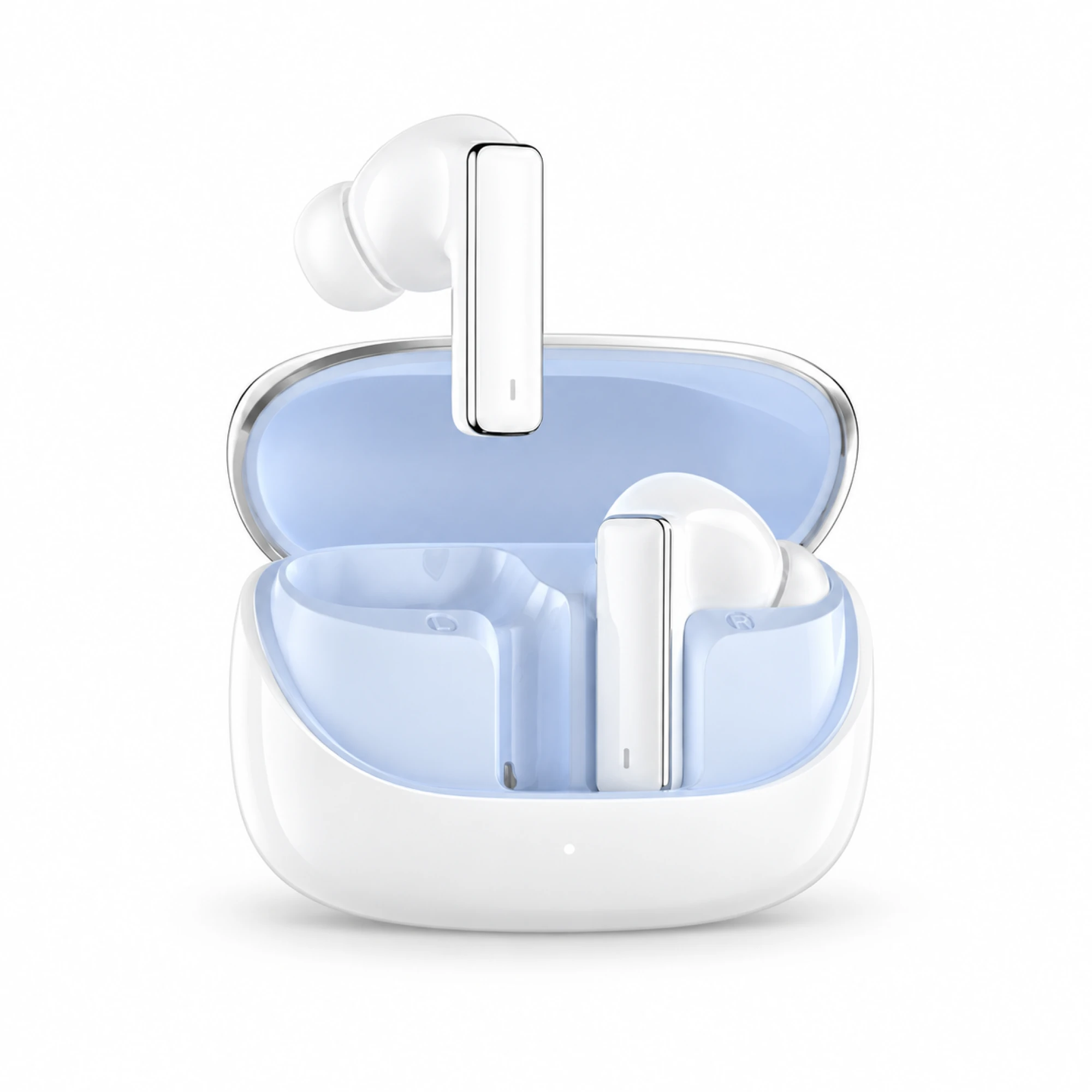 IN-01 White ANC Earbuds with Pale Blue Case Interior
 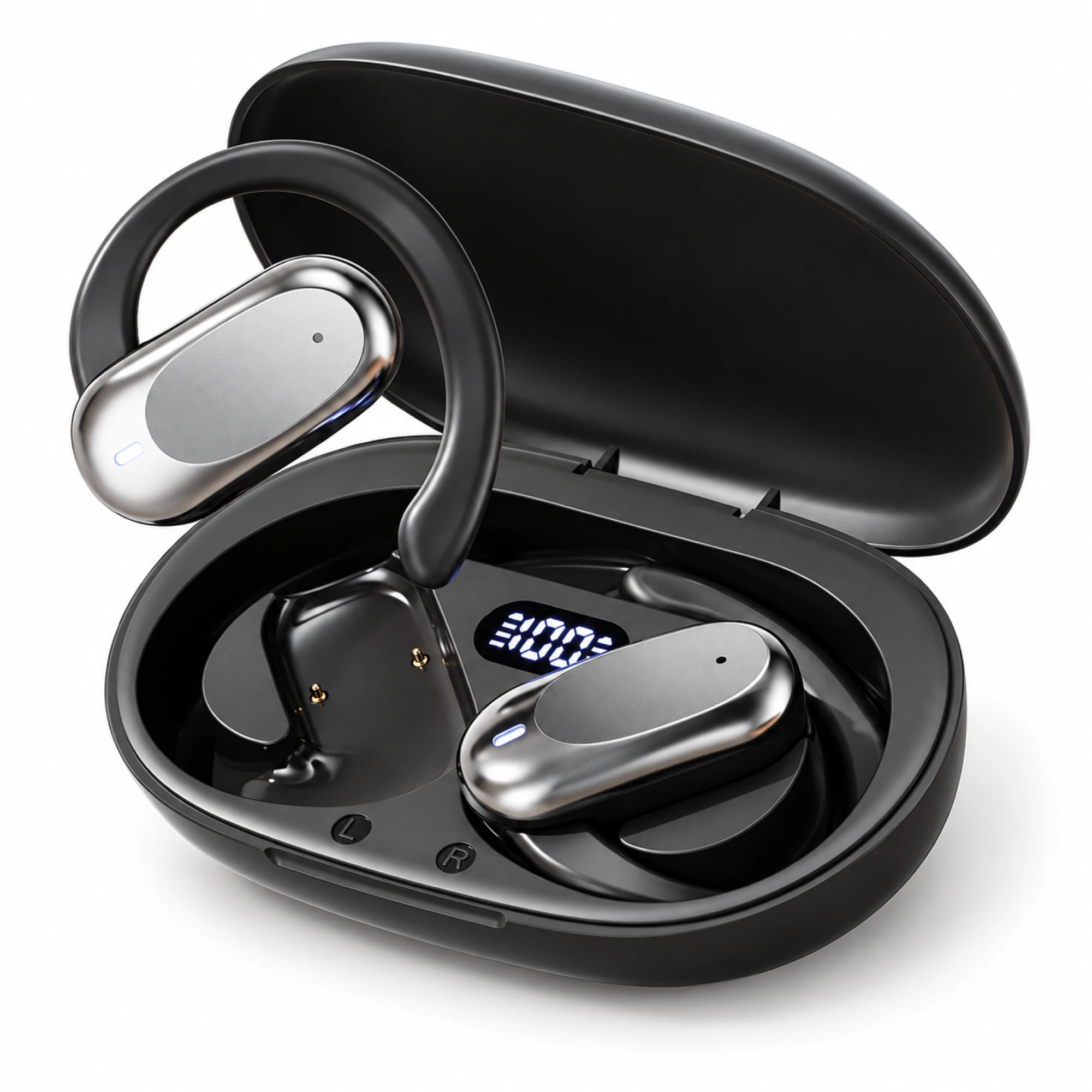 Silver Capsule Open-Ear Earbuds
 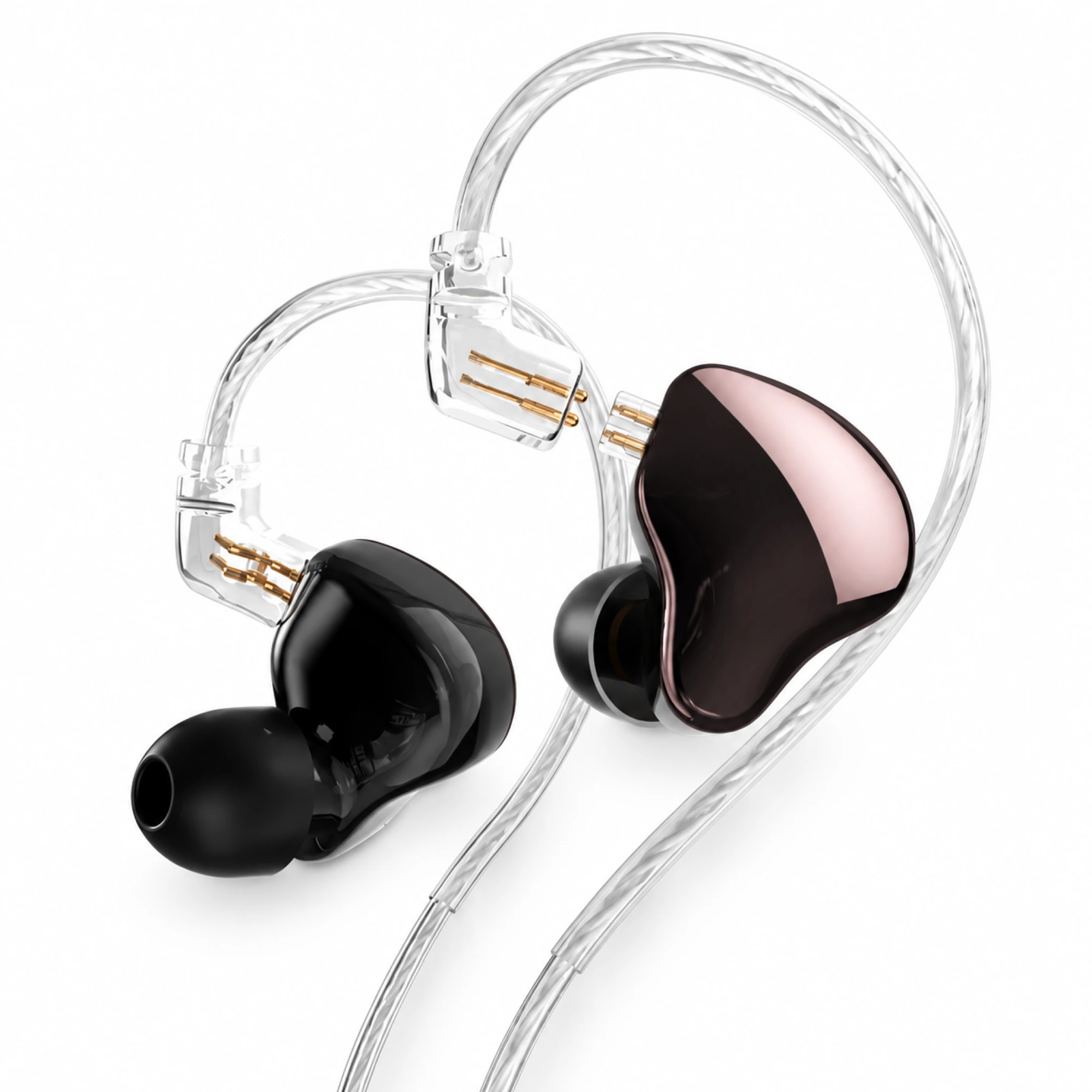 MN Rose-Metallic Detachable In-Ear Monitors
 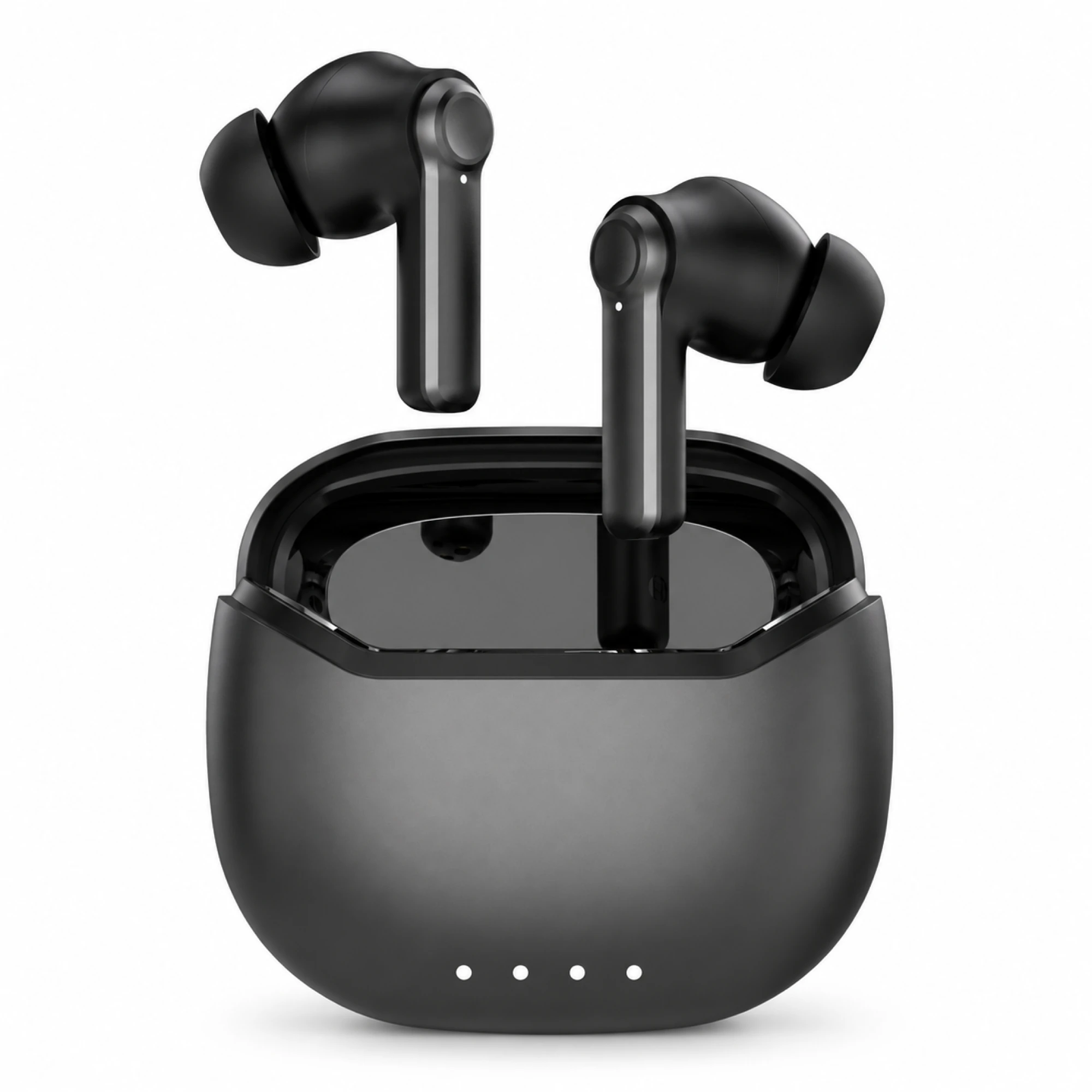 Black ANC Earbuds with Four-Indicator Case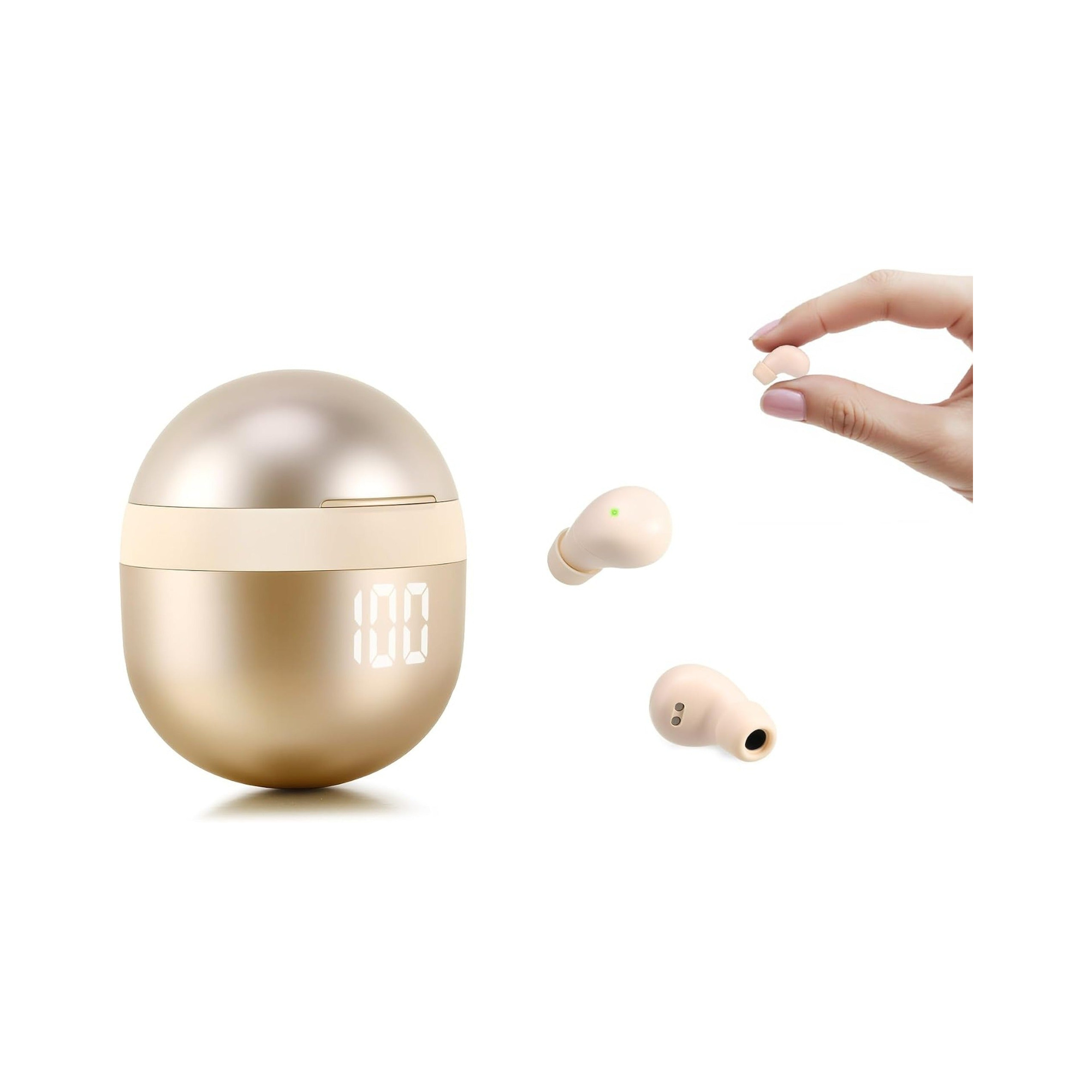
Buy the wireless set unless you need a cable for a specific job. Wired earbuds still do four things a Bluetooth pair cannot: feed a seat-back screen on a plane, plug into a controller's 3.5 mm headset jack, monitor audio with no added delay, and play when there is nothing left to charge. For everything else the price argument has collapsed. Our own Series 161 lists at $14.99 at the time of writing.
The jack went away and the adapter took its place
Phones sold in the US stopped shipping a 3.5 mm headphone jack years ago. Current iPhones use USB-C, the generation before them used Lightning, and the flagship Android handsets dropped the jack as well. The manufacturer's support documentation states the situation directly: a USB-C to 3.5 mm headphone jack adapter "lets you connect 3.5 mm headphones and other audio devices to a USB-C port." That is another way of saying the connector is now a separate object you have to own.
Good wired earbuds are still made and still cheap. What moved is everything between the plug and the phone. An adapter is a separate purchase, running from under ten dollars for a plain one to around thirty for a fancier model at the time of writing, and in practice it behaves like a consumable: it lives in one bag, it gets left in a hotel drawer, and the plastic collar where the cable meets the plug is the first part to give. It also occupies the only port on the phone, so charging and listening at the same time needs yet another accessory.
Four jobs a cable still does better
- A seat-back screen on a plane. Many in-flight entertainment systems still hand you a 3.5 mm socket, and a cable plugs straight into it. Some newer aircraft pair over Bluetooth instead, and some older systems use a two-prong socket that wants its own adapter, so check what your aircraft has before you count on either. Our airplane earbud checklist covers the rest of what goes in the bag.
- A controller with a headset jack. Look at the bottom edge of your gamepad. If there is a 3.5 mm headset socket, a cable carries game audio and voice chat on one plug and the console keeps the chat mix on the controller, where you can reach it mid-match. A Bluetooth pair usually reaches a console only through a separate transmitter or through a phone app running alongside.
- Monitoring where delay is unacceptable. Playing along to a backing track, punching in a vocal, scrubbing a video edit frame by frame: an analog cable adds nothing to the timing. Bluetooth always adds something. A low-latency mode shrinks that number and does not remove it, and the delay accumulates across the whole chain, from the app to the radio to the earbud. We took that chain apart in earbud audio delay on video.
- Nothing to charge. A wired pair has no battery, no case, and no pairing state to lose. On a sixteen-hour travel day, during a power cut, or at the end of a shift when the case is already flat, that is the entire argument and it is a good one.
Where wireless earbuds pull ahead now
The price gap is the part that changed. A cheap wired pair plus its adapter now lands in the same range as a basic true wireless set: the EARSOLE True Wireless Earbuds Series 161 list at $14.99 at the time of writing, charging case included. If budget is the deciding factor, our under-$20 buying guide sets out what that money does and does not buy.
The cable itself is the second thing. A bare cable transmits clothing rub straight into your ear canal, catches on door handles and coat zippers, and makes lying down awkward. That is a comfort argument, and it explains why so much of the low-cost market moved to stemless buds small enough to sit flush in the ear.

Fit is the third. The Series 161 listing states two sizes of soft silicone ear tips and 0.08 oz per bud, about 2.3 g. Tip size is what decides whether the seal holds, and holding a seal is most of what people mean when they say a cheap pair sounds thin; there is a method for finding your size in how to choose your ear-tip size.

What the listing does not state: no ANC, no ENC, no codec name, no IP rating, and no multipoint pairing. Microphone noise reduction on calls and cancellation of what you hear are different features and this listing claims neither; the split is set out in ANC versus ENC. Bluetooth 5.4 appears on the listing, and that describes the radio version, not the sound. Codecs are worth a thought here: the Bluetooth SIG says listening tests showed its LC3 codec improving on the older SBC codec at half the bit rate, so which codec a pair speaks is a real variable, and a listing that names none tells you nothing about it either way.
The battery numbers deserve a careful read. The listing states 4 hours of playback on a single charge and 24 hours of total playtime with the case. Those two figures do not reconcile at one case charge, so plan around the 4-hour number and treat the 24-hour figure as the supplier's stated total. No mAh capacity is published for the buds or for the case. The case does carry an LED percentage display, which is the genuinely useful part: you can see the state of charge before you walk out the door.
Wired earbuds against a $15 wireless set, line by line
| What you are deciding | A wired pair | Series 161, as listed |
|---|---|---|
| Getting sound out of a current US phone | 3.5 mm plug, plus a USB-C or Lightning adapter on most handsets sold now | Bluetooth 5.4, pairs directly, no adapter |
| Power | None needed; it draws what it uses from the phone | Listing states 4 h per charge and 24 h total with the case; no mAh published |
| Added delay | None from the cable itself | Bluetooth adds some; the listing mentions lower latency but publishes no millisecond figure |
| Seat-back screens and controller jacks | Works wherever there is a 3.5 mm socket | Not compatible without a separate transmitter |
| Using the phone's port while listening | Occupies the only port unless you add a splitter or dock | Leaves the port free for charging |
| Fit parts in the box | Varies by model; budget sets often ship one tip size | Listing states two sizes of soft silicone tips |
| What tends to fail first | The cable, usually at the plug or the Y-split | The battery, then the case hinge and charging contacts |
| Cost at checkout | Earbuds plus an adapter, bought as two items | $14.99 at the time of writing, case included |
Questions from people switching between the two
Does a cable sound better for the same money?
At the very bottom of the market, often yes. A cheap cabled pair spends nearly all of its cost on a driver and a cable, while a cheap wireless pair also pays for two radios, two batteries, a case and a charging circuit. The gap narrows once an adapter enters the picture, because the adapter now contains the digital-to-analog converter that used to sit inside your phone.
Can I charge my phone and listen on a cable at the same time?
Not from a single USB-C port. You need a splitter, a dock, or a hub that carries power and audio at once, which is a third item to buy and remember. This is the quiet reason many people gave up on cables: the sound was never the problem, the logistics of one port doing two jobs were.
What wears out first on each type?
On a cable, the flex points go first: the strain relief at the plug, the split where the two ears divide, and whichever section spends its life folded in a pocket. On a wireless pair, the battery goes first, then the case contacts and hinge. A cable failure is sudden and usually one-sided; a battery failure is gradual, and you feel it as shorter sessions long before you call it a fault.
Which one, then
If those four cases describe your week, a plane seat, a controller, a monitoring task, a day with no charger, then keep a cheap cabled pair in the bag and stop thinking about it. It costs about what lunch costs and it will never run out mid-flight. For the commute, calls, dog walks and the gym, buy wireless: at $14.99 the money that used to separate the two categories is now roughly the price of the adapter. EARSOLE does not sell a cabled model, so nothing here is a pick for the best wired earbuds. What we can add is where the cable still beats what we do sell, and where it no longer does. The everyday range we stock sits in everyday wireless earbuds.