

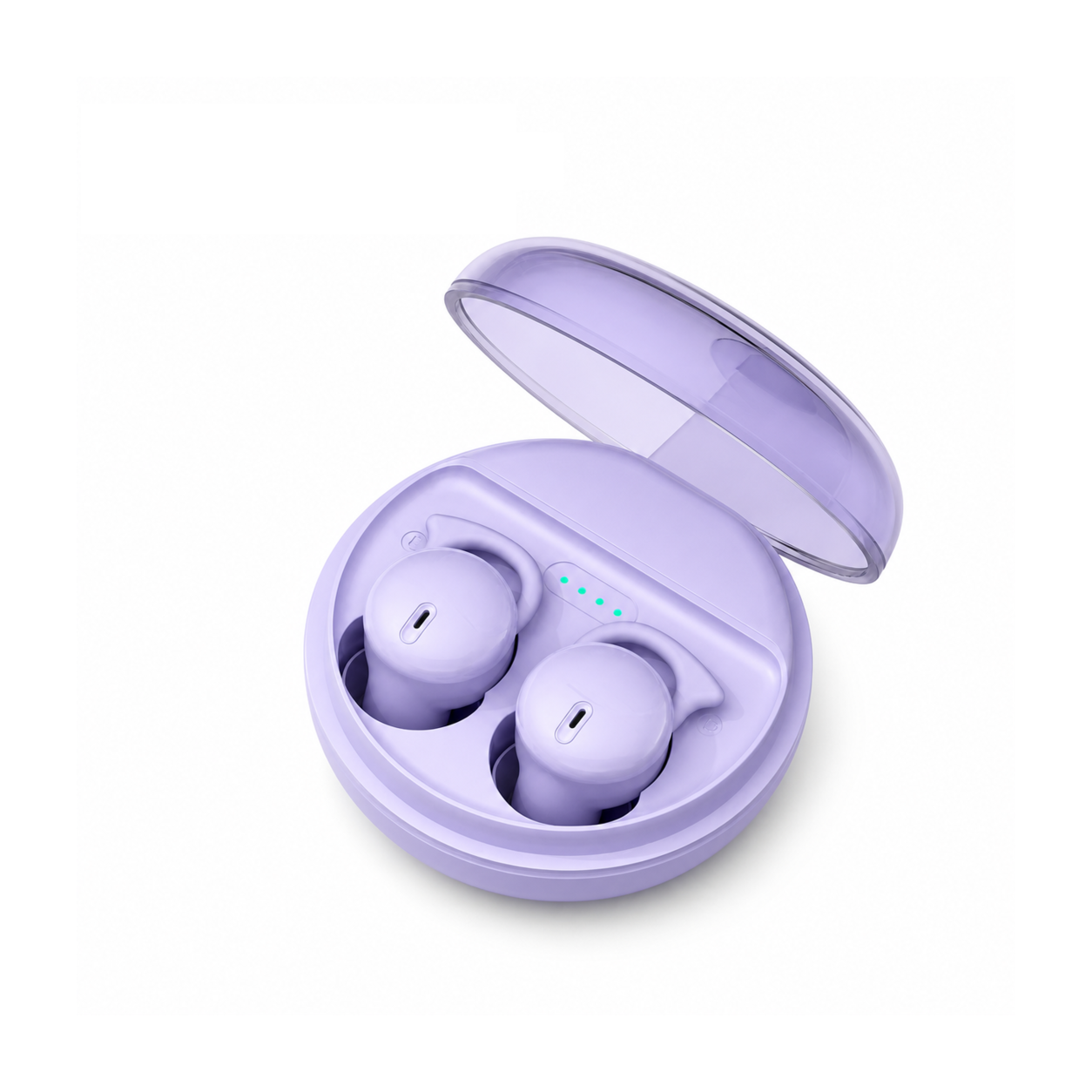
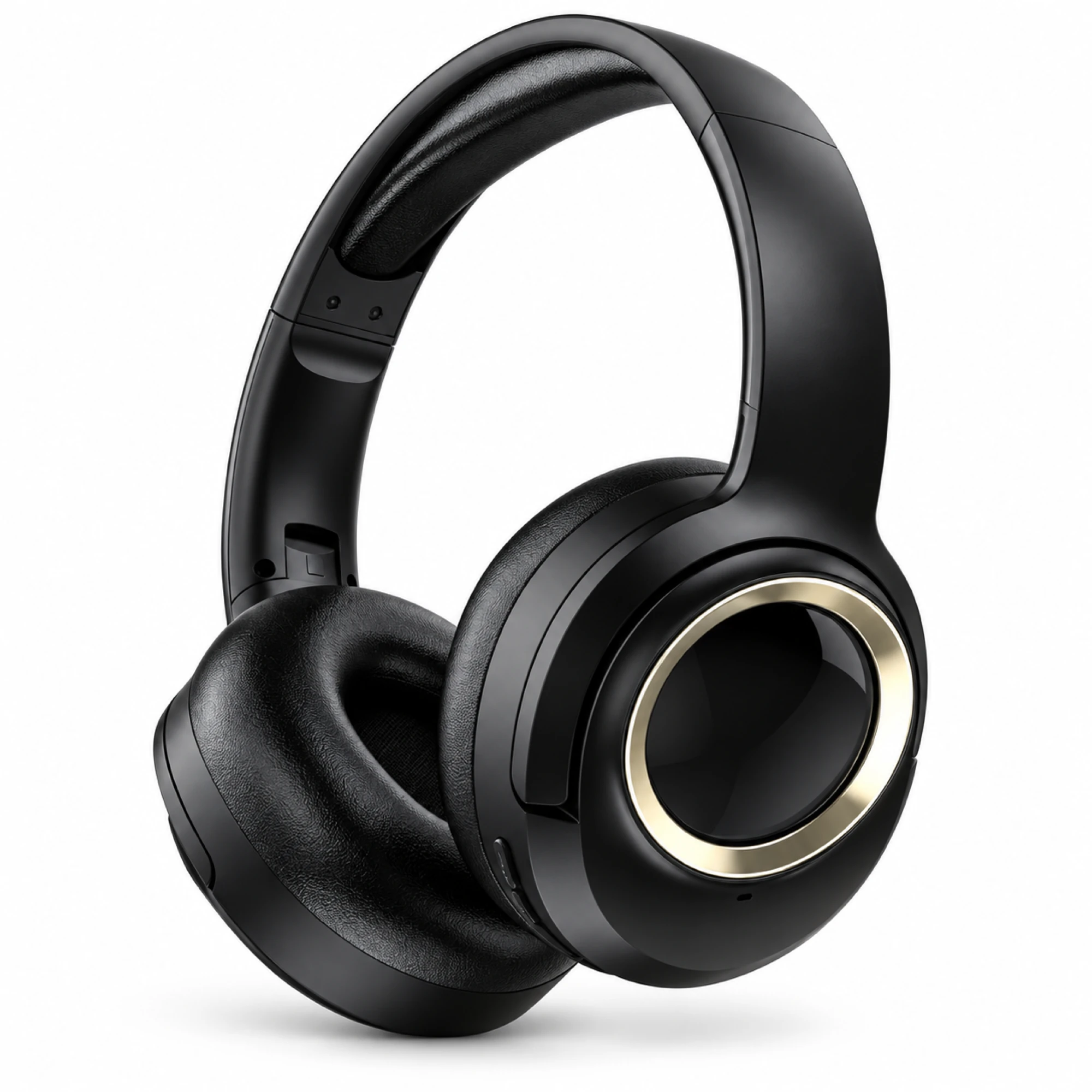
 MX-21 Black and Gold Wireless Headphones
 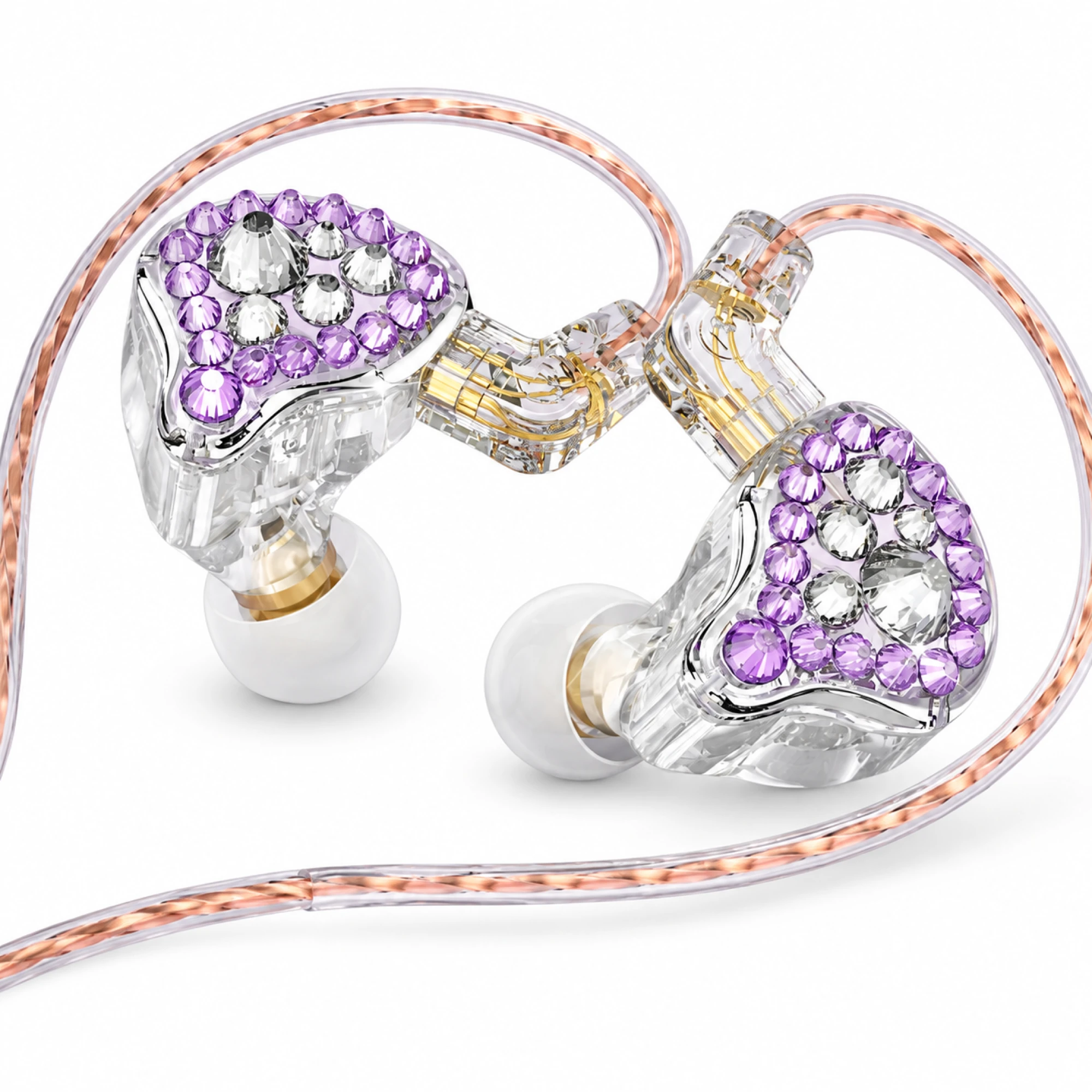 Q2 Pro Purple Crystal In-Ear Monitors
 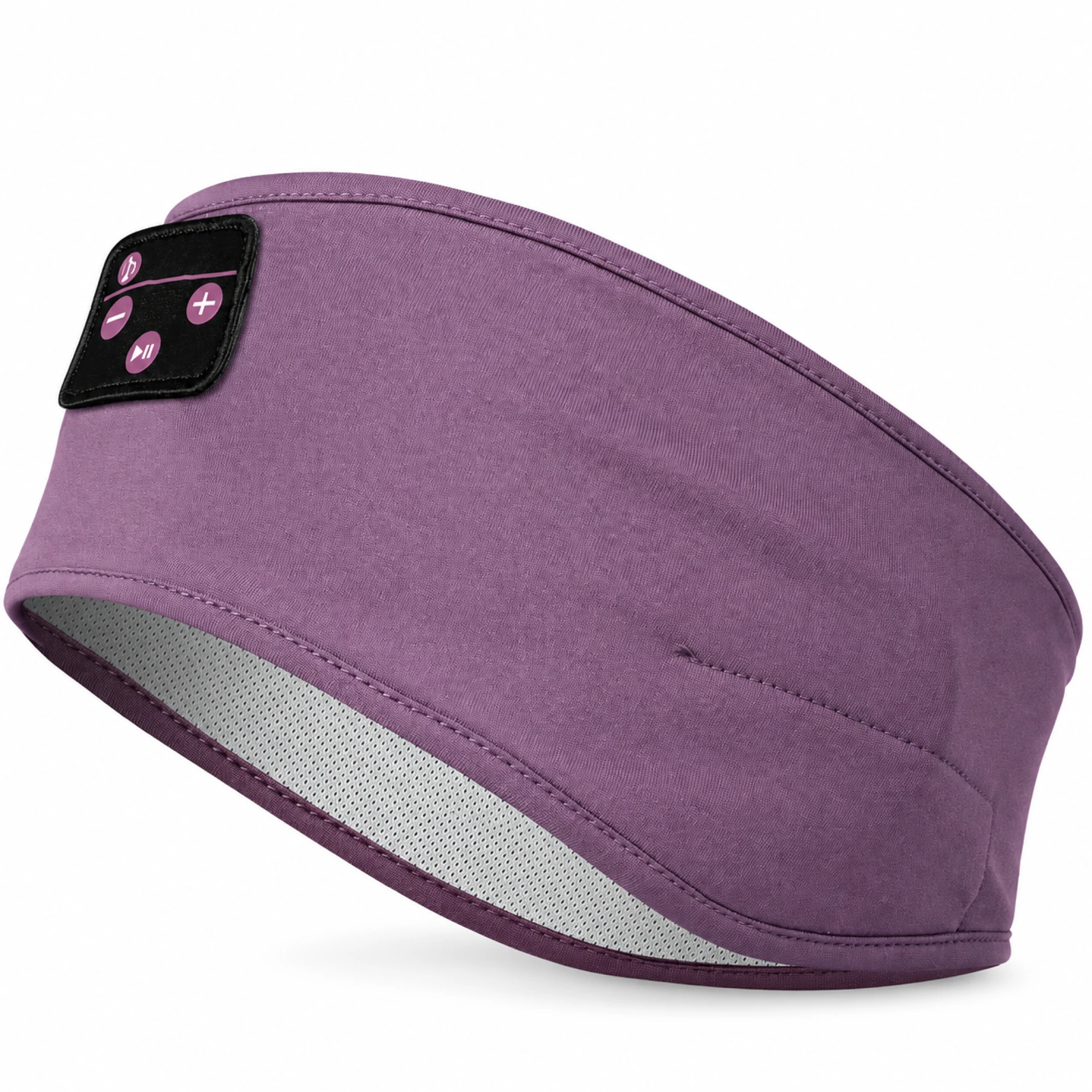 Purple Sleep Headband Headphones with Triangle Controls
 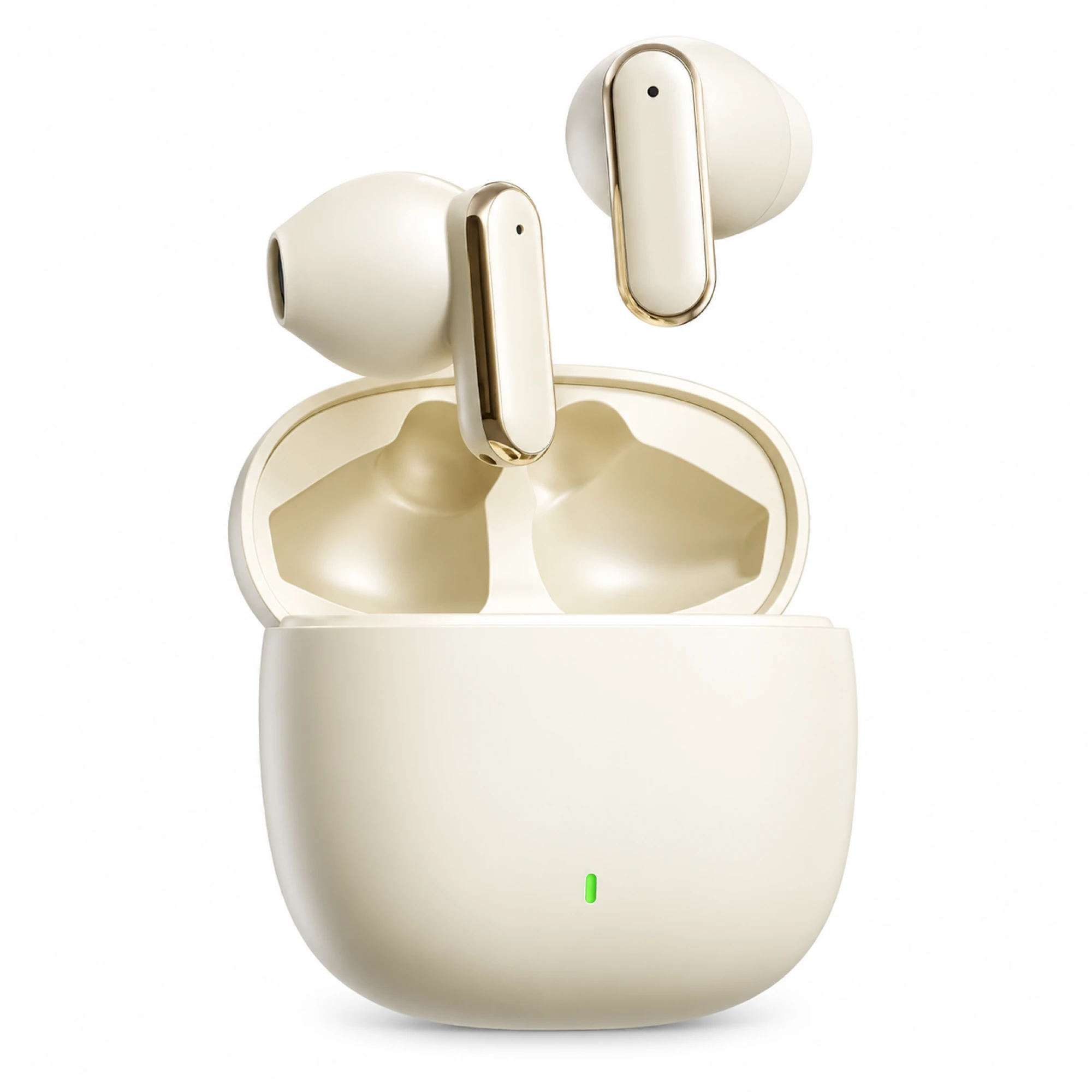 Cream Reflective-Stem Wireless Earbuds
 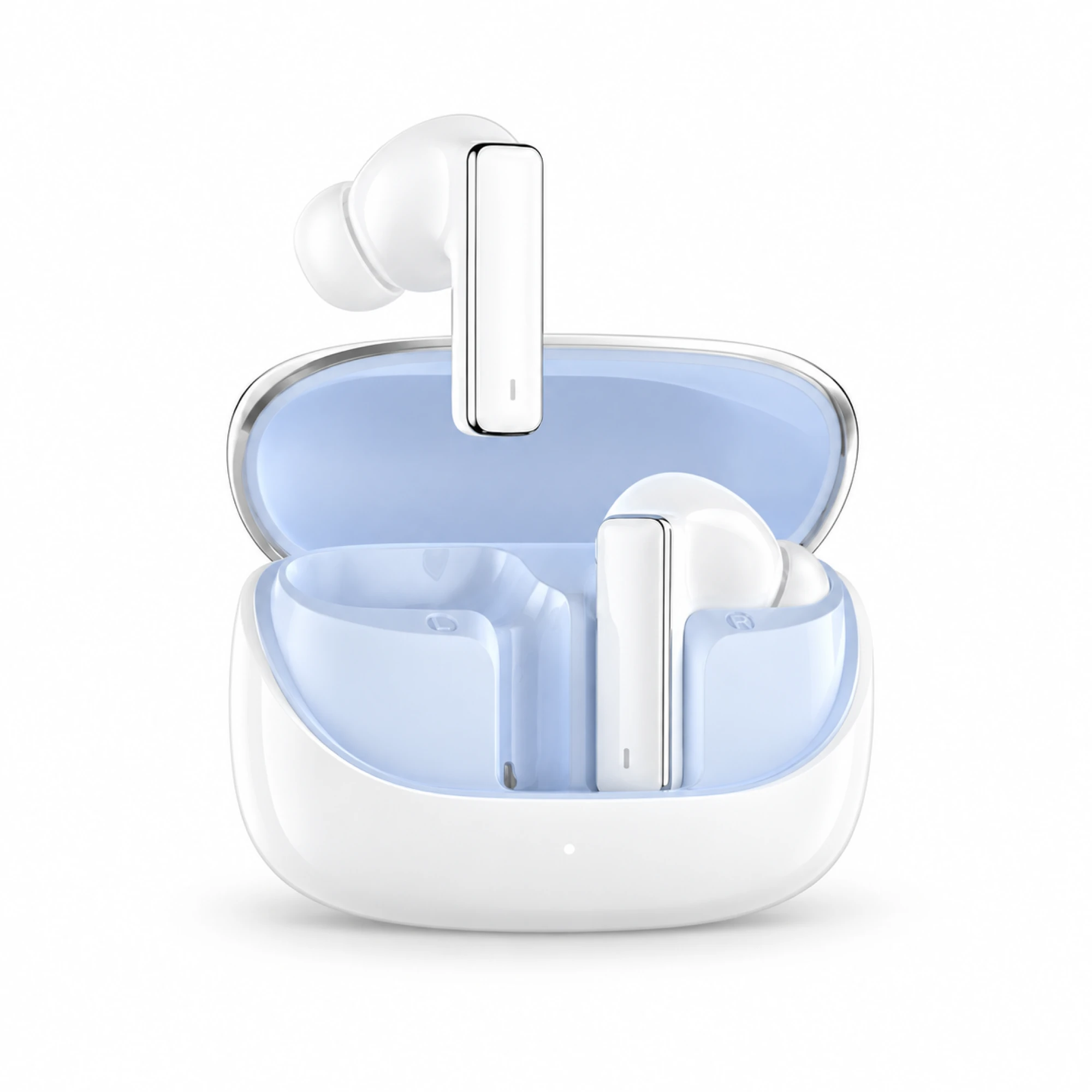 IN-01 White ANC Earbuds with Pale Blue Case Interior
 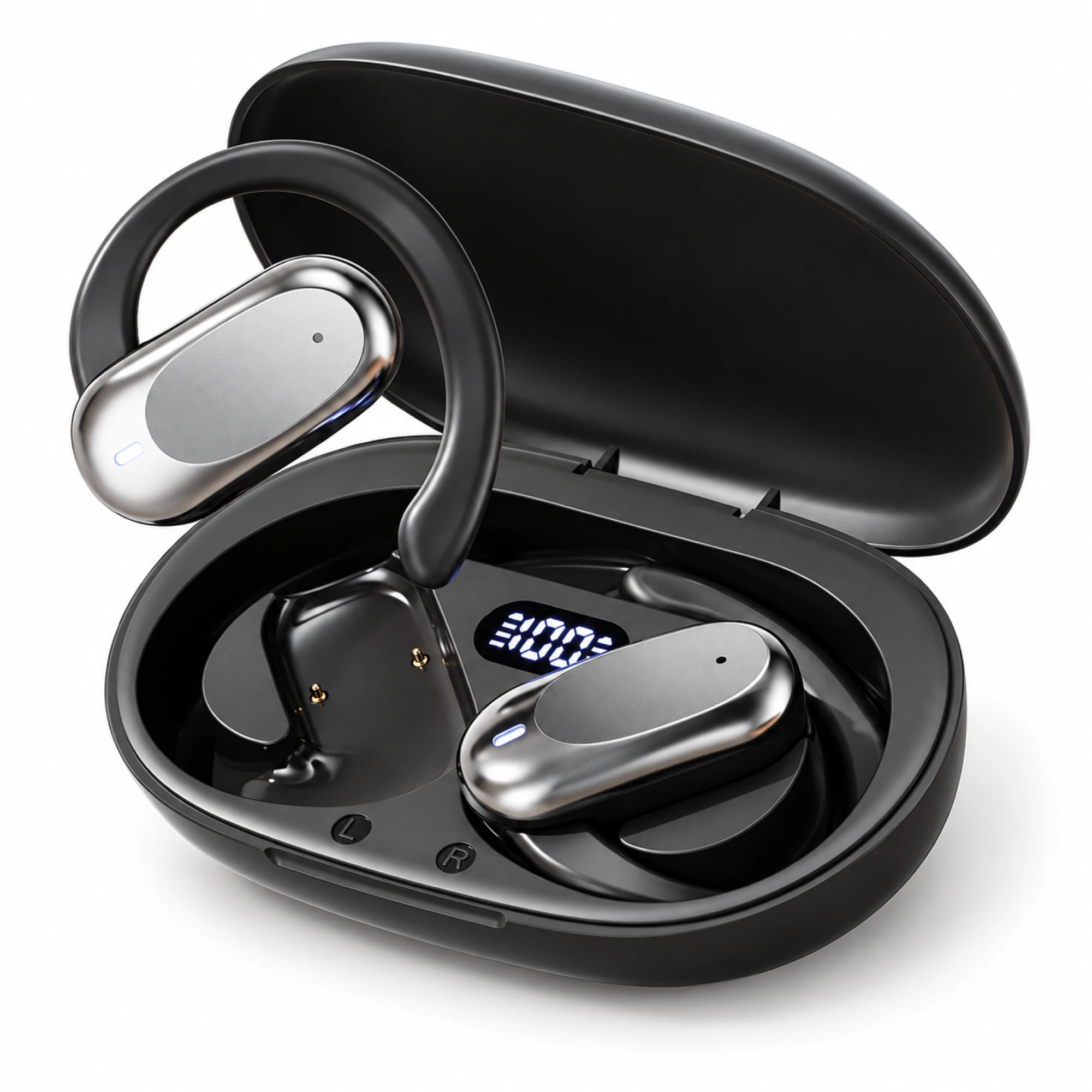 Silver Capsule Open-Ear Earbuds
 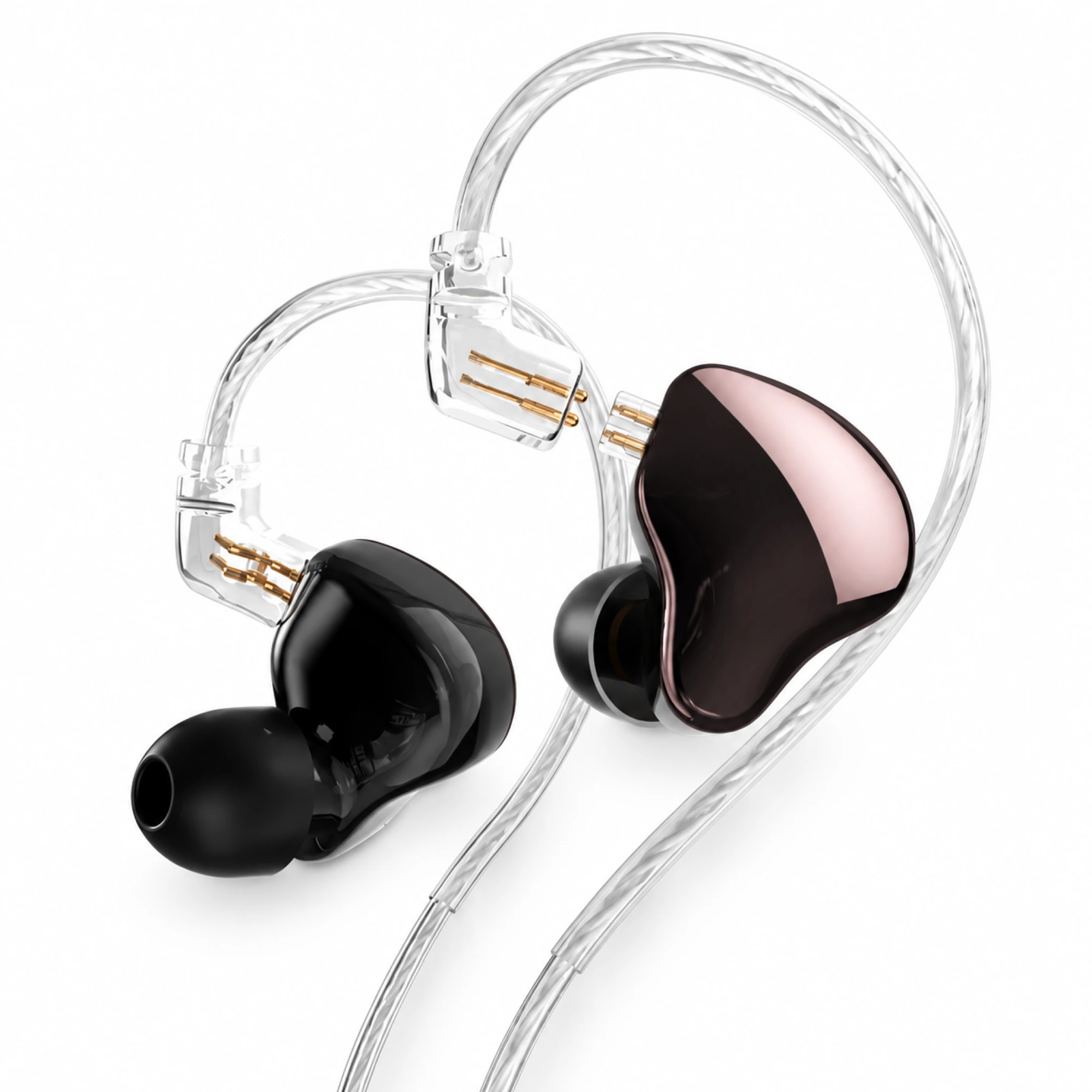 MN Rose-Metallic Detachable In-Ear Monitors
 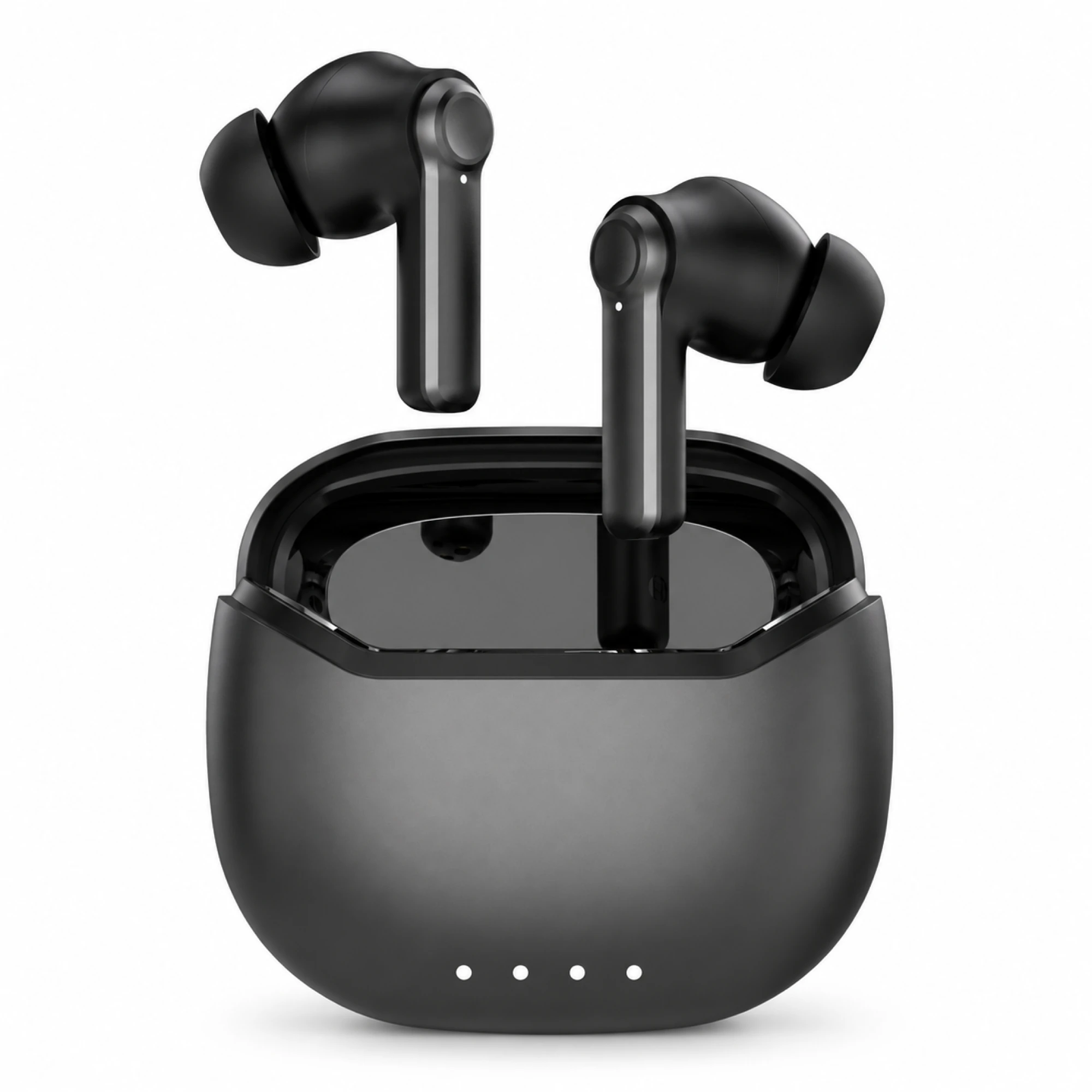 Black ANC Earbuds with Four-Indicator Case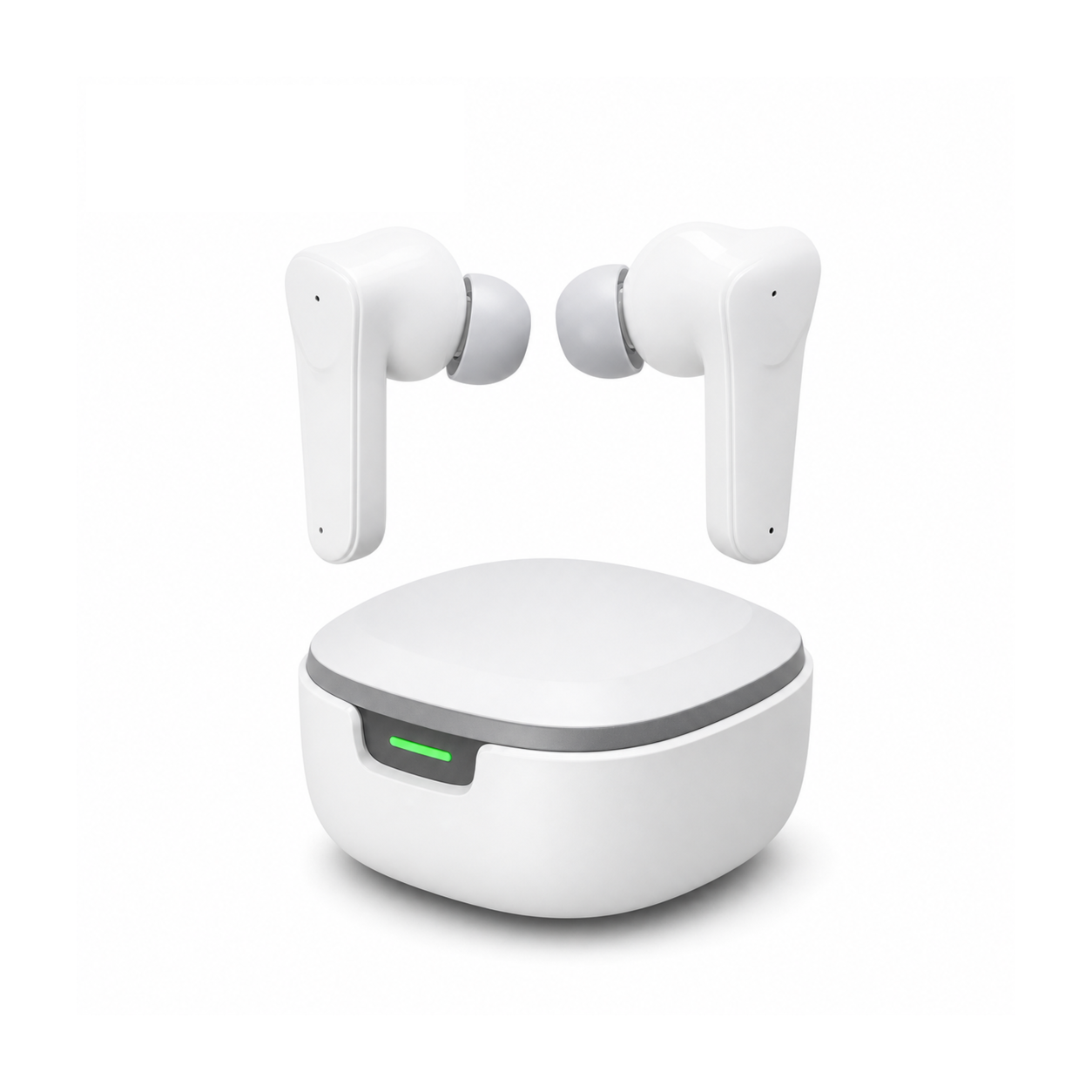
Start with the platform, not the driver size. A pair of gaming earbuds that behaves perfectly on a phone may not connect to your console at all: PlayStation's support pages state that a Bluetooth audio device is not compatible with a PS5, and Nintendo Switch has accepted Bluetooth audio only since system version 13.0.0, with microphone input left out of the feature.
Start with what your platform will accept
Almost every other line on a listing is negotiable. Whether the console under your TV will take the pair at all is not. Here is what the four platforms most American players own do with an ordinary wireless pair.
| Platform | Takes a standard Bluetooth pair? | Chat mic on the same earbuds? | What to prioritize |
|---|---|---|---|
| Phone (iOS or Android) | Yes | Yes | Fit, a low-latency or game mode, and the codec list (AAC, SBC, LDAC on some Android phones) |
| Windows PC | Yes | Yes, but the link drops to mono while the mic is open | A wired or 2.4 GHz dongle route if you talk while you play |
| PS5 | No | No | A wired pair into the controller's 3.5 mm jack |
| Xbox Series X|S | Not offered as a console option | No | The controller's 3.5 mm jack |
| Nintendo Switch | Yes, from system version 13.0.0 | No, Bluetooth microphone input is not supported | Game sound only; keep a wired option for party chat |
Two of those rows come straight from the platform makers. PlayStation's page for error code CE-109531-9 states that "Your Bluetooth audio device isn't compatible with PlayStation®5 consoles." Nintendo's Bluetooth audio page says the feature needs "system version 13.0.0 or higher", that "Bluetooth microphone input is not supported", and warns that "you may experience audio latency and/or noise with regards to controls and what is displayed on your game screen", which it describes as normal for wireless rather than a fault.
The Windows row comes down to a profile limit. Microsoft's driver documentation says Bluetooth Classic audio "supports stereo audio playback over the Advanced Audio Distribution Profile (A2DP) and mono playback and capture over the Hands-Free Profile (HFP)", and that when the microphone is used "it's necessary to use HFP instead". The moment a chat app opens the mic in your bud, stereo game audio narrows to a mono voice channel. We took that trade apart in the PC connection guide. The standard is moving on: Bluetooth SIG's LE Audio runs on the Low Energy radio with a new codec, LC3, which the SIG says brings "improvements in audio quality over the SBC codec included with Classic Audio, even at a 50% lower bit rate". Neither of our two models states LE Audio support, so the Classic behaviour above is what applies today.
The microphone is a separate decision from the sound
Good gaming earbuds for team play are decided by a part you cannot see in a product shot. Two abbreviations get mixed up on listings and they point in opposite directions. ENC works on the call microphone, cleaning up what your squad hears from your end. ANC works on the drivers, cancelling what you hear. A pair can have one, both or neither, and a listing that says only "noise cancelling" has told you nothing about voice chat. The difference is worth five minutes in our ANC and ENC explainer before you compare two boxes.
Position matters more than the capsule. On a true wireless pair the mic sits in the bud housing, further from your mouth than a boom arm, with a keyboard and a desk fan between it and the rest of the room. That geometry is why a boom keeps its reputation for voice chat, and it is worth knowing before you pay for a mic spec you cannot verify from a listing.
A worked example: forty dollars, a phone and a party chat
Take a setup that is common in US homes right now: a mobile shooter on a phone, voice chat in a Discord party, a ceiling of about $40, and a Switch in the same house.
- Chat is the hard requirement, so the pair has to publish a microphone. Of our two gaming models, the Beetle lists a built-in condenser microphone. The Spatial pair's published specification does not list a microphone at all, which rules it out as your chat mic before anything else is compared.
- Price the shortlist. The Beetle is $39.99 at the time of writing and the Spatial pair $34.99, so on this shelf the microphone costs about five dollars.
- Check the second device in the house. On the Switch the Beetle can carry game sound over Bluetooth, but Nintendo does not accept Bluetooth microphone input, so party chat still has to run through the phone or a wired pair.
- Accept what is not published. Neither listing states a Bluetooth version, a codec, a low-latency game mode or a delay figure, so treat fast competitive titles as unproven on this budget and try one round before a long session. The latency explainer covers what a "game mode" label does and does not promise.
The same four steps work at any budget. What changes above $100 is that a dongle or a wired option enters the picture, and that is the only thing that removes the delay question instead of managing it.
Long sessions are a fit and volume problem
Two hours of gaming with earbuds puts steady pressure on the same two spots in each ear, and the pressure is worse when the tip is the wrong size, because a poor seal makes you push the volume up to compensate. Silicone tips usually ship in small, medium and large, and the medium that came fitted is not automatically the one that fits you. Our ear-tip sizing walk-through takes about two minutes and changes the bass response as much as any spec on the box.
Volume is the part with published numbers behind it. The World Health Organization's safe-listening guidance states that "you can safely listen to a sound level of 80dB for up to 40 hours a week", and that "if the sound level is 90dB, the safe listening time reduces to four hours per week". Put a real schedule against that: three-hour sessions on six weeknights is 18 hours, which sits comfortably inside the 40-hour allowance at 80 dB. Push the same headphones to 90 dB for a Saturday marathon and the whole week's allowance is gone in four hours. WHO also suggests keeping device volume at no more than 60% of maximum.
If a product causes pain, irritation, ringing or a noticeable hearing change, stop using it and seek qualified care.
Where our two gaming earbuds land
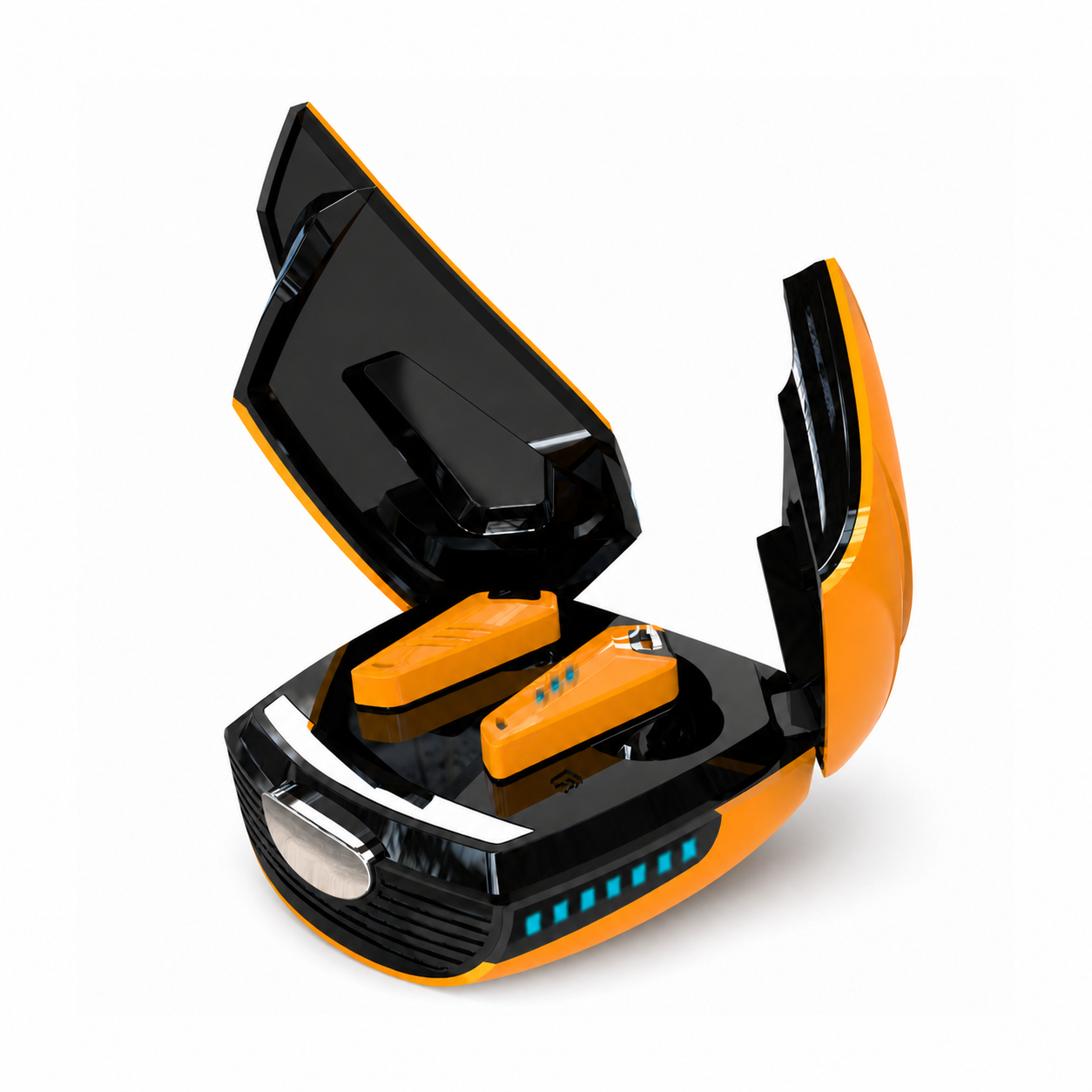
The Beetle is $39.99 at the time of writing. Its listing states an angular closed-back in-ear fit, passive isolation only with no active noise cancellation, a built-in condenser microphone, on-earbud media controls, a 180 mAh lithium-polymer case battery and USB-C charging, in Yellow or Silvery. A charger is not included.
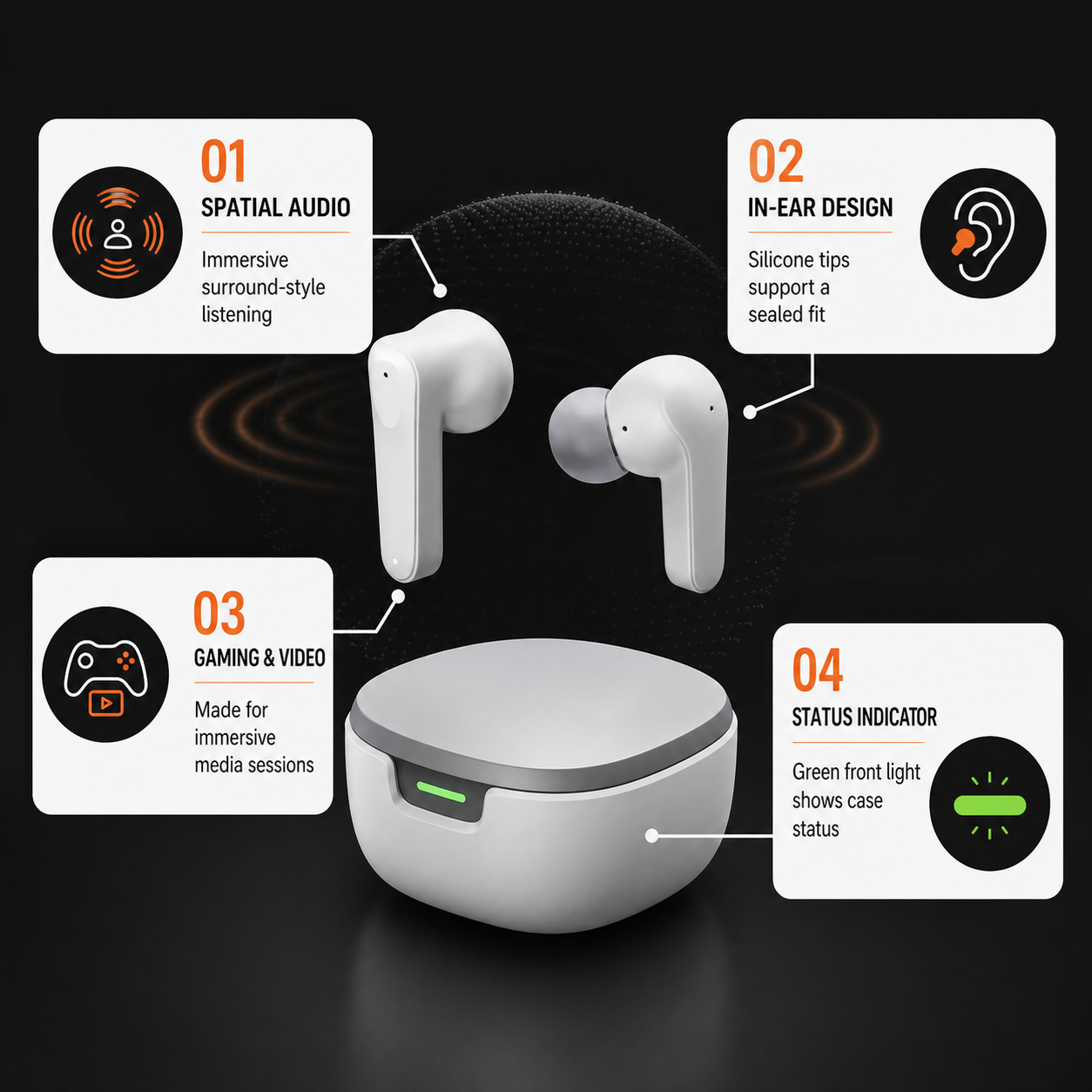
The Spatial pair is $34.99 at the time of writing: a sealed in-ear fit with soft silicone tips, passive isolation only, and spatial audio that the listing describes as a surround-style effect and not as positional tracking. Its case carries a green front status light. No microphone appears in its published specification.
Neither listing publishes a water-resistance rating, so no IPX4 or IPX5 claim applies to either model, and neither states a Bluetooth version, a codec list, multipoint pairing or a latency figure. That is the honest boundary of what we can tell you from a specification sheet. The best gaming earbuds for you are the pair that clears your platform first and your chat requirement second, and you can see how the rest of the gaming collection is described on the same terms.
Questions people ask before a first pair
Can you play competitively on a wireless pair?
You can play, and plenty of people rank up doing it. What a wireless link cannot give you is a guaranteed delay figure, because the total depends on the game, the phone or PC, the codec in use and the earbuds together. If a fraction of a second between a footstep and your reaction decides matches for you, a cable or a 2.4 GHz dongle removes the question instead of managing it.
Is spatial audio worth paying for?
It depends on what you play. Spatial processing widens a stereo mix so effects feel placed around you, which suits single-player and story games and film. It is an effect applied to the mix, and how much it helps varies by title and by app, so treat it as immersion first, and be wary of counting on it in a shooter where precise left-right cues decide fights.
Will one pair cover a phone, a PC and a console?
One pair covers a phone and a PC without drama. A console is where it stops. A PS5 will not accept a standard Bluetooth audio device, and a Switch will take the sound but not the microphone, so a single wireless pair cannot be your console chat solution. A common answer is one wireless pair for phone and PC plus an inexpensive wired pair for the console.