



In many multi-generational living rooms, evening television viewing turns into an unintentional tug-of-war over the remote control. An older parent or spouse in their 70s or 80s turns the television volume up to catch quiet conversational dialogue, while everyone else in the room struggles to read a book or talk without shouting. When caregivers in communities like r/AgingParents and r/Aging ask for a practical fix, their top priority is rarely studio audiophile tuning. Instead, families want tv headphones for seniors that solve two everyday problems at once: letting the headphone wearer adjust dialogue volume independently without muting the television speakers for the rest of the room, and charging on a drop-in cradle so nobody has to fumble with tiny USB cables or television Bluetooth menus.
Below, we examine why dedicated wireless TV headphone and transmitter dock kits outperform standard consumer Bluetooth headphones for older adults, compare two dock-based over-ear kits from the Earsole catalog, and walk through the television audio settings that keep living-room speakers and headphones working together.
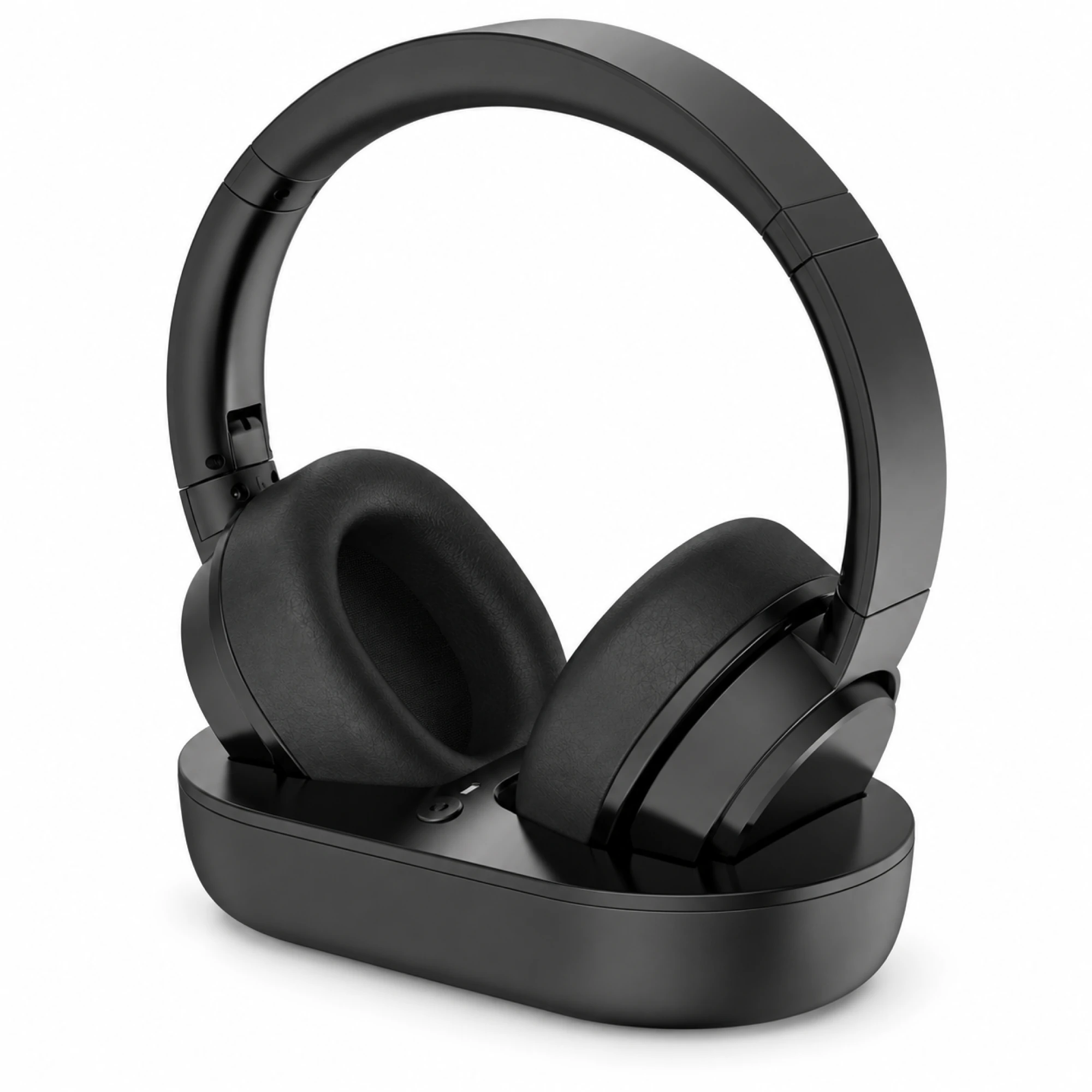
Why Shared Living-Room TV Volume Needs a Dedicated Base Transmitter
When families first shop for headphones for hard of hearing tv viewing, they often try pairing a standard pair of consumer Bluetooth headphones directly to a smart TV. Within a few days, three frustrations usually surface:
- Pairing and Menu Fatigue: Navigating nested television settings menus with a directional remote whenever a headset disconnects is frustrating for viewers who simply want to sit down and watch the evening news.
- Muted Room Speakers: Many televisions automatically silence their internal speakers the moment a direct Bluetooth audio device connects, leaving spouses or visiting family members sitting in silence.
- Tiny Charging Plugs: Inserting a small USB-C or Micro-USB plug into the bottom edge of an earcup requires fine finger dexterity and close-up vision.
A dedicated wireless TV headphone system replaces smart-TV menu pairing with a physical transmitter base that stays wired to the television’s optical, 3.5mm AUX, or RCA audio output port. Because the headset and its charging base are pre-paired at the factory, lifting the headphones off the stand establishes the wireless audio link automatically. Even more importantly, the wearer adjusts listening loudness directly on the headset earcup while the television remote continues to control the room speakers independently.
Comparing Dock-First Wireless TV Headphone Kits for Seniors
Earsole offers two dedicated over-ear wireless tv headphones for elderly viewers that pair a padded headband headset with a stationary desktop transmitter and charging dock. While both kits eliminate manual Bluetooth pairing, they differ in cradle geometry and front-panel status visibility.
| Feature | Wireless TV Headphones with Transmitter Base | Black Wireless TV Headphones with Front-Port Base |
|---|---|---|
| Catalog SKU | EAR-1688-695302815648 | EAR-1688-995198690276 |
| Price | $79.99 | $69.99 |
| Wireless Link | Pre-paired V5.2 transmitter base and headset | Pre-paired wireless transmitter dock and headset |
| Charging Dock Style | Upright contoured cradle with integrated contact pins | Dual-rod vertical support stand with base charging contacts |
| TV Audio Connections | Optical digital, 3.5mm AUX, and RCA audio outputs | Rear TV audio input with front-panel indicator display |
| Form Factor | Matte black over-ear cushioned earcups | Matte black over-ear earcups with adjustable headband |
1. Wireless TV Headphones with Transmitter Base ($79.99)
The Wireless TV Headphones with Transmitter Base (EAR-1688-695302815648, $79.99) is built around a pre-paired V5.2 wireless transmitter dock with an upright sculpted cradle. In the catalog product views, the headset rests vertically inside the contoured dock slot so the metallic charging contacts align naturally at the bottom of the earcup arch.
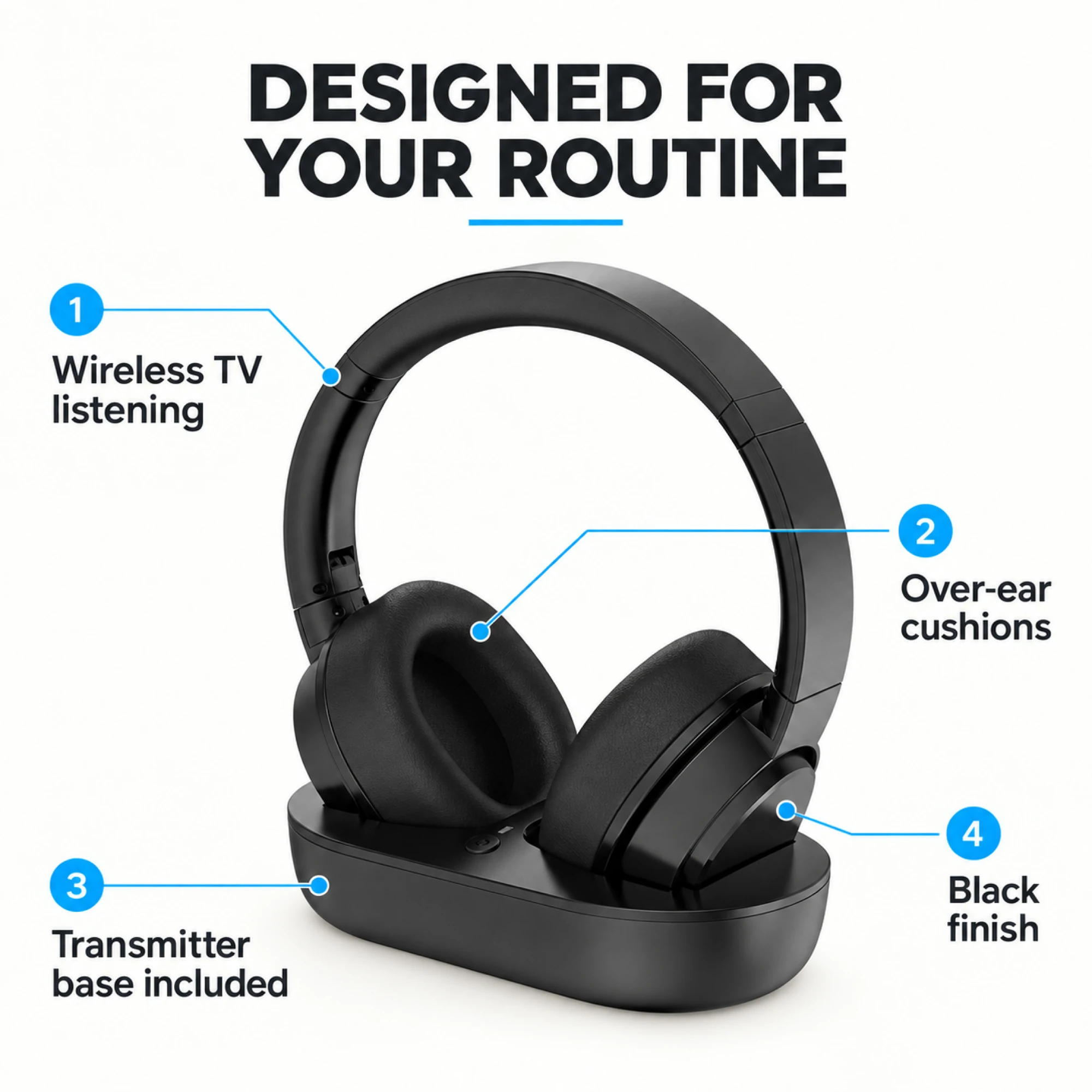
For a senior viewer watching late-night movies or news broadcasts, the daily routine requires zero menu steps: pick the headset up from the V5.2 transmitter base, place the cushioned over-ear cups over the ears, and set the personal volume level on the headset. When the program ends, setting the headphones back into the upright cradle powers them down and starts recharging for the next evening.
2. Black Wireless TV Headphones with Front-Port Base ($69.99)
The Black Wireless TV Headphones with Front-Port Base (EAR-1688-995198690276, $69.99) uses a wider horizontal transmitter base topped with a dual-rod metal support rack and clear front-facing status indicators. Instead of slotting the earcups into a recessed well, the user hangs the headband across the twin upright support rods, guiding the earcup contacts onto the base charging pads.
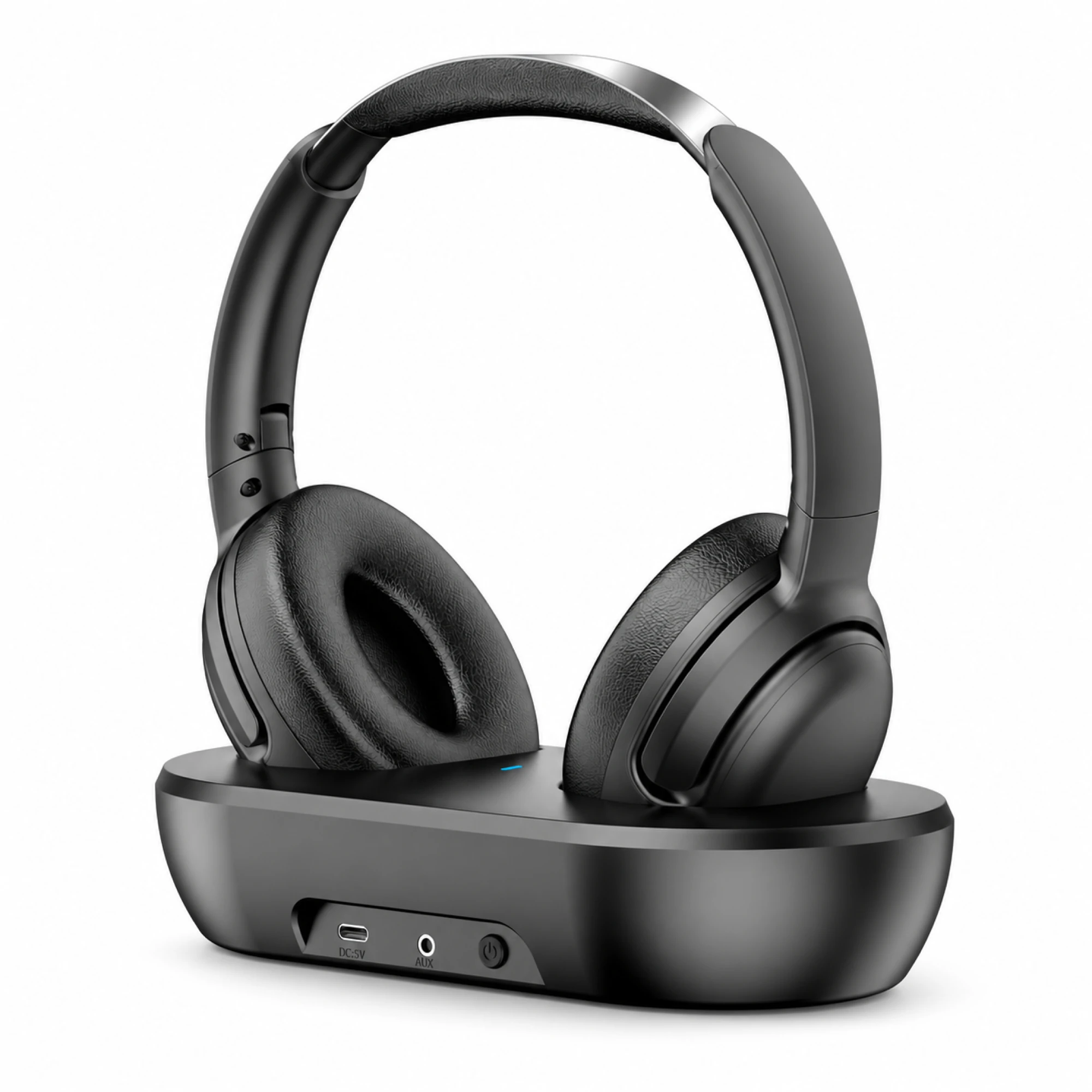
Caregivers often appreciate the front-panel indicator icons on this base because anyone in the room can verify at a glance across the TV stand whether the transmitter base has active power, audio signal lock, and charging contact engagement.
Setting Up Dual Audio Output and Effortless Dock Charging
Even the best tv headphones for seniors depend on how the transmitter base is connected to the back of the television. If your household wants the television speakers to stay active at a normal conversational volume while the headphones play at a louder level, follow this three-step setup checklist:
- Use the Optical Digital Audio Port for Simultaneous Sound: On most modern flat-screen televisions, plugging a 3.5mm plug into the headphone jack automatically mutes the internal TV speakers. Connecting the transmitter base to the television’s Optical Digital Audio Out (TOSLINK) port—and selecting Optical + TV Speaker (or Simultaneous Audio Output) in the television’s sound menu—keeps the room speakers active while feeding a constant signal to the headphone base.
- Switch Digital Audio Format to PCM: As audiologist-reviewed TV headphone setup guides note, when using an optical connection you should set the television’s Digital Audio Output format to PCM (Pulse-Code Modulation) rather than Dolby Digital bitstream so the transmitter base decodes every broadcast and streaming app without silence or static. If you are connecting an older television with red-and-white analog jacks, see our detailed wiring walkthrough on connecting wireless headphones to a non-Bluetooth TV.
- Place the Charging Cradle Within Easy Reach: Set the tv headphones with charging dock on an open shelf next to the television where the status lights are visible and the headband can be lifted straight up without reaching behind the screen.
Important Transparency Notes Before Buying
To keep expectations grounded, keep two boundaries in mind when comparing catalog kits:
- Catalog Specification Scope: Neither the
EAR-1688-695302815648($79.99) nor theEAR-1688-995198690276($69.99) listing publishes third-party laboratory latency millisecond charts or clinical audiological amplification ratings. Both are consumer wireless TV headphone systems rather than medical hearing devices. - TV Menu Dependence: Whether a television can output sound through its internal speakers and an auxiliary or optical port at the same time is determined by the television manufacturer’s audio menu firmware.
Frequently Asked Questions
How can a senior watch TV with headphones at a higher volume without muting the TV speakers for everyone else in the living room?
Connect a dedicated wireless TV headphone transmitter base—such as the Wireless TV Headphones with Transmitter Base ($79.99) or the Black Wireless TV Headphones with Front-Port Base ($69.99)—to the television’s optical digital audio output or fixed RCA audio output, and enable simultaneous speaker + optical output (set to PCM) in the TV sound settings. The senior adjusts headset volume directly on the earcups while family members adjust room speaker volume with the TV remote.
Why is a drop-in charging transmitter base better for older adults than standard Bluetooth headphones charged with USB cables?
Caregivers in r/Aging and r/AgingParents frequently report that tiny USB charging cables and smart-TV Bluetooth pairing menus frustrate older viewers in their 70s and 80s. A pre-paired tv headphones with charging dock system recharges automatically when placed on its upright cradle and reconnects to the transmitter base without opening television settings menus.
