Traditional headphones are built primarily for audio playback, while a headset combines headphone drivers with a built-in voice microphone—most commonly a boom mic positioned near your mouth. If you want an all-in-one device for multiplayer voice chat or work calls, a headset simplifies your setup. If you already own a standalone desk microphone or care equally about music playback and long-term durability, dedicated headphones let you put your hardware budget into audio drivers instead of paying twice for a microphone.
What Is a Headset vs Headphones? The Hardware Distinction
When shoppers search for the difference between headphones and headset or ask what is a headset, the confusion usually comes down to how modern audio gear handles voice pickup. According to Audiostance’s guide to headphones vs. headsets for gaming, gaming headsets differ from traditional headphones due to the inclusion of a built-in microphone, an essential component for both competitive and casual multiplayer gamers.
In practical terms, consumer and gaming audio gear falls into three distinct hardware categories:
| Hardware Category | Primary Design Focus | Microphone Placement | Typical Connection Options | Best Use Case |
|---|---|---|---|---|
| Dedicated Headphones | Music playback, balanced or versatile audio tuning, and daily listening | None, or an internal earcup mic for casual phone calls | 3.5 mm AUX wired cable, wireless Bluetooth, or dual-mode (both) | Music lovers, commuters, and PC users who already use a standalone desk microphone |
| Boom-Mic Headset | Two-way voice communication and game audio convenience | Adjustable or fixed boom arm positioned close to the mouth | 3.5 mm TRRS/splitter cable, USB, or wireless Bluetooth / 2.4 GHz | Console and PC multiplayer gamers or remote workers who want one plug-and-play device |
| Gaming Earbuds with Mic | Compact in-ear noise isolation without headband bulk | Built-in condenser microphone in the earbud housing | Wireless Bluetooth with USB-C charging case | Mobile and desktop gamers who want team chat without over-ear heat or clamping |
If you are specifically comparing over-ear headset shapes or troubleshooting computer audio jacks, see our guide to over-ear headsets and our PC headset setup guide.
Where Your Budget Goes: Audio Drivers vs Built-In Microphones
The biggest trade-off in the headphones vs headset debate is not just whether a microphone arm is attached—it is how the manufacturer splits the hardware bill of materials and acoustic tuning.
As Audiostance notes, a lot of gaming headsets either excel in their microphone quality or in their sound quality, while few bring both high-quality sound and high-quality microphones to the table at the same time. Because a headset has to fund earcup drivers, a boom microphone capsule, internal wiring, and often gaming-focused aesthetic housing within a single retail price tier, something usually gives:
- Acoustic tuning for games vs. music: Gaming headsets are typically tuned specifically around in-game cues like explosions and footsteps. When you switch the same headset over to music, accentuated bass and recessed midrange frequencies can make songs sound less natural than on a pair of traditional headphones.
- Versatility across devices: Audiostance found across its market comparison that gaming headsets did not perform as well as traditional headphones for versatile music listening, noting that if you want the best balance between music and gaming audio, a traditional headphone paired with a standalone microphone usually delivers the most versatile results.
- Single point of failure: When a fixed boom microphone and headphone drivers share the same chassis, a faulty mic boom or mute switch can leave you shopping for a replacement even if the earcup speakers still work.
When to Choose Dedicated Headphones (Especially If You Own a Desk Mic)
Many PC gamers, streamers, and remote workers eventually upgrade to a standalone USB or XLR desk microphone on a boom arm. Once you have a dedicated microphone on your desk, buying another boom-mic gaming headset means paying for a second microphone that stays flipped up or unused.
In an r/HeadphoneAdvice thread comparing headsets and standard headphones, a player whose gaming headset microphone stopped working noted that they already owned a standalone desk microphone and asked whether standard headphones made more sense than buying another headset, and a responder pointed out that wired dedicated headphones can last longer than most headsets.
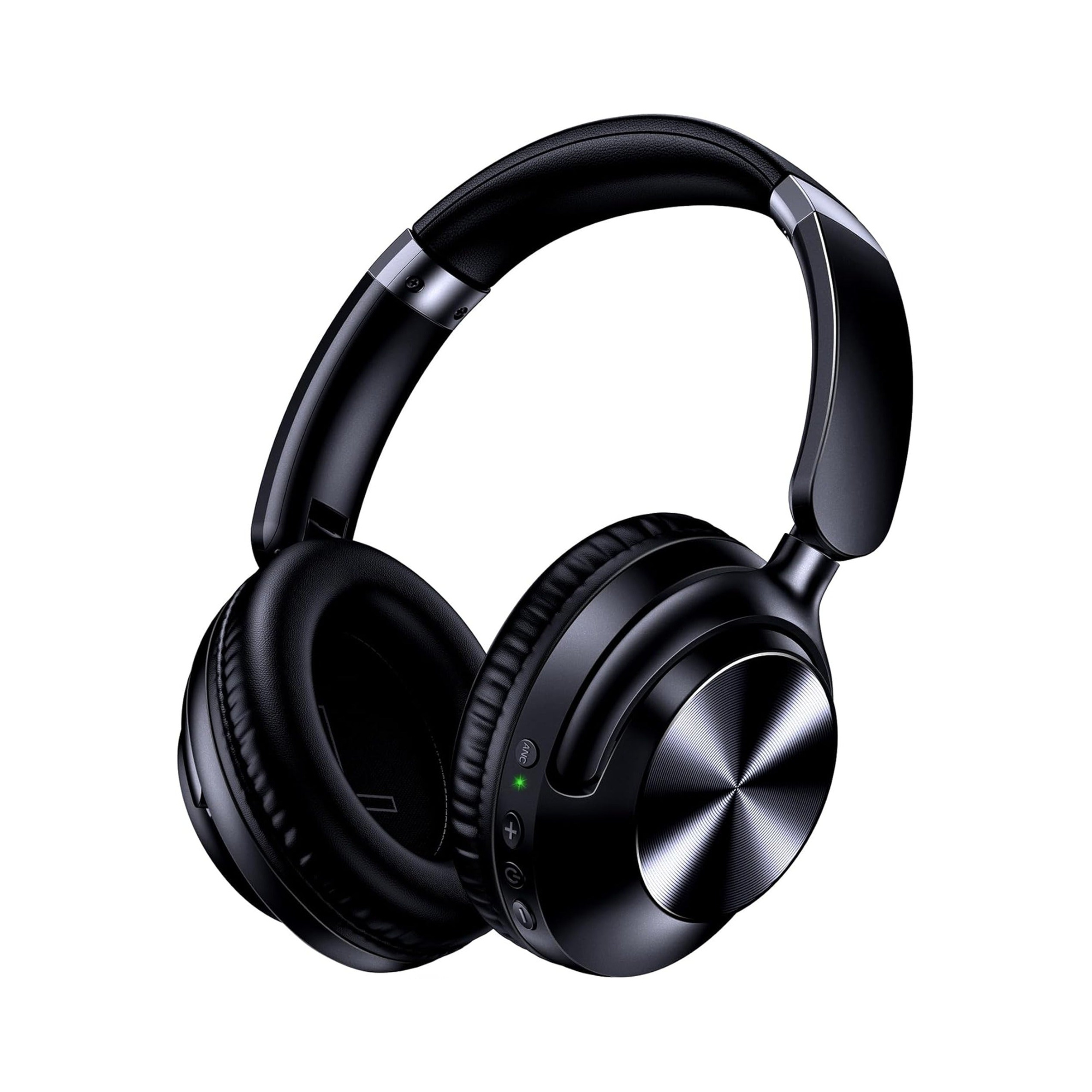
Dedicated over-ear headphones that support both wired and wireless listening are especially practical for a desk-mic setup because they work at your PC via a physical cable and unplug for daily travel without a boom mic sticking out. According to the product listing for the EARSOLE Series 127 Noise Cancelling Over-Ear Headphones, the headphones switch between wireless Bluetooth connectivity and a 3.5 mm AUX wired connection using the included 47.2-inch audio cable. The EARSOLE Series 127 listing also states ultra-soft protein leather ear cups that rotate up to 105 degrees, an adjustable headband, Active Noise Cancellation (stated up to 95% ambient noise reduction), up to 100 hours of playtime on a single charge, and an included travel pouch.
- At your gaming or work desk: Plug the included 47.2-inch 3.5 mm AUX cable into your PC, audio interface, or desk microphone’s monitoring jack for wired audio playback while your standalone desk microphone handles your voice.
- Away from your desk: Unplug the 3.5 mm cable and switch to wireless Bluetooth mode with Active Noise Cancellation for commuting, office focus, or travel.
When a Boom-Mic Headset or Gaming Earbuds Still Win
A standalone desk microphone is not ideal for every setup. If you play on a couch with a console controller, move between a laptop and a desktop, or do not want a microphone stand taking up desk space, an integrated microphone keeps your voice pickup at a consistent distance from your mouth whenever you turn your head.
Depending on whether you prefer over-ear padding or a compact in-ear fit, two catalog options illustrate how integrated-mic designs work in practice:
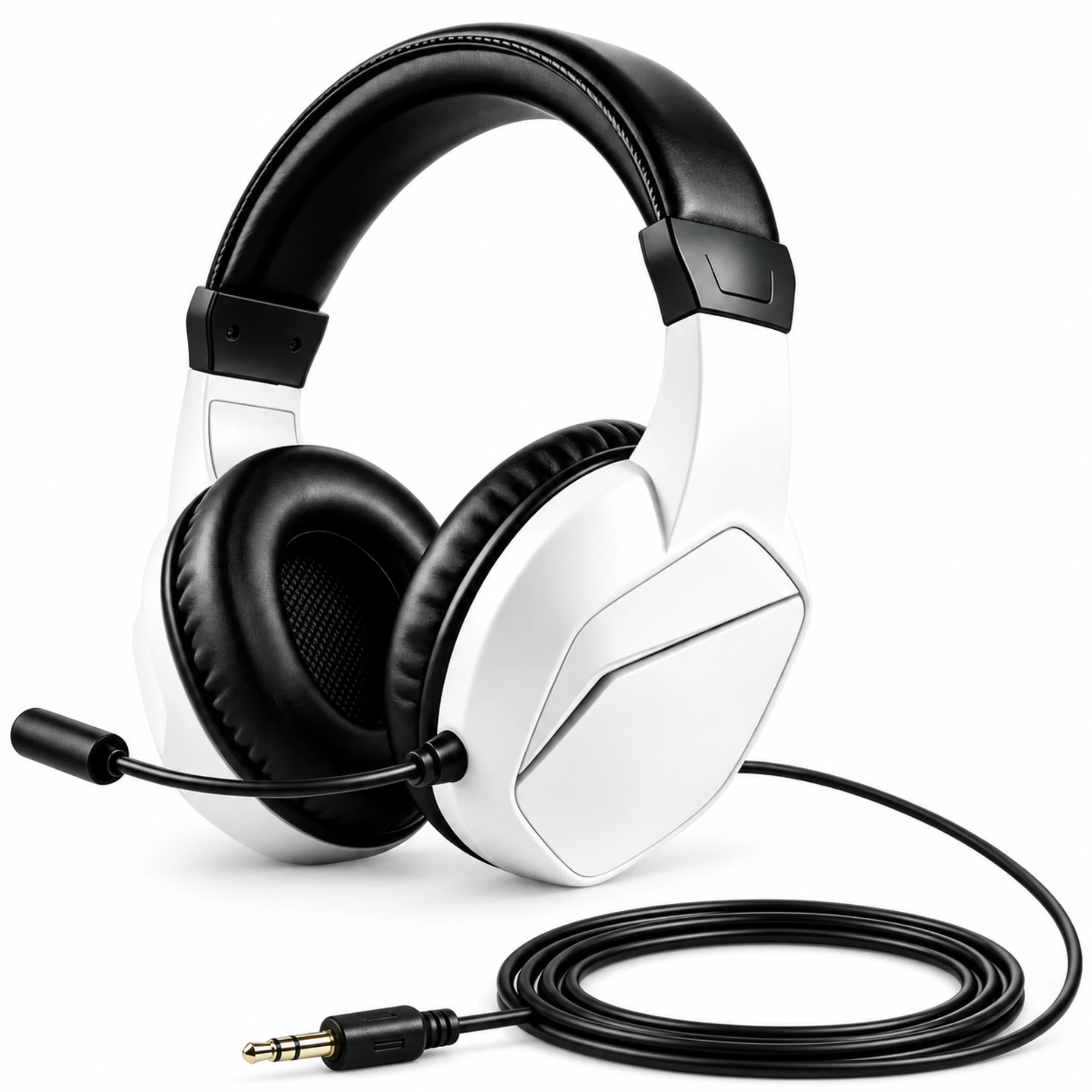
- Over-ear boom-mic option: According to the EARSOLE Wireless Gaming Headset with Boom Microphone catalog listing, the white and black gaming headset pairs a boom microphone with padded earcups, and the supplier lists both Bluetooth and wired listening options with a pictured 3.5 mm cable plug. Having a dedicated boom arm places the microphone element near your mouth for team callouts while keeping a 3.5 mm wired option ready for controllers or PC jacks.
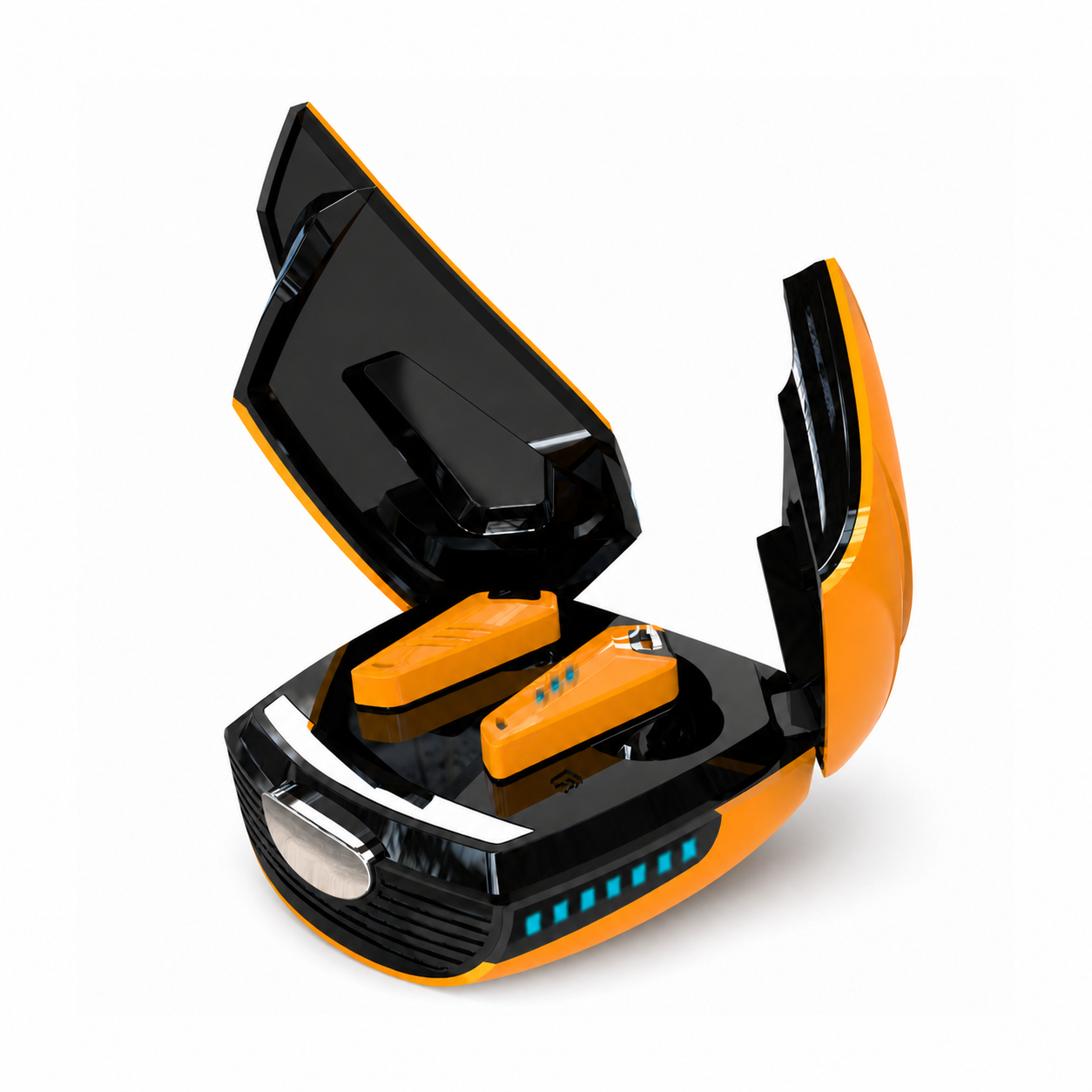
- Compact in-ear gaming option: For players who want voice chat without an over-ear headband, the EARSOLE Beetle Mechanical Wireless Gaming Earbuds with Noise Isolation listing describes wireless in-ear gaming earbuds with a closed-back sound-isolating fit, a built-in condenser microphone for calls and team chat, on-earbud media controls, and a transforming-style charging case with a 180mAh lithium-polymer battery that charges via USB-C.
| EARSOLE Model | Hardware Style | Stated Microphone Setup | Stated Connectivity | Best Fit For |
|---|---|---|---|---|
| EARSOLE Series 127 Over-Ear Headphones | Dual-mode over-ear ANC headphones | No boom arm (clean over-ear profile) | Bluetooth + 3.5 mm AUX wired (47.2-inch cable included) | Pairing with a standalone desk mic at home and wireless ANC listening on the go |
| EARSOLE Wireless Gaming Headset with Boom Microphone | Over-ear gaming headset | Adjustable boom microphone | Bluetooth + 3.5 mm wired option (per supplier listing) | All-in-one voice chat for multiplayer gaming without a separate desk mic |
| EARSOLE Beetle Mechanical Wireless Gaming Earbuds | Closed-back in-ear gaming earbuds | Built-in condenser microphone | Wireless Bluetooth (180mAh USB-C charging case) | Compact desk setups, mobile gaming, and calls without headband heat |
Frequently Asked Questions
Is it called headphones or headsets?
According to Audiostance, a headset differs from traditional headphones by including a built-in microphone for voice chat in competitive and casual multiplayer gaming, whereas traditional headphones focus on audio playback and can be paired with a standalone or attachable microphone. In everyday use, “headphones” refers to listening-first over-ear or on-ear gear, while “headset” refers to a unit built for two-way voice communication.
Do headphones count as a headset?
Traditional headphones without a microphone do not count as a headset because they only handle audio output. While many modern wireless headphones include small internal microphones for taking phone calls, shoppers and guides generally reserve the term “headset” for models with a dedicated voice microphone—such as an adjustable boom microphone—designed for continuous voice chat in gaming or remote work.
Should I buy headphones or a headset if I already have a desk microphone?
If you already own a standalone USB or XLR desk microphone, dedicated headphones usually make more sense than buying a gaming headset: as Audiostance and r/HeadphoneAdvice commenters note, standalone headphones focus their hardware budget on audio drivers, music versatility, and long-term durability rather than duplicating a built-in boom microphone you do not need. Choosing dual-mode headphones with a 3.5 mm AUX cable (such as the EARSOLE Series 127) lets you monitor desktop audio over a wire while using the same headphones wirelessly for everyday music.