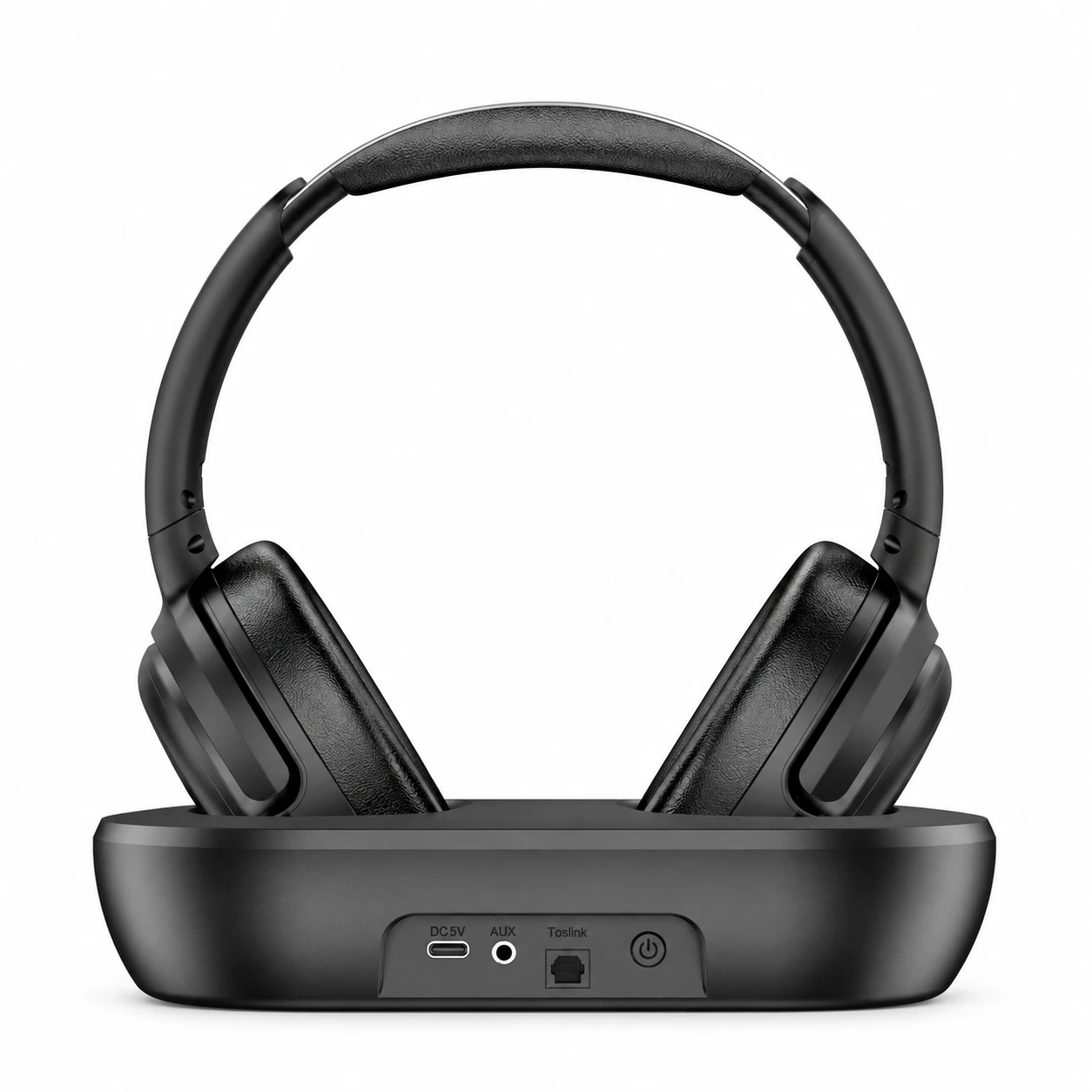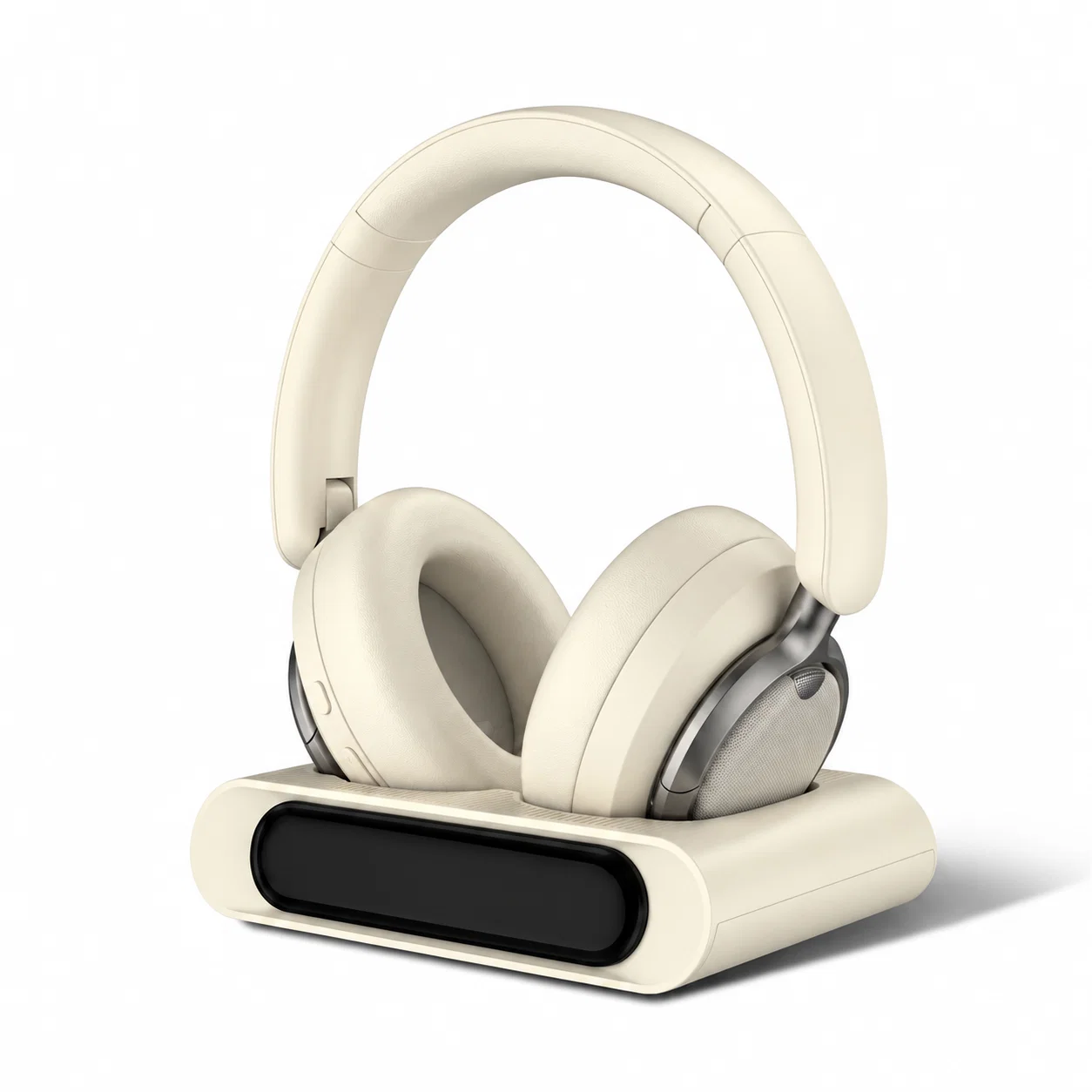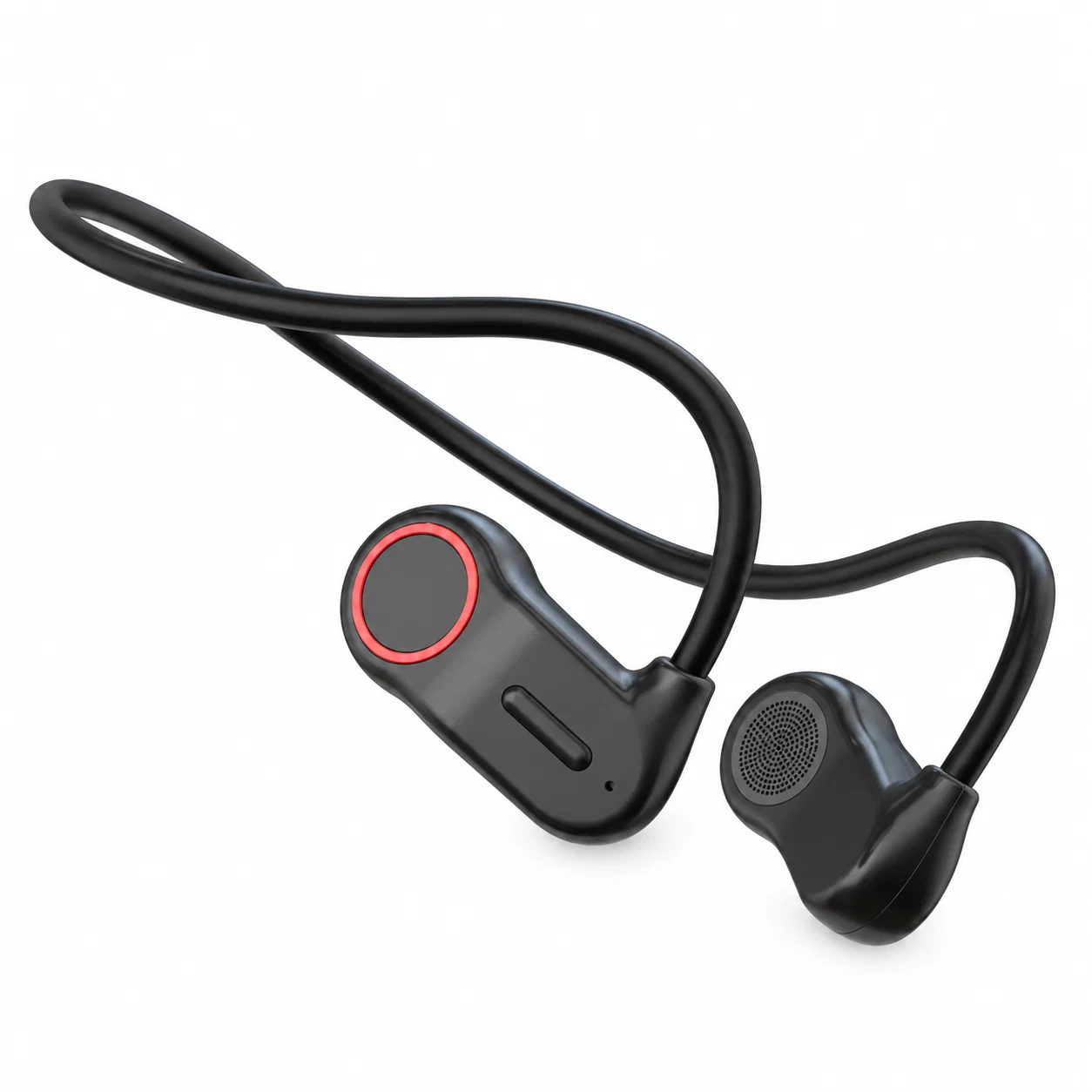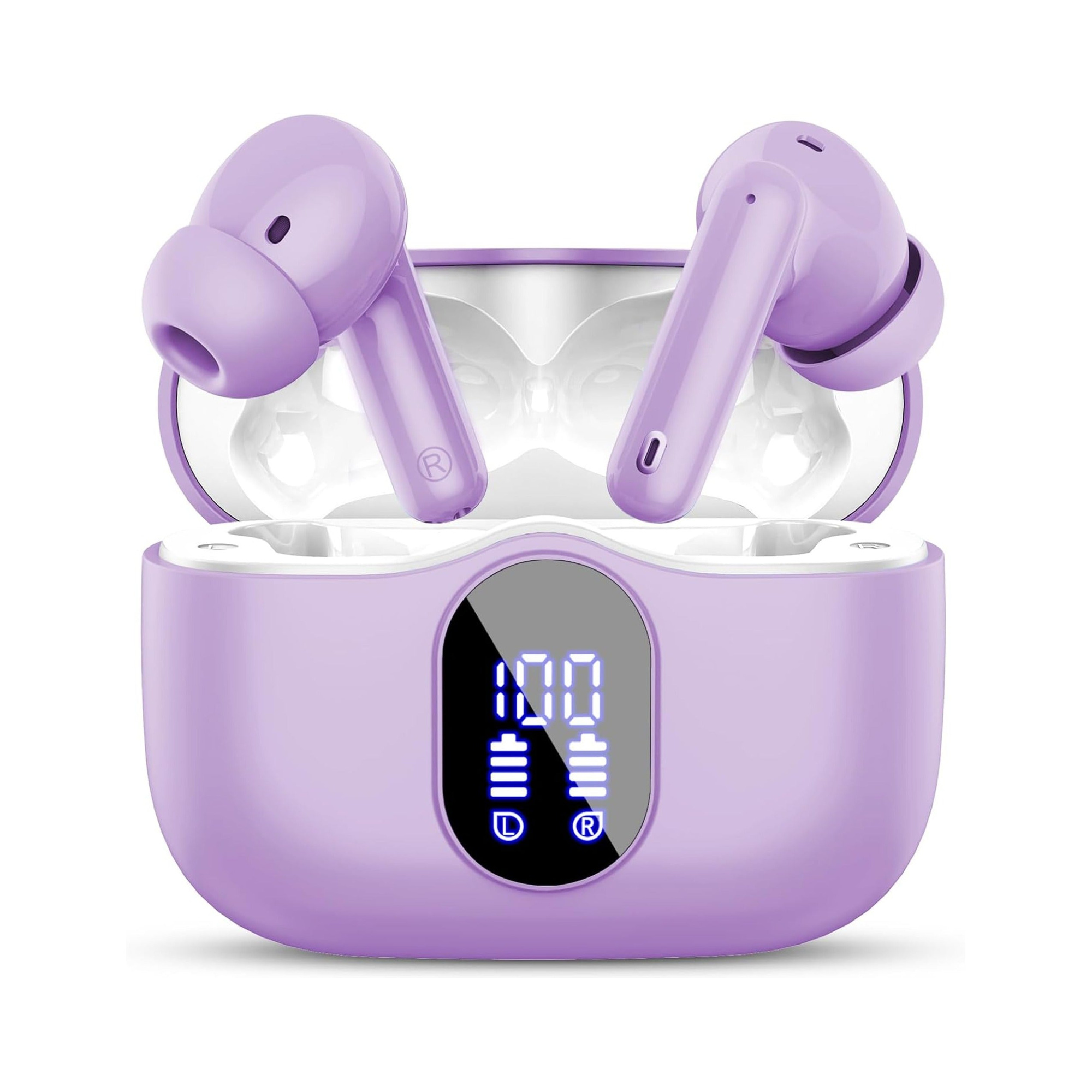
How to Make Headphones Louder by Clearing Nozzle Wax Guards and Disabling Volume Caps
When a pair of headphones or wireless earbuds suddenly sounds half as loud at 100% volume as it did a month ago, the dynamic speaker driver inside the shell has almost never burned out. Instead, more than 80% of “quiet earbud” cases trace back to two specific bottlenecks: a microscopic film of earwax and skin oil sealing off the acoustic damper mesh at the nozzle tip, or a hidden operating system decibel limiter engaging in the background.
Before downloading third-party “200% volume booster” equalizer apps that simply clip the digital preamp into harsh square-wave distortion, run through a systematic mechanical and OS gain audit. Clearing a clogged nozzle screen and aligning Bluetooth Absolute Volume registers routinely recovers 10 to 18 dB of clean headroom in minutes.
Why Clogged Acoustic Nozzle Meshes Cut Volume by 15 dB
Across the bore of every in-ear headphone nozzle sits a fine woven stainless-steel or nylon acoustic mesh with pores measuring just 40 to 80 microns wide. That screen does more than block debris—it acts as a tuned acoustic resistor that damps harsh 3 kHz to 6 kHz resonance peaks.
Even when the outer surface of the mesh looks clean to the naked eye, body heat melts sebaceous oils and cerumen into a translucent glaze that fills those microscopic pores via capillary action. Once 70% of the mesh open area is occluded, air moved by the 6 mm or 10 mm diaphragm remains trapped inside the front chamber, muting high frequencies first and then dropping overall loudness to a faint whisper.
| Quiet Audio Cause | Typical Volume Loss | Affected Frequency Band | Diagnostic Symptom | Safe Recovery Method |
|---|---|---|---|---|
| Occluded Nozzle Wax Guard | -8 dB to -20 dB | Treble & vocal mids first, then all | One earbud much quieter than the other | Brush nozzle pointing down + 3% peroxide drop |
| iOS “Reduce Loud Audio” Cap | -6 dB to -18 dB | Entire spectrum above 75–85 dBA | Slider hits 100% with zero gain above 70% | Settings → Sounds & Haptics → Headphone Safety |
| Streaming App Normalization | -3 dB to -9 dB | Dynamic peaks compressed | Spotify/Apple Music quieter than YouTube | Turn off “Enable Audio Normalization” / Sound Check |
| Desynced Bluetooth Absolute Vol | -6 dB to -15 dB | Full spectrum ceiling locked low | Phone at 100%, earbud internal amp at 50% | Tap earbud volume-up pad directly or toggle Absolute Vol |
Dissolving Invisible Mesh Glaze Without Pushing Debris Inside
Never poke a sewing needle, toothpick, or wet cotton swab straight down into an earbud nozzle; upward pressure packs soft wax through the screen directly onto the fragile 6-micron Mylar driver diaphragm. Instead, remove the silicone ear tip, hold the earbud with the nozzle pointing straight down toward the floor, and flick the mesh gently with a dry, stiff-bristle toothbrush so loosened flakes fall downward with gravity.
If one earbud still sounds muffled after dry brushing, place two drops of standard 3% hydrogen peroxide (or 70% isopropyl alcohol) onto a flat saucer and touch only the very tip of the downward-facing nozzle mesh to the liquid surface for sixty seconds. The peroxide dissolves organic cerumen glazing on the wire screen; blot the tip dry on a paper towel and tap the housing gently face-down before reattaching your silicone ear tips.
Achieving Clear Bedtime Audio Without Raising Volume
Many listeners try to make their headphones louder at night because an ill-fitting, rigid daytime earbud leaves an air gap in the ear canal when pressed sideways against a pillow, leaking all bass energy into the room. Turning up the volume slider at 11:30 PM to compensate for a broken acoustic seal fatigues your inner ear and disturbs your sleep cycle.
Flat, stemless earbuds for sleeping on your side, with a dynamic sleep-support mode and a starlight glow charging case. See the three colors at EARSOLE.
Switching to a flush, recessed sleep earbud maintains a consistent, gentle acoustic seal inside the concha bowl even when you lie flat on your side. Because outside room noise is passively sealed out without pillow displacement, your bedtime audio sounds rich and clear at a soothing 30% volume setting.
Disabling Hidden iOS, Android, and Streaming App Limiters
If both the left and right earpieces dropped in volume simultaneously, check your phone’s software limiters first. On iPhone, open Settings → Sounds & Haptics → Headphone Safety and turn off Reduce Loud Audio (which often defaults to an 80 dB or 85 dB ceiling), then open Settings → Apps → Music and toggle off Sound Check, which lowers the gain of modern mastered tracks by up to 7 dB.
On Android phones and Spotify, open Spotify Settings → Playback, either disable Enable Audio Normalization or change the Volume Level preset from Quiet/Normal to Loud. Finally, if your Bluetooth earbuds have independent onboard volume controls, tap or swipe the volume-up gesture on the earbud shell itself—sometimes the phone slider reads 100% while the earbud’s internal amplifier register is stuck at 50% until you resynchronize them or disconnect and reconnect the Bluetooth link.
Frequently Asked Questions
Do “200% Volume Booster” apps actually make headphones louder safely?
Software booster apps cannot increase the physical voltage of your headphone amplifier; they simply apply digital positive gain before the DAC, which clips audio waveforms above 0 dBFS into harsh distortion that can overheat tiny earbud voice coils.
Why did sucking on my quiet earbud nozzle make it work for five seconds and then go completely silent?
Drawing air through the nozzle pulls the thin flexible driver diaphragm outward against the front grille where moisture sticks it in place (driver flex lock); let the earbud sit in a dry room for two hours so the membrane springs back, and only clean the outer mesh with a downward brush.