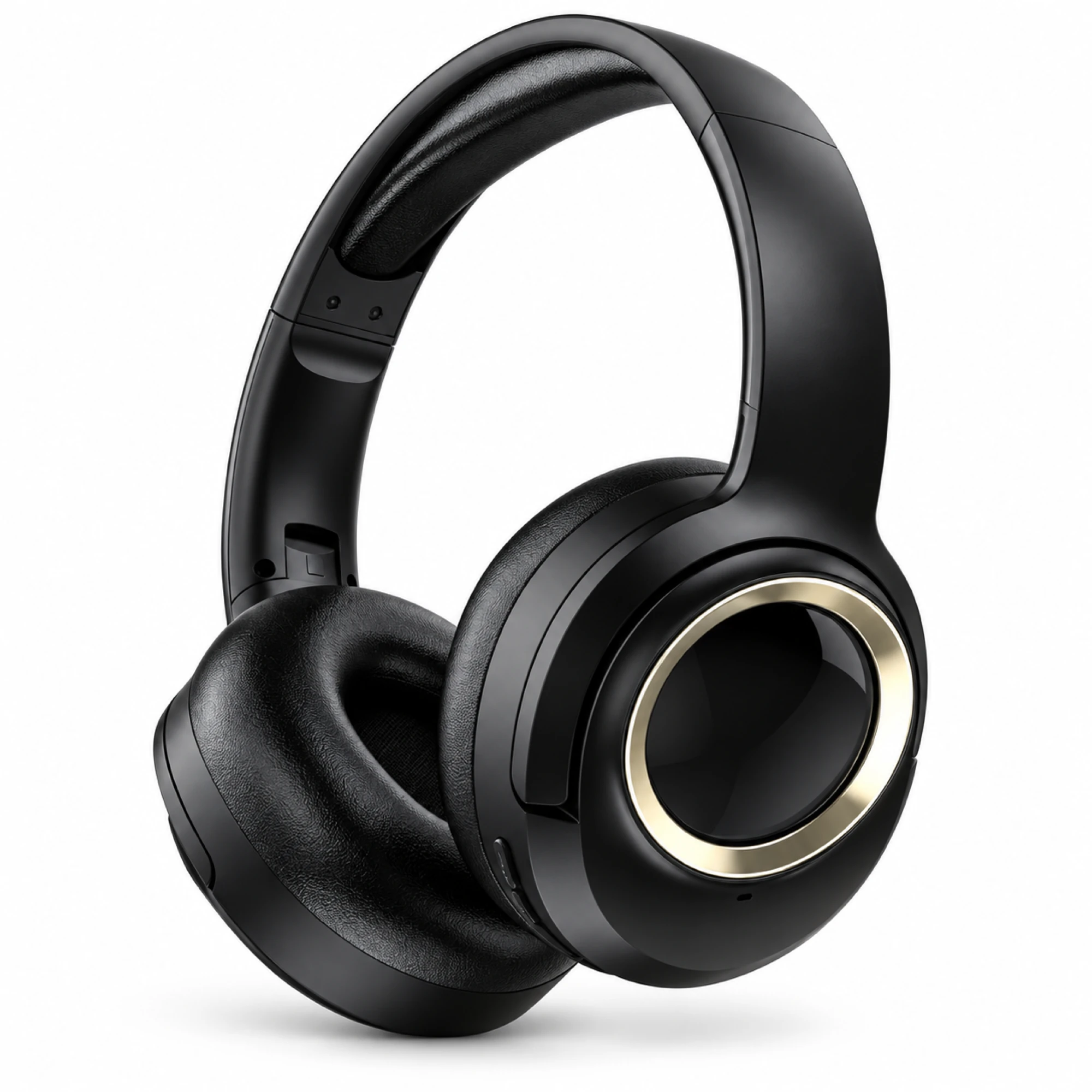
 MX-21 Black and Gold Wireless Headphones
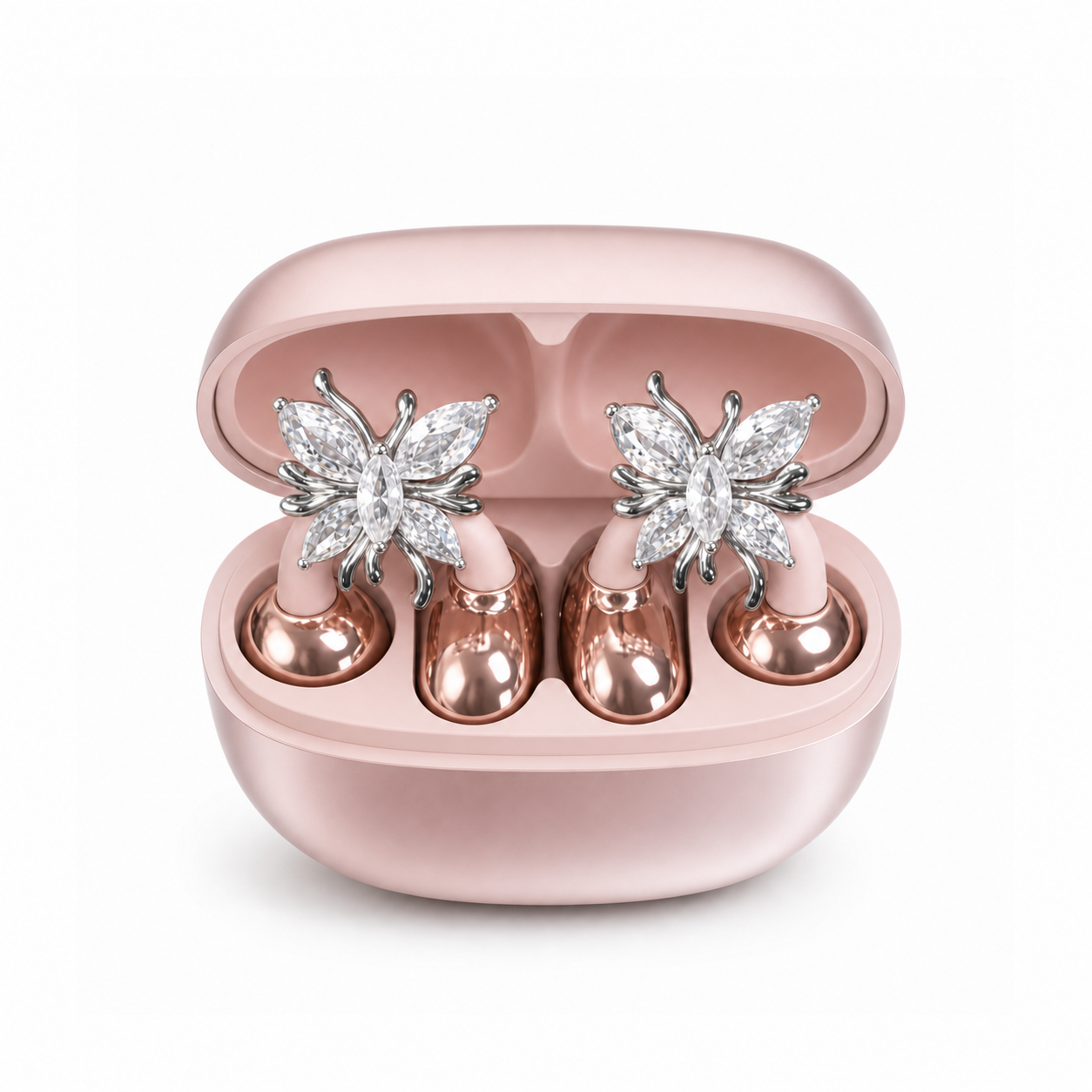
 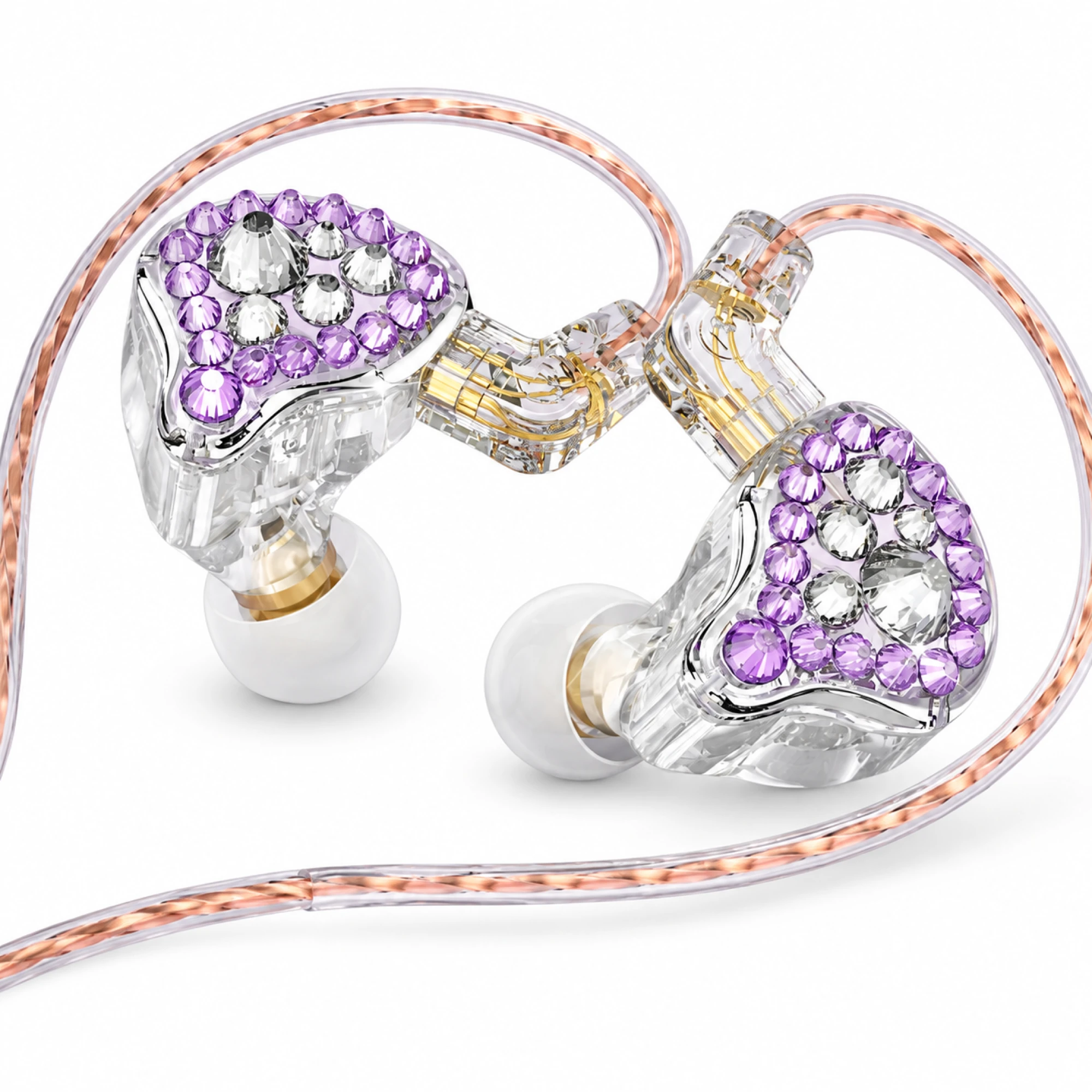 Q2 Pro Purple Crystal In-Ear Monitors
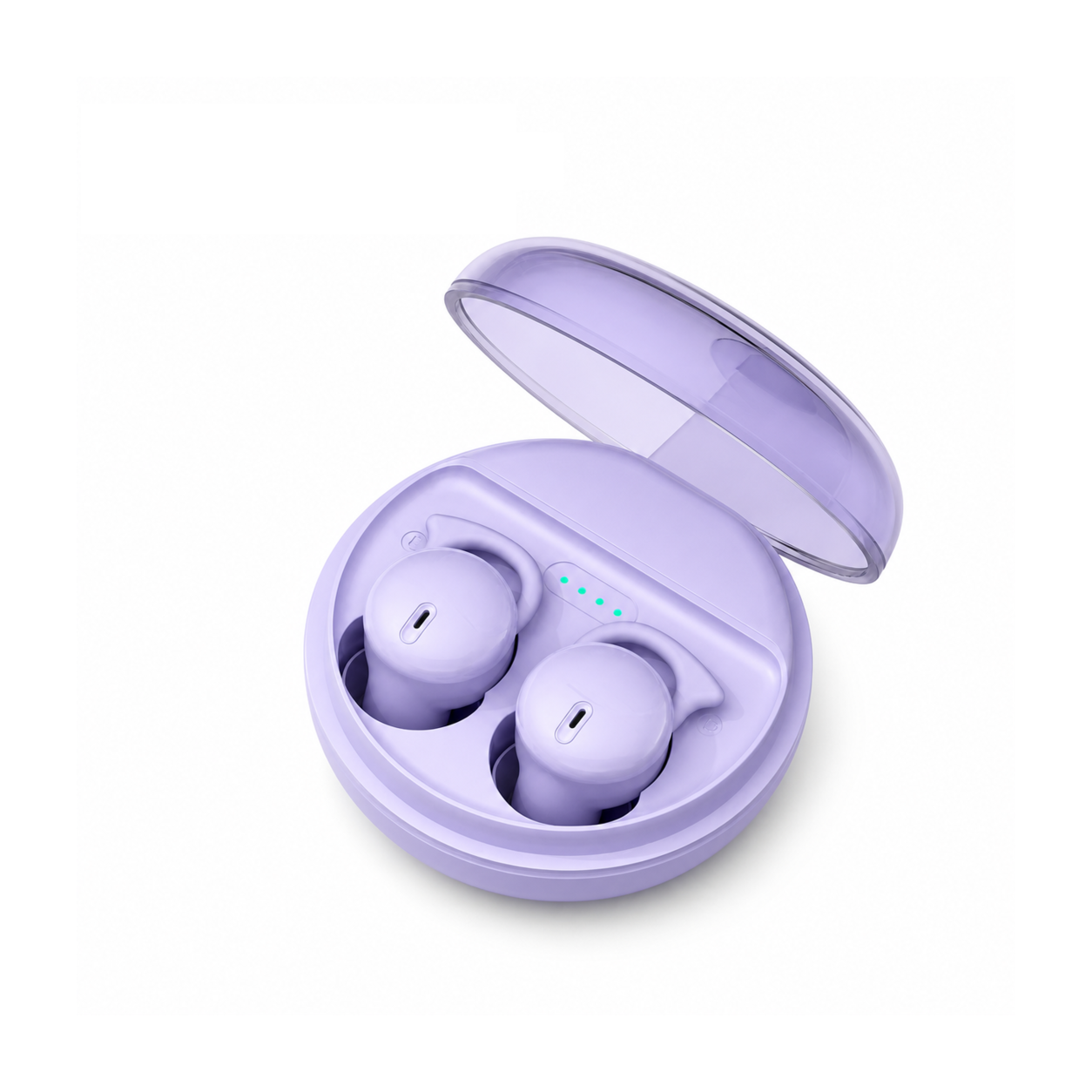
 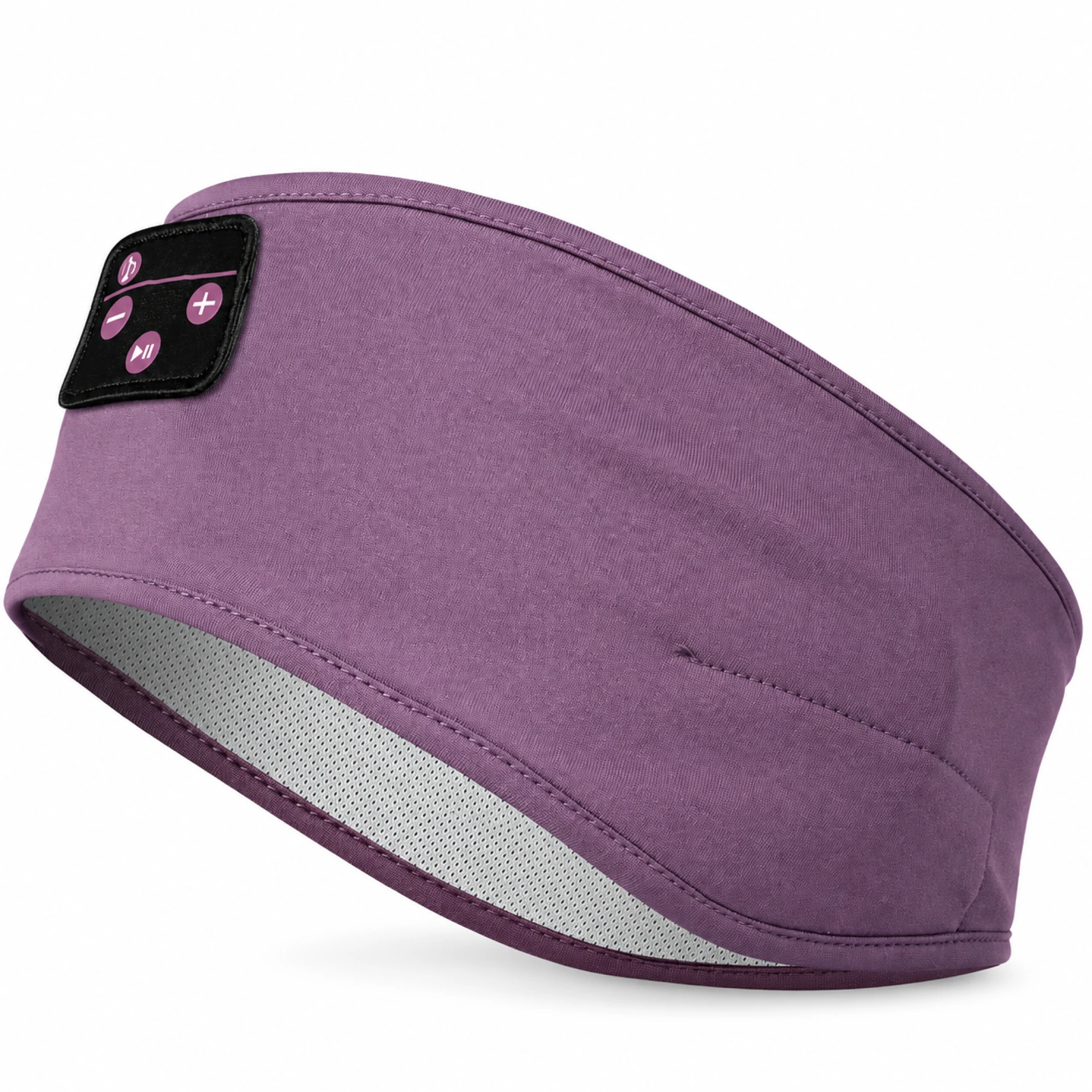 Purple Sleep Headband Headphones with Triangle Controls
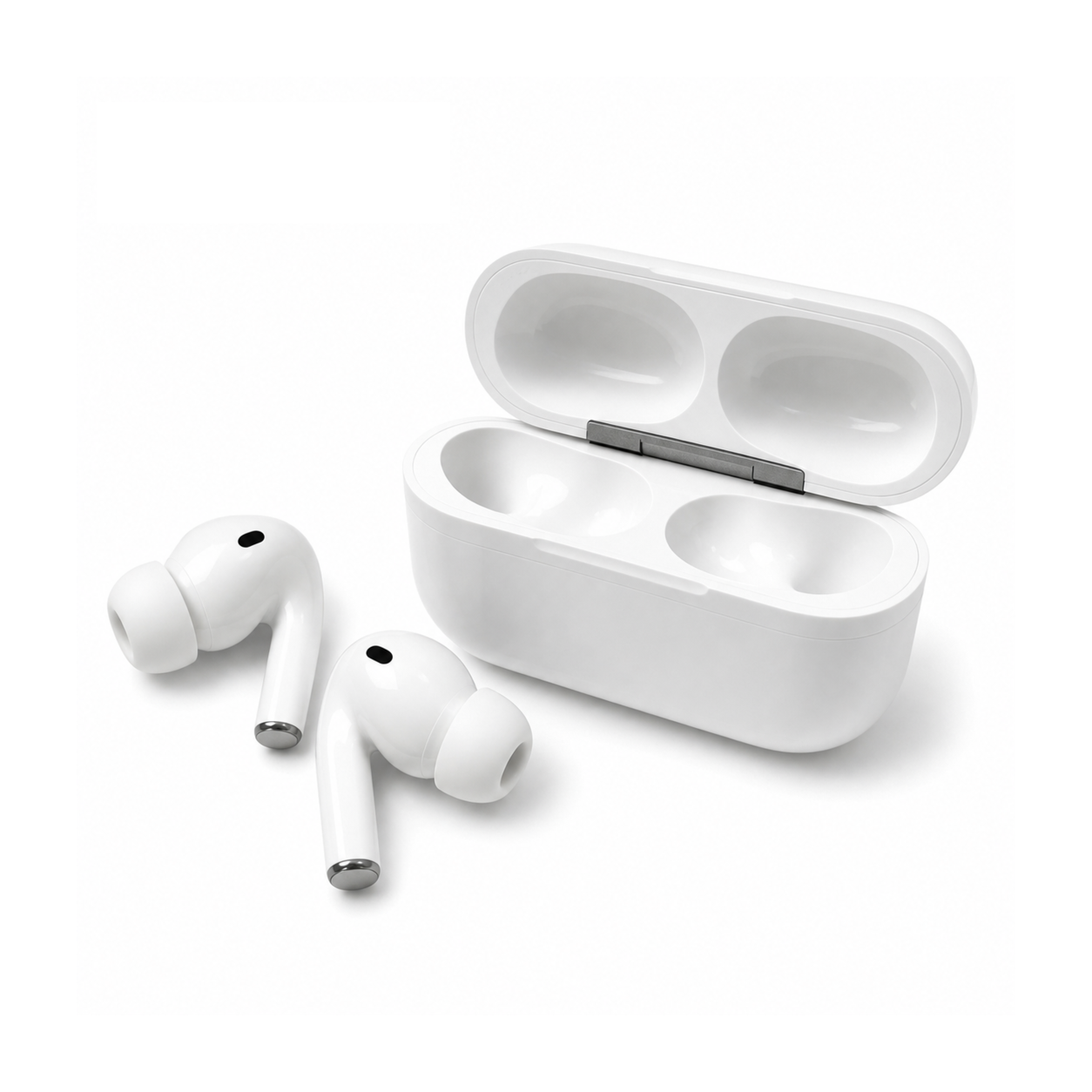
 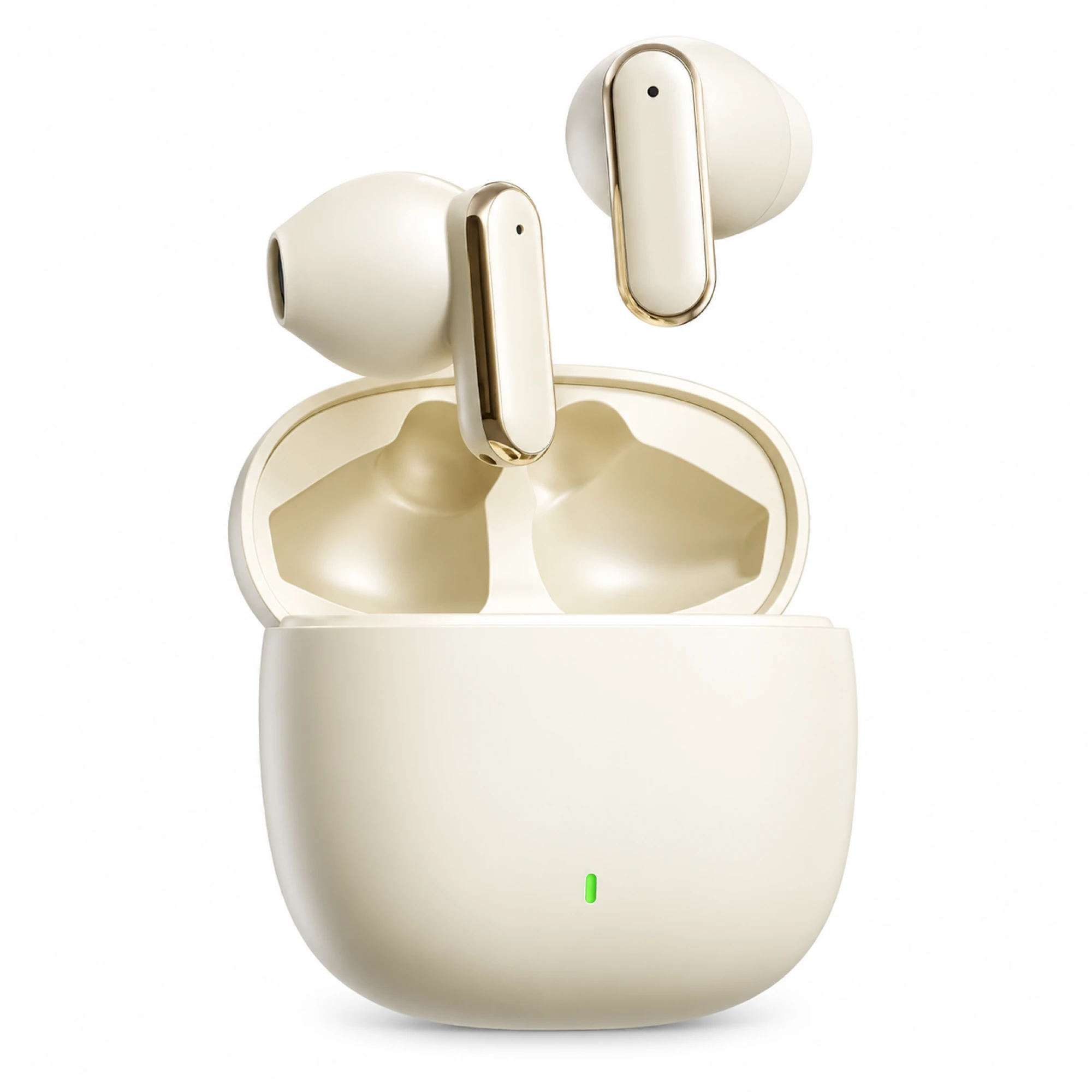 Cream Reflective-Stem Wireless Earbuds
 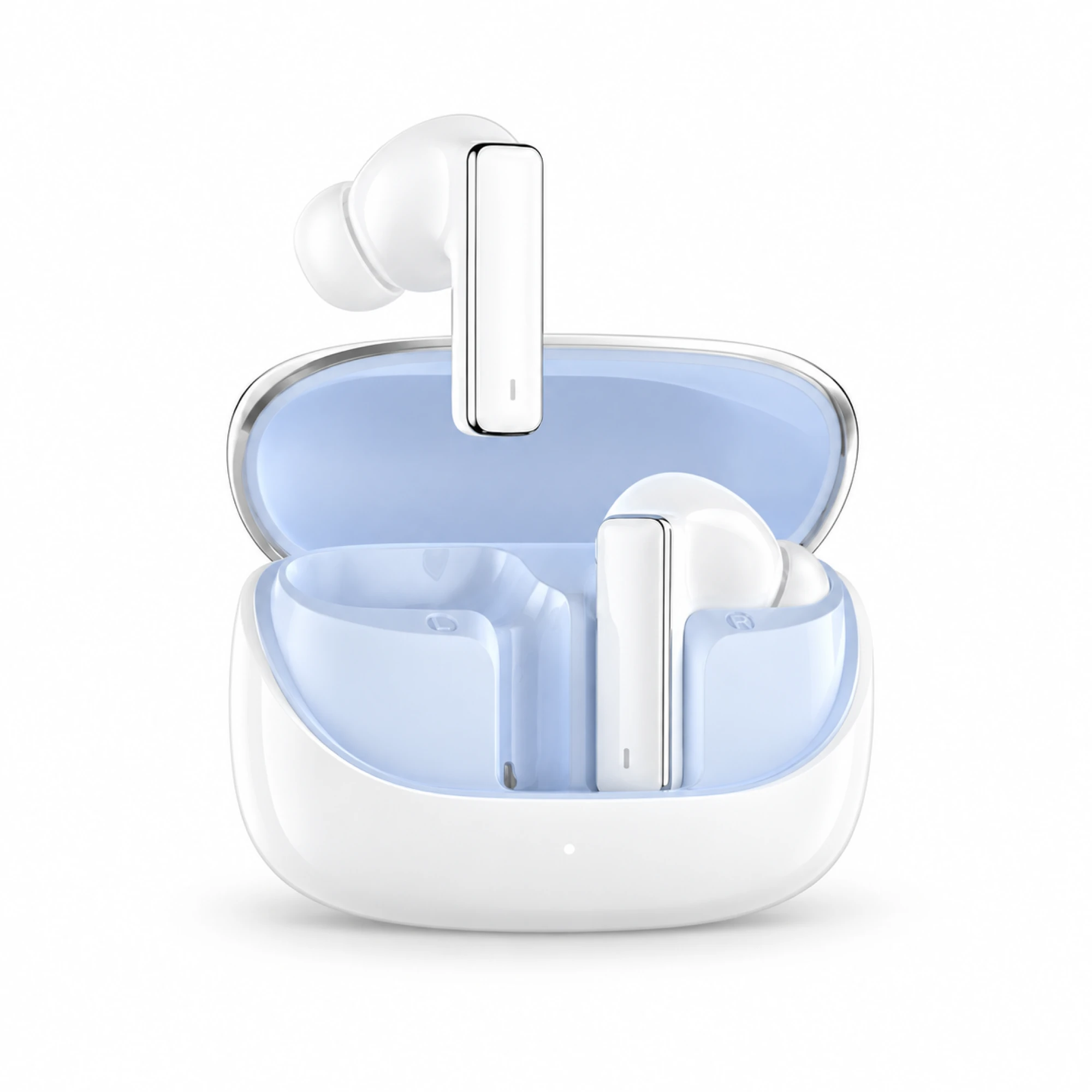 IN-01 White ANC Earbuds with Pale Blue Case Interior
 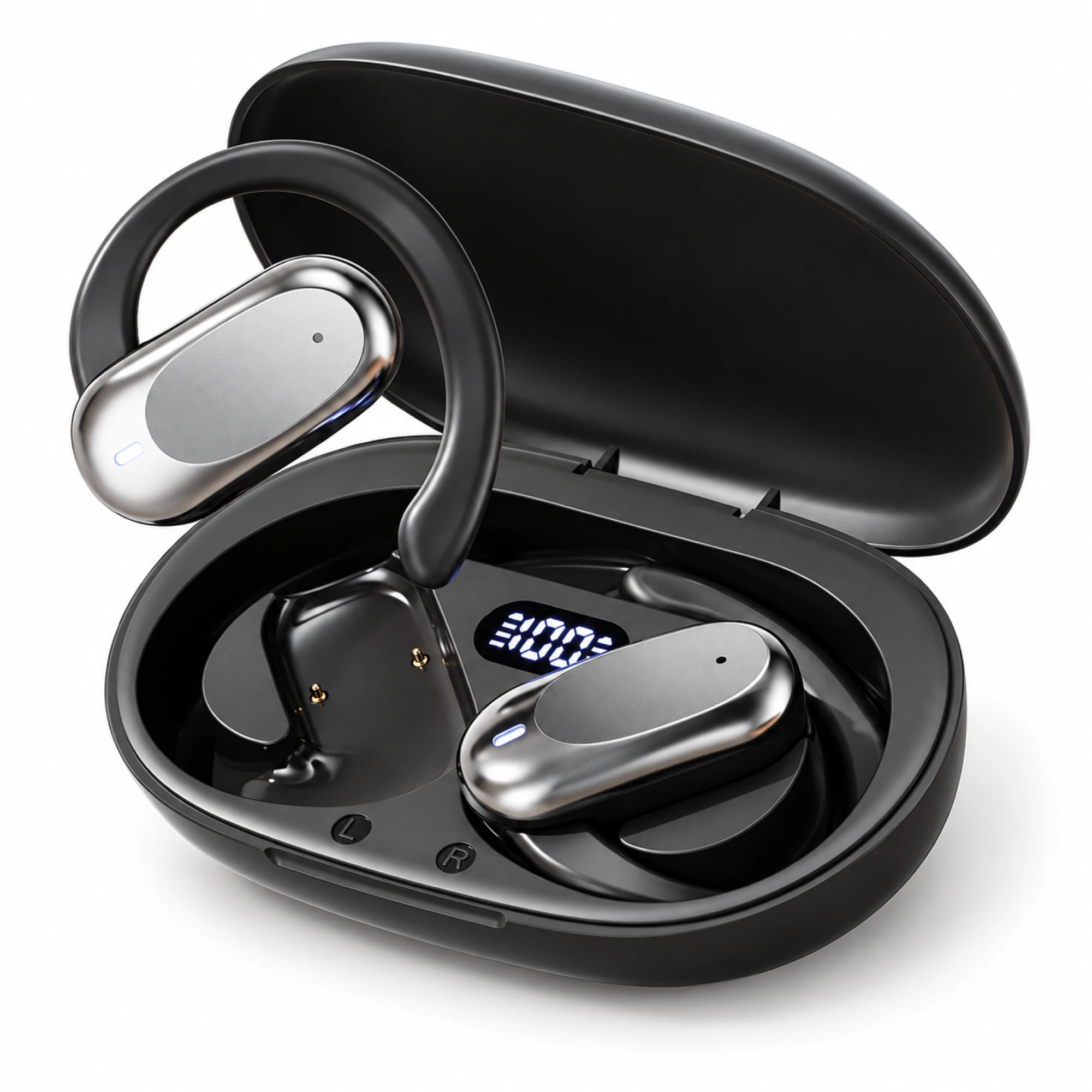 Silver Capsule Open-Ear Earbuds
 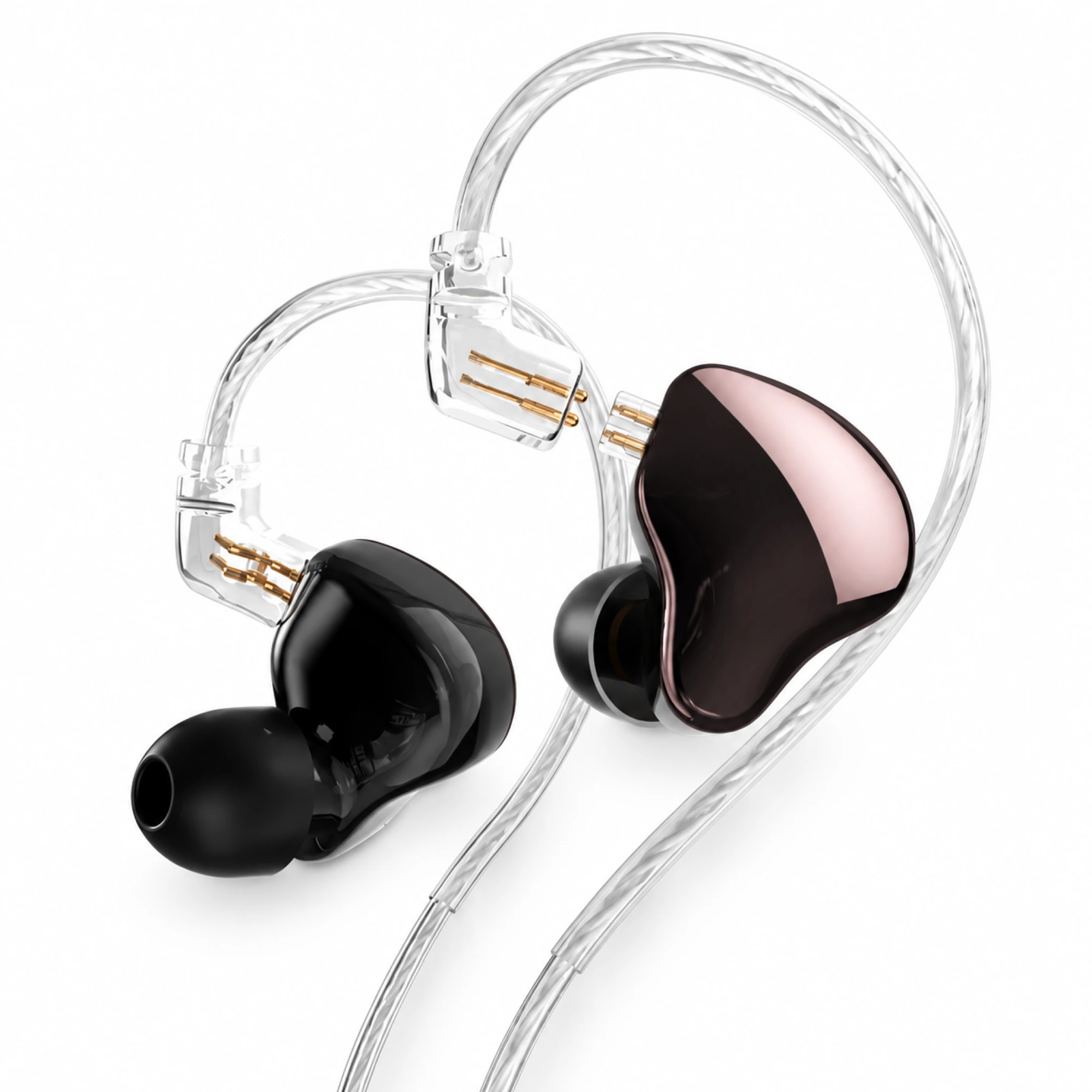 MN Rose-Metallic Detachable In-Ear Monitors
 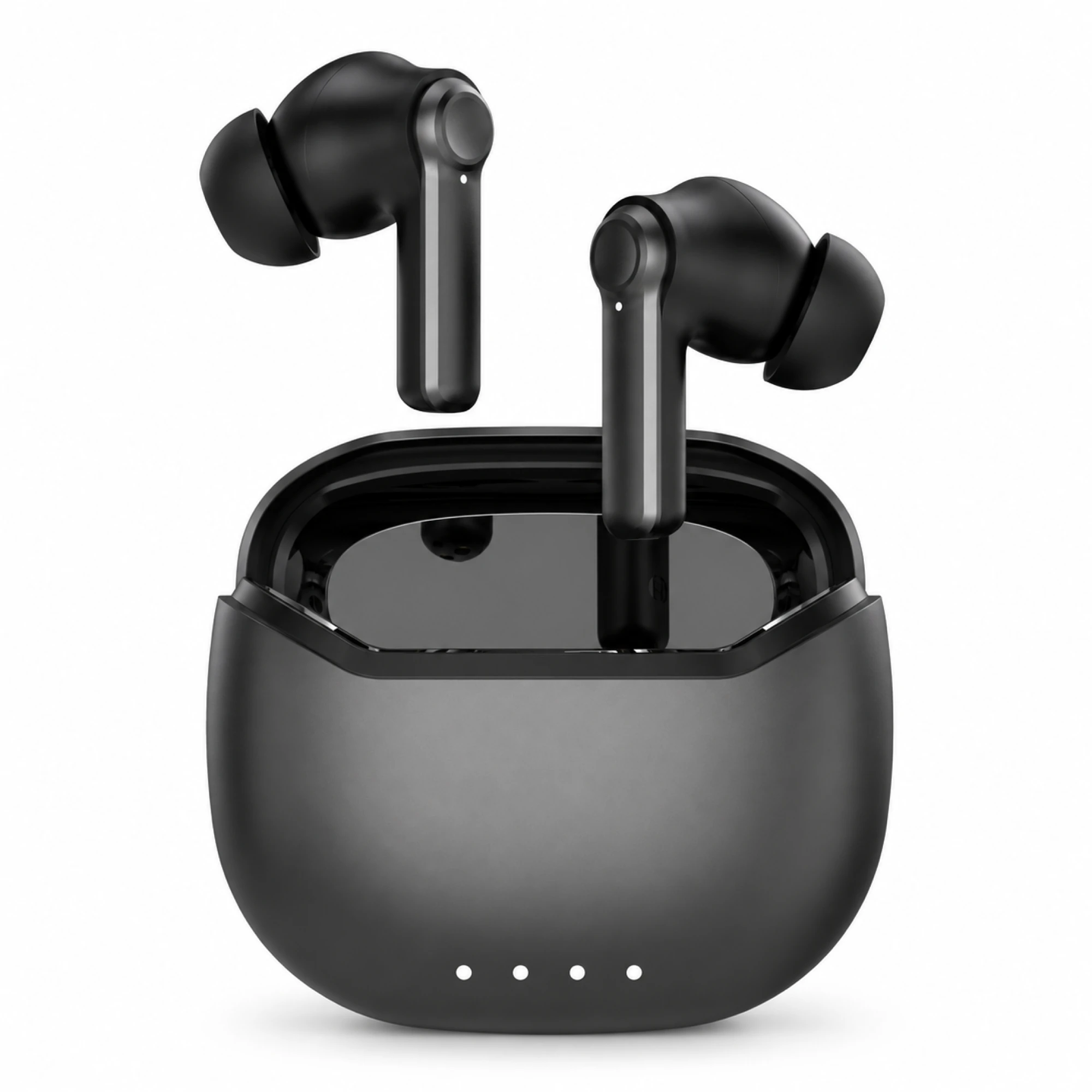 Black ANC Earbuds with Four-Indicator Case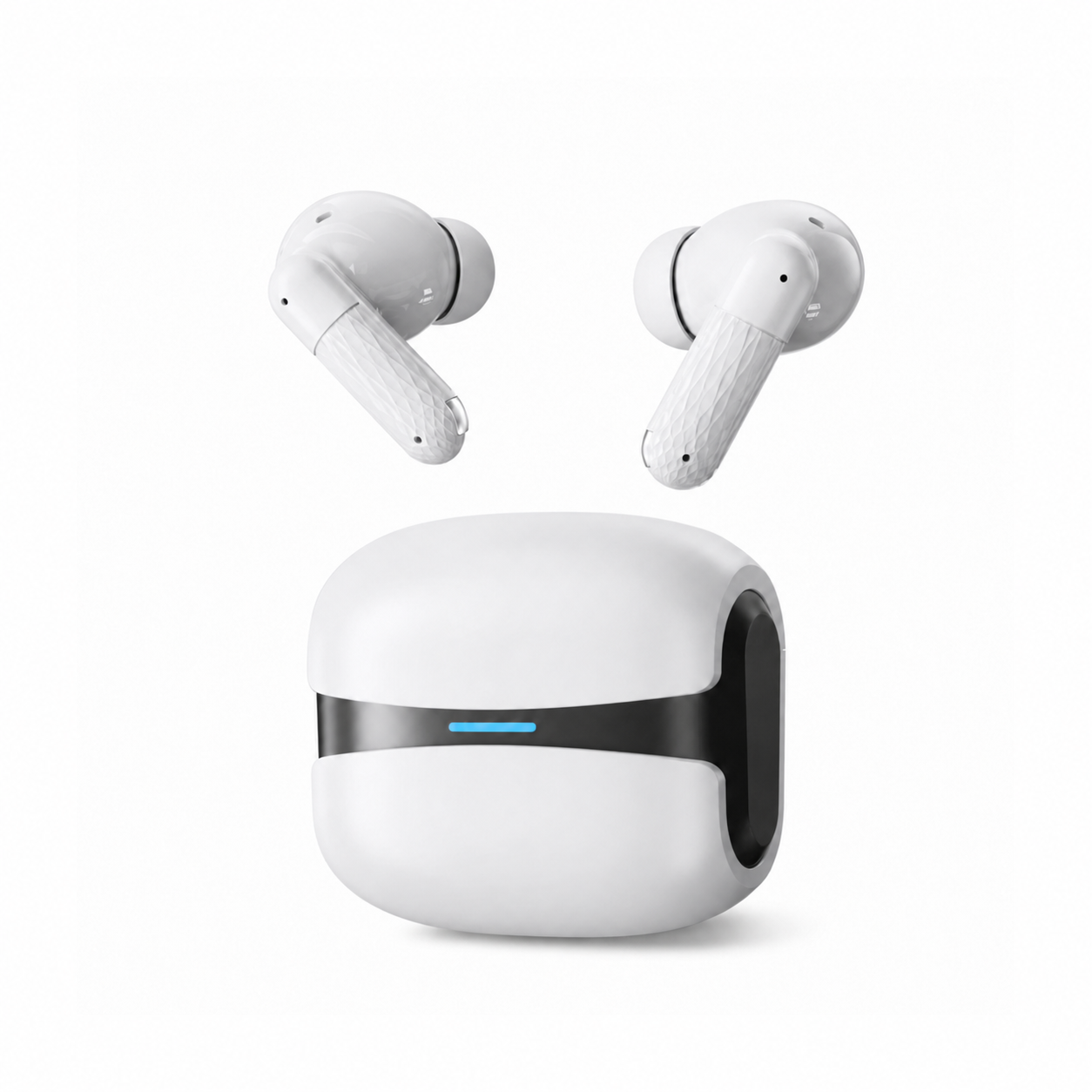
If you are asking why are my earbuds so quiet and both buds went quiet together, the cause is rarely earwax, because wax builds in one bud before the other. A symmetrical drop points at the volume path: a Bluetooth level desync, a hearing-safety cap in iOS or Android, an app-level limit, or a lost seal. Work through those in that order.
First, one question that halves the search space
Is it both earbuds, or one? Physical faults such as wax on a mesh, a blocked port or a damaged driver are almost always asymmetric, because one side collects debris ahead of the other. If only one side is quiet, the asymmetry itself is the clue, and one earbud behaving differently from the other covers that branch.
If both sides dropped together, something acted on both channels at once: the phone, the app, the Bluetooth link or the fit.
The ladder, most likely cause first
Each row has a decisive test, so you can rule a cause out and move down instead of changing five things at once.
| What you notice | Most likely rung | The decisive test |
|---|---|---|
| Slider at maximum, still quiet | Bluetooth volume desync | Forget the device and re-pair |
| The top third of the slider changes nothing | An operating-system loudness cap | Check Headphone Safety (iOS) or the media volume limit (Android) |
| Fine for a while, then steps down on its own | A regional high-volume warning re-applying | Confirm the prompt, then see whether level returns |
| Quiet in one app only | App volume or loudness normalisation | Play the same track in a second app |
| Quiet and thin, with the bass missing | Lost seal | Press both buds gently inward; if level jumps, it is fit |
| Quiet on calls, fine on music | The call profile instead of the music one | Compare playback before and after a call connects |
| Slowly quieter over months | Wax across the mesh | Inspect both meshes in strong light |
| Nothing above changes anything | Hardware, or your hearing | Test on a second source device |
1. Two volume sliders that disagree
Bluetooth earbuds carry their own volume setting, and the phone normally keeps its slider in step with it. When that sync breaks, often after a firmware update, a reset, or pairing with a second device, two ceilings stack: the phone reports maximum while the earbuds sit far below theirs.
The tell is a slider that behaves oddly instead of a level that is evenly low. The first steps do nothing, then it jumps. Power the earbuds off and on and recheck at the same slider position. If nothing changes, forget them in Bluetooth settings and pair from scratch, which renegotiates the level. On Android, Developer options has a Disable absolute volume toggle that separates the two scales; it is a workaround that coarsens the steps. If this fixed it, stop here.
2. A loudness cap you did not knowingly turn on
Both phone platforms ship hearing-protection features, some on by default in certain regions. They do not announce themselves once set, so a capped phone looks exactly like broken earbuds.
On recent iPhones, check Settings → Sounds & Haptics → Headphone Safety, where Reduce Loud Sounds sets a decibel ceiling and headphone notifications can lower the level after a loud stretch. Screen Time restrictions can lock it, which is worth checking on a phone set up for a child or handed down. Android is less consistent: Samsung's One UI puts a media volume limit under Sound settings behind an optional PIN, and devices sold in the EU and several other markets apply a regulatory loudness limit that can return on its own. If this fixed it, stop here.
3. The app, not the system
Many players hold their own volume, and several normalise loudness. If one app is quiet and the rest are normal, stop looking at the earbuds. Streaming apps often have a normalisation setting with quiet, normal and loud options, and quiet is a real reduction. On Windows, the Volume Mixer keeps a separate level for each application. On iPhone, ringer and media volume are separate, so pressing the buttons while nothing plays moves the wrong one. If this fixed it, stop here.
4. A lost seal, which reads as "quiet" but is really "thin"
This rung is the one most worth understanding, because the fix is free. A sealed tip turns the ear canal into a closed chamber. Break the seal and low frequencies escape first, and because the ear judges loudness partly from low-frequency energy, a leaking fit reads as quiet even though the driver works as hard as before. People then raise the volume, pushing mids and treble to unsafe levels while the bass still leaks.
The test takes two seconds: with music playing, press both buds gently inward. If the sound gains body and volume, you have a fit problem, not a fault. Our four seal checks and ear tip sizing guide cover the fixes. If this fixed it, stop here.
5. Wax and debris on both meshes
Blockage is real, but it belongs here and not at the top: it develops over months and rarely affects both sides equally. If the meshes look grey or matted under strong light, clean them dry and gently, with no sharp tools. A pin or cotton bud usually turns a partly blocked earbud into a fully blocked one. If this fixed it, stop here.
6. The wrong audio route
Music and calls do not use the same Bluetooth path. Once an app opens the microphone, most earbuds switch to a mono call profile with narrower bandwidth that sounds thinner and quieter, which is why a pair can be fine on music and weak in a meeting. Codec changes matter less, altering detail and latency more than level. A few models reduce output at low battery, so charge fully before drawing conclusions. If this fixed it, stop here.
7. Your own ears, and a temporary shift
Sometimes the earbuds are not quieter; the ear is temporarily less sensitive. After a concert or a heavy session, hearing thresholds can shift for hours before recovering, and congestion does much the same for days. The test: does everything sound quiet, including the room and your phone's speaker? Then the earbuds are not the variable. If quiet arrives with ringing, fullness or pain, stop listening and get a hearing check instead of turning up.
8. Hardware, last
Only now is hardware the likely answer. Test the earbuds on a different source device, the only clean way to separate them from phone settings. If they are quiet everywhere, at full volume, with a good seal and clean meshes, contact the seller. Do not open the housings; nothing inside is serviceable.
Why are my wired headphones so quiet?
Wired faults run in a different order, because the plug does mechanically what Bluetooth does in software.
- The plug is not fully seated. A thick case is the classic culprit: the plug stops a millimetre short, landing on a partial contact. Remove the case and push it home.
- Lint in the socket. Pocket debris compacts at the bottom of a 3.5 mm jack and blocks insertion. Look in with a light before blaming the cable.
- The adaptor, and not the headphones. USB-C and Lightning dongles contain their own small amplifier, and cheap ones vary widely in output.
- Impedance mismatch. High-impedance studio headphones need more voltage than a phone supplies, so they are under-driven and not faulty.
- A partly broken cable. Flex it near the plug while listening; crackling or a jumping level means an internal break.
When quiet is the product, not the fault
Some designs are quieter by construction. The Butterfly Open-Ear Clip-On Wireless Earbuds, $36.99 at the price listed today, use no in-ear silicone tip and put no pressure on the ear canal, and our bone conduction sport band transmits sound without entering the canal at all, trading loudness in noise for awareness of traffic. A sealed pair such as the Core White In-Ear Wireless Earbuds, $22.99 at the price listed today, sits inside the ear and generally sounds louder at the same slider position. Both shapes sit in our everyday wireless earbuds collection.
A cap can also be deliberate: the Kids Volume-Limited Wireless Headphones, $22.99 at the price listed today, list a 94 dB limit as a stated feature. Check the product page instead of assuming one model's limit applies to another. Both earbuds quiet at once is a level problem rather than a dirt problem, so cleaning belongs near the end of the ladder.
Questions about a sudden drop in volume
How can I make my earbuds louder again?
Remove the ceiling instead of adding gain. Re-pair to clear a volume desync, check Headphone Safety or the media volume limit, reset app normalisation, and restore the seal with the right tip size. A proper seal often recovers more perceived loudness than any software boost, and volume-booster apps mostly add distortion rather than level.
Do earbuds lose volume over time?
In a limited sense, yes. Meshes clog, silicone tips harden and seal less well, and some models reduce output as the battery ages. Drivers themselves rarely lose meaningful output in a normal product life, so most of the perceived loss is the fit degrading, or your own hearing adapting to a level you have grown used to.