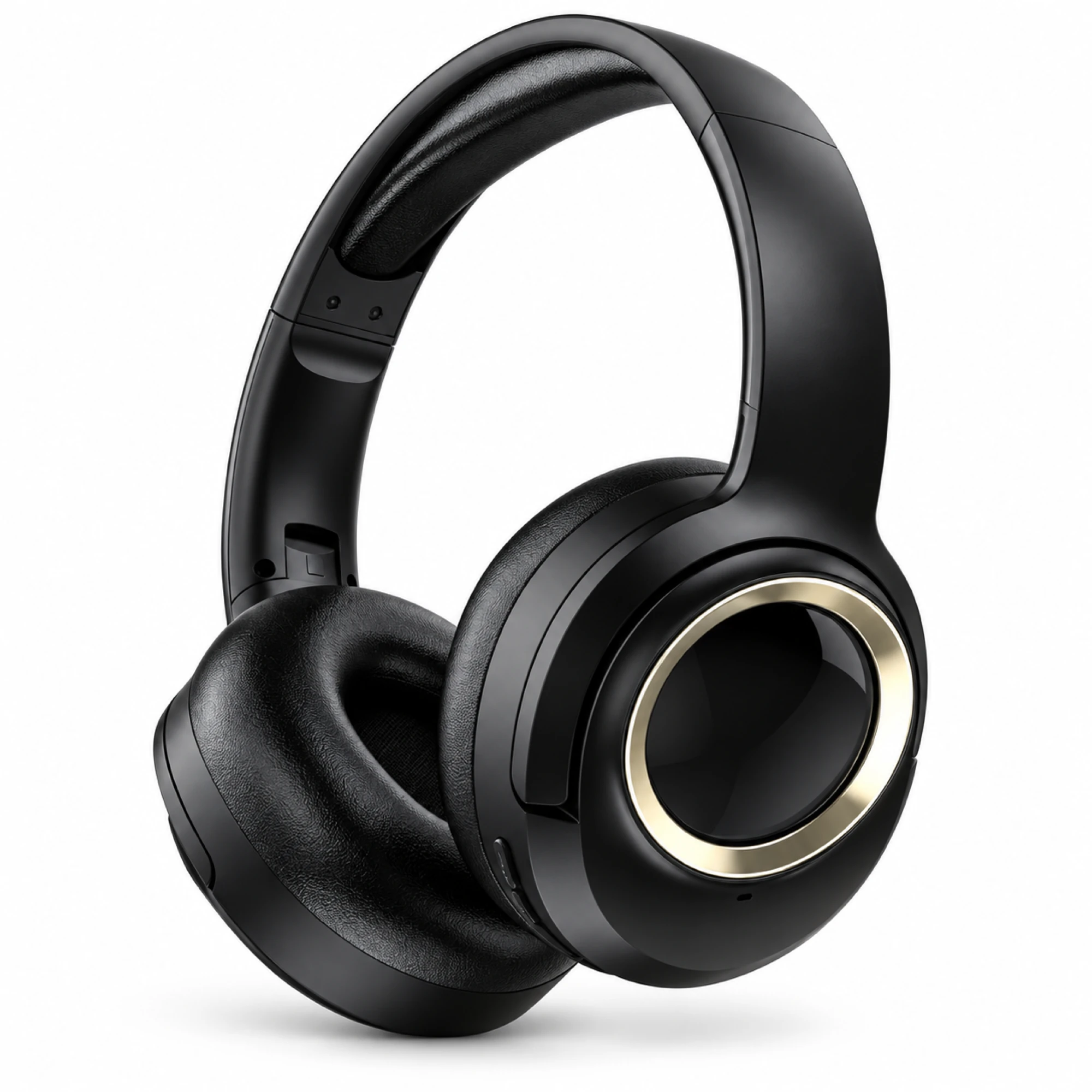
 MX-21 Black and Gold Wireless Headphones
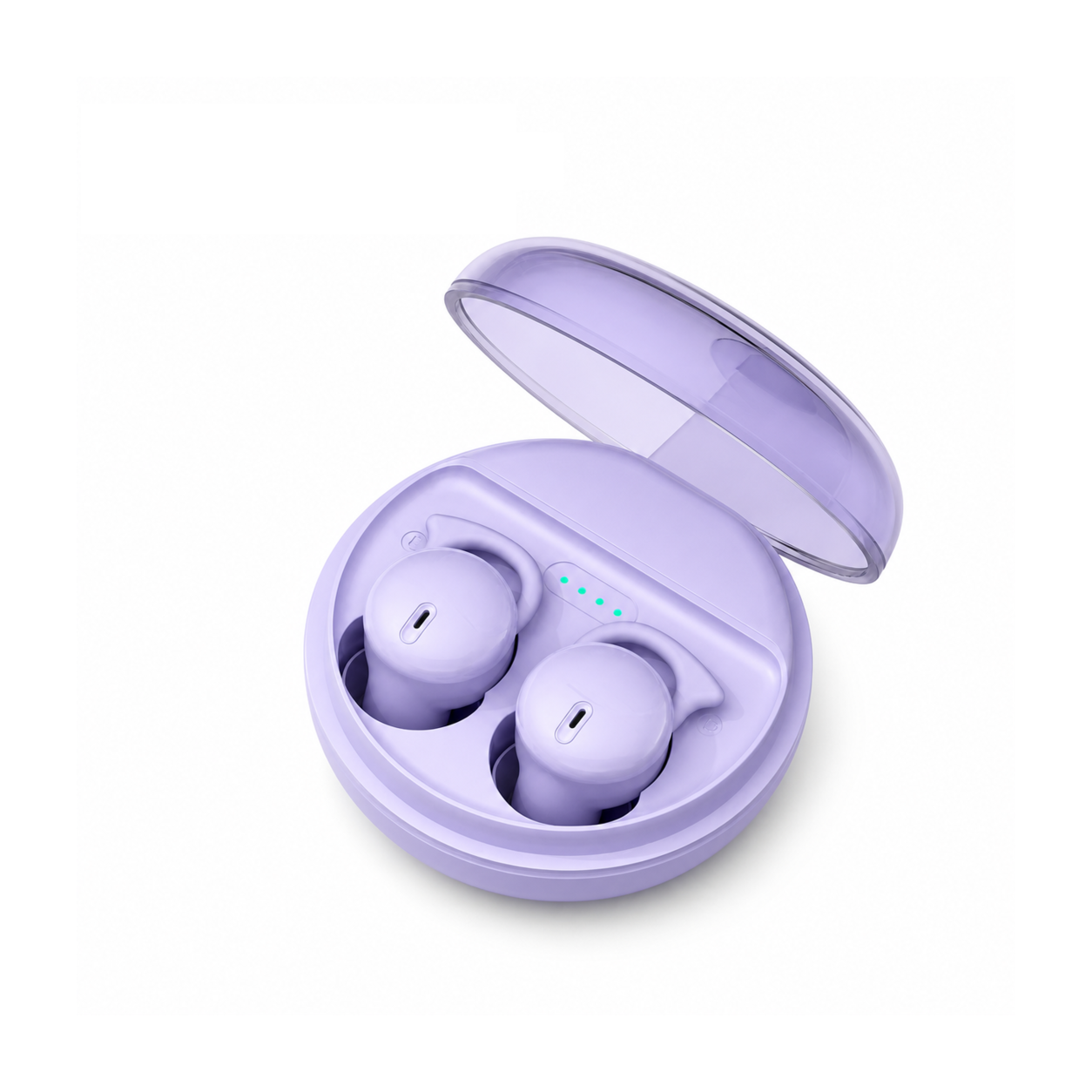
  Q2 Pro Purple Crystal In-Ear Monitors
 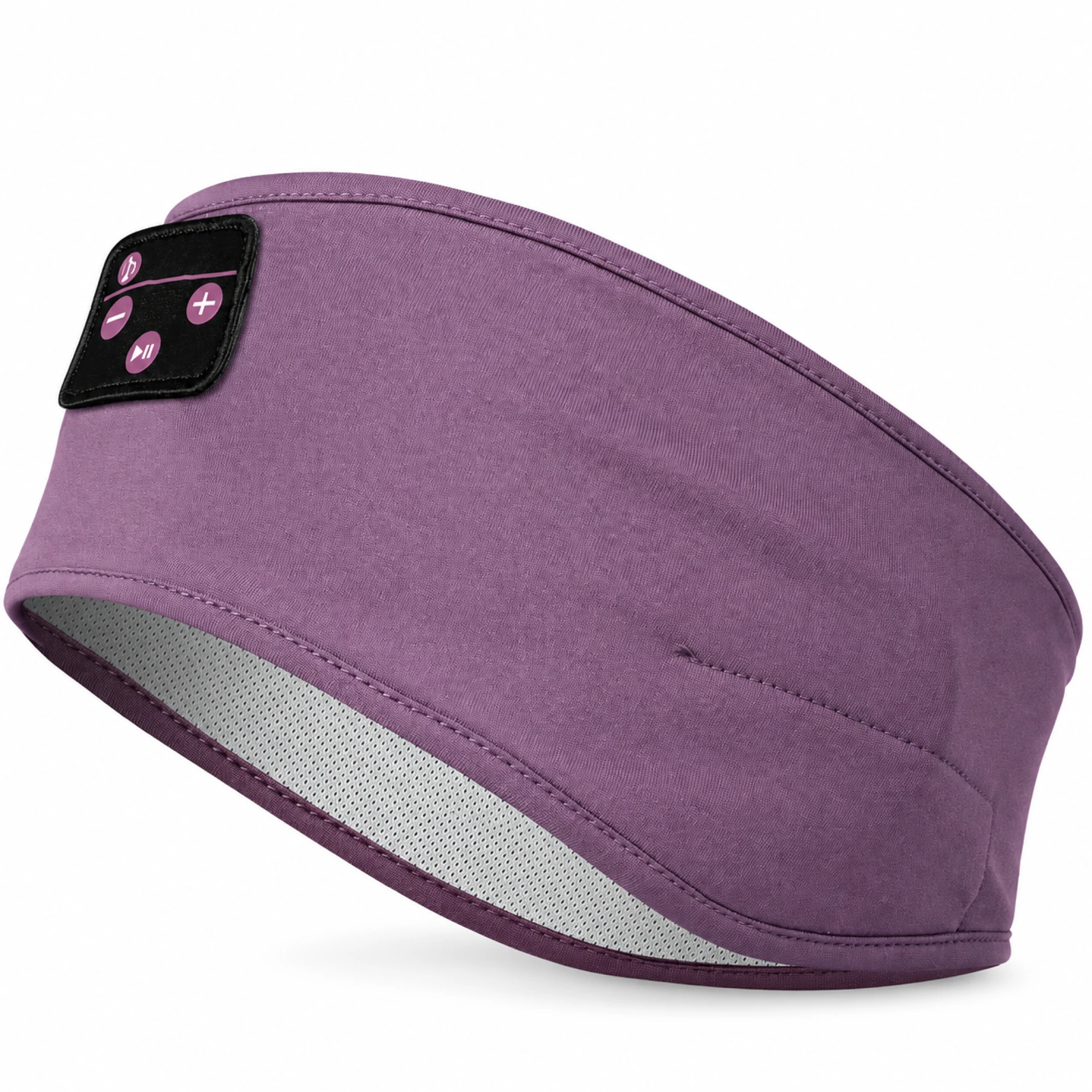 Purple Sleep Headband Headphones with Triangle Controls
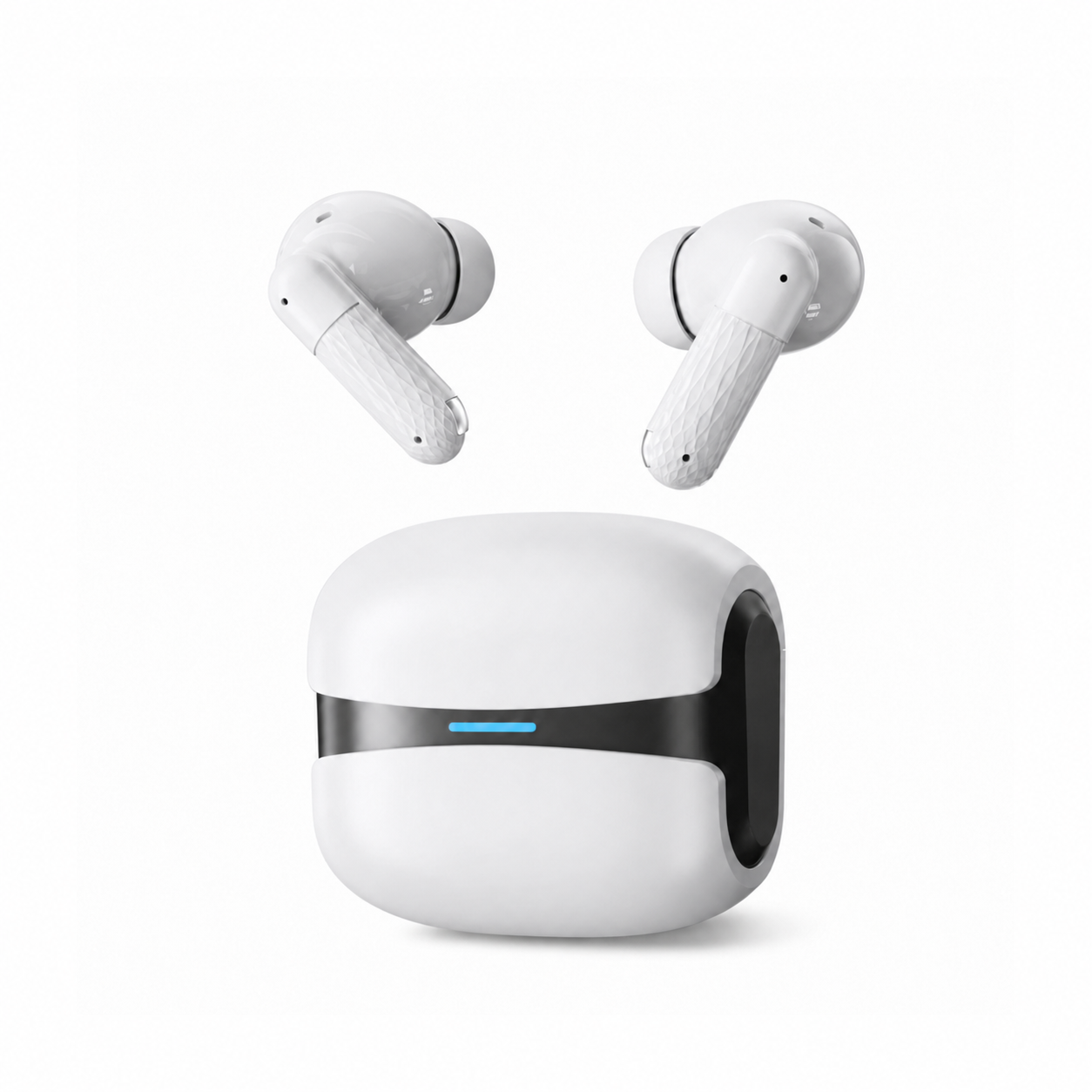
 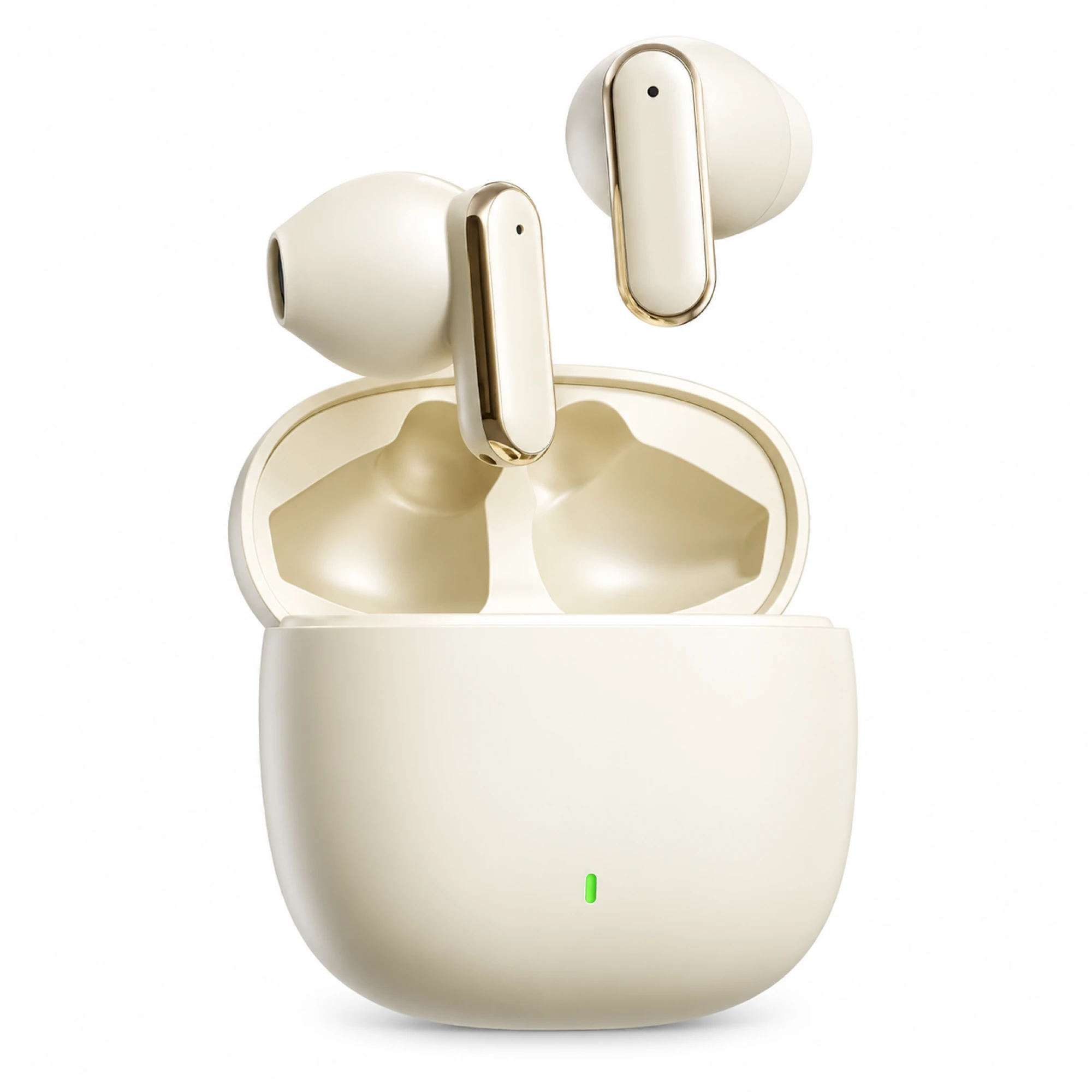 Cream Reflective-Stem Wireless Earbuds
 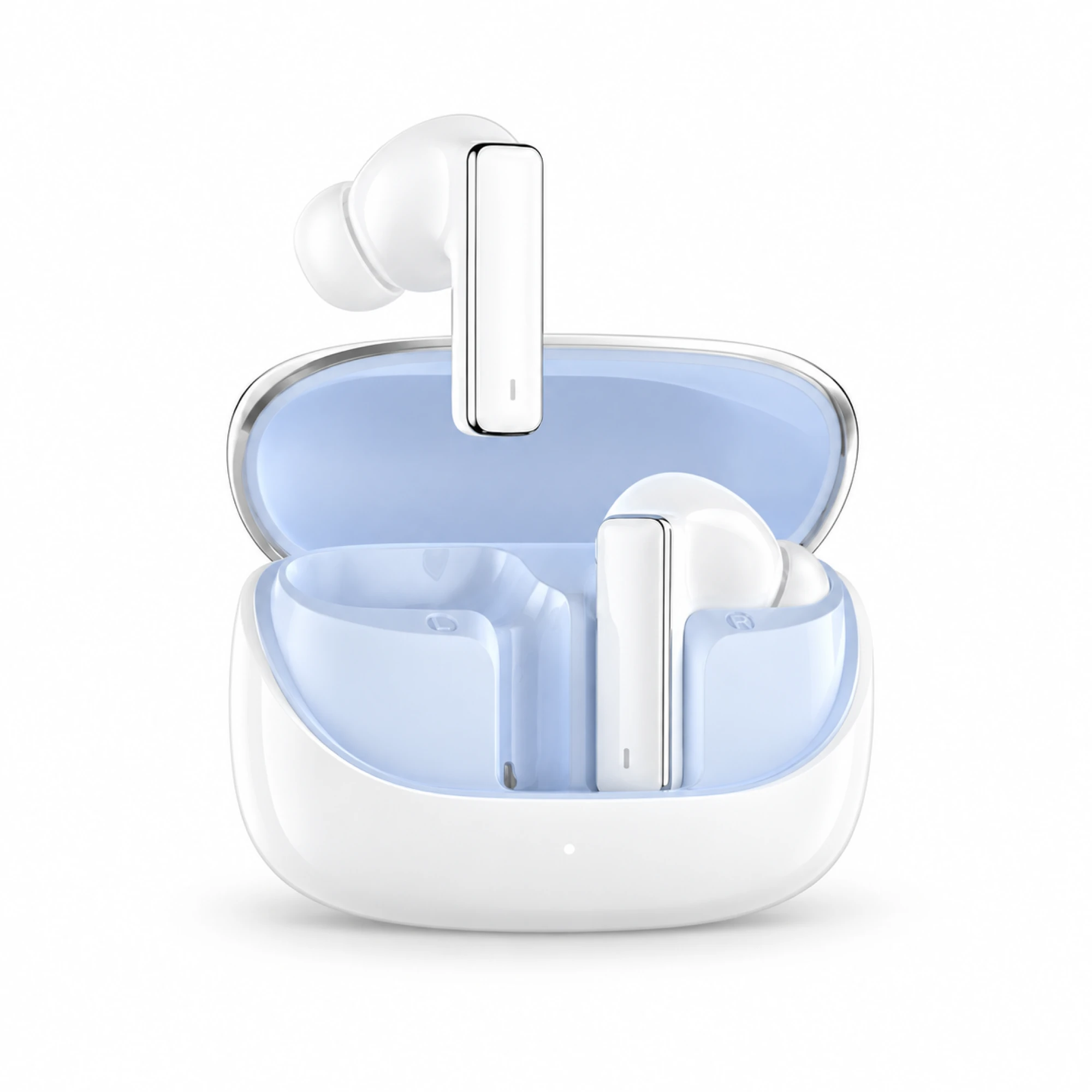 IN-01 White ANC Earbuds with Pale Blue Case Interior
 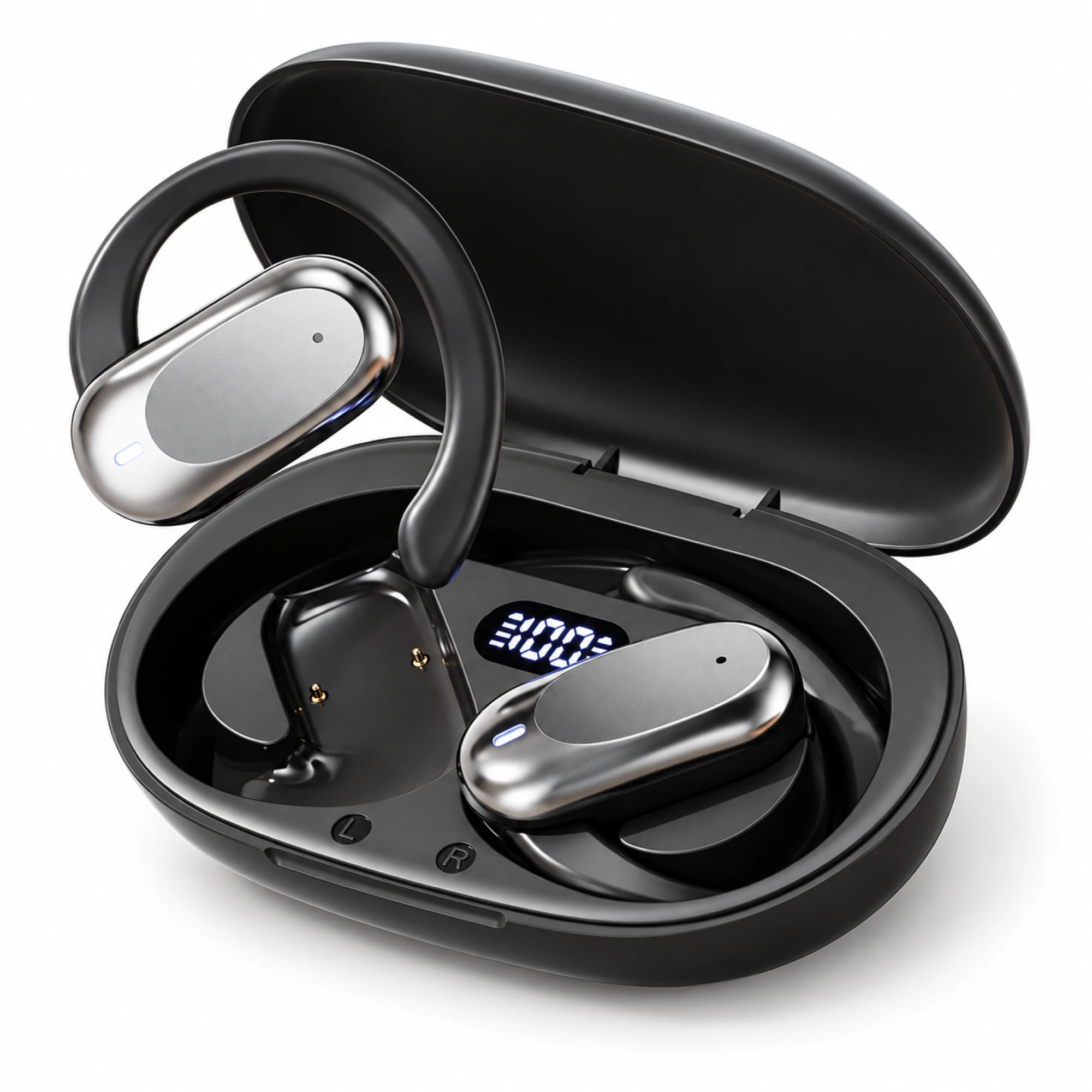 Silver Capsule Open-Ear Earbuds
 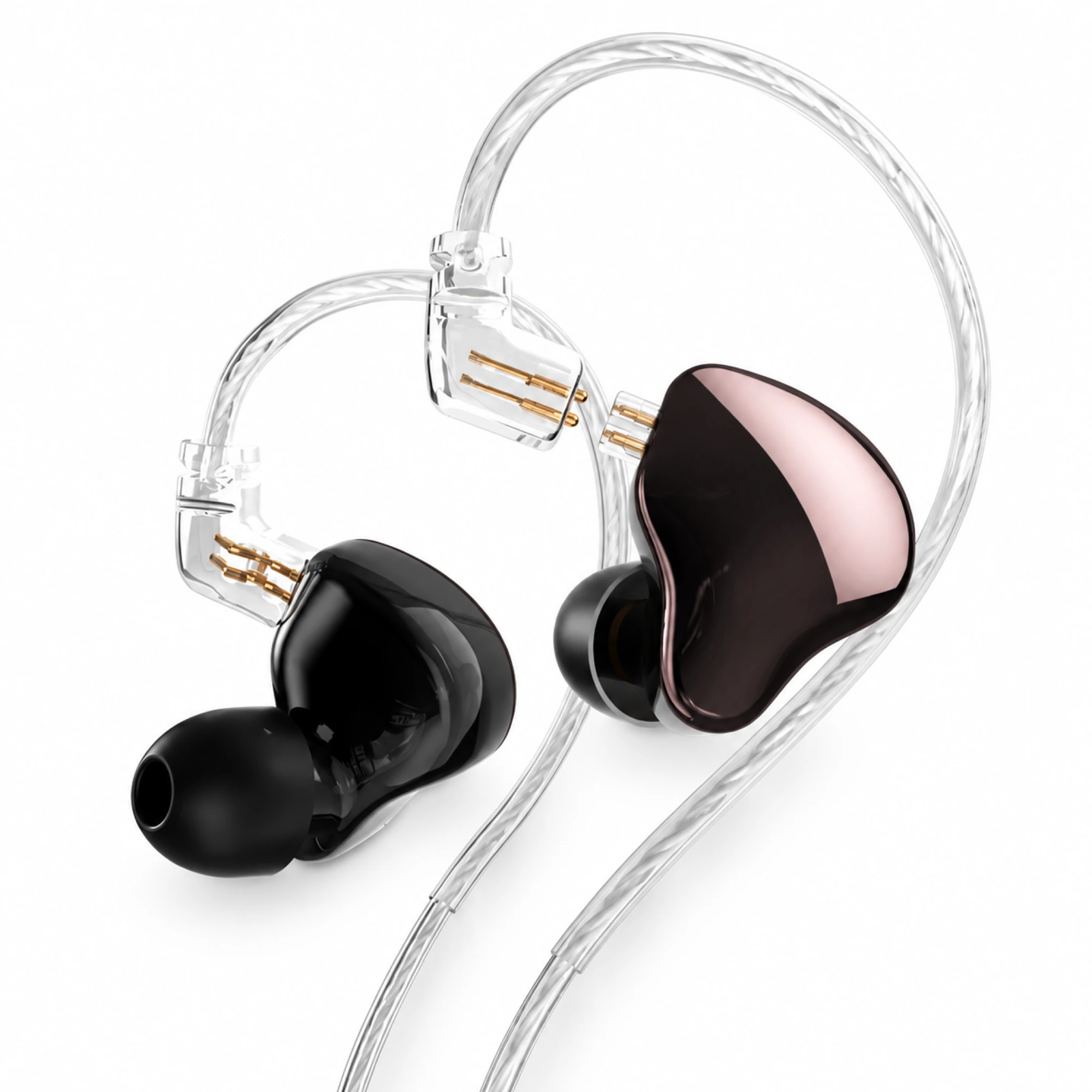 MN Rose-Metallic Detachable In-Ear Monitors
 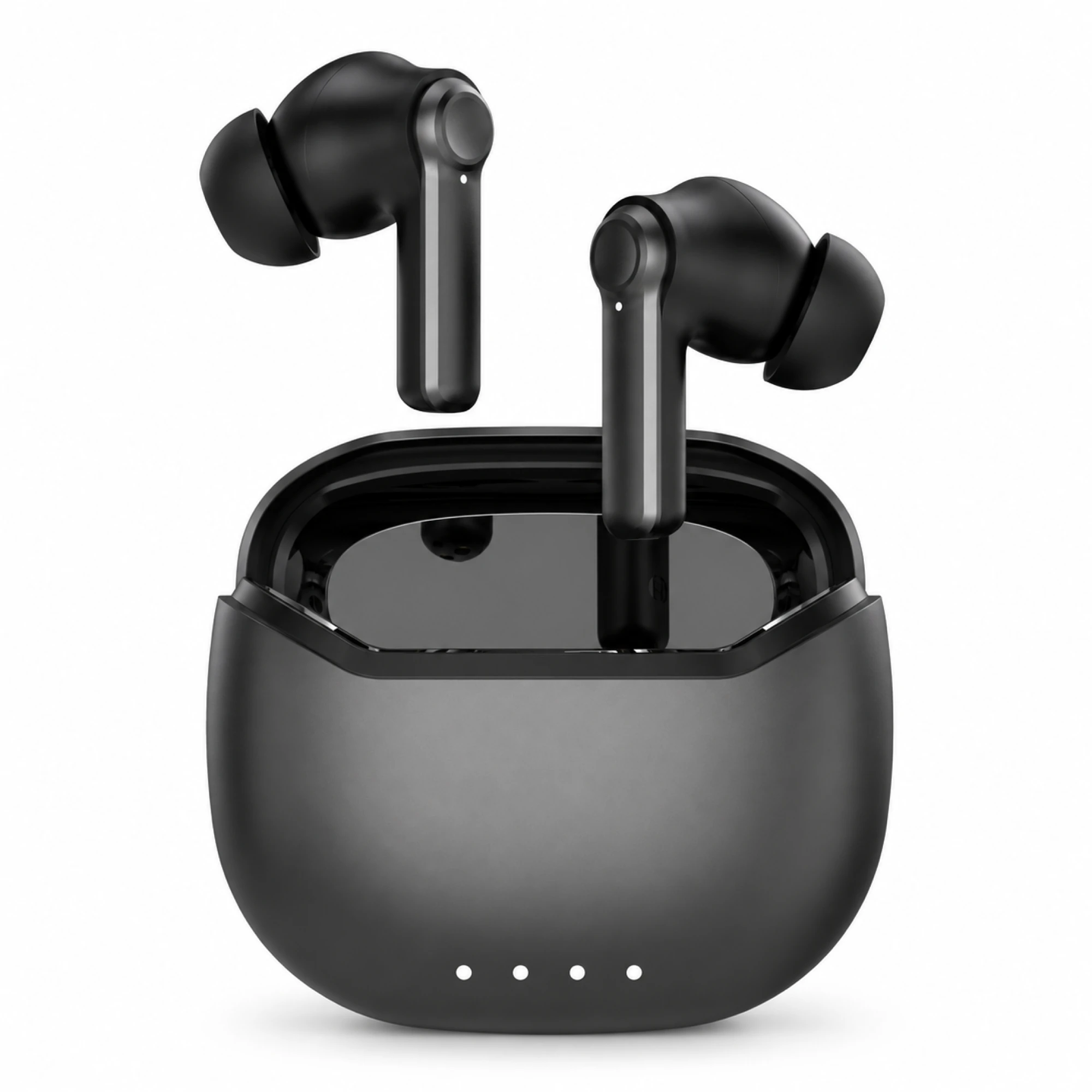 Black ANC Earbuds with Four-Indicator Case
How to pair earbuds is really two handshakes rather than one. Take both buds out of the case and they first link to each other; only then does one of them advertise a single name your phone can see. Open Bluetooth settings, tap that name once, and the phone stores a key it will reuse every day afterwards.
What happens in the first ten seconds
A true wireless pair has no cable between left and right, so the two buds must establish their own radio link before either is useful. One takes the primary role and talks to your phone; the other rides along. Our Series 116 listing states it directly: "Simply take 2 earbuds out from the charging case, and they will connect to each other automatically."
The practical consequence: take both buds out at once, or open the lid with both inside. Pull one out, pair it, then reach for the second, and you have taught the phone about a half-formed pair. Some models sort themselves out. Others give you audio in one ear and a second, puzzling entry in the device list. Both buds, both charged, same moment.
Pairing and connecting are two different events
This distinction quietly causes most repeat setups: people re-pair when all they needed was to reconnect.
Pairing is a security procedure: a three-phase exchange handled by the Bluetooth security manager, covering feature exchange, key generation, then key distribution. As the Bluetooth SIG puts it, "pairing is performed to establish keys which can then be used to encrypt a link," and those keys get reused "in future reconnections." You do it once per host. Connecting is everything after: the buds and the phone recognise each other, use the stored keys, and bring the link up with no tapping. Google states the rule directly: after a first pairing, "your devices can connect automatically," and they "stay paired until you unpair them."
| Pairing | Connecting | |
|---|---|---|
| How often | Once per phone, tablet or laptop | Every listening session |
| What is exchanged | Security keys, stored both sides | An encrypted link built from those keys |
| What you do | Tap the name in Bluetooth settings | Usually nothing; open the case |
| Android menu | "Pair new device" | "Saved devices" |
| What ends it | Forget, unpair or factory reset | Range, flat battery, another host |
If your earbuds appear under Saved devices but are silent, the bond is intact and you have a connection problem, not a pairing problem. Tapping "forget" at that point throws away a working key for no reason.
The first pairing, step by step
The sequence is the same on iPhone and Android; only menu names change. Wireless earphones, Bluetooth earphones, over-ear headphones: it does not vary by form factor.
- Charge the case and both buds. A bud at very low charge may advertise its name, then drop out mid-pairing.
- Open the Bluetooth list first and let it scan. Apple documents Settings → Bluetooth, then looking under "My Devices." On Android, swipe down, touch and hold Bluetooth, then tap "Pair new device."
- Now take both buds out, or open the lid with both inside. Give them a couple of seconds to find each other before you expect a name.
- Tap the name once. A second tap mid-negotiation is a common way to end up with a stalled entry.
- Enter a code if asked. Apple notes you might need a PIN; Google suggests the defaults "0000" or "1234."
- Check both ears before you walk away. If one side is silent, the bud-to-bud link did not complete; re-seating both buds in the case for ten seconds usually re-triggers it.
Apple's advice for a device that never appears is worth repeating because it is accurate: consult the accessory's manual for how to make it discoverable. There is no universal gesture, and a promised one is a guess.
How to tell the buds are in pairing mode
Discoverable and connected are different states, and most earbuds signal both with the same small LED. Generally a fast alternating flash means discoverable; a slow pulse or steady light means connected. That is a convention, and nothing in the Bluetooth specification dictates LED behaviour, so your model's manual is the only authority.
The reliable test is the phone rather than the light: if a new, unfamiliar name appears in an active scan, the buds are discoverable. If nothing appears after fifteen seconds, they are not. Pairing mode also expires, usually within two or three minutes, and a name still sitting in the list afterwards may be a cached scan result from a bud that has since gone quiet, which is why selecting it gives you a spinner and then silence.
Why a second device keeps stealing your earbuds
You paired the buds to your phone on Monday and your laptop on Tuesday, and now the phone will not take them back without a fight. Nothing is broken. Both bonds still exist; the buds simply cannot hold two active links at once.
Holding two hosts at once is called multipoint, a manufacturer feature and no baseline guarantee. Samsung says of its own Galaxy earbuds that they "cannot be connected to multiple devices simultaneously," offering app-based switching instead. Assume single-link behaviour unless a listing promises otherwise: the buds will reconnect to whichever remembered host reaches them first, often the laptop that never left the desk. Three ways to control that:
- Turn Bluetooth off on the host you are not using. Crude, instant, always works.
- Disconnect instead of forgetting. A separate control on Android; it releases the link but keeps the key, so returning is one tap.
- Forget the host you will not use again. An unused bond can still win the race at the worst moment.
None of the three listings quoted below claims multipoint, so we cannot promise a pair that holds a phone and laptop together. The same limit applies when pairing wireless headphones with a TV: most sets allocate one audio slot, and the buds have one link to give.
Renaming and forgetting a device without breaking things
Two menus that look alike do different jobs. On Android, Google documents renaming the accessory from its settings gear ("At the top, tap Edit") alongside separate Disconnect and Forget controls. Renaming your phone is elsewhere: Settings → Connected devices → Connection preferences → Bluetooth → Device name. With three identical pairs in one household, renaming the accessories is the fix.
Apple documents unpairing via the More Info button, then "Forget This Device", and adds a detail that catches people out: "When you unpair an accessory, it unpairs on all devices signed in to your Apple Account." Forgetting a pair on your iPhone can remove it from your iPad and Mac too.
Android has one more post-pairing step almost nobody takes. Under a saved accessory you can set the audio device type: Not set, Speaker, Headphones, Car, Hearing device, Other. Google notes that setting it correctly can help spatial audio behaviour and the hearing-health and loudness measurement features. One tap, and easy to miss.
If pairing fails outright rather than behaving oddly, work through our reset ladder for earbuds that will not pair, which orders the fixes from least to most destructive. If they pair and then drop, see why earbuds keep disconnecting; the design behind the bud-to-bud link is in what "true wireless" means.
What our own listings say about pairing
Quoting our listings instead of generalising, because pairing is one thing a product page usually describes accurately.
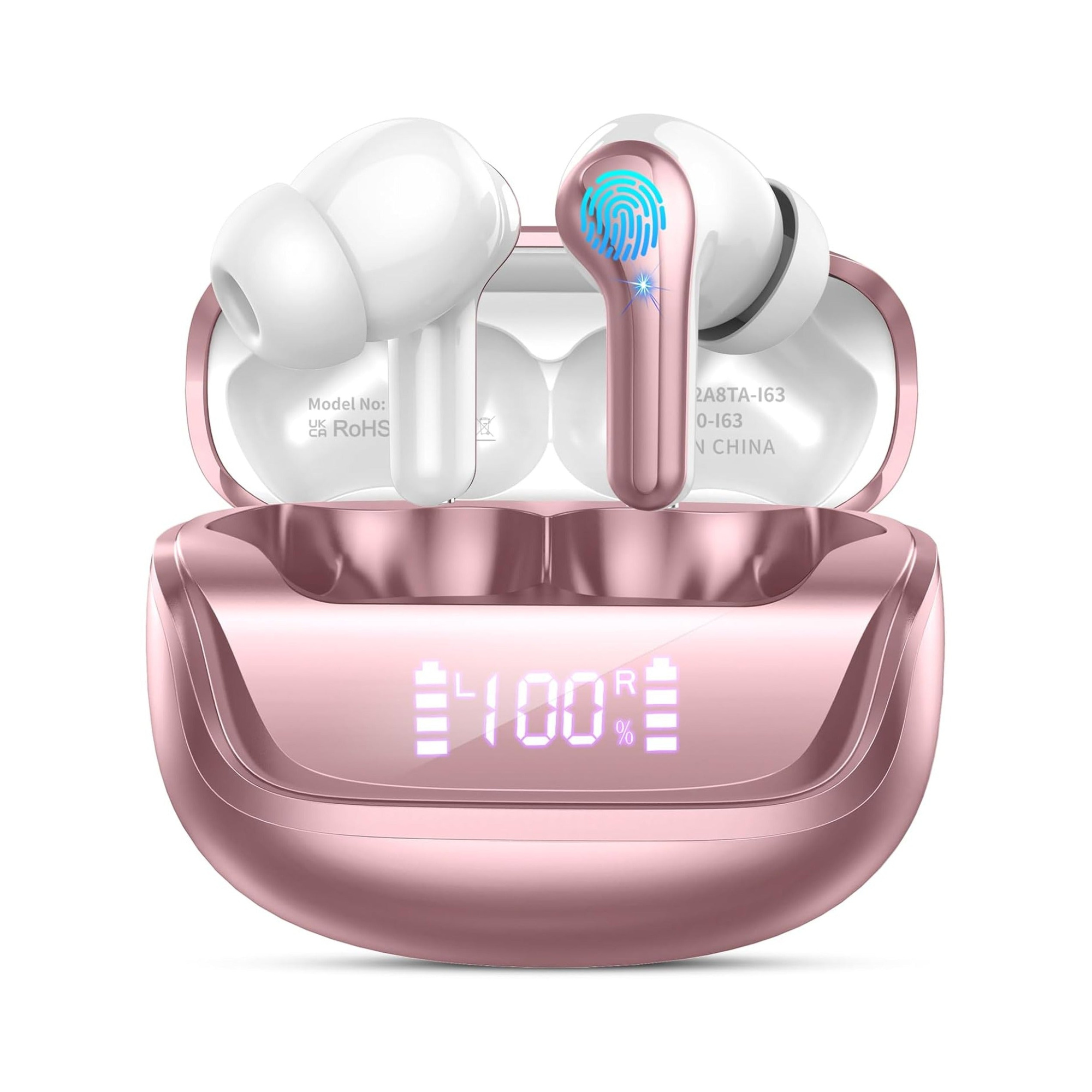
The True Wireless Earbuds Series 116 ($31.04 as listed today) state the bud-to-bud step outright: take both buds from the case and "they will connect to each other automatically." The Cloud White Bluetooth 5.4 Earbuds ($25.99 as listed today) say the first connection happens in the phone's Bluetooth menu, that they reconnect shortly after the case opens, and that no companion app is needed on iPhone or Android. The Semi-In-Ear Wireless Earbuds ($23.99 as listed today) describe standard Bluetooth pairing, with reconnection to the same phone when the case opens. Our Smart Earbuds with LCD Touchscreen Case add that the touchscreen is for on-case control and "does not change how pairing itself works."
Prices are from current listings and can change. Browse the everyday wireless range.
Questions we get about first-time pairing
How do I put my earbuds into pairing mode?
On most true wireless models, opening the case with both buds inside, or removing both together the first time, does it with no button press. Models without a case, or ones already bonded elsewhere, usually need a long press on both buds or a case button. The gesture is model-specific; check your manual.
Do I need to pair my earbuds again every time?
Usually you do not. Google notes that paired devices stay paired until you unpair them, so a pair that has gone quiet normally just needs reconnecting from Saved devices. Re-pairing from scratch is only necessary after a factory reset, after unpairing, or when the stored bond is corrupted.
What stops earbuds from pairing at all?
The four usual causes are a flat bud, a bud-to-bud link that never completed, a lapsed pairing-mode window, or another remembered host that grabbed the connection first. Our reset ladder works through them in order of least damage; if only one side is silent, one earbud not working is the closer guide.