



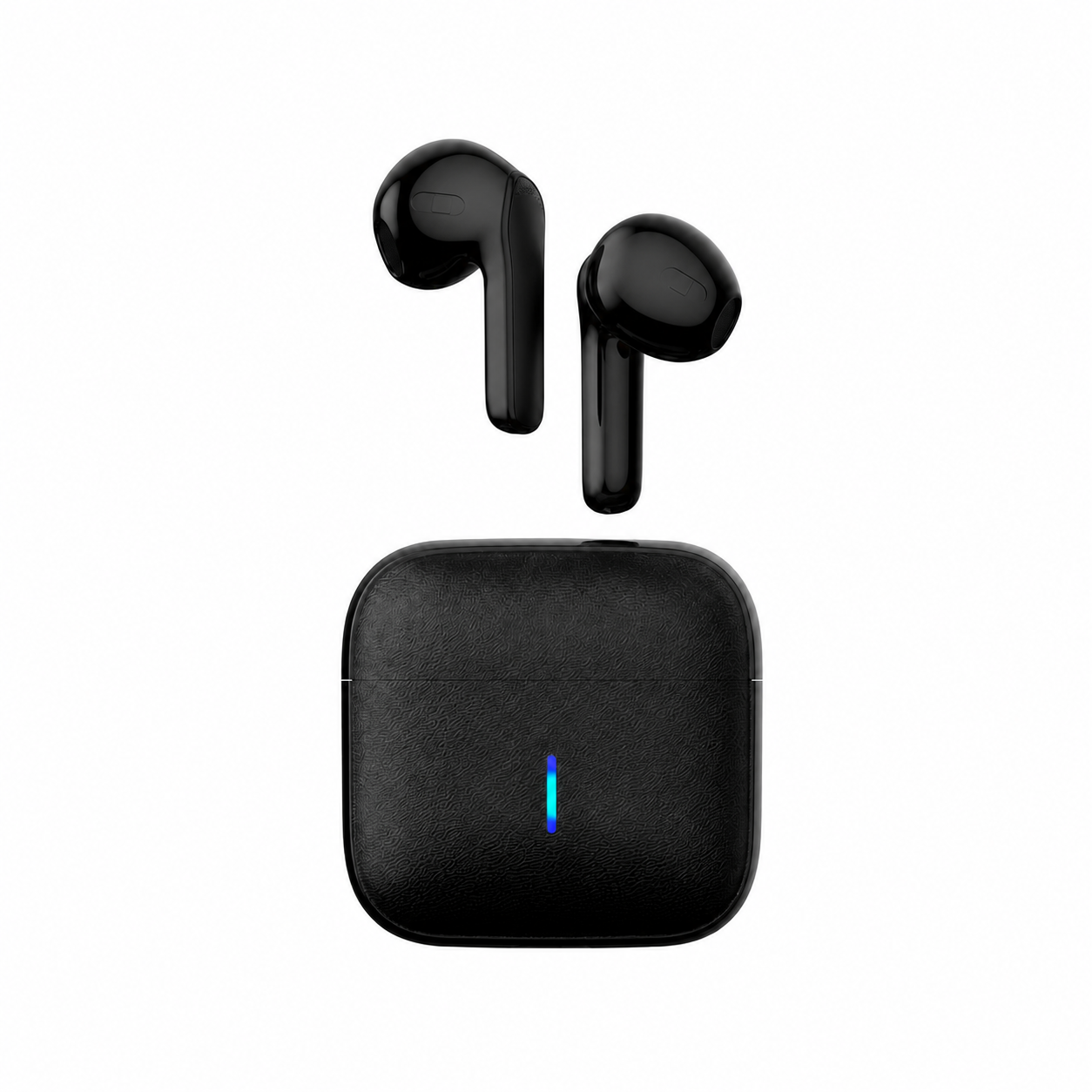
“Connected” means your headphones and your phone or computer have found each other. It does not mean the audio is being sent to them. When a pair shows as connected but stays silent, work out where the sound is actually going: still to the speakers, over a calls-only connection, or at a volume too low to hear.
Check where the sound is going
Soundcore’s guide to this problem notes that a device might still be routing sound to its built-in speakers even after Bluetooth headphones connect. Soundcore sells headphones, so read its product suggestions with that in mind.
- On Windows: Microsoft Support says to click the Sound icon in the taskbar and make sure the correct Bluetooth device is selected as the audio output, then confirm it under Output in Sound settings.
- On a phone: Soundcore says to open Bluetooth settings, tap the connected headphones and make sure audio output is toggled on.
If calls work but music does not
In r/AndroidQuestions, one user said their Bluetooth earphones suddenly stopped working for media but still worked for calls. A reply asked whether media/audio was enabled in the headphones’ Bluetooth settings and whether they had been tested on a different phone. The poster said the setting was on and the earphones worked on other phones. That makes the toggle worth checking first, but not the only possible cause.
On Windows, Soundcore says the PC often defaults to a hands-free profile, which it describes as a low-quality profile for calls, not music playback. Its fix is to select the headphones’ stereo entry in the Playback tab and set it as the default device. Our guide to Bluetooth earbuds on Windows calls explains that profile switch in more detail.
Turn the volume up on both ends
Soundcore says devices may automatically reduce the volume when a new Bluetooth device connects. It suggests raising both the media volume on your device and the volume buttons on the headphones themselves. If you can hear sound but it is too quiet, see why earbuds go quiet on both sides.
Still silent on Windows
Microsoft Support lists further steps for Windows 11 and 10:
- Run the automated Bluetooth troubleshooter in the Get Help app.
- Open your Bluetooth device’s Advanced sound properties and set the output format to 2 channels, 16 bit, 48000Hz (DVD Quality).
- Remove the device and add it again.
- Turn Bluetooth off, wait 10 seconds and turn it back on.
- If you recently upgraded to Windows 11 or installed updates, check for an updated Bluetooth driver.
- Check that your headphones support the A2DP protocol for higher-quality audio streaming.
Still silent on a phone
For iPhone, Soundcore suggests forgetting the headphones in Bluetooth settings and pairing them again, or resetting network settings. For Android, it suggests unpairing all other Bluetooth devices, then restarting the phone and reconnecting the headphones.
Testing the headphones on a different phone, as the Reddit reply suggested, shows whether the problem follows the headphones or stays with the phone. If pairing itself starts failing, our reset ladder for earbuds that will not pair goes through it in order.
Why are my Bluetooth headphones connected but sound is coming from speakers?
Soundcore says a device might keep routing sound to its built-in speakers after Bluetooth headphones connect. On Windows, Microsoft Support says to check that the correct Bluetooth device is selected as the audio output.
