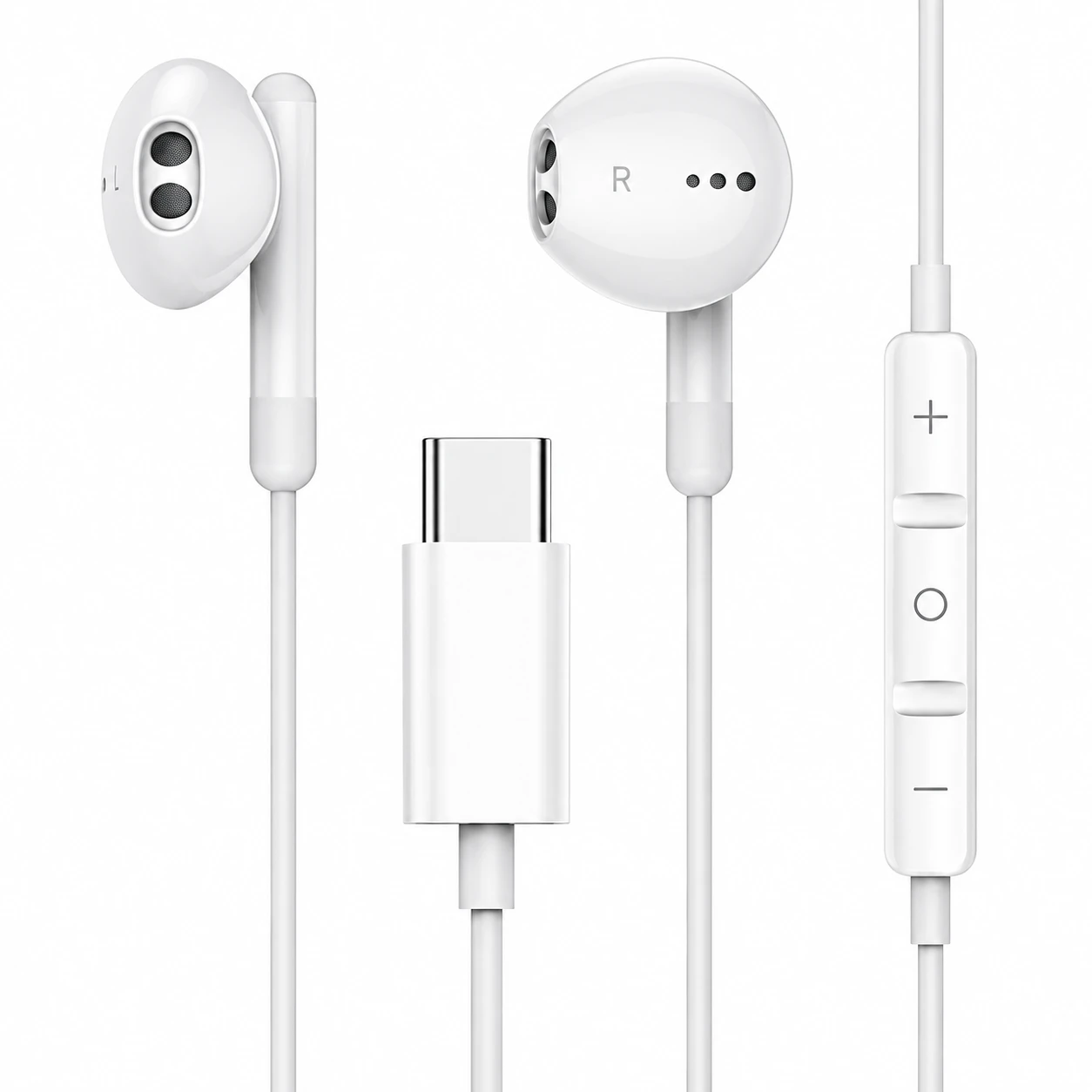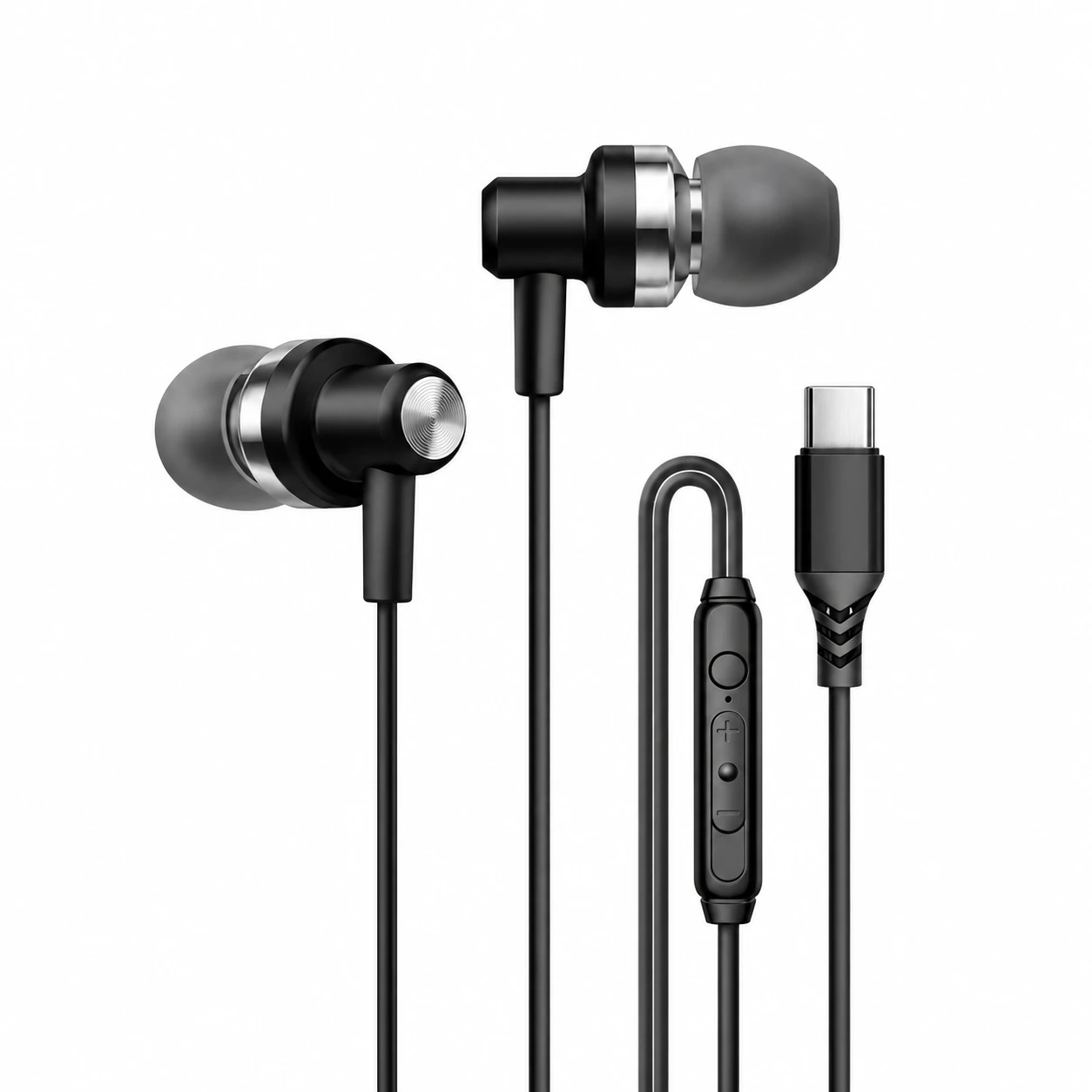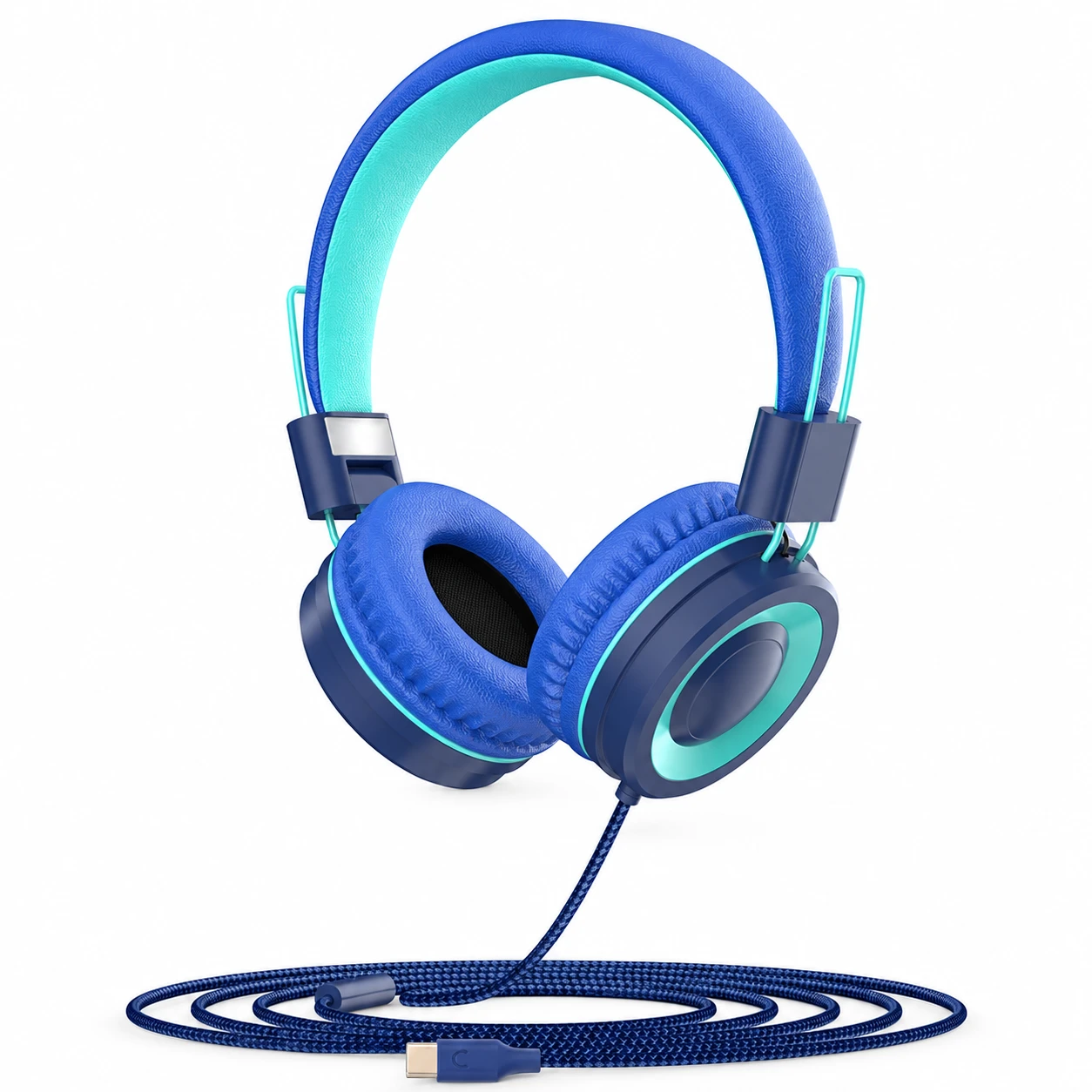
Fixing USB-C Headphones Crackling Noise Caused by Sample-Rate Mismatches and Loose Shells
Unlike traditional 3.5 mm analog plugs that scratch and crackle when an oxidized metal sleeve rotates inside a spring jack, USB-C headphones carry packetized digital data up to the DAC inside the connector shell. When you hear sharp static pops, rhythmic clicking, or distorted crackling through USB-C earphones, the culprit is rarely dirty analog audio contacts; instead, it points to compacted pocket lint interrupting the D+/D- differential data pins, USB selective suspend power cycling, or an isochronous sample-rate clock mismatch.
Separating mechanical connector dropouts from operating system buffer underruns takes less than five minutes. By checking how the plug seats against the receptacle floor and locking the host audio mixer to a single PCM sample rate, you can eliminate digital crackles without replacing your earphones.
Mechanical vs Digital Sources of USB-C Audio Crackling
Pocket lint packs tightly into the bottom corners of a smartphone USB-C receptacle every time you insert a cable, eventually preventing the plug’s retention latches from clicking fully home. When the connector sits even 0.4 millimeters shallow, walking or tilting your phone causes micro-interruptions on the 5 V VBUS or D+/D- pins, producing loud digital bursts or causing playback to pause randomly.
When crackling happens on a stationary laptop or desktop PC without touching the wire, the issue is almost always digital packet synchronization. If an operating system audio mixer attempts to resample a 44.1 kHz music stream into a 48 kHz or 96 kHz USB Audio Class endpoint without asynchronous clock feedback, periodic buffer slips manifest as fine vinyl-like static during loud passages.
| Symptom Pattern | Root Technical Cause | Affected Platform | Immediate Diagnostic Test | Permanent Fix |
|---|---|---|---|---|
| Loud crackle & pause when cable wiggles | Compacted lint blocking full latch engagement | Smartphones & tablets carried in pockets | Check if metal plug gap is visible at port edge | Scrape port floor with wooden/plastic pick |
| Faint rhythmic ticking every 1–2 seconds | Asynchronous USB clock drift / sample mismatch | Windows 11, macOS, and Android USB OTG | Switch playback between 44.1 kHz and 48 kHz | Lock OS sound output to 16-bit / 48,000 Hz |
| Single pop 3 seconds after audio stops | Host USB Selective Suspend cutting 5 V VBUS | Laptops & phones in battery-saver mode | Play a silent background track and listen | Disable USB power saving for Audio Device |
| High-pitched buzz only while charging | Switching ripple from ungrounded PD charger | Phones using a USB-C charge-and-listen hub | Unplug wall charger while audio is playing | Use a grounded PD brick or digital splitter |
Step-by-Step Port Cleaning and OS Sample-Rate Calibration
First, power down your phone and inspect the USB-C port under a bright flashlight. If you cannot see the gleaming metal back-wall of the receptacle all the way around the center tongue, gently sweep the bottom corners with a non-conductive wooden toothpick or plastic dental pick—never a metal paperclip or needle—until theUSB-C headphone plug snaps in with a crisp tactile click.
On Windows 11, open Sound Settings → More Sound Settings → Playback, double-click your USB-C headset, and under the Advanced tab set Default Format to 16-bit, 48,000 Hz (DVD Quality) while unchecking “Allow applications to take exclusive control.” On Android handsets that crackle during high-res streaming, toggle Disable USB Audio Routing off in Developer Options and turn off aggressive battery optimization for your media player app.
Why Bedtime Listening Demands a Cable-Free Acoustic Seal
Wiggling a worn USB-C plug against your mattress or pillow is one of the fastest ways to bend the delicate 24-pin center tongue inside your smartphone and trigger constant static cutouts. Beyond port wear, standard wired earbud housings protrude past the outer ear and create painful pressure points when you lie on your side.
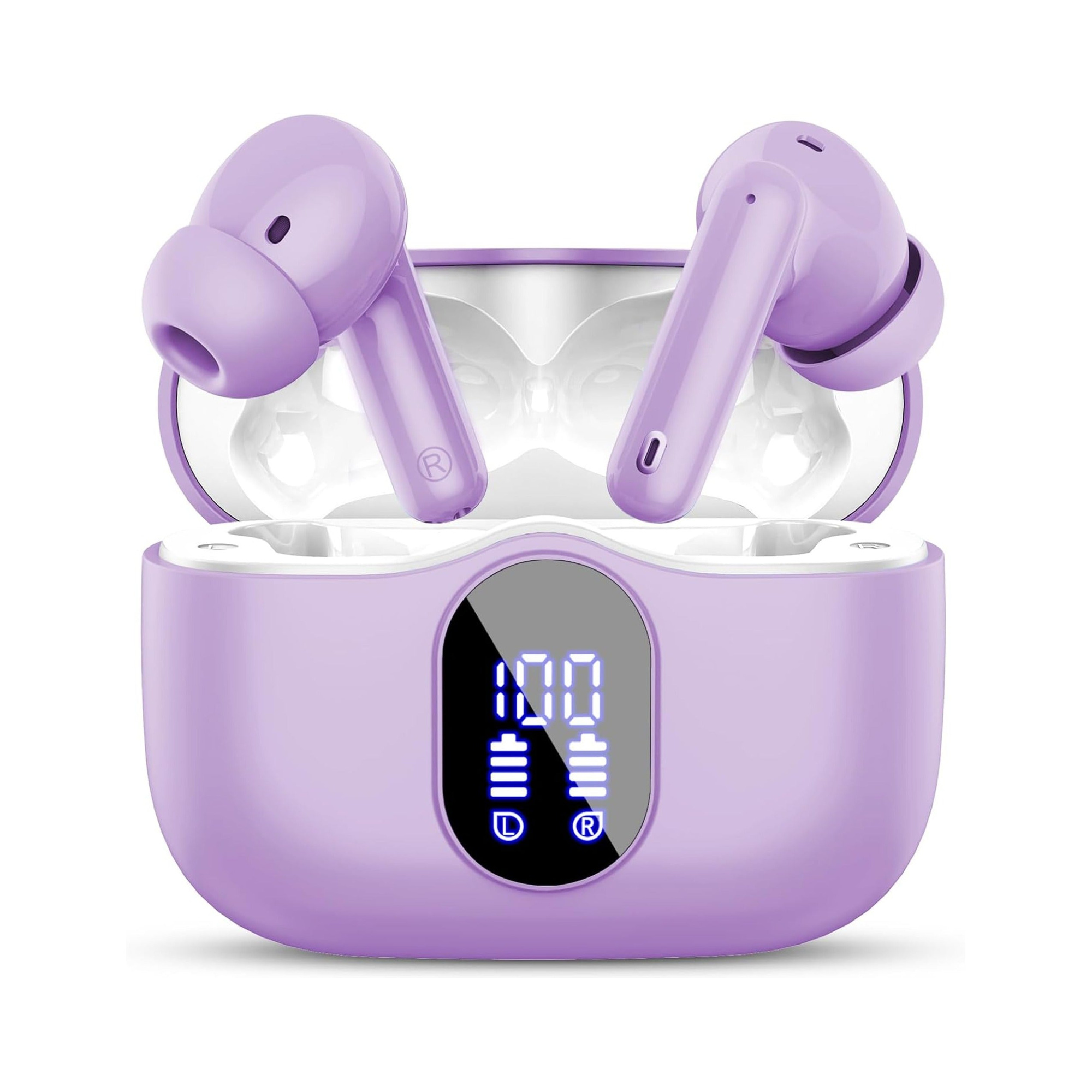
Flat, stemless earbuds for sleeping on your side, with a dynamic sleep-support mode and a starlight glow charging case. See the three colors at EARSOLE.
Retiring your corded headset at night in favor of a flush, stemless sleep earbud removes every physical plug and cable microphonic from your bed. The soft silicone shell sits completely recessed inside your ear while delivering smooth, pop-free sleep soundscapes until morning.
Preventing Future Connector Wear and DAC Resets
Whenever you unplug USB-C headphones, grip the molded strain-relief housing directly rather than pulling on the flexible wire, and avoid wrapping the cord tightly around your phone while the plug is still inserted. Sideways torque stretches the outer stainless-steel shield of the USB-C male plug, causing it to rock loosely inside every receptacle you use afterward.
If your crackling only occurs on a Windows desktop PC when plugging into the front-panel audio jack, read our troubleshooting walkthrough on headphone jack not working on Windows 11 to check driver retasking and front-header grounding.
Frequently Asked Questions
Can cleaning a USB-C port with rubbing alcohol fix crackling headphones?
Yes, provided you first remove solid lint with a wooden pick and then apply a tiny drop of 90%+ isopropyl alcohol on a powered-off device, waiting at least ten minutes for full evaporation before reconnecting power.
Why do my USB-C earbuds crackle on my phone when Wi-Fi or 5G is downloading heavily?
On some smartphones with unshielded USB-C flex cables, high-power cellular or Wi-Fi transmitter bursts can induce radio-frequency noise into the DAC’s analog output stage if the earbud plug shell lacks 360-degree EMI grounding springs.